Refurbished Computers With Warranty
Refurbished Computers With Warranty offer a smart way to enjoy reliable technology at an exceptional value. Each computer has been professionally restored and comes backed by a warranty, giving you added confidence in your purchase. Whether you're upgrading your home office, setting up a study space, or looking for a dependable device for everyday tasks, explore a wide selection of refurbished computers that combine quality and peace of mind. Find the perfect fit for your needs and budget with Refurbished Computers With Warranty.
Sort
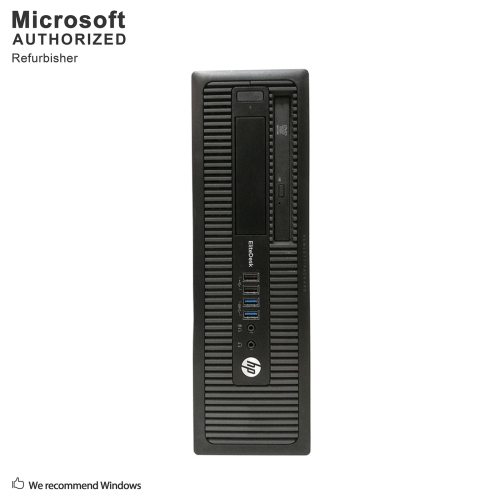
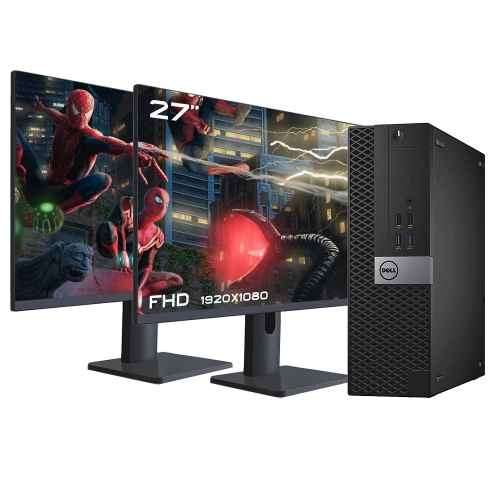


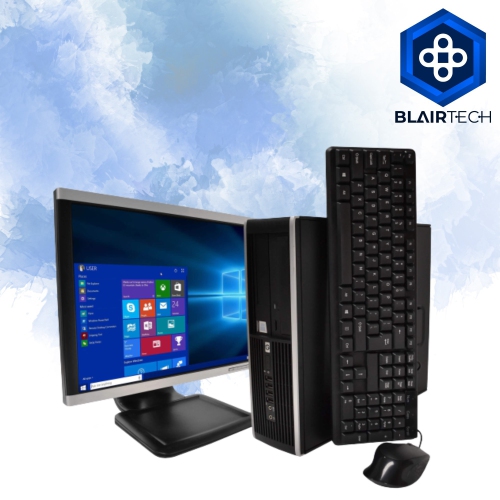
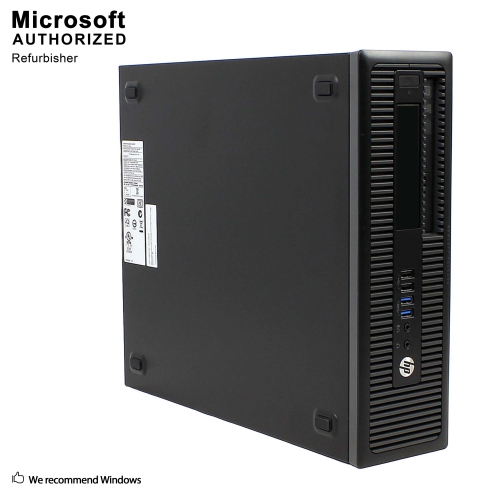
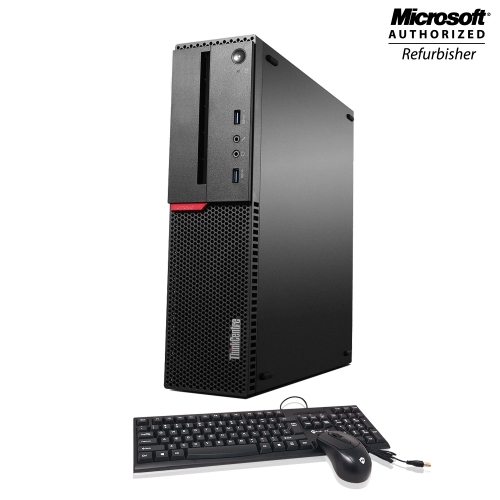
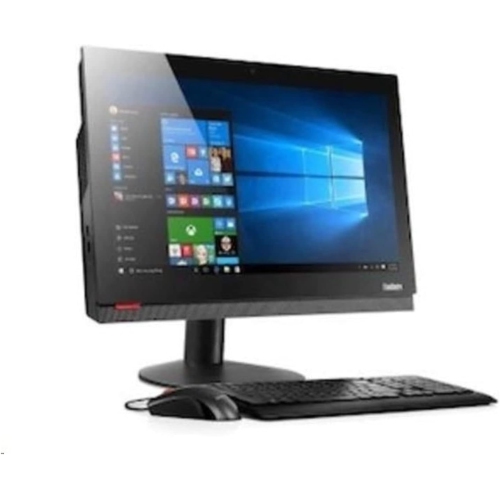
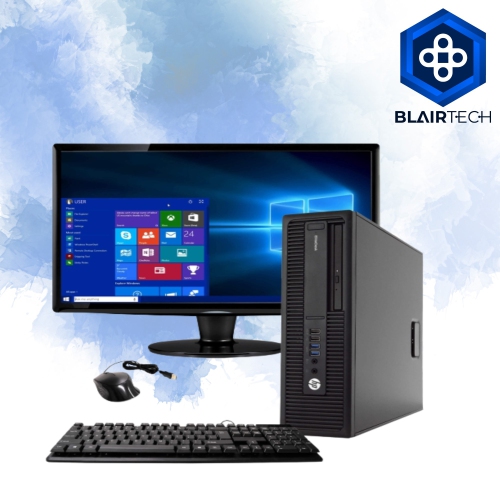
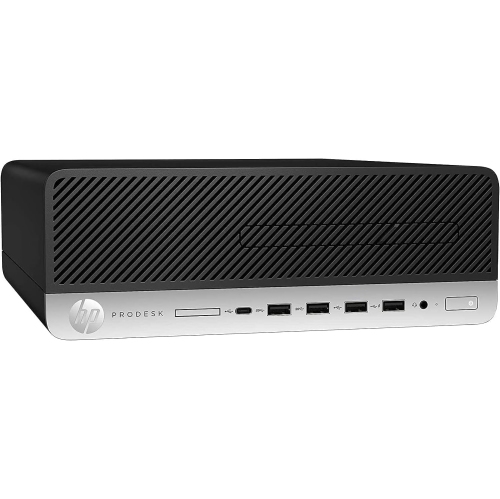
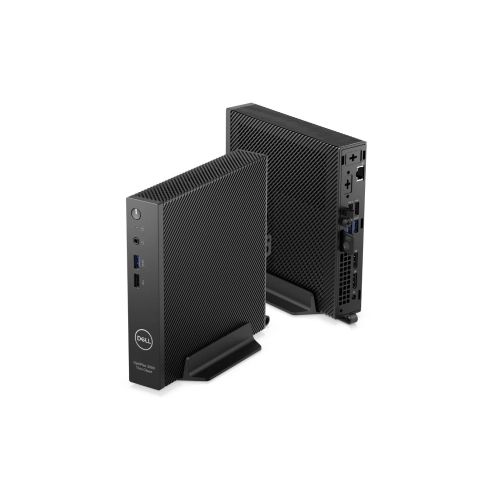
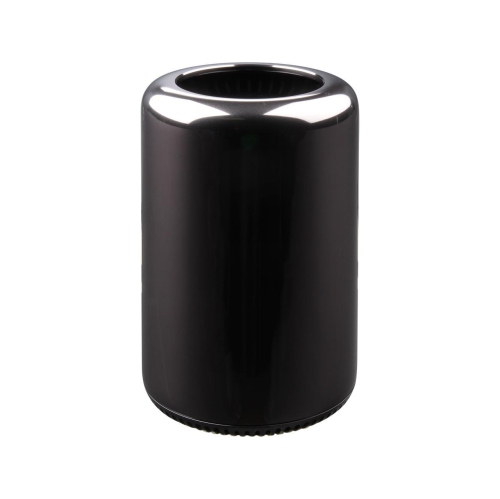

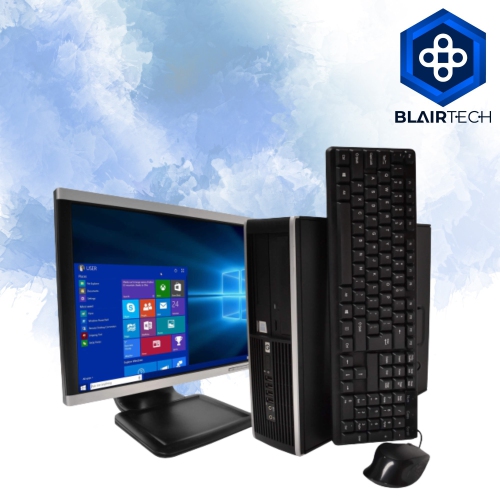
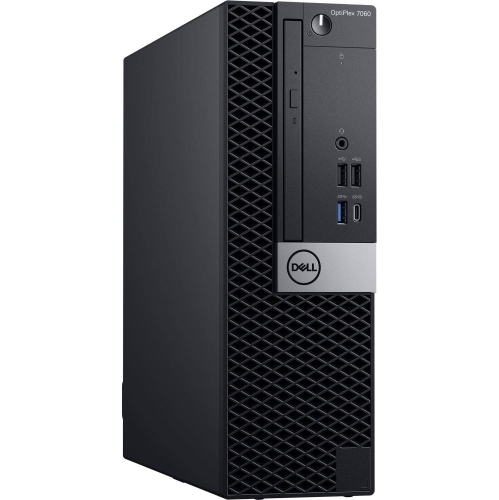
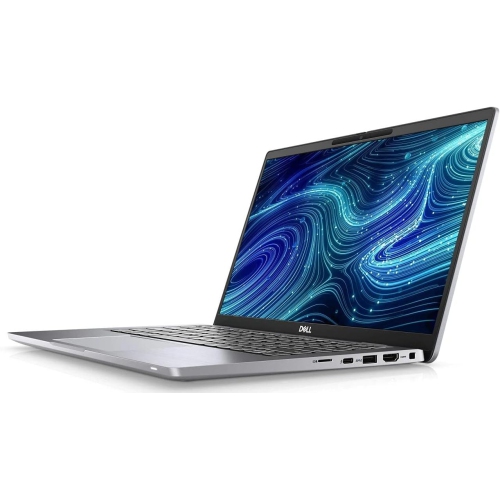
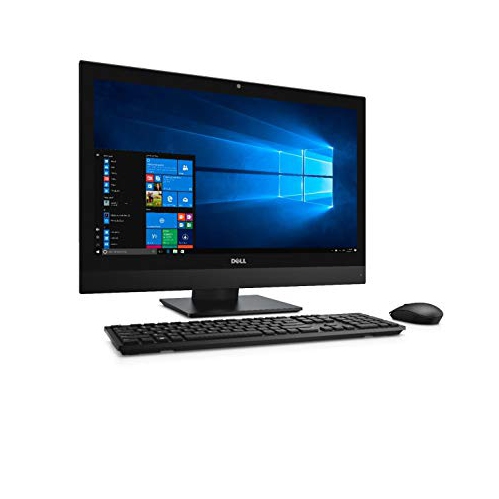
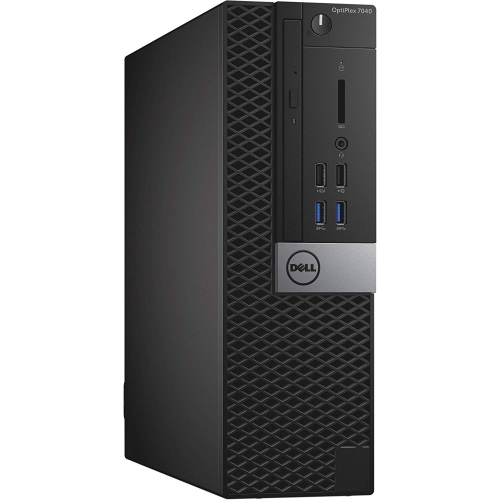
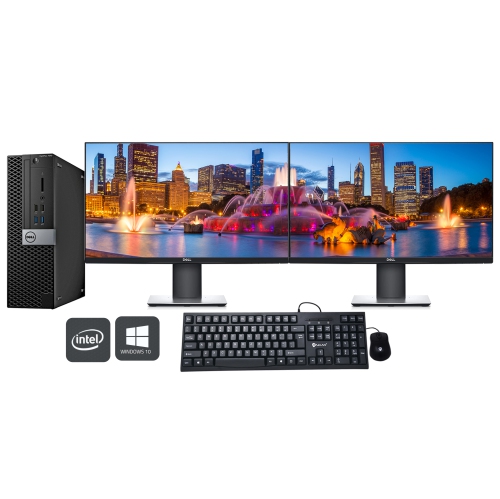
What a refurbished computer’s warranty actually covers
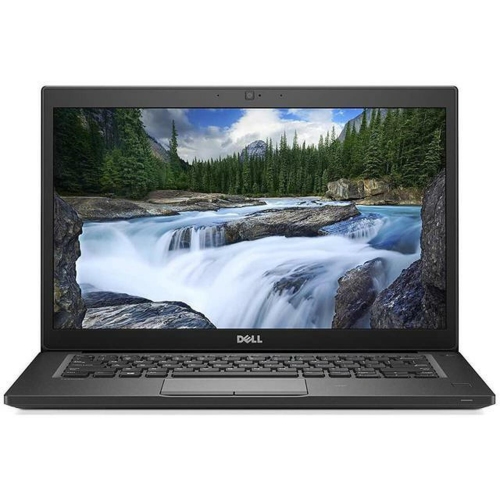
Refurbished computers with warranty combine the everyday usefulness of a laptop or desktop with defined coverage for eligible faults after purchase. They suit a wide range of routines, from writing assignments and managing household paperwork to joining video meetings or working with photos. A refurbished computer is a previously owned or returned device that has undergone assessment and preparation for resale. Depending on the refurbishment process, that preparation may include diagnostic testing, cleaning, replacement of faulty components, and operating system installation. Refurbishment does not necessarily mean every part is new, and the extent of testing and repair can differ between providers. Condition descriptions help distinguish appearance from function: a casing may have light scratches or worn areas while the computer remains fully usable. Cosmetic grades are not universal, so the accompanying description matters more than the grade name alone. Warranty protection adds another important detail, but its value depends on the written terms rather than the word “refurbished” by itself. The warranty provider, coverage period, covered components, and process for requesting service should all be clearly identified. Coverage may come from the seller, refurbisher, or manufacturer, and those arrangements are not interchangeable. Some warranties cover eligible hardware defects while excluding accidental damage, cosmetic wear, software issues, or normal battery ageing. Repair, replacement, and other remedies depend on the applicable terms; a replacement computer is not automatically guaranteed. Return policies are separate from warranty coverage and may have different deadlines and conditions. Together, a clear condition description and a clearly documented warranty make it easier to understand what ownership involves. That clarity is especially useful for a student relying on one computer for coursework, a remote worker who needs a dependable daily workstation, or a family sharing a device for homework, appointments, and entertainment. Keeping the purchase receipt, warranty details, and device serial number together can also make a future service request more straightforward.
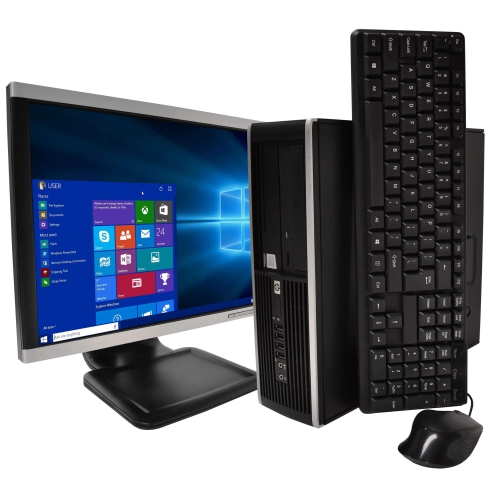
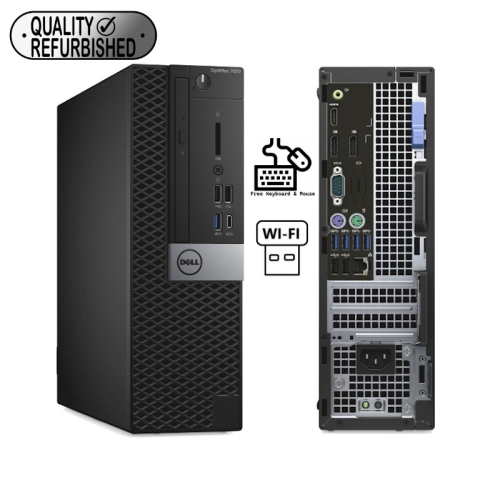
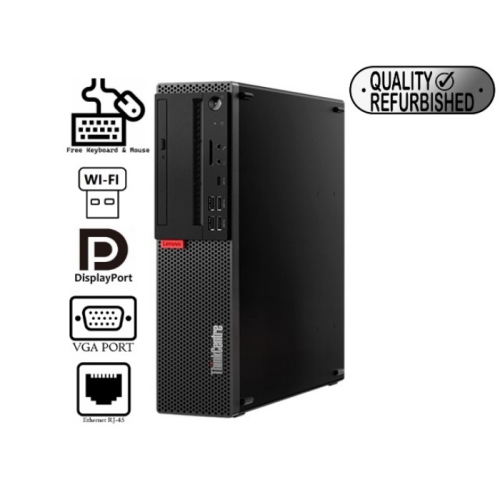
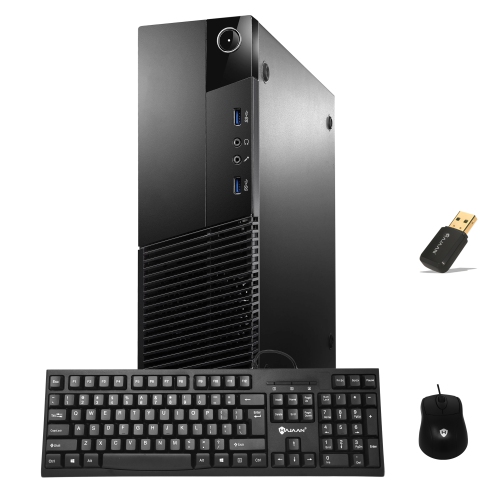
The most suitable refurbished computer is one whose capabilities match the work it will actually do. Web browsing, email, document editing, and video calls place different demands on a system than detailed design work, large spreadsheets, or gaming. Processor generation and capability matter alongside the processor name, particularly when several applications need to stay open at once. Memory affects how comfortably the computer handles those overlapping tasks: a browser full of research tabs, a video meeting, and an open presentation can be more demanding together than any one of them alone. A solid-state drive generally provides quicker startup and application loading than a mechanical hard drive, while storage capacity determines how much room remains for documents, photos, software, and other files. The installed operating system should be properly licensed, activated where required, and compatible with the applications the user needs. Continued access to security updates is also important, since a computer can function well physically yet have limitations with newer software. Laptop and desktop formats serve different spaces and habits. A laptop fits a routine that moves between a desk, kitchen table, classroom, and shared workspace; its weight, screen size, keyboard layout, and charging needs all affect everyday comfort. Battery condition deserves particular attention because an older battery may provide less unplugged time than it did when new, and battery coverage may differ from coverage for other components. Refurbished Desktop Computers suit a fixed workspace where a separate monitor, full-size keyboard, and mouse can remain set up. Compact desktop designs help keep a small desk clear, while larger towers may offer more room for compatible internal upgrades. Upgrade options still depend on the individual design. For either format, the right connections matter: monitor outputs, USB ports, audio connections, Ethernet, and Wi-Fi support determine how easily existing accessories fit into the setup. Built-in cameras, speakers, and microphones should not be assumed, especially for desktops, and included power cables, adapters, keyboards, or mice vary by listing.
Physical condition and everyday care influence how comfortable a refurbished computer is to live with over time. Laptop housings may use plastic, metal, or a combination of materials, each with a different feel and weight. A metal casing can feel firm in the hand, while a well-designed plastic housing may keep a portable computer lighter; neither material alone establishes durability. Hinge stability, intact ports, responsive keys, and a clear display are more meaningful to daily use than a flawless outer finish. Screen condition descriptions are especially relevant for anyone who spends hours reading text or adjusting images, since marks on the lid have a different practical impact from marks on the viewing area. Fit also extends beyond the device itself. A laptop needs enough room in its sleeve or bag to avoid pressure on the display, and a desktop needs a stable location with clearance around its ventilation openings. On a busy family desk, routing cables away from chair wheels and drink containers helps prevent avoidable mishaps. During long study sessions or evenings spent sorting photos, a raised screen and separate keyboard can make a laptop-based workspace more comfortable. Dust removal and gentle cleaning help keep surfaces and vents clear, provided the cleaning method follows the device maker’s instructions. Liquids should not be sprayed directly onto a screen or keyboard, and soft furnishings should not block cooling vents during use. Software care matters just as much: installing supported updates, using appropriate security settings, and maintaining separate backups help protect daily work. A warranty addresses covered faults, but it does not replace a backup of assignments, family photos, or business files, and service may require storage to be erased. For a computer given as a gift, practical suitability matters more than an impressive specification alone. A student may value portability and a comfortable keyboard, while someone setting up a home office may prefer a larger display and room for several connected accessories. Matching those needs with transparent condition details, suitable performance, and clearly understood warranty protection supports a computer setup that feels useful from the first login through everyday use.
The most suitable refurbished computer is one whose capabilities match the work it will actually do. Web browsing, email, document editing, and video calls place different demands on a system than detailed design work, large spreadsheets, or gaming. Processor generation and capability matter alongside the processor name, particularly when several applications need to stay open at once. Memory affects how comfortably the computer handles those overlapping tasks: a browser full of research tabs, a video meeting, and an open presentation can be more demanding together than any one of them alone. A solid-state drive generally provides quicker startup and application loading than a mechanical hard drive, while storage capacity determines how much room remains for documents, photos, software, and other files. The installed operating system should be properly licensed, activated where required, and compatible with the applications the user needs. Continued access to security updates is also important, since a computer can function well physically yet have limitations with newer software. Laptop and desktop formats serve different spaces and habits. A laptop fits a routine that moves between a desk, kitchen table, classroom, and shared workspace; its weight, screen size, keyboard layout, and charging needs all affect everyday comfort. Battery condition deserves particular attention because an older battery may provide less unplugged time than it did when new, and battery coverage may differ from coverage for other components. Refurbished Desktop Computers suit a fixed workspace where a separate monitor, full-size keyboard, and mouse can remain set up. Compact desktop designs help keep a small desk clear, while larger towers may offer more room for compatible internal upgrades. Upgrade options still depend on the individual design. For either format, the right connections matter: monitor outputs, USB ports, audio connections, Ethernet, and Wi-Fi support determine how easily existing accessories fit into the setup. Built-in cameras, speakers, and microphones should not be assumed, especially for desktops, and included power cables, adapters, keyboards, or mice vary by listing.
Physical condition and everyday care influence how comfortable a refurbished computer is to live with over time. Laptop housings may use plastic, metal, or a combination of materials, each with a different feel and weight. A metal casing can feel firm in the hand, while a well-designed plastic housing may keep a portable computer lighter; neither material alone establishes durability. Hinge stability, intact ports, responsive keys, and a clear display are more meaningful to daily use than a flawless outer finish. Screen condition descriptions are especially relevant for anyone who spends hours reading text or adjusting images, since marks on the lid have a different practical impact from marks on the viewing area. Fit also extends beyond the device itself. A laptop needs enough room in its sleeve or bag to avoid pressure on the display, and a desktop needs a stable location with clearance around its ventilation openings. On a busy family desk, routing cables away from chair wheels and drink containers helps prevent avoidable mishaps. During long study sessions or evenings spent sorting photos, a raised screen and separate keyboard can make a laptop-based workspace more comfortable. Dust removal and gentle cleaning help keep surfaces and vents clear, provided the cleaning method follows the device maker’s instructions. Liquids should not be sprayed directly onto a screen or keyboard, and soft furnishings should not block cooling vents during use. Software care matters just as much: installing supported updates, using appropriate security settings, and maintaining separate backups help protect daily work. A warranty addresses covered faults, but it does not replace a backup of assignments, family photos, or business files, and service may require storage to be erased. For a computer given as a gift, practical suitability matters more than an impressive specification alone. A student may value portability and a comfortable keyboard, while someone setting up a home office may prefer a larger display and room for several connected accessories. Matching those needs with transparent condition details, suitable performance, and clearly understood warranty protection supports a computer setup that feels useful from the first login through everyday use.
Top selling and popular products
-
 Your price for this item is $1599
 -
 Your price for this item is $1299.99
 -
 Your price for this item is $1629.79
 -
 Your price for this item is $1459.79
 -
 Your price for this item is $929
 -
 Your price for this item is $2299.99
 -
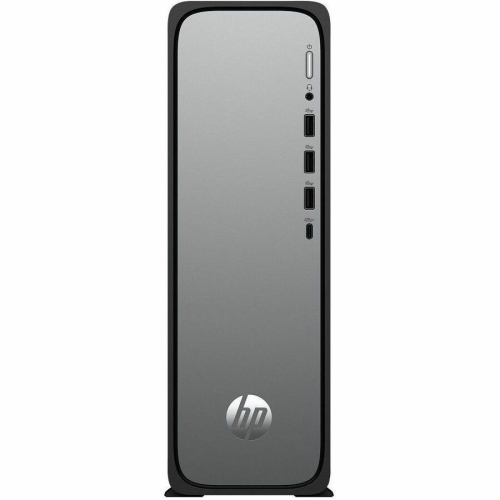 Your price for this item is $1076.55
 -
 Your price for this item is $1839
Discover more categories related to Refurbished Computers With Warranty

Top Collections:
Pokemon Centers, Kindle Devices, Best Budget Office Chairs, Canon G7X Cameras, Apple iPhones 16, Samsung Galaxy Phones, Refurbished Apple Laptops, Laptops for Students, iPhone 15 Apple, Budget Smartphones
Some products may be subject to Environmental Handling Fees
(EHF) depending on your province.
Learn more about EHFs.