Refurbished Laptops for Graphic Design
Refurbished laptops for graphic design offer a smart solution for creative professionals and students looking to balance performance and value. These laptops are carefully restored to deliver reliable computing power, making them an excellent choice for tasks like photo editing, illustration, and digital art. Explore a wide selection of refurbished laptops for graphic design at Best Buy Canada and find the right device to elevate your creative projects while enjoying great savings.
Sort
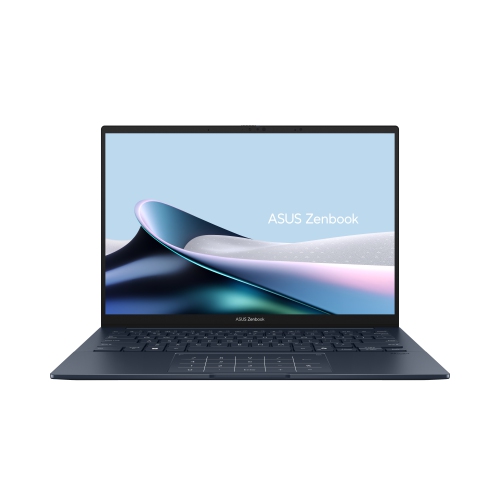
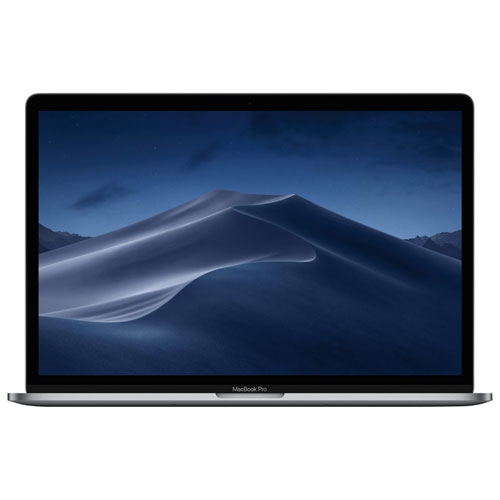
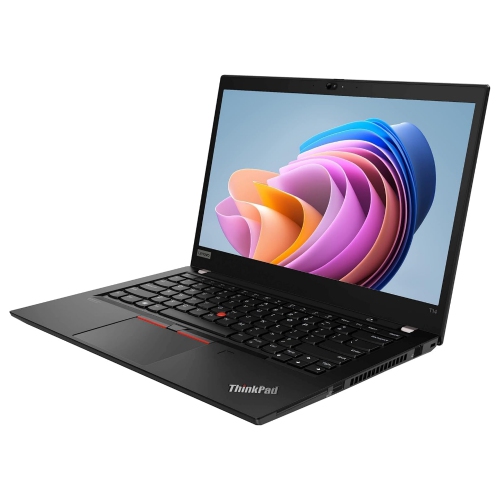
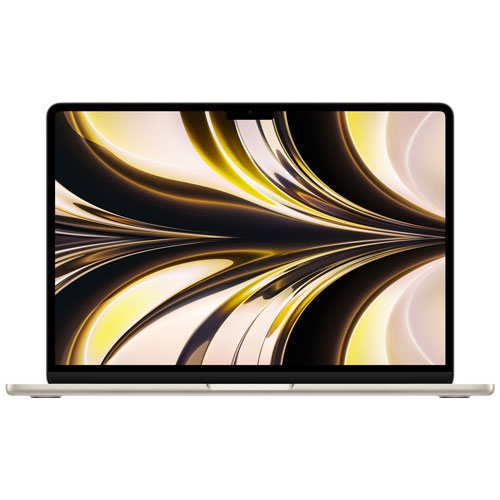
Design performance depends on more than the refurbished label
Refurbished laptops for graphic design bring together portable computing and the performance needed for visual work, from building a brand identity to laying out a multipage publication. They suit design students, freelance illustrators, photographers preparing images for print, and creative professionals who move between a desk, a meeting room, and a client presentation. A refurbished laptop has generally been inspected and tested after a previous sale or use, with cleaning, repairs, or component replacements performed as needed. The exact process varies by seller, so the stated condition, testing details, warranty coverage, and return terms matter more than the refurbished label alone. Cosmetic wear on the lid or palm rest does not necessarily affect performance, while battery condition, display quality, and reliable ports have a direct effect on daily use. For graphic design, the most useful specifications are those that match the work: a responsive processor for editing and exporting, enough memory for layered files and multiple applications, solid-state storage for active projects, and a screen that displays colour consistently. A practical starting point for many two-dimensional design workflows is 16GB of RAM, a 512GB SSD, and a Full HD display, though these specifications do not guarantee suitability for every application or project. Larger compositions, extensive photo libraries, and motion graphics can call for more memory, storage, and graphics capability. The broader Laptops for Graphic Designers category provides additional context for comparing design-focused laptop features across different workflows. With refurbished hardware, processor generation and software support deserve particular attention: two machines with similar-looking specifications can differ considerably in speed, battery life, and compatibility. A laptop intended for typography, vector artwork, and page layout has different demands from one used for complex three-dimensional scenes, so the intended workload is a better measure of suitability than a high-end label.
Display quality shapes nearly every design task, whether the work involves adjusting skin tones in a portrait or checking the spacing beneath a logo. Full HD resolution, commonly expressed as 1920 × 1080, provides a useful starting point, while a higher-resolution screen can make fine edges and small text easier to inspect. Screen size also affects how comfortably toolbars, reference images, and the working canvas fit together. A compact laptop is easier to carry between classes or appointments, whereas a larger display offers more room for side-by-side layouts without relying on an external monitor. IPS panels generally provide wide viewing angles, and OLED panels can deliver strong contrast, but panel technology alone does not establish colour accuracy. For work primarily intended for websites and digital screens, coverage close to 100% of the sRGB colour space is a useful specification. Coverage describes the range of colours a display can show; accuracy describes how faithfully it shows them. Print-focused work may benefit from a wider colour gamut, appropriate colour profiles, and calibration, especially when matching a screen preview to a printed proof. A matte finish can reduce distracting reflections beneath overhead lighting, while screen brightness influences how clearly details remain visible in a bright studio. Processing power and memory support what happens behind that canvas. A recent multicore processor can help with filters, exports, and multitasking, but generation, cooling, and application requirements are more informative than a processor tier name by itself. Moving from 16GB to 32GB of RAM can provide more headroom when a layered image, vector illustration, page layout, and browser references are open together. Integrated graphics can be sufficient for many two-dimensional tasks, while a dedicated graphics processor may be more suitable for three-dimensional rendering, motion work, and supported accelerated effects. Graphics memory requirements vary by application, and a powerful graphics processor does not compensate for insufficient system memory or an inaccurate screen.
Storage, connections, and physical condition determine how smoothly a refurbished design laptop fits into everyday routines. An SSD helps with system responsiveness, application launches, and opening large project files. A 512GB drive can accommodate applications and a working collection of assets, while 1TB or more offers additional room for high-resolution photographs, linked images, and multiple project versions. Free space also matters because some creative applications use the drive for temporary working files. External storage can hold archived projects, but a separate backup remains important for protecting finished artwork and source files. Memory and storage are not upgradeable in every laptop, so the installed configuration may need to support both present work and larger assignments ahead. Port specifications deserve a close look when the setup includes a drawing tablet, external display, card reader, or wired network adapter. A USB-C connector does not automatically support charging or video output; those capabilities depend on the laptop and the individual port. Compatible Wi-Fi hardware supports file transfers and online collaboration, although connection quality also depends on the network. For long editing sessions, a comfortable keyboard, precise trackpad, stable hinges, and accessible ports can matter as much as a slim profile. Aluminium and magnesium housings can feel rigid, while plastic housings vary in strength and construction; material alone is not a complete measure of durability. A protective sleeve helps prevent scuffs during travel, and carrying weight includes the power adapter as well as the laptop. Battery runtime depends on battery health, display settings, and workload, with rendering and exports typically drawing more power than reviewing a document. Refurbishment does not necessarily include a new battery, making any stated battery standard worth checking. Routine care includes keeping vents unobstructed, using the laptop on a firm surface, and cleaning the screen with a suitable soft cloth according to the manufacturer's directions. Alongside compatible software and a dependable backup routine, these practical details support a laptop that feels comfortable through revisions, presentations, and the final export.
Display quality shapes nearly every design task, whether the work involves adjusting skin tones in a portrait or checking the spacing beneath a logo. Full HD resolution, commonly expressed as 1920 × 1080, provides a useful starting point, while a higher-resolution screen can make fine edges and small text easier to inspect. Screen size also affects how comfortably toolbars, reference images, and the working canvas fit together. A compact laptop is easier to carry between classes or appointments, whereas a larger display offers more room for side-by-side layouts without relying on an external monitor. IPS panels generally provide wide viewing angles, and OLED panels can deliver strong contrast, but panel technology alone does not establish colour accuracy. For work primarily intended for websites and digital screens, coverage close to 100% of the sRGB colour space is a useful specification. Coverage describes the range of colours a display can show; accuracy describes how faithfully it shows them. Print-focused work may benefit from a wider colour gamut, appropriate colour profiles, and calibration, especially when matching a screen preview to a printed proof. A matte finish can reduce distracting reflections beneath overhead lighting, while screen brightness influences how clearly details remain visible in a bright studio. Processing power and memory support what happens behind that canvas. A recent multicore processor can help with filters, exports, and multitasking, but generation, cooling, and application requirements are more informative than a processor tier name by itself. Moving from 16GB to 32GB of RAM can provide more headroom when a layered image, vector illustration, page layout, and browser references are open together. Integrated graphics can be sufficient for many two-dimensional tasks, while a dedicated graphics processor may be more suitable for three-dimensional rendering, motion work, and supported accelerated effects. Graphics memory requirements vary by application, and a powerful graphics processor does not compensate for insufficient system memory or an inaccurate screen.
Storage, connections, and physical condition determine how smoothly a refurbished design laptop fits into everyday routines. An SSD helps with system responsiveness, application launches, and opening large project files. A 512GB drive can accommodate applications and a working collection of assets, while 1TB or more offers additional room for high-resolution photographs, linked images, and multiple project versions. Free space also matters because some creative applications use the drive for temporary working files. External storage can hold archived projects, but a separate backup remains important for protecting finished artwork and source files. Memory and storage are not upgradeable in every laptop, so the installed configuration may need to support both present work and larger assignments ahead. Port specifications deserve a close look when the setup includes a drawing tablet, external display, card reader, or wired network adapter. A USB-C connector does not automatically support charging or video output; those capabilities depend on the laptop and the individual port. Compatible Wi-Fi hardware supports file transfers and online collaboration, although connection quality also depends on the network. For long editing sessions, a comfortable keyboard, precise trackpad, stable hinges, and accessible ports can matter as much as a slim profile. Aluminium and magnesium housings can feel rigid, while plastic housings vary in strength and construction; material alone is not a complete measure of durability. A protective sleeve helps prevent scuffs during travel, and carrying weight includes the power adapter as well as the laptop. Battery runtime depends on battery health, display settings, and workload, with rendering and exports typically drawing more power than reviewing a document. Refurbishment does not necessarily include a new battery, making any stated battery standard worth checking. Routine care includes keeping vents unobstructed, using the laptop on a firm surface, and cleaning the screen with a suitable soft cloth according to the manufacturer's directions. Alongside compatible software and a dependable backup routine, these practical details support a laptop that feels comfortable through revisions, presentations, and the final export.
Top selling and popular products
-
 Your price for this item is $1500
 -
 Your price for this item is $749.77
 -
 Your price for this item is $649.77
 -
 Your price for this item is $549.77
 -
 Your price for this item is $699.77
 -
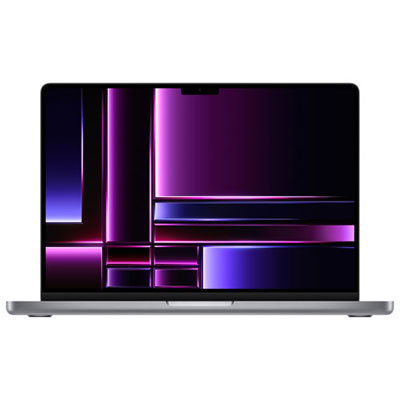 Your price for this item is $2299.97
 -
 Your price for this item is $679.77
 -
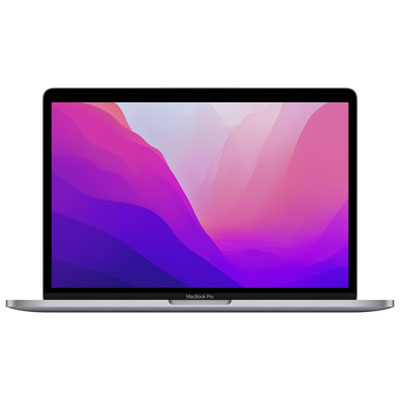 Your price for this item is $1599.97
Discover more categories related to Refurbished Laptops for Graphic Design

Top Collections:
Pokemon Centers, Kindle Devices, Best Budget Office Chairs, Apple iPhones 16, Best Laptops for Writers, iPhone 15 Apple, Canon G7X Cameras, Refurbished Apple Laptops, Alarm Clock, Motorola Razr Phones
Some products may be subject to Environmental Handling Fees
(EHF) depending on your province.
Learn more about EHFs.