Laptops For Graphic Design Students
Laptops For Graphic Design Students are essential tools for handling creative projects, coursework, and design software with ease. Whether you’re starting your studies or advancing your skills, finding the right laptop can help you bring your artistic ideas to life. Explore a wide selection designed to support graphic design students with reliable performance and versatile options to match your workflow and budget.
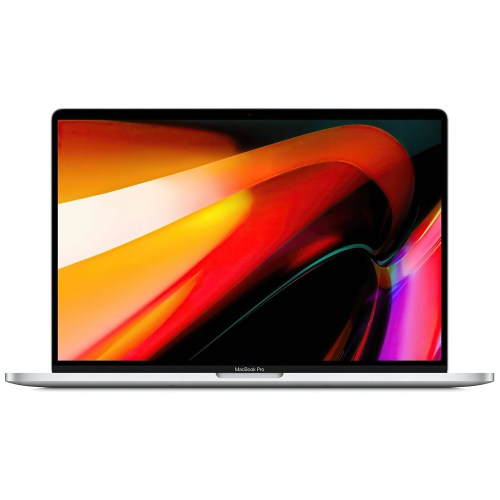
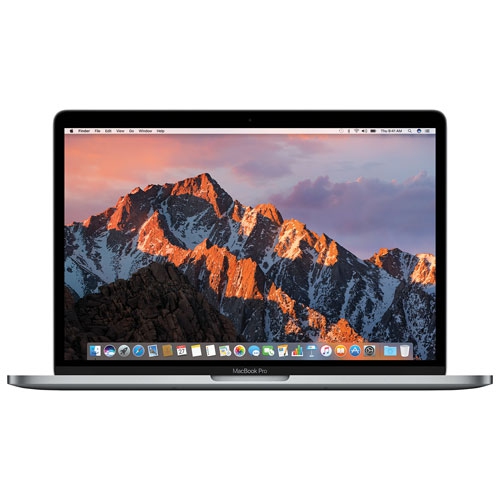
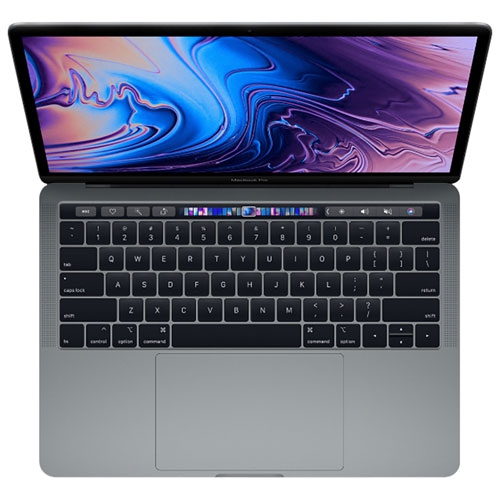
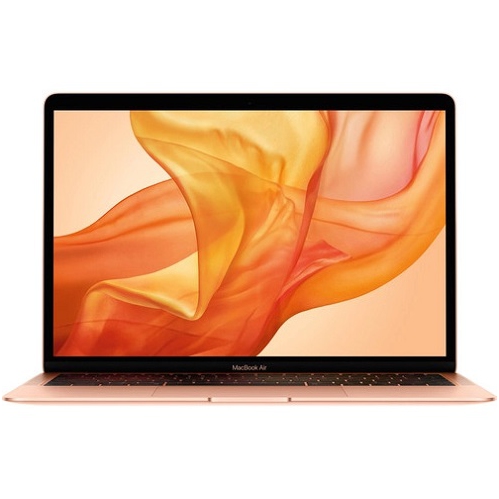
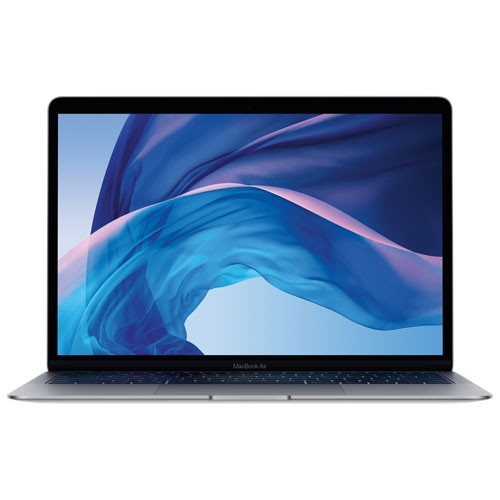
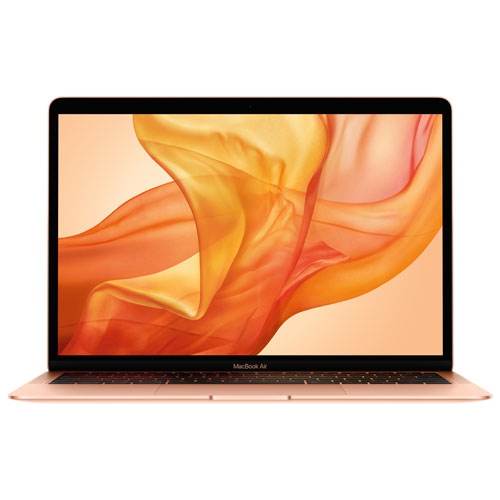
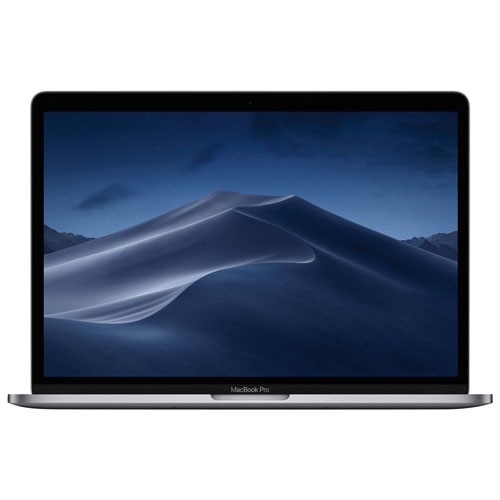
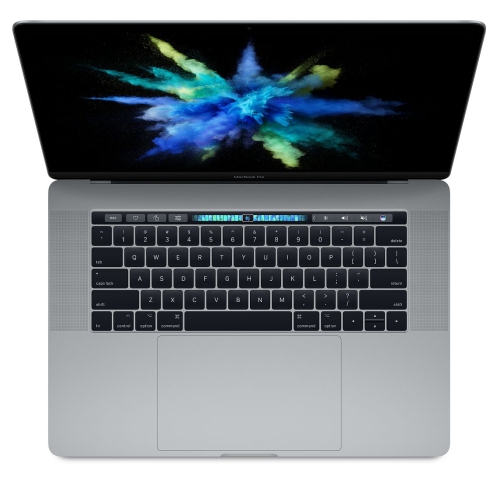
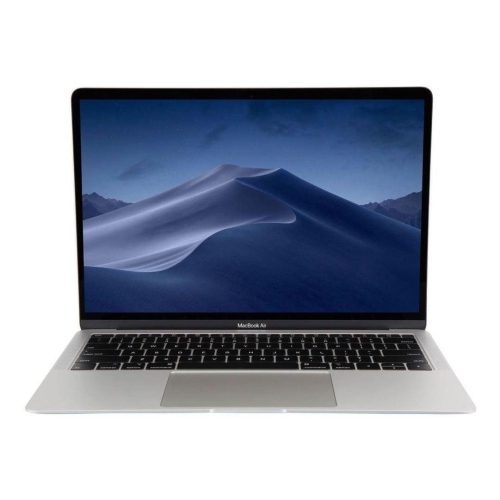
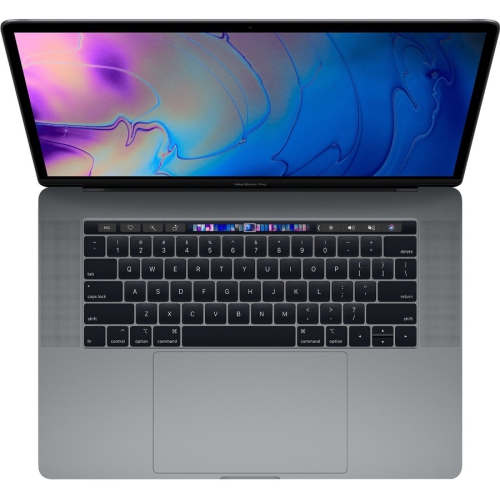
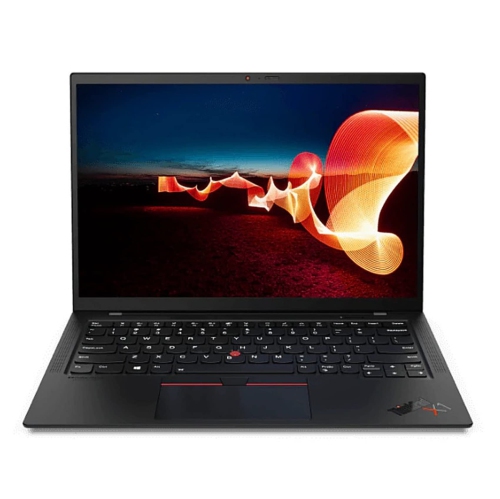
Power and portability for projects from campus to coffee shops
For students just starting their graphic design studies, a reliable laptop isn’t just a piece of tech—it’s a companion that will see them through late-night brainstorming sessions, portfolio development, and collaborative assignments. These laptops are also a thoughtful gift for anyone heading into a creative field, whether it’s a high school graduate about to embark on post-secondary studies or someone making a career change into digital arts. During the transition from the warm days of midsummer to the cooler, focused energy of early fall, having the right laptop can make the difference between inspiration and frustration. Many students find themselves working from a variety of locations—from the buzz of campus common areas to the quiet of their own rooms—so a lightweight yet sturdy build matters just as much as performance. Touchscreen capabilities, stylus support, and ergonomic keyboards are features that can make a difference during long hours of sketching or editing. For those interested in exploring more advanced options or professional-grade machines, the Laptops for Graphic Designers page offers a curated selection tailored to creative professionals and students alike.
As students settle into their routines and the academic year picks up momentum, the demands on their laptops increase. Projects become more complex, and the need for seamless software compatibility and efficient workflow grows. Whether working on intricate vector illustrations, editing high-resolution photographs, or developing multimedia presentations, having a laptop that’s up to the task can help students stay ahead of deadlines and bring their ideas to life. The right laptop supports not just coursework but also personal creative exploration—an essential part of developing a unique artistic style. Accessories such as external monitors, drawing tablets, and high-quality headphones can further enhance the creative experience, but it all starts with a solid laptop foundation. For graphic design students, investing in a capable laptop is more than a purchase—it’s a step toward realizing their creative ambitions, building a professional portfolio, and enjoying the freedom to create wherever inspiration strikes.
FAQ
What features should graphic design students look for in a laptop?
Graphic design students should prioritize laptops with high-resolution displays, powerful processors, ample RAM (at least 16GB), dedicated graphics cards, and accurate color reproduction. These features help ensure smooth performance when running design software and working with large files.
Why is color accuracy important in laptops for graphic design?
Color accuracy is crucial for graphic design because it ensures that the colors you see on your screen closely match how they will appear in print or on other devices. Laptops with high-quality IPS or OLED panels and wide color gamuts (such as sRGB or Adobe RGB) are ideal for this purpose.
How much storage space do graphic design students typically need in a laptop?
Graphic design projects can require significant storage due to large image and video files. A minimum of 512GB SSD is recommended, but students who work with extensive multimedia files may benefit from 1TB or more of storage, along with options for external drives or cloud storage.
Is a dedicated graphics card necessary for graphic design laptops?
While integrated graphics can handle basic tasks, a dedicated graphics card (GPU) significantly improves performance when using advanced design software, rendering images, or editing videos. It's especially beneficial for students working with 3D modeling or animation.
What operating system is best for graphic design laptops?
Both Windows and macOS offer robust support for popular graphic design software like Adobe Creative Cloud. The choice often comes down to personal preference and compatibility with specific programs required by your coursework or future career plans.
Top selling and popular products
-
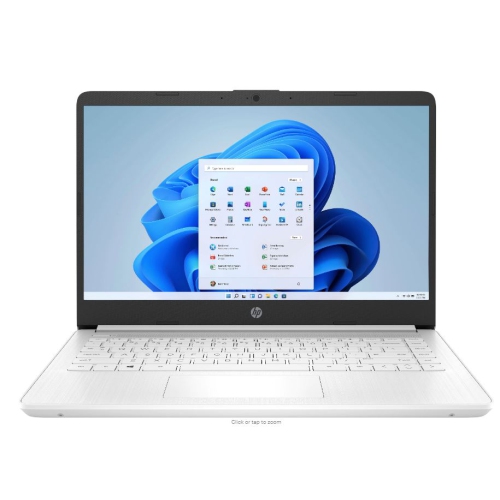 Your price for this item is $449
-
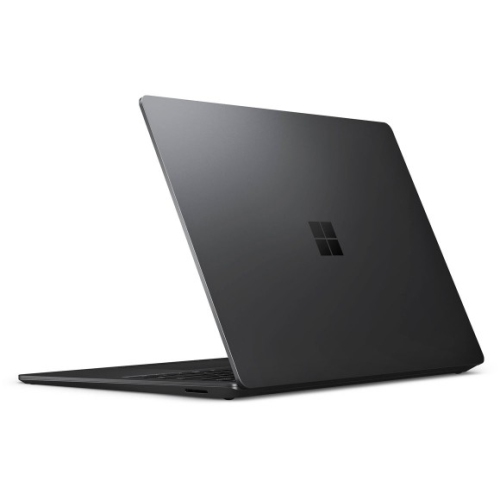 Your price for this item is $3099
-
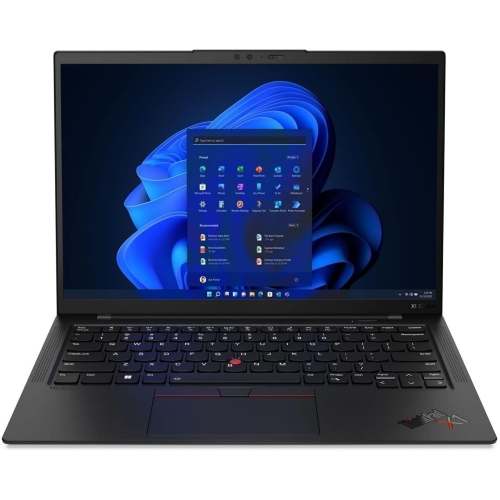 Your price for this item is $429.99
-
 Your price for this item is $1800.68
-
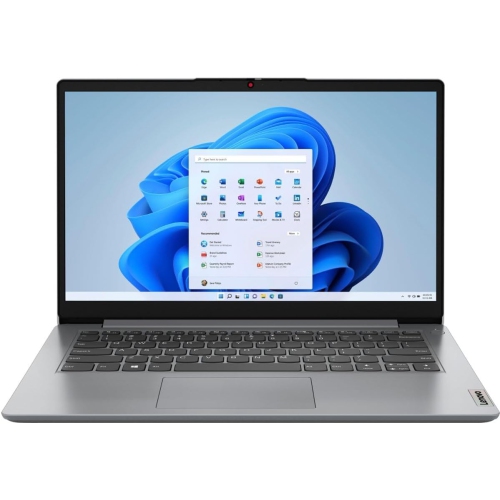 Your price for this item is $664.05
-
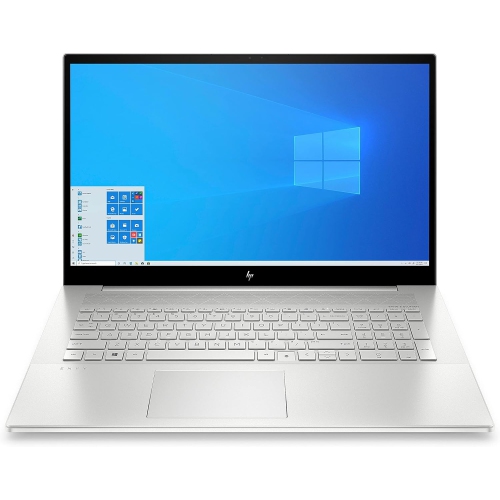 Your price for this item is $869.99
-
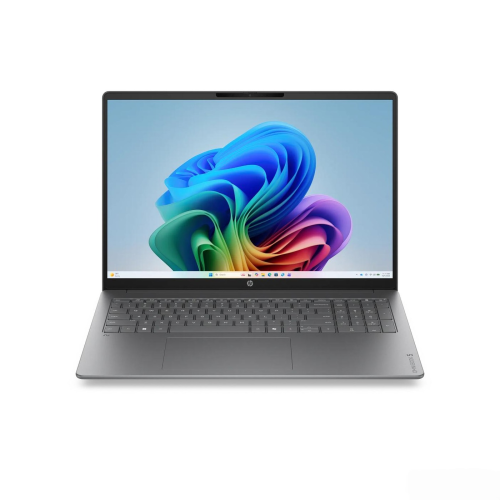 Your price for this item is $2960.48
-
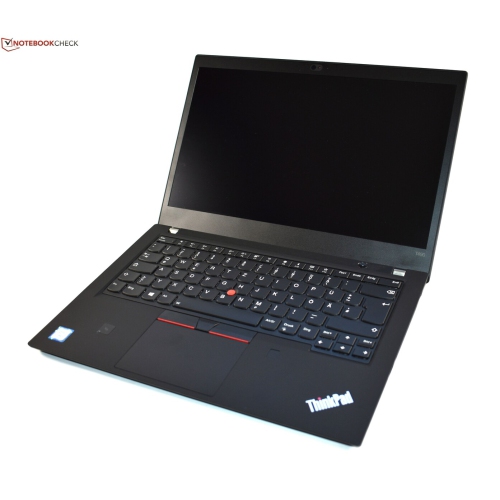 Your price for this item is $479.68