Refurbished MacBook Pro M3
Explore exceptional value and performance with the Refurbished MacBook Pro M3 selection. Whether you're upgrading your workspace, pursuing creative projects, or seeking reliable computing power for everyday tasks, these expertly restored laptops offer impressive quality at a competitive price. Find the perfect balance of innovation and savings with a Refurbished MacBook Pro M3 designed to meet your needs.
Sort





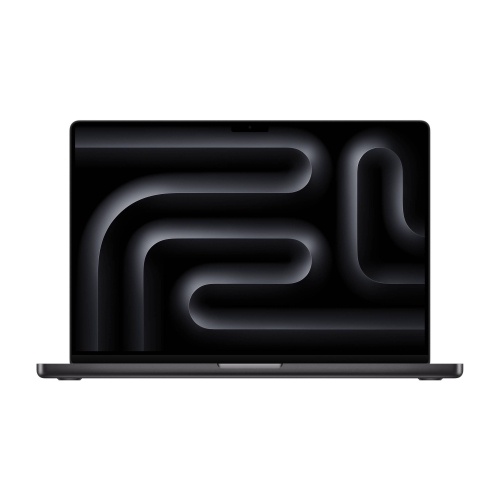


















What M3 specs and condition mean for everyday use
Refurbished laptops from the M3 generation come in configurations built around the M3, M3 Pro and M3 Max chips. Refurbishment generally means that a previously owned or returned laptop has been inspected and tested, with repairs or parts replacement performed if needed. It doesn’t mean every laptop has a new battery or a mark-free exterior. The chip, memory and storage describe what the laptop can do, while the condition details describe what to expect from the unit itself. The standard M3 is a practical fit for coursework, office applications, video calls, photo editing and occasional video projects. A student working with lecture slides, research tabs and a video call open at once may get more practical benefit from extra memory than from moving up a chip tier. The M3 Pro is better suited to frequent jobs that keep several demanding applications busy, such as sorting a large batch of raw photos while exporting a video or running a local development setup alongside a browser full of tabs. The M3 Max makes the most sense when graphics-heavy tasks such as 3D rendering or editing footage from multiple cameras are a regular part of the work rather than an occasional project. Memory and internal storage aren’t designed to be upgraded after purchase, so both are worth considering alongside the chip. A laptop used mostly for documents and streaming may not need much local storage, but a video project can take up substantially more room than its finished export once source footage, previews and working files are included. An external drive can take on large libraries and archived projects, but it won’t make up for too little memory when several applications are running. For someone who works away from a desk, there’s also a practical difference between carrying a drive for every session and keeping active projects on the laptop.
The M3 generation comes in 14-inch and 16-inch sizes. The 14-inch version is easier to fit in a commuter bag or on a small work surface, especially when there’s already a notebook and a mouse sharing the space. The 16-inch version gives a photo editor more room for an image beside the adjustment panels, or lets a developer keep code and a preview visible side by side without shrinking the text as much. That extra room matters most when the built-in display is the main screen. At a desk with an external monitor, a smaller laptop may be just as comfortable for extended work and simpler to take along afterward. Shoppers comparing screen sizes can also browse Refurbished Macbook Pro 15, a separate category from an earlier generation rather than a 15-inch option in the M3 lineup. For a desk setup, check the port layout and external display support for the exact configuration, including whether the intended monitor arrangement works with the lid open. Support can vary by chip, so a setup that uses two monitors and the built-in display shouldn’t be assumed to work the same way across the lineup. The aluminum enclosure feels rigid during everyday handling, though scuffs can show along edges and corners. A mark on the lid is mostly a matter of appearance, while a hinge that doesn’t hold the display steady or a port with an intermittent connection can affect daily use. For a sleeve or fitted case, use the laptop’s exterior dimensions rather than relying only on the screen measurement. A sleeve helps protect the finish in a shared bag, and a soft, lint-free cloth can lift fingerprints from the display without the need to spray cleaner directly onto it.
Condition details are particularly useful when a refurbished laptop will spend most of its time away from an outlet. A cosmetic grade generally describes visible wear, but it does not necessarily indicate battery health, and grading terms can differ. A faint scratch on the underside may go unnoticed on a desktop, while reduced battery capacity could matter to someone who moves between classes, meetings or client sites. When maximum battery capacity is reported, it gives a more direct sense of how much charge the battery holds compared with when it was new. Cycle count adds context about prior use but doesn’t tell the whole story. Actual time between charges also depends on the workload: a long video export or a call with screen sharing will draw more power than reading course notes. It’s worth checking whether a compatible power adapter and cable are included and what the warranty and return terms cover, especially if the laptop will be the main device for work or school. Early in setup, try the keys, trackpad, camera and speakers, then connect the accessories that will be used regularly. Importing a set of photos through a card reader or plugging in a familiar monitor can reveal a problem that a quick glance at the desktop wouldn’t. If the laptop is a gift for someone starting a program or building a home workspace, the most useful details to confirm are often the easiest to overlook: the software they need to run, their preferred keyboard layout and how often they’ll carry it. A student travelling with books may appreciate the smaller size, while someone editing from a fixed work surface may value the larger display more. The best fit comes down to the work that fills an ordinary day, how much of it happens away from a desk and which signs of previous use would make a difference once the laptop is part of that routine.
Top selling and popular products
-
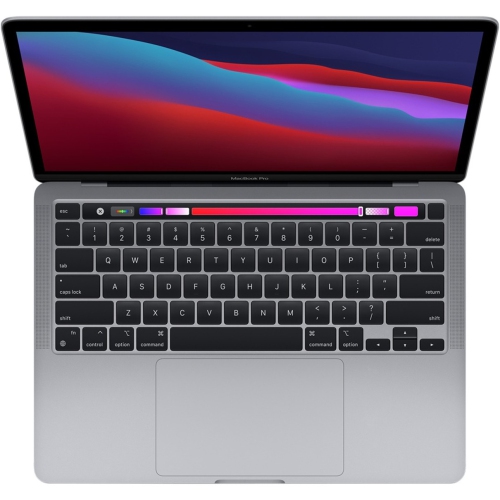 Your price for this item is $1500
-
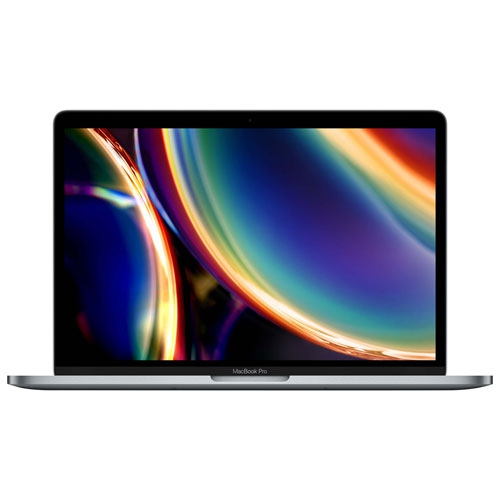 Your price for this item is $749.77
-
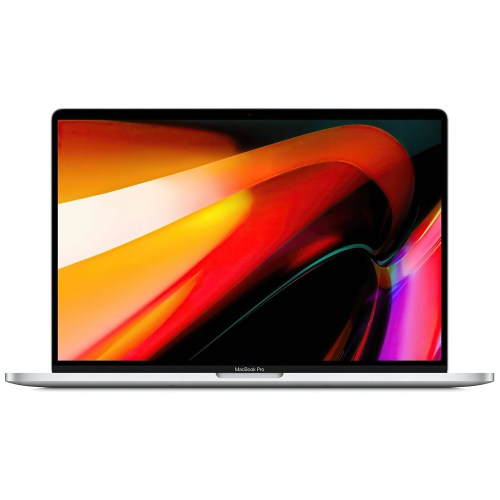 Your price for this item is $659.99
-
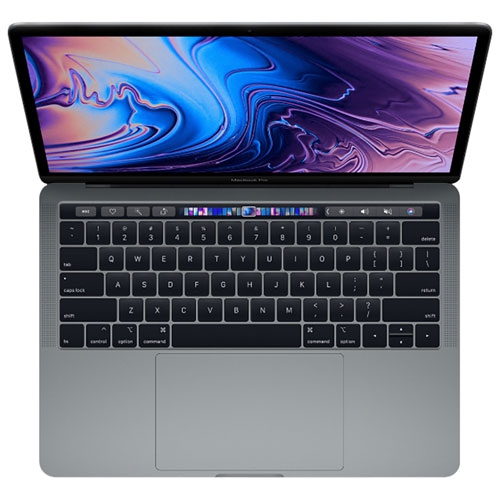 Your price for this item is $499.96
-
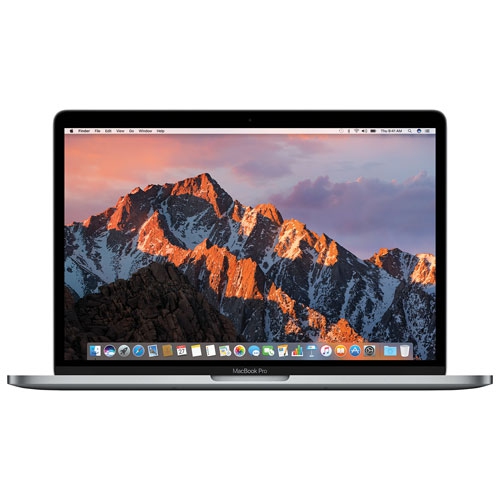 Your price for this item is $549.77
-
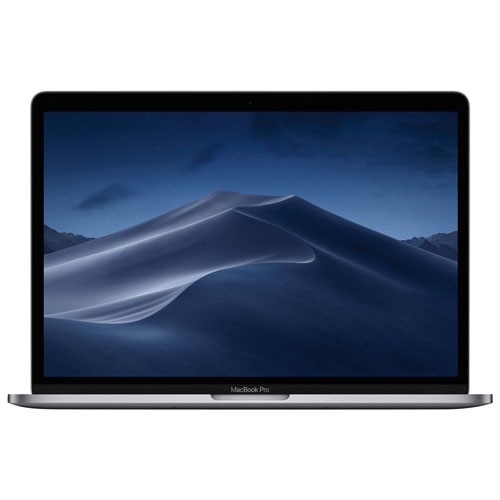 Your price for this item is $629.77
-
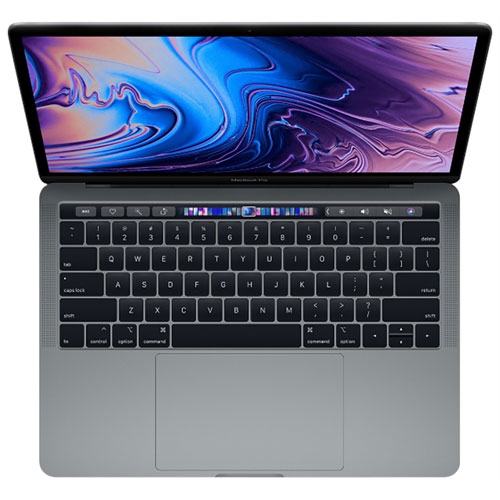 Your price for this item is $629.77
-
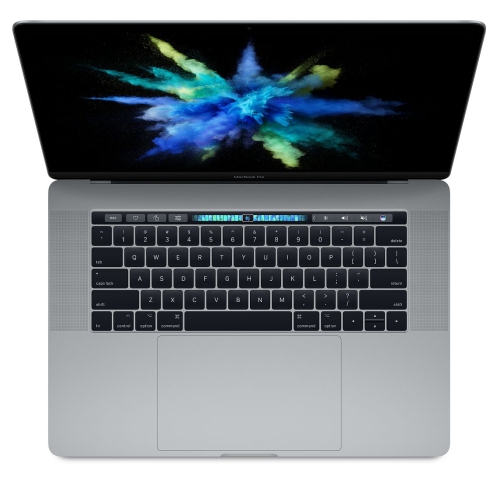 Your price for this item is $519.99
Discover more categories related to Refurbished MacBook Pro M3
Top Collections:
Best Black Friday Deals This Year, Best Black Friday Deals On Electronics, Kindle Devices, Pokemon Centers, Best Black Friday Deals On Apple Products, Best Cameras for Sports Photography, Dyson Airwrap, Pokémon 30th Celebration Cards, Apple iPhone 17 Pro, Canon G7X Cameras
Some products may be subject to Environmental Handling Fees
(EHF) depending on your province.
Learn more about EHFs.