Refurbished Microsoft Surface
Discover incredible value and performance with Refurbished Microsoft Surface devices. Enjoy a selection of versatile options designed to support your productivity, creativity, and entertainment needs. Each product in the Refurbished Microsoft Surface lineup is carefully inspected to help provide quality you can trust at a price that fits your budget. Explore models suited for work, school, or play and find the perfect match for your lifestyle.
Sort
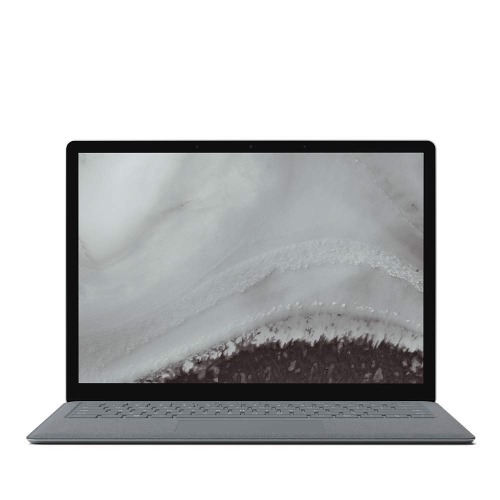
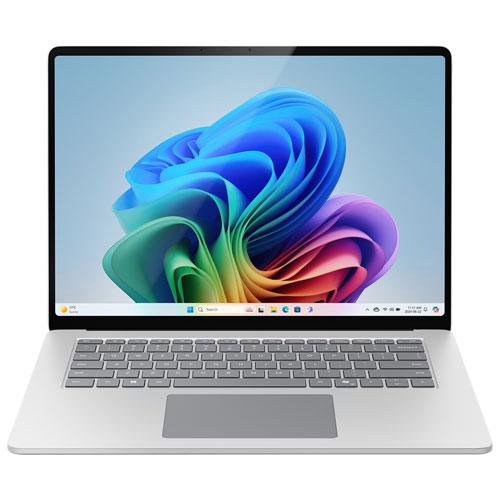
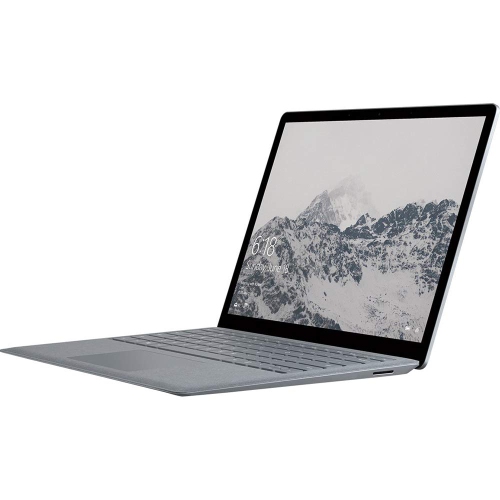
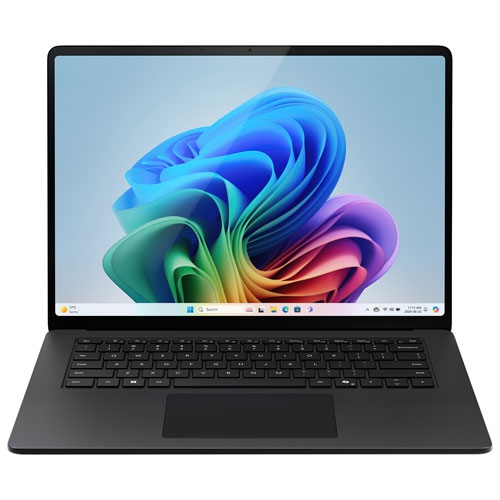
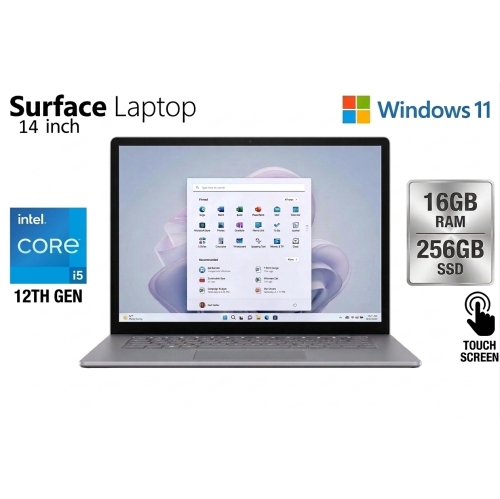
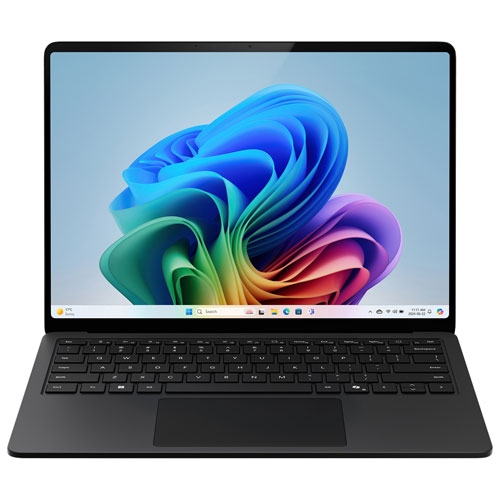
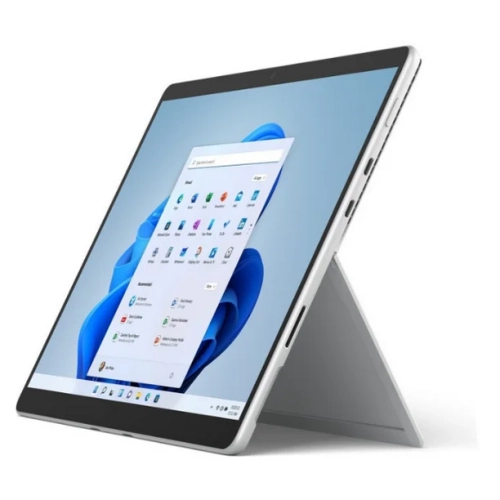
The details that matter beyond the refurbished label
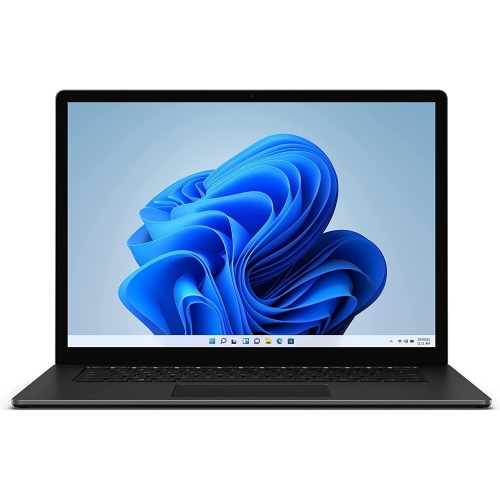
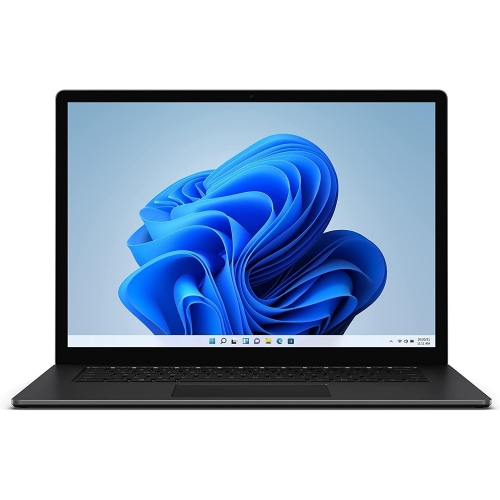
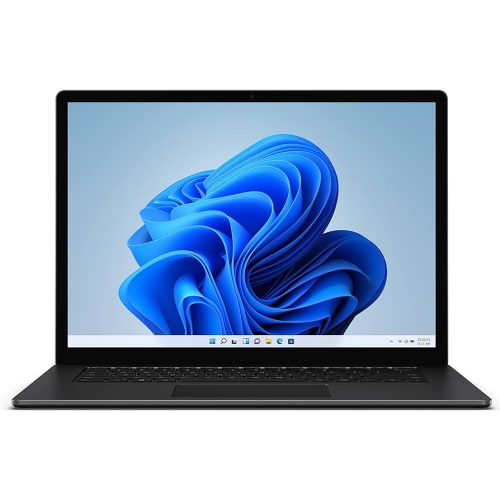
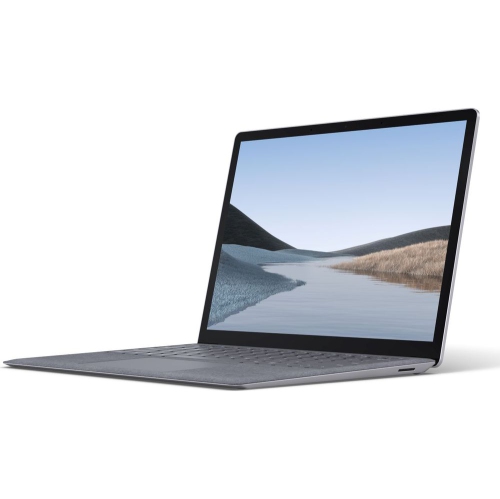
Refurbished computers are previously owned or returned devices prepared for use again through a process that can include inspection, cleaning, testing, and repairs. Within this category, both detachable touchscreen computers and conventional laptops can suit everyday tasks such as writing documents, attending online classes, managing email, and joining video calls. The refurbishment process is not identical across all sellers, so a clear description of the testing performed, cosmetic condition, and included accessories helps establish what to expect. Manufacturer-certified and seller-refurbished devices may follow different programmes, with coverage provided by the manufacturer, refurbisher, or seller according to the stated terms. A refurbished designation alone does not establish a particular warranty length or promise a new battery. Written warranty details, including who handles a claim and which components are covered, are more useful than assumptions based on the label. Condition grades such as Fair, Good, and Excellent generally describe visible wear, although their definitions can vary. Light scratches on a casing or scuffs around a port may be cosmetic; screen marks, loose hinges, or unreliable connections can have a more direct effect on daily use. A higher cosmetic grade also does not necessarily mean a faster processor, more storage, or longer battery runtime. Those characteristics depend on the configuration and the condition of individual components. Battery health deserves particular attention because rechargeable batteries lose capacity with use and age. An original runtime estimate is not a guarantee of how long a refurbished device will last between charges. For someone taking notes through several lectures or moving between meeting rooms, stated battery information and a suitable charger are practical considerations. Return terms also matter, especially when a device needs to work with existing software, a home monitor, or accessibility tools. Together, these details provide a clearer picture of suitability than appearance or the refurbished label on its own.
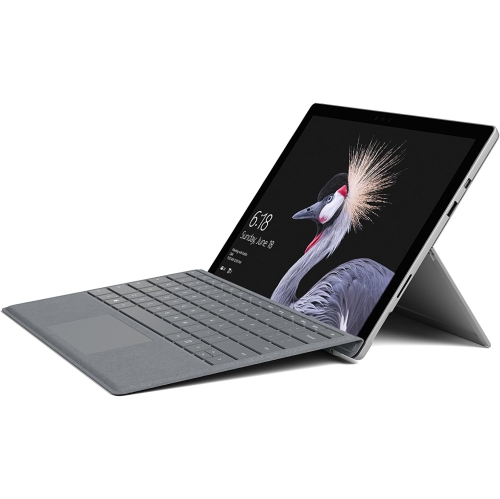
The choice between a detachable design and a traditional laptop comes down to how the computer will be used. A detachable touchscreen can move from typed notes at a desk to reading a document or marking up a diagram by hand, provided the necessary keyboard and pen are compatible. A built-in stand can be useful on a table, but it needs space behind the screen and may feel less stable on a lap than a conventional hinged laptop. A traditional laptop generally offers a more familiar arrangement for long writing sessions, spreadsheets, and working in confined seating. Screen size and shape influence comfort as much as portability: a compact display is easier to carry, while a larger workspace can make side-by-side documents and detailed worksheets easier to manage. Resolution, brightness, and text scaling also affect readability. Touch input is convenient for navigation, but it does not replace the need for a comfortable keyboard when an assignment or report involves several pages of typing. Processing power, memory, and storage should match the workload rather than the device’s appearance. Basic browsing and document editing have different demands from large photo libraries, complex spreadsheets, or creative applications. Memory helps support multiple open applications, while storage capacity determines how much room remains for files and installed software. Some thin designs have limited upgrade options, making the original configuration especially important. Processor architecture can also affect compatibility with older applications, specialist software, and peripheral drivers. Support for a maintained operating system and required security updates is another important consideration, particularly for school or work accounts. Ports and wireless connections shape the rest of the setup. A home workstation might need an external display, keyboard, mouse, and webcam, while a student may mainly need dependable Wi-Fi and a way to connect a headset. The presence of a USB-C port does not automatically confirm every charging, display, or docking feature; those capabilities depend on the device. Keyboard covers, pens, adapters, and chargers should be treated as separate considerations unless the description explicitly includes them.
Construction and care also influence how well a refurbished computer fits into daily life. Depending on the design, a device may combine a metal casing, glass display, fabric-covered keyboard, or other finished surfaces, each with different care needs. Metal housings can feel solid, but corners and edges can still dent when knocked against a desk or dropped inside a bag. A padded sleeve helps separate the screen and casing from keys, plugs, and other hard objects. For detachable designs, the stand, keyboard connection, and charging connector are useful points to examine because they are handled frequently. A stand should hold the intended viewing angle securely, and a keyboard should attach and respond consistently. Fabric surfaces may show wear or marks differently from metal, so care should follow the manufacturer’s directions rather than a general household cleaning routine. A soft, lint-free cloth is useful for routine cleaning; liquid should not be sprayed directly onto the screen or allowed to enter ports. Charging cables also benefit from being loosely coiled rather than sharply bent at the connector. These habits are particularly relevant for a computer travelling between a classroom, shared workspace, and home desk. Weight is best considered with the full setup in mind: a keyboard, charger, sleeve, and adapter all add to what goes into a backpack. For shoppers interested in a compact detachable format, Surface Go 2 Refurbished is a related category to explore. A refurbished computer can also be a thoughtful gift for a student, a family member managing everyday paperwork, or someone who wants a dedicated device for reading and video calls. The most useful match accounts for the recipient’s preferred screen size, typing comfort, software requirements, and confidence with a touchscreen. Clear condition information, appropriate accessories, and understandable support terms help make that computer a practical addition to an established routine.
Top selling and popular products
-
 Your price for this item is $449
-
 Your price for this item is $3099
-
 Your price for this item is $1800.68
-
 Your price for this item is $664.05
-
 Your price for this item is $869.99
-
 Your price for this item is $2960.48
-
 Your price for this item is $489.7
-
 Your price for this item is $1199
Discover more categories related to Refurbished Microsoft Surface

Top Collections:
Best Black Friday Deals This Year, Best Black Friday Deals On Electronics, Kindle Devices, Best Black Friday Deals On Apple Products, Best Budget Office Chairs, Best Cameras for Sports Photography, Dyson Airwrap, Canon G7X Cameras, Best Laptops for Writers, Samsung Galaxy Phones
Some products may be subject to Environmental Handling Fees
(EHF) depending on your province.
Learn more about EHFs.