RGB Gaming Laptops
Elevate your gaming experience with RGB gaming laptops that combine powerful performance and vibrant lighting effects. Designed for gamers who want both speed and style, these laptops offer customizable lighting to match your setup and mood. Explore a wide selection of RGB gaming laptops featuring advanced graphics, responsive displays, and immersive audio for smooth gameplay at home or on the go. Find the perfect model to suit your needs and take your gaming sessions to the next level.
Sort
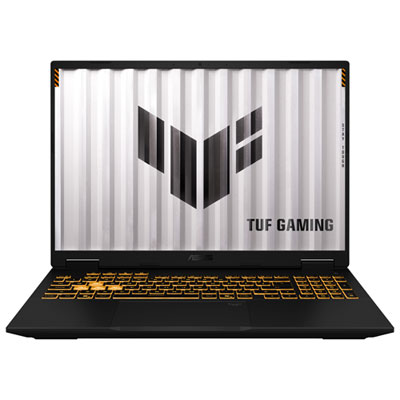
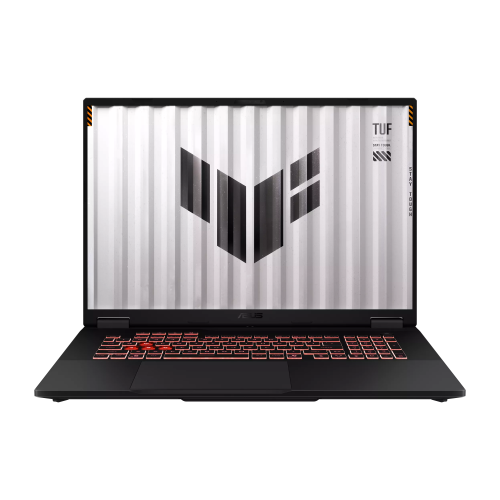
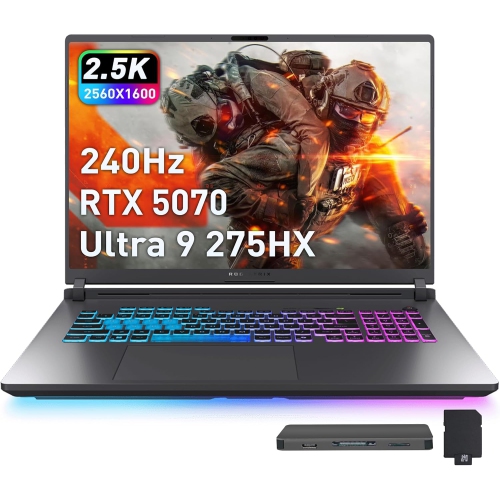
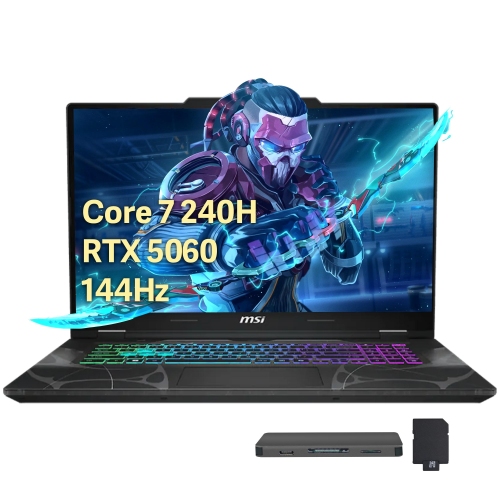
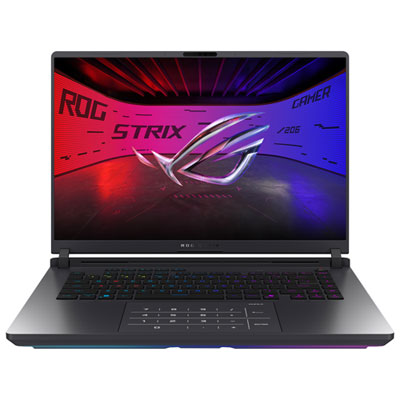
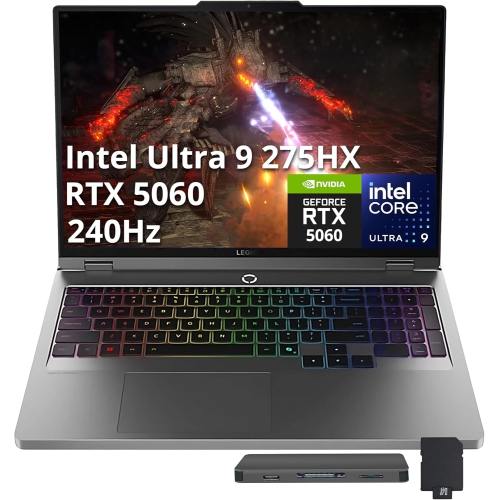
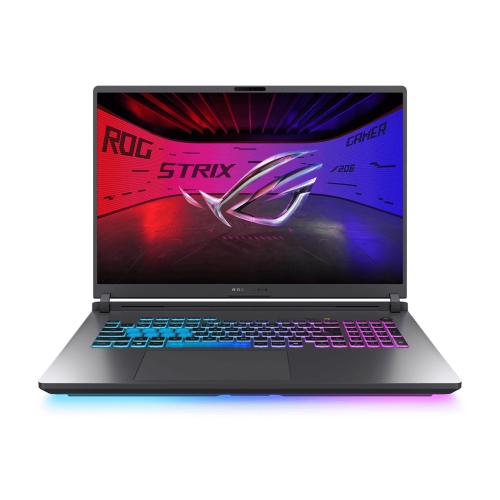
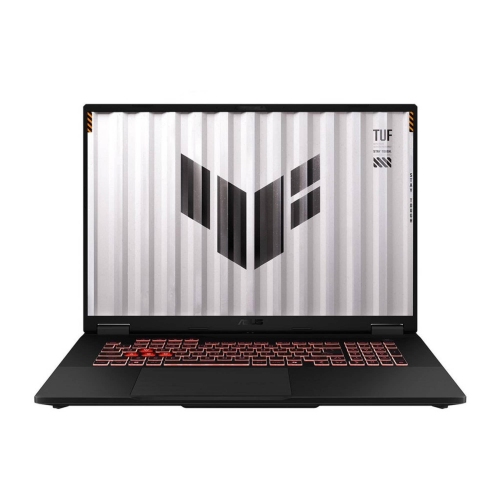
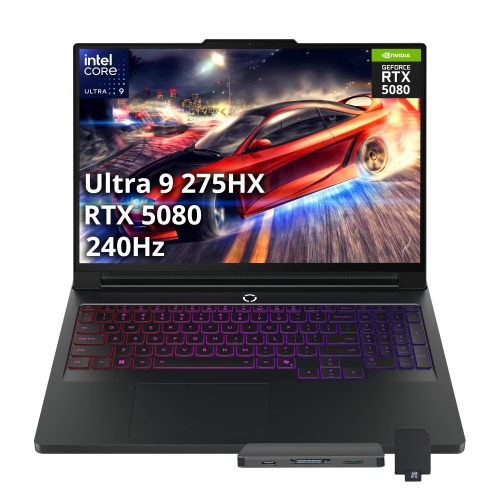
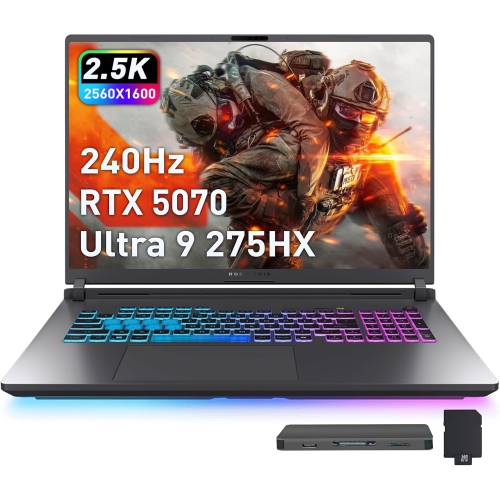
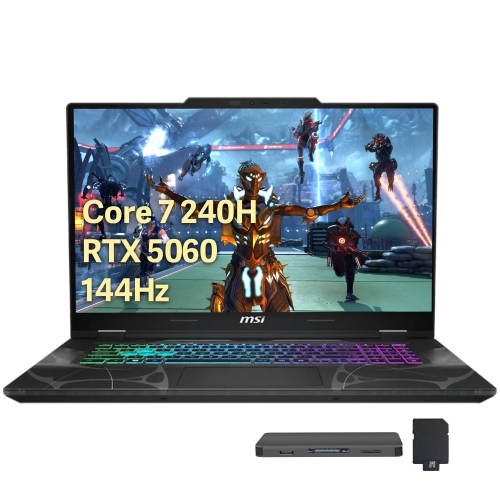
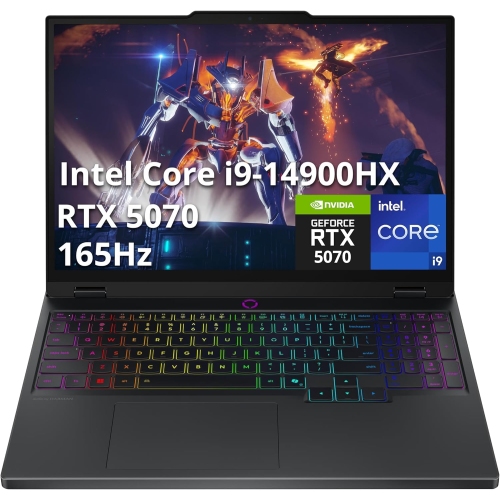
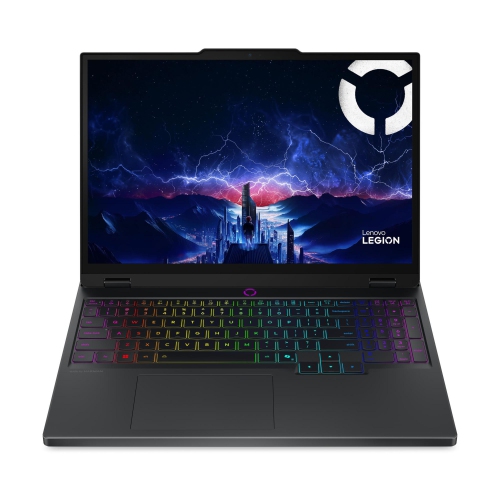
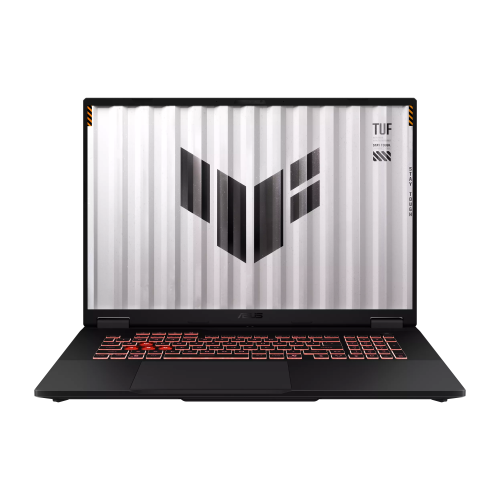
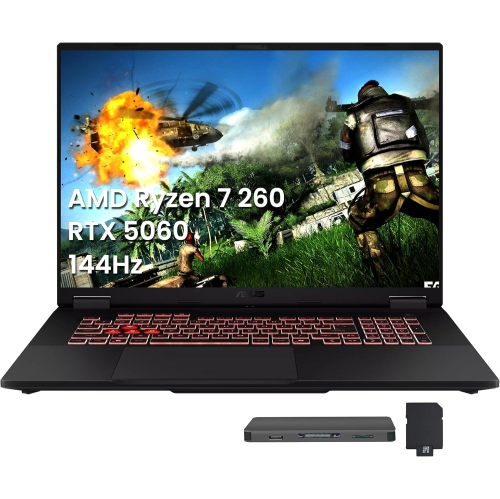
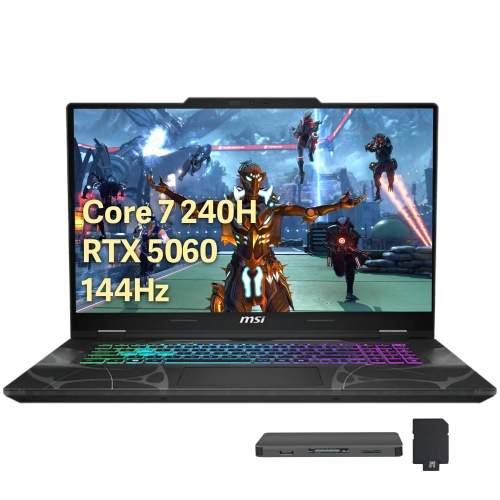
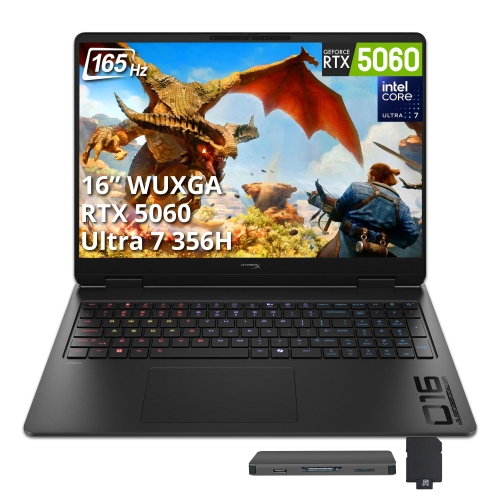
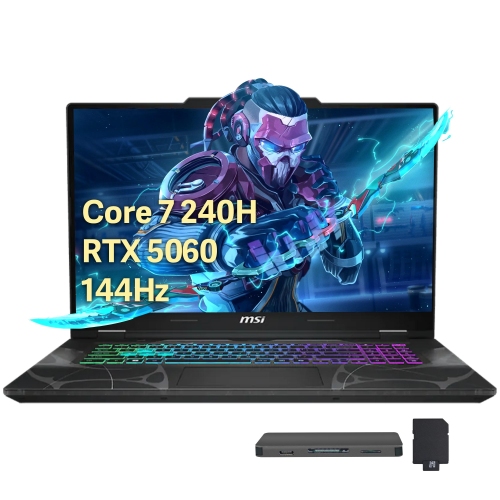
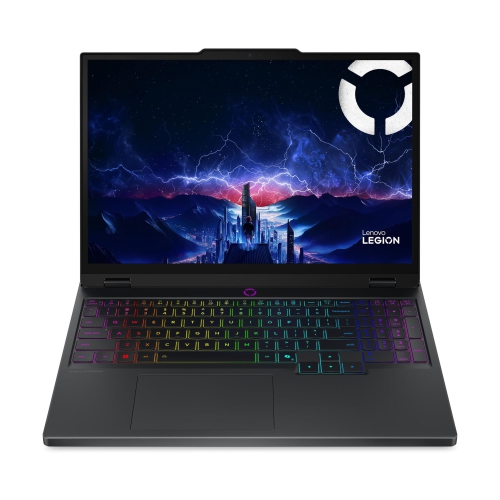
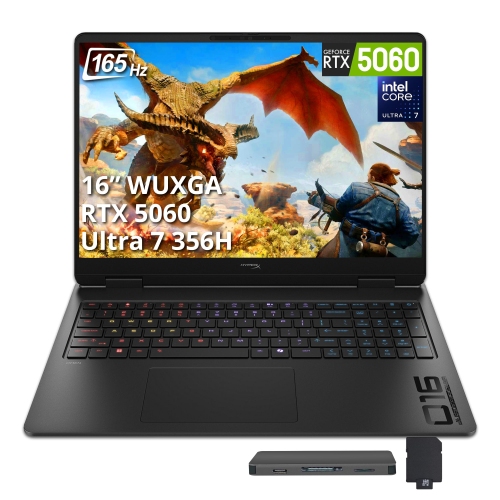
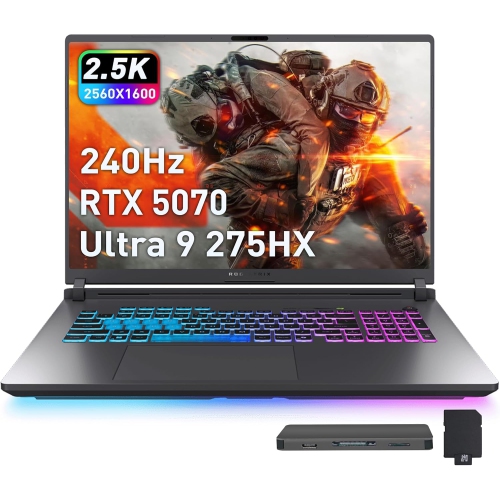
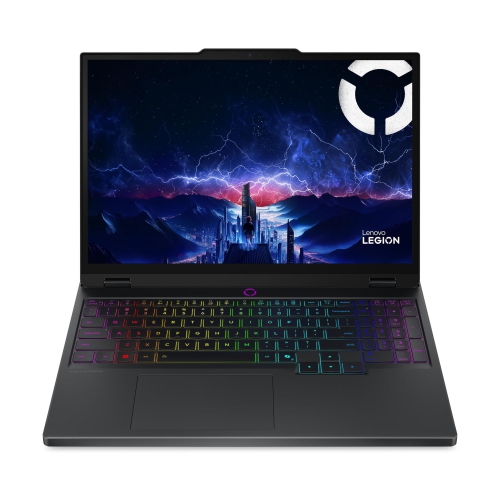
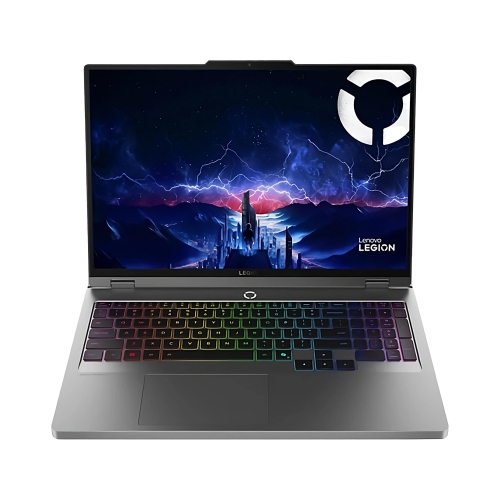
There’s more to portable gaming than colourful keys
RGB gaming laptops combine customizable red, green and blue lighting with portable hardware designed for gaming. Their illuminated keyboards can add anything from a subtle single-colour glow to animated patterns that move across the keys, while some designs extend the lighting to chassis accents or a light bar. The amount of control varies: single-zone lighting applies one effect across the keyboard, multi-zone lighting divides it into sections, and per-key RGB allows individual keys to display different colours. That distinction matters for more than appearance. A contrasting colour on movement keys or frequently used shortcuts can make a familiar layout easier to identify at a glance, while separate lighting profiles can give different games a distinct look. Game-responsive effects and synchronization with other accessories depend on compatible hardware and software, so those features are worth checking individually. Lighting itself does not increase frame rates; the processor, graphics hardware, memory and cooling system determine how well games run. For someone who moves between a desk, a shared living space and a friend’s gaming setup, a laptop brings the screen, keyboard and main hardware together in one device. Physical comfort still deserves as much attention as the light show. Key spacing, key travel, arrow-key placement and the presence of a numeric keypad affect how the keyboard feels during both play and everyday typing. A compact layout leaves more room in a bag, while a larger chassis may provide a roomier keyboard and display. Overall weight should include the power adapter, especially for regular travel. Adjustable brightness and the ability to turn effects off are useful when switching from an animated gaming setup to a lecture hall or shared workspace. Battery life also varies with the task, screen brightness, performance settings and lighting, with demanding games generally drawing considerably more power than browsing or writing.
The strongest match for a particular player depends on the games being played and the settings expected, rather than RGB lighting alone. Fast competitive games benefit from a display with a high refresh rate, provided the hardware can produce enough frames to take advantage of it. Response time and adaptive sync support also contribute to motion clarity, although the results depend on the panel and compatible graphics hardware. Detailed single-player games can place greater demands on the graphics processor, particularly at higher resolutions or with advanced visual effects enabled. A dedicated graphics processor with sufficient video memory can help handle demanding textures and effects, but its name is only part of the picture: power limits and cooling design can affect performance between laptops with similar headline specifications. The main processor supports game logic, background applications and tasks such as streaming, while system memory gives active programs room to operate. Someone playing with voice chat, a browser and a recording application open has different requirements from someone running a lightweight game by itself. Solid-state storage affects loading and file access, and capacity becomes important when several large games share space with schoolwork, creative projects or captured video. Memory and storage upgrade options vary, so accessible expansion should not be assumed. Screen size and resolution involve another practical balance. A larger, sharper display can reveal fine interface details and provide more room for multiple windows, but higher-resolution gaming places additional demands on the graphics hardware. Brightness, viewing angles and colour reproduction matter for watching videos and creating content as well as playing. RGB keyboard lighting is separate from the display’s colour capabilities and does not indicate screen quality. Connections help determine how comfortably a laptop fits into a wider setup. External displays, a wired network, a headset and a mouse each need suitable connections, and USB-C ports do not all support the same display, data or charging functions. Wi-Fi capabilities matter for wireless connectivity, while a wired connection can offer more consistent network performance when a suitable connection is accessible.
Construction, cooling and straightforward care all contribute to how an RGB gaming laptop holds up through daily use. Chassis materials may include plastic, aluminium or a combination, but material alone does not establish durability. Hinge stability, keyboard-deck flex, ventilation placement and a securely fitting lid are also useful details to assess. A well-fitted padded sleeve helps protect the finish during transport, and a separate compartment keeps the power adapter from pressing against the screen. During play, a firm, flat surface keeps ventilation openings clear; bedding or a soft cushion can obstruct airflow. Fans may become more noticeable under a demanding workload, particularly when performance settings prioritize higher output. Quieter operating modes can suit typing or video playback, though they may reduce gaming performance. For routine cleaning, shut down and unplug the laptop, use a soft microfibre cloth, and follow the manufacturer’s directions for the display, keyboard and vents. Applying liquid directly to the device or using abrasive cleaners can damage surfaces. Keeping food and drinks away from the keyboard also helps protect the keys and lighting components from spills and residue. RGB gaming laptops can suit students who game after coursework, frequent travellers who want a familiar setup, or players who need one computer for entertainment and everyday tasks. As a gift, the best fit depends on the recipient’s preferred games, comfort with the keyboard layout and need for portability, not simply the brightest lighting effects. For a setup that stays in one place, RGB Gaming PCs offer a different format, typically with more room for internal expansion and separate choices for the monitor and keyboard. A laptop’s appeal is the integrated experience: a personal lighting style, a built-in display and gaming hardware that can move together without rebuilding the setup each time.
Top selling and popular products
-
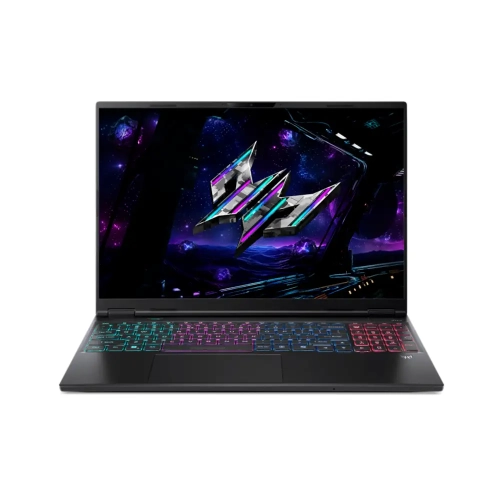 Your price for this item is $3499.99
-
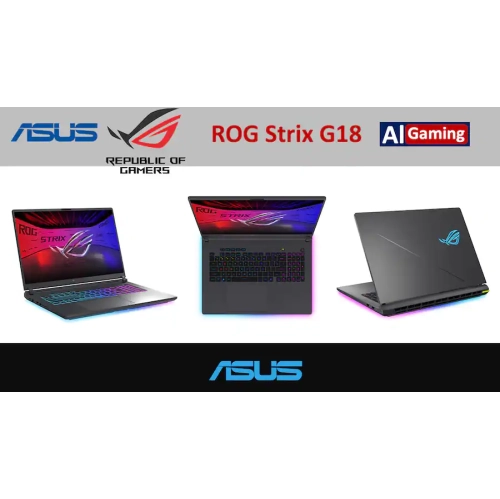 Your price for this item is $2899
-
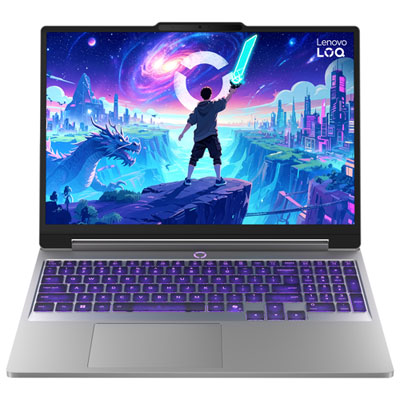 Your price for this item is $1499.99
-
 Your price for this item is $3449
-
 Your price for this item is $2999
-
 Your price for this item is $3649
-
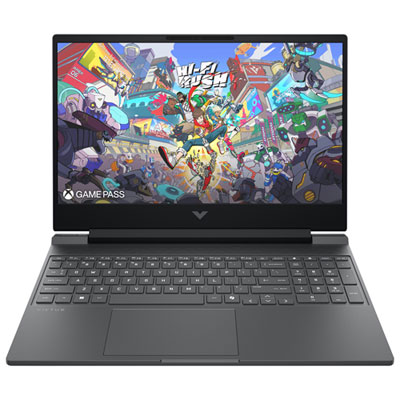 Your price for this item is $999.99
-
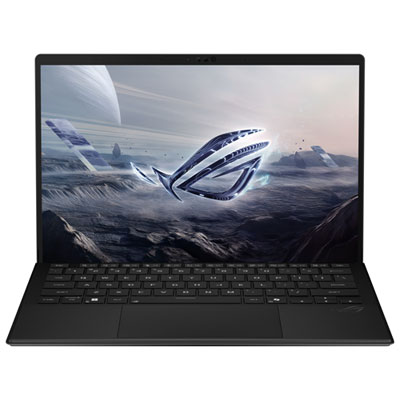 Your price for this item is $2699.99
Discover more categories related to RGB Gaming Laptops
Top Collections:
Best Black Friday Deals This Year, Best Black Friday Deals On Electronics, Kindle Devices, Pokemon Centers, Best Black Friday Deals On Apple Products, Best Cameras for Sports Photography, Dyson Airwrap, Pokémon 30th Celebration Cards, Apple iPhone 17 Pro, Canon G7X Cameras
Some products may be subject to Environmental Handling Fees
(EHF) depending on your province.
Learn more about EHFs.