Rose Gold Laptops
Rose gold is a warm, golden-brown color that has been popular for decades. It's the perfect shade for those looking to add a touch of pink to their lives. Here are some great rose gold laptops available today.
Sort
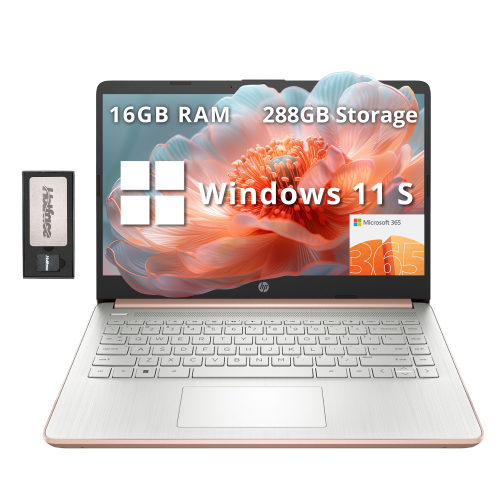
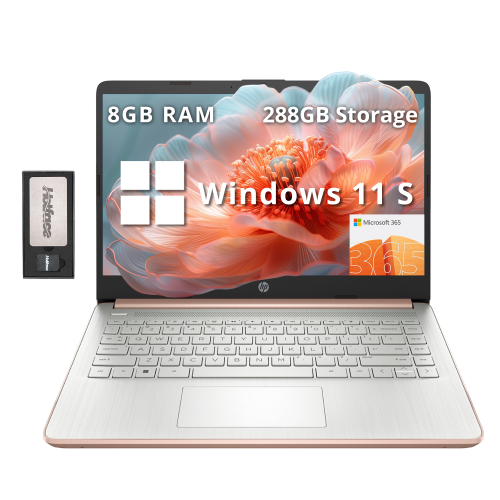
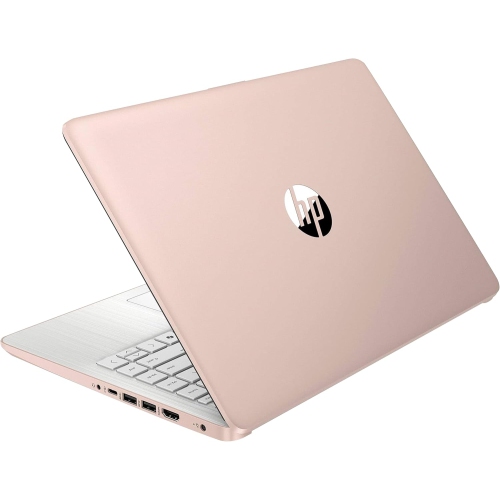
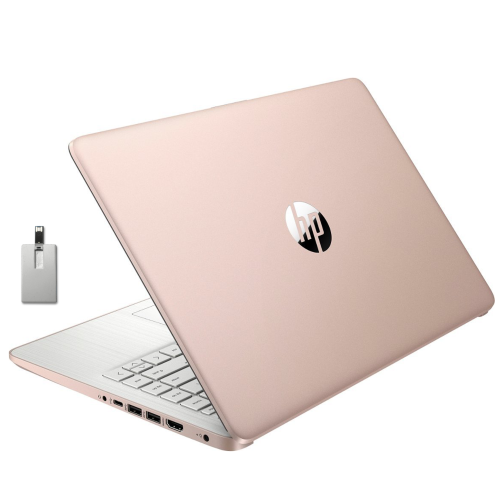
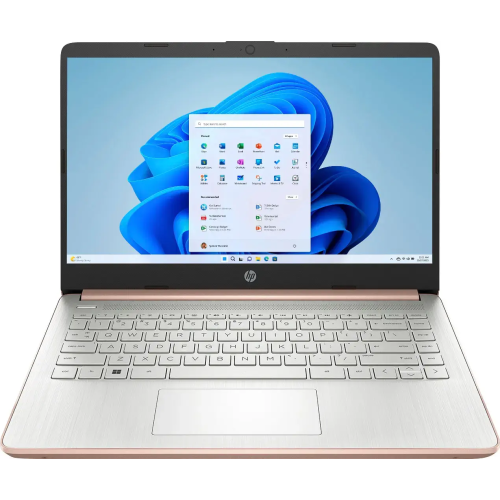
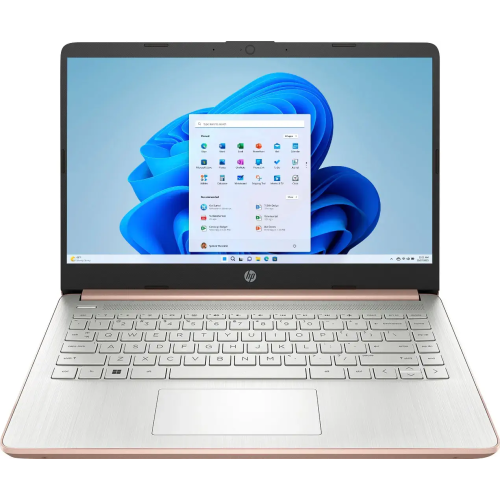
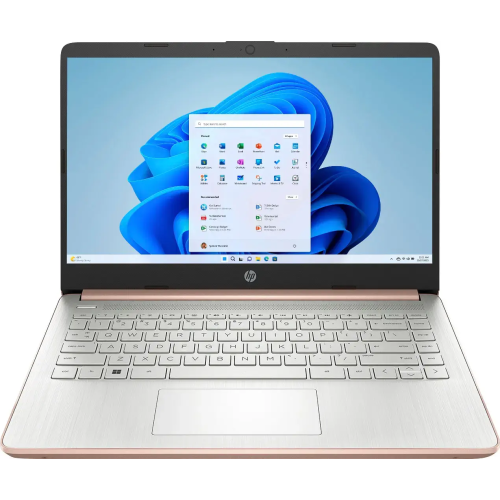
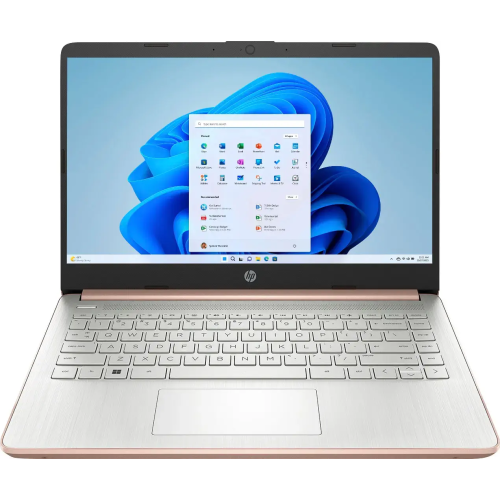
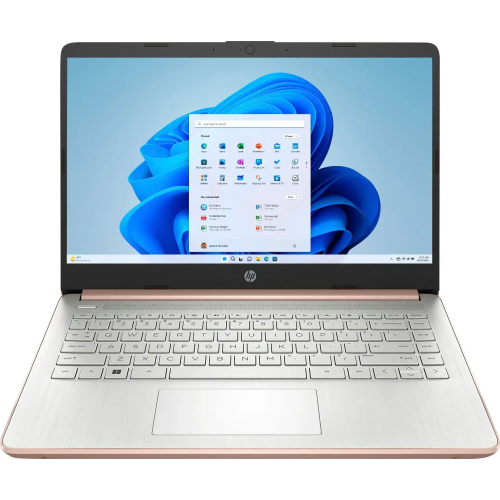
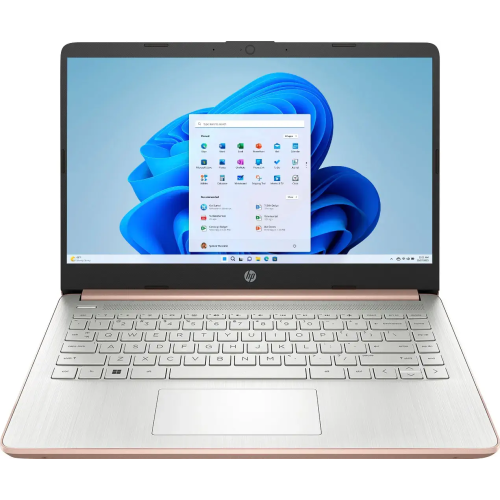
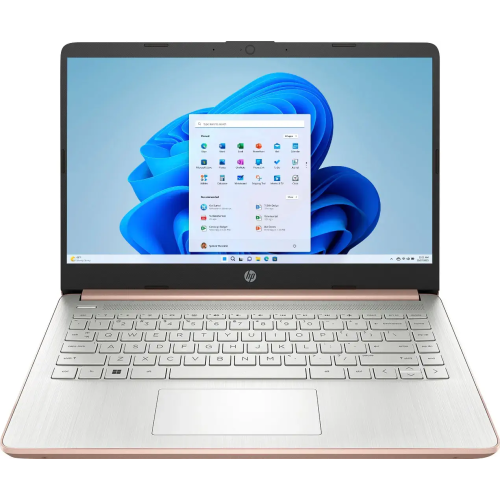
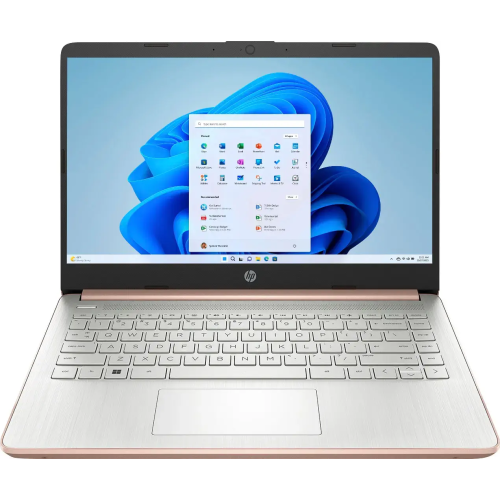
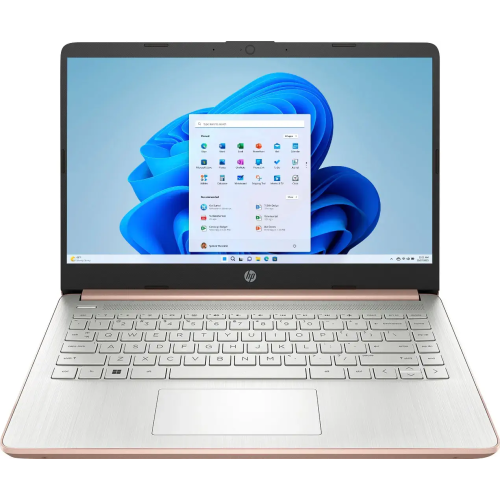
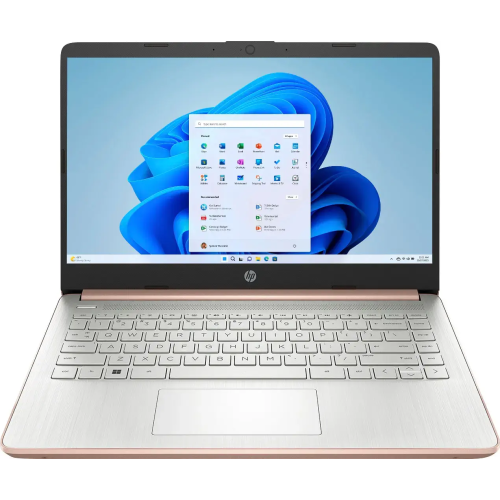
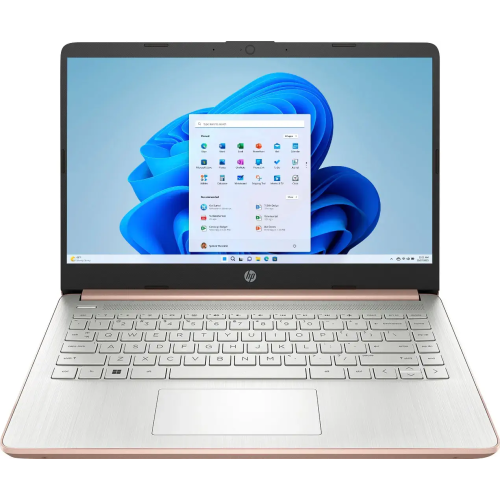
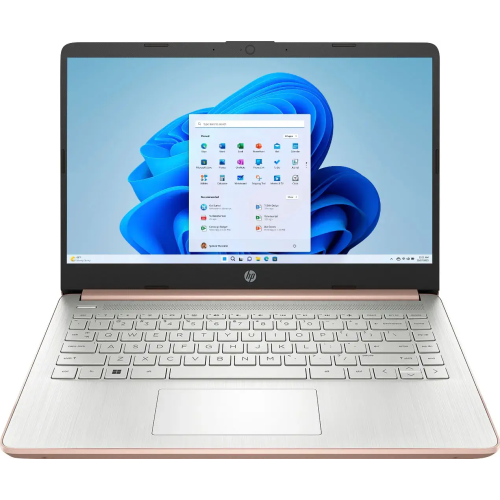
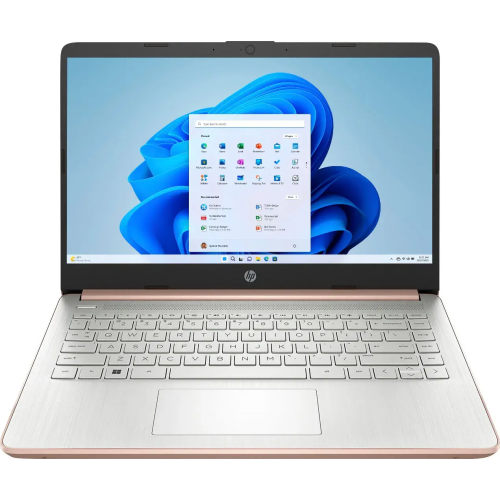
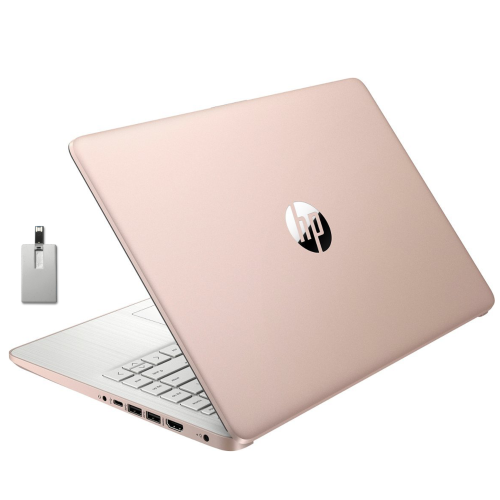
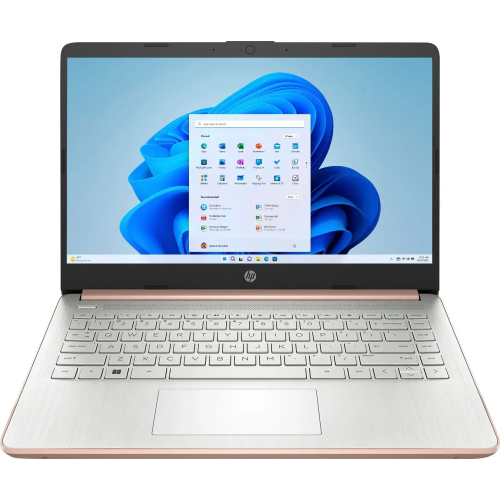
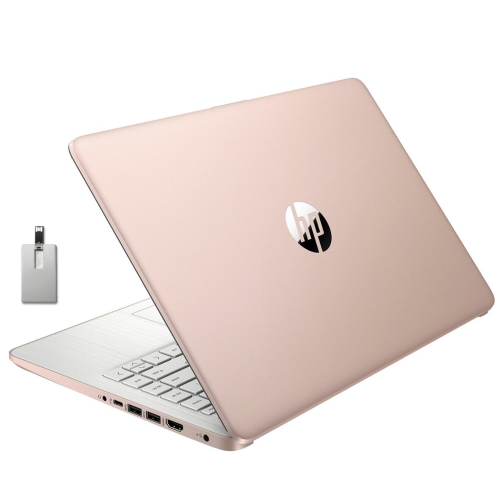
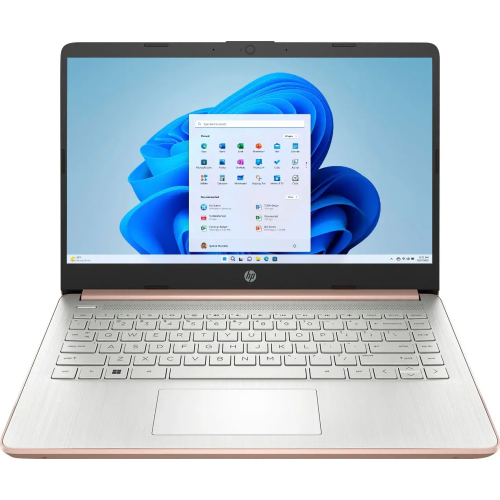
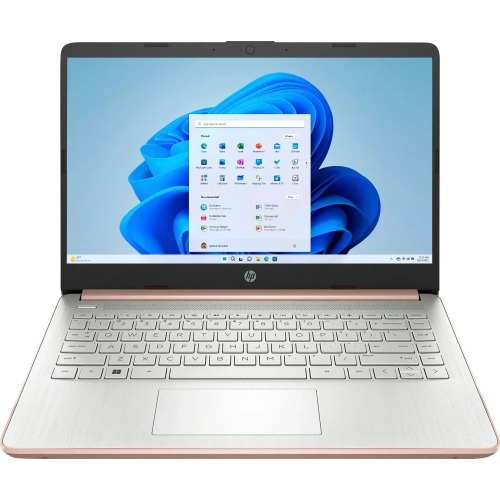
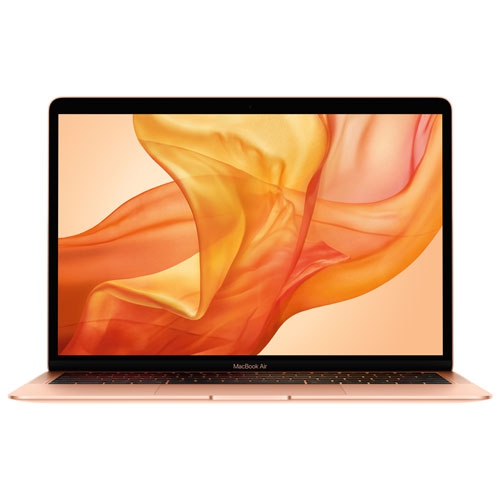
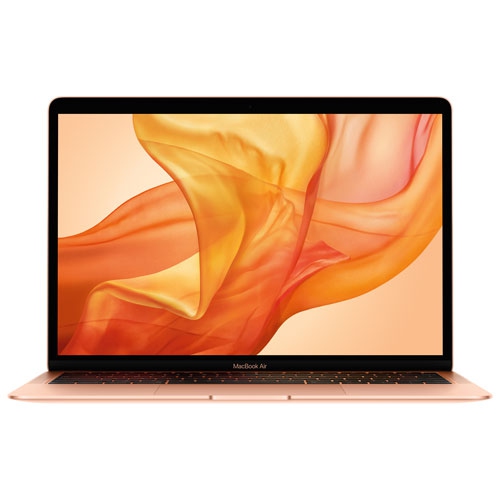
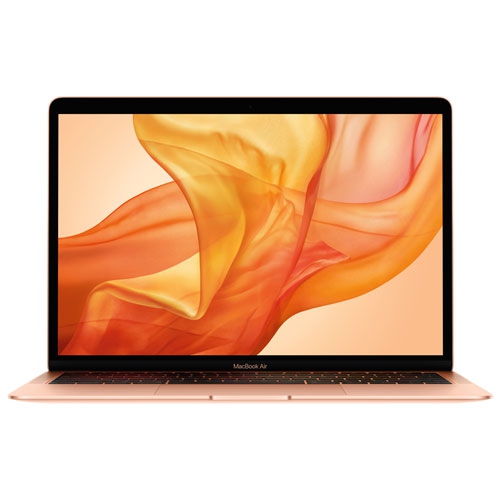
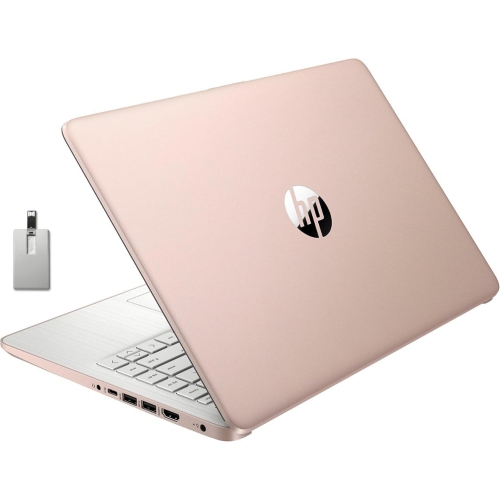
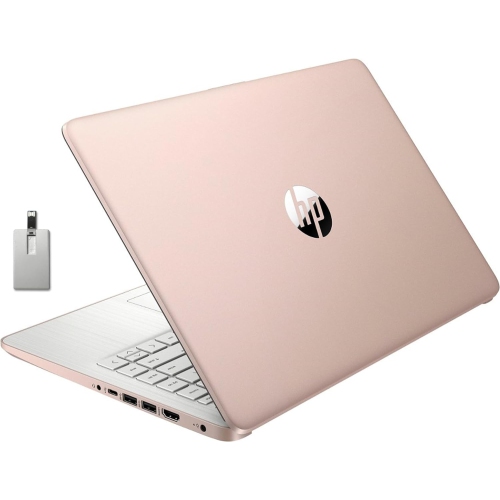
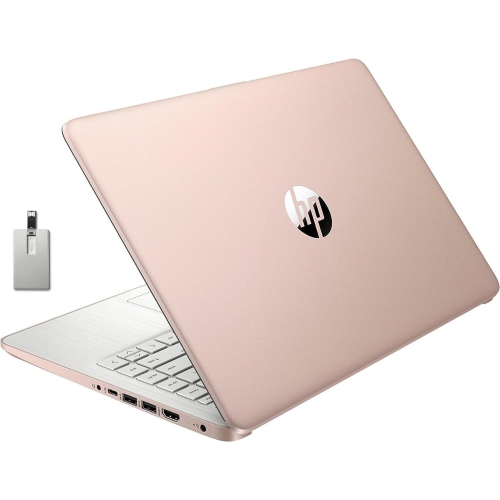
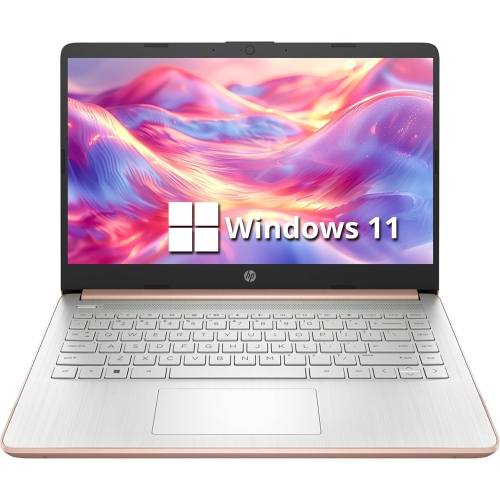
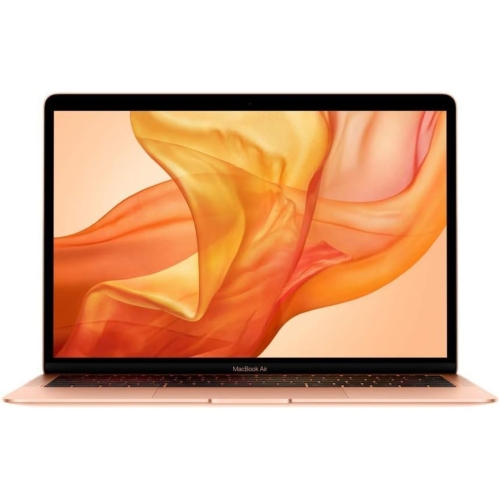
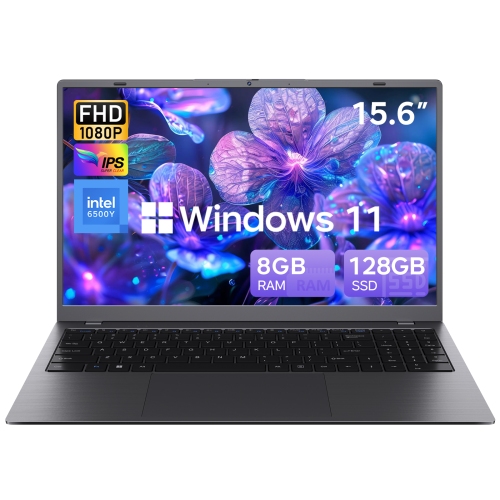
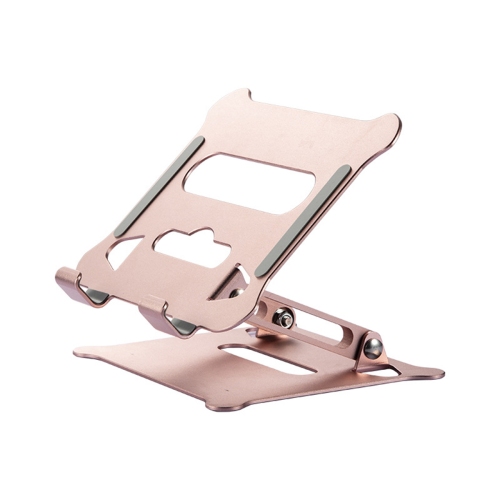
A distinctive finish paired with practical everyday performance
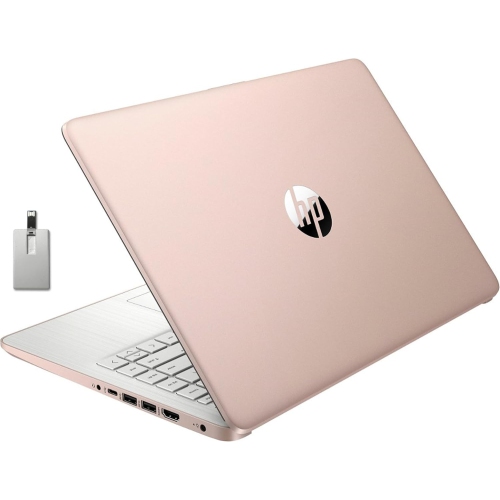
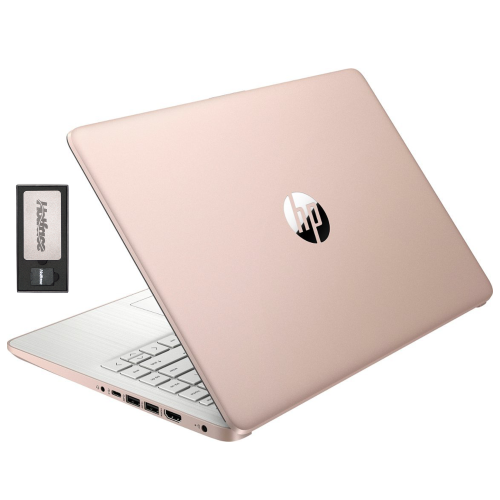
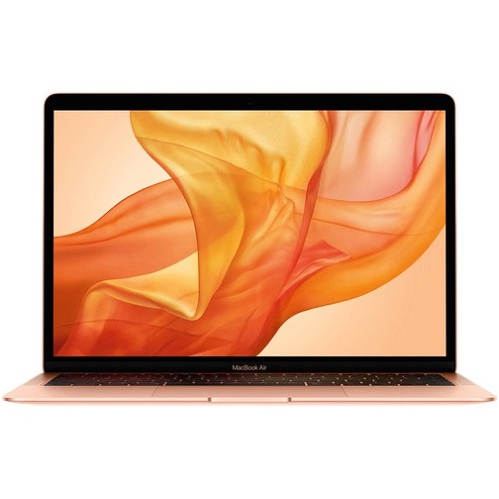
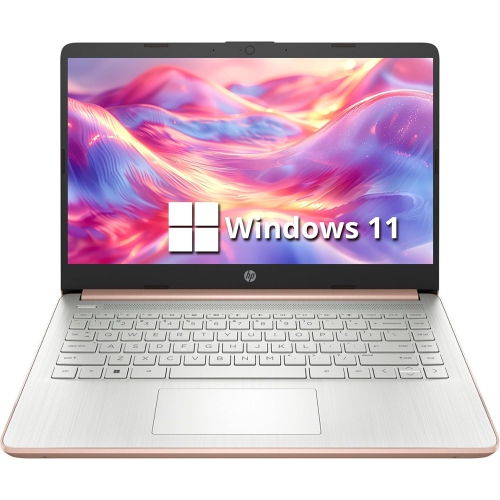
Rose gold laptops combine the everyday convenience of a portable computer with a soft metallic finish that feels distinctive without being overly bold. The colour can range from pale blush and champagne pink to warmer copper-rose tones, so the appearance may vary depending on the lighting, screen settings, and surrounding materials. For many shoppers, the finish is part of the appeal: it can add personality to a work bag, brighten a home office, or make a study space feel more personal. Rose gold laptops are available across a range of sizes and configurations, making them suitable for students, remote workers, families, frequent travellers, and anyone who wants a computer that looks a little different from a traditional silver or black model. They can also be thoughtful gifts for a student heading into a new school term, a family member setting up a first home office, or someone replacing an older computer before the cooler months bring more time indoors. When comparing options, start with the tasks the laptop needs to handle. Web browsing, email, word processing, video calls, online learning, streaming, and light photo work generally benefit from a capable modern processor, at least 8 GB of RAM, and a solid-state drive that helps applications open quickly. More demanding work such as photo editing, video production, coding projects, 3D design, or gaming may call for a faster processor, more memory, stronger graphics, and additional storage. A rose gold finish describes the exterior rather than the internal performance, so it is important to compare specifications instead of choosing by appearance alone.
Screen size has a noticeable effect on how a laptop feels from day to day. A compact 13-inch or 14-inch display is easier to carry between classrooms, cafés, offices, and different rooms at home, while a larger 15-inch or 16-inch screen can provide more comfortable viewing for spreadsheets, split-screen work, creative applications, and entertainment. Look for a clear display with a resolution that keeps text sharp, especially if the laptop will be used for long reading sessions or detailed visual work. A touchscreen can be useful for navigating compatible apps, annotating documents, or scrolling through recipes and presentations, although it may not be essential for standard productivity. Keyboard comfort also deserves attention. If the laptop will be used for essays, reports, messages, or extended administrative work, well-spaced keys and a responsive trackpad can make a meaningful difference. Backlit keys are helpful in dim rooms, on evening flights, or while working in a shared space where bright overhead lighting is not ideal. Check the available ports as well, including USB-A, USB-C, HDMI, audio, and memory card support if those connections fit the intended setup. Wi-Fi compatibility, Bluetooth support, webcam quality, microphone performance, and speaker clarity are especially important for video meetings, online classes, and staying connected with family. Battery life is another practical consideration, but real-world results vary with screen brightness, applications, streaming, and wireless use. A laptop with a reliable battery can make it easier to move from a kitchen table to a living room chair or work through a full day of classes without constantly searching for an outlet.
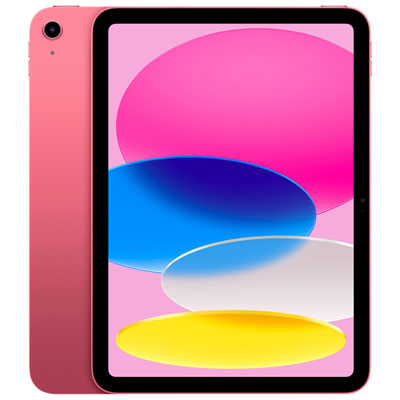
Operating system preference can help narrow the selection. Windows laptops offer broad software compatibility, familiar file management, and access to a wide range of productivity, creative, education, and gaming applications. A macOS laptop may suit someone already using Apple devices and looking for convenient integration across messages, photos, files, and other everyday services. The right choice often depends on the software required for school, work, or personal projects, along with the devices already used at home. Storage needs are worth considering before checkout: cloud services can help keep documents and photos accessible across devices, but local storage remains useful for downloaded media, large creative files, games, and offline work. Students may value a lighter laptop, a comfortable keyboard, strong battery life, and a webcam for lectures or group projects. Professionals often prioritize multitasking, display quality, ports, and dependable performance, while frequent travellers may prefer a slim design, durable construction, and a charger that is easy to pack. For a shared family computer, simple setup, accessible support features, and enough storage for multiple users can be more important than the smallest dimensions. Shoppers considering a coordinated colour theme for a tablet or mobile workspace can also browse Rose Gold iPads alongside laptops, while keeping in mind that a laptop is typically better suited to full keyboard work, desktop-style applications, and longer writing sessions. Before choosing, compare the laptop’s weight, dimensions, processor, RAM, storage, display, ports, operating system, and included accessories with the way it will actually be used. That practical check helps ensure the rose gold finish is matched by the performance, comfort, and flexibility needed for everyday life.
Screen size has a noticeable effect on how a laptop feels from day to day. A compact 13-inch or 14-inch display is easier to carry between classrooms, cafés, offices, and different rooms at home, while a larger 15-inch or 16-inch screen can provide more comfortable viewing for spreadsheets, split-screen work, creative applications, and entertainment. Look for a clear display with a resolution that keeps text sharp, especially if the laptop will be used for long reading sessions or detailed visual work. A touchscreen can be useful for navigating compatible apps, annotating documents, or scrolling through recipes and presentations, although it may not be essential for standard productivity. Keyboard comfort also deserves attention. If the laptop will be used for essays, reports, messages, or extended administrative work, well-spaced keys and a responsive trackpad can make a meaningful difference. Backlit keys are helpful in dim rooms, on evening flights, or while working in a shared space where bright overhead lighting is not ideal. Check the available ports as well, including USB-A, USB-C, HDMI, audio, and memory card support if those connections fit the intended setup. Wi-Fi compatibility, Bluetooth support, webcam quality, microphone performance, and speaker clarity are especially important for video meetings, online classes, and staying connected with family. Battery life is another practical consideration, but real-world results vary with screen brightness, applications, streaming, and wireless use. A laptop with a reliable battery can make it easier to move from a kitchen table to a living room chair or work through a full day of classes without constantly searching for an outlet.
Operating system preference can help narrow the selection. Windows laptops offer broad software compatibility, familiar file management, and access to a wide range of productivity, creative, education, and gaming applications. A macOS laptop may suit someone already using Apple devices and looking for convenient integration across messages, photos, files, and other everyday services. The right choice often depends on the software required for school, work, or personal projects, along with the devices already used at home. Storage needs are worth considering before checkout: cloud services can help keep documents and photos accessible across devices, but local storage remains useful for downloaded media, large creative files, games, and offline work. Students may value a lighter laptop, a comfortable keyboard, strong battery life, and a webcam for lectures or group projects. Professionals often prioritize multitasking, display quality, ports, and dependable performance, while frequent travellers may prefer a slim design, durable construction, and a charger that is easy to pack. For a shared family computer, simple setup, accessible support features, and enough storage for multiple users can be more important than the smallest dimensions. Shoppers considering a coordinated colour theme for a tablet or mobile workspace can also browse Rose Gold iPads alongside laptops, while keeping in mind that a laptop is typically better suited to full keyboard work, desktop-style applications, and longer writing sessions. Before choosing, compare the laptop’s weight, dimensions, processor, RAM, storage, display, ports, operating system, and included accessories with the way it will actually be used. That practical check helps ensure the rose gold finish is matched by the performance, comfort, and flexibility needed for everyday life.
Top selling and popular products
-
 Your price for this item is $449
 -
 Your price for this item is $3099
 -
 Your price for this item is $664.05
 -
 Your price for this item is $599.68
 -
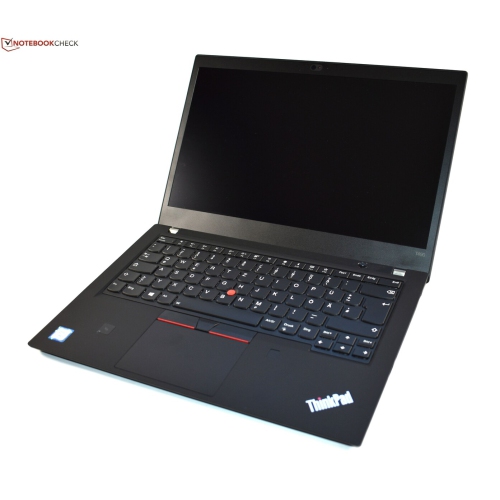 Your price for this item is $499.99
 -
 Your price for this item is $418.98
 -
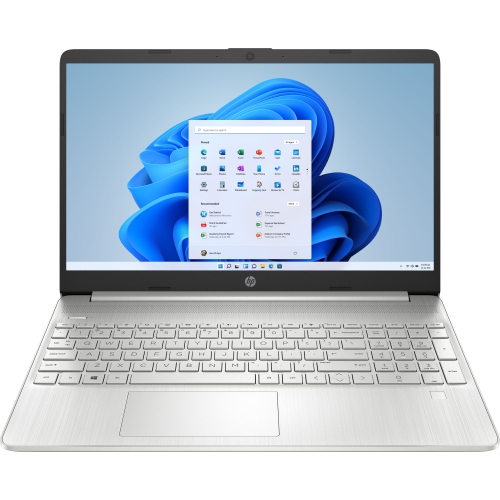 Your price for this item is $829
 -
 Your price for this item is $999.95
Discover more categories related to Rose Gold Laptops
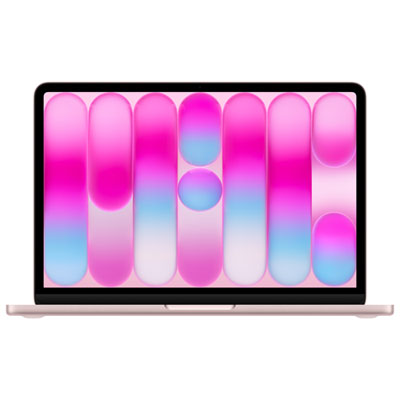
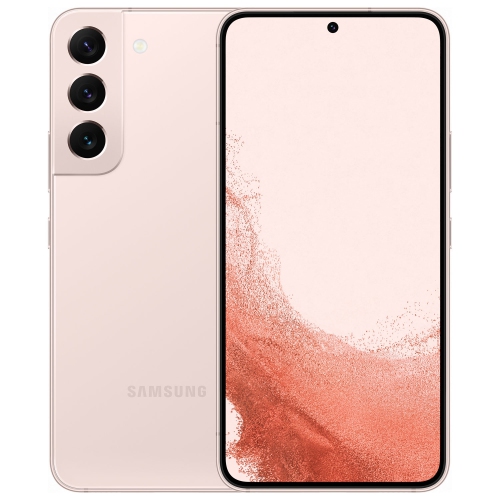

Top Collections:
Pokemon Centers, Kindle Devices, Best Cameras for Sports Photography, Pokémon 30th Celebration Cards, Apple iPhones 16, Canon G7X Cameras, iPhone 15 Apple, Flip Phones, Samsung Galaxy Phones, Alarm Clock
Some products may be subject to Environmental Handling Fees
(EHF) depending on your province.
Learn more about EHFs.