RTX 2050 Laptops
Looking for a powerful and efficient laptop that can handle all your gaming and productivity needs? Look no further than the RTX 2050 laptops. Equipped with cutting-edge graphics and high-performance processors, these laptops are designed to deliver an exceptional gaming experience and seamless multitasking capabilities. Whether you're a hardcore gamer, a creative professional, or a student in need of a reliable machine, the RTX 2050 laptops are sure to impress with their impressive performance and sleek design.
Sort
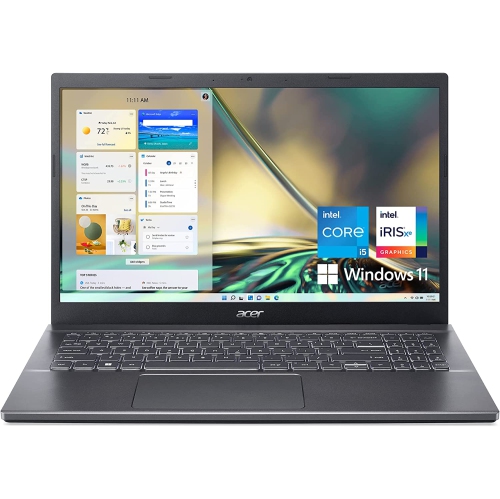
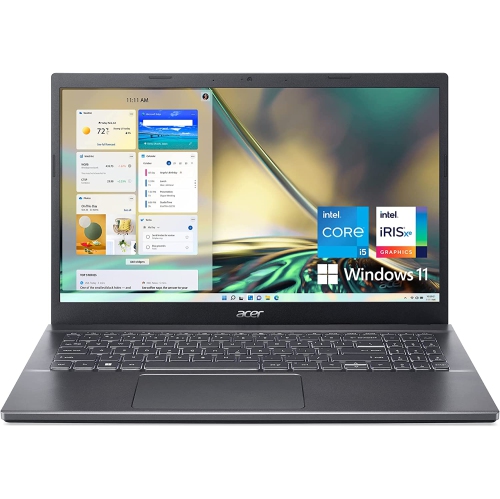
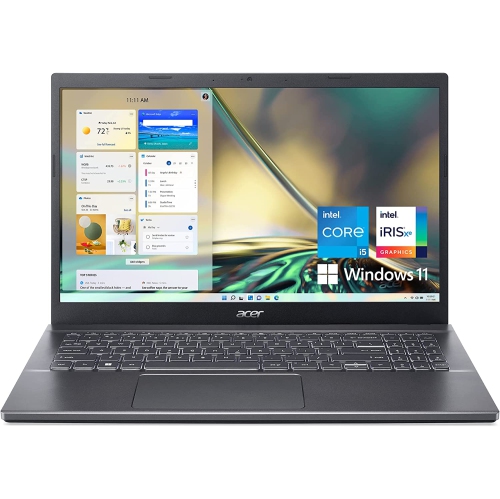
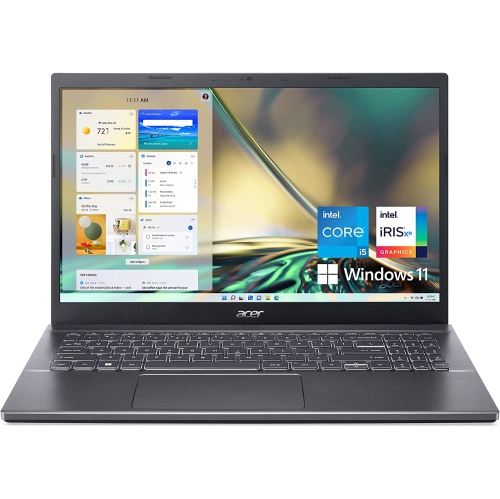
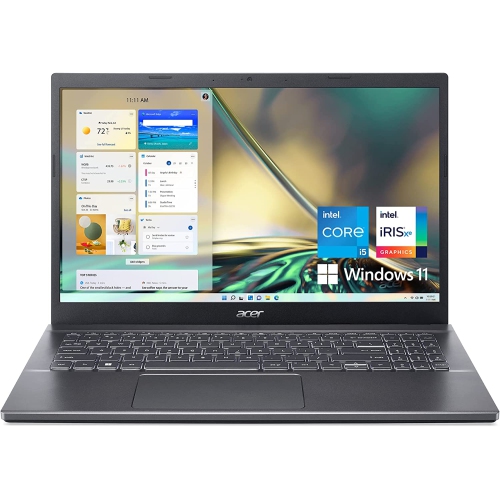
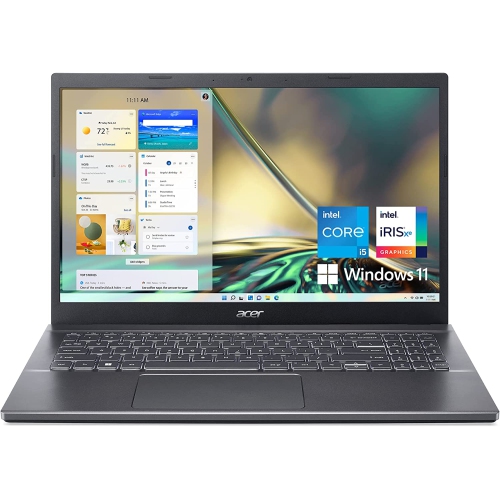
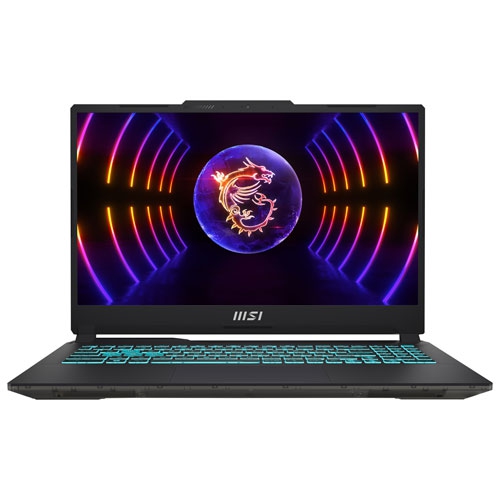
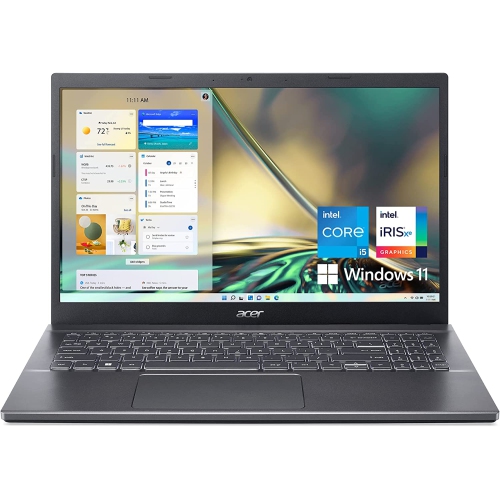
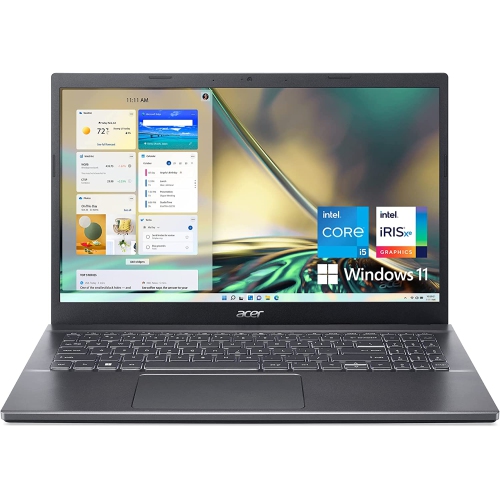
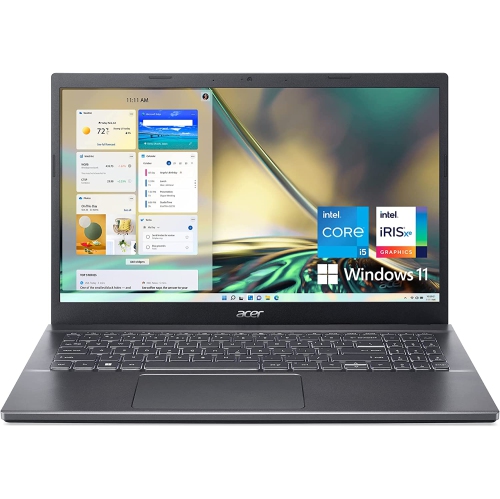
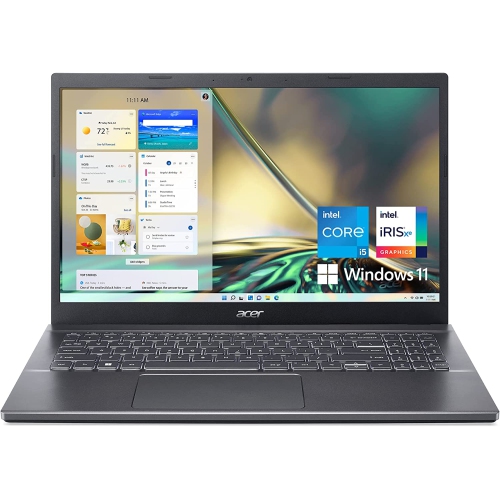
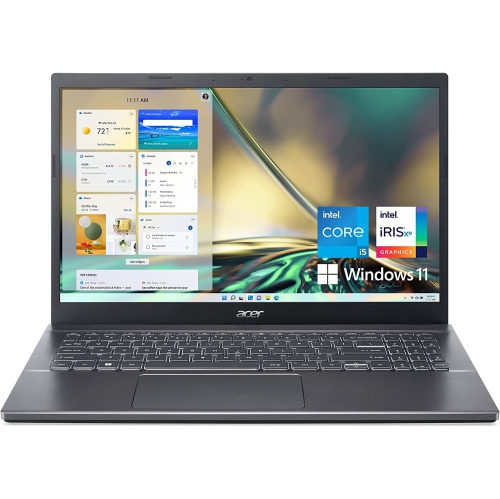
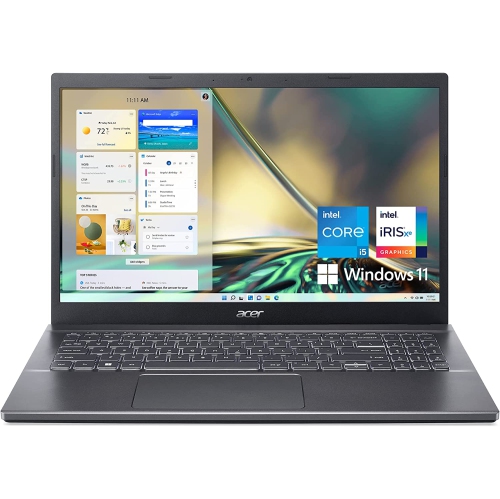
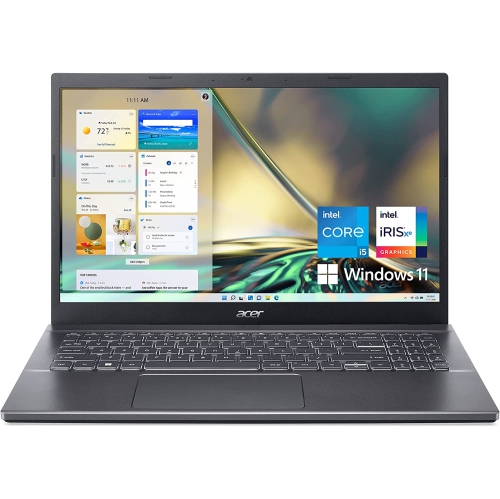
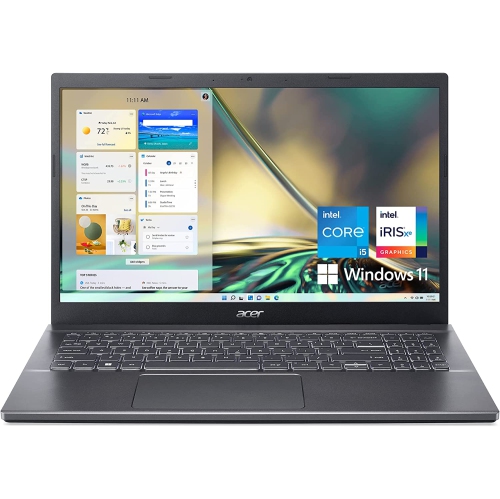
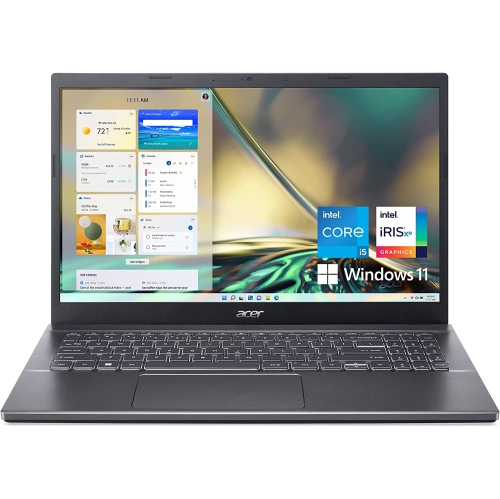
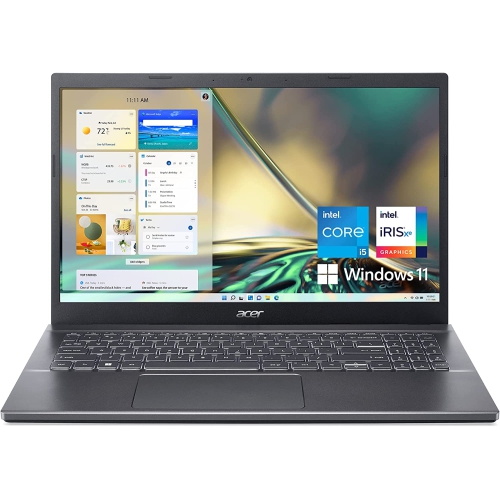
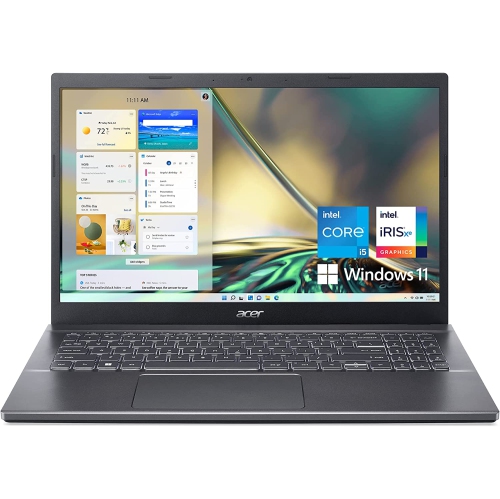
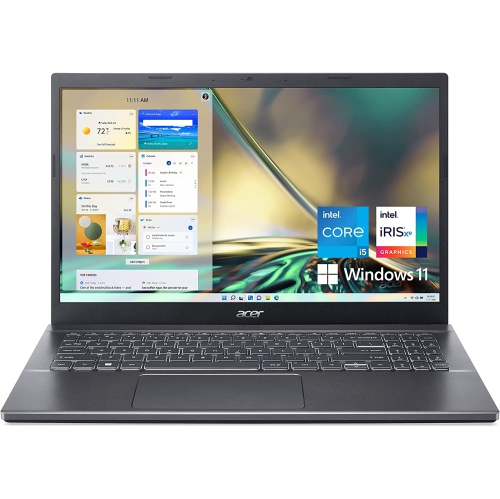
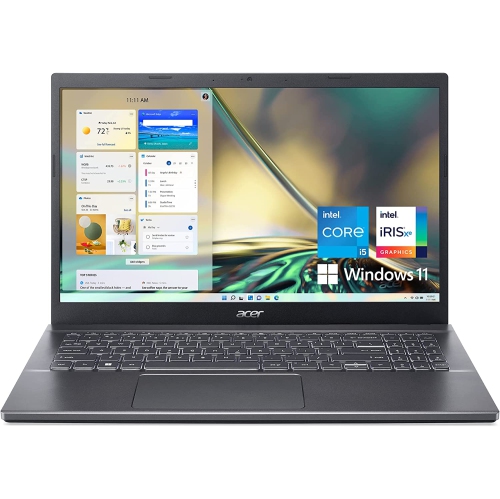
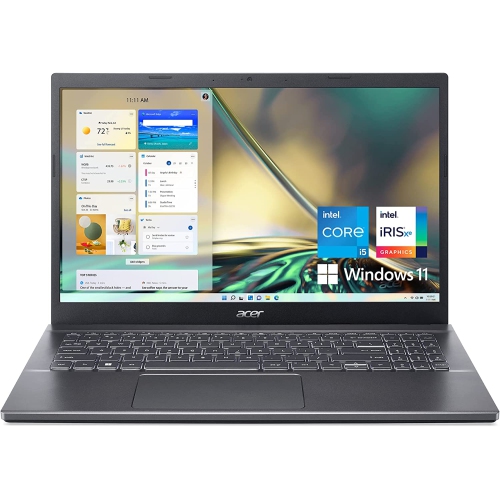
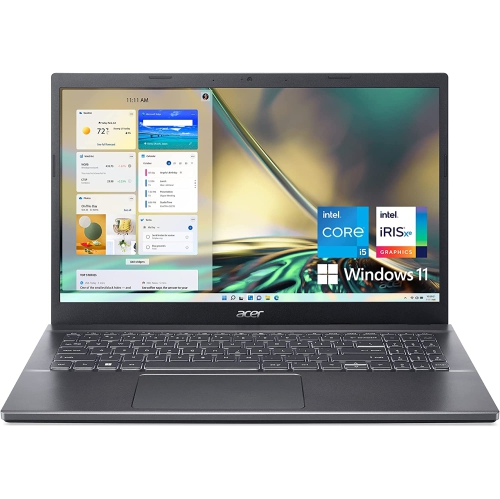
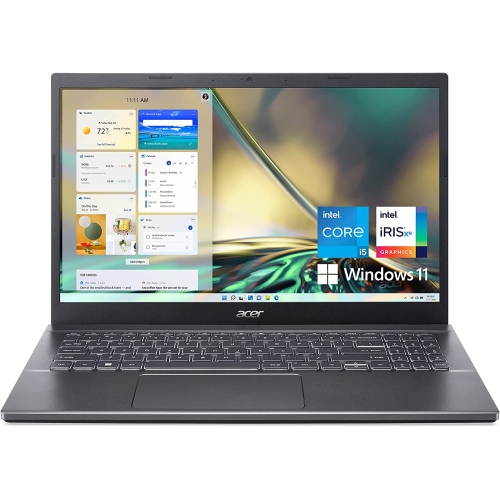
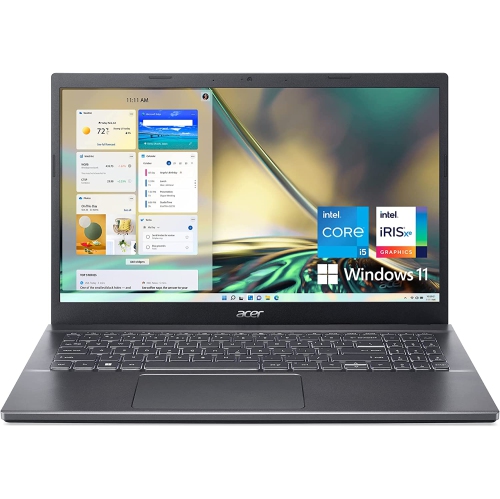
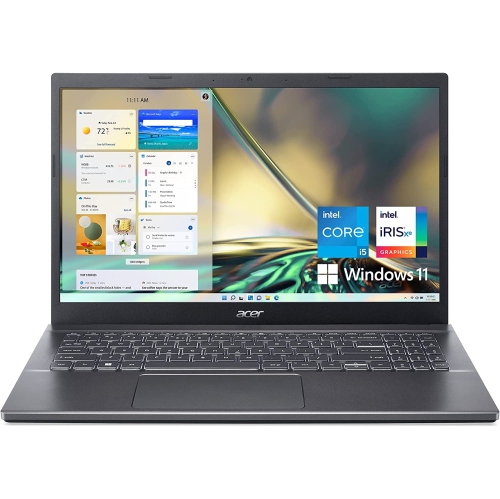
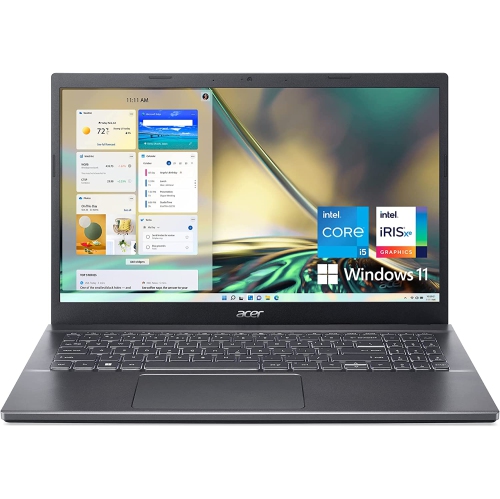
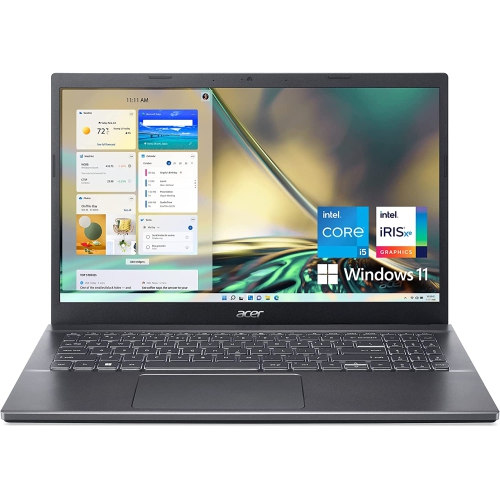
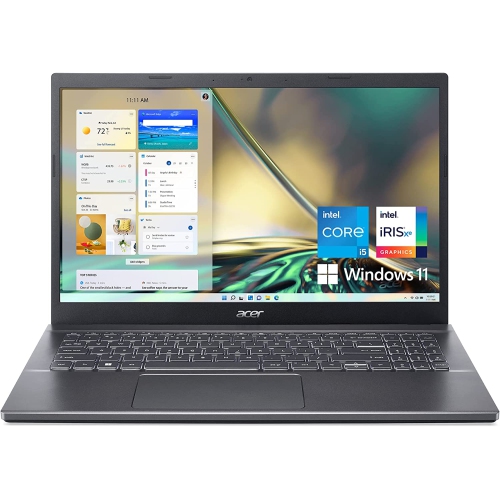
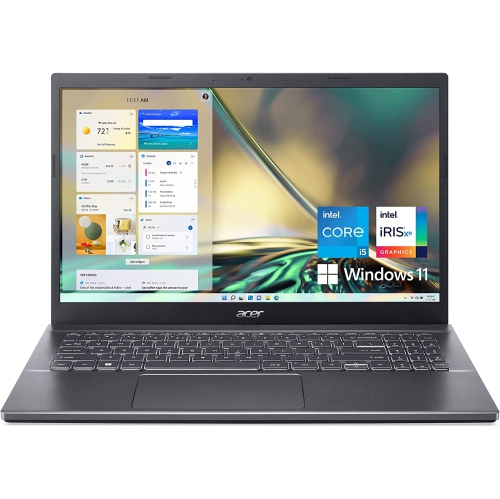
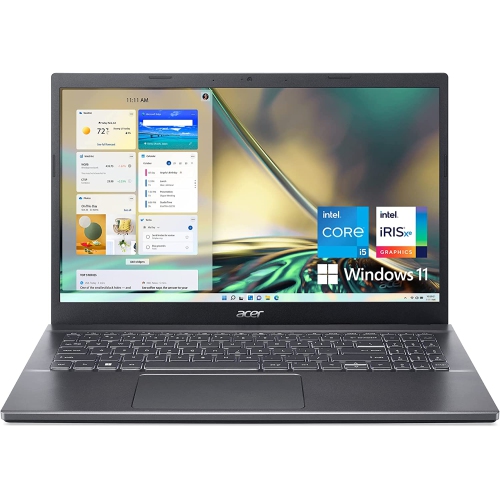
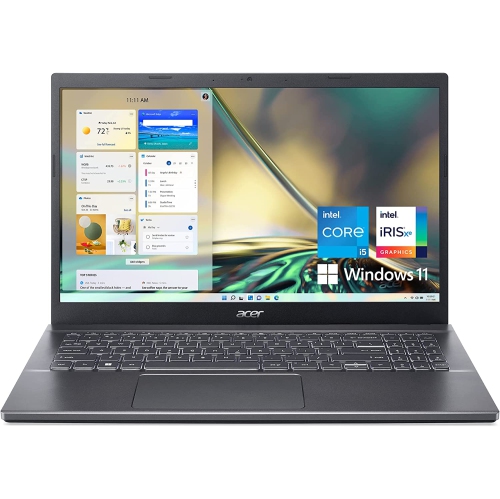
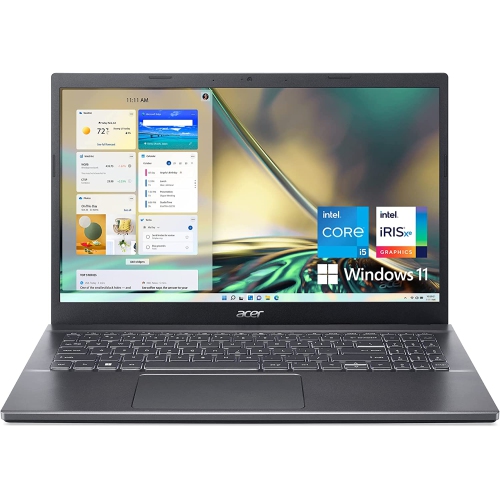
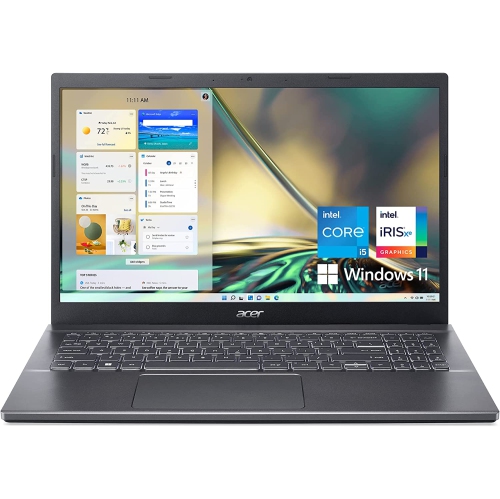
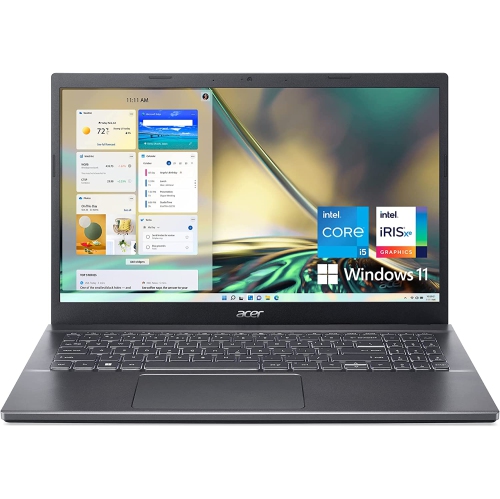
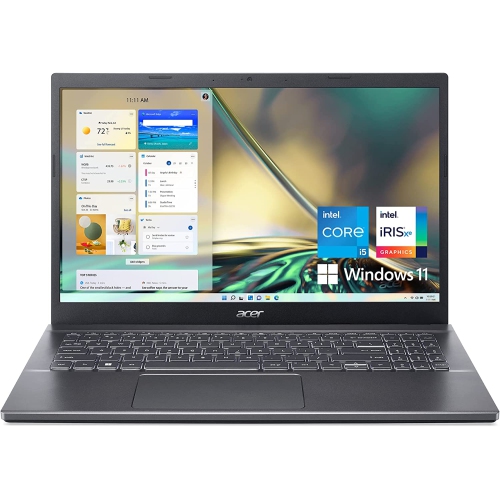
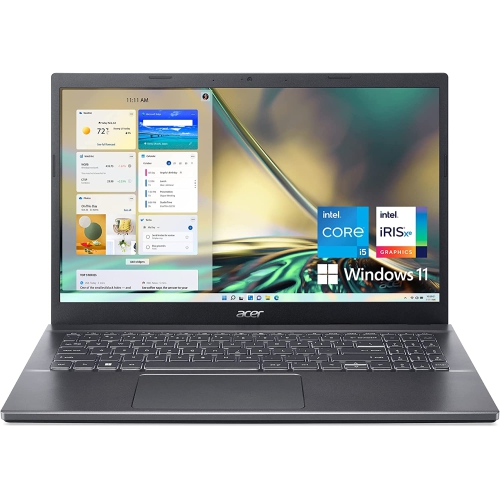
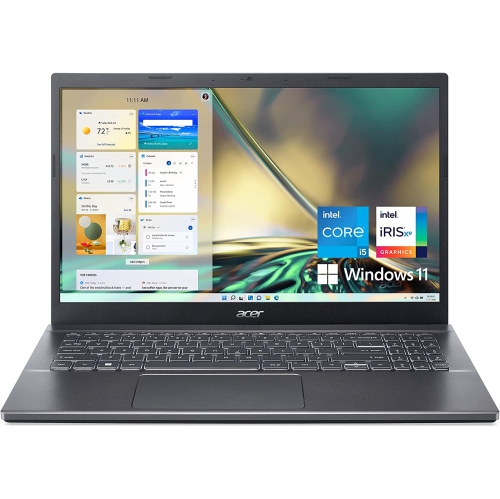
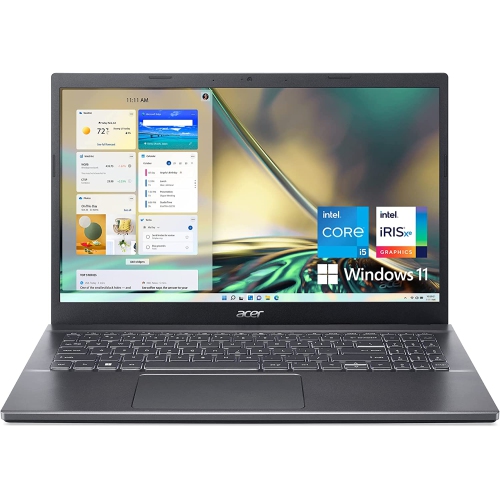
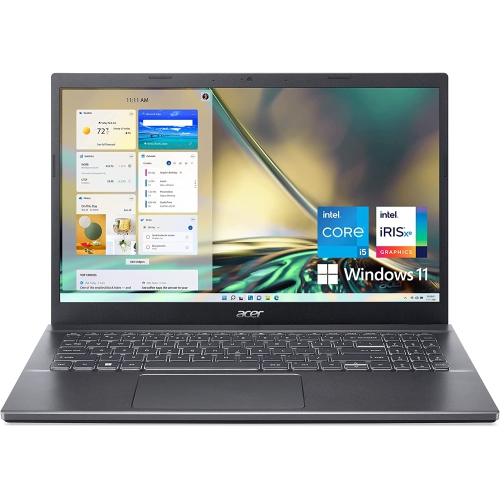
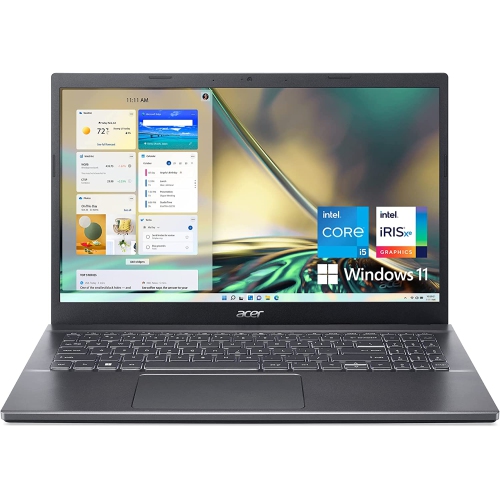
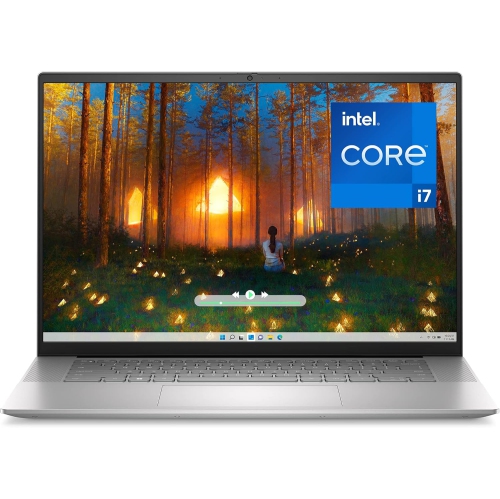
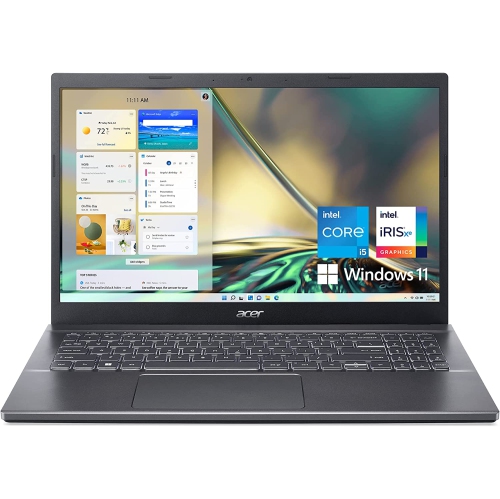
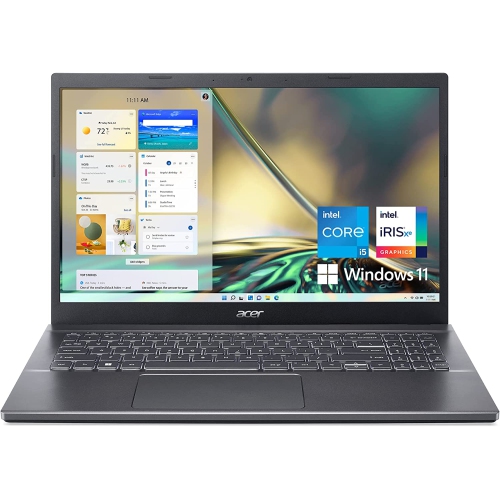
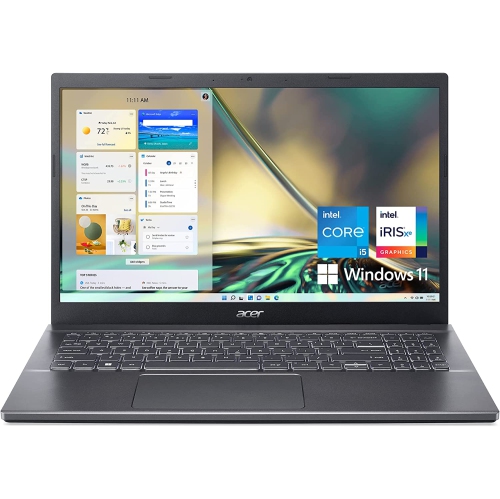
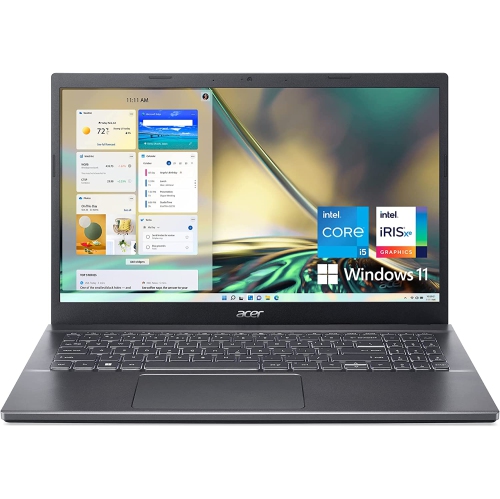
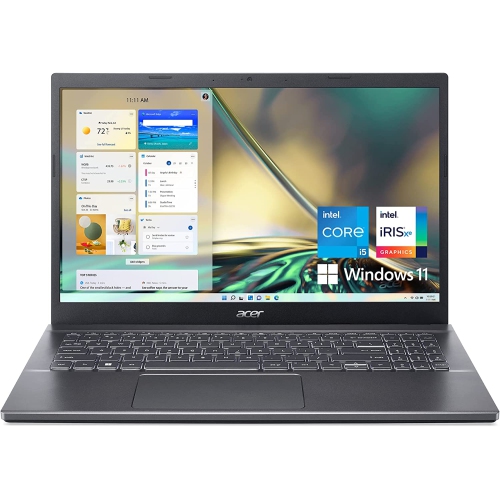
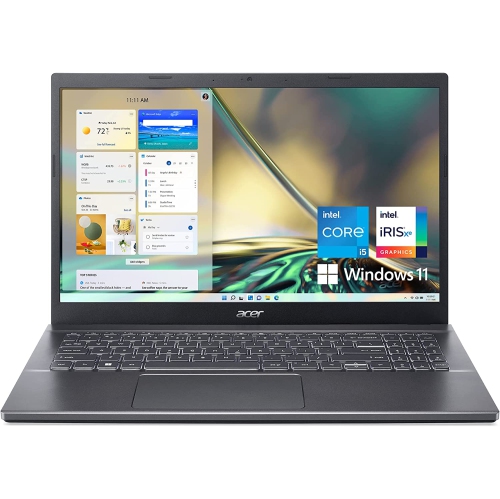
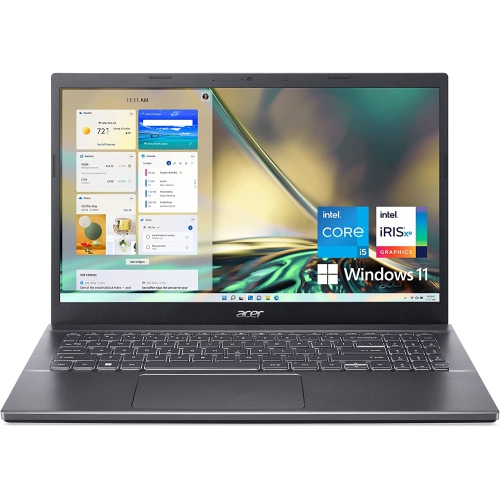
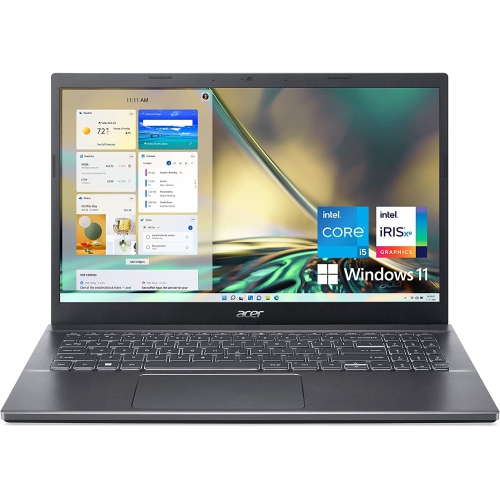
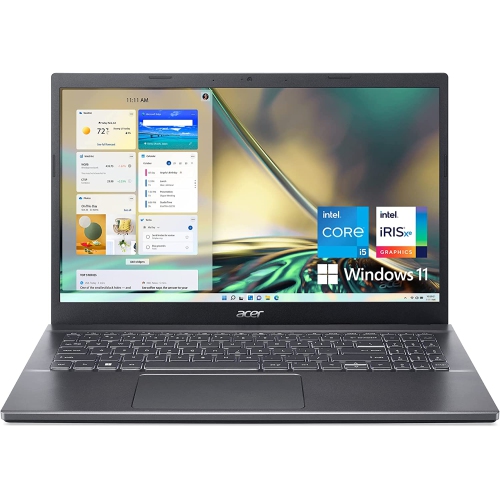
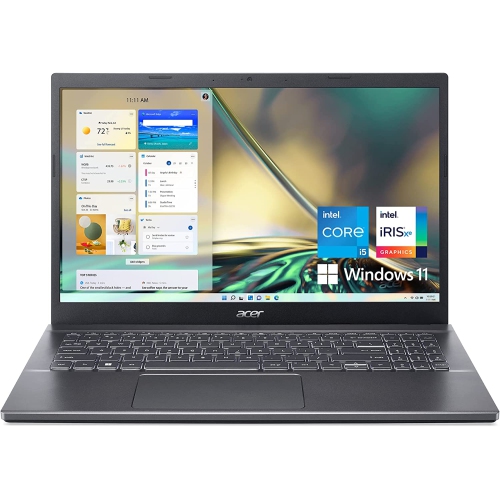
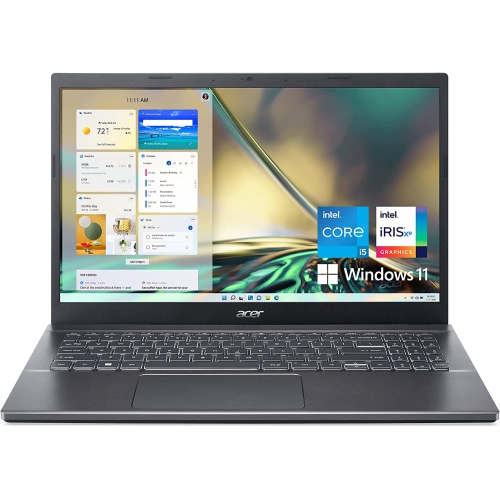
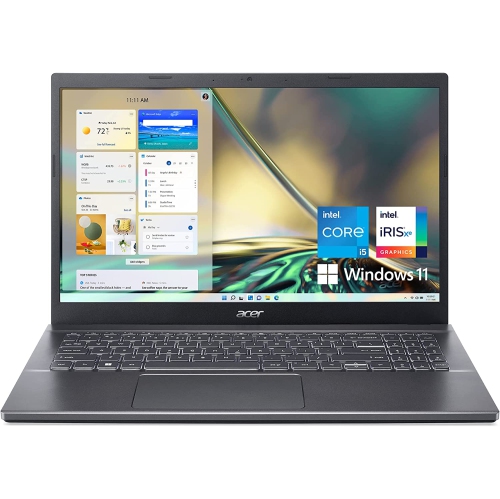
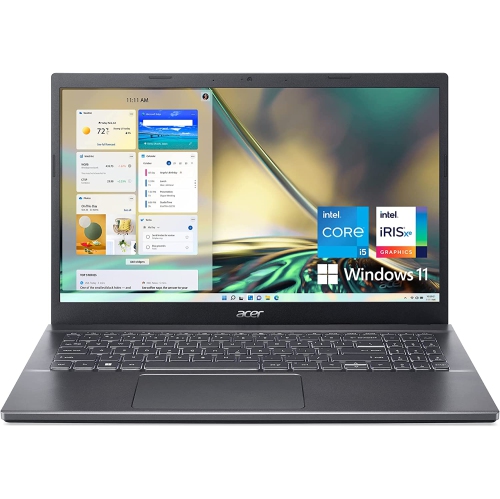
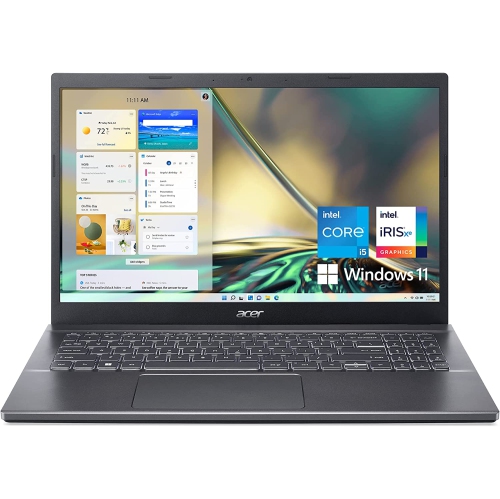
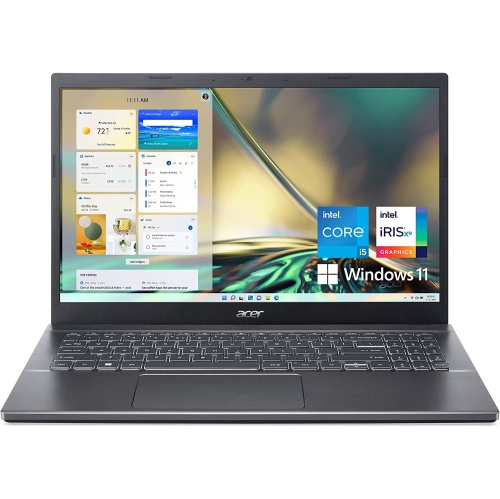
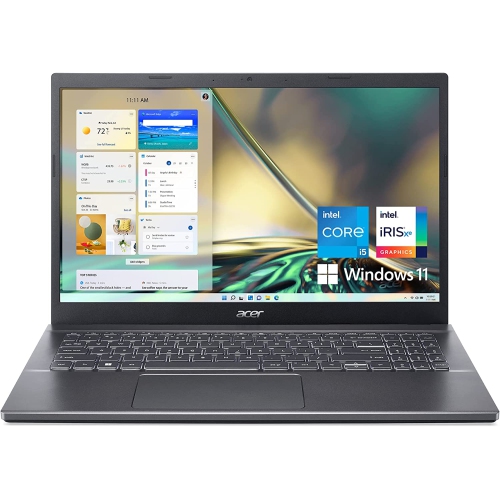
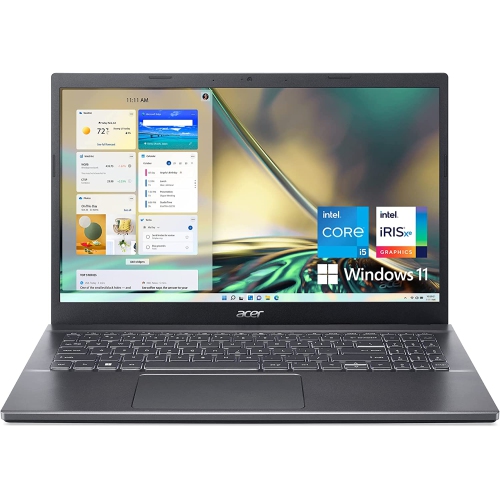
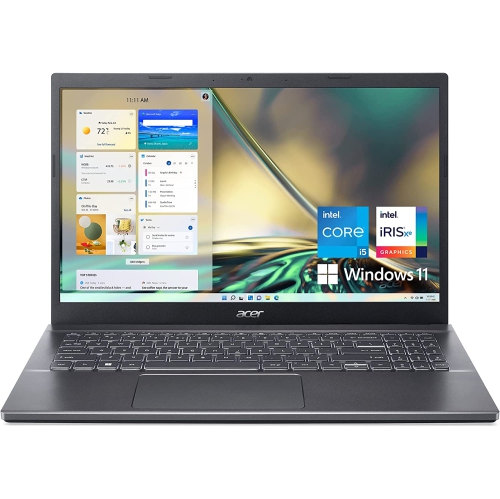
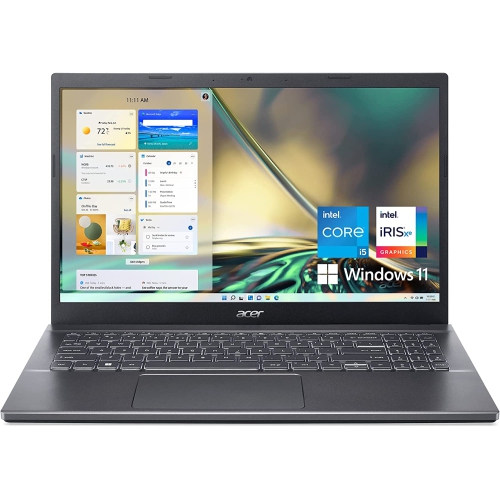
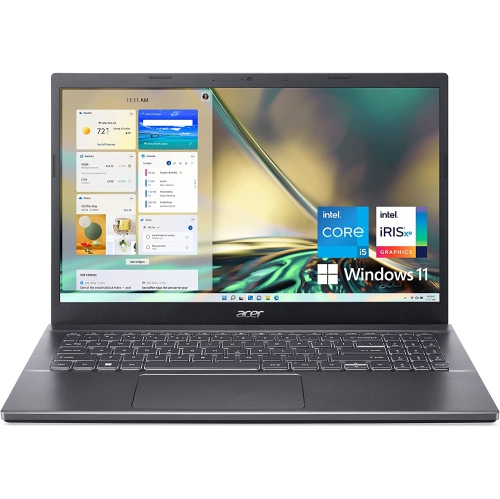
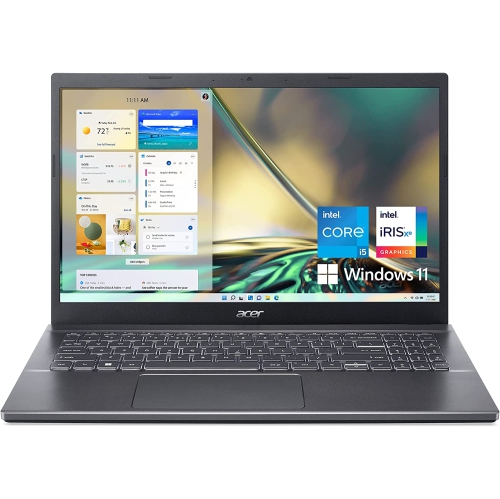
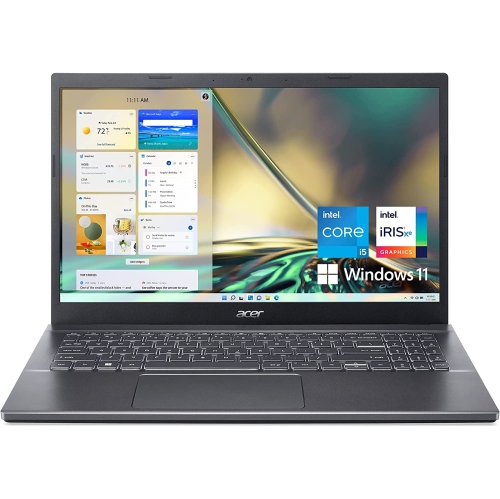
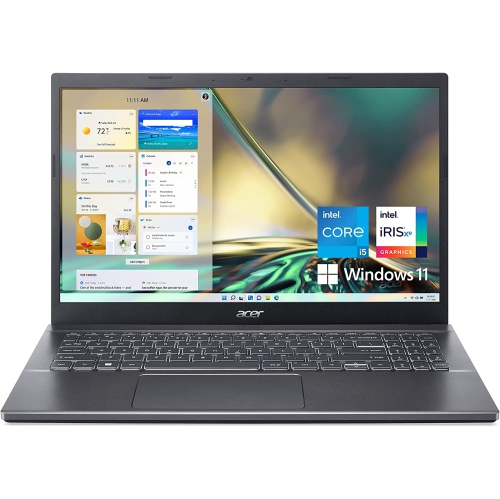
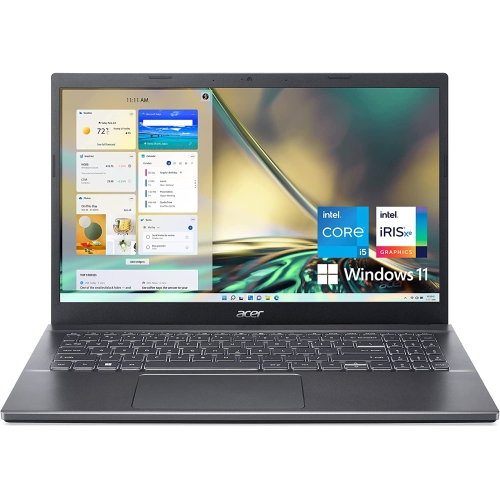
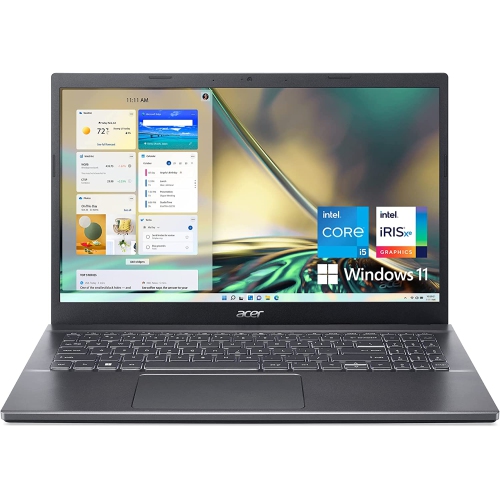
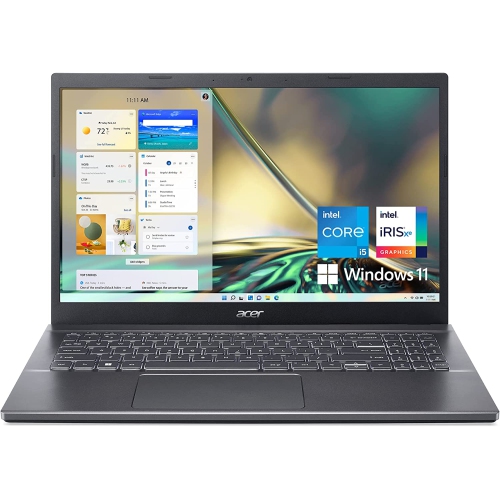
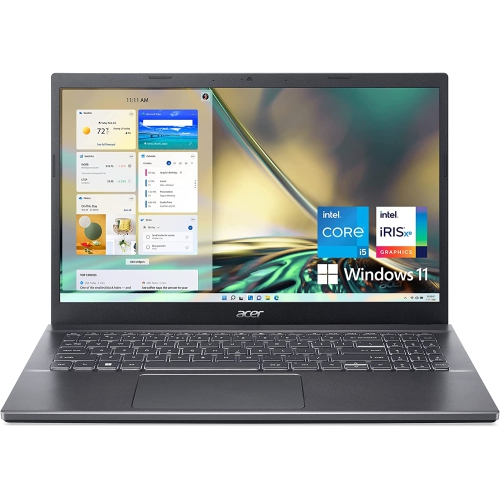
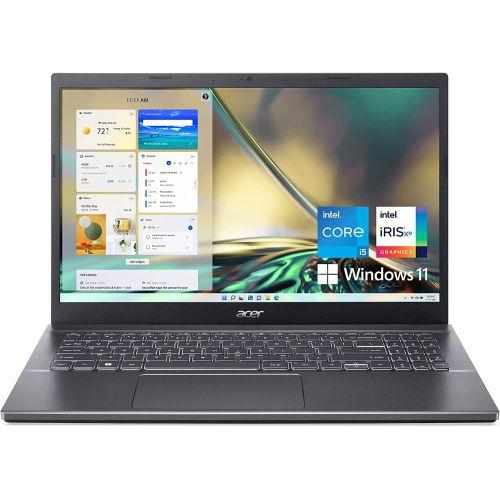
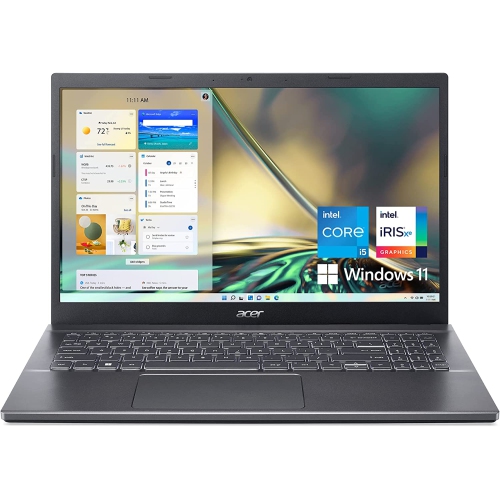
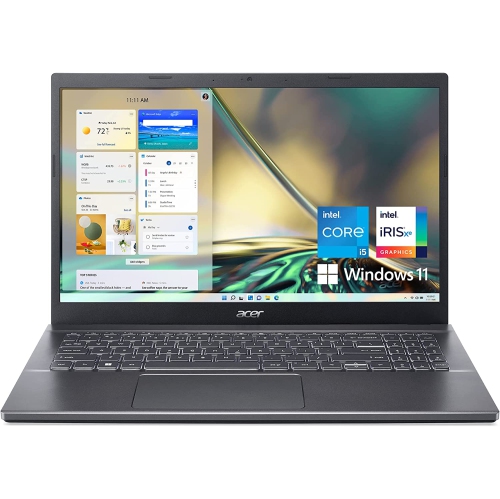
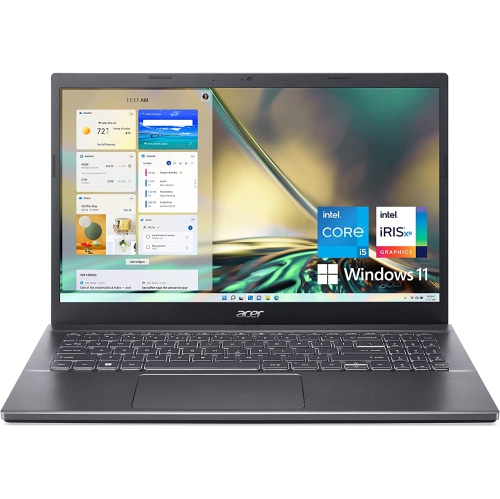
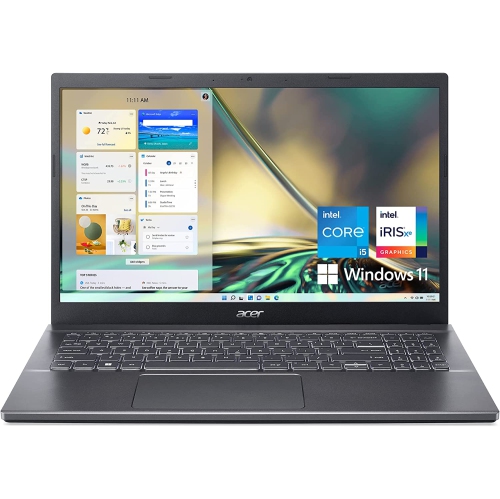
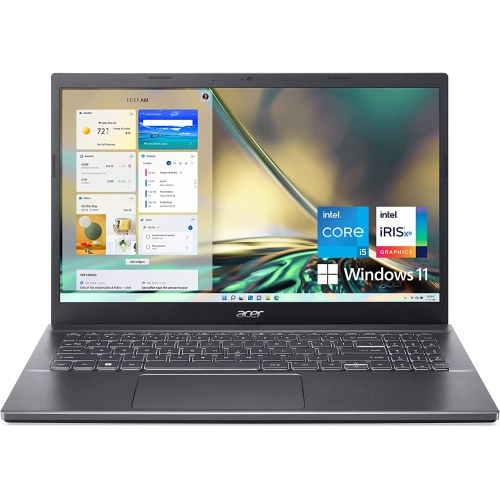
Practical 1080p performance for gaming, school, and creative work
RTX 2050 Laptops offer an accessible way to enjoy PC gaming, creative software, and everyday computing in a portable design. Built around RTX 2050 graphics, these laptops are generally best suited to gaming at 1080p resolution with medium settings, making them a practical choice for players who want smoother visuals and dedicated graphics without moving into a higher price range. Depending on the processor, memory, storage, display, and overall configuration, prices commonly fall between $700 and $1,100. That range makes RTX 2050 laptops appealing to students, first-time gaming PC owners, families shopping for a capable computer, and anyone who needs more graphics power than integrated graphics can provide. They can handle popular competitive games, many independent titles, simulation games, and a broad selection of older or less demanding releases with responsive performance. They are also useful for photo editing, light video editing, 3D applications, school projects, and multitasking between several browser tabs and productivity programs. A laptop with an RTX 2050 graphics processor can be especially handy for someone who moves between a desk, classroom, shared living space, or residence room, since it combines gaming capability with the convenience of a built-in screen, keyboard, and battery. For a student, it can serve as a single computer for assignments during the day and entertainment after the work is finished. For a gift recipient, it can be a thoughtful choice for a teenager, university student, or casual PC gamer who wants to play with friends without carrying a desktop tower and separate monitor. During the cooler months, a laptop can also become a comfortable centre for gaming, streaming, studying, or creative work at home, whether it is used at a desk with an external display or on a sturdy table in a shared room.
When comparing RTX 2050 laptops, begin with the games and applications that matter most, then consider the rest of the configuration as a complete system. The graphics processor is important, but it works alongside the central processor, memory, cooling system, display, and storage. A modern six-core processor can help with game performance, schoolwork, photo adjustments, video calls, and everyday multitasking, while 8GB of RAM may be suitable for basic use but can feel limiting when several demanding applications are open at once. Shoppers who keep many browser tabs open, edit media, or use creative and technical software may prefer a configuration with 16GB of RAM, or a model that allows memory to be upgraded later. Solid-state storage helps games and applications load quickly, and a 512GB SSD provides a useful starting point for the operating system, school files, applications, and a selection of games. Large modern game libraries can fill that space sooner than expected, so check whether the laptop supports an additional drive or whether external storage may be useful. Display specifications also deserve close attention. A 1080p panel keeps the workload appropriate for RTX 2050 graphics, while a higher refresh rate can make movement feel clearer in fast competitive games and scrolling feel more fluid during regular use. Look for comfortable brightness, suitable viewing angles, and a screen size that fits the intended setting. A compact display is easier to carry between rooms or take in a backpack, while a larger screen can make maps, timelines, spreadsheets, and split-screen work easier to see. Keyboard layout, webcam quality, port selection, wireless connectivity, speaker performance, and battery life can have just as much impact on day-to-day satisfaction as frame rates. Gaming laptops typically perform best when connected to AC power, especially during demanding sessions, so consider where the computer will be used and whether there is convenient access to an outlet. Weight and charger size also matter for commuters and students who carry their laptop throughout the day.
RTX 2050 graphics include features that can improve supported games, including ray-traced lighting effects and image-upscaling technology such as DLSS. These features can help create more detailed lighting or maintain smoother performance, although results vary by game and settings. The 4GB of dedicated GDDR6 video memory is well matched to many 1080p gaming situations, but it can become a limitation in newer, heavier, or highly detailed games, particularly when textures and visual effects are set to high levels. For that reason, RTX 2050 laptops are a sensible fit for buyers who value affordability, portability, and current 1080p performance more than maximum settings or long-term headroom for demanding releases. Shoppers who want stronger performance for newer games, higher settings, or more advanced creative workloads may wish to compare the available RTX 4050 Laptops as well. Whichever direction you choose, check the complete specifications instead of judging a laptop by its graphics processor alone. Cooling design can affect sustained performance, and two laptops with the same graphics designation may feel different because of their processors, power limits, displays, memory, and thermal systems. It is also worth considering the accessories that will make the setup more comfortable: a properly sized laptop bag, a mouse for precise control, a headset for voice chat, and a cooling stand or desk riser for improved positioning. A simple routine can help keep performance consistent: install updates, leave adequate ventilation around the air intakes, and avoid using the laptop on soft bedding that can block airflow. With realistic 1080p settings and the right expectations, an RTX 2050 laptop can provide an enjoyable balance of gaming, school, work, and entertainment in one convenient computer.
When comparing RTX 2050 laptops, begin with the games and applications that matter most, then consider the rest of the configuration as a complete system. The graphics processor is important, but it works alongside the central processor, memory, cooling system, display, and storage. A modern six-core processor can help with game performance, schoolwork, photo adjustments, video calls, and everyday multitasking, while 8GB of RAM may be suitable for basic use but can feel limiting when several demanding applications are open at once. Shoppers who keep many browser tabs open, edit media, or use creative and technical software may prefer a configuration with 16GB of RAM, or a model that allows memory to be upgraded later. Solid-state storage helps games and applications load quickly, and a 512GB SSD provides a useful starting point for the operating system, school files, applications, and a selection of games. Large modern game libraries can fill that space sooner than expected, so check whether the laptop supports an additional drive or whether external storage may be useful. Display specifications also deserve close attention. A 1080p panel keeps the workload appropriate for RTX 2050 graphics, while a higher refresh rate can make movement feel clearer in fast competitive games and scrolling feel more fluid during regular use. Look for comfortable brightness, suitable viewing angles, and a screen size that fits the intended setting. A compact display is easier to carry between rooms or take in a backpack, while a larger screen can make maps, timelines, spreadsheets, and split-screen work easier to see. Keyboard layout, webcam quality, port selection, wireless connectivity, speaker performance, and battery life can have just as much impact on day-to-day satisfaction as frame rates. Gaming laptops typically perform best when connected to AC power, especially during demanding sessions, so consider where the computer will be used and whether there is convenient access to an outlet. Weight and charger size also matter for commuters and students who carry their laptop throughout the day.
RTX 2050 graphics include features that can improve supported games, including ray-traced lighting effects and image-upscaling technology such as DLSS. These features can help create more detailed lighting or maintain smoother performance, although results vary by game and settings. The 4GB of dedicated GDDR6 video memory is well matched to many 1080p gaming situations, but it can become a limitation in newer, heavier, or highly detailed games, particularly when textures and visual effects are set to high levels. For that reason, RTX 2050 laptops are a sensible fit for buyers who value affordability, portability, and current 1080p performance more than maximum settings or long-term headroom for demanding releases. Shoppers who want stronger performance for newer games, higher settings, or more advanced creative workloads may wish to compare the available RTX 4050 Laptops as well. Whichever direction you choose, check the complete specifications instead of judging a laptop by its graphics processor alone. Cooling design can affect sustained performance, and two laptops with the same graphics designation may feel different because of their processors, power limits, displays, memory, and thermal systems. It is also worth considering the accessories that will make the setup more comfortable: a properly sized laptop bag, a mouse for precise control, a headset for voice chat, and a cooling stand or desk riser for improved positioning. A simple routine can help keep performance consistent: install updates, leave adequate ventilation around the air intakes, and avoid using the laptop on soft bedding that can block airflow. With realistic 1080p settings and the right expectations, an RTX 2050 laptop can provide an enjoyable balance of gaming, school, work, and entertainment in one convenient computer.
Top selling and popular products
-
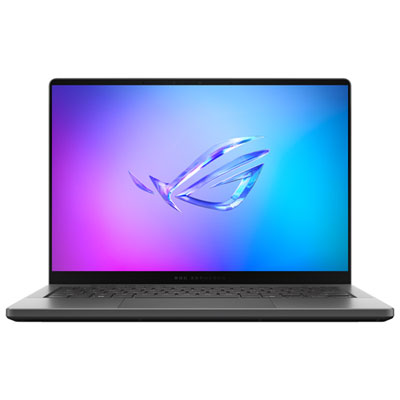 Your price for this item is $3299.99
 -
 Your price for this item is $3149
 -
 Your price for this item is $3399
 -
 Your price for this item is $3699
 -
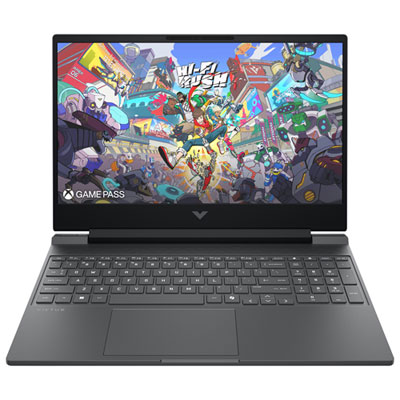 Your price for this item is $999.99
 -
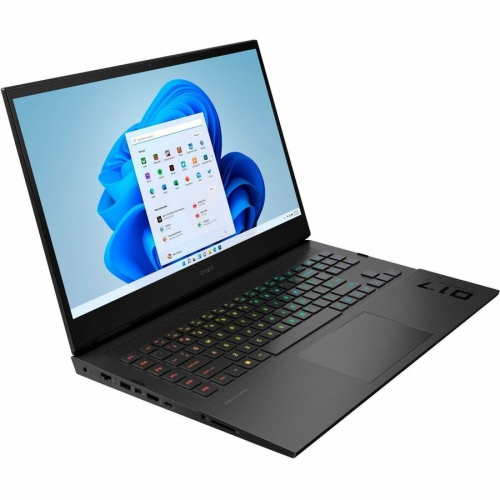 Your price for this item is $4118.21
 -
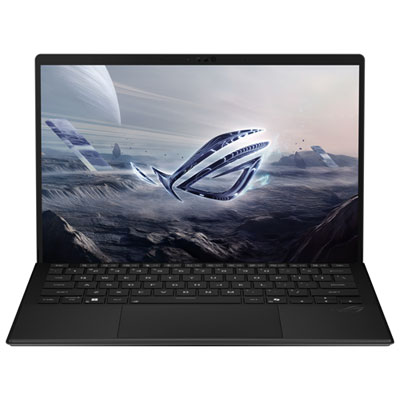 Your price for this item is $3099.99
 -
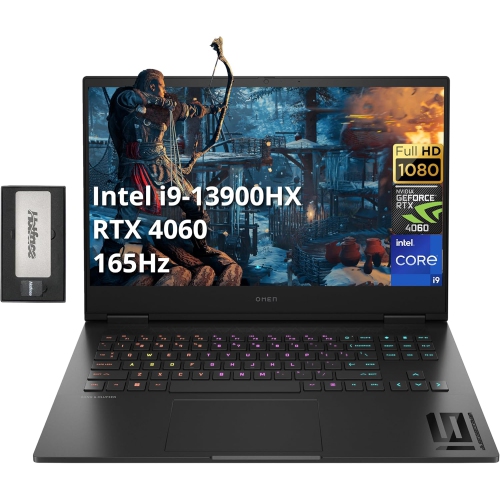 Your price for this item is $2199
Discover more categories related to RTX 2050 Laptops
Top Collections:
Pokemon Centers, Kindle Devices, Best Budget Office Chairs, Apple iPhones 16, Best Laptops for Writers, iPhone 15 Apple, Canon G7X Cameras, Refurbished Apple Laptops, Alarm Clock, Motorola Razr Phones
Some products may be subject to Environmental Handling Fees
(EHF) depending on your province.
Learn more about EHFs.