RTX 4050 Laptops
If you're looking for a powerful and cutting-edge laptop that can take your gaming and productivity to the next level, look no further than these RTX 4050 laptops. With their advanced graphics capabilities, lightning-fast processors, and stunning displays, these laptops are designed to deliver an immersive and seamless computing experience. Whether you're a hardcore gamer, a creative professional, or simply someone who demands top-notch performance, this range of RTX 4050 laptops has something for everyone.
Sort

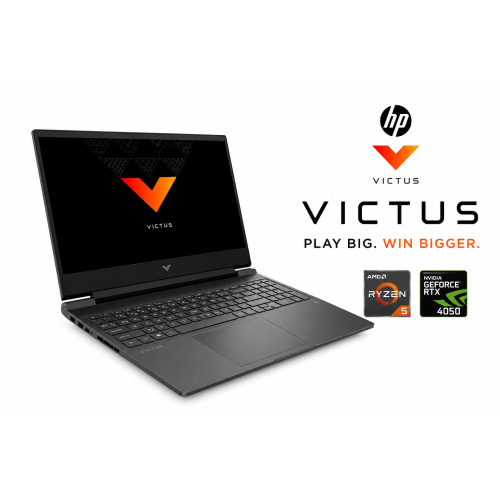
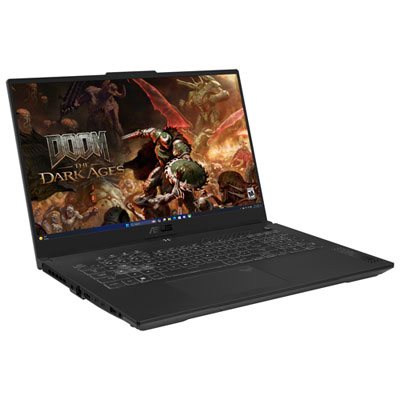
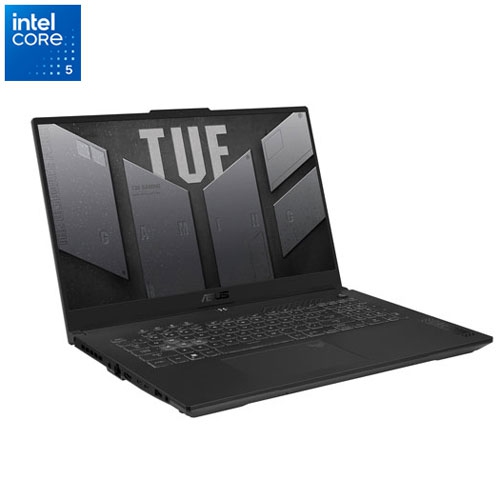
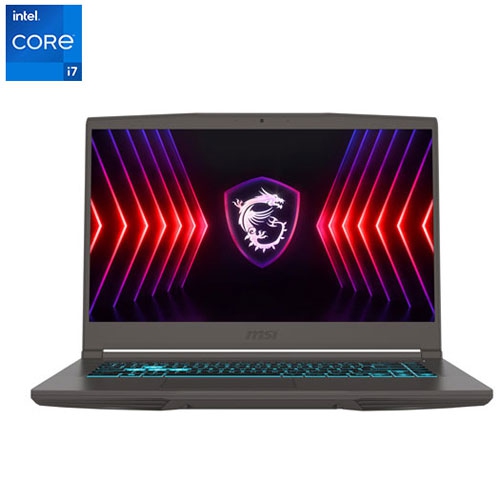
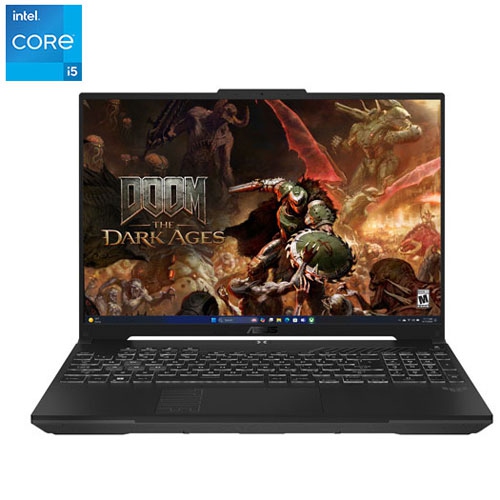
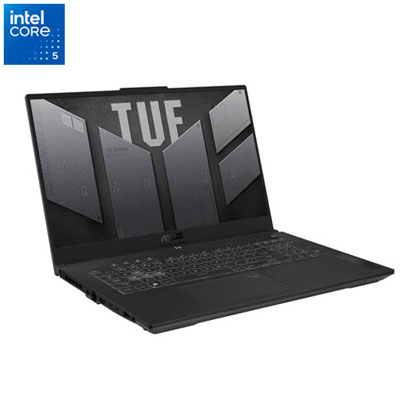
Dedicated graphics for 1080p gaming and creative work
RTX 4050 laptops combine dedicated graphics with the convenience of a portable computer, making them well suited to 1080p gaming, everyday multitasking, and creative applications that can use GPU acceleration. The RTX 4050 laptop GPU has 6GB of dedicated GDDR6 video memory and 2,560 CUDA cores, which support tasks such as rendering game graphics and processing compatible visual workloads. That dedicated video memory is separate from system RAM, so a laptop’s memory specification and graphics memory describe different resources. For gaming, a 1920 × 1080 display is a natural match for this graphics class, offering detailed visuals without the heavier rendering demands of a higher-resolution screen. Many games can run comfortably at medium or high settings, although results depend on the title, resolution, graphics options, and the rest of the laptop’s hardware. Particularly demanding games may benefit from reduced texture quality or less intensive lighting effects. Ray tracing can add more realistic reflections, shadows, and lighting in supported games, but it also increases the workload. Supported DLSS features can help improve performance through image reconstruction, while frame generation can increase displayed frame rates in compatible titles. These features are not supported by every game, and their benefits vary with the starting frame rate and selected settings. Beyond gaming, this category can suit students editing video projects, hobbyists working with 3D scenes, and people who want one computer for both coursework and recreation. A dedicated GPU can accelerate certain effects, previews, and exports when the software supports it, though not every task becomes faster simply because dedicated graphics are present. The 6GB graphics memory capacity also matters for large textures and complex creative projects, where more demanding work may need a different graphics class. For shoppers comparing options for lighter gaming and less demanding graphics tasks, RTX 2050 Laptops offer another category to explore, with performance depending on the complete configuration rather than the graphics name alone.
Two RTX 4050 laptops can deliver noticeably different experiences because processor performance, graphics power limits, cooling, memory, and display quality all contribute to the result. The GPU is commonly configured within a 35W to 115W power range, with some designs allowing additional power through dynamic boosting when operating conditions permit. A higher stated power limit does not guarantee a proportionate increase in speed; the cooling system and how power is shared between the processor and graphics chip also matter. A slim laptop built for frequent travel may behave differently from a thicker design with more room for fans and heatsinks, particularly during a long gaming session or an extended video export. Fan noise is another practical consideration for shared study spaces or recording audio nearby. System RAM affects how comfortably a laptop handles several applications at once, and 16GB is a practical starting point for many gaming and mixed-use workloads. Larger creative projects or heavier multitasking may benefit from more, while upgrade options vary by design. Solid-state storage helps with startup, application launches, and loading files, but capacity deserves equal attention: several large games, video clips, and project backups can occupy a drive quickly. Some laptops allow storage expansion, while others have more limited access or fewer internal slots. The screen shapes everyday use just as strongly as the internal components. A high refresh rate can make motion appear smoother when the laptop produces enough frames, especially in fast-moving games. Colour accuracy and brightness are more relevant when adjusting photographs or reviewing video, and neither is guaranteed by a high refresh rate alone. A taller display can provide extra room for documents and timelines, while a larger screen makes small interface controls easier to see. External display support can turn a portable setup into a more spacious desk arrangement, but the supported resolution, refresh rate, and connection type depend on the laptop’s ports and specifications.
The physical design of an RTX 4050 laptop matters when it moves regularly between a desk, a classroom, and a backpack. Screen sizes in this category often include 15-inch and 16-inch formats, which provide room for games and creative work while remaining portable enough for many daily routines. Weight includes more than the computer itself: a substantial power adapter can make a noticeable difference in a bag carried across campus or on a commute. Battery operation also changes the experience. Demanding games and graphics-heavy applications typically run best with the appropriate power adapter connected, while battery life varies with screen brightness, performance settings, and workload. For typing assignments or joining a video call, keyboard comfort, a responsive touchpad, microphone clarity, and webcam quality may matter more than peak graphics performance. Port placement becomes important at a busy desk, where a charging cable, mouse, headset, and external monitor can compete for space. USB-C features differ between laptops, so the connector’s shape alone does not confirm display output or charging support. Wireless connectivity matters for downloads, online play, and calls, with Wi-Fi performance also depending on the network and signal strength. Construction may use plastic, metal, or a combination of materials; hinge stability, panel rigidity, and the quality of assembly can be more informative than the chassis material by itself. A padded sleeve that fits the laptop’s actual dimensions helps protect it in transit, especially when accessories are carried in a separate compartment rather than pressed against the lid. At a desk, a firm surface keeps ventilation openings clear, whereas bedding or a soft cushion can restrict airflow. Routine care includes keeping liquids away from the keyboard, removing surface dust according to the manufacturer’s directions, and using suitable cleaning methods for the screen. For a student, a developing video editor, or a gaming enthusiast receiving a laptop as a gift, the most useful configuration is one that matches their software, carrying routine, and workspace—not simply the one with the longest specification list.
Two RTX 4050 laptops can deliver noticeably different experiences because processor performance, graphics power limits, cooling, memory, and display quality all contribute to the result. The GPU is commonly configured within a 35W to 115W power range, with some designs allowing additional power through dynamic boosting when operating conditions permit. A higher stated power limit does not guarantee a proportionate increase in speed; the cooling system and how power is shared between the processor and graphics chip also matter. A slim laptop built for frequent travel may behave differently from a thicker design with more room for fans and heatsinks, particularly during a long gaming session or an extended video export. Fan noise is another practical consideration for shared study spaces or recording audio nearby. System RAM affects how comfortably a laptop handles several applications at once, and 16GB is a practical starting point for many gaming and mixed-use workloads. Larger creative projects or heavier multitasking may benefit from more, while upgrade options vary by design. Solid-state storage helps with startup, application launches, and loading files, but capacity deserves equal attention: several large games, video clips, and project backups can occupy a drive quickly. Some laptops allow storage expansion, while others have more limited access or fewer internal slots. The screen shapes everyday use just as strongly as the internal components. A high refresh rate can make motion appear smoother when the laptop produces enough frames, especially in fast-moving games. Colour accuracy and brightness are more relevant when adjusting photographs or reviewing video, and neither is guaranteed by a high refresh rate alone. A taller display can provide extra room for documents and timelines, while a larger screen makes small interface controls easier to see. External display support can turn a portable setup into a more spacious desk arrangement, but the supported resolution, refresh rate, and connection type depend on the laptop’s ports and specifications.
The physical design of an RTX 4050 laptop matters when it moves regularly between a desk, a classroom, and a backpack. Screen sizes in this category often include 15-inch and 16-inch formats, which provide room for games and creative work while remaining portable enough for many daily routines. Weight includes more than the computer itself: a substantial power adapter can make a noticeable difference in a bag carried across campus or on a commute. Battery operation also changes the experience. Demanding games and graphics-heavy applications typically run best with the appropriate power adapter connected, while battery life varies with screen brightness, performance settings, and workload. For typing assignments or joining a video call, keyboard comfort, a responsive touchpad, microphone clarity, and webcam quality may matter more than peak graphics performance. Port placement becomes important at a busy desk, where a charging cable, mouse, headset, and external monitor can compete for space. USB-C features differ between laptops, so the connector’s shape alone does not confirm display output or charging support. Wireless connectivity matters for downloads, online play, and calls, with Wi-Fi performance also depending on the network and signal strength. Construction may use plastic, metal, or a combination of materials; hinge stability, panel rigidity, and the quality of assembly can be more informative than the chassis material by itself. A padded sleeve that fits the laptop’s actual dimensions helps protect it in transit, especially when accessories are carried in a separate compartment rather than pressed against the lid. At a desk, a firm surface keeps ventilation openings clear, whereas bedding or a soft cushion can restrict airflow. Routine care includes keeping liquids away from the keyboard, removing surface dust according to the manufacturer’s directions, and using suitable cleaning methods for the screen. For a student, a developing video editor, or a gaming enthusiast receiving a laptop as a gift, the most useful configuration is one that matches their software, carrying routine, and workspace—not simply the one with the longest specification list.
Top selling and popular products
-
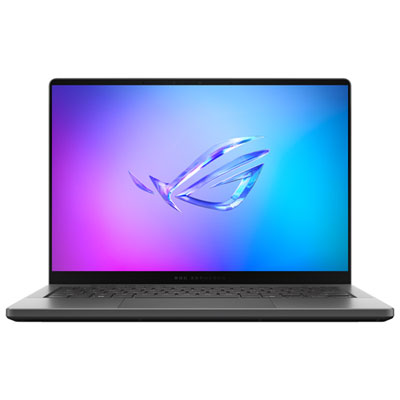 Your price for this item is $3299.99
 -
 Your price for this item is $3149
 -
 Your price for this item is $3399
 -
 Your price for this item is $3699
 -
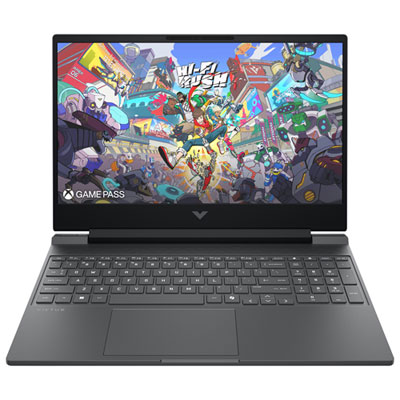 Your price for this item is $999.99
 -
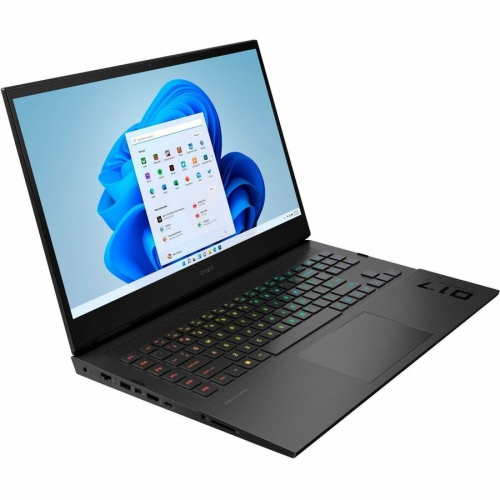 Your price for this item is $4118.21
 -
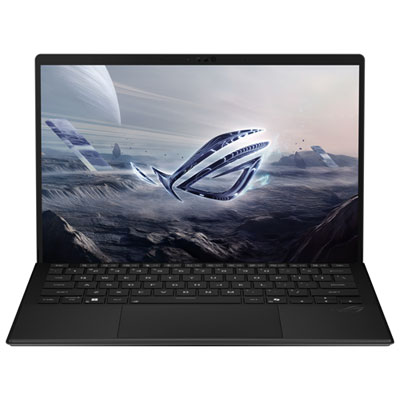 Your price for this item is $3099.99
 -
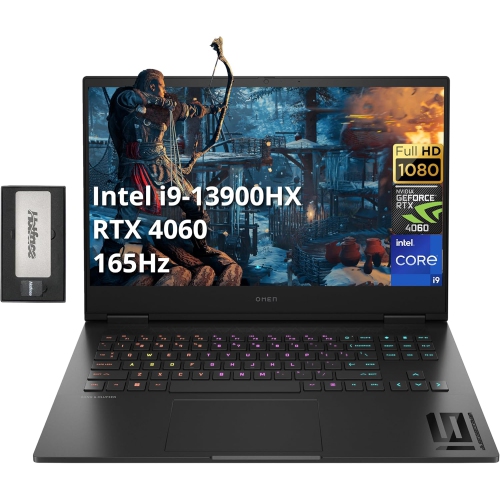 Your price for this item is $2199
Discover more categories related to RTX 4050 Laptops
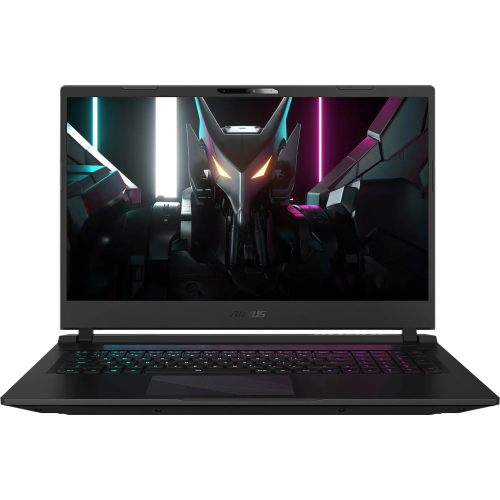
Top Collections:
Pokemon Centers, Kindle Devices, Best Budget Office Chairs, Apple iPhones 16, Best Laptops for Writers, iPhone 15 Apple, Canon G7X Cameras, Refurbished Apple Laptops, Alarm Clock, Motorola Razr Phones
Some products may be subject to Environmental Handling Fees
(EHF) depending on your province.
Learn more about EHFs.