RTX 4060 Laptops
Experience next-level performance and versatility with RTX 4060 laptops, designed to power your productivity, creativity, and entertainment. Whether you're tackling demanding tasks, diving into immersive gaming sessions, or exploring new creative projects, these laptops deliver the speed and efficiency you need. Discover a wide selection of RTX 4060 laptops at Best Buy and find the perfect fit for your on-the-go lifestyle.
Sort

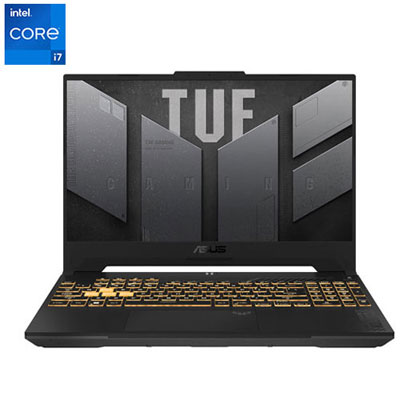
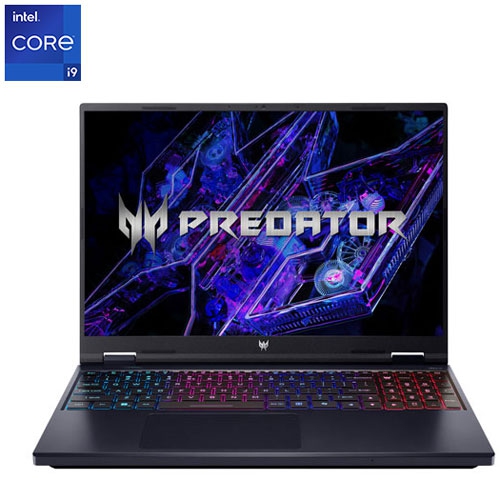
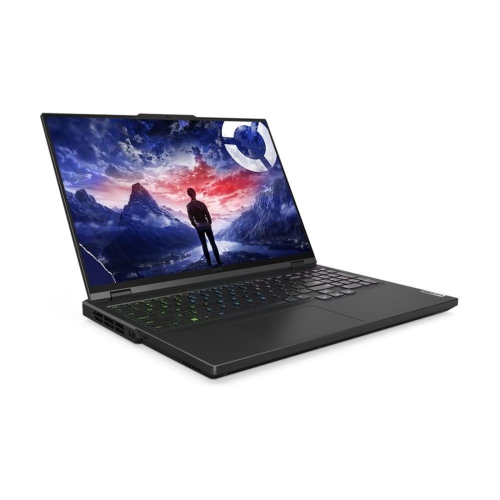
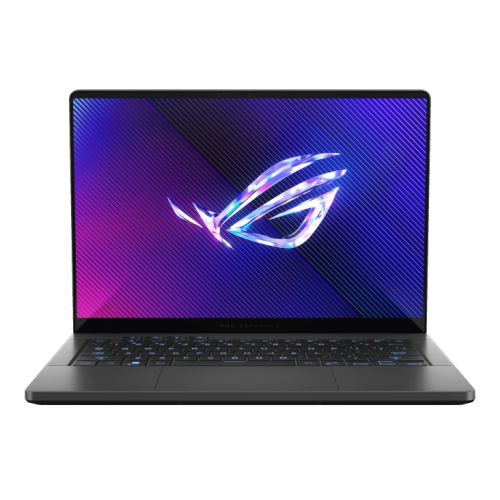
Why laptop gaming performance goes beyond the GPU
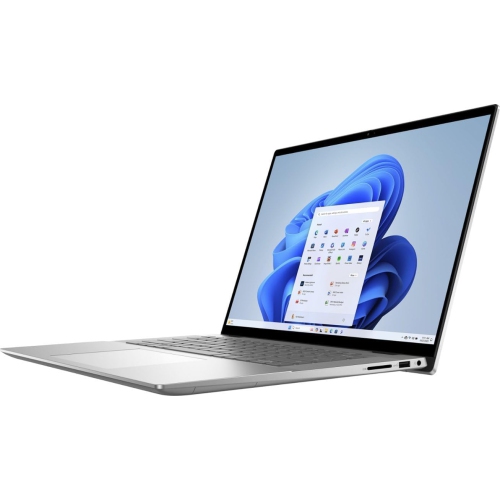
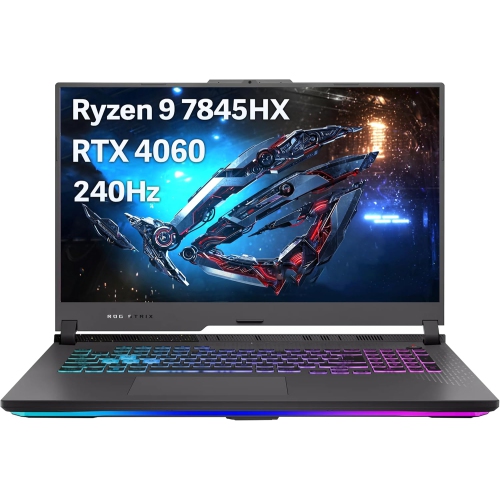
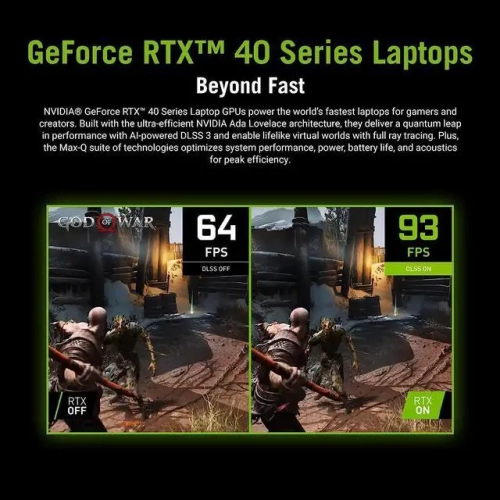
RTX 4060 laptops bring dedicated graphics performance to a portable computer suited to gaming, creative work, and everyday multitasking. The RTX 4060 Laptop GPU includes 8GB of GDDR6 video memory and supports hardware-accelerated ray tracing, AI-assisted upscaling, and frame generation in compatible games. It is well suited to 1080p gaming, with 1440p also practical in many titles when graphics settings and upscaling are matched to the workload. Performance depends on the game, processor, cooling system, and graphics power configuration, so two laptops with the same GPU can deliver different results. Total graphics power, often listed as TGP, helps explain how much power the laptop design allows the graphics processor to use, although a higher figure does not guarantee a proportional increase in speed. A well-balanced system matters more than the GPU name alone. In a fast-paced multiplayer match, a capable processor and a high-refresh-rate display help support responsive play; in a detailed single-player adventure, resolution, texture settings, and lighting effects become more noticeable. Ray tracing can make reflections, shadows, and illumination more lifelike, but it also adds to the graphics workload. DLSS can improve performance by using AI-assisted upscaling, while supported frame generation can increase displayed frame rates by adding generated frames between traditionally rendered ones. Those features are useful options rather than a promise that every game will run at maximum settings, and frame generation does not replace a responsive base frame rate. The GPU’s dedicated video memory stores resources such as textures and rendering data separately from system memory. Its 8GB capacity is useful for this performance class, though especially demanding games at higher resolutions may benefit from reduced texture or ray-tracing settings. For someone moving from integrated graphics or an older gaming notebook, an RTX 4060 laptop can provide room for more detailed games, GPU-accelerated applications, and an external display without requiring a separate desktop tower. That combination suits students, home users, and players who want one computer for both work and downtime.
The rest of an RTX 4060 gaming laptop shapes how comfortable and capable it feels through a full day of use. System memory affects multitasking, with 16GB providing a practical starting point for gaming alongside a browser, voice chat, and everyday applications. Larger creative projects, virtual machines, or heavier multitasking may benefit from 32GB, depending on the software involved. Memory upgrade options vary: some laptops have accessible slots, while others use soldered memory or a combination of both. Solid-state storage helps games and applications load quickly, but capacity deserves attention when a few large installations must share space with course files, video footage, and photos. An additional storage slot can offer flexibility later, provided the laptop supports it. Screen size is equally personal. A 14-inch model may fit more comfortably in a backpack or on a small lecture-hall desk, while a 16-inch or 17-inch design provides more space for timelines, spreadsheets, and game interfaces. Check the actual dimensions and weight, including the power adapter, rather than relying on the screen measurement alone. A refresh rate of 144Hz or higher can make motion look smoother when the system produces enough frames, while pixel response times also influence clarity during movement. For photo and video work, colour accuracy and colour-gamut coverage may matter more than the highest refresh rate. Display brightness and a matte finish can help with visibility near a window or under bright indoor lighting. Keyboard spacing, a readable backlight, and a comfortable palm rest become noticeable during a long assignment or gaming session. A number pad can be helpful for frequent data entry, but it changes the keyboard layout and may affect typing comfort. Port selection also deserves a close look: USB connections support peripherals, HDMI or compatible USB-C video output can connect a monitor, and Ethernet offers a wired networking option where supported. USB-C capabilities differ between laptops, so a connector’s shape alone does not confirm display output or charging support. Wi-Fi specifications, webcam quality, and microphone clarity round out the experience for online classes, group calls, and shared play.
Materials, construction, and cooling help determine how an RTX 4060 laptop holds up to regular movement between a desk, a classroom, and a living-room table. Chassis may use plastic, metal, or a mix of materials; overall rigidity, hinge stability, and thoughtful assembly matter alongside the exterior finish. A metal lid can feel sturdy, but it does not make a laptop immune to dents, and a well-built plastic chassis can still be suitable for daily use. A padded sleeve or properly fitted laptop compartment helps protect the screen and corners during travel, especially when the bag also carries books, cables, and a substantial power adapter. During demanding games or rendering tasks, fans need unobstructed airflow. A firm, flat surface is preferable to a blanket or cushion that can block intake vents, and leaving room around exhaust outlets helps the cooling system work as intended. Fan noise varies with the design and performance mode, which matters when sharing a study space or using the built-in speakers. Full gaming performance generally requires the supplied power adapter; battery operation often reduces performance, and gaming can drain the battery much faster than document editing or browsing. For routine care, shut the laptop down before cleaning, use a soft lint-free cloth, and follow the manufacturer’s directions for the screen and vents. Avoid spraying liquid directly onto the computer, and check service guidance before opening the chassis for upgrades or internal cleaning. Beyond gaming, the graphics hardware can accelerate supported video-editing effects, 3D rendering, and other creative tasks, making these laptops useful to hobbyists and students whose software benefits from a dedicated GPU. They can also make a thoughtful gift when the recipient’s preferred games, required applications, and portability needs are known. Shoppers comparing graphics tiers can also explore RTX 4050 Laptops, keeping the complete system configuration in view. The most suitable RTX 4060 laptop is one whose screen, memory, storage, construction, and connectivity complement its graphics performance and fit the way it will actually be used.
The rest of an RTX 4060 gaming laptop shapes how comfortable and capable it feels through a full day of use. System memory affects multitasking, with 16GB providing a practical starting point for gaming alongside a browser, voice chat, and everyday applications. Larger creative projects, virtual machines, or heavier multitasking may benefit from 32GB, depending on the software involved. Memory upgrade options vary: some laptops have accessible slots, while others use soldered memory or a combination of both. Solid-state storage helps games and applications load quickly, but capacity deserves attention when a few large installations must share space with course files, video footage, and photos. An additional storage slot can offer flexibility later, provided the laptop supports it. Screen size is equally personal. A 14-inch model may fit more comfortably in a backpack or on a small lecture-hall desk, while a 16-inch or 17-inch design provides more space for timelines, spreadsheets, and game interfaces. Check the actual dimensions and weight, including the power adapter, rather than relying on the screen measurement alone. A refresh rate of 144Hz or higher can make motion look smoother when the system produces enough frames, while pixel response times also influence clarity during movement. For photo and video work, colour accuracy and colour-gamut coverage may matter more than the highest refresh rate. Display brightness and a matte finish can help with visibility near a window or under bright indoor lighting. Keyboard spacing, a readable backlight, and a comfortable palm rest become noticeable during a long assignment or gaming session. A number pad can be helpful for frequent data entry, but it changes the keyboard layout and may affect typing comfort. Port selection also deserves a close look: USB connections support peripherals, HDMI or compatible USB-C video output can connect a monitor, and Ethernet offers a wired networking option where supported. USB-C capabilities differ between laptops, so a connector’s shape alone does not confirm display output or charging support. Wi-Fi specifications, webcam quality, and microphone clarity round out the experience for online classes, group calls, and shared play.
Materials, construction, and cooling help determine how an RTX 4060 laptop holds up to regular movement between a desk, a classroom, and a living-room table. Chassis may use plastic, metal, or a mix of materials; overall rigidity, hinge stability, and thoughtful assembly matter alongside the exterior finish. A metal lid can feel sturdy, but it does not make a laptop immune to dents, and a well-built plastic chassis can still be suitable for daily use. A padded sleeve or properly fitted laptop compartment helps protect the screen and corners during travel, especially when the bag also carries books, cables, and a substantial power adapter. During demanding games or rendering tasks, fans need unobstructed airflow. A firm, flat surface is preferable to a blanket or cushion that can block intake vents, and leaving room around exhaust outlets helps the cooling system work as intended. Fan noise varies with the design and performance mode, which matters when sharing a study space or using the built-in speakers. Full gaming performance generally requires the supplied power adapter; battery operation often reduces performance, and gaming can drain the battery much faster than document editing or browsing. For routine care, shut the laptop down before cleaning, use a soft lint-free cloth, and follow the manufacturer’s directions for the screen and vents. Avoid spraying liquid directly onto the computer, and check service guidance before opening the chassis for upgrades or internal cleaning. Beyond gaming, the graphics hardware can accelerate supported video-editing effects, 3D rendering, and other creative tasks, making these laptops useful to hobbyists and students whose software benefits from a dedicated GPU. They can also make a thoughtful gift when the recipient’s preferred games, required applications, and portability needs are known. Shoppers comparing graphics tiers can also explore RTX 4050 Laptops, keeping the complete system configuration in view. The most suitable RTX 4060 laptop is one whose screen, memory, storage, construction, and connectivity complement its graphics performance and fit the way it will actually be used.
Top selling and popular products
-
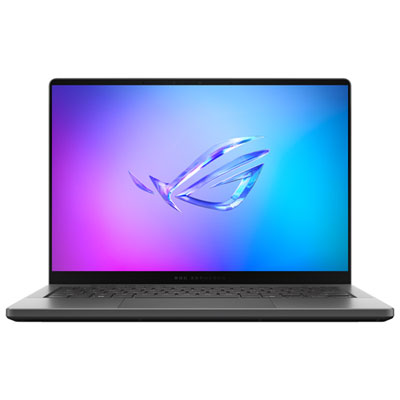 Your price for this item is $3299.99
 -
 Your price for this item is $3149
 -
 Your price for this item is $3399
 -
 Your price for this item is $3699
 -
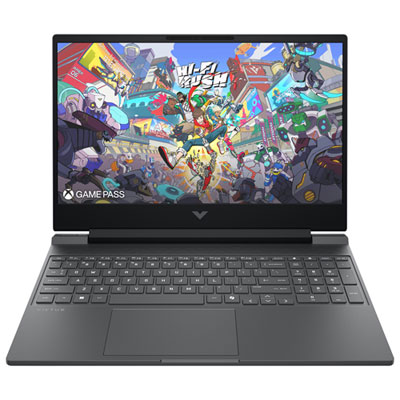 Your price for this item is $999.99
 -
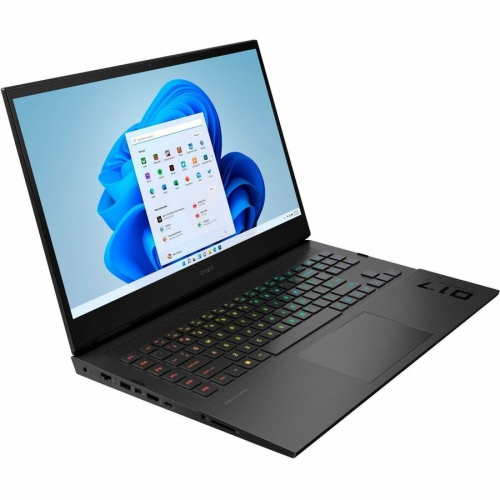 Your price for this item is $4118.21
 -
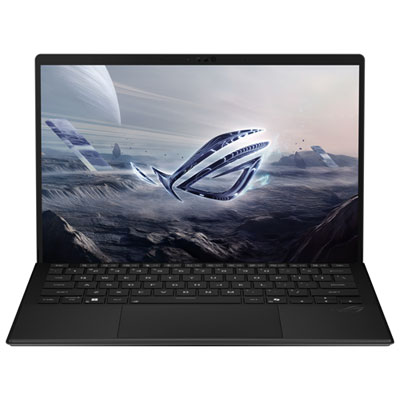 Your price for this item is $3099.99
 -
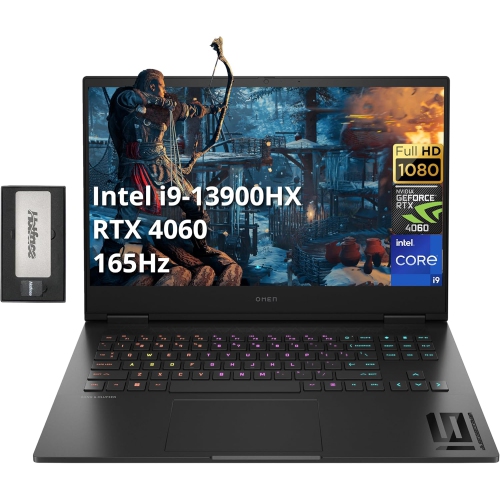 Your price for this item is $2199
Discover more categories related to RTX 4060 Laptops
Top Collections:
Pokemon Centers, Kindle Devices, Best Budget Office Chairs, Apple iPhones 16, Best Laptops for Writers, iPhone 15 Apple, Canon G7X Cameras, Refurbished Apple Laptops, Alarm Clock, Motorola Razr Phones
Some products may be subject to Environmental Handling Fees
(EHF) depending on your province.
Learn more about EHFs.