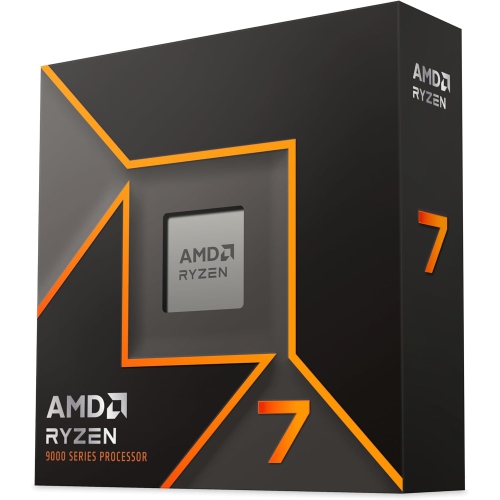
Ryzen 7 9700X
Experience next-level performance with the Ryzen 7 9700X, designed to elevate your computing power for gaming, creative projects, and everyday multitasking. Explore a range of options that pair seamlessly with advanced graphics cards, memory solutions, and compatible motherboards. Whether you're building a new PC or upgrading your current setup, the Ryzen 7 9700X offers the versatility and reliability you need for smooth and efficient operation. Discover the perfect components to unlock the full potential of your system.
Sort


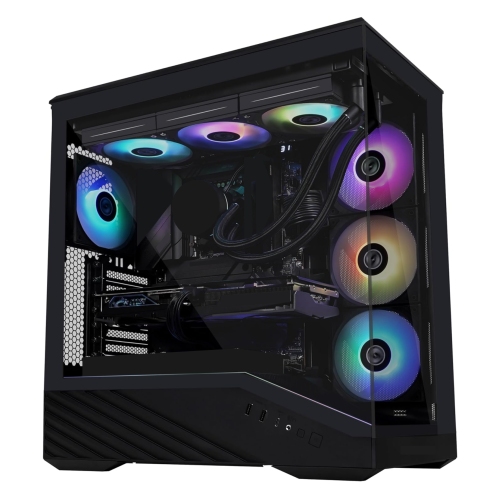
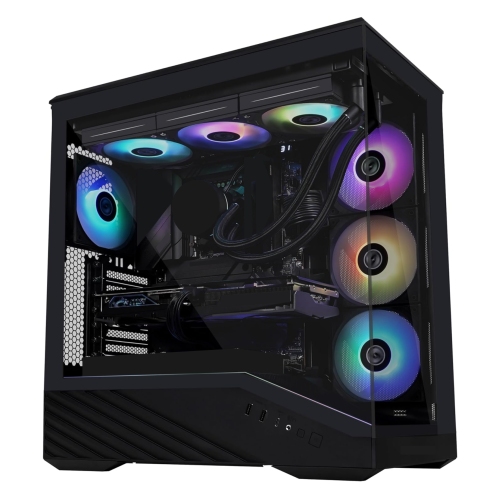
Why eight cores are only part of the picture
Eight-core desktop processors with sixteen threads suit PCs that need to handle gaming, creative work, and everyday multitasking without being built around just one activity. A desktop might run a game and voice chat together, move between a large spreadsheet and a browser full of research tabs, or process a batch of photos while music plays in the background. The processor coordinates these jobs, but its performance depends on more than the number printed beside its clock speed. Cores provide physical processing resources, while support for multiple threads allows each core to manage more than one thread of instructions, improving throughput in software that can take advantage of it. Architecture, cache, memory configuration, and application design all influence how responsive the finished computer feels. Cache is fast memory located on the processor that keeps frequently needed data close to the cores, reducing some trips to system memory. Base clock and maximum boost clock describe different operating conditions: a maximum boost figure is not a promise that every core will run at that speed throughout a demanding task. Actual speeds vary with workload, cooling, power settings, and motherboard firmware. For gaming, processor performance matters particularly when targeting high frame rates, managing busy simulation scenes, or keeping background applications running. At higher resolutions with demanding visual settings, the graphics card often becomes the greater performance constraint. For photo editing, software development, music production, and video work, the balance shifts according to the application. Some operations benefit most from strong performance on a small number of cores; others can distribute work across many threads. That makes an eight-core configuration a practical middle ground for people who want one desktop for both recreation and productive work. A balanced system pairs that processing capability with enough memory, suitable storage, and graphics hardware matched to the actual workload rather than treating the CPU specification as a complete measure of the computer.
Physical and electrical compatibility are central to a desktop processor purchase. An AM5 processor requires an AM5 motherboard, but a matching socket alone does not confirm that a particular board is ready to run every compatible processor generation. The motherboard manufacturer’s CPU support list identifies supported processors and the firmware version each requires. An older board may need a BIOS update before it can start with a newer CPU, and updating without an already supported processor requires a board with the appropriate firmware-flash feature. AM5 desktop systems use DDR5 memory rather than DDR4, so an upgrade from an older platform may involve replacing the motherboard and memory as well as the processor. Memory capacity should reflect the work the computer will do: large creative projects, virtual machines, and heavy multitasking can require substantially more than basic browsing and document work. Matched memory modules installed in the recommended slots help the system use its intended memory-channel configuration. Cooling also needs to be considered separately, because a processor package does not always include a cooler. A compatible air cooler or liquid cooler needs the correct mounting hardware, adequate cooling capacity, and enough clearance inside the case. Tall memory heat spreaders, wide heatsinks, radiator placement, and nearby components can all affect fit. Air coolers commonly combine copper heat pipes or contact surfaces with aluminium fins to transfer heat into the airflow passing through the case. Thermal compound helps fill microscopic gaps between the processor’s heat spreader and the cooler’s contact surface; it is a functional interface, not a substitute for proper mounting pressure. A processor’s thermal design power rating should not be treated as a fixed reading of electricity use or as the power requirement for the entire computer. Workload and firmware settings can change processor power behaviour, while the graphics card and other components add their own requirements. A suitable power supply therefore needs to support the complete configuration, including the necessary connectors and reasonable headroom.
The details around a processor often determine how enjoyable the desktop is to use over time. Fast solid-state storage can shorten application launches and file transfers, while a dedicated graphics card can accelerate supported creative tools as well as games. Where a processor includes basic integrated graphics, that capability can be useful for office displays, initial setup, or troubleshooting a separate graphics card, provided the motherboard has compatible display outputs. It should not be assumed to offer the same gaming or rendering capabilities as a dedicated graphics card. For a home workstation, quiet cooling and accessible connections may matter as much as peak performance; for a gaming tower, consistent frame delivery and a well-matched graphics card may take priority. A compact build introduces tighter limits on cooler height, airflow, and expansion space. A larger case offers more room, but still benefits from a clear airflow path and tidy cable placement. Care is mostly about protecting the surrounding system: dust filters and cooler fins need periodic cleaning, fans should remain unobstructed, and firmware or driver changes are best made using the hardware manufacturer’s instructions. During installation, careful handling helps protect delicate socket contacts, and the processor should seat in the correct orientation without force. Keeping packaging and purchase documentation can also simplify future maintenance or warranty enquiries. For someone refreshing an existing desktop, confirming the motherboard model, firmware version, memory type, and cooler mounting support before choosing a CPU can prevent an incomplete upgrade. For a gift recipient who builds PCs, those same details are more useful than choosing on core count alone; a processor is a thoughtful component gift only when it fits the intended system. Those comparing a six-core direction for a different balance of gaming and everyday use can also explore Ryzen 5 9600X. The strongest match is ultimately the processor configuration that supports the owner’s real applications, works with the rest of the hardware, and leaves sensible room for the tasks that desktop may take on next.
Physical and electrical compatibility are central to a desktop processor purchase. An AM5 processor requires an AM5 motherboard, but a matching socket alone does not confirm that a particular board is ready to run every compatible processor generation. The motherboard manufacturer’s CPU support list identifies supported processors and the firmware version each requires. An older board may need a BIOS update before it can start with a newer CPU, and updating without an already supported processor requires a board with the appropriate firmware-flash feature. AM5 desktop systems use DDR5 memory rather than DDR4, so an upgrade from an older platform may involve replacing the motherboard and memory as well as the processor. Memory capacity should reflect the work the computer will do: large creative projects, virtual machines, and heavy multitasking can require substantially more than basic browsing and document work. Matched memory modules installed in the recommended slots help the system use its intended memory-channel configuration. Cooling also needs to be considered separately, because a processor package does not always include a cooler. A compatible air cooler or liquid cooler needs the correct mounting hardware, adequate cooling capacity, and enough clearance inside the case. Tall memory heat spreaders, wide heatsinks, radiator placement, and nearby components can all affect fit. Air coolers commonly combine copper heat pipes or contact surfaces with aluminium fins to transfer heat into the airflow passing through the case. Thermal compound helps fill microscopic gaps between the processor’s heat spreader and the cooler’s contact surface; it is a functional interface, not a substitute for proper mounting pressure. A processor’s thermal design power rating should not be treated as a fixed reading of electricity use or as the power requirement for the entire computer. Workload and firmware settings can change processor power behaviour, while the graphics card and other components add their own requirements. A suitable power supply therefore needs to support the complete configuration, including the necessary connectors and reasonable headroom.
The details around a processor often determine how enjoyable the desktop is to use over time. Fast solid-state storage can shorten application launches and file transfers, while a dedicated graphics card can accelerate supported creative tools as well as games. Where a processor includes basic integrated graphics, that capability can be useful for office displays, initial setup, or troubleshooting a separate graphics card, provided the motherboard has compatible display outputs. It should not be assumed to offer the same gaming or rendering capabilities as a dedicated graphics card. For a home workstation, quiet cooling and accessible connections may matter as much as peak performance; for a gaming tower, consistent frame delivery and a well-matched graphics card may take priority. A compact build introduces tighter limits on cooler height, airflow, and expansion space. A larger case offers more room, but still benefits from a clear airflow path and tidy cable placement. Care is mostly about protecting the surrounding system: dust filters and cooler fins need periodic cleaning, fans should remain unobstructed, and firmware or driver changes are best made using the hardware manufacturer’s instructions. During installation, careful handling helps protect delicate socket contacts, and the processor should seat in the correct orientation without force. Keeping packaging and purchase documentation can also simplify future maintenance or warranty enquiries. For someone refreshing an existing desktop, confirming the motherboard model, firmware version, memory type, and cooler mounting support before choosing a CPU can prevent an incomplete upgrade. For a gift recipient who builds PCs, those same details are more useful than choosing on core count alone; a processor is a thoughtful component gift only when it fits the intended system. Those comparing a six-core direction for a different balance of gaming and everyday use can also explore Ryzen 5 9600X. The strongest match is ultimately the processor configuration that supports the owner’s real applications, works with the rest of the hardware, and leaves sensible room for the tasks that desktop may take on next.
Top selling and popular products
-
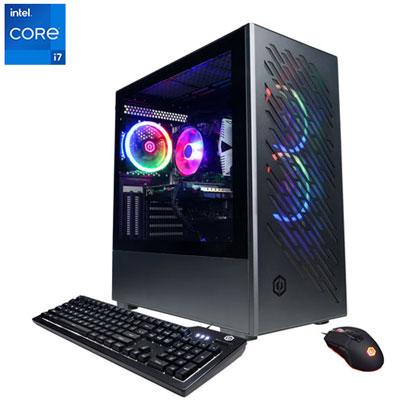 Your price for this item is $1969.99
 -
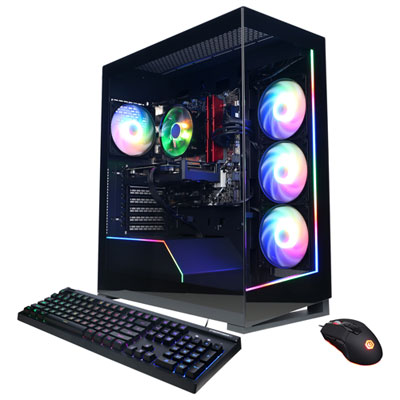 Your price for this item is $1059.99
 -
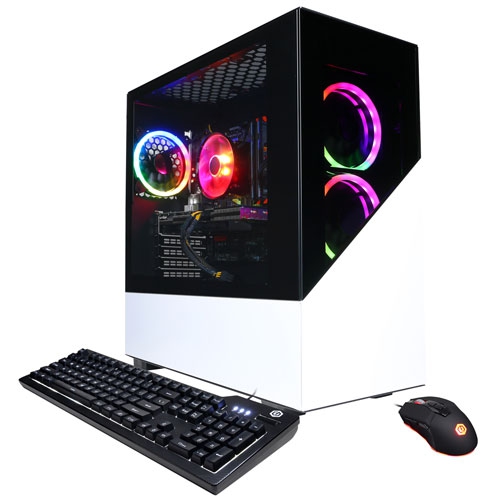 Your price for this item is $1274.97
 -
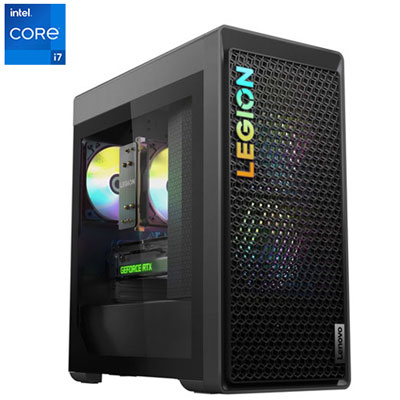 Your price for this item is $2499.95
 -
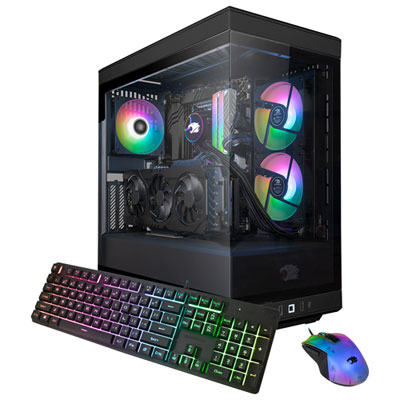 Your price for this item is $2309.99
 -
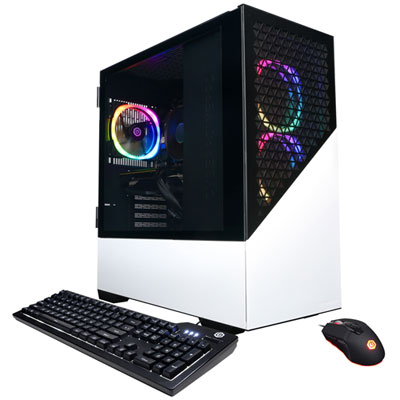 Your price for this item is $1669.99
 -
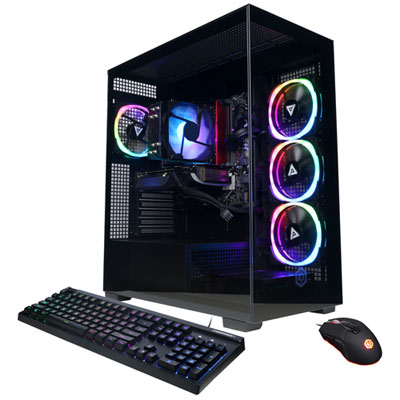 Your price for this item is $1839.99
 -
 Your price for this item is $2399.99
Discover more categories related to Ryzen 7 9700X
Top Collections:
Pokemon Centers, Kindle Devices, Best Budget Office Chairs, Apple iPhones 16, Best Laptops for Writers, iPhone 15 Apple, Canon G7X Cameras, Refurbished Apple Laptops, Alarm Clock, Motorola Razr Phones
Some products may be subject to Environmental Handling Fees
(EHF) depending on your province.
Learn more about EHFs.