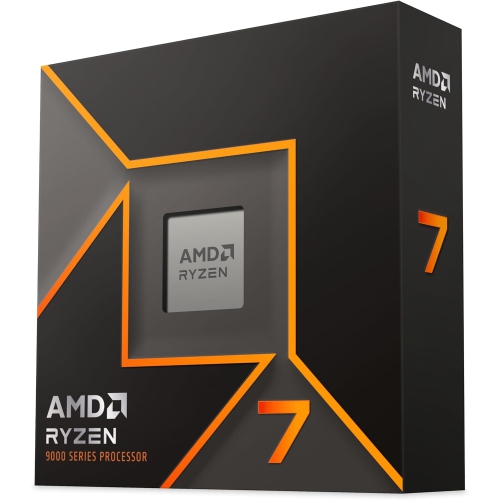
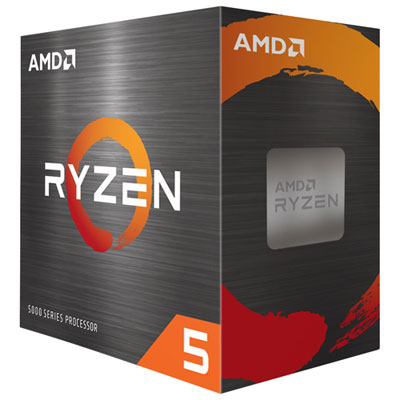
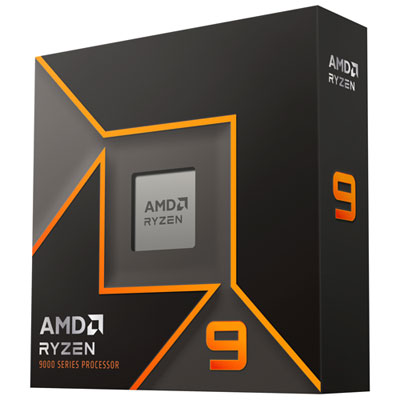
Ryzen 5 9600X
Unlock new levels of performance for your computing needs with the Ryzen 5 9600X. Perfect for users seeking reliable power and efficiency, this processor is designed to handle a wide range of tasks, from everyday productivity to immersive entertainment experiences. Explore options that deliver smooth multitasking and responsive performance, making the Ryzen 5 9600X an excellent choice for your next PC upgrade.
Sort
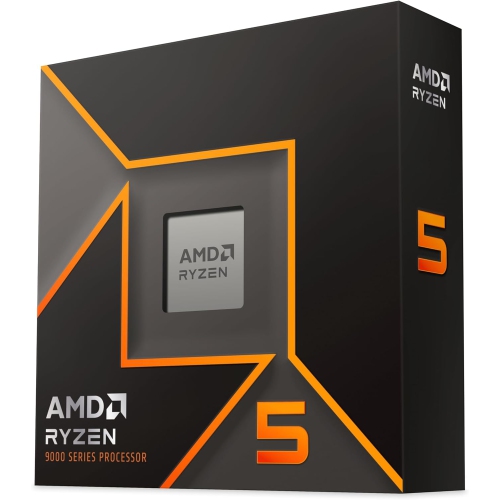
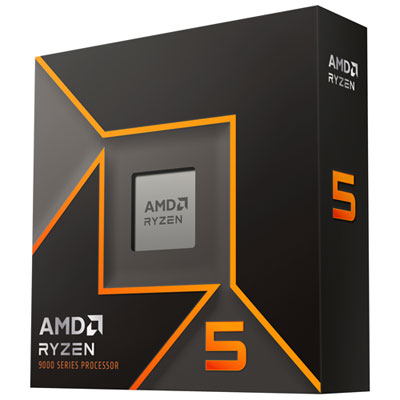
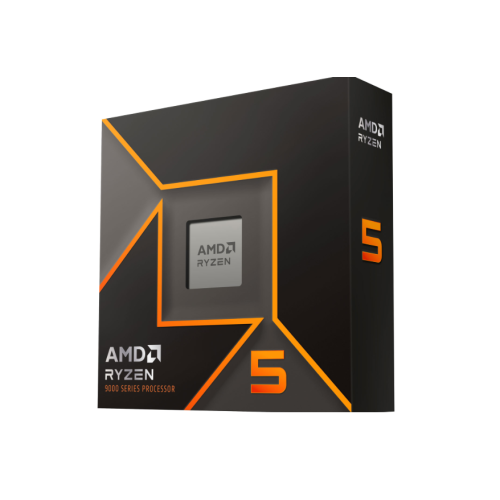
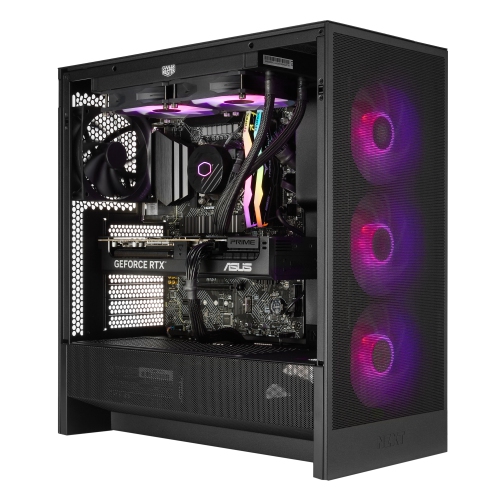
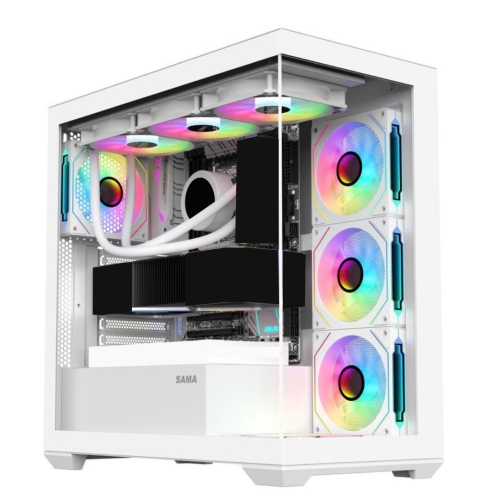
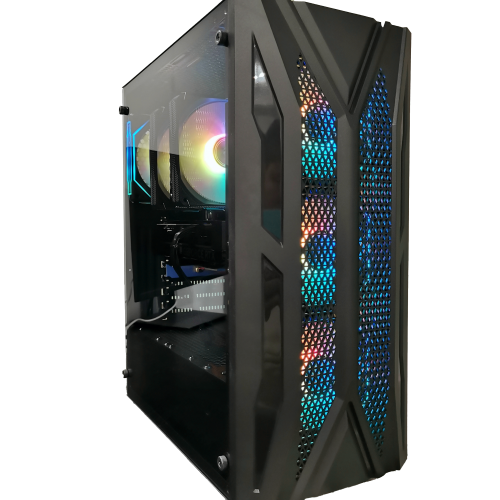
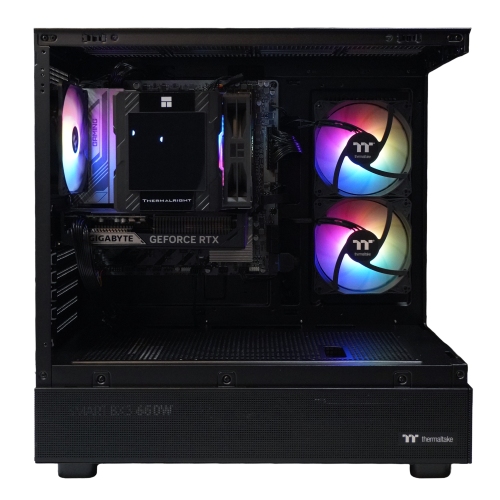
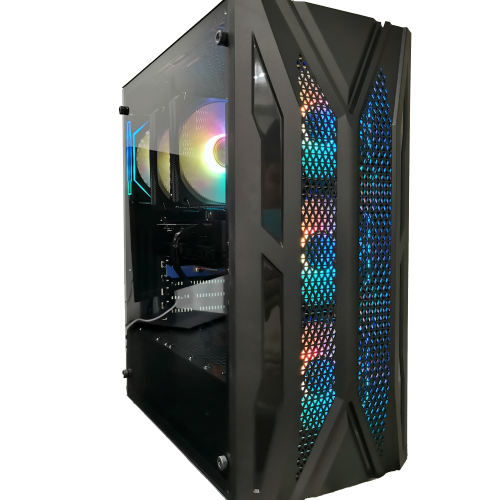
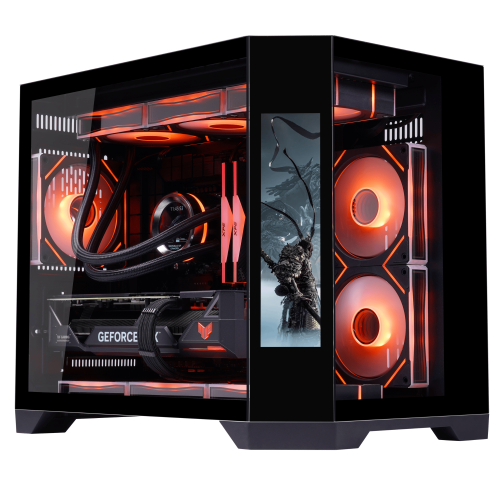
What six cores mean for your next desktop
Six-core, twelve-thread desktop processors based on Zen 5 architecture suit a wide range of everyday computing, gaming, and creative tasks. Six physical cores handle processing work, while twelve threads allow compatible software to schedule more tasks at once. That combination is useful for a desktop that moves between a video call, a large spreadsheet, several browser tabs, and a photo-editing session without being dedicated to just one activity. Clock speeds describe another part of performance: a 3.9 GHz base clock and a maximum boost clock of up to 5.4 GHz represent different operating conditions, rather than a promise that every core will run at the highest frequency continuously. Actual boost behaviour depends on the workload, cooling, power settings, and other operating limits. Cache also matters because it keeps frequently used data close to the processing cores. A configuration with 6 MB of L2 cache and 32 MB of L3 cache has 38 MB of combined cache, although those levels serve different roles and should not be treated as interchangeable. For gaming, this class of processor can be a practical foundation for a system that also has a suitably matched graphics card. Competitive games played at lower visual settings often put more emphasis on processor performance, while demanding games at higher resolutions can place a greater burden on graphics hardware. For creative work, six cores and twelve threads are well suited to photo adjustments, audio projects, coding, and occasional video editing. Longer renders, large simulations, and heavily threaded production workloads may benefit from more cores. The most useful match depends on the applications used every day, not just the highest number on a specification sheet. A balanced desktop pairs processing capability with enough memory, responsive storage, and graphics performance appropriate to the screen and software.
Platform compatibility is central to choosing a desktop processor, because physical fit alone does not establish that a complete system will work. An AM5 processor requires an AM5 motherboard and DDR5 memory; it cannot be installed in an older AM4 socket or paired with DDR4 memory. Compatible motherboards can include 600-series and 800-series designs, but support for a particular processor still depends on the motherboard manufacturer’s compatibility list and the installed BIOS version. An existing board may need a BIOS update before it can recognize a newer processor, making firmware support an important consideration for an upgrade. Dual-channel DDR5 gives the processor two memory channels to work with, and a matched pair of modules installed in the recommended slots helps make use of that arrangement. A supported memory speed of up to 5600 MT/s refers to data transfers, not the same measurement as processor clock speed. Higher memory settings may involve overclocking and are not guaranteed across every combination of processor, motherboard, and memory kit. Physical dimensions matter elsewhere in the build as well. The motherboard must fit the case, the power supply needs the appropriate connections, and a processor cooler must have the correct AM5 mounting hardware. A 65 W thermal design power is a cooling-related specification, not a statement of total computer power consumption or an absolute ceiling under every workload. A separate cooler is necessary where one is not included with the processor. Air coolers use a metal base, heat pipes, and fins to move heat towards a fan, while liquid coolers add a pump, tubing, and a radiator that needs its own mounting space. A tall air cooler can interfere with a narrow case or high-profile memory, and a radiator requires clearance beyond its stated fan size. Good contact between the processor’s metal heat spreader and the cooler, together with correctly applied thermal compound, helps support consistent operation. For a desk used for calls or focused work, cooling capacity and fan acoustics deserve consideration alongside performance.
A desktop built around this type of processor can serve students, home-office users, gamers, and people who enjoy assembling or upgrading their own computers. Basic integrated graphics can handle everyday desktop display duties, documents, web browsing, and video playback, provided the motherboard has suitable display outputs. A small integrated graphics configuration with two graphics cores running at 2200 MHz is different from a dedicated graphics card and should not be treated as an equivalent option for demanding games, complex 3D projects, or graphics-heavy creative software. It can still be useful for a straightforward office computer or for checking a new build before adding a separate graphics card. Browsing the broader Amd Ryzen 5 category can help put mainstream desktop processing options into context, especially when matching a processor to an existing motherboard or a planned system. For an upgrade, the largest improvement may come from replacing an older platform rather than changing just one component, since memory capacity, storage speed, and graphics capability all affect how responsive a computer feels. A processor can also make a thoughtful gift for an experienced computer builder, but it is important to know the recipient’s socket, motherboard support, and cooling arrangements before choosing one. Care is mostly about protecting the component during installation and keeping the finished computer clean. Processors are compact electronic assemblies with a protective metal heat spreader and delicate electrical contacts, so handling them by the edges and following the socket’s alignment marks helps avoid damage. For AM5 systems, the fragile socket pins are on the motherboard and need particular care. Once installed, clear airflow paths, securely mounted cooling hardware, and periodic dust removal help maintain dependable operation. Fans, filters, and vents need more routine attention than the processor itself. A well-matched build makes the most of the processor’s capabilities without expecting it to compensate for insufficient memory, restricted cooling, or an underpowered graphics setup.
Top selling and popular products
-
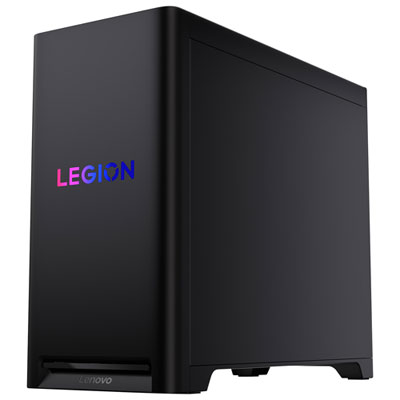 Your price for this item is $2299.99
-
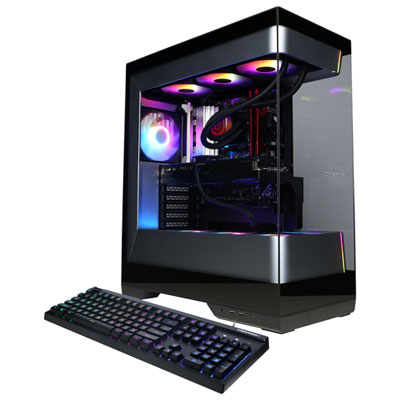 Your price for this item is $3199.99
-
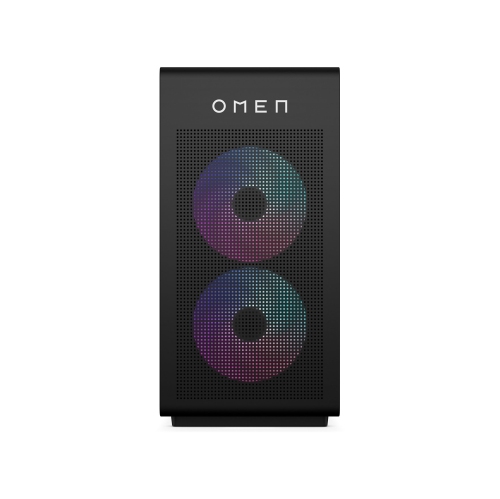 Your price for this item is $6776.99
-
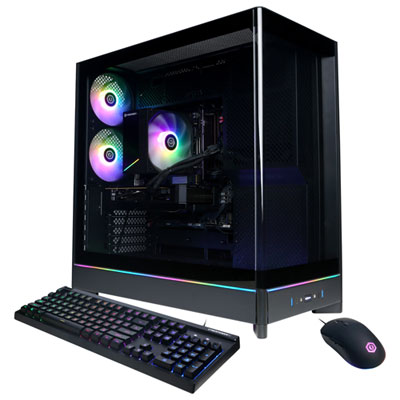 Your price for this item is $1899.99
-
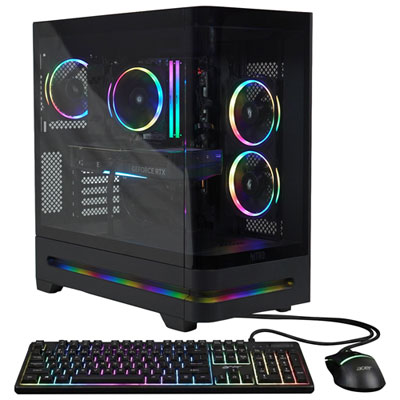 Your price for this item is $1799.99
-
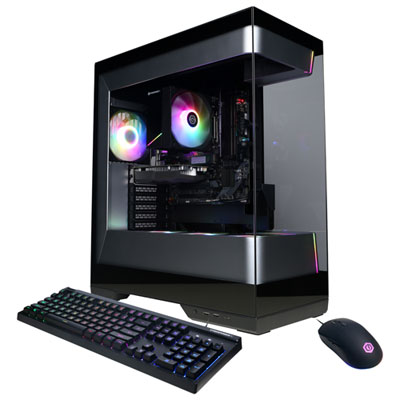 Your price for this item is $1549.99
-
 Your price for this item is $7579.99
-
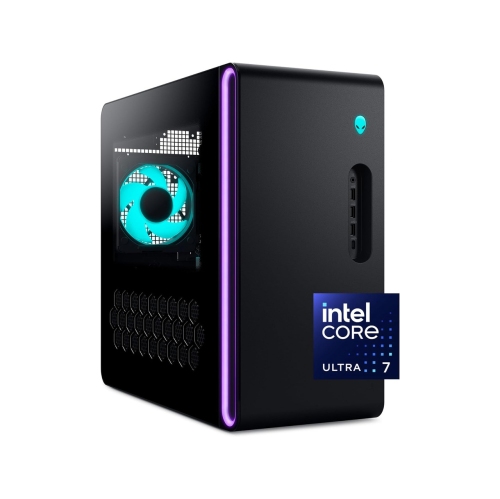 Your price for this item is $3056.49
Discover more categories related to Ryzen 5 9600X

Top Collections:
Best Black Friday Deals This Year, Best Black Friday Deals On Electronics, Kindle Devices, Best Black Friday Deals On Apple Products, Best Budget Office Chairs, Best Cameras for Sports Photography, Dyson Airwrap, Canon G7X Cameras, Best Laptops for Writers, Samsung Galaxy Phones
Some products may be subject to Environmental Handling Fees
(EHF) depending on your province.
Learn more about EHFs.