Ryzen 9 Processors
Unlock elite performance for your PC build with a Ryzen 9 Processor. Ideal for demanding tasks, gaming, and creative projects, these processors offer the power and speed needed to handle intensive workloads. Whether upgrading your current setup or designing a new system, a Ryzen 9 Processor delivers the advanced capabilities sought by enthusiasts and professionals alike. Explore a range of options to find the perfect match for your computing needs.
Sort
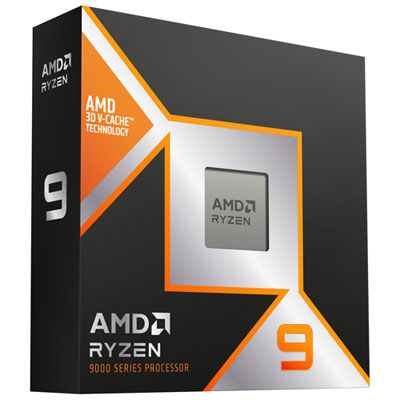
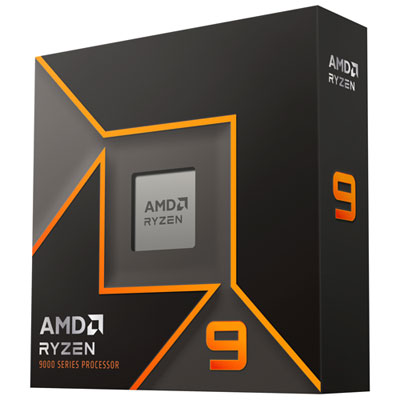
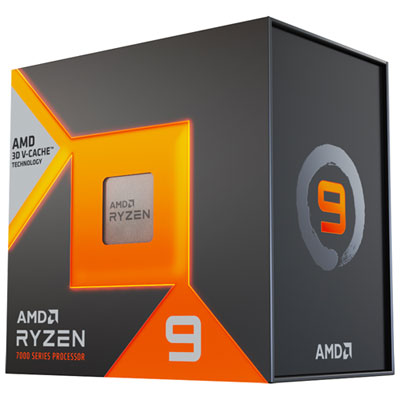
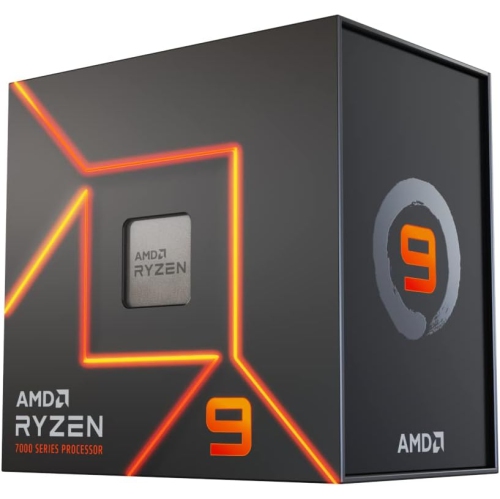
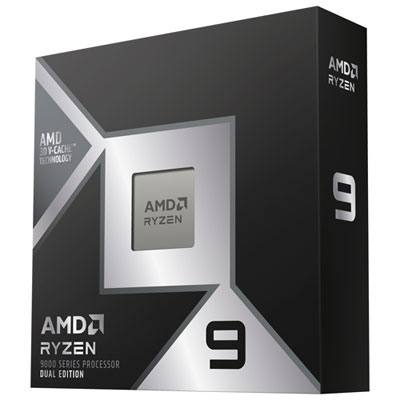
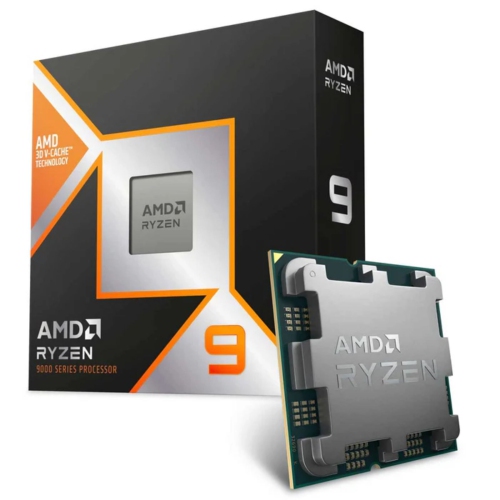
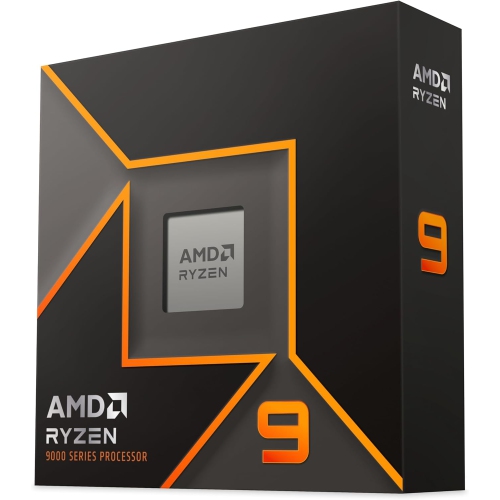
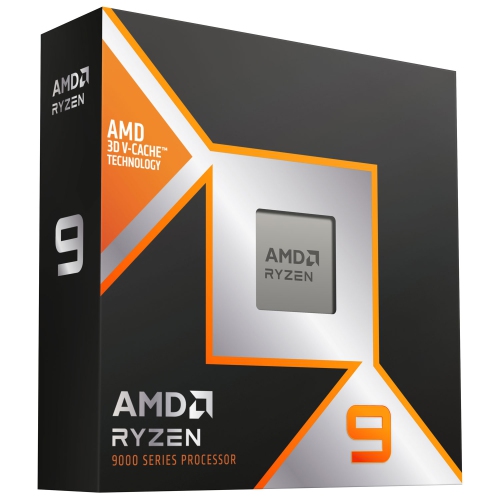
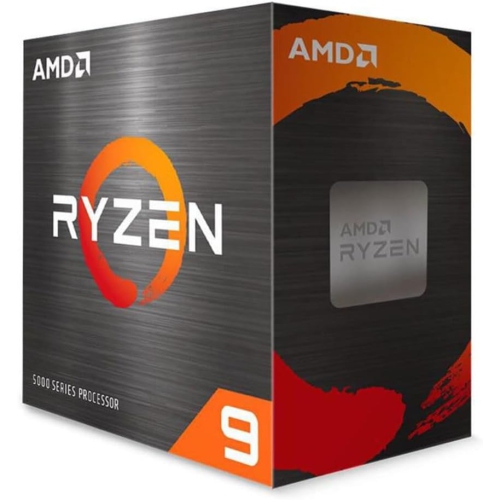
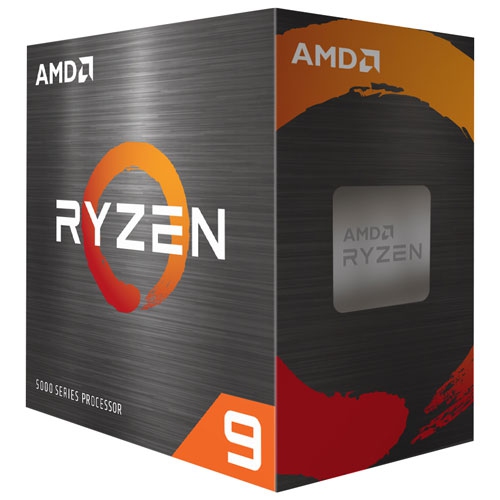
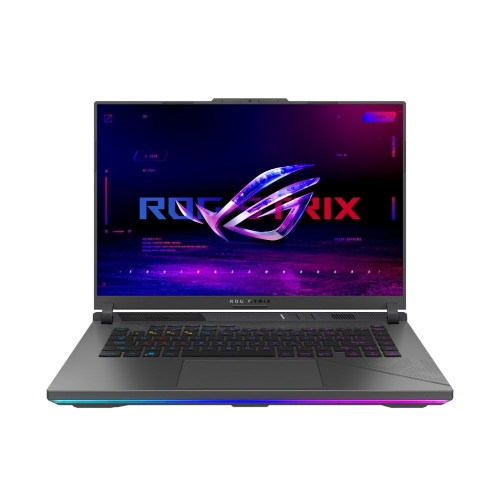
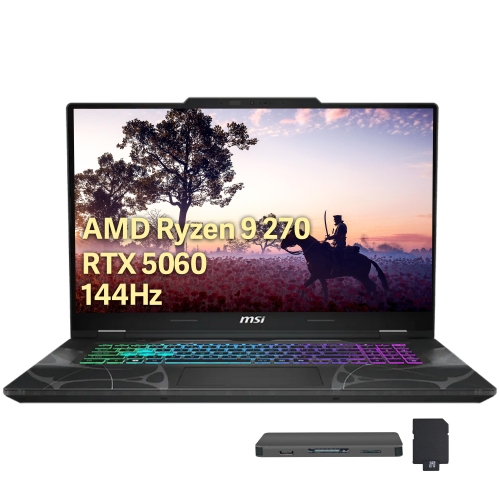
Processing power for demanding tasks running side by side
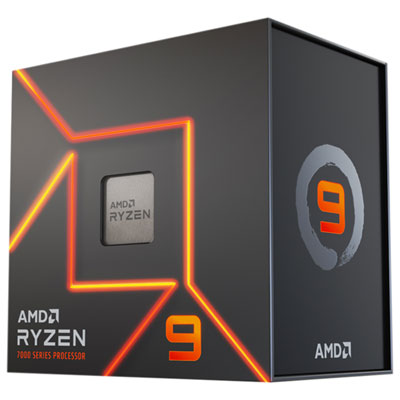
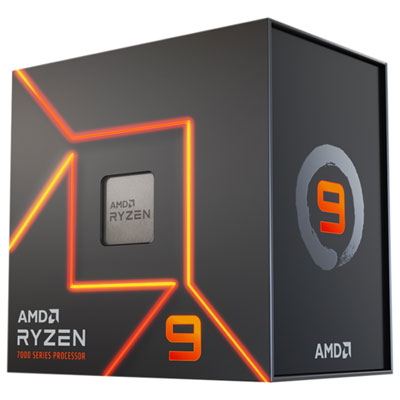
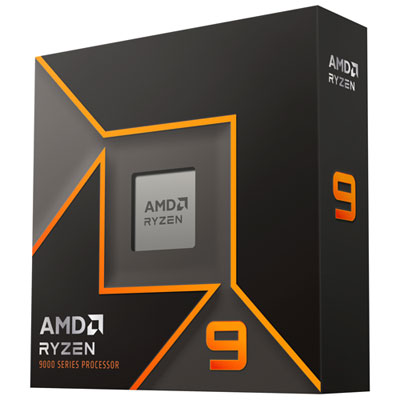
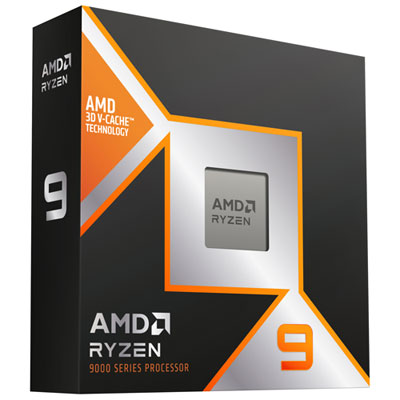
Ryzen 9 desktop processors are high-performance CPUs designed for demanding multitasking, content creation, 3D rendering, and enthusiast gaming. They suit computers that need to handle several substantial workloads at once, such as editing a video while generating previews, compiling software alongside a virtual machine, or playing a game while streaming and running background applications. Many desktop models combine 12 or 16 processing cores with support for 24 or 32 threads, giving compatible software more capacity to divide work into parallel tasks. That can be especially useful for creators exporting long timelines, artists rendering detailed scenes, and developers working with large projects. The benefit depends on the application, however: some tasks scale well across many cores, while others depend more heavily on performance from individual cores. Clock speed, cache, processor architecture, and software optimization all contribute to the experience, so a higher core count alone does not explain every performance difference. For gaming, the processor handles work such as game logic, physics calculations, and preparing instructions for the graphics card. A capable CPU can support responsive play, particularly in demanding simulations or situations where high frame rates matter, but results also depend on the game, graphics settings, resolution, and the rest of the computer. For creative work, a processor with substantial multithreaded capability can be a strong foundation for a workstation that moves between photo editing, audio production, animation, and video projects. It is particularly relevant when several applications stay open throughout the day rather than running one task at a time. Everyday browsing and document editing generally place lighter demands on a CPU, making Ryzen 9 processors most relevant to people whose workloads can make meaningful use of their processing capacity. Within the broader Ryzen Processors family, this tier is associated with demanding desktop use rather than basic computing alone.
Compatibility is central to how a Ryzen 9 processor fits into a desktop build or upgrade. Different generations use different motherboard platforms, including AM4 and AM5, and the two sockets are not interchangeable. AM4 desktop platforms use DDR4 memory, while AM5 desktop platforms use DDR5, so a move between them can involve replacing the motherboard and memory as well as the processor. Even when a CPU and motherboard share a socket, support depends on the exact motherboard and its BIOS version. An older board may need a BIOS update before it can recognize a newer supported processor, and some processor-and-board combinations are not supported at all. These distinctions matter for someone updating a familiar desktop as much as for someone assembling a new computer from individual components. A processor upgrade is most straightforward when the existing board supports it, the memory remains suitable, and the cooling system can accommodate its requirements. A new build provides more freedom to select matching components, including a motherboard with the necessary storage connections, expansion slots, networking features, and rear-panel ports. Memory capacity is another practical consideration: large image files, complex editing projects, and multiple virtual machines can require considerable RAM, regardless of how capable the processor is. Memory speed and configuration also depend on the motherboard, processor specifications, and number of installed modules. Physical fit extends beyond the CPU socket. A tall air cooler needs sufficient case clearance, while a liquid cooler requires compatible radiator mounting space. Cooler brackets must support the chosen socket, and compatibility with an older system should not be assumed. Power delivery matters as well, including the motherboard’s ability to support the processor under sustained workloads and a power supply suited to the complete system. These details distinguish a balanced workstation or gaming desktop from a collection of individually capable components that do not work well together.
Cooling, handling, and the supporting hardware help determine how a Ryzen 9 desktop performs over time. Sustained rendering, encoding, and other intensive tasks generate heat that must move away from the processor through the cooler and out of the case. Desktop CPUs typically use a metal heat spreader to transfer heat to a cooler, while air coolers commonly combine copper heat pipes with aluminium fins. Thermal compound fills microscopic gaps between the contact surfaces, supporting effective heat transfer when applied according to the cooler’s instructions. A cooler’s mounting quality, fan behaviour, and access to unobstructed airflow can all influence operating temperatures and noise. Published power ratings are useful reference points, but they do not describe every operating condition or replace the processor manufacturer’s cooling recommendations. Some processors are supplied without a cooler, making the cooling solution a separate part of the build. Routine care generally centres on keeping dust from accumulating in filters, fans, and heatsinks, with the computer switched off and unplugged before cleaning. Careful handling also matters during installation or transport, since socket contacts and other small components can be damaged by force or incorrect alignment. Beyond cooling, graphics support deserves attention: integrated graphics capabilities vary, and motherboard display connections are not a substitute for graphics support in the installed processor. Demanding games, complex visual work, and certain accelerated creative tasks may require a suitable dedicated graphics card. Fast storage can improve project loading and file access, while adequate memory helps keep large working files accessible without excessive swapping to storage. For a creator, developer, or experienced PC builder, a processor can also be a thoughtful gift when the intended system’s compatibility is already established. Its lasting usefulness comes from matching processing capability to real workloads, with enough support from the surrounding hardware to keep demanding projects moving smoothly.
Top selling and popular products
-
 Your price for this item is $439.99
-
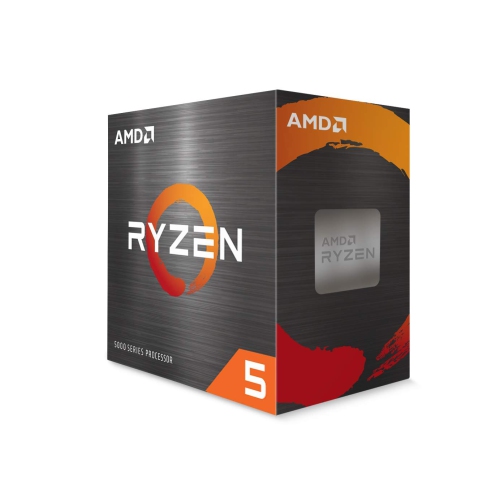 Your price for this item is $479.99
-
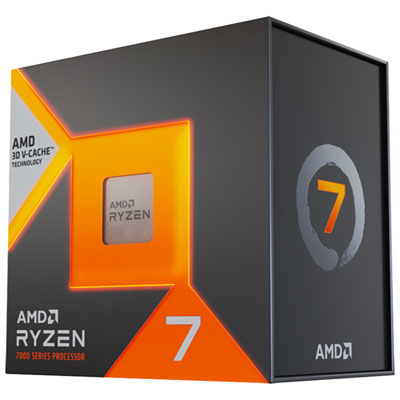 Your price for this item is $559.99
-
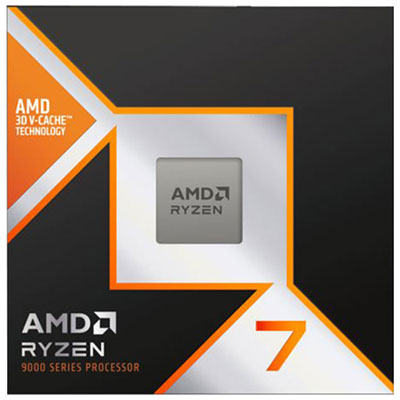 Your price for this item is $549.98
-
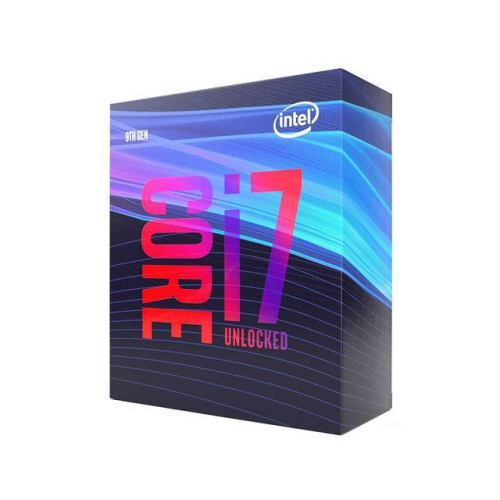 Your price for this item is $509.68
-
 Your price for this item is $690
-
 Your price for this item is $469.98
-
 Your price for this item is $487.99
Discover more categories related to Ryzen 9 Processors

Top Collections:
Best Black Friday Deals This Year, Best Black Friday Deals On Electronics, Kindle Devices, Dyson Airwrap, Best Cameras for Sports Photography, Best Budget Office Chairs, Canon G7X Cameras, PS5 Pro Consoles, Best Black Friday Deals On Apple Products, XBOX One S Consoles
Some products may be subject to Environmental Handling Fees
(EHF) depending on your province.
Learn more about EHFs.