Ryzen Computers
Elevate your computing experience with a Ryzen Computer, designed to deliver impressive performance for work, play, and everything in between. Whether you’re upgrading your home office, building a gaming setup, or searching for a reliable PC for everyday tasks, a Ryzen Computer offers the power and versatility to meet your needs. Discover a wide selection of models and configurations to find the perfect fit for your lifestyle.
Sort
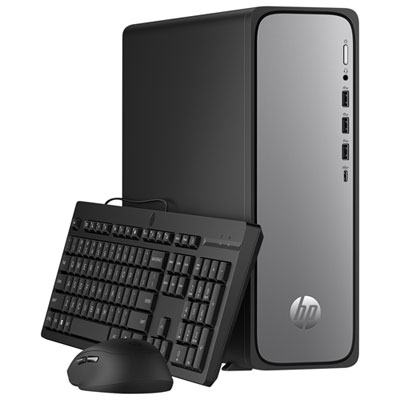
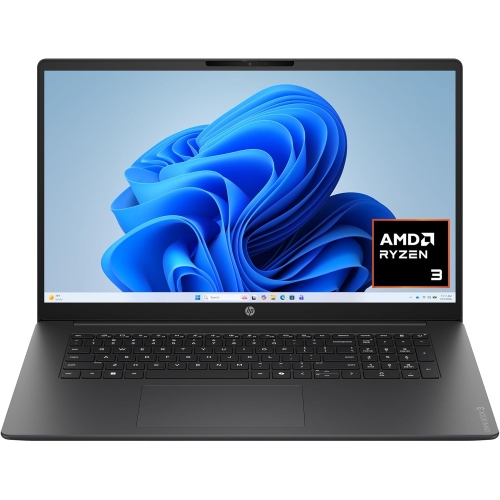
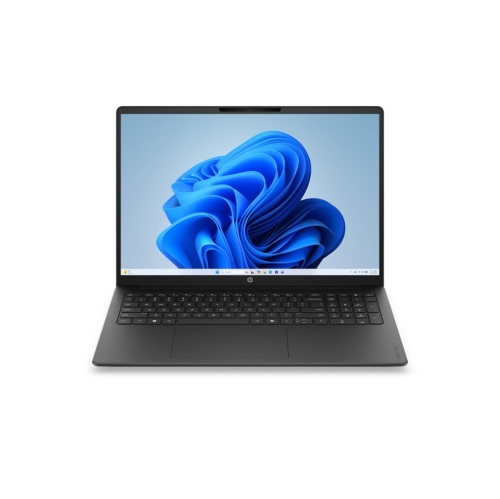
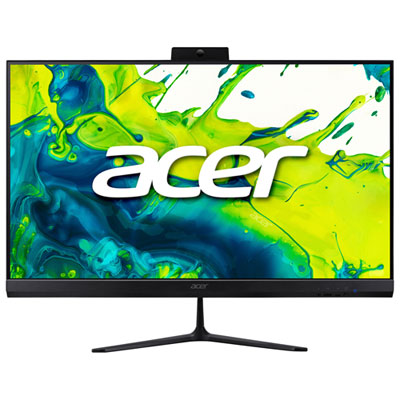


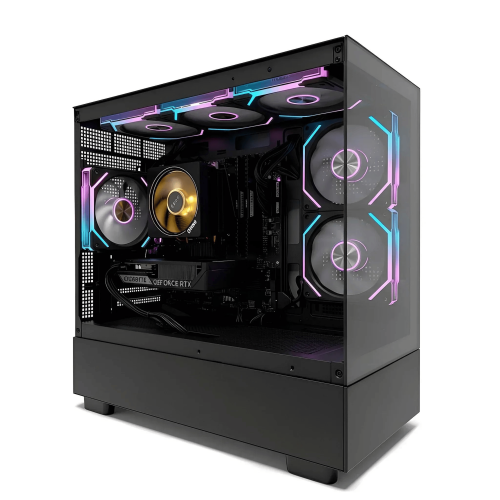
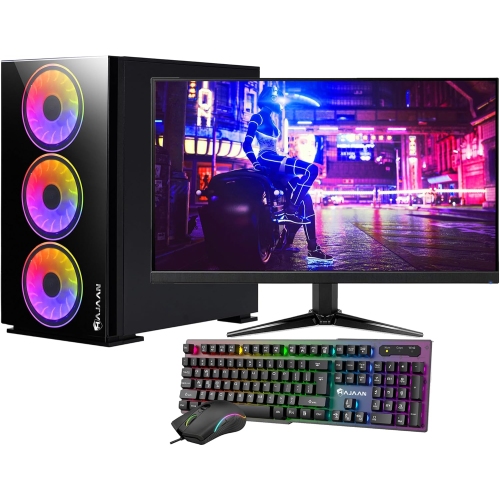
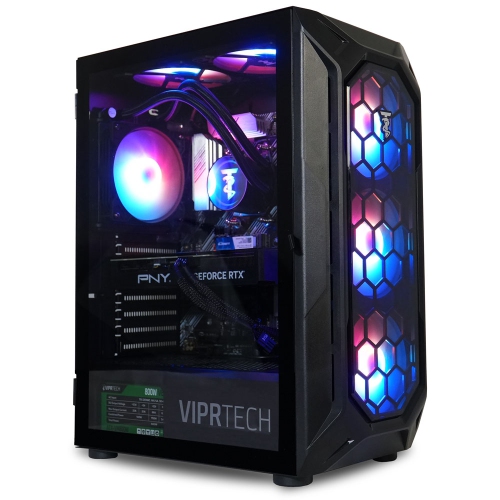

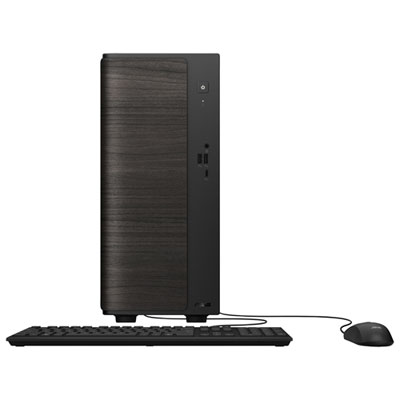
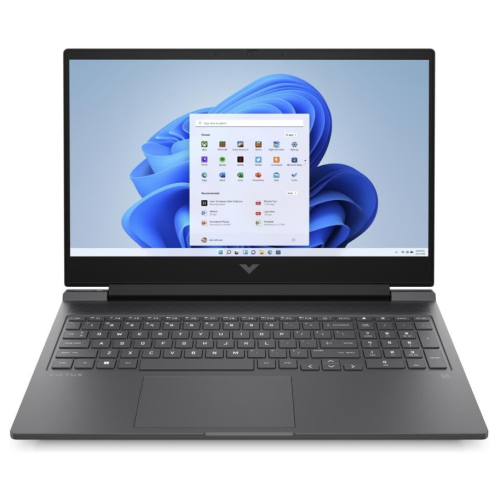
Performance depends on more than the processor name
Ryzen computers are laptops and desktops powered by Ryzen processors, with configurations suited to everyday computing, study, content creation and gaming. The processor handles the instructions behind tasks such as opening applications, calculating spreadsheets and running software, but a computer’s overall performance also depends on its memory, storage, graphics and cooling. Processor generation and model matter alongside core count: two computers carrying the Ryzen name can have quite different capabilities and power requirements. For everyday use, a balanced configuration can keep a browser, a video meeting and several documents running comfortably together. More demanding work, such as editing high-resolution footage or compiling software, benefits from processing resources matched to the application. Additional cores can help with software designed to distribute work across them, while strong individual-core performance remains important for many everyday applications and games. Memory gives active programs room to work, making it particularly relevant when a student has research tabs open beside a presentation or a home office user moves between large spreadsheets and calls. A configuration with 16 GB of memory can be a practical starting point for general multitasking, while heavier creative workloads may benefit from 32 GB or more, depending on the software and project size. Solid-state storage contributes to responsive startup and file access; capacity becomes especially important for large game libraries, photo collections and video projects. Graphics capabilities also vary. Integrated graphics can suit routine office tasks, streaming and some lighter games, while demanding gaming, 3D work and certain editing applications may call for a dedicated graphics card. Not every desktop processor includes integrated graphics, so the complete system configuration matters more than the processor name alone. For gaming in particular, the graphics hardware, screen resolution and game settings all influence the experience. These differences explain why Ryzen computers span so many uses: the right balance for writing assignments and watching videos is not necessarily the same as the balance needed for rendering animation or playing graphically demanding games.
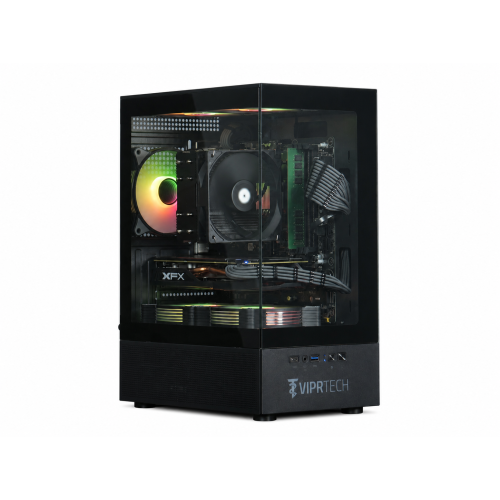
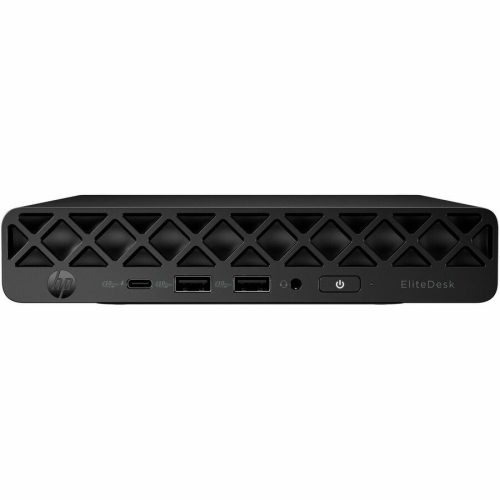
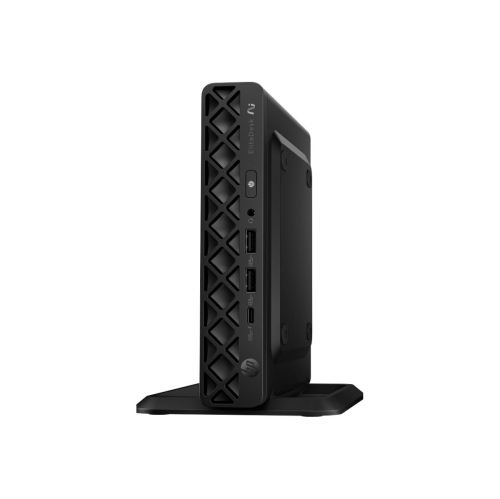
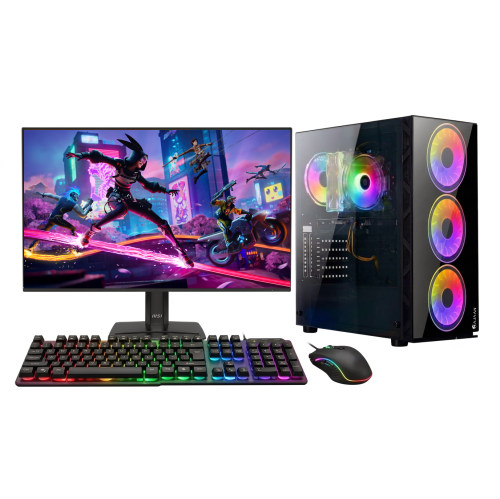
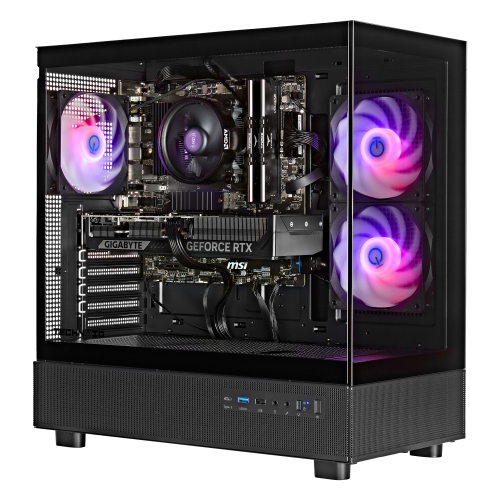
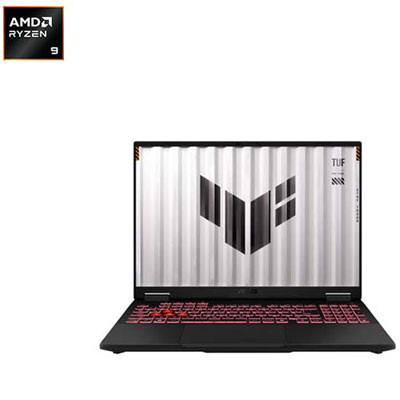
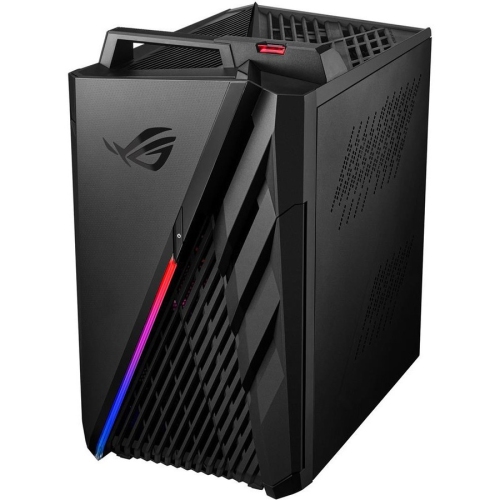
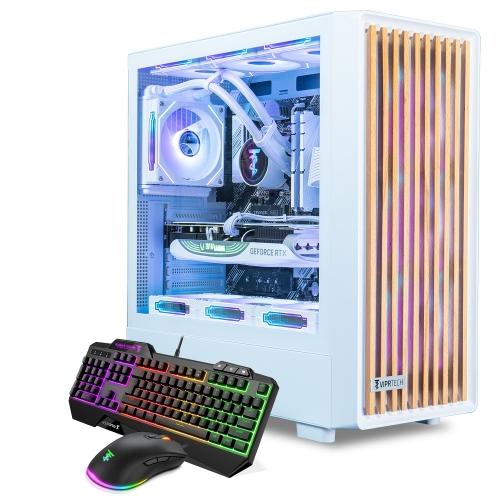
The choice between a laptop and a desktop shapes how a Ryzen computer fits into daily life. A laptop combines the display, keyboard, pointing device and battery in one portable unit, making it useful for moving between classes, working at a kitchen table or taking documents to a meeting. Portability involves more than the computer’s weight: the charger, overall dimensions and space needed to open the screen also affect how comfortably it travels and fits on a small desk. A larger display can make side-by-side documents easier to read, while a more compact design leaves more room in a bag. Resolution, brightness and screen finish influence viewing comfort, and colour accuracy matters for photography or design work. Battery life varies with the configuration, display settings and workload; a long editing session or a demanding game uses power differently from reading documents. Metal and plastic chassis designs each vary in construction quality, so hinge stability, keyboard feel and the rigidity of the lid are useful aspects of everyday durability. A desktop, by contrast, suits a more permanent setup with a separate monitor, keyboard and mouse. For a dedicated home workstation, AMD Ryzen 7 Desktop Computers can support demanding multitasking when paired with suitable memory, storage and graphics. Desktop cases range from compact designs that preserve desk space to larger towers with more room for cooling and internal components. Expansion options depend on the case, motherboard, power supply and manufacturer’s design; extra memory slots or drive bays should never be assumed. Physical fit also includes clearance for ventilation, access to front and rear connections, and enough room for cables without sharp bends. A tower tucked tightly into a closed cabinet may have less access to cooling air than one positioned with unobstructed vents. For shared rooms or quiet workspaces, fan noise under load is another practical distinction, especially when the computer will sit close to a microphone during meetings or recording sessions.
Connections and everyday usability help determine how well a Ryzen computer works with the rest of a setup. USB ports accommodate accessories such as keyboards, external drives and webcams, but connector shape alone does not establish speed or supported features. A USB-C port may support data transfer without supporting laptop charging or a monitor connection, so its listed capabilities are important. Display outputs, supported resolutions and the number of screens the system can drive matter for anyone building a two-monitor workspace. Wi-Fi offers flexibility in where the computer sits, while an Ethernet connection can provide a useful wired option for large transfers, online play or a desk positioned near a network outlet. For students and families, a built-in webcam, clear microphone and comfortable keyboard can be as relevant as processing power. Someone learning photography may place more importance on display quality and storage, while a software developer may need ample memory and support for particular development tools. A computer intended as a gift is most useful when its format and capabilities match the recipient’s habits, whether that means a portable system for coursework or a desktop for a dedicated creative space. Compatibility with required applications, operating system features and peripherals deserves attention, particularly for specialized study or professional work. Long-term care is straightforward but consequential: clear vents, a stable surface and regular software updates support dependable day-to-day use. Laptops work best on firm surfaces that do not block air intakes, rather than directly on bedding or a soft cushion. Following the manufacturer’s cleaning directions helps protect screens and finishes, and a padded sleeve can reduce scuffs during transport. Regular backups protect assignments, photographs and other important files if storage fails or the computer is lost. Repair access, warranty coverage and supported upgrade options vary across designs. Taken together, these practical details distinguish a computer that simply meets a specification from one that fits comfortably into its owner’s work, study and leisure routines.
Top selling and popular products
-
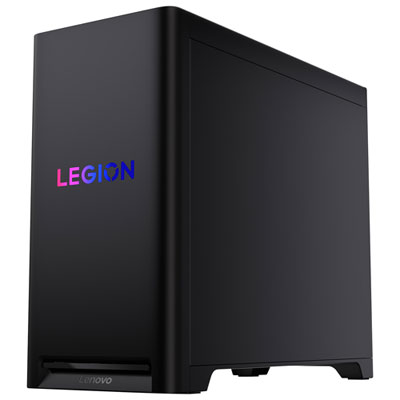 Your price for this item is $2299.99
-
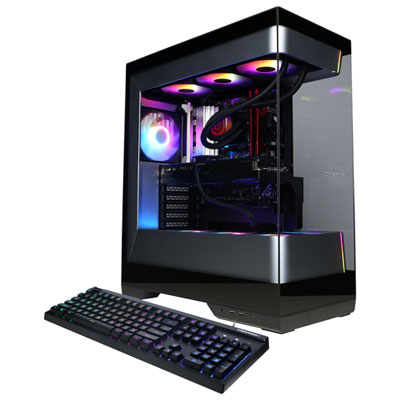 Your price for this item is $3199.99
-
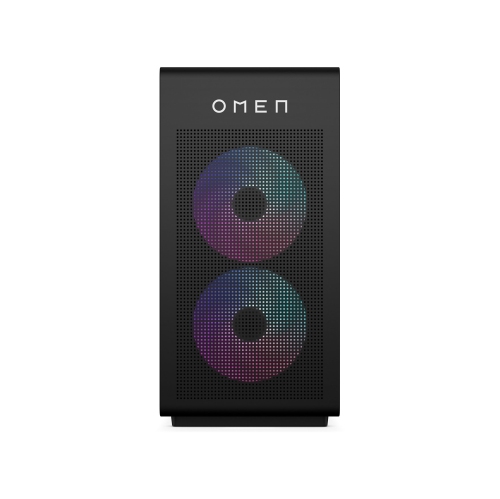 Your price for this item is $6776.99
-
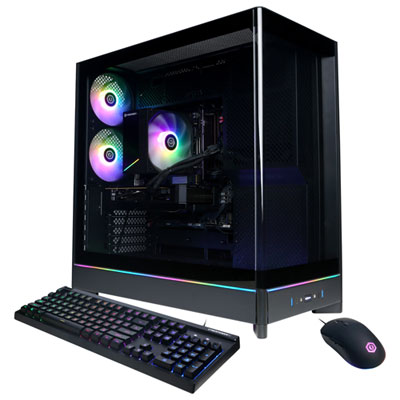 Your price for this item is $1899.99
-
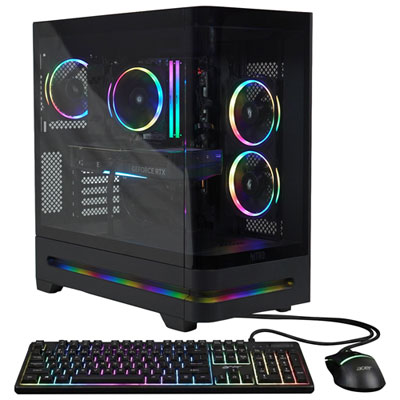 Your price for this item is $1799.99
-
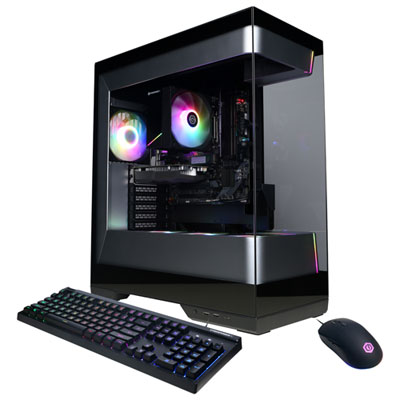 Your price for this item is $1549.99
-
 Your price for this item is $7579.99
-
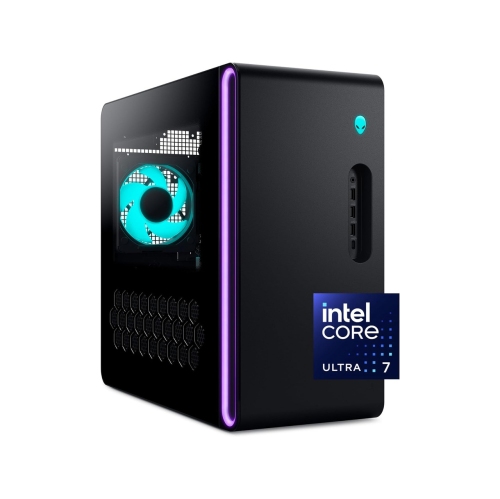 Your price for this item is $3056.49
Discover more categories related to Ryzen Computers

Top Collections:
Best Black Friday Deals This Year, Best Black Friday Deals On Electronics, Kindle Devices, Best Black Friday Deals On Apple Products, Best Budget Office Chairs, Best Cameras for Sports Photography, Dyson Airwrap, Canon G7X Cameras, Best Laptops for Writers, Samsung Galaxy Phones
Some products may be subject to Environmental Handling Fees
(EHF) depending on your province.
Learn more about EHFs.