Samsung Galaxy Book4 Pro
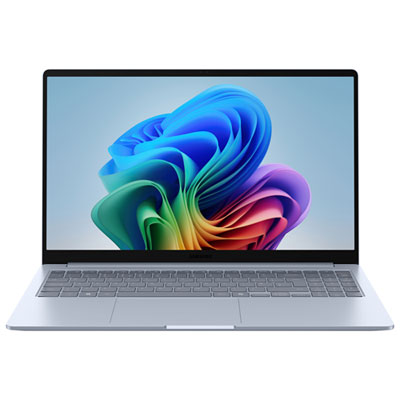
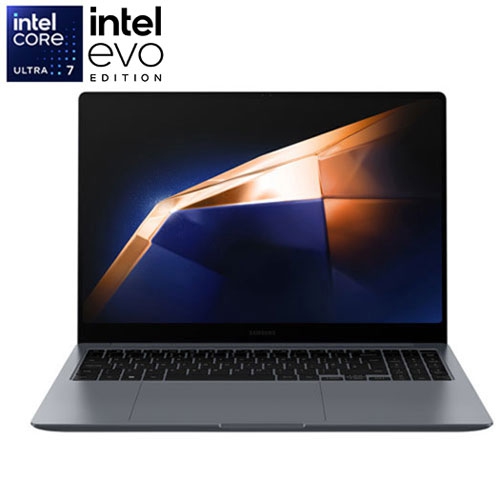
Experience next-level computing with the Samsung Galaxy Book4 Pro, designed to keep up with your fast-paced lifestyle. Whether you’re working on important projects, streaming your favorite content, or connecting with friends, this innovative laptop delivers reliable performance and sleek design. Discover a range of configurations and options to find the perfect fit for your needs. Elevate your productivity and entertainment with the Samsung Galaxy Book4 Pro available now at Best Buy.
Sort
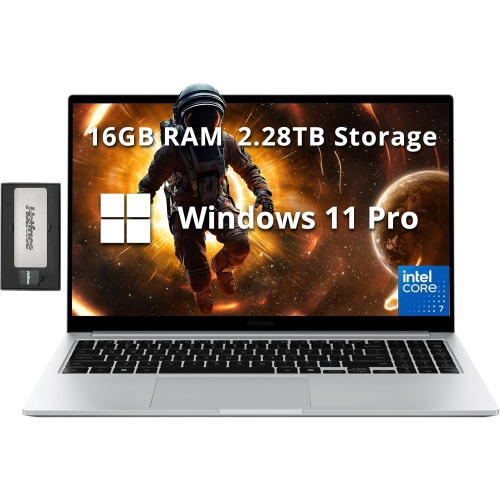
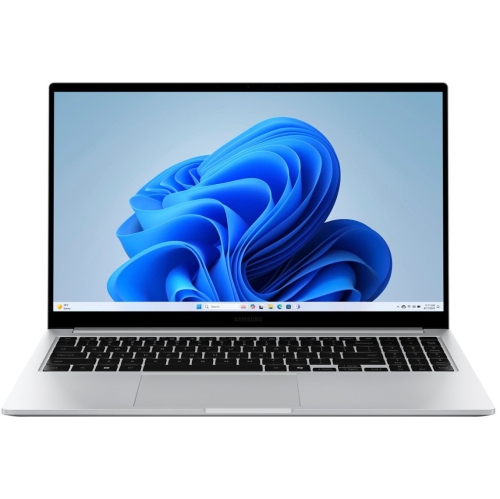
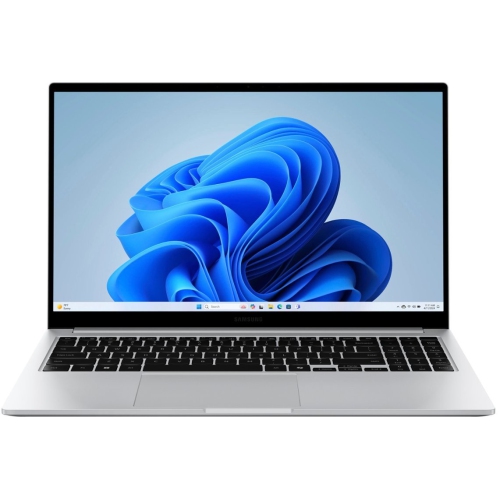
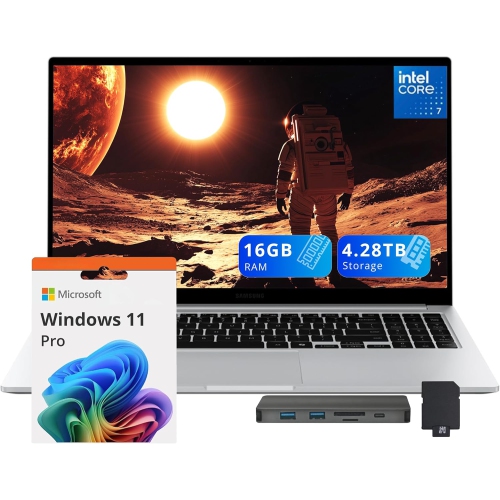
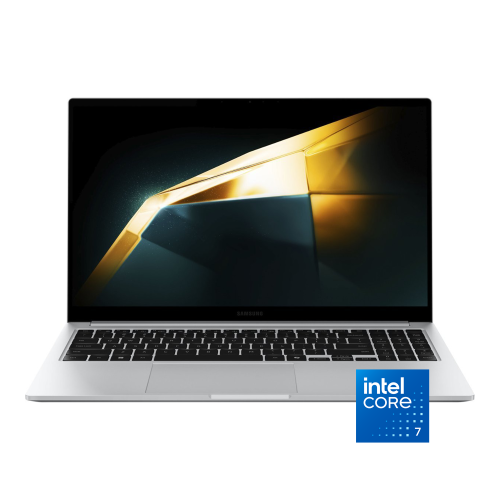
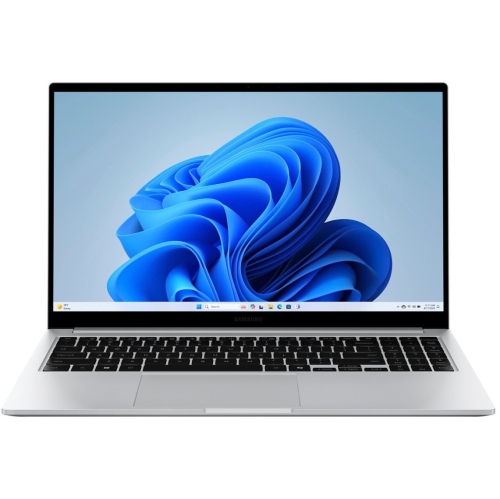
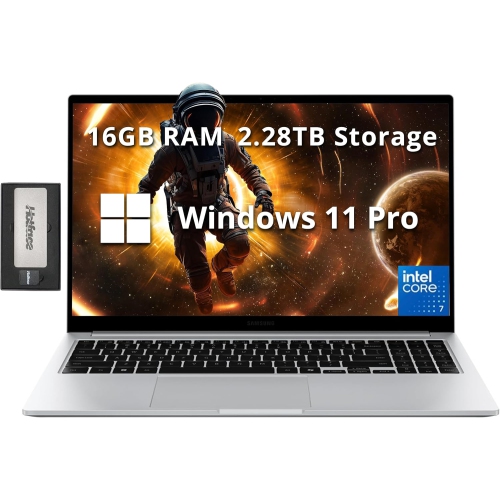
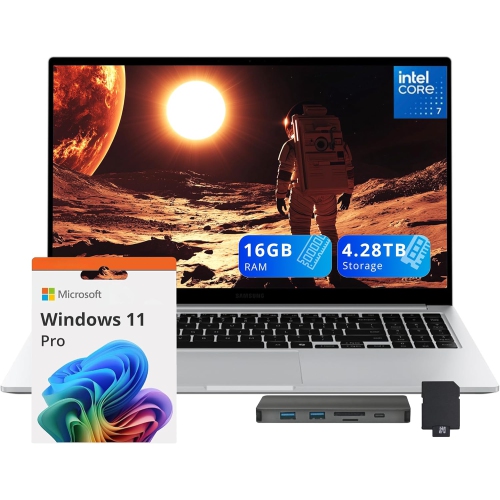
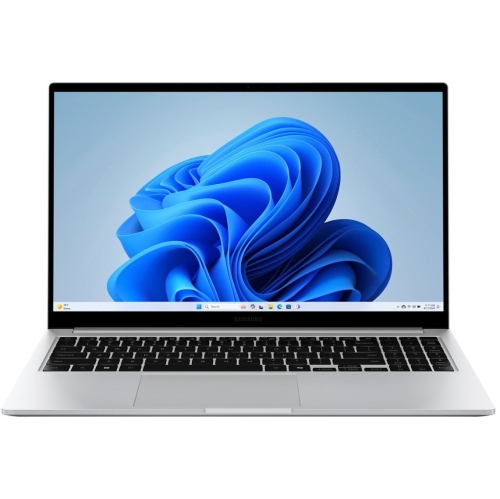
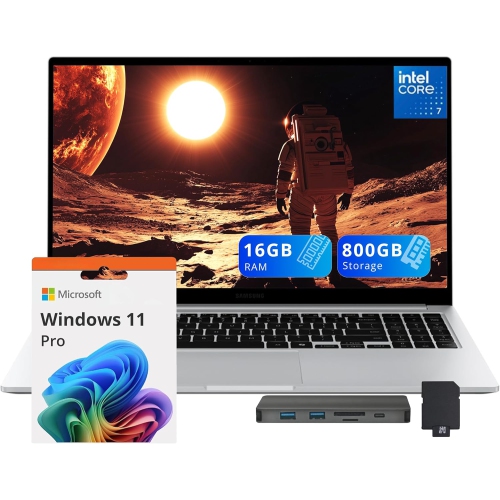
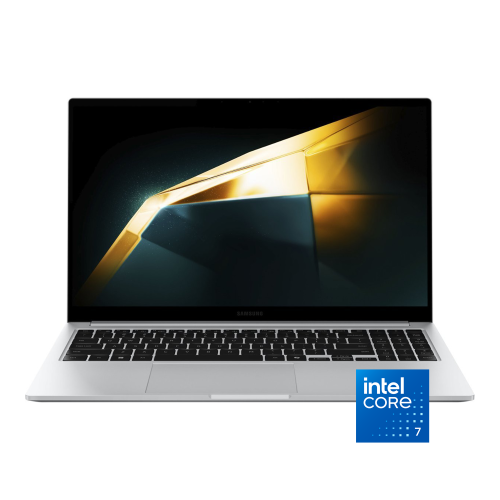
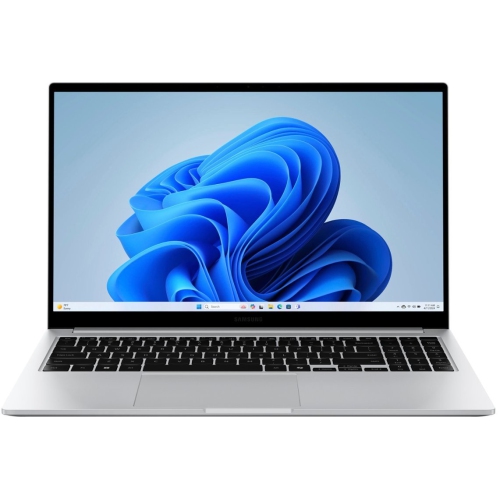
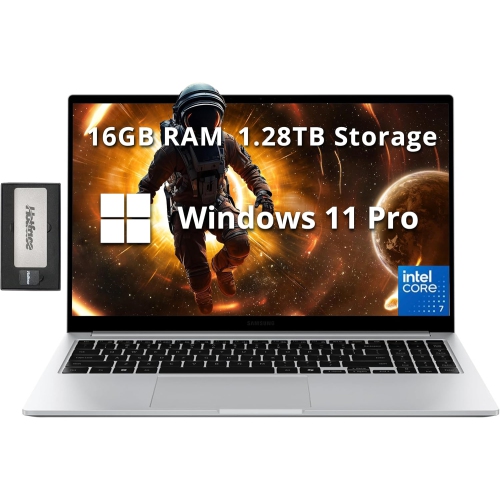
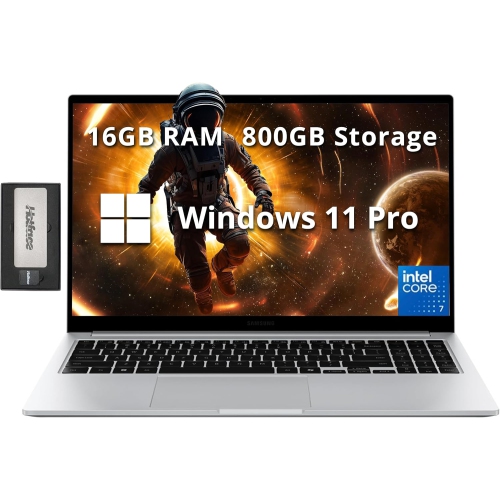
A spacious digital workspace without the workstation bulk
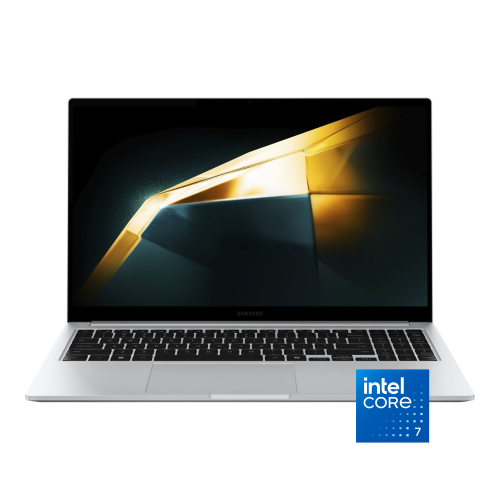
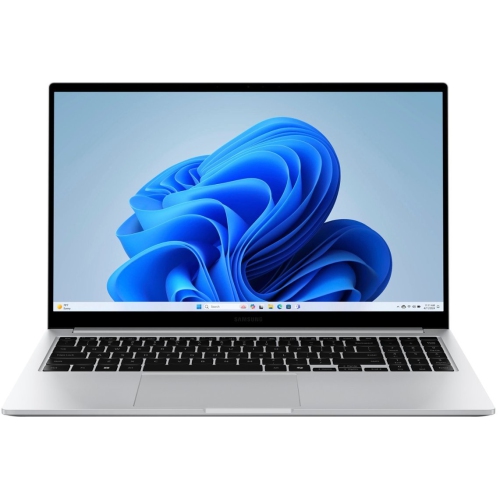
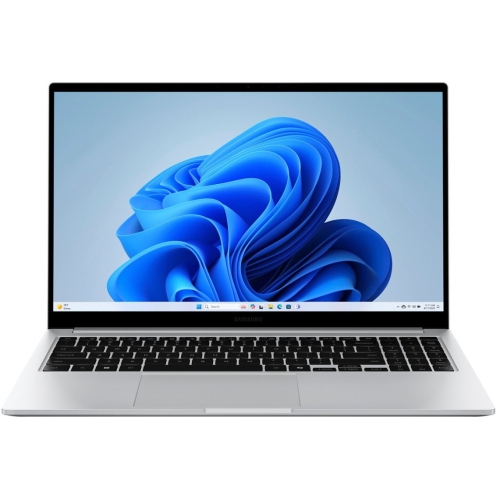
Thin, lightweight premium laptops bring a full desktop-style workspace into a form that is easy to carry between a desk, a lecture hall, and a meeting room. This category suits people who want a crisp display, responsive everyday performance, and a substantial keyboard without the bulk of a larger workstation. A 14-inch screen leaves more room in a backpack and fits comfortably on smaller desks, while a 16-inch screen provides extra space for side-by-side documents, detailed spreadsheets, and photo editing. Screen size also affects how comfortably a laptop fits into a daily routine: a compact computer is easier to open on a train tray, while a larger display can make extended work sessions feel less cramped. A 3K resolution of 2880 x 1800 pixels delivers fine detail for text, photographs, and video, with scaling settings allowing menus and lettering to remain comfortably readable. AMOLED display technology produces deep blacks and strong contrast by controlling light at the pixel level, giving everything from presentation slides to films a vivid appearance. Colour settings still matter for photography and design, where a natural-looking image may be more useful than the most saturated preset. A refresh rate of up to 120Hz makes scrolling, cursor movement, and supported motion appear smoother, although actual behaviour depends on display settings and software. Touchscreen functionality adds another way to navigate, whether tapping a presentation control, enlarging an image, or moving through a document. A touchscreen does not automatically mean a laptop folds into a tablet or supports an active pen; those are separate capabilities. For students, office professionals, and people managing a mix of personal projects and work, the appeal lies in having a detailed, spacious digital workspace that remains portable. Display brightness, reflections, viewing angle, and text size all contribute to comfort, particularly when a laptop is used for several hours at a shared table or beside a bright window.
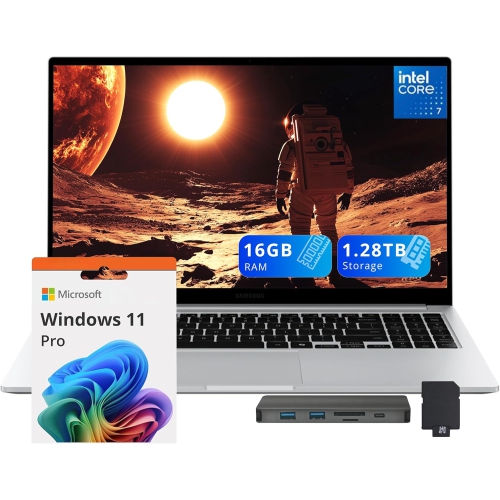
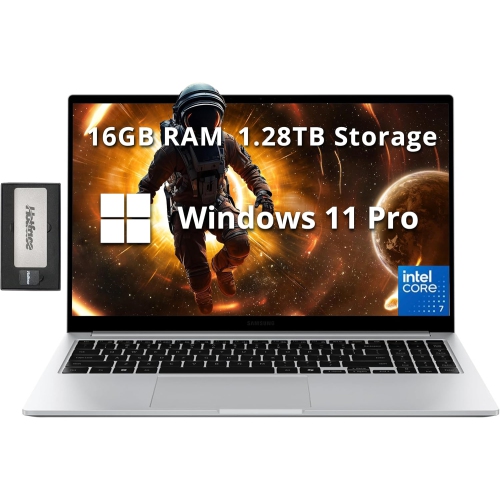
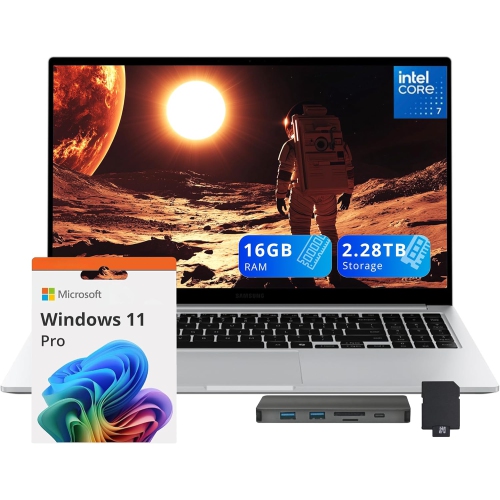
Inside a slim laptop, the processor, memory, storage, and cooling design work together to shape how it feels in daily use. Modern processors with integrated graphics are well suited to writing, research, video calls, streaming, and many photo-editing tasks, while the demands of advanced rendering or graphically intensive games can call for different hardware. Processor tier alone does not tell the whole story: power settings and cooling capacity also influence how consistently a computer handles longer workloads. For a typical combination of browser tabs, office applications, and messaging tools, 16GB of memory offers useful working room. Larger creative projects, virtual machines, or unusually heavy multitasking may benefit from more, particularly when memory cannot be upgraded after purchase. A solid-state drive helps applications open promptly and keeps file access responsive. A 512GB drive can suit a document-focused routine, while 1TB provides more space for local photo libraries, video clips, and larger applications. Usable capacity is lower than the stated total because the operating system and other software occupy part of the drive. Connections deserve equal attention, since a portable computer often becomes the centre of a more elaborate desk setup. Thunderbolt 4 connections can support compatible docks, external displays, and fast storage, while USB-A remains useful for familiar peripherals. HDMI provides a direct route to a compatible monitor or presentation screen, and a microSD card slot offers a convenient way to access files from supported devices. Exact port counts, display support, and charging requirements vary by configuration. Wi-Fi performance also depends on the router, network congestion, and distance from the access point rather than the laptop alone. Battery endurance changes with screen brightness, refresh rate, video calls, and background tasks, so a stated runtime is not a promise for every workload. A quiet afternoon of typing places different demands on a battery than an extended call with screen sharing. These practical differences matter more to everyday satisfaction than any single headline specification.
Materials and construction help determine how well a slim laptop fits into frequent travel and daily handling. An aluminum body can offer a firm, refined feel while keeping the chassis relatively light, but metal surfaces can still scratch or dent when carried loose beside keys, chargers, or other hard objects. A padded sleeve with the correct internal dimensions protects against everyday scuffs; screen size alone is not enough to confirm a good fit because body dimensions and corner shapes differ. A separate compartment for the power adapter helps keep pressure away from the lid. At a desk, a stable stand and an external keyboard can position the screen more comfortably for longer sessions, provided ventilation openings remain clear. Soft bedding and deep upholstery can obstruct airflow, making a hard, flat surface a better place for sustained work. Routine care is straightforward: a clean microfibre cloth removes fingerprints, and any cleaning solution should be approved for the screen finish and applied to the cloth rather than sprayed directly onto the computer. Hinges, charging sockets, and cables benefit from gentle handling, especially when the laptop is packed and unpacked several times a day. Regular software updates, secure sign-in settings, and a separate backup of important files support dependable long-term use beyond the physical care of the device. Keyboard layout, touchpad size, webcam quality, and microphone clarity are also worth considering for someone who spends much of the day writing or joining remote meetings. As a gift for a student, a new graduate, or someone building a home office, a portable laptop is most useful when its software compatibility and dimensions match the recipient’s actual routine. For a related earlier-generation range, Shop Samsung Book3 Pro provides another place to explore slim premium laptops. Across this category, the strongest fit is a computer that balances an engaging display and capable everyday hardware with the carrying comfort, connections, and workspace its owner will use most.
Inside a slim laptop, the processor, memory, storage, and cooling design work together to shape how it feels in daily use. Modern processors with integrated graphics are well suited to writing, research, video calls, streaming, and many photo-editing tasks, while the demands of advanced rendering or graphically intensive games can call for different hardware. Processor tier alone does not tell the whole story: power settings and cooling capacity also influence how consistently a computer handles longer workloads. For a typical combination of browser tabs, office applications, and messaging tools, 16GB of memory offers useful working room. Larger creative projects, virtual machines, or unusually heavy multitasking may benefit from more, particularly when memory cannot be upgraded after purchase. A solid-state drive helps applications open promptly and keeps file access responsive. A 512GB drive can suit a document-focused routine, while 1TB provides more space for local photo libraries, video clips, and larger applications. Usable capacity is lower than the stated total because the operating system and other software occupy part of the drive. Connections deserve equal attention, since a portable computer often becomes the centre of a more elaborate desk setup. Thunderbolt 4 connections can support compatible docks, external displays, and fast storage, while USB-A remains useful for familiar peripherals. HDMI provides a direct route to a compatible monitor or presentation screen, and a microSD card slot offers a convenient way to access files from supported devices. Exact port counts, display support, and charging requirements vary by configuration. Wi-Fi performance also depends on the router, network congestion, and distance from the access point rather than the laptop alone. Battery endurance changes with screen brightness, refresh rate, video calls, and background tasks, so a stated runtime is not a promise for every workload. A quiet afternoon of typing places different demands on a battery than an extended call with screen sharing. These practical differences matter more to everyday satisfaction than any single headline specification.
Materials and construction help determine how well a slim laptop fits into frequent travel and daily handling. An aluminum body can offer a firm, refined feel while keeping the chassis relatively light, but metal surfaces can still scratch or dent when carried loose beside keys, chargers, or other hard objects. A padded sleeve with the correct internal dimensions protects against everyday scuffs; screen size alone is not enough to confirm a good fit because body dimensions and corner shapes differ. A separate compartment for the power adapter helps keep pressure away from the lid. At a desk, a stable stand and an external keyboard can position the screen more comfortably for longer sessions, provided ventilation openings remain clear. Soft bedding and deep upholstery can obstruct airflow, making a hard, flat surface a better place for sustained work. Routine care is straightforward: a clean microfibre cloth removes fingerprints, and any cleaning solution should be approved for the screen finish and applied to the cloth rather than sprayed directly onto the computer. Hinges, charging sockets, and cables benefit from gentle handling, especially when the laptop is packed and unpacked several times a day. Regular software updates, secure sign-in settings, and a separate backup of important files support dependable long-term use beyond the physical care of the device. Keyboard layout, touchpad size, webcam quality, and microphone clarity are also worth considering for someone who spends much of the day writing or joining remote meetings. As a gift for a student, a new graduate, or someone building a home office, a portable laptop is most useful when its software compatibility and dimensions match the recipient’s actual routine. For a related earlier-generation range, Shop Samsung Book3 Pro provides another place to explore slim premium laptops. Across this category, the strongest fit is a computer that balances an engaging display and capable everyday hardware with the carrying comfort, connections, and workspace its owner will use most.
Top selling and popular products
-
 Your price for this item is $449
 -
 Your price for this item is $3099
 -
 Your price for this item is $664.05
 -
 Your price for this item is $599.68
 -
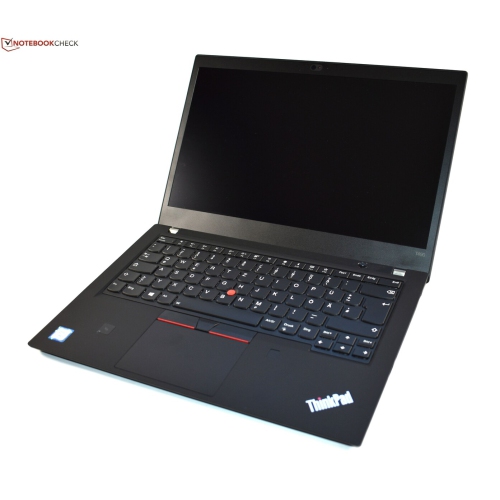 Your price for this item is $499.99
 -
 Your price for this item is $418.98
 -
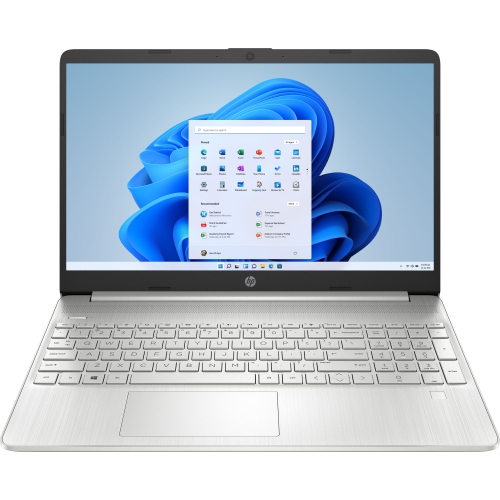 Your price for this item is $829
 -
 Your price for this item is $999.95
Discover more categories related to Samsung Galaxy Book4 Pro
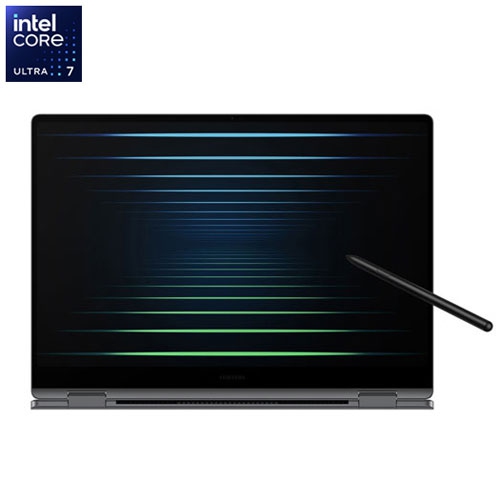
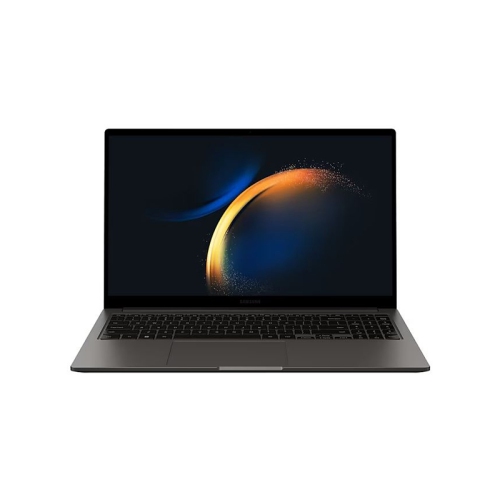
Top Collections:
Pokemon Centers, Kindle Devices, Best Budget Office Chairs, Canon G7X Cameras, Apple iPhones 16, Samsung Galaxy Phones, Refurbished Apple Laptops, Laptops for Students, iPhone 15 Apple, Budget Smartphones
Some products may be subject to Environmental Handling Fees
(EHF) depending on your province.
Learn more about EHFs.