Shop Samsung Book3 Pro

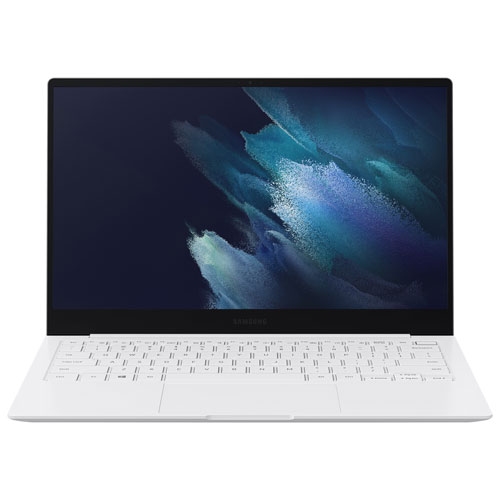
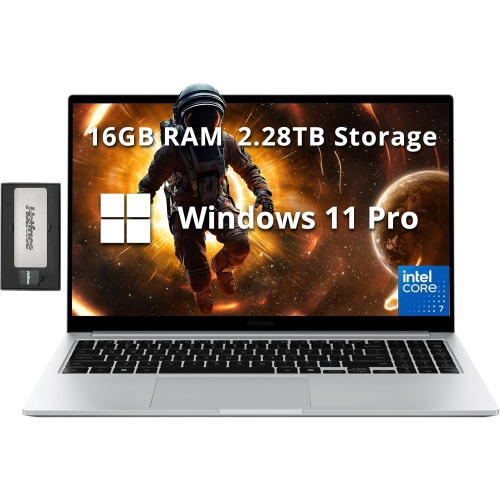
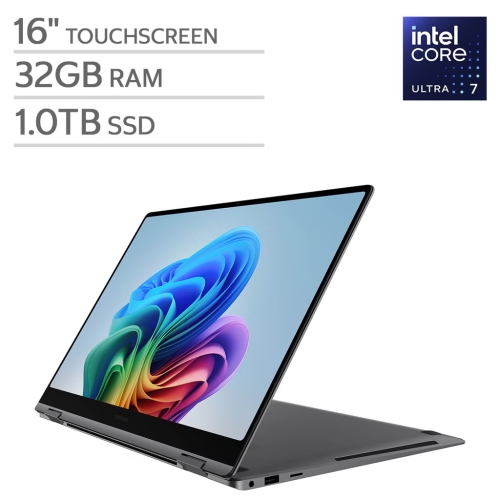
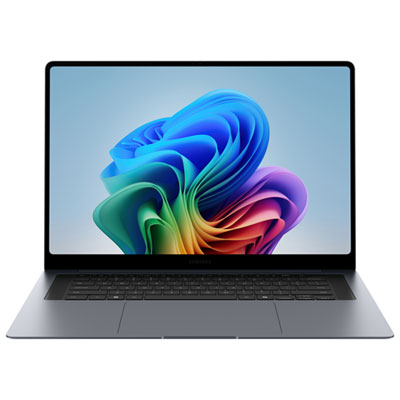
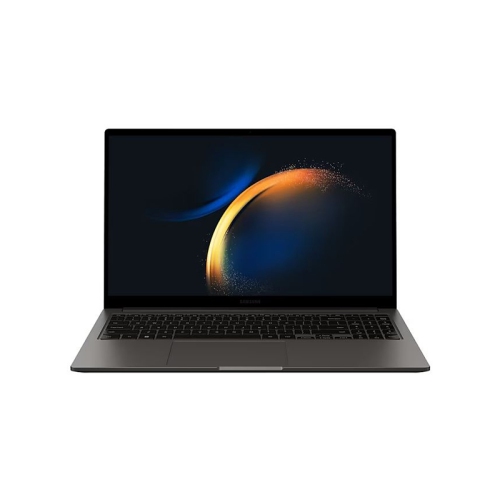
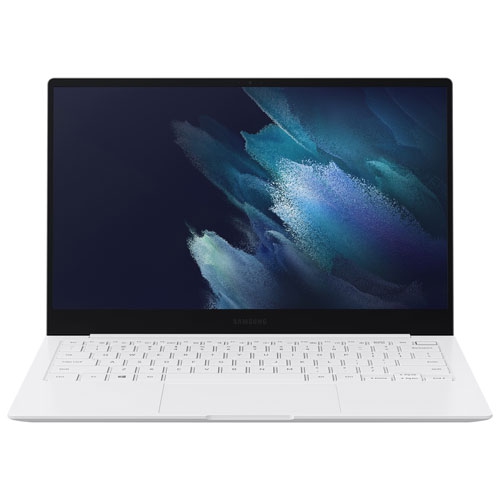
Shop Samsung Galaxy Book3 Pro laptops and compare available models for work, study, or everyday use. Review each listing’s screen size, processor, memory, and storage to find a configuration that fits your needs.
Read More

Room to work in a laptop that travels light

Thin, lightweight laptops bring a full working screen and a familiar keyboard into a form that is easy to carry between a desk, a lecture hall, and a meeting room. For people who spend much of the day writing, researching, organizing information, or moving between browser tabs, a premium notebook can make those ordinary tasks feel less cramped and more comfortable. Portability involves more than the weight listed in the specifications: the shape of the chassis, the size of the power adapter, and the space needed to open the screen all affect how a laptop fits into daily life. A compact metal body can slip into a padded backpack compartment without taking over the bag, while a larger screen offers more room for a spreadsheet beside a document or a video call alongside meeting notes. A 14-inch display suits smaller desks and frequent travel, whereas a 16-inch display provides a broader workspace for detailed layouts and side-by-side windows. Screen quality also shapes the experience. High resolution can make small text and fine image details easier to distinguish, while brightness and reflections affect readability near windows or under overhead lights. On laptops with an OLED display, deep blacks and strong contrast can add definition to photographs, films, and presentation graphics. Colour accuracy matters for visual work, although professional editing may also call for calibration and software configured for the task. A higher refresh rate can make scrolling and on-screen movement appear smoother, but it is only one part of display quality. Screen finish, viewing angles, and comfortable text scaling deserve equal attention during long sessions. A touchscreen is a separate feature rather than a given, and a conventional notebook does not necessarily offer the folding positions or pen support of a convertible. The most useful format is one that matches how the computer will actually be used, whether that means typing reports for hours or reviewing detailed documents away from a main desk.

Inside a slim laptop, the processor, memory, and storage work together to determine how smoothly everyday tasks run. A typical work session might involve a large spreadsheet, several research tabs, a video meeting, and a document with tracked changes, all open at once. Sufficient memory helps keep that mix responsive, while processor capability becomes more noticeable during demanding calculations, photo adjustments, and larger file exports. Storage capacity is a different consideration: applications, downloaded videos, project folders, and photo libraries can occupy space quickly, even when much of the daily workflow happens online. A solid-state drive supports responsive startup and file access, but memory and storage upgrade options vary, particularly in thin designs where some components may be fixed in place. Integrated graphics can suit office applications, streaming, and many everyday creative tasks; demanding games, complex 3D work, and some professional production workloads may require different hardware. Cooling also affects the experience, since a compact chassis has less room to disperse heat during sustained processing. Fan noise and warmth can become more noticeable during heavier tasks than during reading or writing. Battery life is similarly tied to the way a laptop is used. Screen brightness, video calls, connected accessories, and demanding software all influence time away from an outlet, so a battery claim is not a guarantee for every routine. Connections help determine how neatly the laptop fits into an existing setup. USB-C ports may support charging, displays, or data transfer, but their capabilities need to be checked rather than assumed. An external monitor, keyboard, mouse, and compatible dock can turn a portable notebook into a comfortable desk workstation. Built-in video connections, USB-A ports, and memory card readers can reduce the need for adapters when those features are included. Reliable Wi-Fi, a clear microphone, and a capable webcam are equally relevant for remote meetings, online coursework, and conversations with family. Compatibility with required software, accessories, and workplace security tools rounds out the picture, especially when the laptop will serve as a primary computer.

Comfort and durability become apparent in the small details of daily use: the feel of the keys during a long assignment, the ease of selecting text with the touchpad, and the steadiness of the screen when the desk is nudged. Keyboard layouts differ, so dedicated navigation keys, a number pad, and backlighting can matter more to some users than a particularly thin profile. Palm-rest space and screen positioning also affect comfort, especially when a laptop is used for extended periods. At a regular workstation, a stand paired with an external keyboard and mouse can bring the display closer to a comfortable viewing height without forcing the hands upward. A metal chassis can provide a firm, refined feel, although no slim laptop is immune to dents, scratches, or damage from pressure inside a crowded bag. A fitted sleeve or padded compartment helps separate the computer from keys, chargers, and other hard objects. Care is straightforward but worth keeping consistent: shut the laptop down before cleaning, use a soft microfibre cloth, and follow the manufacturer’s directions for suitable cleaning products. Liquid should never be sprayed directly onto the screen or keyboard, and ventilation openings need to remain clear during use. Keeping food and drinks away from the keyboard helps protect components that are difficult to access in a compact body. For students, professionals, and people managing a household’s documents and correspondence, this type of laptop can provide a practical balance of screen space and mobility. It can also make a thoughtful graduation gift or a useful addition for someone beginning a new role, provided the software requirements, preferred screen size, and accessibility needs are understood beforehand. The Samsung Galaxy Book5 Pro collection offers a related range to explore when comparing premium notebooks. Across these laptops, lasting usefulness comes from a configuration that supports real tasks comfortably, with connections, storage, and a carrying size that fit naturally into the owner’s routine.
Read More

FAQ

Some products may be subject to Environmental Handling Fees (EHF) depending on your province. Learn more about EHFs.