Samsung Tablets for Schoolwork
In today's fast-paced educational environment, having the right tools can make all the difference in a student's success. A Samsung tablet for schoolwork offers a versatile solution that combines portability with powerful performance, making it an ideal companion for students of all ages. Whether you're taking notes in class, researching for assignments, or collaborating on group projects, a Samsung tablet provides the flexibility and functionality needed to keep up with academic demands. Explore our selection of Samsung tablets designed to enhance your learning experience and support your educational journey.
Sort
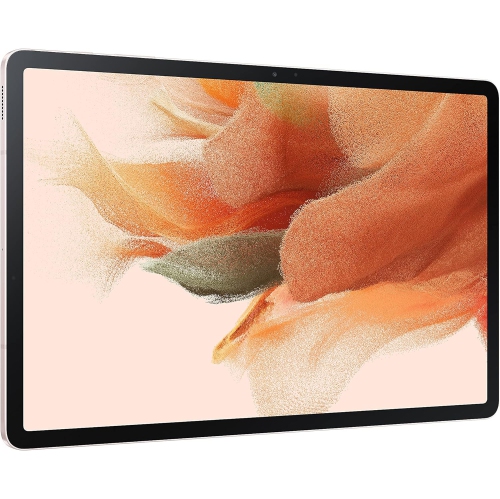
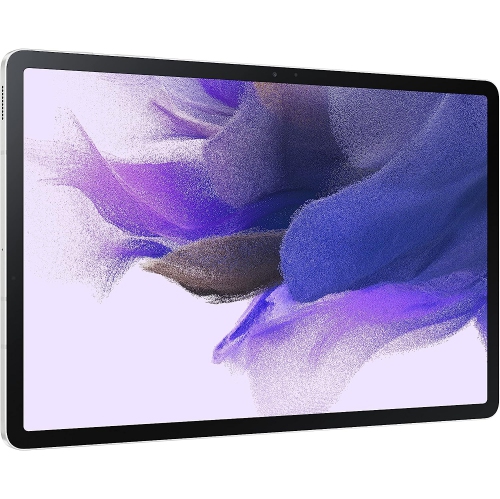

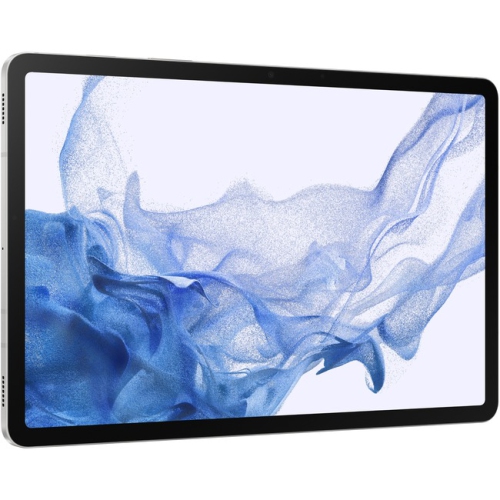
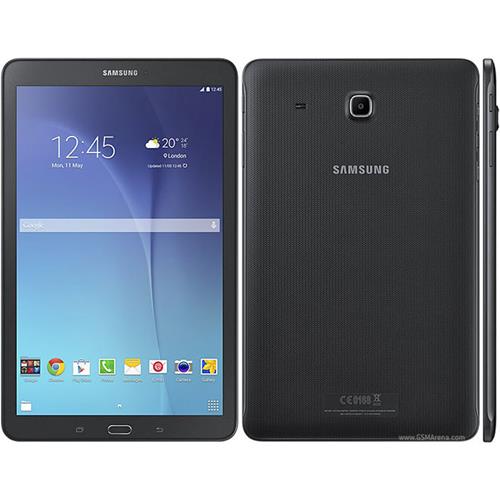
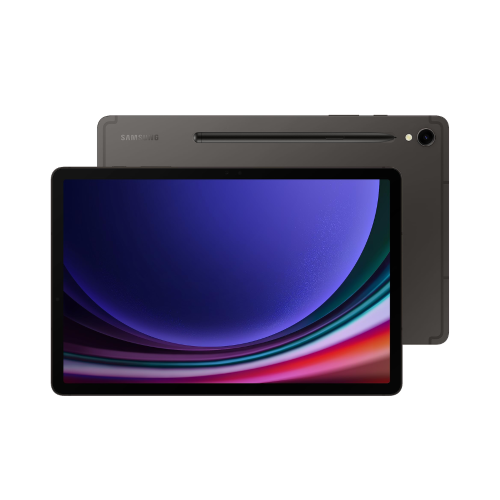
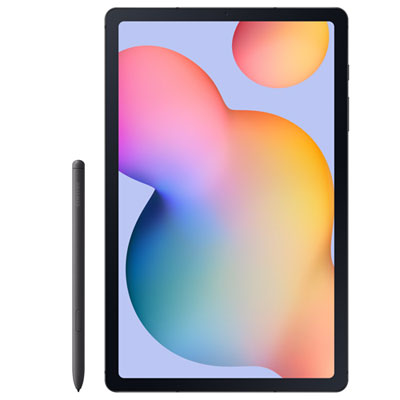
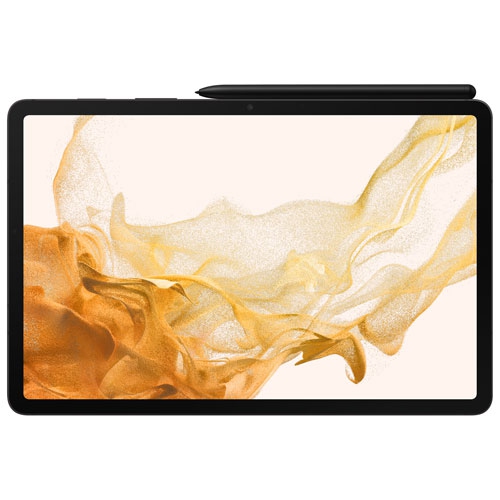
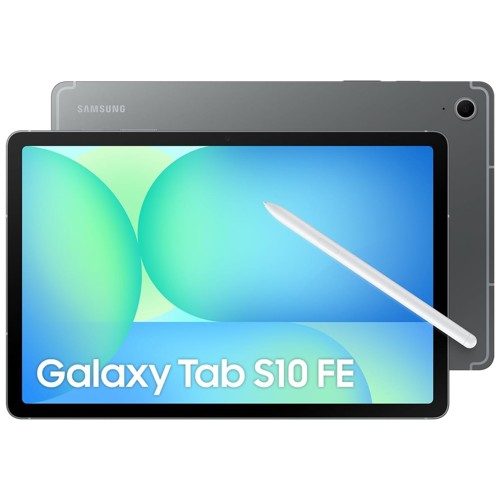
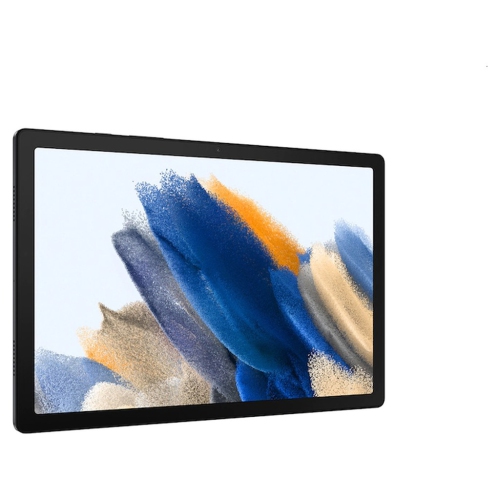
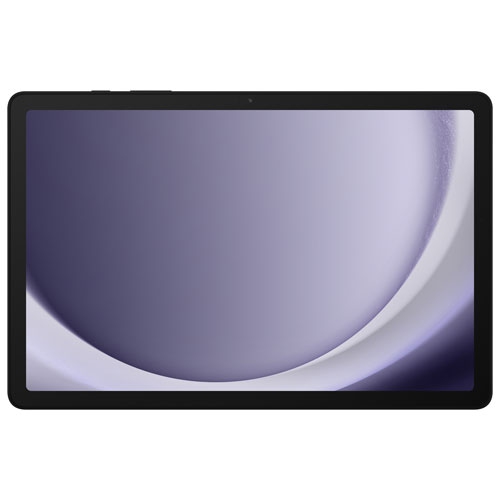
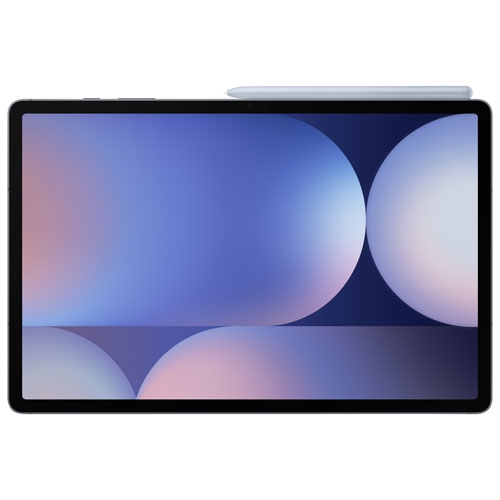
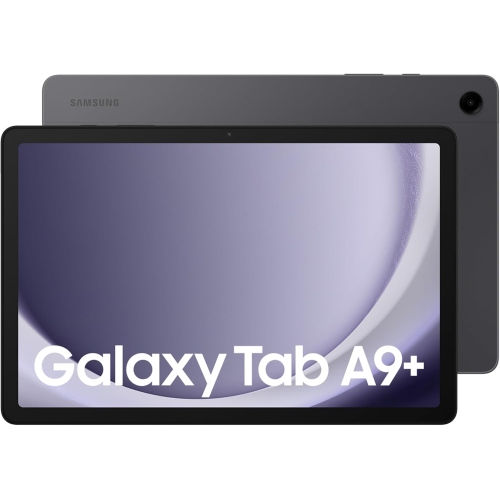
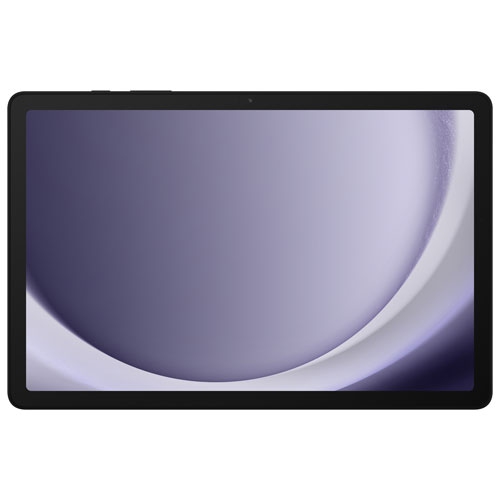
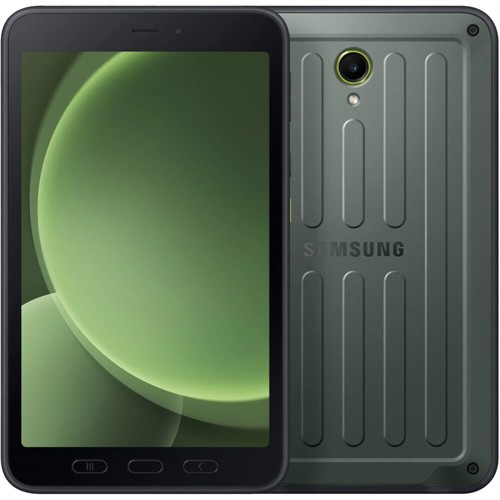
Flexible learning support from classrooms to college campuses
A tablet for schoolwork can give students a flexible, portable way to read, research, write, organize and review lessons throughout the school year. Compared with carrying several textbooks, notebooks and folders, a slim tablet can keep course materials, assignments, calendars and reference tools together in one easy-to-carry device. Students in elementary school may use one for reading practice, educational apps, handwriting exercises and supervised video lessons, while middle school and high school students often rely on a larger screen for online research, presentations, document editing and classroom communication. College and university students may appreciate the convenience of downloading lecture slides, annotating readings, recording ideas and switching between notes and browser windows while studying at home or in a library. A tablet can also be a thoughtful gift for a student preparing for a new grade, moving between classrooms or heading into post-secondary education. During the cooler months, it can be useful at a kitchen table, in a quiet corner of a library or on a long trip between home and campus. When choosing a tablet for schoolwork, consider the student’s age, courses, daily routine and preferred way of learning. A younger student may benefit most from a simple interface, a durable case and parental controls, while an older student may need stronger performance for multitasking, video calls, creative assignments and larger files. Screen size matters as well: a compact display is easy to hold and pack, whereas a larger display provides more room for documents, diagrams, spreadsheets and split-screen work. A clear, high-resolution screen can make small text more comfortable to read, especially during lengthy study sessions, and adjustable brightness can help when moving from a bright classroom to a dimmer bedroom.
Battery life is another important consideration for students who spend a full day away from an outlet. A tablet with enough capacity to handle classes, reading, web browsing and note-taking can reduce the need to carry a charger everywhere, although actual battery performance varies with screen brightness, streaming, gaming, cellular connectivity and the apps being used. Storage should be matched to the student’s habits: cloud storage may suit someone who works mainly online, while expandable storage or more built-in capacity can be helpful for downloaded textbooks, videos, photos, art files and offline assignments. Wi-Fi connectivity is suitable for many homes, schools and libraries, while a model with mobile connectivity can provide internet access in more places when paired with an eligible plan. For writing and handwritten notes, look for compatibility with a digital pen or stylus. Students can use a stylus to mark up readings, sketch science diagrams, solve equations, circle important passages and capture quick ideas in a way that feels closer to writing on paper. A keyboard accessory can make longer essays, emails and discussion posts more comfortable, and a stand can position the screen at a practical angle for video lessons or reference work. Multitasking features are especially useful for schoolwork because they can allow a student to view a source on one side of the screen while drafting notes, completing a worksheet or writing a report on the other. Some tablets also offer a desktop-style workspace with resizable windows, familiar file management and support for external displays or accessories, which can make a portable device feel more capable when used at a desk. Before making a selection, check the operating system requirements for the school’s learning platform, digital textbooks and required apps. Compatibility with common document formats, video conferencing tools and file-sharing services can help assignments move smoothly between home, school and group projects.
The best tablet for schoolwork is one that fits naturally into the student’s routine rather than adding unnecessary complexity. Think about how the device will be carried, stored and used between classes. A protective case can help shield the tablet from bumps in a backpack, while a screen protector may provide added peace of mind for students who work in busy spaces. A lightweight design is easier to hold during reading and less tiring to carry alongside binders, lunch bags and sports equipment. Parents and caregivers may also want to review user profiles, screen-time settings, content controls and backup options before handing the tablet to a younger student. For shared households, separate profiles can keep school files, personal photos and entertainment preferences organized. Students who learn visually may use the tablet for diagrams, recorded demonstrations and colour-coded notes; those who prefer listening may benefit from text-to-speech, audiobooks and recorded lectures; and students who enjoy hands-on work can combine a stylus with drawing, coding, music or design applications. Accessibility features such as magnification, captions, voice typing, screen readers and customized text settings can make digital learning more comfortable for a wider range of learners. It is also worth considering how the tablet will be used outside school. The same device may support recipe viewing, travel planning, family video calls, reading or relaxation, so a balanced combination of performance, comfort and battery life can add value over time. To compare features and find options suited to different grades, learning styles and budgets, explore Best Tablets for School and Homework. Whether it is intended for a child’s first independent assignments, a teenager’s research and presentation work or a post-secondary student’s daily lectures and notes, a well-matched tablet can make school materials easier to access and help keep learning organized wherever the day takes them.
Battery life is another important consideration for students who spend a full day away from an outlet. A tablet with enough capacity to handle classes, reading, web browsing and note-taking can reduce the need to carry a charger everywhere, although actual battery performance varies with screen brightness, streaming, gaming, cellular connectivity and the apps being used. Storage should be matched to the student’s habits: cloud storage may suit someone who works mainly online, while expandable storage or more built-in capacity can be helpful for downloaded textbooks, videos, photos, art files and offline assignments. Wi-Fi connectivity is suitable for many homes, schools and libraries, while a model with mobile connectivity can provide internet access in more places when paired with an eligible plan. For writing and handwritten notes, look for compatibility with a digital pen or stylus. Students can use a stylus to mark up readings, sketch science diagrams, solve equations, circle important passages and capture quick ideas in a way that feels closer to writing on paper. A keyboard accessory can make longer essays, emails and discussion posts more comfortable, and a stand can position the screen at a practical angle for video lessons or reference work. Multitasking features are especially useful for schoolwork because they can allow a student to view a source on one side of the screen while drafting notes, completing a worksheet or writing a report on the other. Some tablets also offer a desktop-style workspace with resizable windows, familiar file management and support for external displays or accessories, which can make a portable device feel more capable when used at a desk. Before making a selection, check the operating system requirements for the school’s learning platform, digital textbooks and required apps. Compatibility with common document formats, video conferencing tools and file-sharing services can help assignments move smoothly between home, school and group projects.
The best tablet for schoolwork is one that fits naturally into the student’s routine rather than adding unnecessary complexity. Think about how the device will be carried, stored and used between classes. A protective case can help shield the tablet from bumps in a backpack, while a screen protector may provide added peace of mind for students who work in busy spaces. A lightweight design is easier to hold during reading and less tiring to carry alongside binders, lunch bags and sports equipment. Parents and caregivers may also want to review user profiles, screen-time settings, content controls and backup options before handing the tablet to a younger student. For shared households, separate profiles can keep school files, personal photos and entertainment preferences organized. Students who learn visually may use the tablet for diagrams, recorded demonstrations and colour-coded notes; those who prefer listening may benefit from text-to-speech, audiobooks and recorded lectures; and students who enjoy hands-on work can combine a stylus with drawing, coding, music or design applications. Accessibility features such as magnification, captions, voice typing, screen readers and customized text settings can make digital learning more comfortable for a wider range of learners. It is also worth considering how the tablet will be used outside school. The same device may support recipe viewing, travel planning, family video calls, reading or relaxation, so a balanced combination of performance, comfort and battery life can add value over time. To compare features and find options suited to different grades, learning styles and budgets, explore Best Tablets for School and Homework. Whether it is intended for a child’s first independent assignments, a teenager’s research and presentation work or a post-secondary student’s daily lectures and notes, a well-matched tablet can make school materials easier to access and help keep learning organized wherever the day takes them.
Top selling and popular products
-
 Your price for this item is $499.99
 -
 Your price for this item is $199.95
 -
 Your price for this item is $325
 -
 Your price for this item is $579.99
 -
 Your price for this item is $139.99
 -
 Your price for this item is $119.99
 -
 Your price for this item is $979.99
 -
 Your price for this item is $579.99
Discover more categories related to Samsung Tablets for Schoolwork


Top Collections:
Pokemon Centers, Kindle Devices, Best Budget Office Chairs, Apple iPhones 16, Best Laptops for Writers, iPhone 15 Apple, Canon G7X Cameras, Refurbished Apple Laptops, Alarm Clock, Motorola Razr Phones
Some products may be subject to Environmental Handling Fees
(EHF) depending on your province.
Learn more about EHFs.