Best Tablets for School and Homework
Find the best tablets for school and homework with a selection ranked by user review ratings. Whether you’re taking notes in class, reading digital textbooks, or working on assignments, compare options to find the right fit for your study routine. Consider screen size, battery life, and compatibility with the apps you use to choose a tablet that meets your learning needs.
What to look for in tablets for school and homework
1. School App Compatibility
2. Display and Portability
3. Performance and Storage
4. Battery Life and Accessories
-
1

SAMSUNG Galaxy Tab S6 Lite P610 Wifi (128GB/4GB, Oxford Gray) - Brand New
About this product
An Oxford Gray tablet with 128GB storage and 4GB RAM, perfect for writing, sketching, or browsing.
What customers like
(579)$699.99Your price for this item is $699.99SAVE $200 -
2
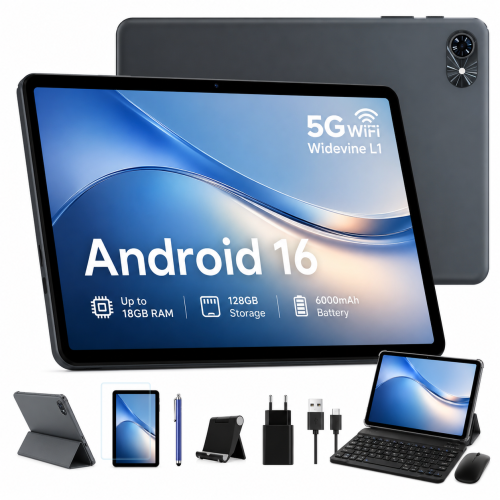
BLACKVIEW 10" Tablets, Android 16 Tablet, 2026 Android Tablets w Keyboard 18GB+128GB, 10 Inch Tablet w Stylus, 6000Mah, 1080P, 5G Wifi
About this product
A versatile Android 15 tablet featuring 18GB RAM, 128GB storage, keyboard, stylus, and 5G Wi-Fi.
What customers like
(30)$135.99Your price for this item is $135.99SAVE $20 -
3
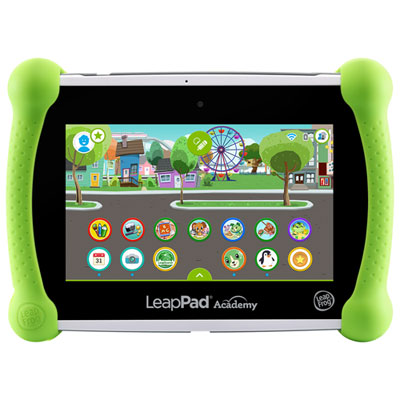
LeapFrog LeapPad Academy - Green - English
About this product
A green educational tablet featuring 20+ learning apps and parental controls for a safe experience.
(7)$169.99 Your price for this item is $169.99 -
4
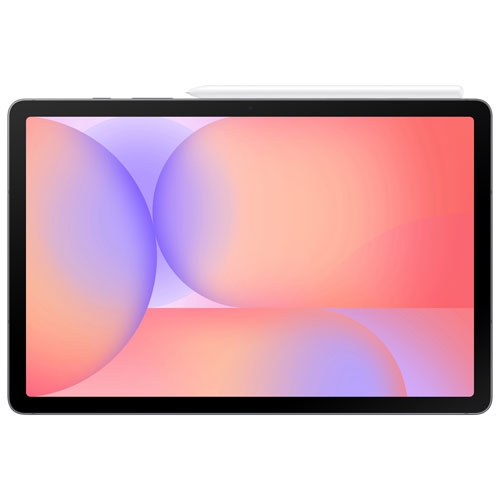
SAMSUNG - Galaxy Tab S10 Lite 10.9" 128GB Android Tablet With Exynos 1380 Processor - In Grey
About this product
A sleek grey tablet featuring a 10.9" display, Exynos 1380 processor, and included S Pen.
(4)$419.99Your price for this item is $419.99SAVE $80 -
5
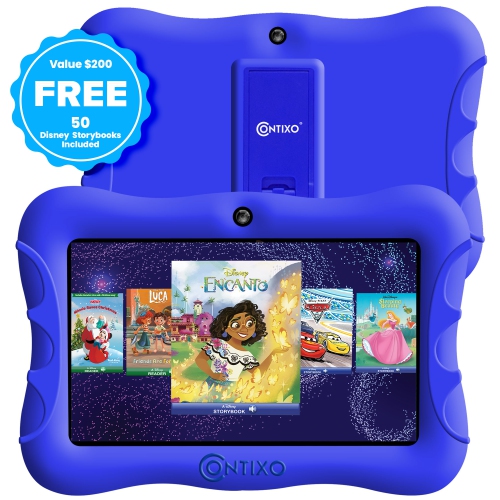
CONTIXO Kids Tablet, 7" HD Display, 32GB Storage, Wi-Fi, Parental Controls, Shockproof Case, Dark In Blue
About this product
A kid-friendly tablet with parental controls, educational apps, dual cameras, and Android 10 OS.
(1)$122.99Your price for this item is $122.99SAVE $14 -
6
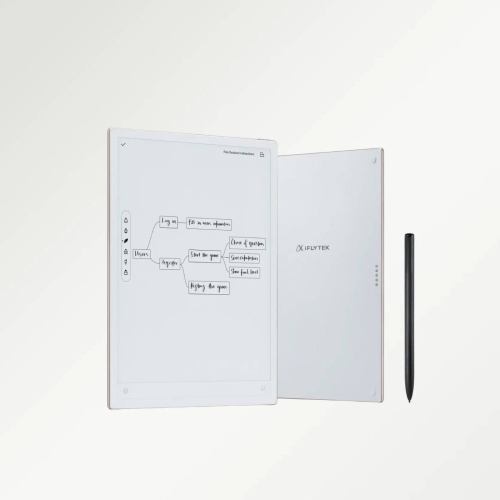
IFLYTEK Ainote 2 10.65" 64GB Ai E Ink Paper Tablet, 4.2MM Ultrathin Smart Paper Note Taking Tablet With Stylus And Chatgpt-5
About this product
An ultrathin E Ink tablet with stylus, cloud syncing, audio recording, and integrated ChatGPT-5 AI support.
(1)$999.99 Your price for this item is $999.99 -
7

MICROSOFT Refurbished (Good) - Surface Laptop 3 15" Touchscreen - Amd Ryzen 7 Surface Edition - 32GB - 1Tb SSD - Windows 10 Home
About this product
A refurbished laptop featuring a 15" touch screen, 1TB SSD, AMD Ryzen 7, and 32GB memory.
What customers like
(2,498)$3,099.00Your price for this item is $3099SAVE $501 -
8

Wacom Intuos 6.0" x 3.7" Graphic Tablet with Stylus (CTL4100WLK0) - Black
About this product
A black Bluetooth-enabled graphic tablet with a precise stylus and 4,096 pressure sensitivity levels.
What customers like
(1,000)$119.98 Your price for this item is $119.98 -
9
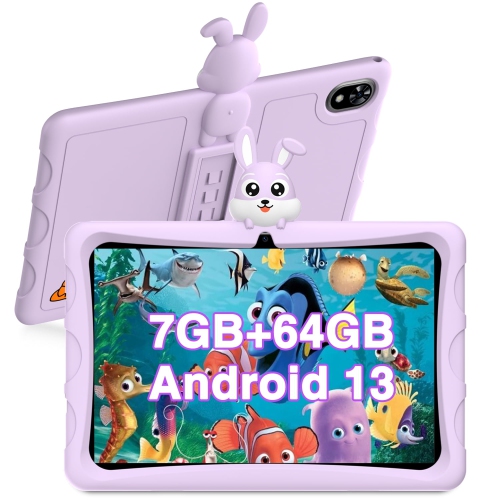
DOOGEE U9 Kid Tablet PC - In Purple
About this product
A kid-friendly purple tablet featuring a food-grade silicone case, 10.1" HD display, and TÜV low blue light.
(1)$184.38 Your price for this item is $184.38 -
10
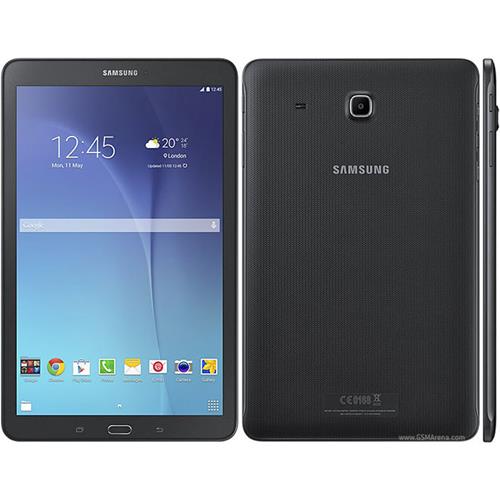
SAMSUNG Refurbished (Good) - Galaxy Tablet E Sm-T560 9.6"
About this product
A versatile refurbished tablet with multi-user support, multitasking features, and expandable storage for family use.
(1)$120.00 Your price for this item is $120
FAQ
Look for compatibility with your school’s learning platform, support for a keyboard or stylus, and battery life suited to your class schedule. A front-facing camera, microphone and Wi-Fi connectivity are also useful for virtual classes and group assignments.
Many tablets support Bluetooth keyboards and mice, while some also work with keyboards that attach directly to the tablet. Check the tablet’s operating system, connections and accessory compatibility, as support can vary by model and app.
Compare your school’s required apps with those available for the tablet’s operating system. Check any minimum software requirements and whether browser-based tools support mobile browsers. Some courses require desktop software or exam tools that may not run on a tablet.
Stylus compatibility varies between tablets, and some models require a specific active stylus. For handwritten notes and annotations, check for palm rejection and support in your preferred note-taking or PDF app. Handwriting-to-text features also depend on the app and operating system.
Many document, note-taking and reading apps let you work offline if you download the required files beforehand. Online research, virtual classes and assignment submissions generally require a connection. Check each app’s offline settings and sync your work when you reconnect.
Top selling and popular products
Discover more categories related to Best Tablets for School and Homework


Some products may be subject to Environmental Handling Fees (EHF) depending on your province. Learn more about EHFs.