Scanner Epson
Discover a wide selection of Scanner Epson options designed to help you easily digitize documents, photos, and more. Whether upgrading your home office or streamlining workflow at work, these scanners offer reliable performance for various scanning needs. Explore versatile models that fit different spaces and requirements, making it simple to find the right Scanner Epson for your setup. Shop now to enjoy efficient scanning solutions tailored to your daily tasks.
Sort


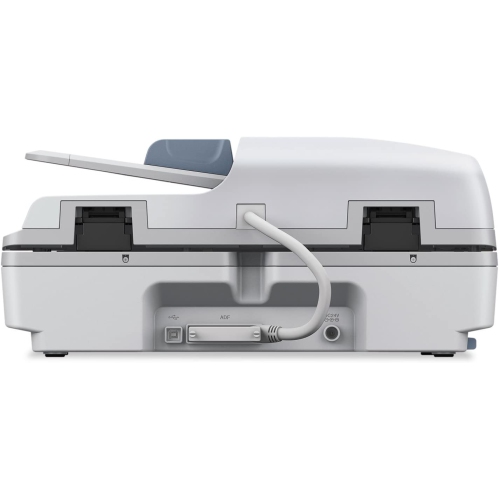
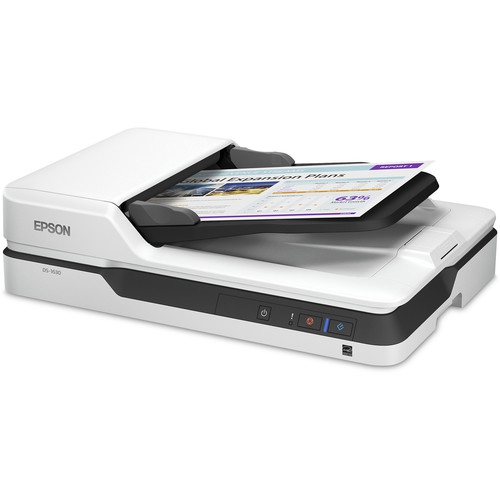
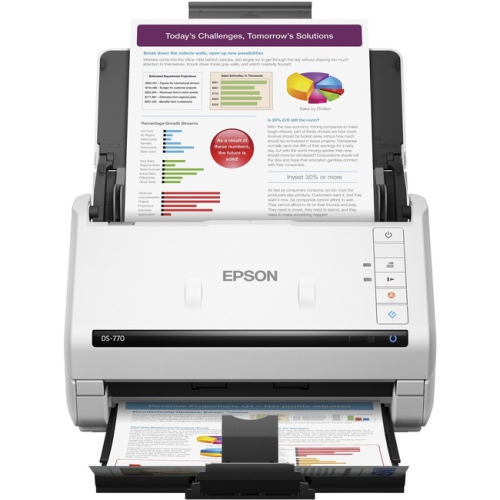
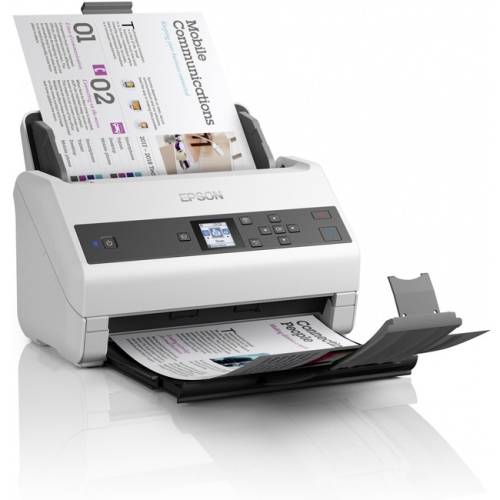
Why your originals matter when comparing scanner types
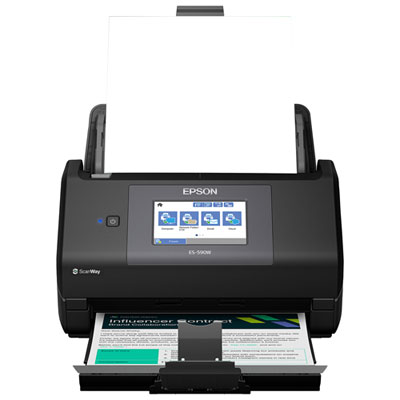
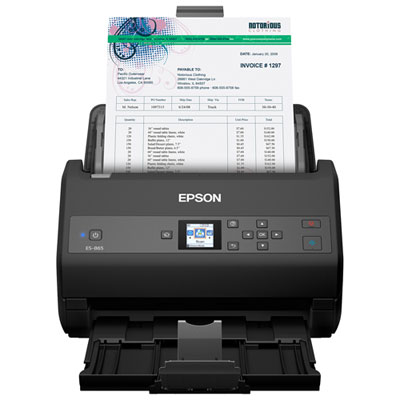
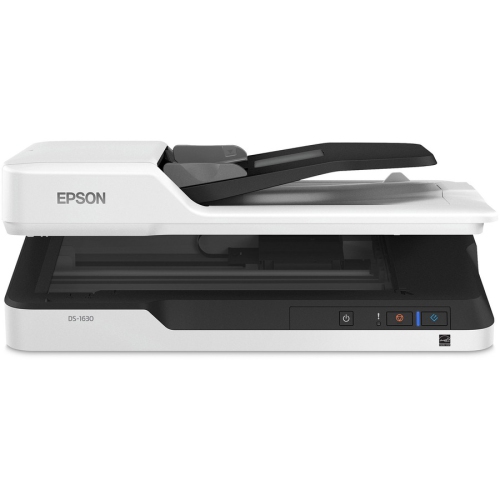
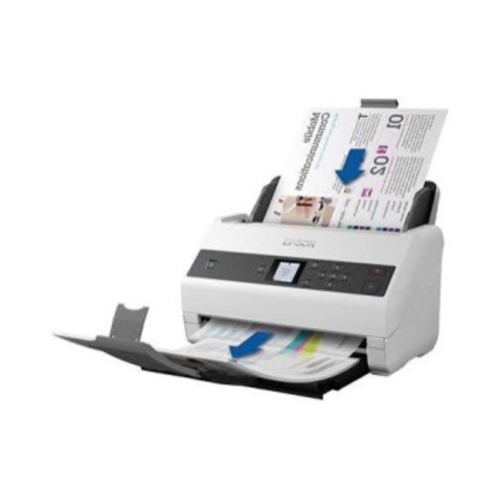
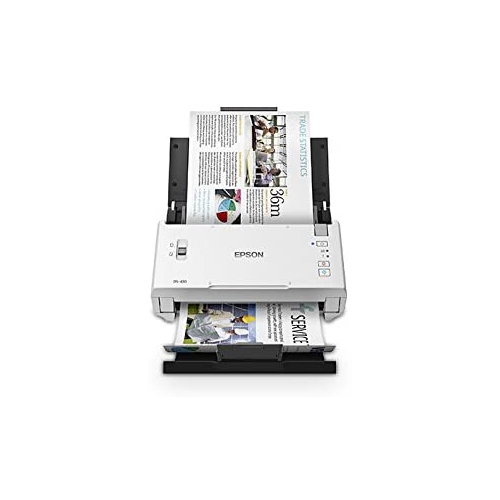
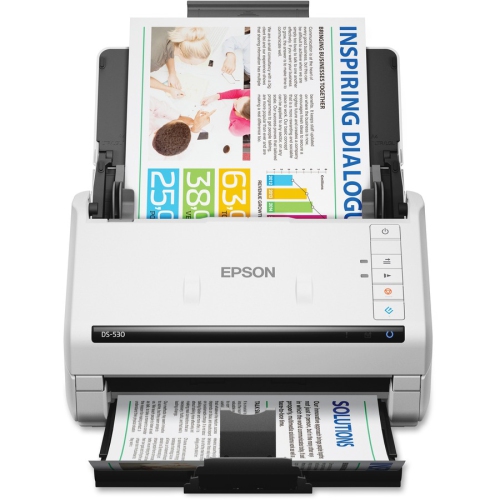
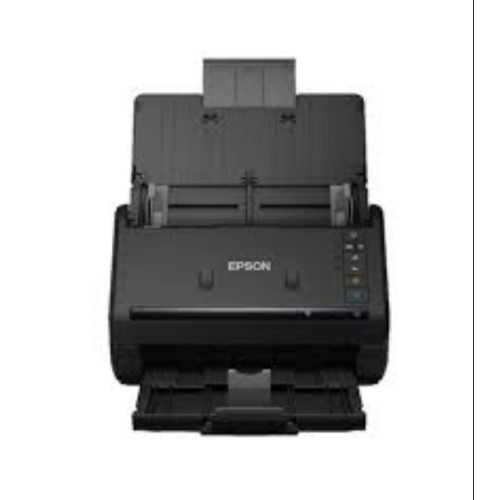
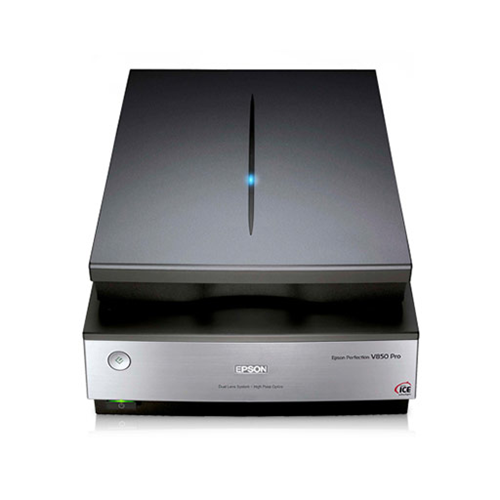
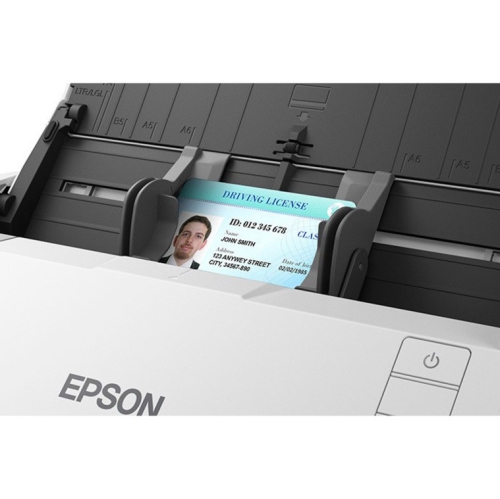
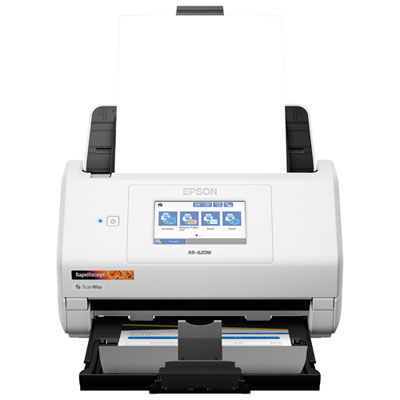
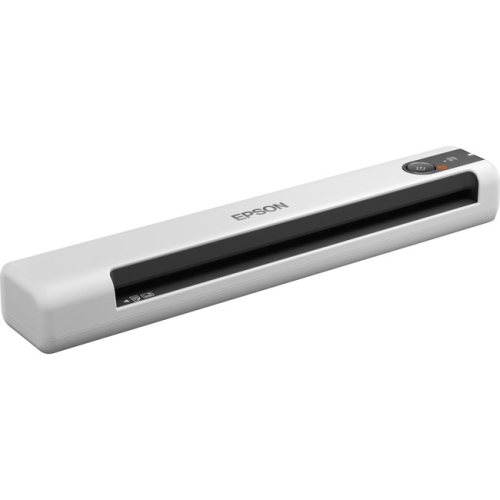
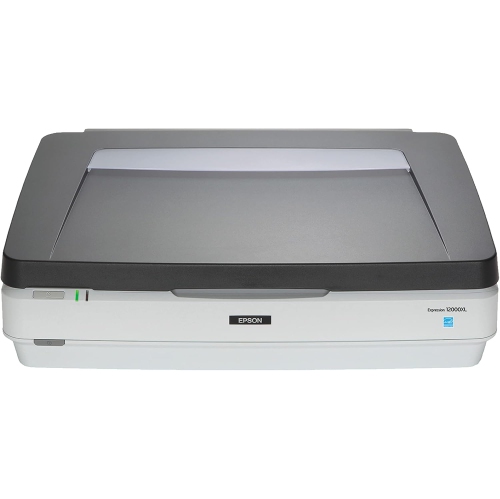
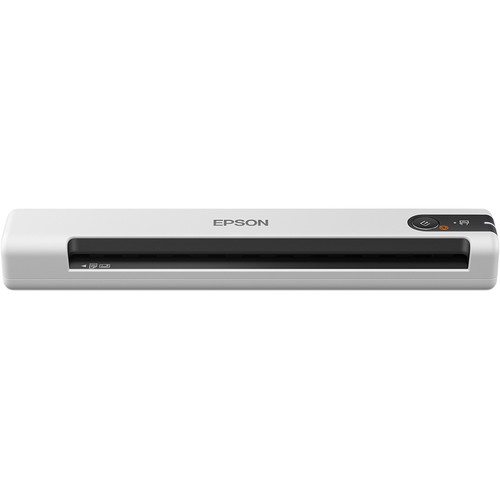
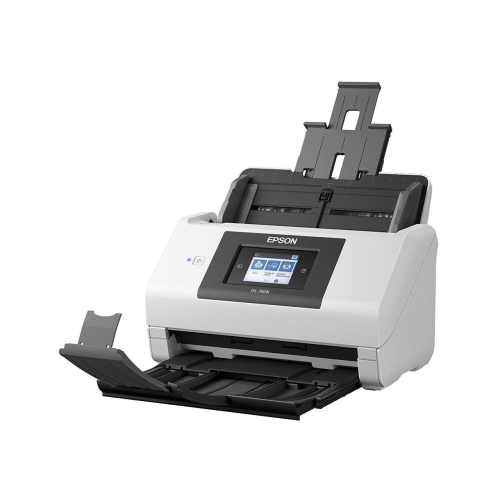
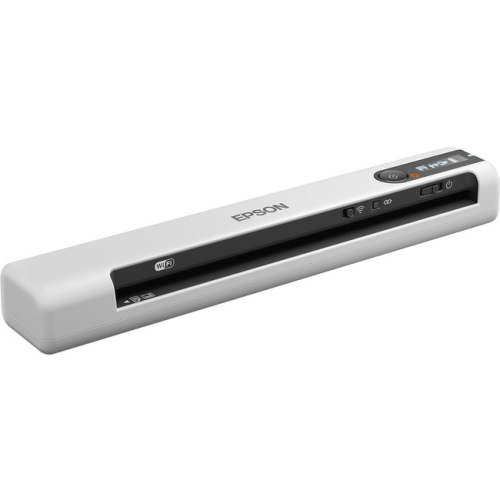
Document and photo scanners range from compact flatbed designs for individual originals to high-speed sheet-fed systems for stacks of paperwork, with wireless connectivity supported by some models. The main distinction is how each scanner handles the material being digitized. A flatbed holds an original against a glass surface, making it useful for photographs, drawings, certificates, and documents that should not pass through feed rollers. It also gives the operator control over placement, which matters when a handwritten note has uneven edges or a small photograph needs careful alignment. A sheet-fed document scanner moves loose pages through a scanning mechanism, often using an automatic document feeder to process a batch with less hands-on attention. Duplex scanning captures both sides of a page, helping preserve information on double-sided statements, application forms, and meeting notes. Portable scanners emphasize a smaller footprint and easier transport, although feeding methods, power requirements, and supported paper sizes differ. These distinctions matter more than appearance alone: a household digitizing family photographs has different needs from a small office processing signed paperwork every day. Students may use scans to organize handwritten coursework, while artists may capture sketches for further editing. Home offices benefit from readable copies of receipts, warranties, and correspondence that can be filed without keeping every document on the desktop. For projects centred on photographs and other originals suited to flatbed handling, Epson Perfection provides a related collection to explore. The dimensions and condition of the source material remain important across scanner types. A receipt, a full-size letter, and an oversized illustration require different handling, and support for film or slides depends on dedicated hardware rather than the presence of a flatbed alone. Bound pages also require enough clearance and suitable support; pressing a book flat can damage its spine. The most useful scanning setup fits the originals being handled, the frequency of use, and the space where the work takes place.
Image quality involves more than a single resolution figure. Optical resolution describes the detail a scanner captures through its imaging hardware, while interpolated resolution adds pixels through software processing rather than capturing additional detail from the original. Resolution is commonly expressed in dots per inch, or dpi. Ordinary text documents generally need less detail than small photographs intended for enlargement, and higher settings create larger files that take longer to scan, transfer, and open. For a box of family prints, accurate colour and subtle tonal detail can matter as much as sharpness, particularly in faded clothing, shadowed faces, or pale handwriting on the back of a photograph. For office paperwork, clean text, straight pages, and consistent results across a batch are often the priorities. Depending on the scanner and its software, image-processing tools may straighten slightly skewed pages, crop borders, reduce the appearance of a reverse-side image showing through thin paper, or adjust colour. Such features have limits: software cannot reliably recreate detail missing from a damaged or badly blurred original. Optical character recognition, often called OCR, converts detected lettering into text that can be searched and, with suitable software, edited. Accuracy depends on the original’s clarity, typeface, layout, and language, so names, totals, and other important details still benefit from review. File formats serve different purposes, too. A multipage PDF keeps a document together, JPEG is commonly used for compact photographic files, and TIFF can preserve image detail without the compression losses associated with standard JPEG saving. Searchable PDFs require text recognition rather than image capture alone. Connectivity shapes how those files reach their destination. USB provides a direct connection, while compatible Wi-Fi models can support placement away from a computer or access from supported devices. Wireless capability does not automatically mean every mobile device, application, or network arrangement will work. Operating-system compatibility, connection requirements, and included software all influence whether a scanner fits smoothly into an existing home or office routine.
Physical fit and everyday handling help determine how practical a scanner feels after the first project. A compact body may still need extra room for an open lid, an extended paper tray, or pages exiting behind the unit. The full working footprint matters on a shared desktop, especially when a monitor, keyboard, and reference papers already occupy most of the surface. Scanner housings commonly use moulded plastic, with glass on flatbed models and rollers or guides in document-feeding mechanisms. Durability depends partly on how those components are used and maintained. Dust, fingerprints, and residue on scanning surfaces can appear as marks in digital images, while dirty feed components can interfere with consistent paper movement. Manufacturer-approved cleaning methods help protect coatings and internal parts; abrasive cloths and liquid sprayed directly into openings can cause damage. Paper condition also affects performance. Staples, paper clips, adhesive notes, curled corners, and torn edges can interrupt a batch or harm an original, so document preparation is part of reliable sheet-fed scanning. Delicate photographs and valuable keepsakes need handling appropriate to their condition, and some originals are better assessed by a specialist before digitization. For regular document work, feeder capacity, supported paper thickness, and the manufacturer’s recommended daily scanning volume offer useful context beyond the advertised scanning speed. A speed measured with straightforward pages and basic settings may not reflect a mixed batch scanned in colour with text recognition enabled. Replaceable feed components, where supported, can also matter for repeated use. Once captured, files are easier to retrieve with consistent names and clearly organized folders, whether the project involves household records, client paperwork, or a family photo archive. Sensitive documents need appropriate storage permissions and backup arrangements, particularly on shared computers. A scanner creates a digital copy, but that copy still needs safekeeping, and retaining the physical original may remain necessary for legal, financial, or personal reasons. Together, suitable handling, dependable file capture, and manageable upkeep make scanning a practical part of everyday organization.
Top selling and popular products
-
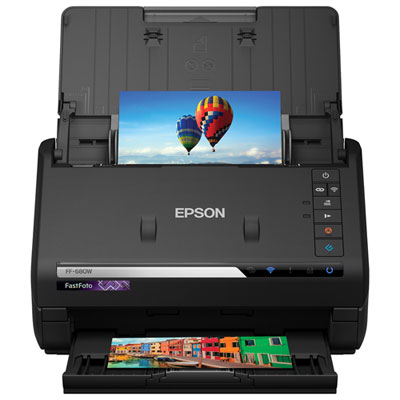 Your price for this item is $699.99
-
 Your price for this item is $107.99
-
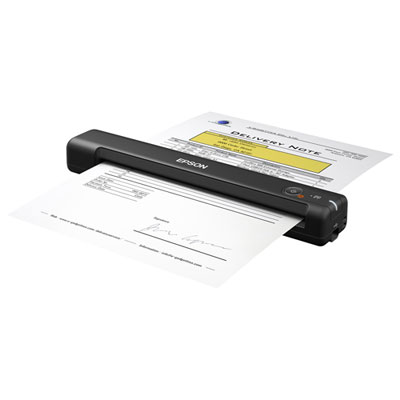 Your price for this item is $179.99
-
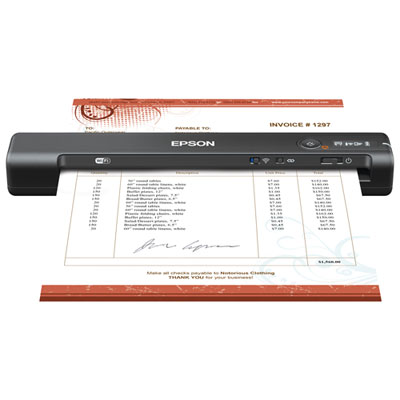 Your price for this item is $199.99
-
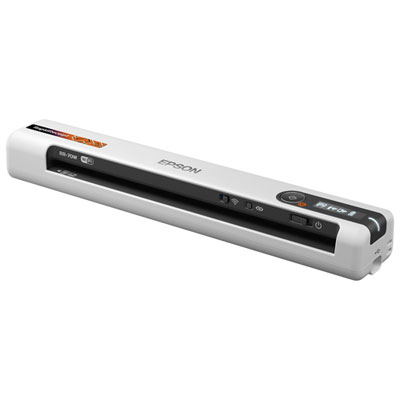 Your price for this item is $289.99
-
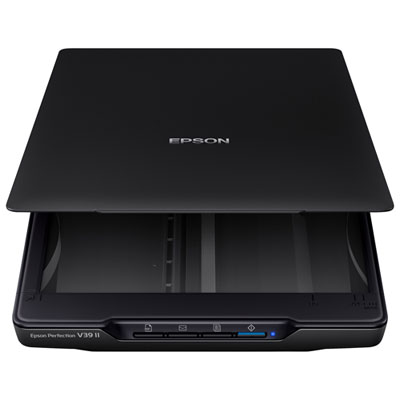 Your price for this item is $139.99
-
 Your price for this item is $199.99
-
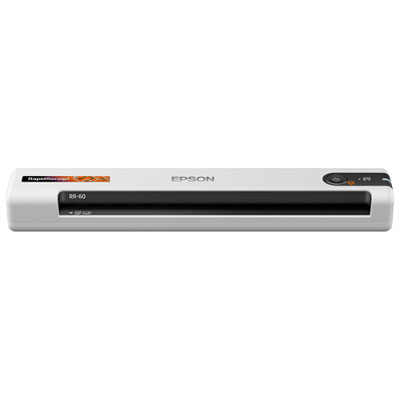 Your price for this item is $319.99
Discover more categories related to Scanner Epson
Top Collections:
Best Black Friday Deals This Year, Best Black Friday Deals On Electronics, Kindle Devices, Pokemon Centers, Best Black Friday Deals On Apple Products, Best Cameras for Sports Photography, Dyson Airwrap, Pokémon 30th Celebration Cards, Apple iPhone 17 Pro, Canon G7X Cameras
Some products may be subject to Environmental Handling Fees
(EHF) depending on your province.
Learn more about EHFs.