SFF Computers
Looking for a compact yet powerful computing solution? Look no further than our selection of SFF computers. SFF, or Small Form Factor, computers are designed to deliver high performance in a compact package, making them perfect for those who need a powerful workstation without sacrificing space. Whether you're a gamer in need of a space-saving gaming rig, a professional looking for a sleek and efficient office setup, or simply someone who values minimalist design and functionality, our range of SFF computers has something to suit your needs.
Sort
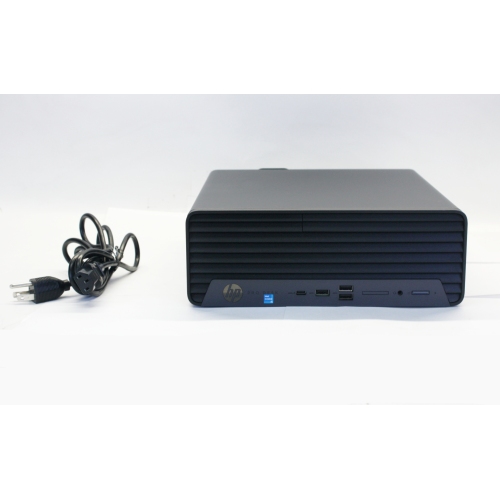


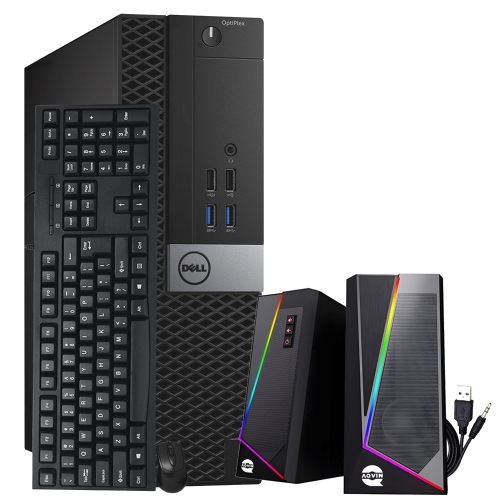

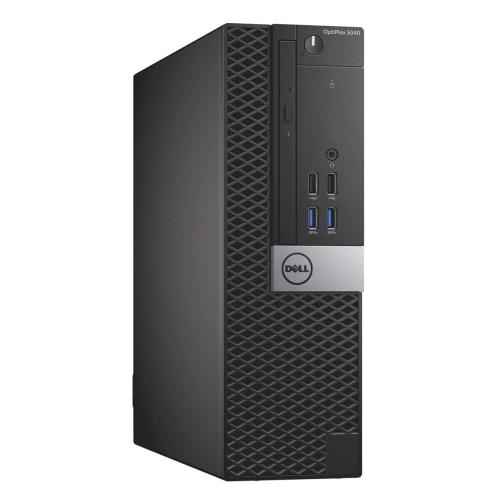

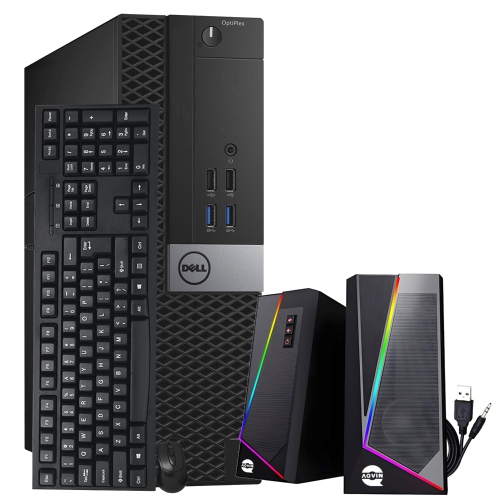
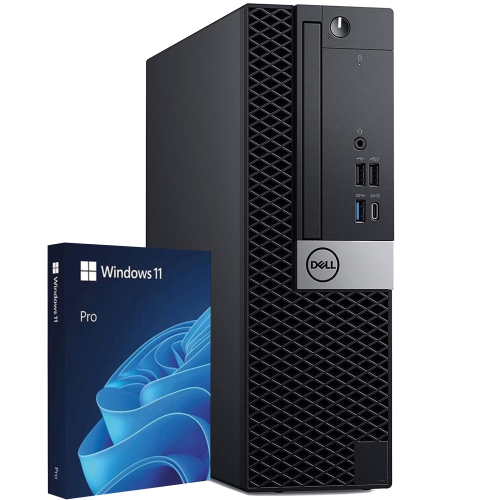


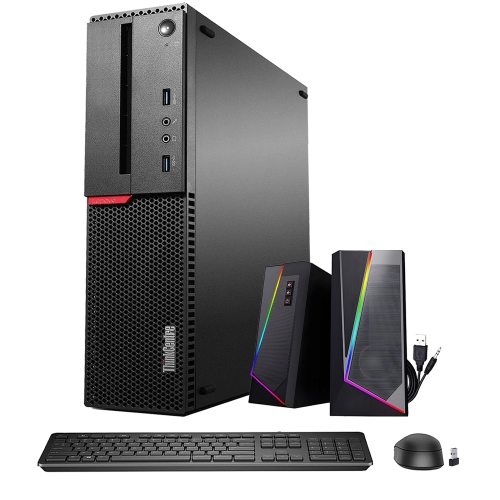


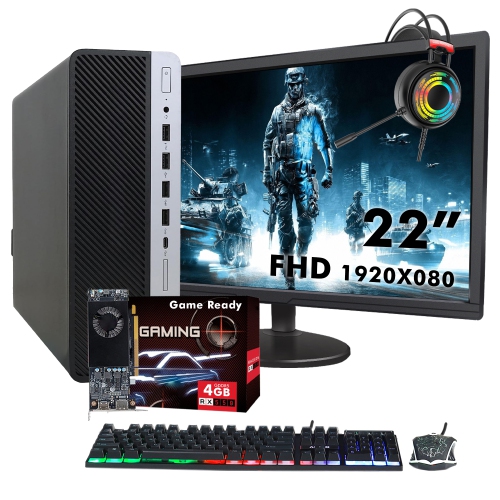

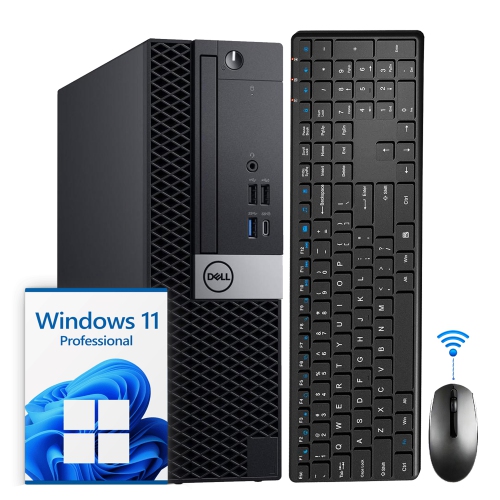
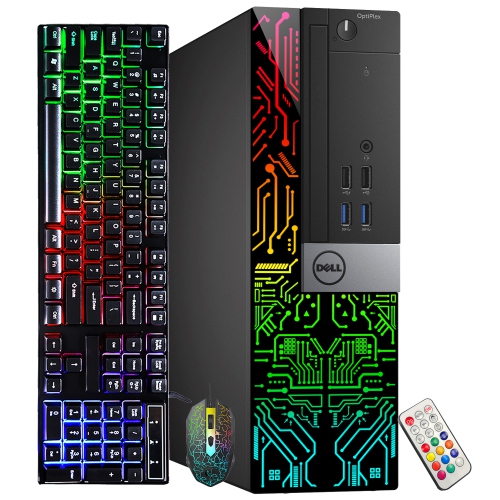


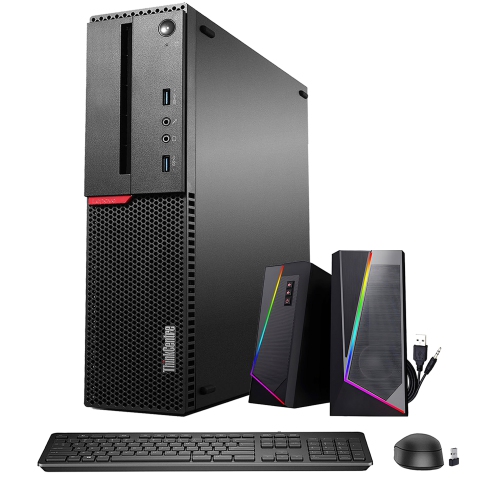
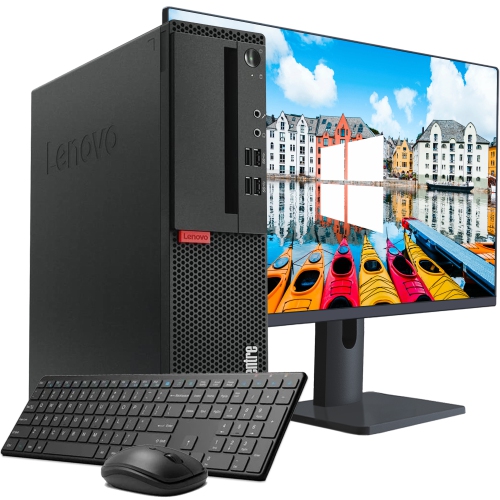
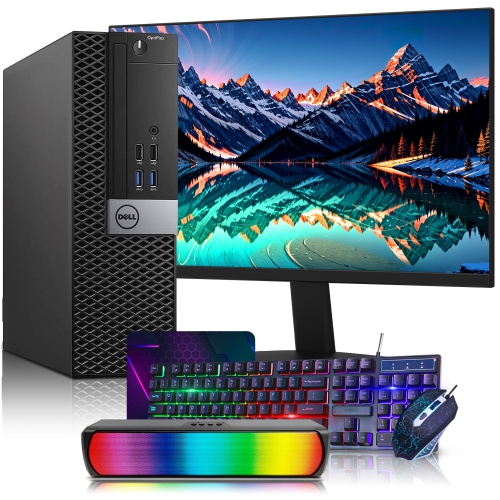
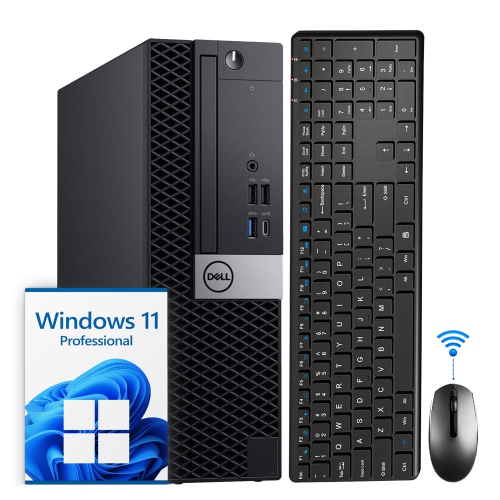

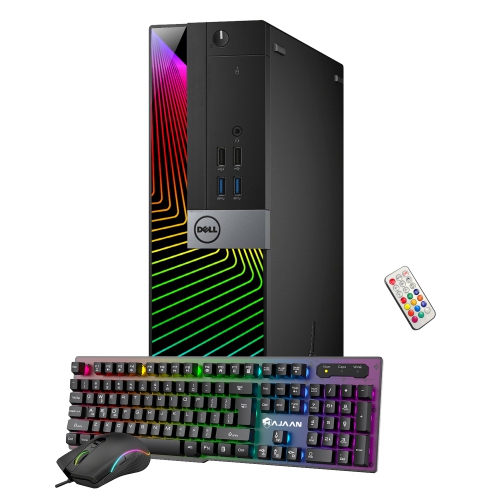

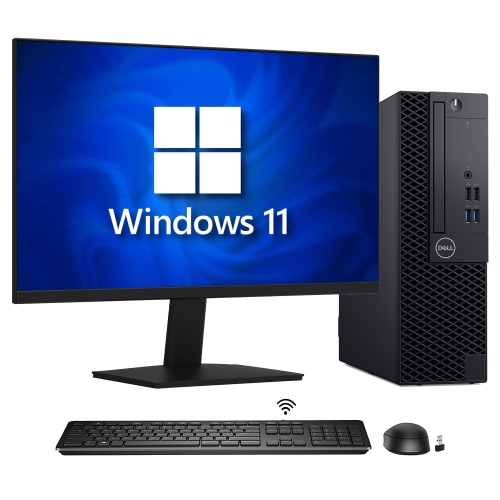

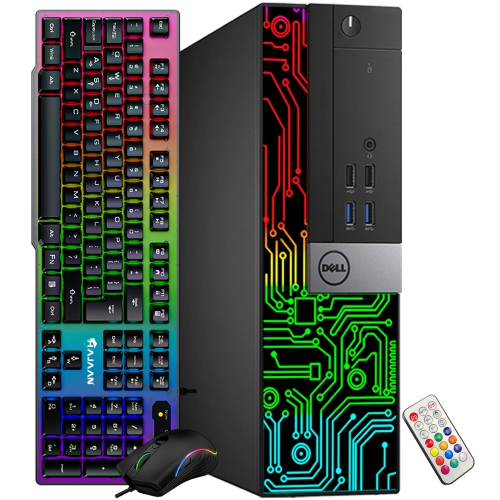
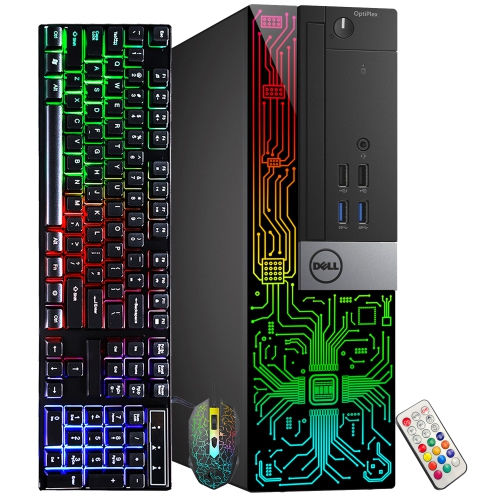
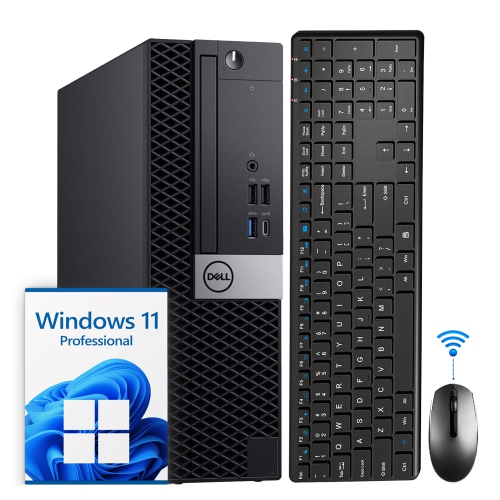
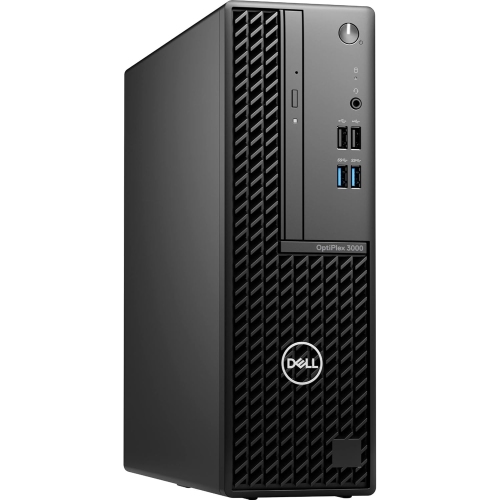

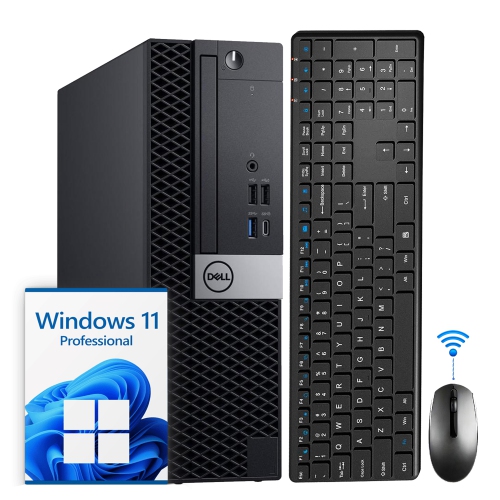



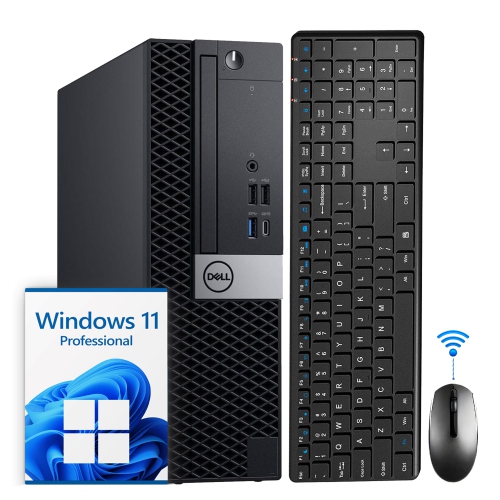
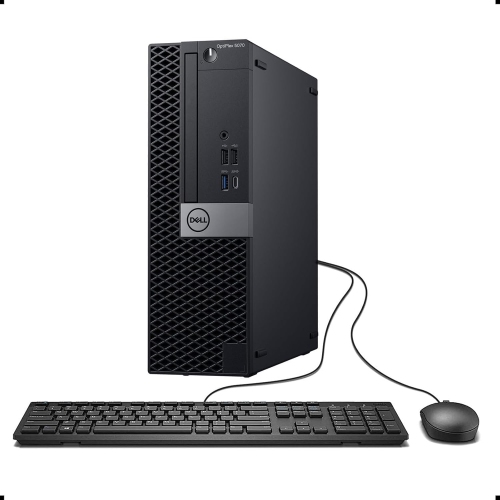

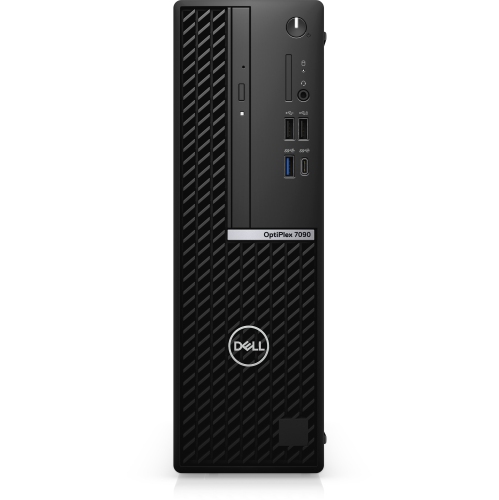
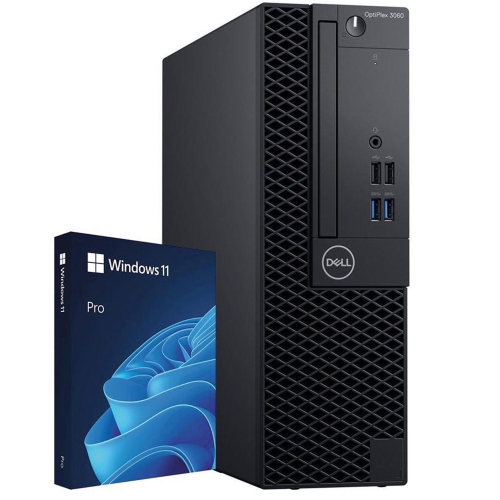


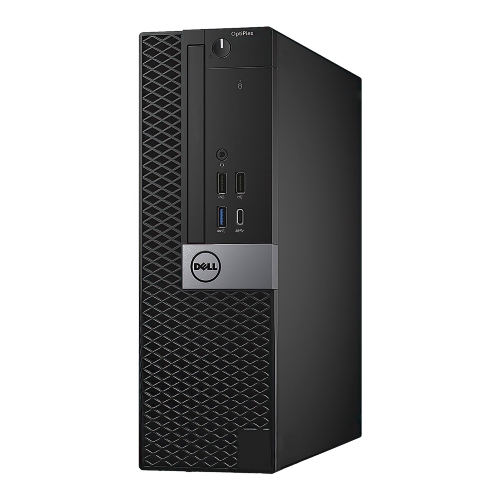
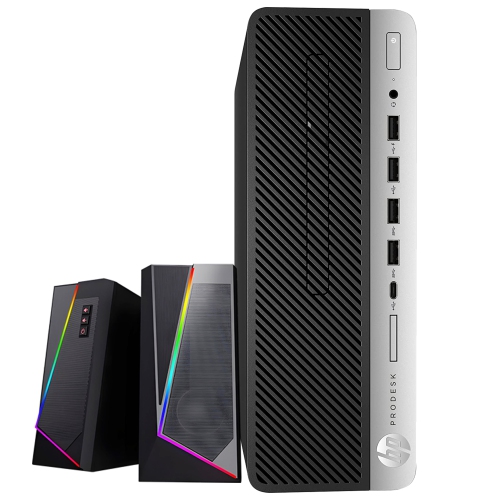
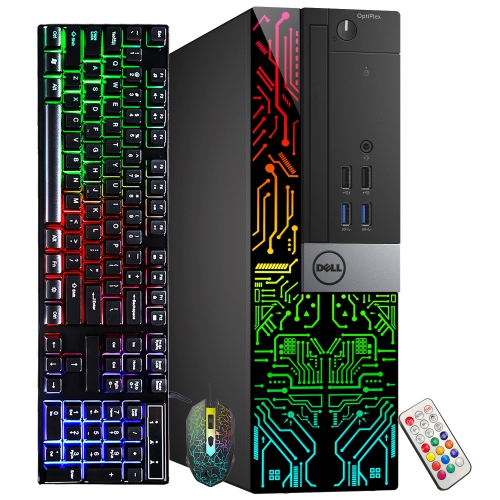
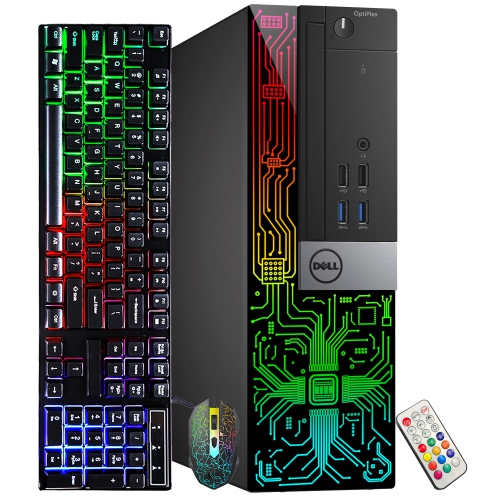



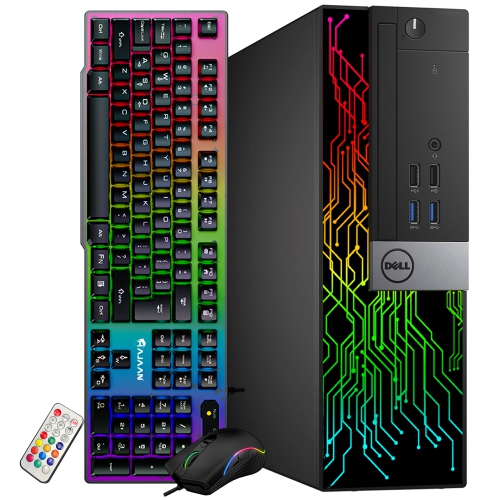

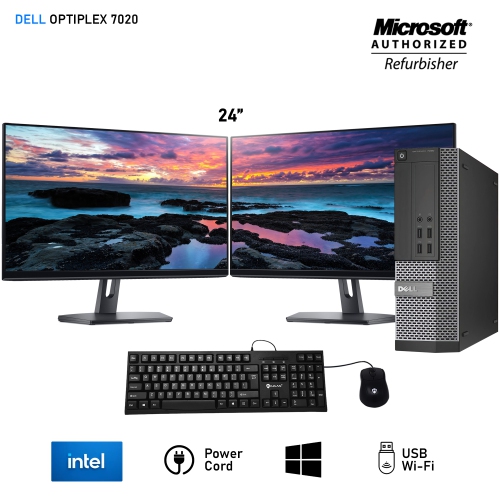
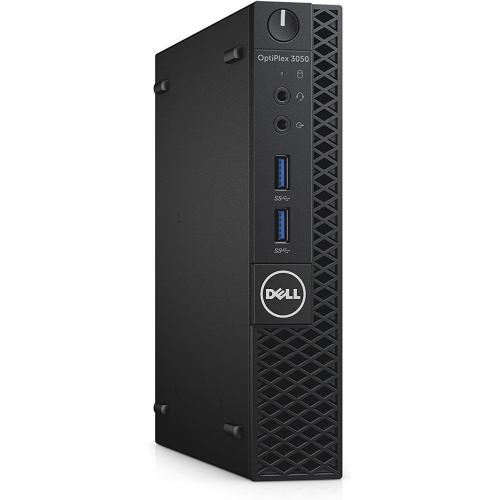
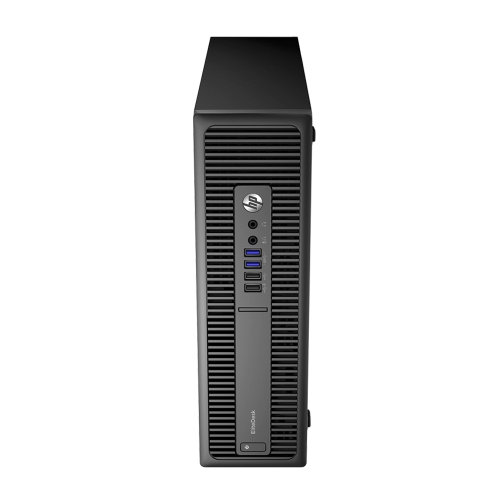




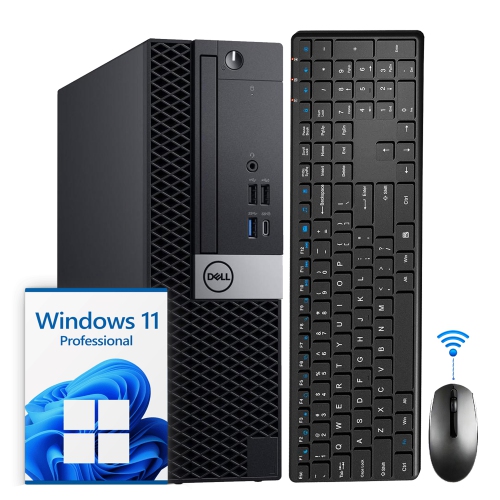


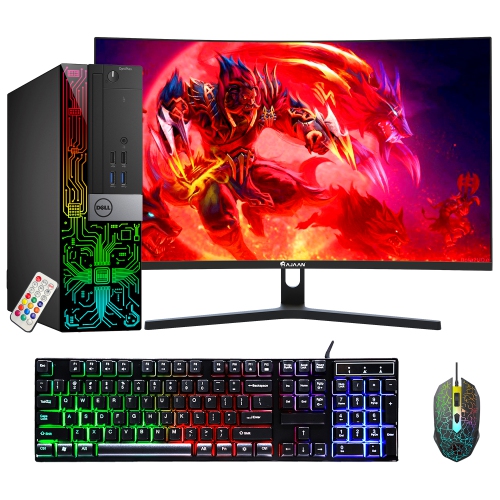
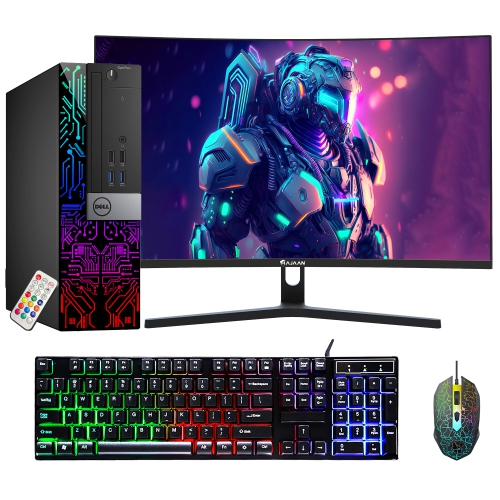
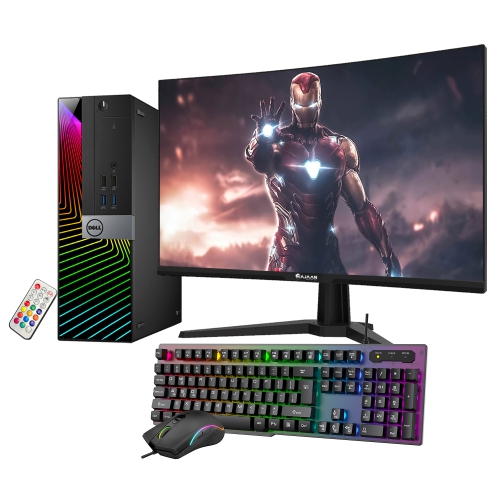
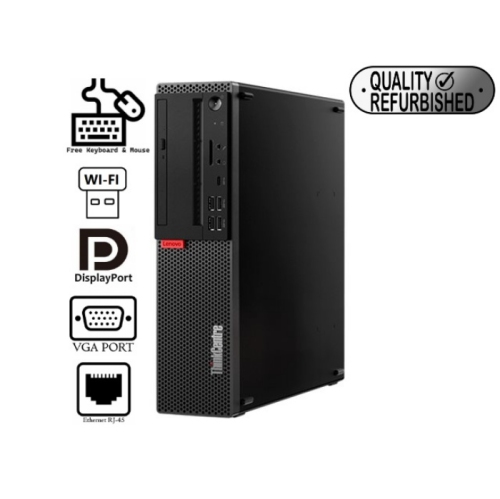

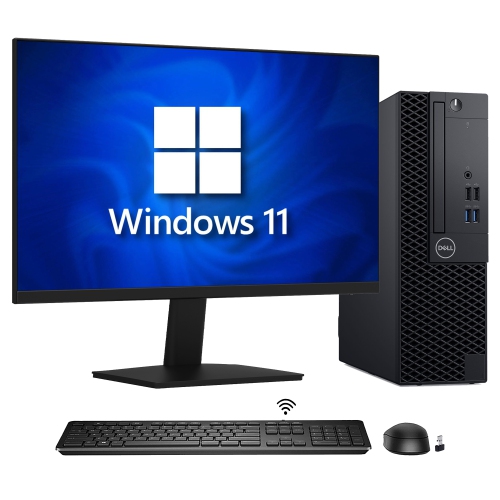


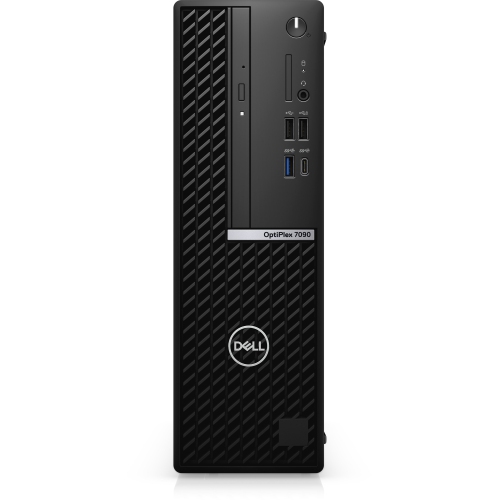

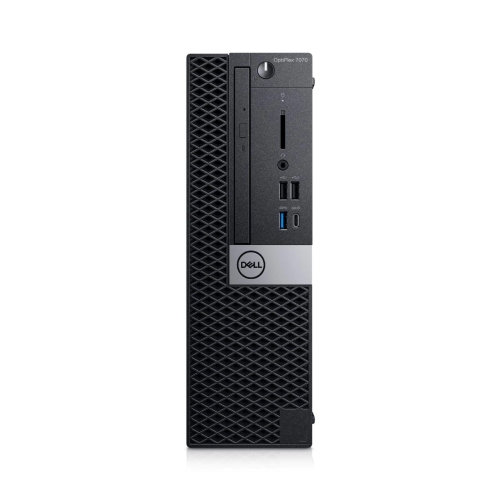


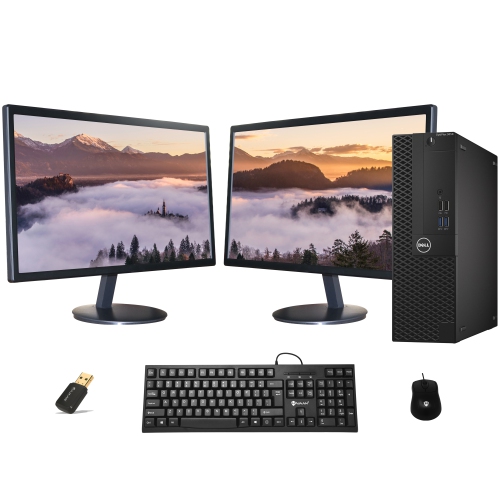
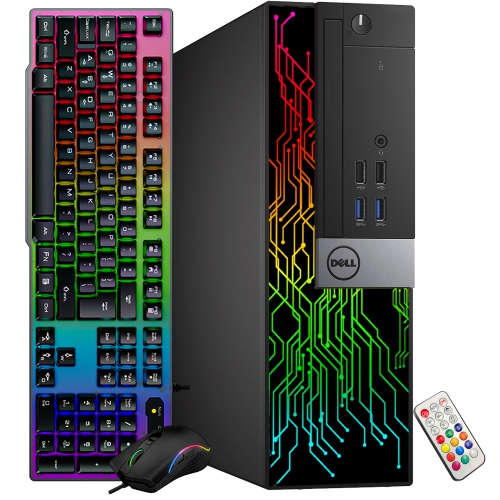

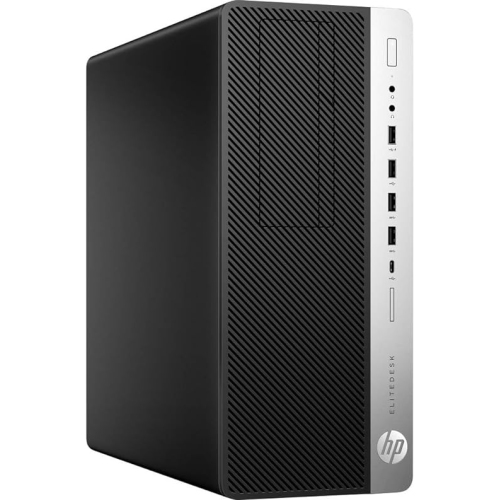
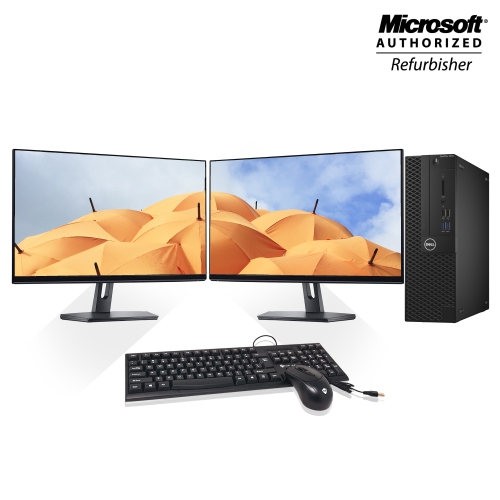





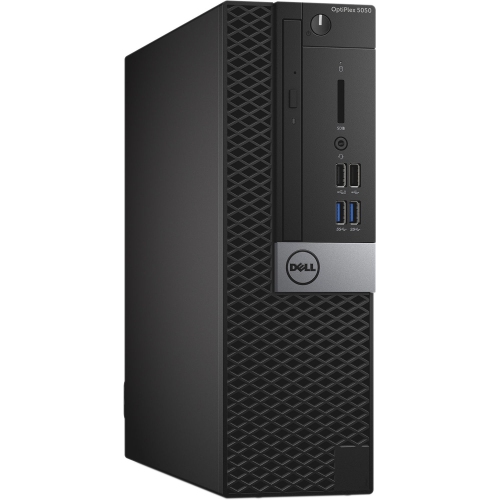
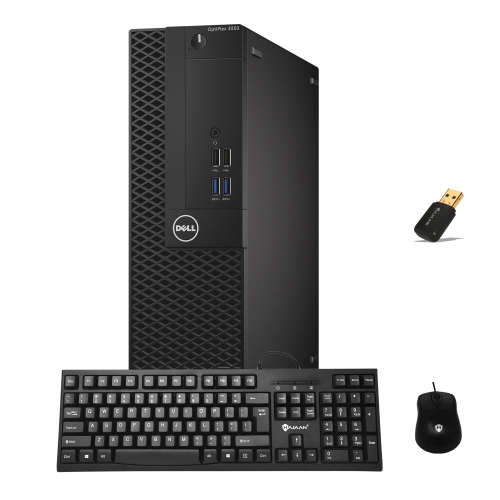
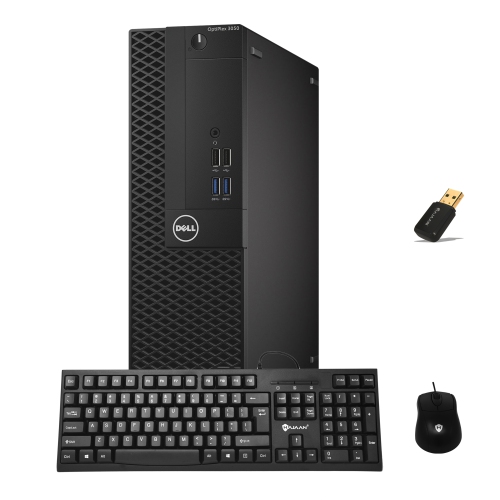
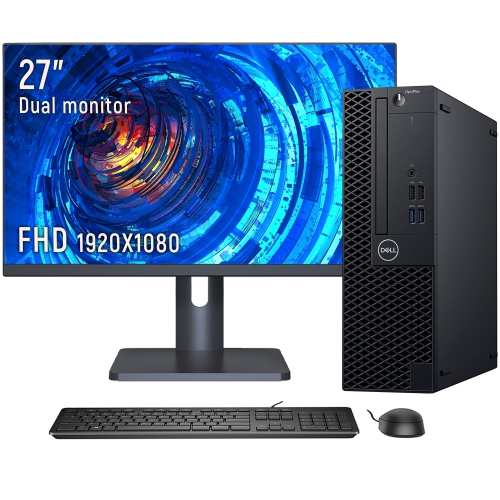
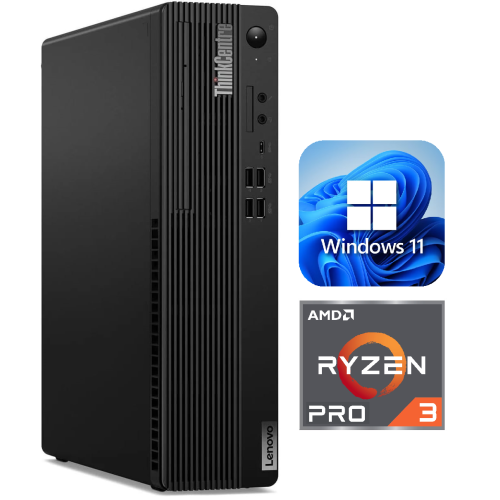
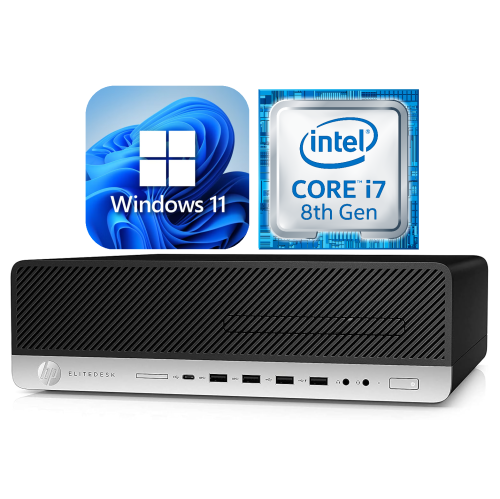
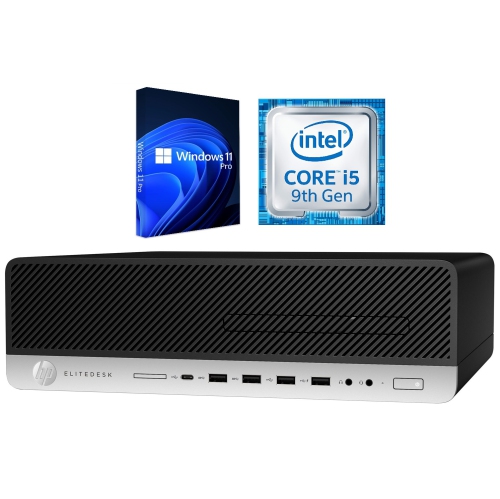
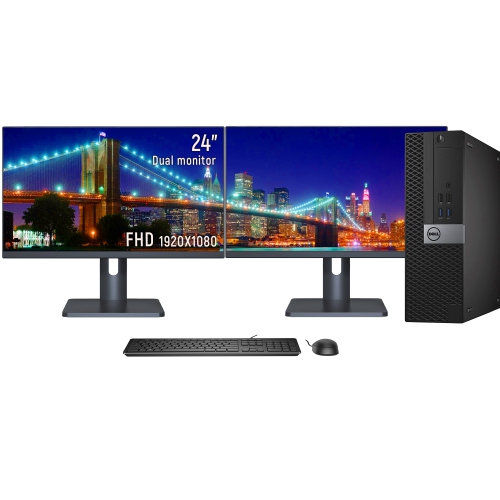
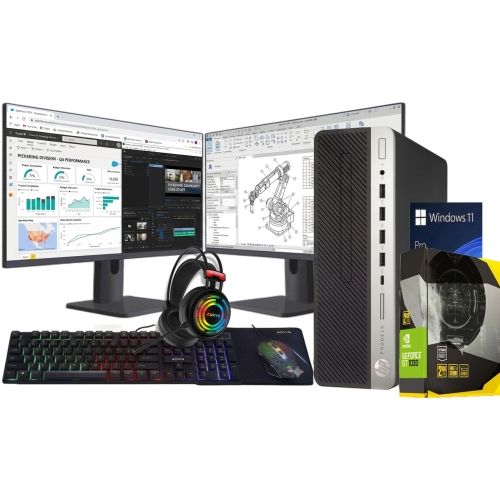
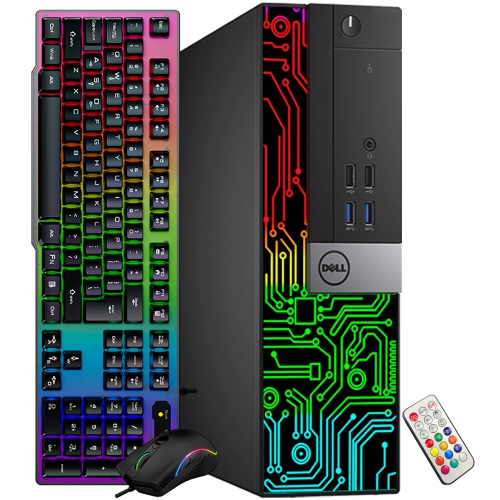
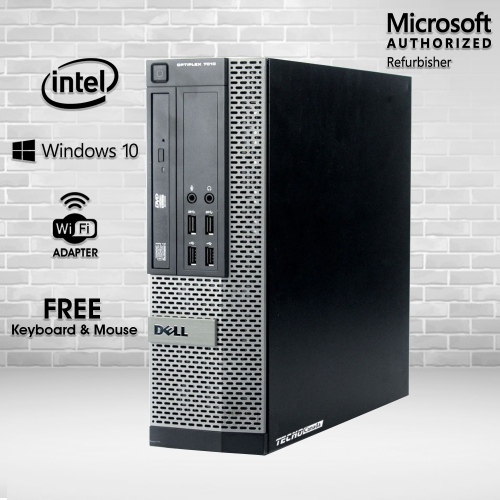
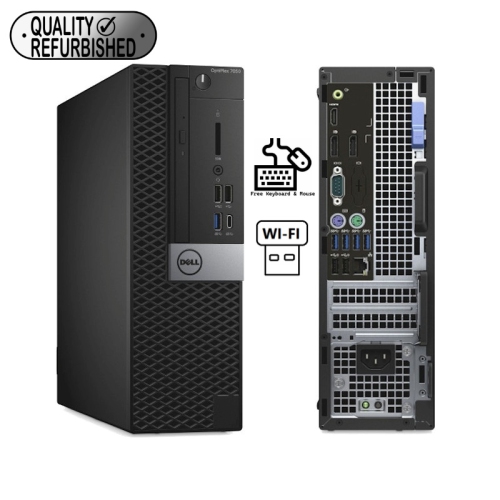
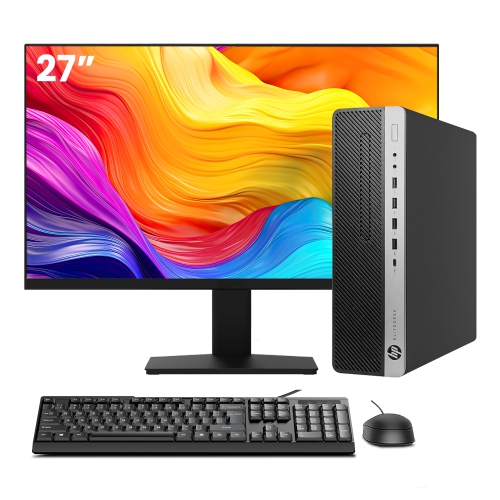
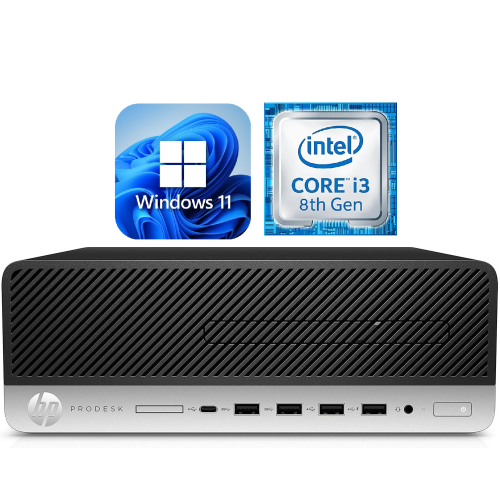
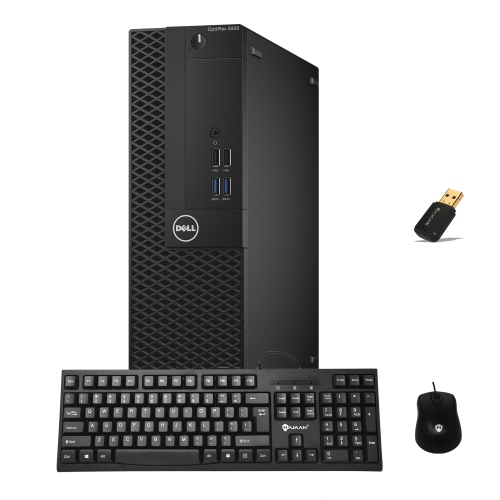
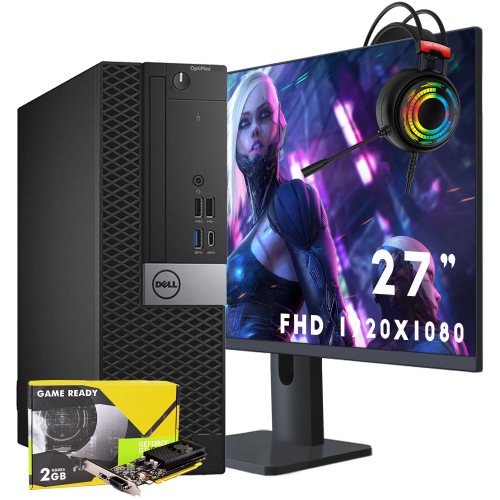

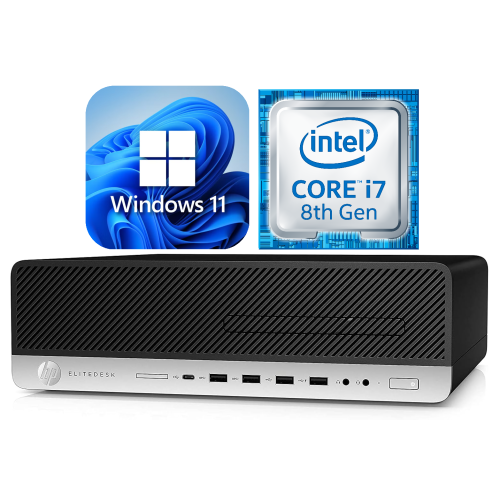
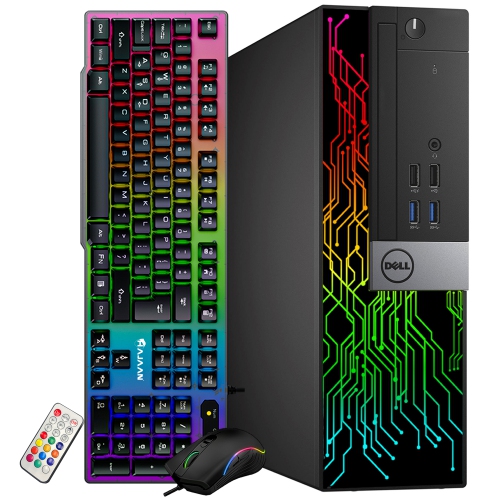

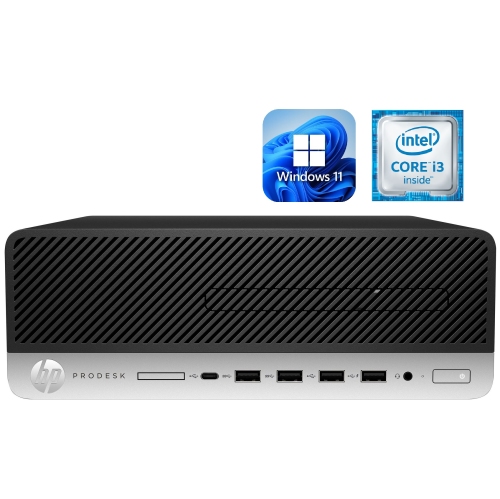
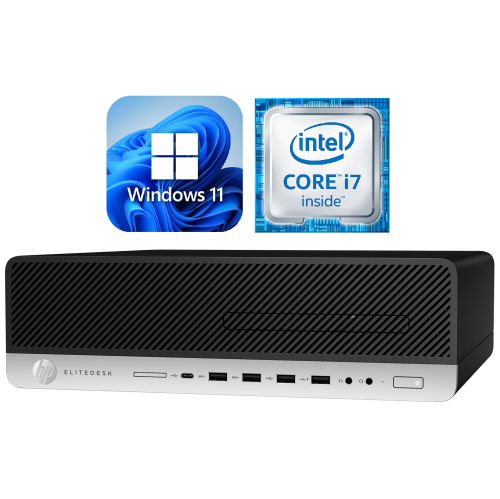
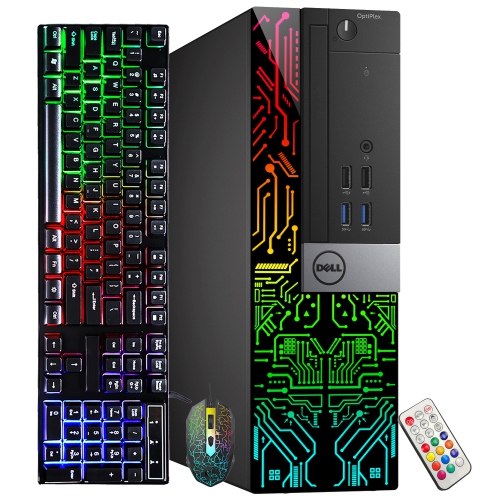
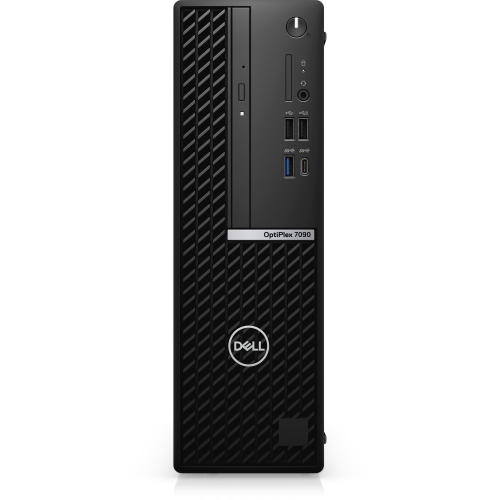
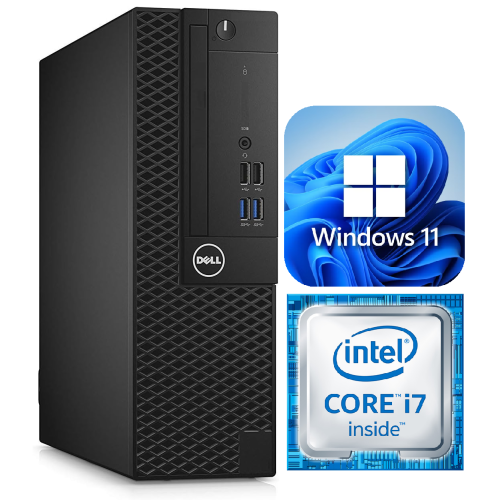


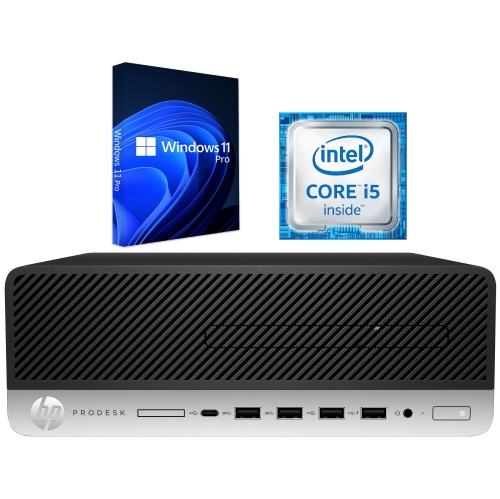
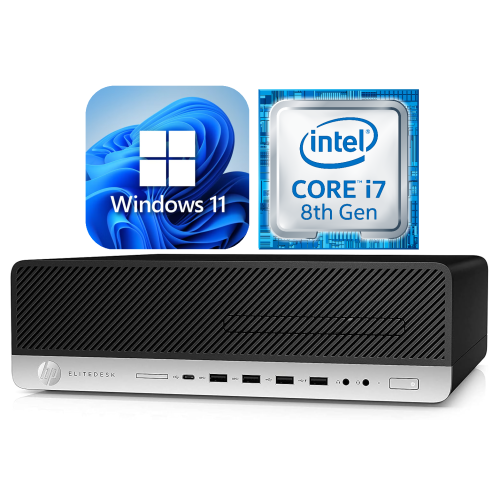
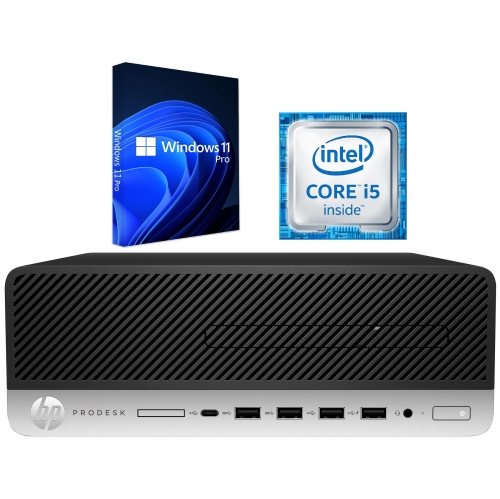
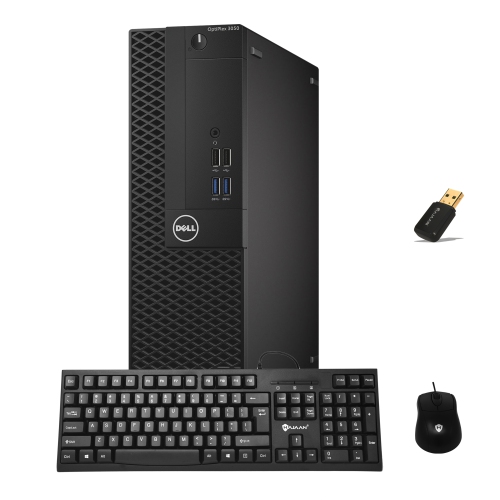

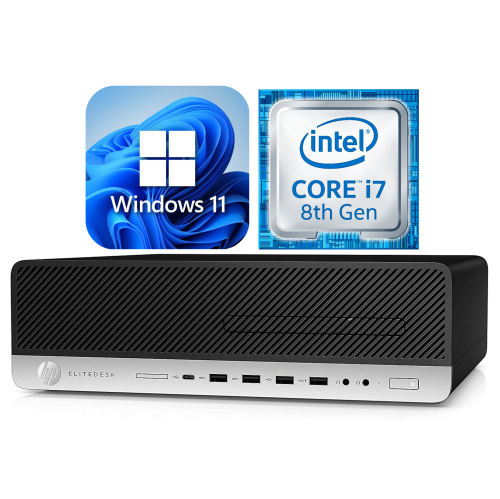
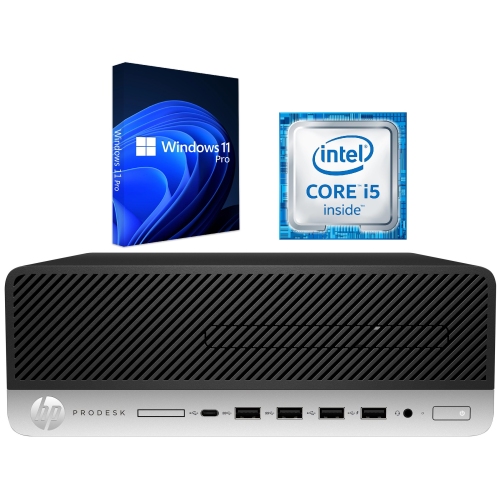
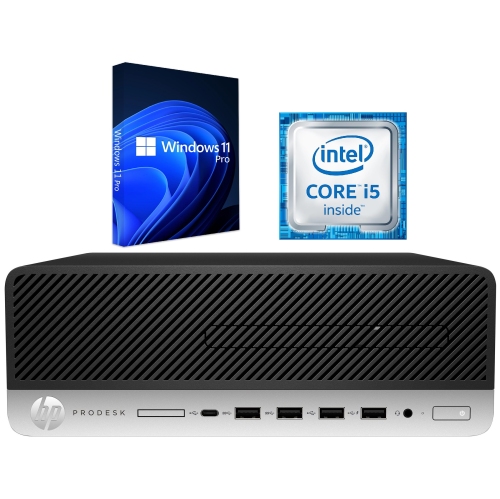
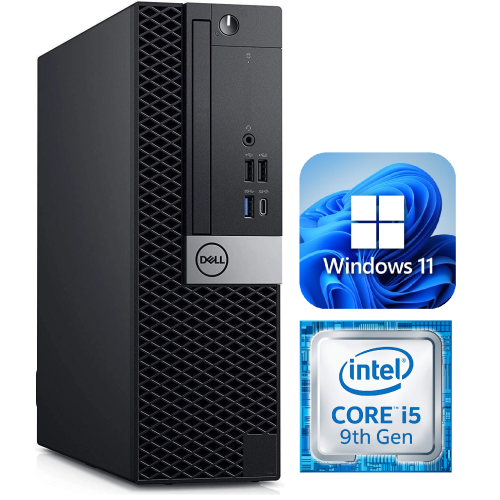
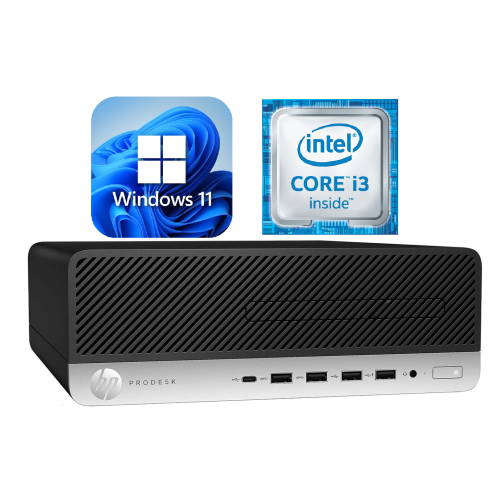
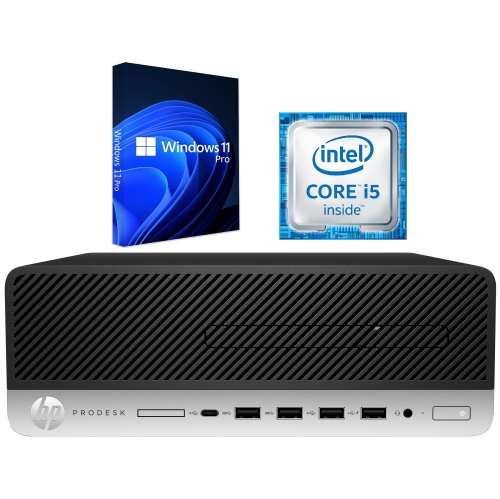
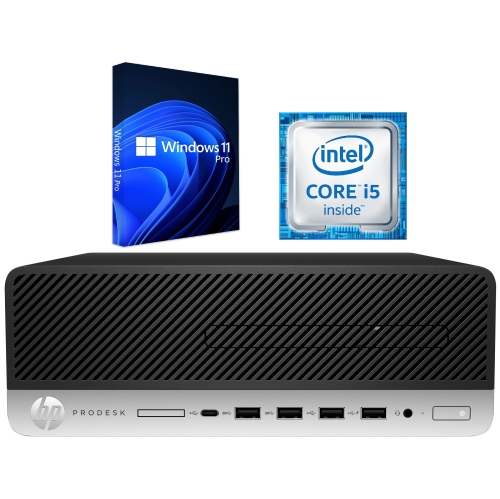

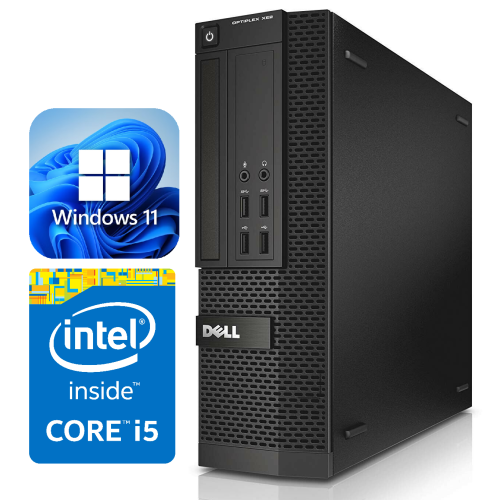

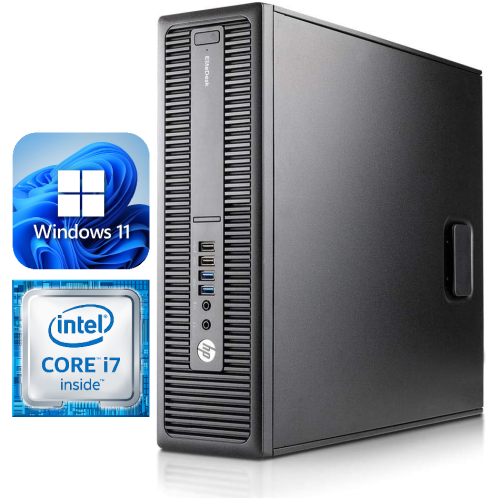
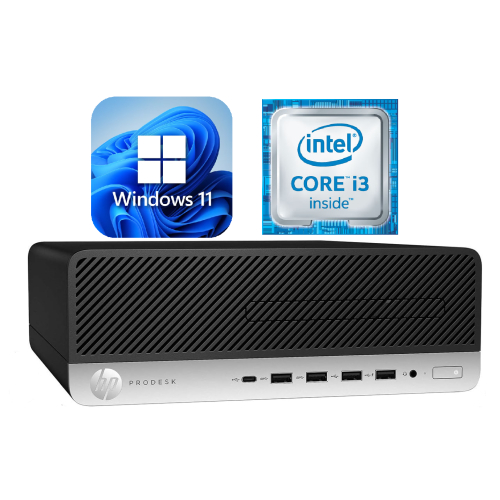
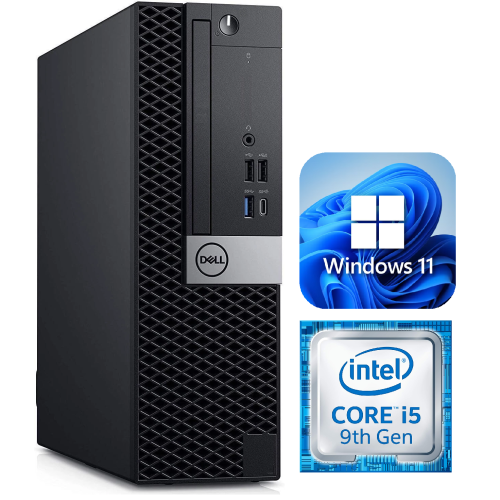
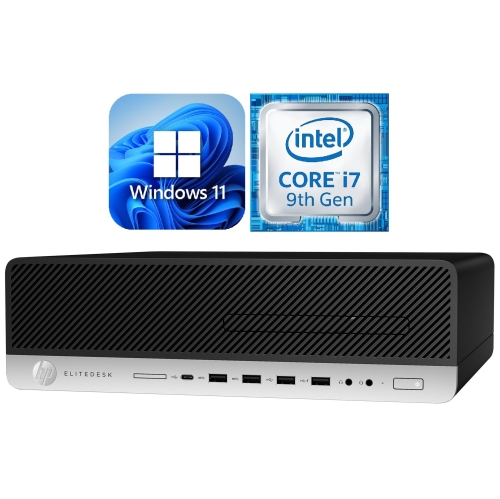
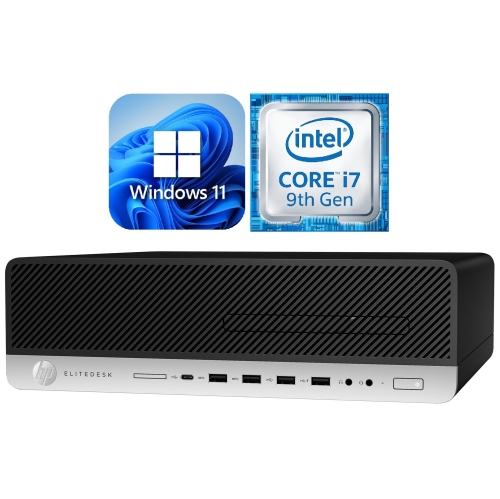
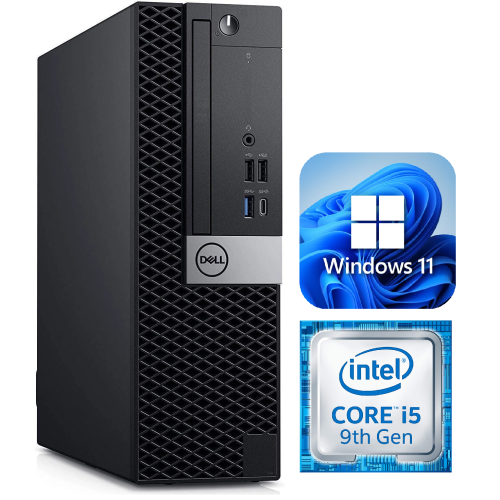
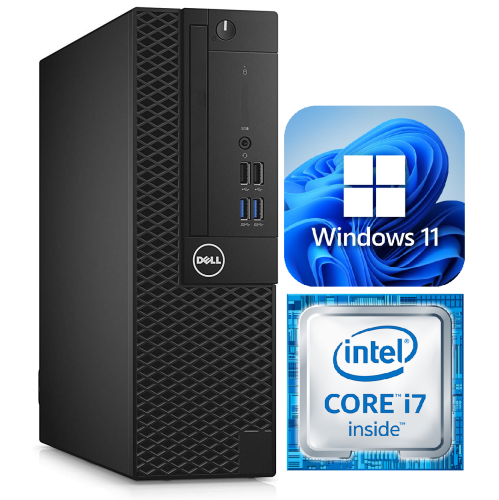
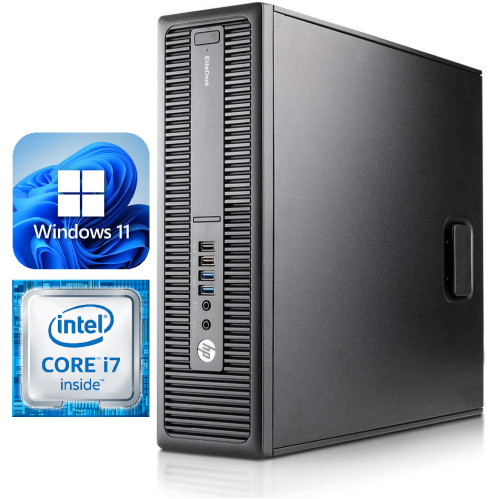
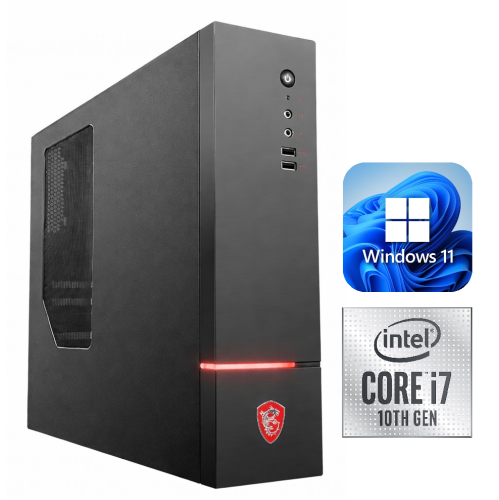
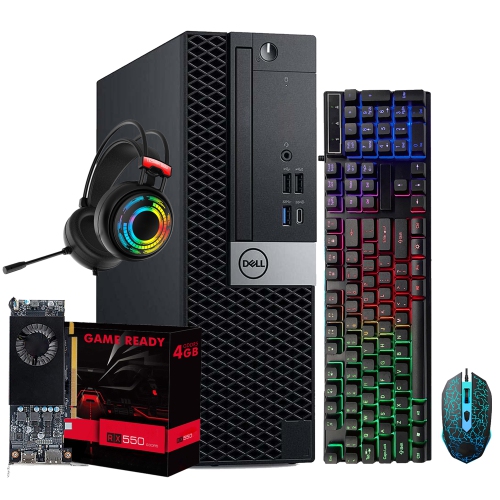
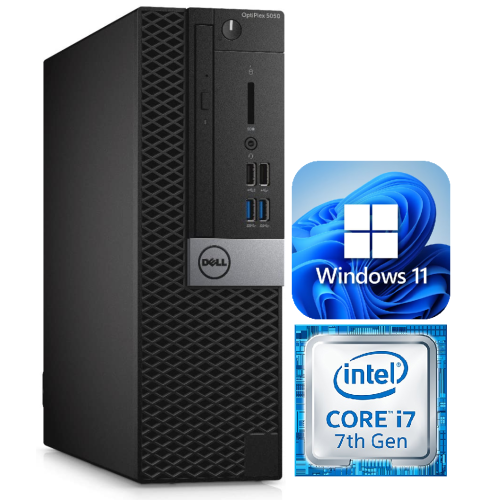

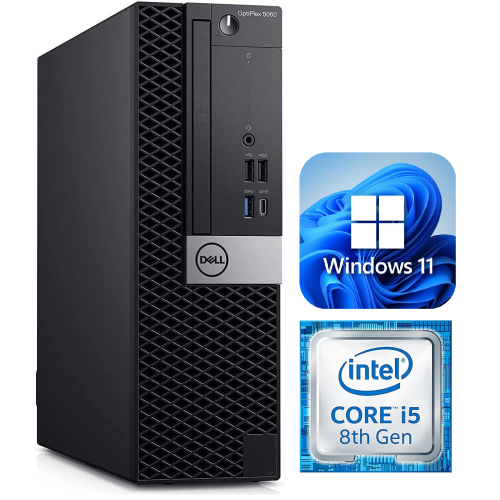

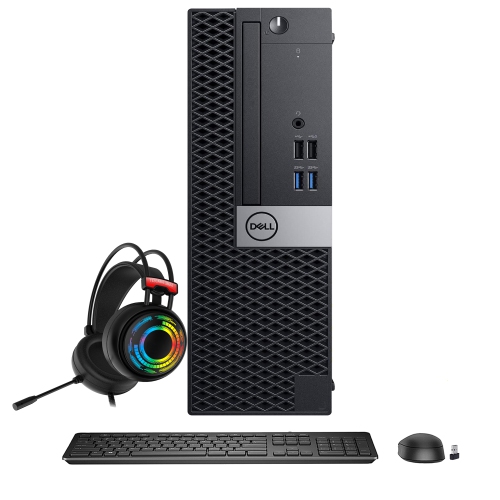

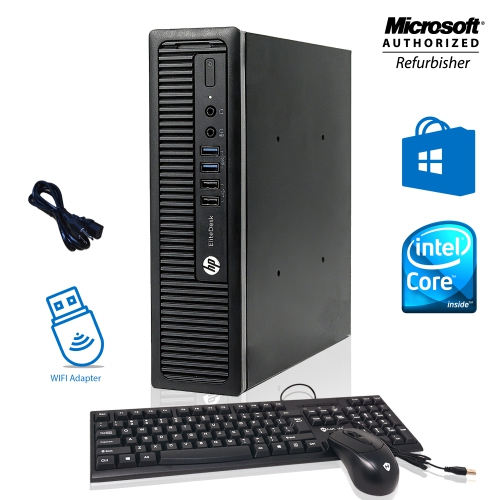

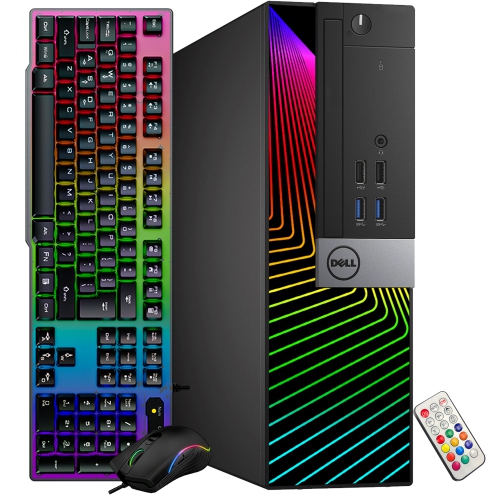
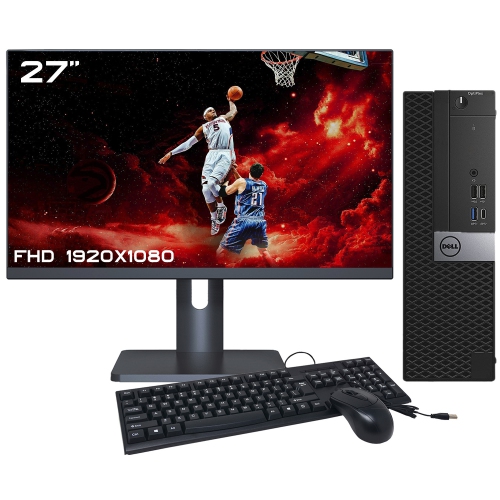
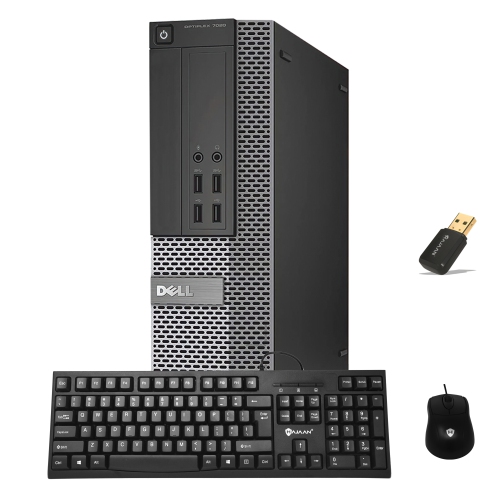
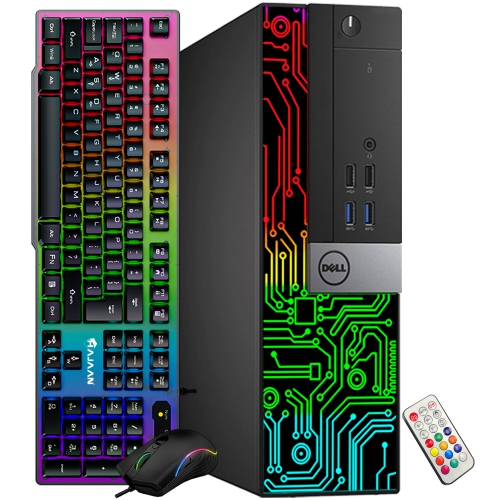
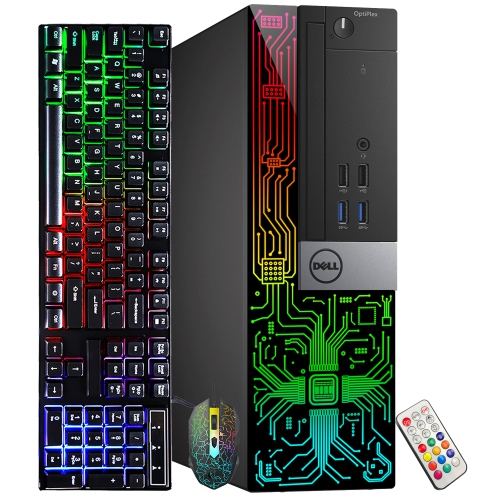
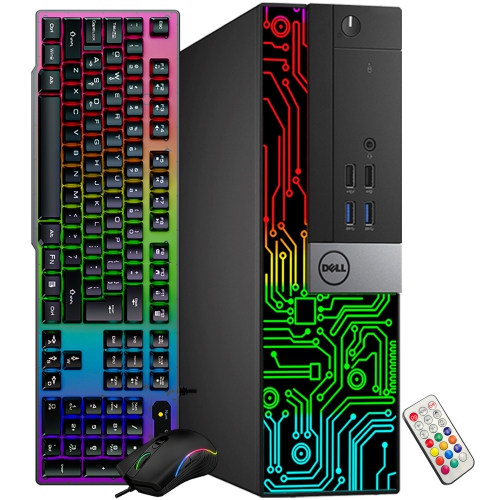
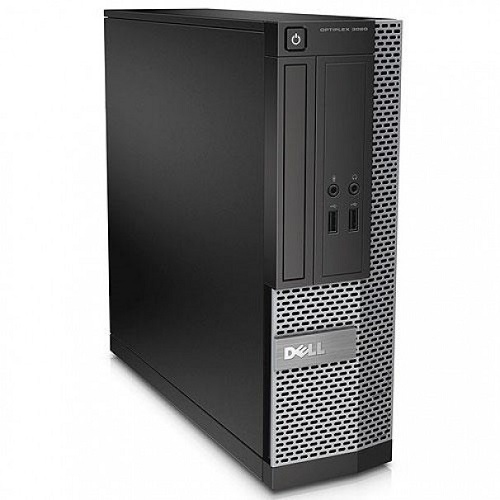
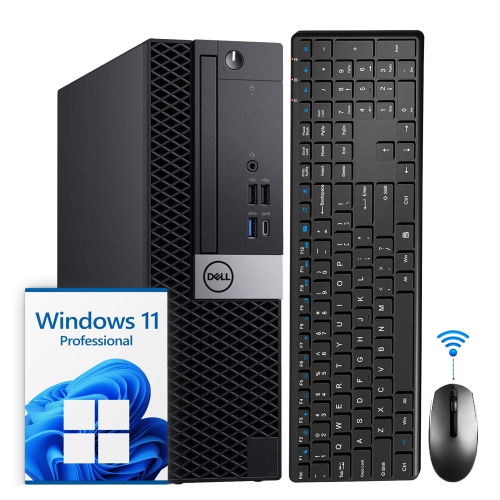
More desk space with a familiar desktop setup
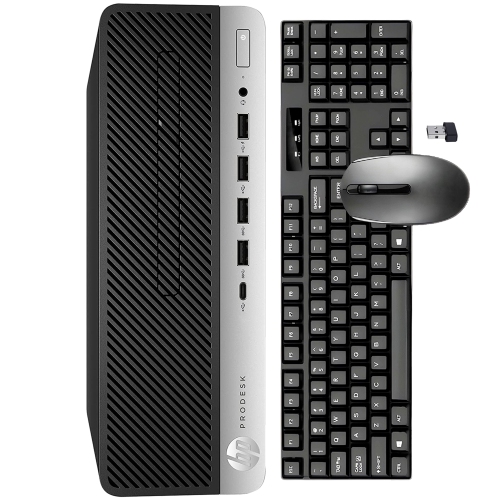
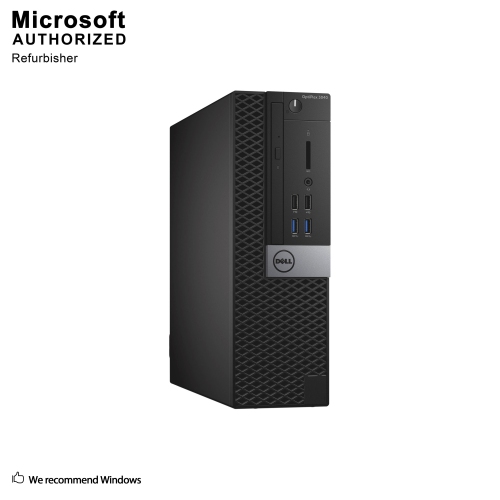
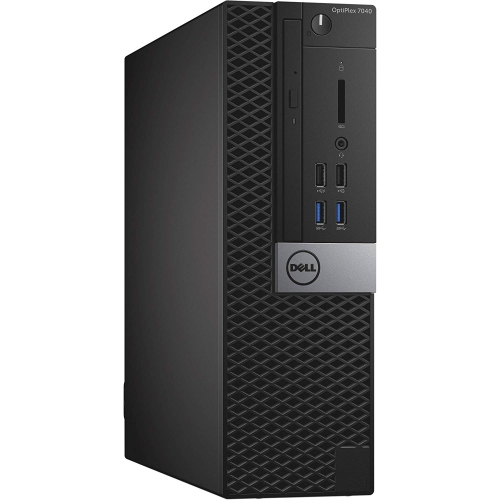
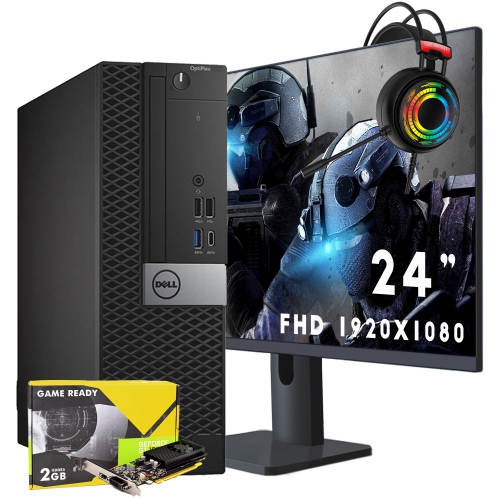
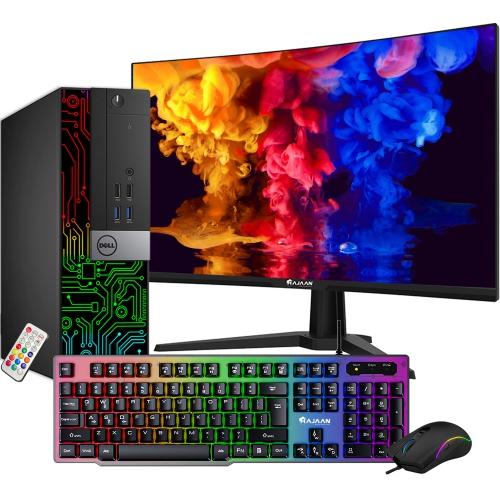
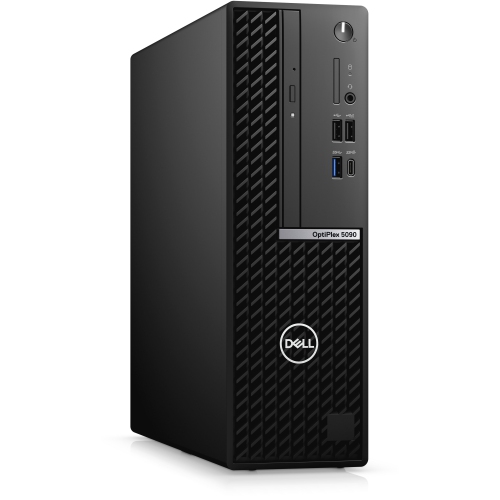
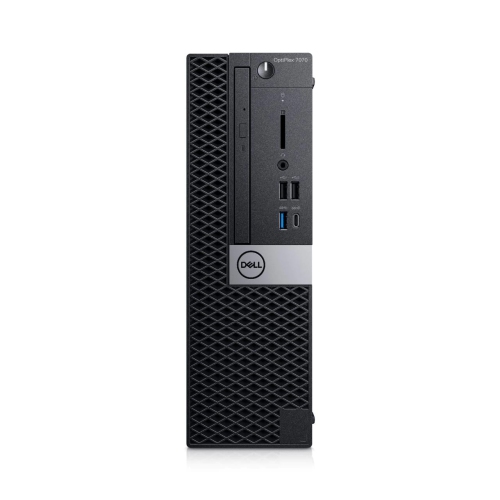
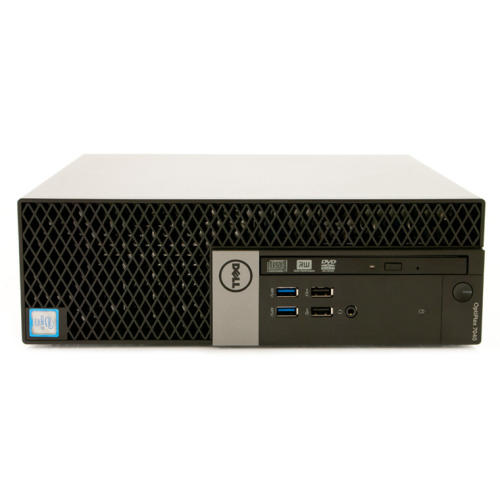
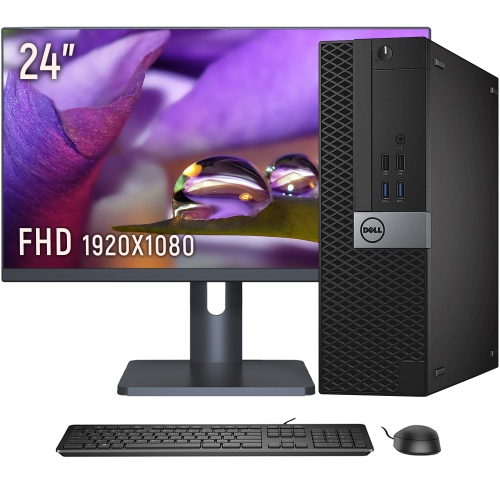
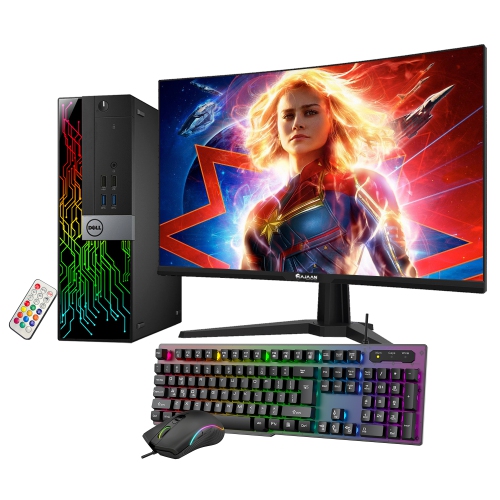
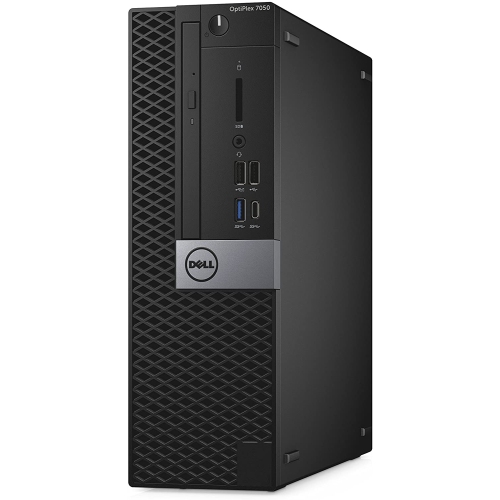
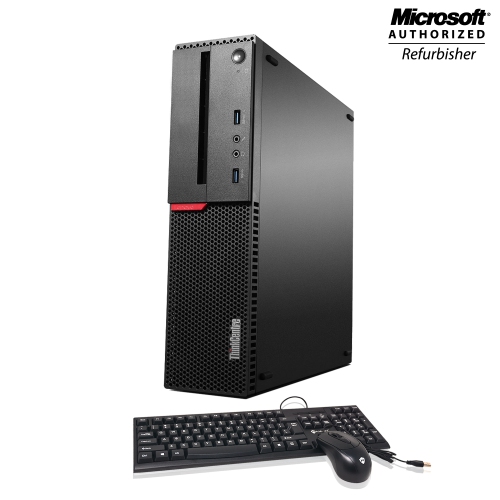
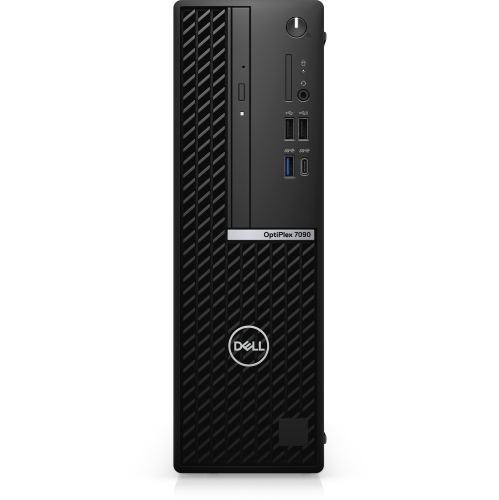
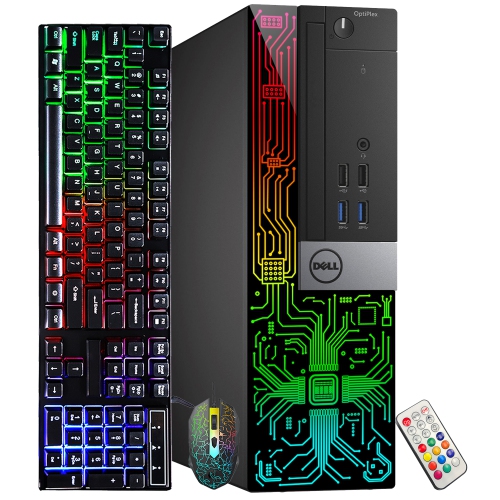
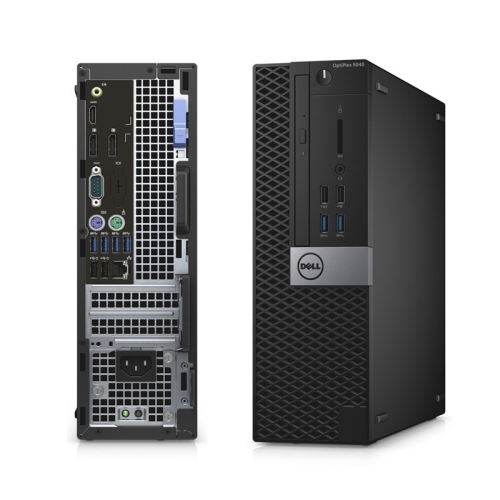
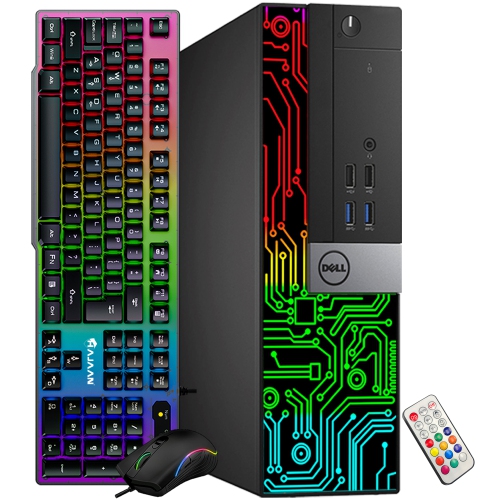
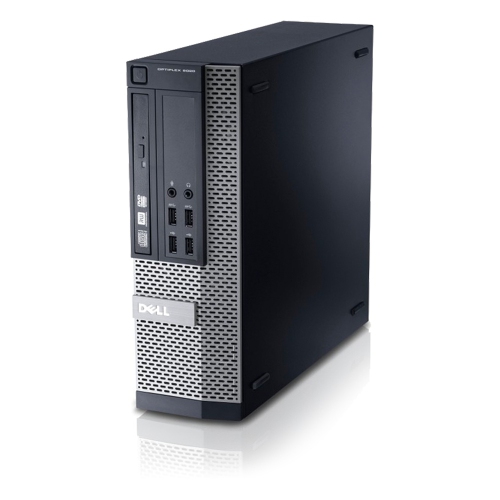
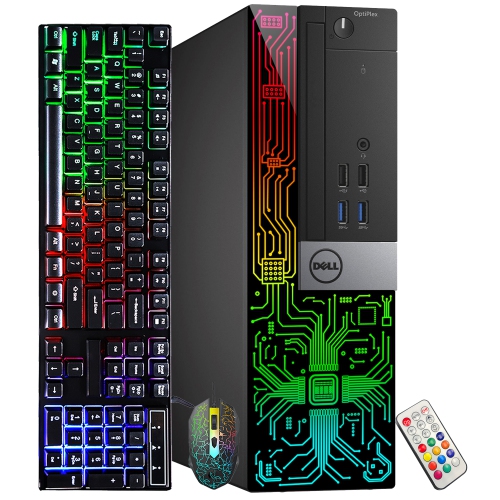
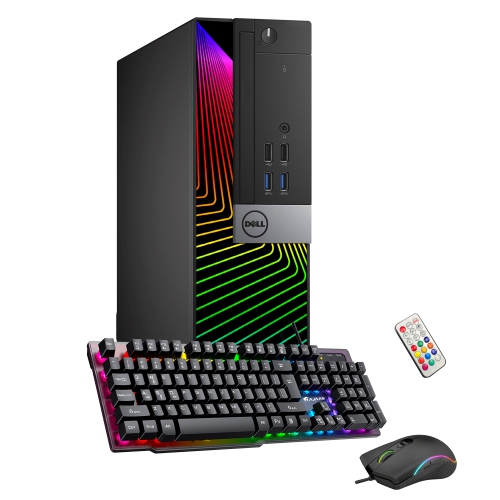
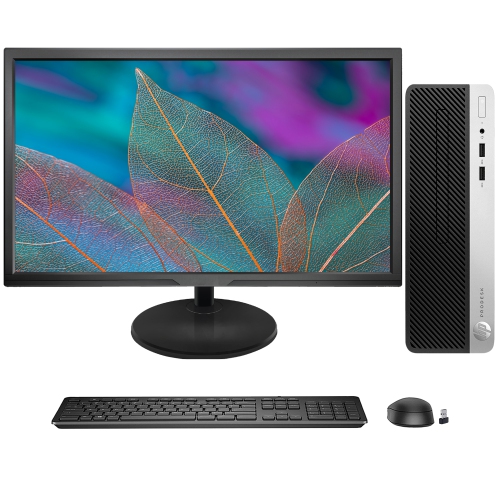
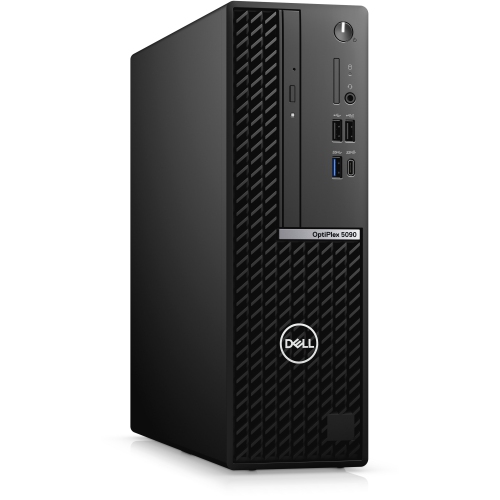
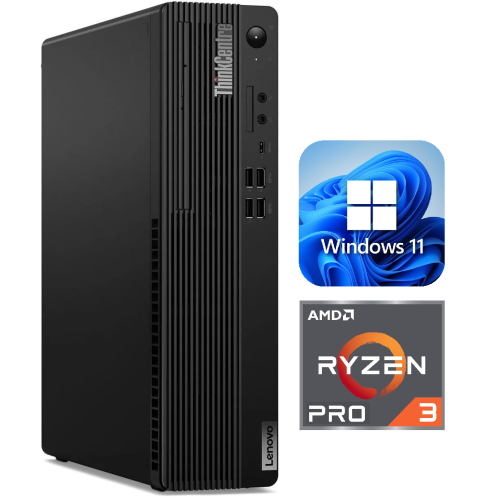
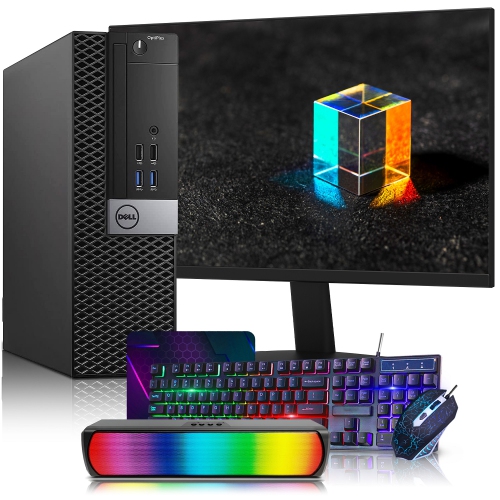
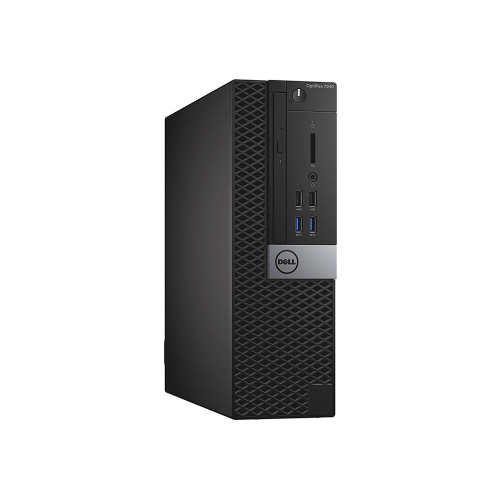
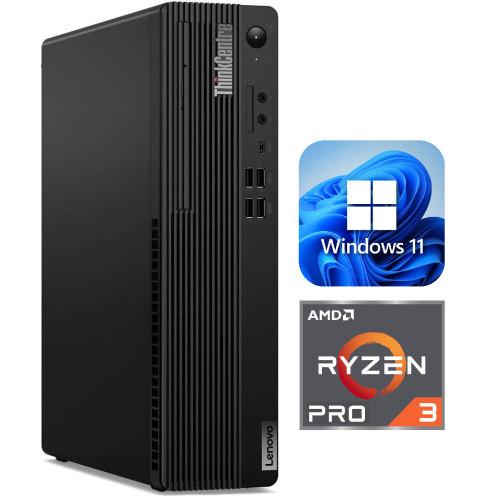
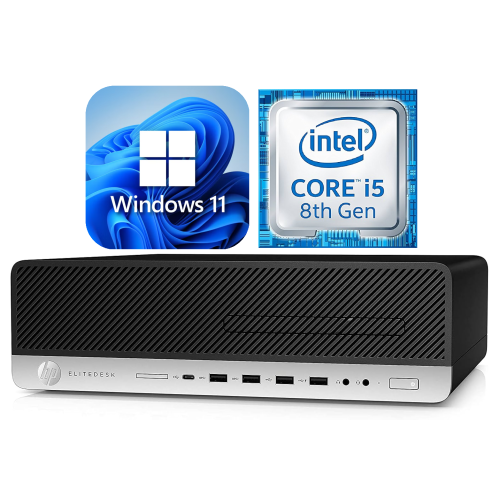
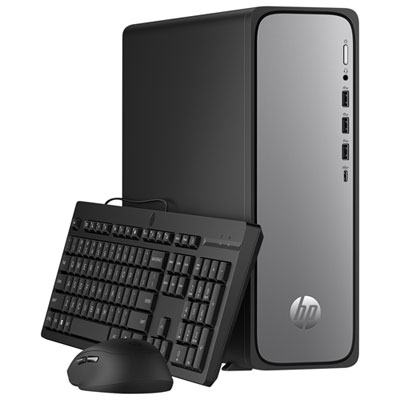
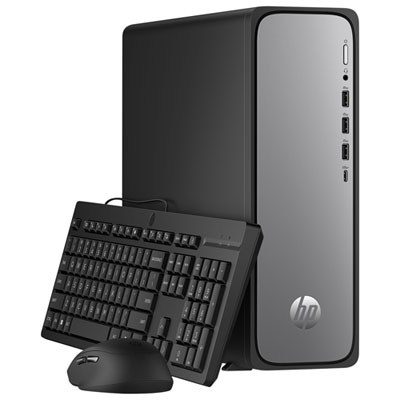
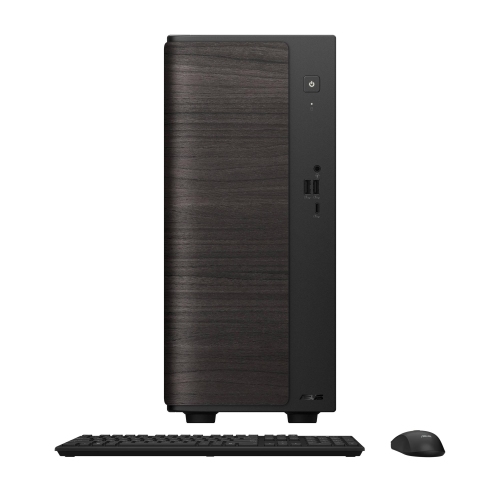
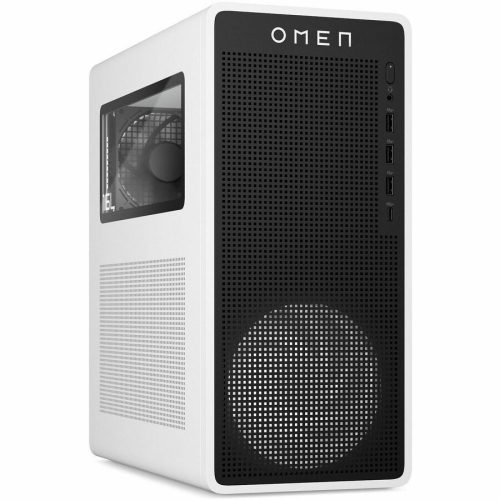
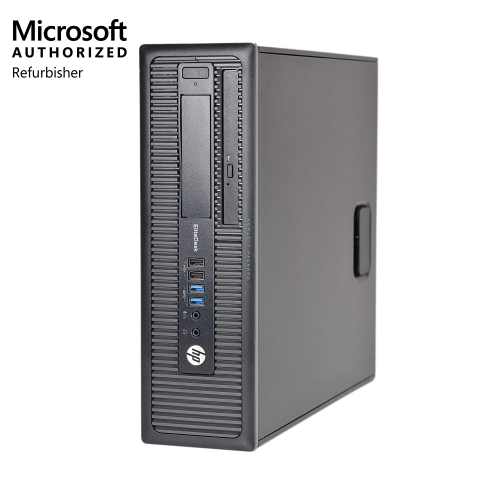
Small form factor (SFF) computers are desktop PCs built into compact cases that take up less room than conventional towers. Many SFF designs measure roughly 5 to 15 litres in volume, although there is no universal size limit, and some systems described as SFF are larger. Their defining advantage is a smaller physical footprint without giving up the familiar desktop setup of a separate monitor, keyboard, and mouse. On a narrow home-office desk, that can mean more room for a notebook beside the keyboard; at a reception counter, it can leave space for paperwork and payment equipment. SFF computers suit everyday tasks such as web browsing, document creation, spreadsheets, video calls, and media playback, while more powerful configurations can handle demanding business applications and creative work. The compact case alone does not indicate performance: the processor, memory, storage, graphics hardware, and cooling design determine what the computer can comfortably do. Some cases are intended to stand vertically, while others support horizontal placement with an appropriate stand or feet. Physical dimensions matter more than the category name when fitting a computer beneath a monitor shelf or into a desk compartment. There also needs to be space for plugs and cables behind the case, along with unobstructed ventilation around its air openings. An SFF desktop is different from an all-in-one computer because the display remains separate, making it possible to keep an existing compatible monitor or choose a screen suited to the workspace. It also differs from a laptop: it is easier to relocate than a large tower, but it generally needs an external display, peripherals, and a power connection. For students, remote workers, households sharing a study area, and businesses arranging several workstations, that balance of compact size and desktop practicality is often the main appeal.
The right performance level depends on the work happening on screen. A computer used for email, online appointments, and household documents has different demands from one running large spreadsheets, editing photographs, or compiling software. Processor capability affects how quickly applications complete demanding tasks, while memory helps keep several applications responsive at once. For many everyday multitasking setups, 16 GB of RAM provides useful breathing room; heavier creative projects, virtual machines, and other memory-intensive workloads may benefit from 32 GB or more. Those figures are starting points rather than guarantees, since application requirements vary. Solid-state storage helps with startup times, application loading, and opening files, while capacity determines how much room remains for documents, photos, software, and other local content. Graphics deserve particular attention in a compact desktop. Integrated graphics can handle routine desktop work, video playback, and some lighter games, but demanding games, complex 3D work, and certain editing tasks may call for a dedicated graphics card. Not every SFF computer can accept one. Expansion slots, card height and length, power connections, and cooling capacity can all limit compatibility, and a low-profile card is not interchangeable with every compact graphics design. Similar differences apply inside the case: some systems use Mini-ITX motherboards and SFX power supplies, while others use manufacturer-specific layouts and components. A smaller chassis may have fewer memory slots, storage bays, or expansion slots than a larger tower, so the supplied configuration and supported upgrades both matter. Connectivity is just as important in daily use. Front USB ports make a headset or removable drive easier to reach, while rear ports can keep a keyboard, mouse, and printer connected without crowding the front of the desk. HDMI and DisplayPort connections need to match the intended displays, and a USB-C port does not automatically support video output or charging. Anyone using two monitors needs support for the required number of displays and resolutions. Built-in Wi-Fi and Bluetooth are convenient where included; Ethernet offers a wired network connection for a fixed workstation.
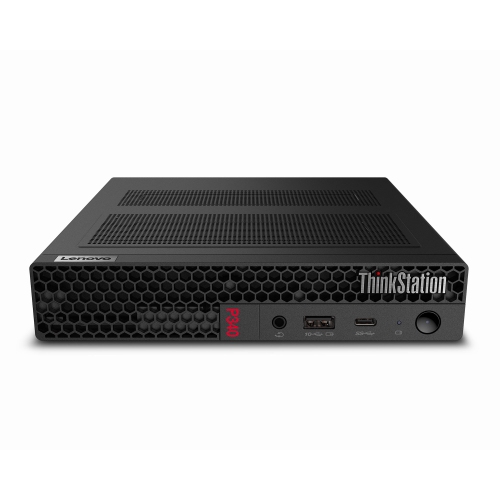
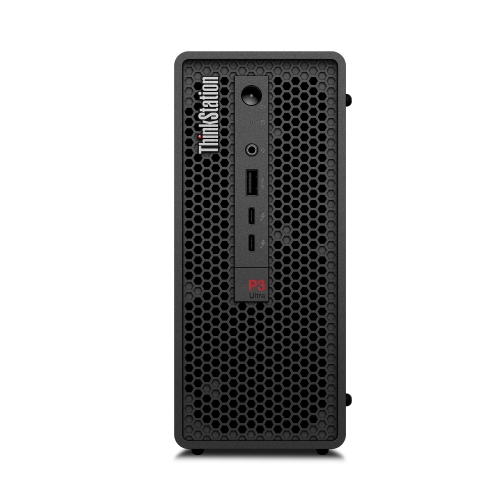
Fit, construction, and care have a noticeable effect on how an SFF computer works within a room over time. Cases commonly combine a steel or aluminium structure with plastic panels, grilles, or trim, with sturdiness depending on the overall construction rather than the material name alone. Secure feet, a stable stand, and accessible ports can make a compact desktop more comfortable to use than a slightly smaller case that is awkward to reach. Cooling design also affects the experience: tightly packed components leave less space for airflow, and fans may become more audible during demanding work. A compact computer is not automatically quiet, just as a larger computer is not automatically faster. For a desk used for calls, recording, or concentrated work, fan behaviour under the expected workload can matter as much as case dimensions. Open shelving generally gives vents more breathing room than a tightly enclosed cabinet, and the approved operating orientation helps keep air openings clear. Routine care is straightforward: a soft, dry microfibre cloth can remove dust from exterior surfaces, while internal cleaning should follow the manufacturer's directions with the computer shut down and disconnected from power. Keeping drinks away from ventilation openings and avoiding strain on connected cables helps protect the setup from everyday mishaps. Service access is another practical difference between designs. Removable panels may make memory or storage easier to reach, but accessible parts are not necessarily replaceable with any standard component. Supported specifications, available space, and power requirements still apply. At the smaller end of the category, Ultra Small Form Factor PCs place even greater emphasis on saving space, often with fewer internal expansion options than larger SFF systems. For a shared family desk or a computer given to a student or relative, compatibility with existing screens, required software, and everyday accessories helps make the setup useful from the start. The lasting appeal of an SFF computer is a capable desktop workspace that leaves more room for everything around it.
The right performance level depends on the work happening on screen. A computer used for email, online appointments, and household documents has different demands from one running large spreadsheets, editing photographs, or compiling software. Processor capability affects how quickly applications complete demanding tasks, while memory helps keep several applications responsive at once. For many everyday multitasking setups, 16 GB of RAM provides useful breathing room; heavier creative projects, virtual machines, and other memory-intensive workloads may benefit from 32 GB or more. Those figures are starting points rather than guarantees, since application requirements vary. Solid-state storage helps with startup times, application loading, and opening files, while capacity determines how much room remains for documents, photos, software, and other local content. Graphics deserve particular attention in a compact desktop. Integrated graphics can handle routine desktop work, video playback, and some lighter games, but demanding games, complex 3D work, and certain editing tasks may call for a dedicated graphics card. Not every SFF computer can accept one. Expansion slots, card height and length, power connections, and cooling capacity can all limit compatibility, and a low-profile card is not interchangeable with every compact graphics design. Similar differences apply inside the case: some systems use Mini-ITX motherboards and SFX power supplies, while others use manufacturer-specific layouts and components. A smaller chassis may have fewer memory slots, storage bays, or expansion slots than a larger tower, so the supplied configuration and supported upgrades both matter. Connectivity is just as important in daily use. Front USB ports make a headset or removable drive easier to reach, while rear ports can keep a keyboard, mouse, and printer connected without crowding the front of the desk. HDMI and DisplayPort connections need to match the intended displays, and a USB-C port does not automatically support video output or charging. Anyone using two monitors needs support for the required number of displays and resolutions. Built-in Wi-Fi and Bluetooth are convenient where included; Ethernet offers a wired network connection for a fixed workstation.
Fit, construction, and care have a noticeable effect on how an SFF computer works within a room over time. Cases commonly combine a steel or aluminium structure with plastic panels, grilles, or trim, with sturdiness depending on the overall construction rather than the material name alone. Secure feet, a stable stand, and accessible ports can make a compact desktop more comfortable to use than a slightly smaller case that is awkward to reach. Cooling design also affects the experience: tightly packed components leave less space for airflow, and fans may become more audible during demanding work. A compact computer is not automatically quiet, just as a larger computer is not automatically faster. For a desk used for calls, recording, or concentrated work, fan behaviour under the expected workload can matter as much as case dimensions. Open shelving generally gives vents more breathing room than a tightly enclosed cabinet, and the approved operating orientation helps keep air openings clear. Routine care is straightforward: a soft, dry microfibre cloth can remove dust from exterior surfaces, while internal cleaning should follow the manufacturer's directions with the computer shut down and disconnected from power. Keeping drinks away from ventilation openings and avoiding strain on connected cables helps protect the setup from everyday mishaps. Service access is another practical difference between designs. Removable panels may make memory or storage easier to reach, but accessible parts are not necessarily replaceable with any standard component. Supported specifications, available space, and power requirements still apply. At the smaller end of the category, Ultra Small Form Factor PCs place even greater emphasis on saving space, often with fewer internal expansion options than larger SFF systems. For a shared family desk or a computer given to a student or relative, compatibility with existing screens, required software, and everyday accessories helps make the setup useful from the start. The lasting appeal of an SFF computer is a capable desktop workspace that leaves more room for everything around it.
Top selling and popular products
-
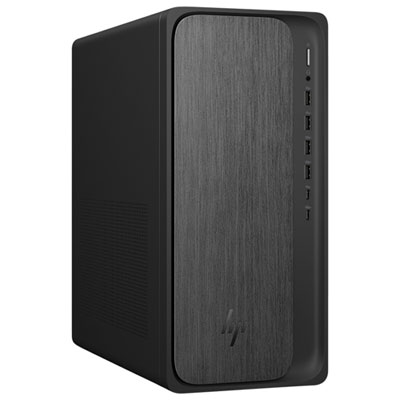 Your price for this item is $1999.99
-
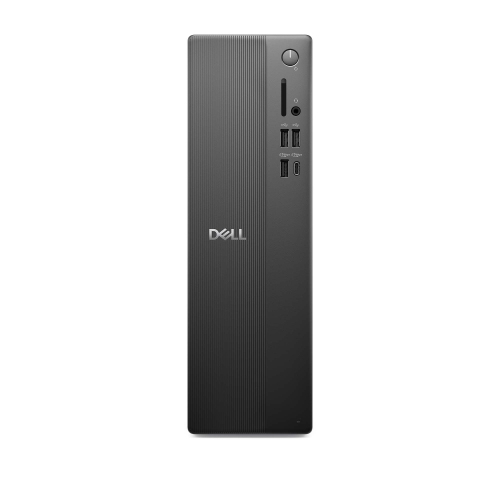 Your price for this item is $1629.79
-
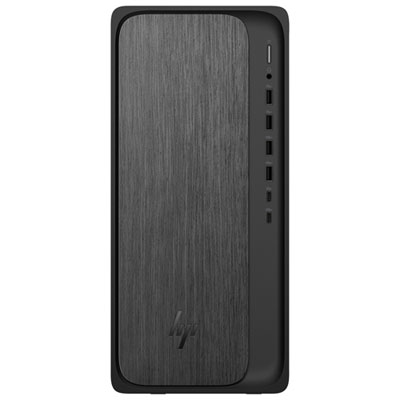 Your price for this item is $1399.99
-
 Your price for this item is $649.99
-
 Your price for this item is $699.79
-
 Your price for this item is $1759.99
-
 Your price for this item is $3149
-
 Your price for this item is $2513.59
Discover more categories related to SFF Computers

Top Collections:
Pokemon Centers, Kindle Devices, Best Black Friday Deals This Year, Pokémon 30th Celebration Cards, Best Black Friday Deals On Electronics, Best Cameras for Sports Photography, Best Black Friday Deals On Apple Products, Canon G7X Cameras, iPhone 15 Apple, Candle Warmer Lights
Some products may be subject to Environmental Handling Fees
(EHF) depending on your province.
Learn more about EHFs.