Slim 2-In-1 Laptops
Slim 2-in-1 Laptops offer a seamless blend of portability and versatility, making them an ideal choice for users seeking efficiency in their daily tasks. With their lightweight designs and flexible functionality, these laptops are perfect for students, professionals, and anyone on the go. Explore a range of Slim 2-in-1 Laptops that deliver convenience without compromising style or performance, so you can stay productive wherever life takes you.
Sort

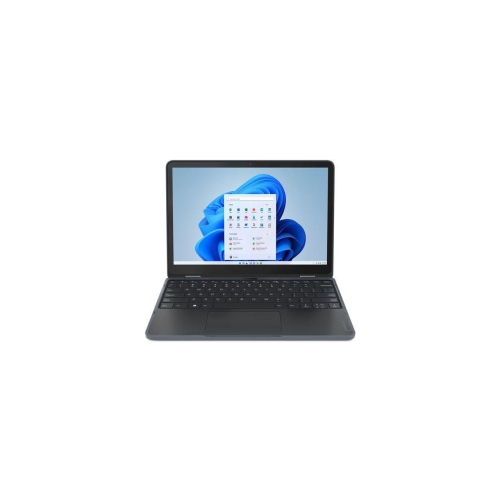
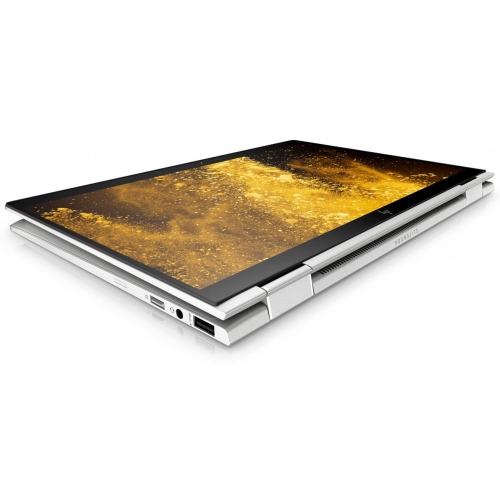
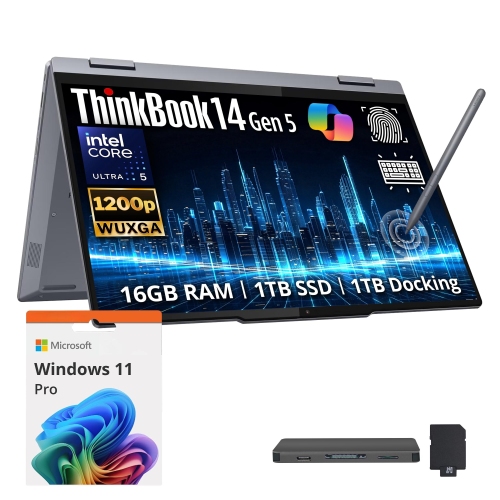
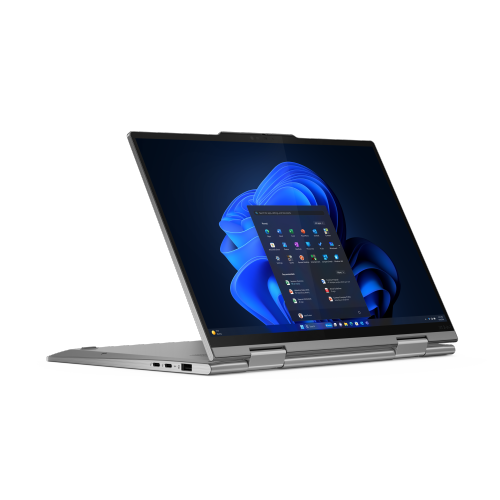

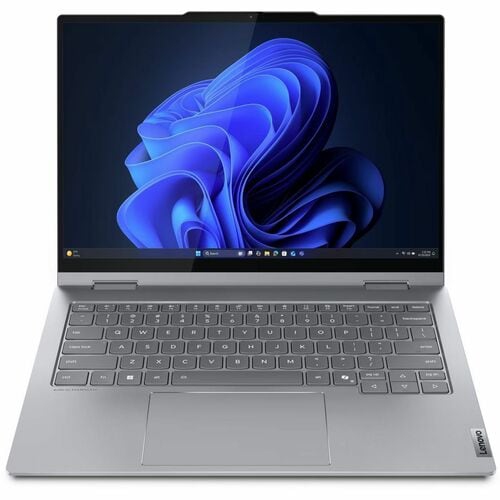
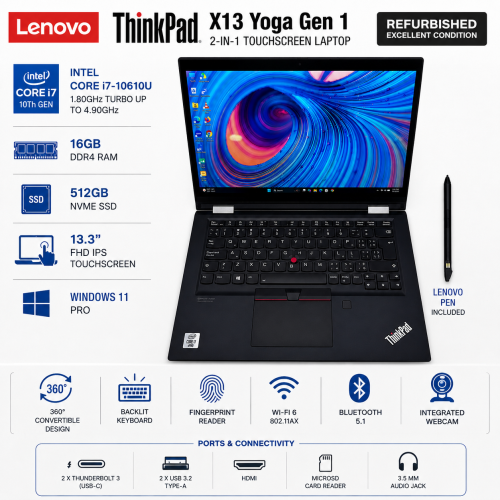

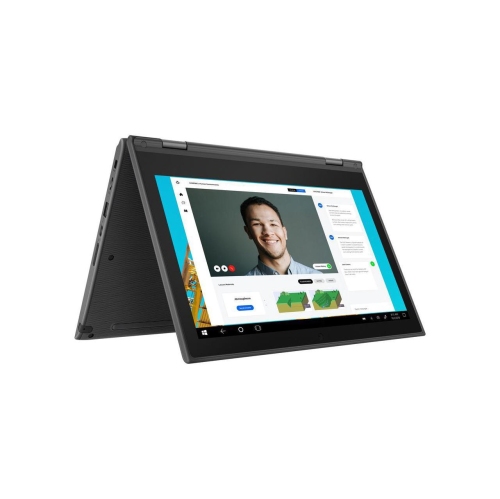
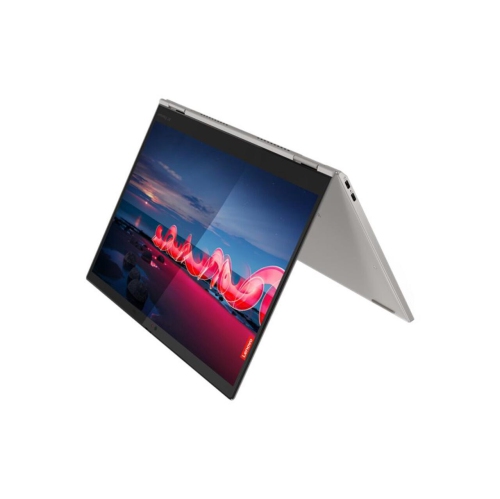
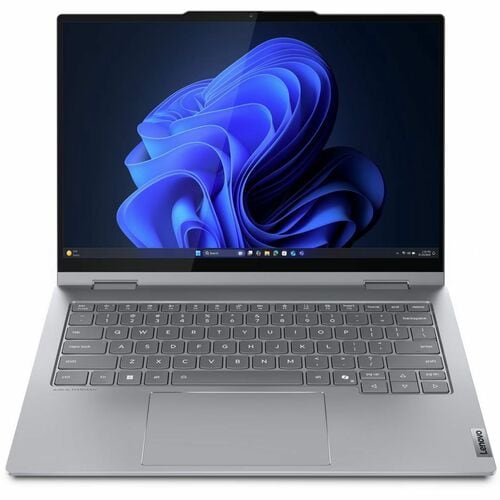
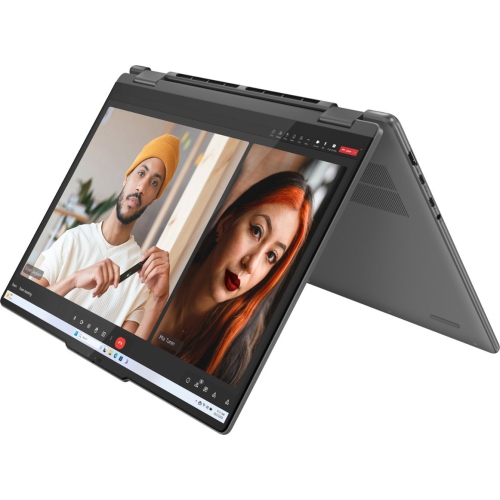

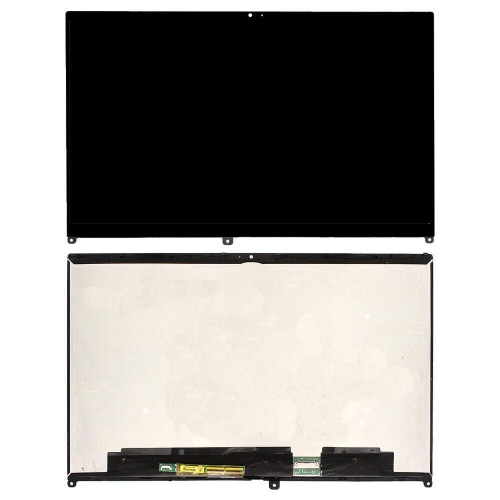
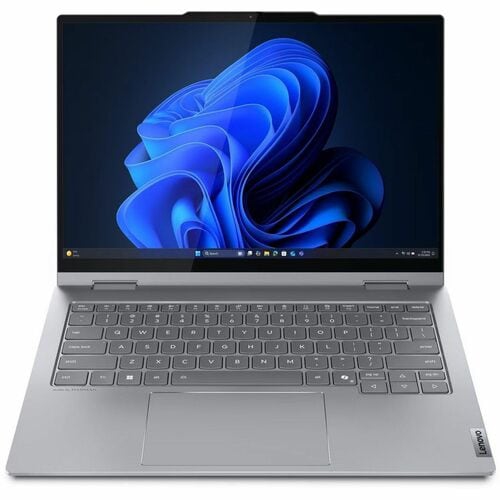
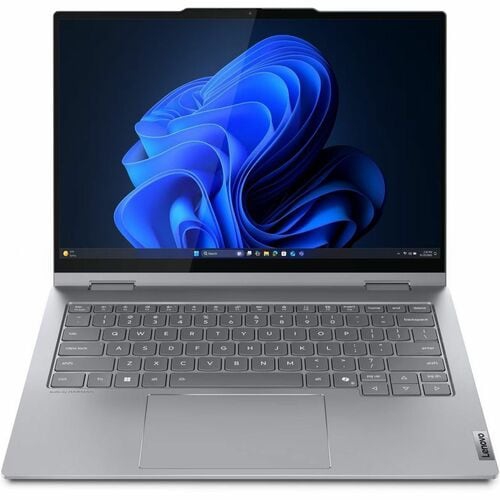
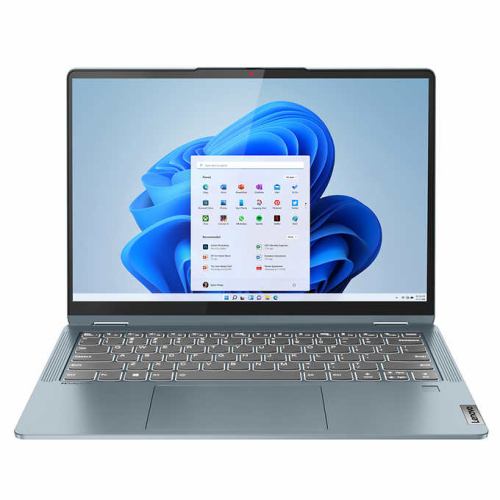
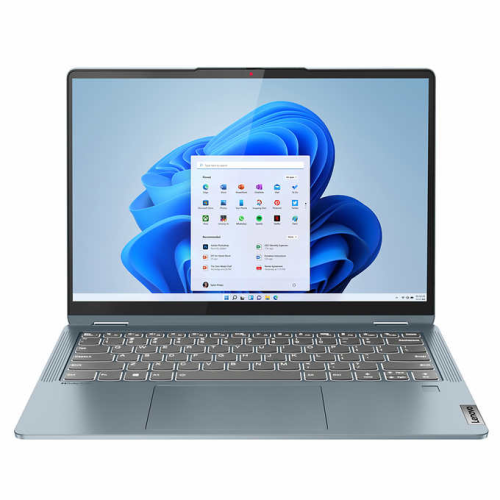
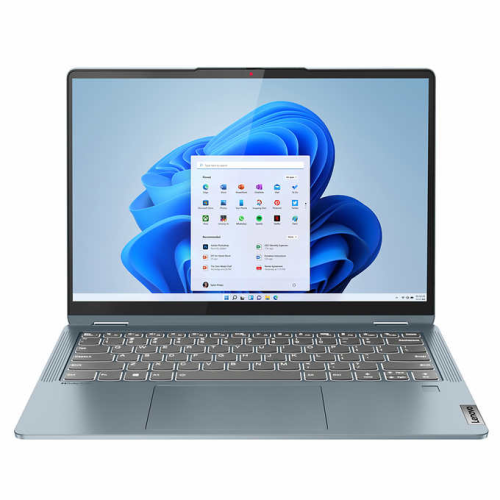

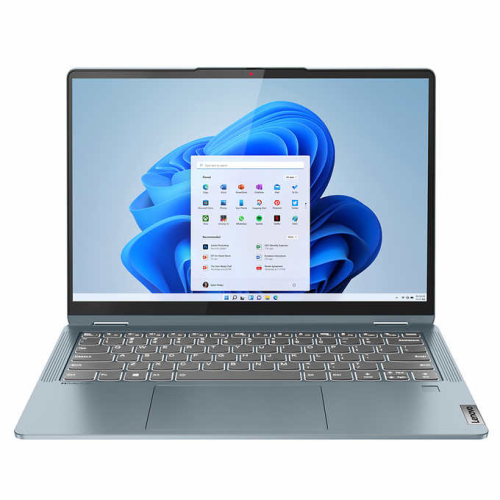
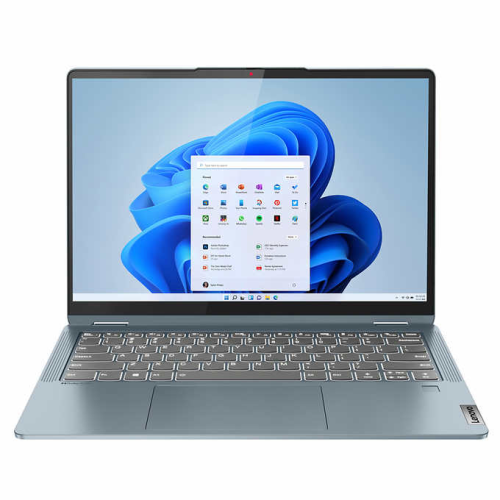
Laptop typing meets tablet flexibility in a portable design
Slim 2-in-1 laptops combine a notebook’s keyboard and computing capabilities with a touchscreen that supports more hands-on ways to work, read, and create. Their defining feature is a flexible design: a convertible laptop typically has a hinge that rotates through 360 degrees, while a detachable design allows the screen to separate from its keyboard. Both approaches can support laptop-style typing and tablet-style interaction, although keyboard arrangements, software compatibility, and accessory requirements differ. On a convertible, tent mode places the screen upright with the keyboard folded behind it, making room for a recipe on a kitchen counter or a presentation on a small meeting table. Stand mode brings the display closer for watching a lecture or reviewing photographs, while tablet mode suits reading, sketching, and marking up documents. The appeal of a slim design is not simply its appearance. A narrow chassis can slip more easily into a backpack compartment or briefcase, leaving space for a notebook, charger, and everyday essentials. Overall weight matters just as much as thickness, especially for a student walking between classes or someone carrying a computer through a full day of appointments. Screen size also affects portability: a compact display takes up less space on a café table, while a larger one gives spreadsheets, reference documents, and drawing tools more room. A thin laptop with a larger screen may still have a substantial footprint, so closed dimensions and carrying weight provide useful context alongside the display measurement. Keyboard comfort remains important because most owners will spend plenty of time writing emails, preparing assignments, or editing documents. Well-spaced keys, a responsive touchpad, and a stable typing position help a flexible computer feel like a practical everyday laptop rather than a device chosen only for its folding screen. For people moving between focused desk work and more informal reading or viewing, that balance gives the 2-in-1 format its purpose.
A touchscreen adds the most value when the display and input options suit the way the laptop will be used. Text clarity, brightness, reflections, and viewing angles all influence how comfortable a screen feels over a long reading session. Higher resolution can make fine text and detailed images look sharper, while screen finish affects how noticeable nearby windows and overhead lights become. Colour accuracy is particularly relevant for photography, illustration, and design work, though a vivid-looking display does not necessarily guarantee accurate colour reproduction. Pen support is another distinction within slim 2-in-1 laptops. A compatible active pen can make handwritten lecture notes, diagram annotations, and quick sketches feel more natural than using a finger, but supported pen technologies and features vary. Pressure sensitivity, palm rejection, and a secure place to keep the pen can matter as much as the touchscreen itself. These capabilities complement, rather than replace, the processor, memory, and storage needed for everyday computing. Working with several browser tabs, a video call, and a large document at the same time places different demands on a laptop than reading articles or streaming video. More memory gives active applications additional working space, while solid-state storage provides room for files and helps keep everyday interactions responsive. Available storage capacity is especially relevant when photographs, recorded lessons, or project files need to stay on the device instead of relying entirely on online storage. Demanding video editing, complex 3D work, and intensive gaming require closer attention to graphics capability and cooling; a folding touchscreen alone does not indicate suitability for those tasks. Battery life also depends on workload, display brightness, wireless activity, and power settings, so published estimates are not a promise of identical results in every situation. Charging options and connections round out the experience. USB-C charging can simplify a travel setup when the charger supplies the required power, but not every USB-C port supports the same charging, display, or data functions. Wi-Fi capability, an external-display connection, and enough ports for essential accessories help a slim computer fit into an existing workspace without unnecessary complications.
The construction of a slim 2-in-1 laptop deserves attention because its hinge, screen, and chassis are handled in several different positions. Aluminium and magnesium-alloy housings can provide a rigid feel, while well-designed plastic housings can also be practical for daily carrying. Material alone does not establish durability: hinge stability, resistance to chassis flex, and the fit of moving parts all contribute to how confidently the device can be opened, folded, and used. A stable hinge helps keep the display from shifting during touch input, although any folding mechanism benefits from careful handling. Opening the screen from the centre and keeping objects away from the hinge path can reduce avoidable strain. In tablet or stand mode, a clean surface helps protect exposed areas from grit, and a fitted sleeve adds protection against scratches inside a bag. Routine care is straightforward: a soft, lint-free cloth is suitable for removing fingerprints, with cleaning methods and liquids kept within the manufacturer’s recommendations. Liquid should not be sprayed directly onto the screen or keyboard. Ventilation openings also need space, even when the laptop is being used casually on a sofa; a firm surface helps prevent fabric from blocking airflow. These everyday details support the convenience that makes the format appealing to students, frequent travellers, home-office users, and people sharing work across different rooms. For workplace-focused tasks, Business 2-In-1 Laptops are a related category where conferencing features, security capabilities, and compatibility with workplace software may be priorities. A clear webcam, useful microphone performance, and comfortable keyboard can make a greater daily difference than a slightly thinner profile. As a gift for a graduate or someone starting a new role, a slim 2-in-1 is most useful when its software support, screen size, and input options match the recipient’s routines. The strongest fit is a laptop that remains comfortable for ordinary typing while making touch, handwriting, and flexible screen positioning genuinely useful parts of the day.
A touchscreen adds the most value when the display and input options suit the way the laptop will be used. Text clarity, brightness, reflections, and viewing angles all influence how comfortable a screen feels over a long reading session. Higher resolution can make fine text and detailed images look sharper, while screen finish affects how noticeable nearby windows and overhead lights become. Colour accuracy is particularly relevant for photography, illustration, and design work, though a vivid-looking display does not necessarily guarantee accurate colour reproduction. Pen support is another distinction within slim 2-in-1 laptops. A compatible active pen can make handwritten lecture notes, diagram annotations, and quick sketches feel more natural than using a finger, but supported pen technologies and features vary. Pressure sensitivity, palm rejection, and a secure place to keep the pen can matter as much as the touchscreen itself. These capabilities complement, rather than replace, the processor, memory, and storage needed for everyday computing. Working with several browser tabs, a video call, and a large document at the same time places different demands on a laptop than reading articles or streaming video. More memory gives active applications additional working space, while solid-state storage provides room for files and helps keep everyday interactions responsive. Available storage capacity is especially relevant when photographs, recorded lessons, or project files need to stay on the device instead of relying entirely on online storage. Demanding video editing, complex 3D work, and intensive gaming require closer attention to graphics capability and cooling; a folding touchscreen alone does not indicate suitability for those tasks. Battery life also depends on workload, display brightness, wireless activity, and power settings, so published estimates are not a promise of identical results in every situation. Charging options and connections round out the experience. USB-C charging can simplify a travel setup when the charger supplies the required power, but not every USB-C port supports the same charging, display, or data functions. Wi-Fi capability, an external-display connection, and enough ports for essential accessories help a slim computer fit into an existing workspace without unnecessary complications.
The construction of a slim 2-in-1 laptop deserves attention because its hinge, screen, and chassis are handled in several different positions. Aluminium and magnesium-alloy housings can provide a rigid feel, while well-designed plastic housings can also be practical for daily carrying. Material alone does not establish durability: hinge stability, resistance to chassis flex, and the fit of moving parts all contribute to how confidently the device can be opened, folded, and used. A stable hinge helps keep the display from shifting during touch input, although any folding mechanism benefits from careful handling. Opening the screen from the centre and keeping objects away from the hinge path can reduce avoidable strain. In tablet or stand mode, a clean surface helps protect exposed areas from grit, and a fitted sleeve adds protection against scratches inside a bag. Routine care is straightforward: a soft, lint-free cloth is suitable for removing fingerprints, with cleaning methods and liquids kept within the manufacturer’s recommendations. Liquid should not be sprayed directly onto the screen or keyboard. Ventilation openings also need space, even when the laptop is being used casually on a sofa; a firm surface helps prevent fabric from blocking airflow. These everyday details support the convenience that makes the format appealing to students, frequent travellers, home-office users, and people sharing work across different rooms. For workplace-focused tasks, Business 2-In-1 Laptops are a related category where conferencing features, security capabilities, and compatibility with workplace software may be priorities. A clear webcam, useful microphone performance, and comfortable keyboard can make a greater daily difference than a slightly thinner profile. As a gift for a graduate or someone starting a new role, a slim 2-in-1 is most useful when its software support, screen size, and input options match the recipient’s routines. The strongest fit is a laptop that remains comfortable for ordinary typing while making touch, handwriting, and flexible screen positioning genuinely useful parts of the day.
Top selling and popular products
-
 Your price for this item is $449
-
 Your price for this item is $3099
-
 Your price for this item is $449.99
-
 Your price for this item is $664.05
-
 Your price for this item is $869.99
-
 Your price for this item is $2960.48
-
 Your price for this item is $489.7
-
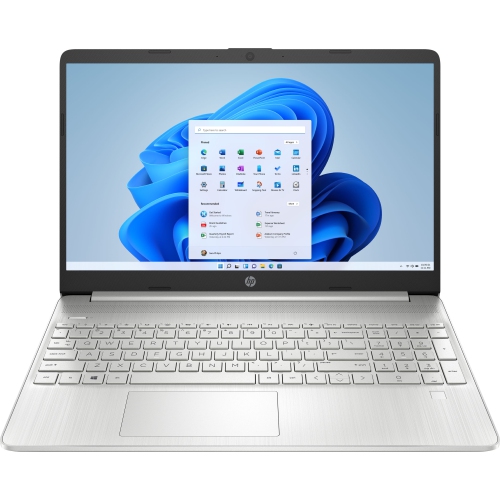 Your price for this item is $829
Discover more categories related to Slim 2-In-1 Laptops

Top Collections:
Pokemon Centers, Best Black Friday Deals This Year, Best Black Friday Deals On Electronics, Kindle Devices, Best Budget Office Chairs, Best Black Friday Deals On Apple Products, Best Cameras for Sports Photography, Pokémon 30th Celebration Cards, Dyson Airwrap, Canon G7X Cameras
Some products may be subject to Environmental Handling Fees
(EHF) depending on your province.
Learn more about EHFs.