Small Business Printing
Our collection of small business printing products offers a wide range of options to meet your specific needs. From high-quality printers and scanners to versatile paper supplies and accessories, we have everything you need to create polished marketing materials, streamline your office tasks, and make a lasting impression on clients. Explore our selection of small business printing essentials to find the tools that will help your business stand out from the rest.
Sort
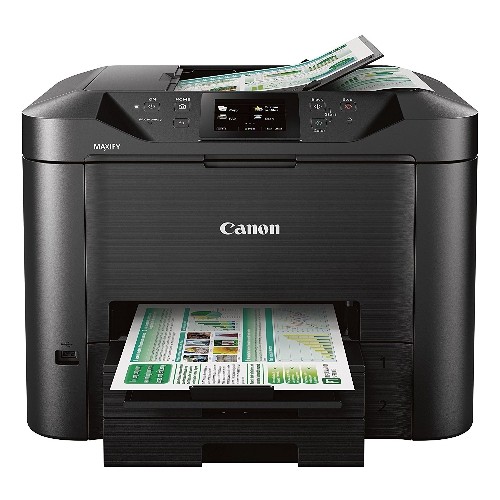
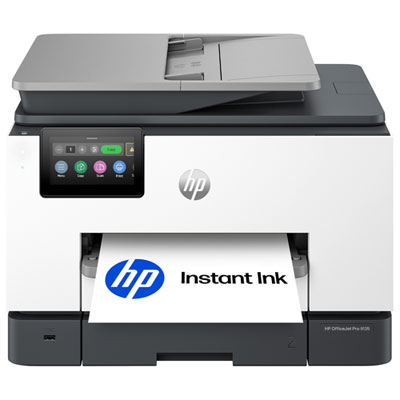
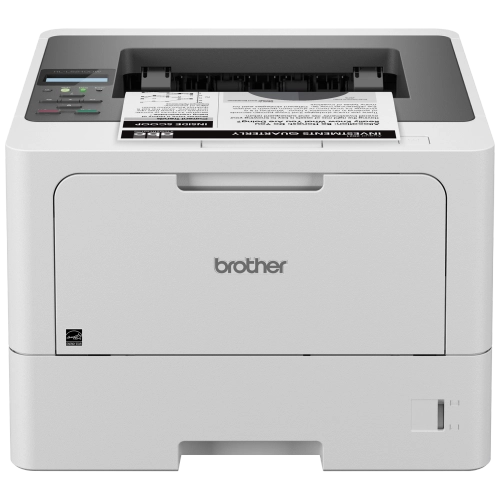
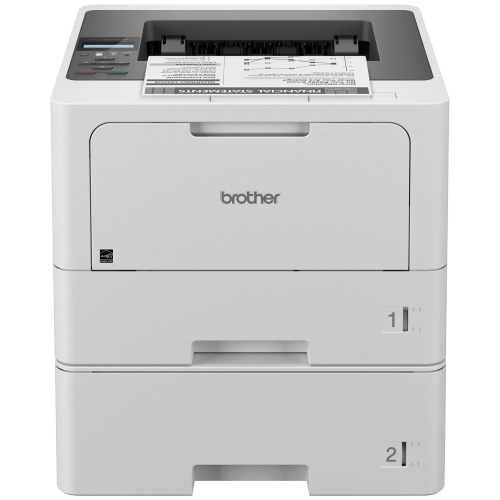








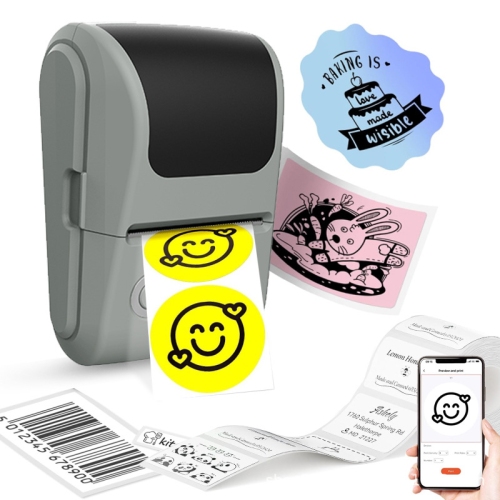
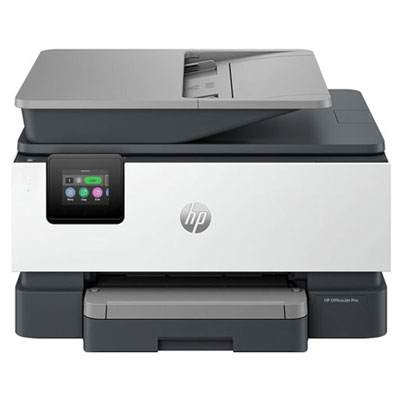
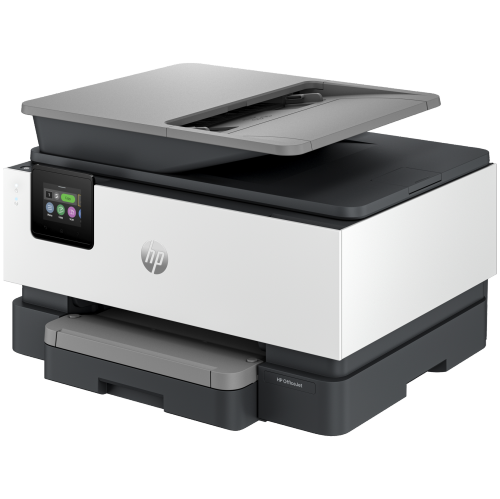
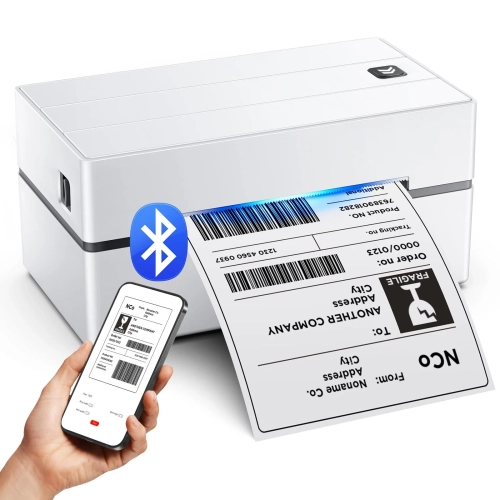

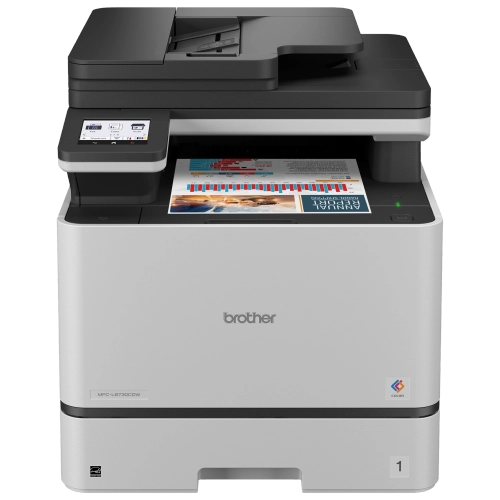
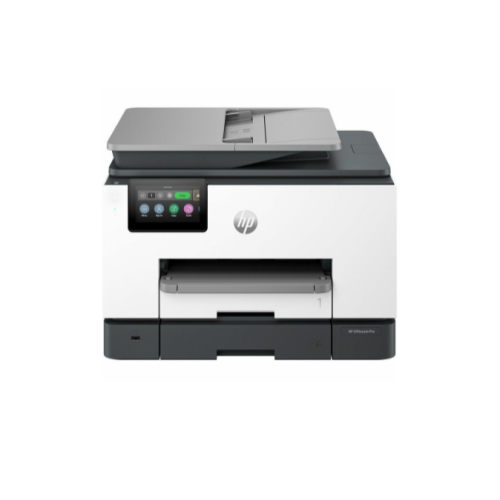


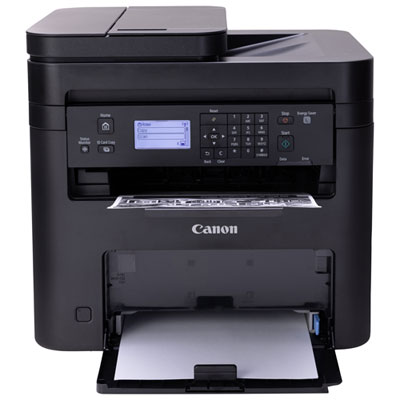
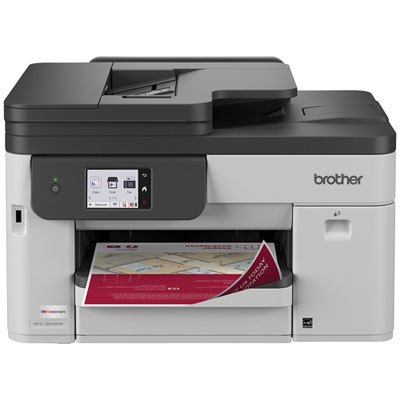
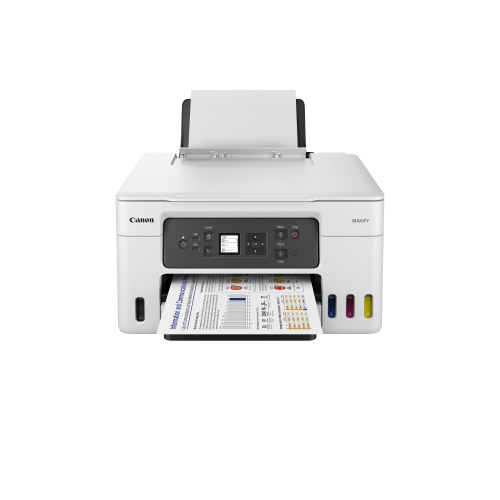
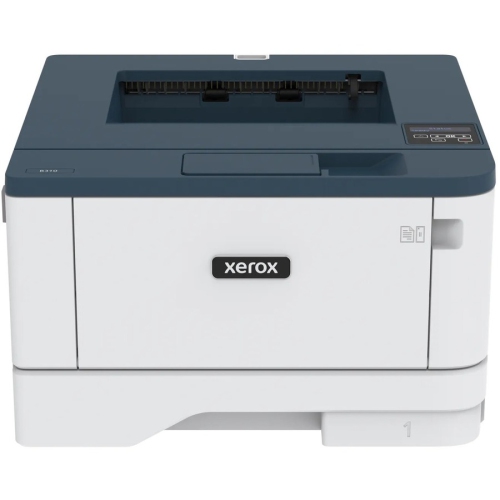
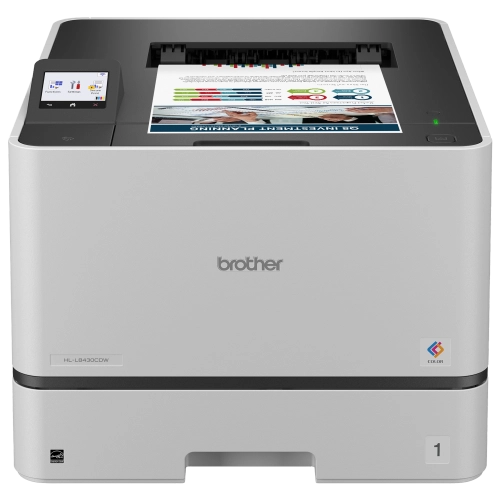
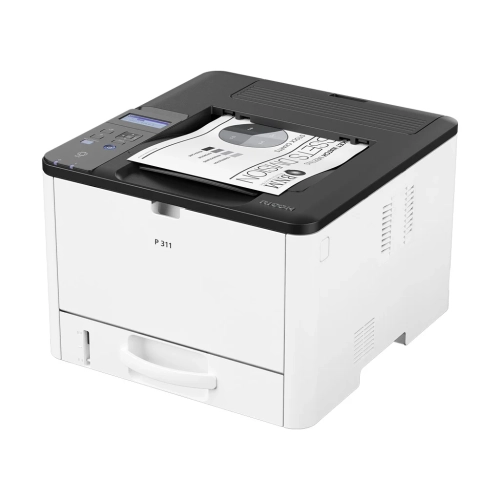
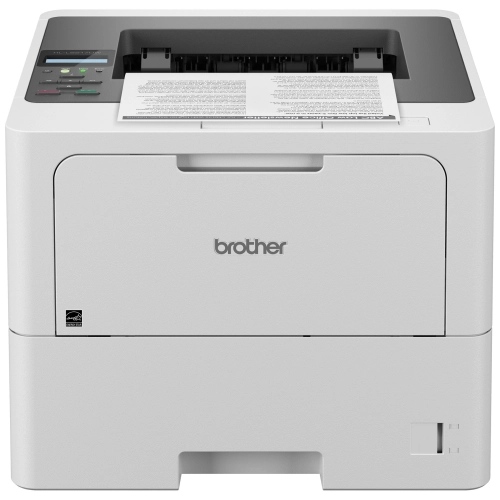
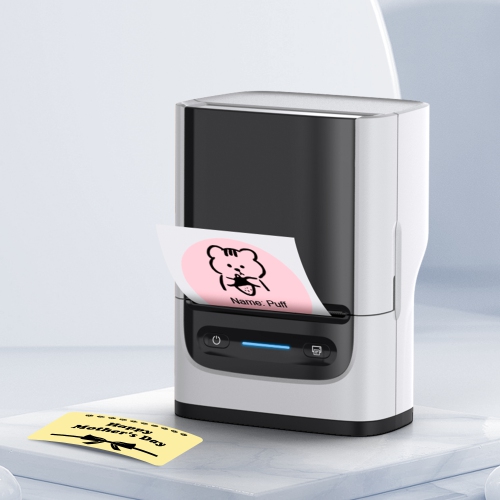
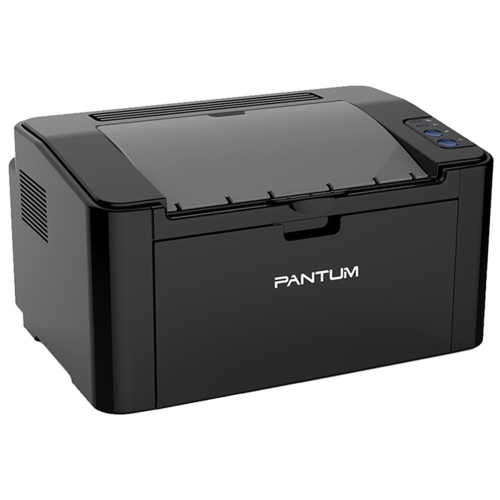
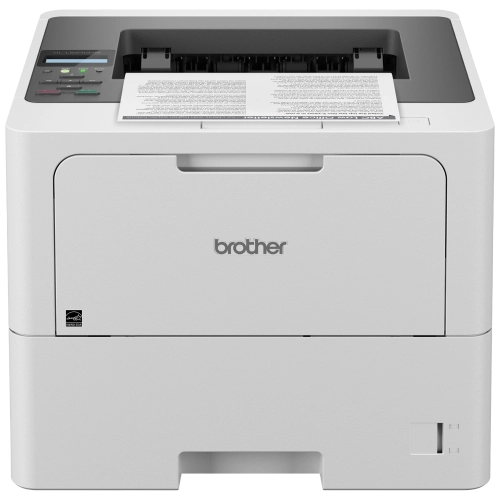
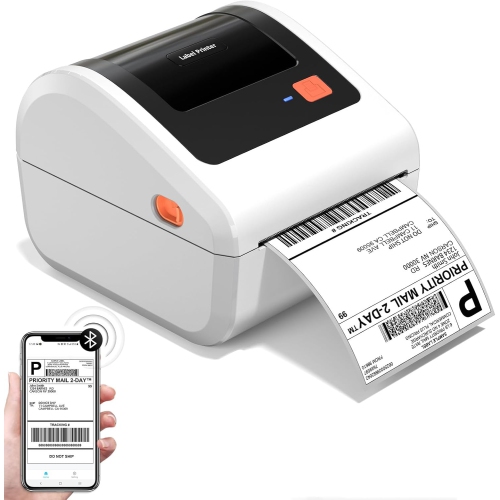
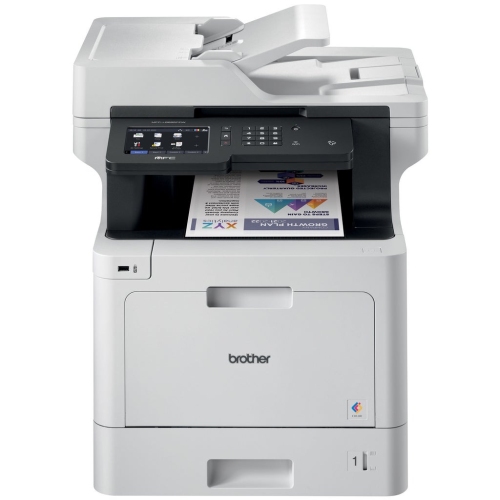
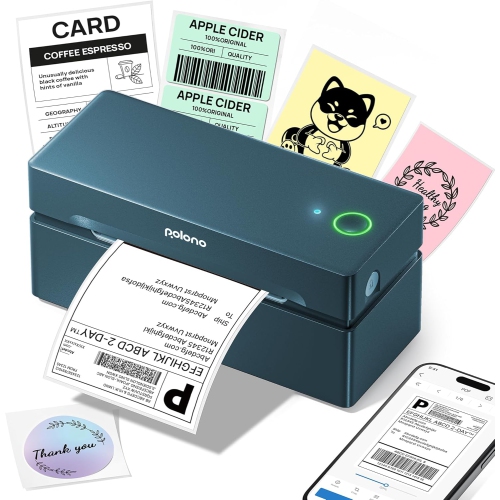
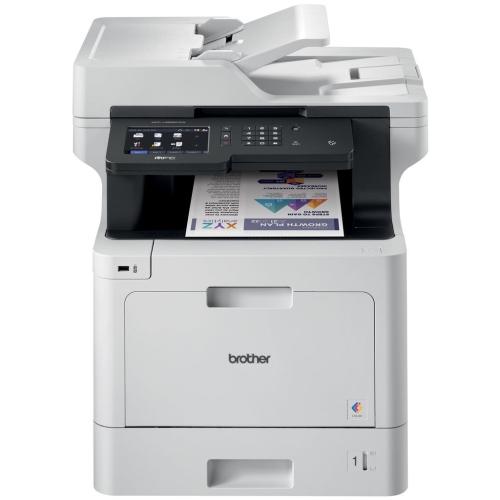
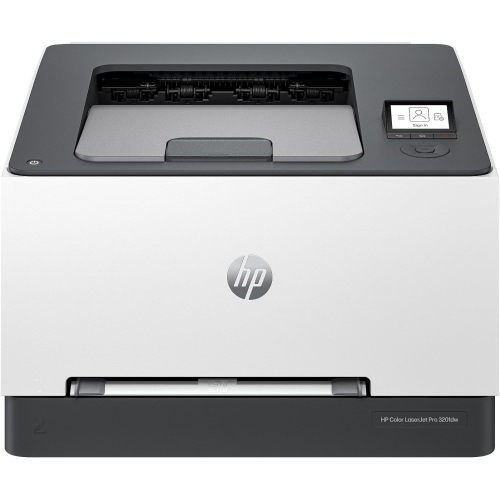
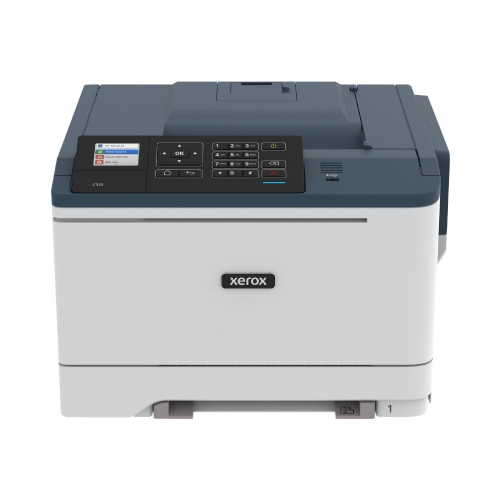
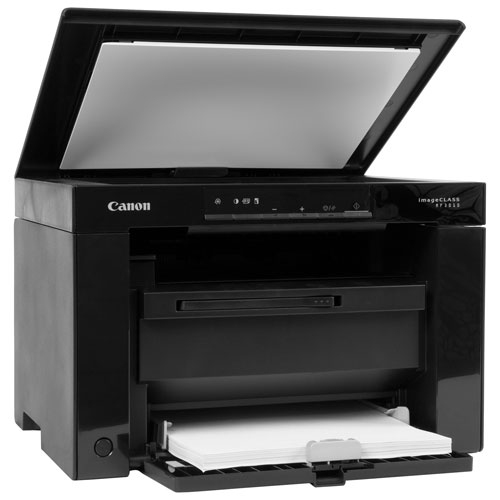
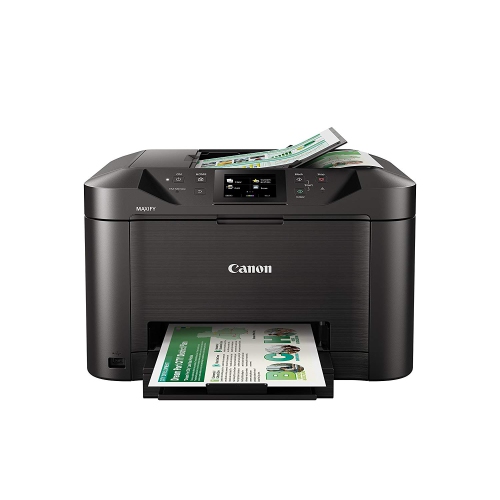

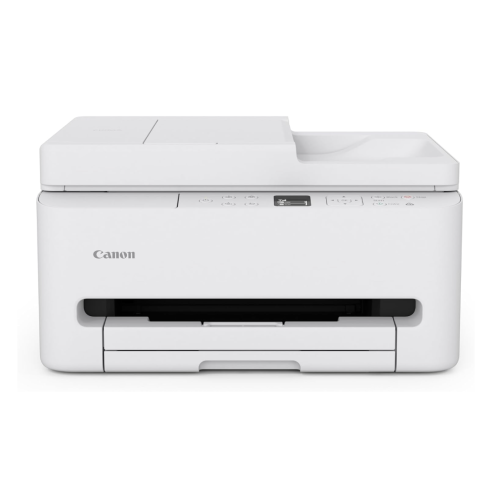
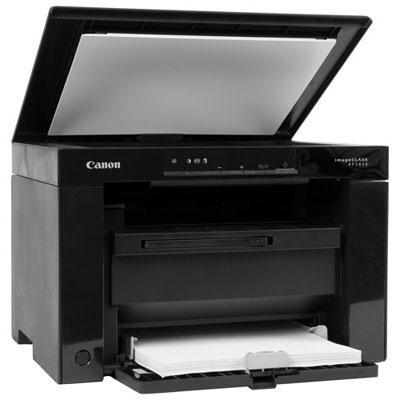
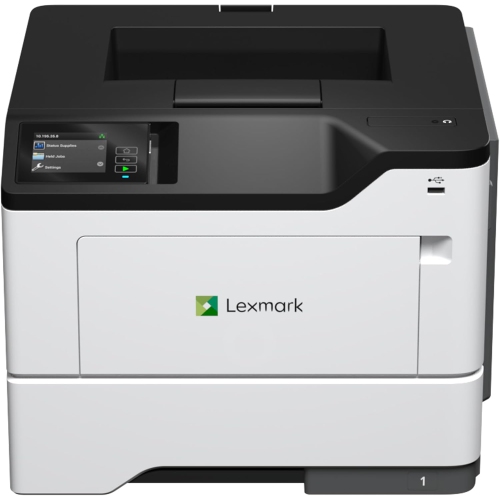
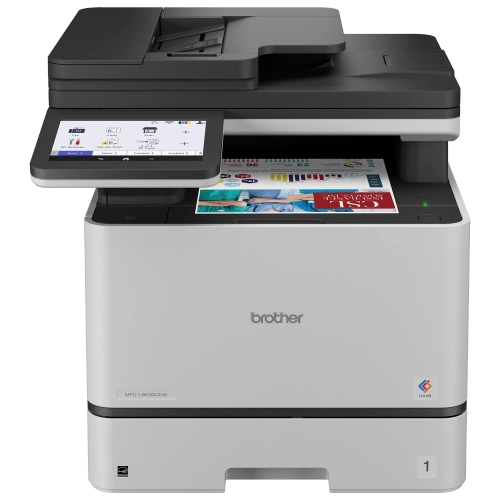
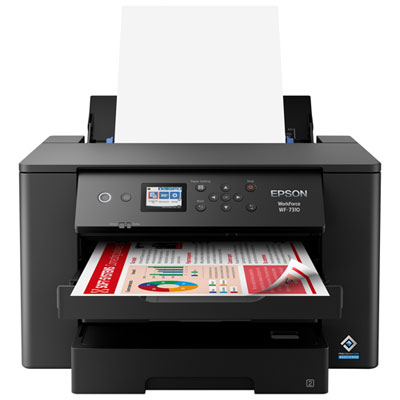

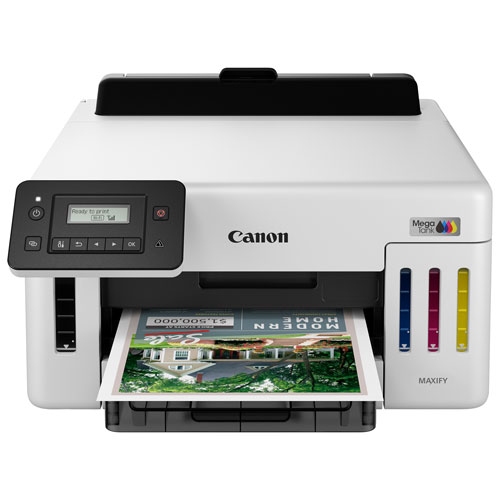
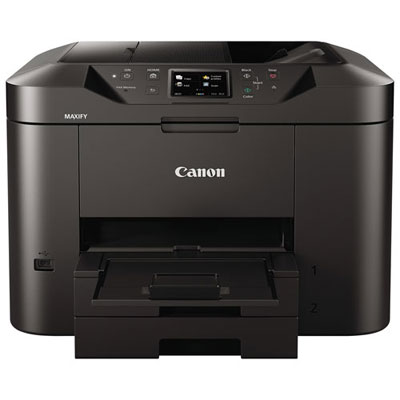
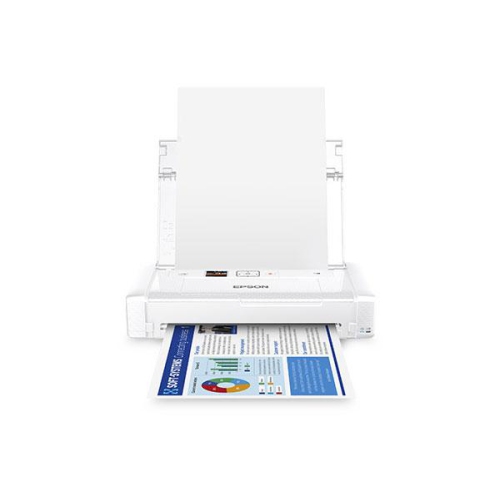


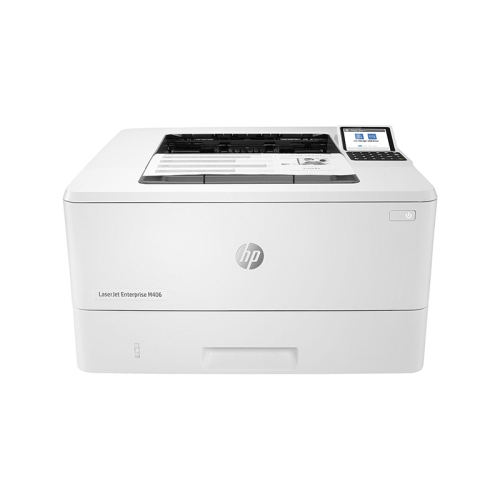


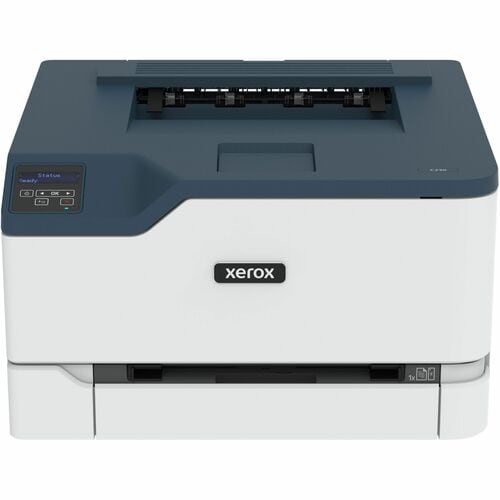

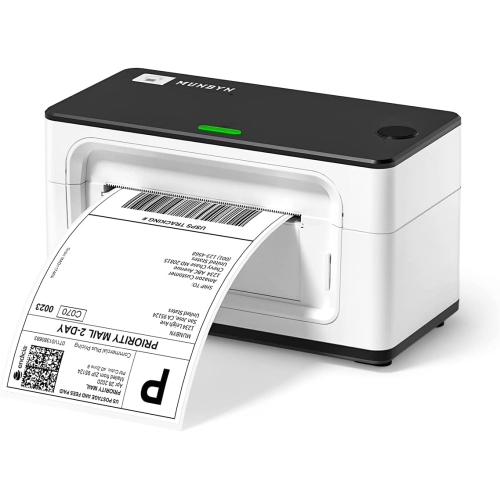
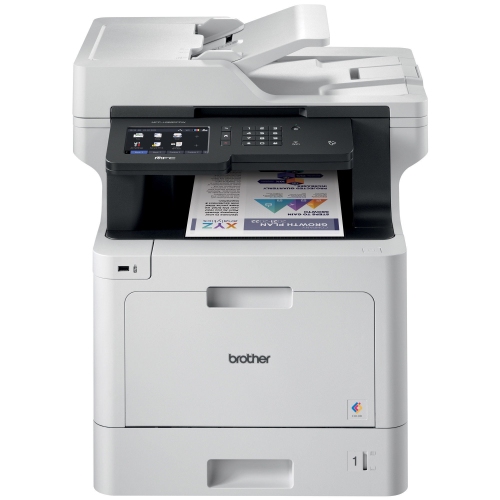
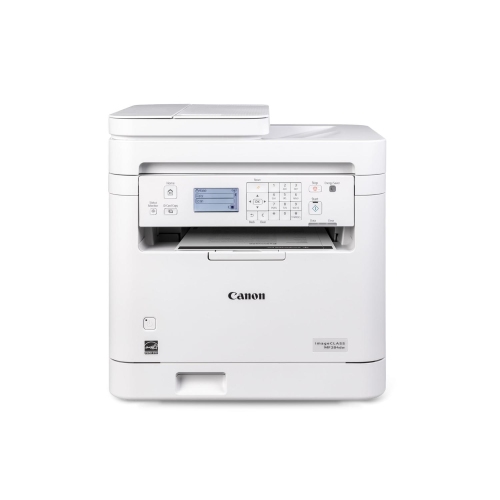
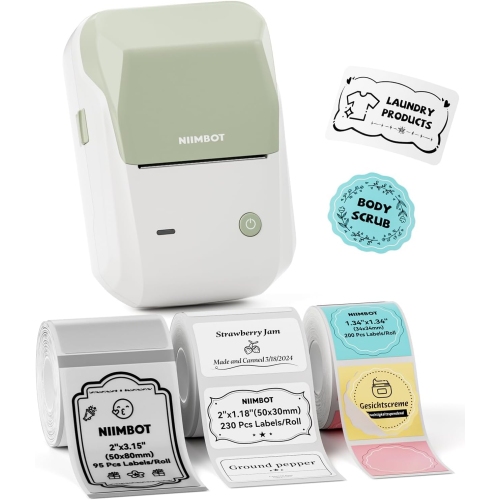
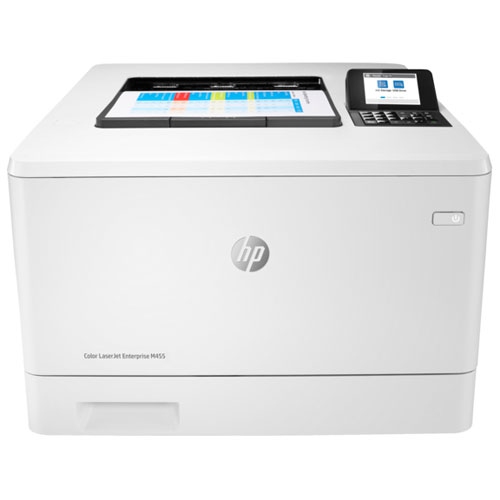
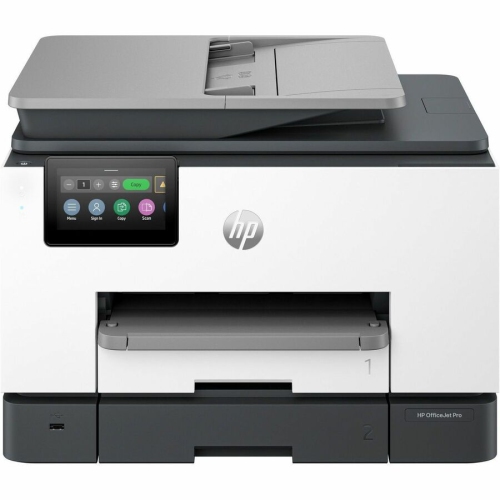
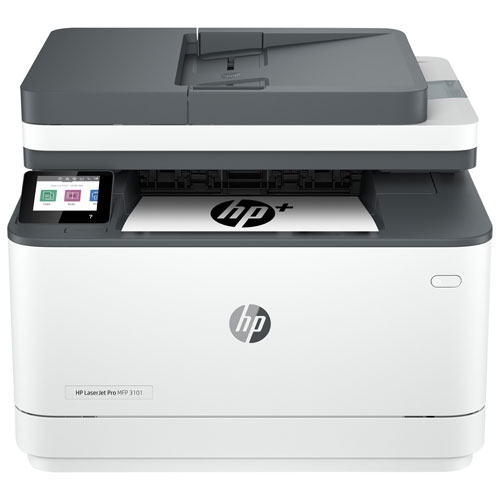
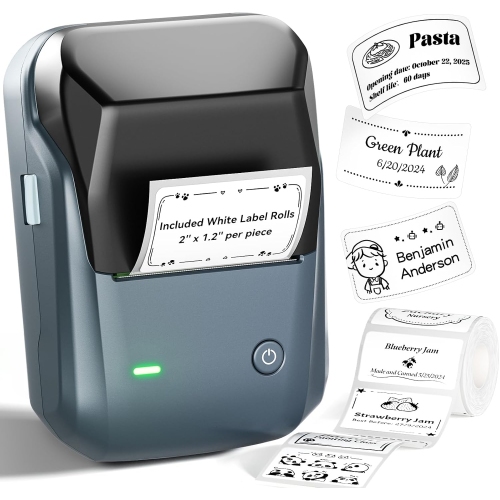

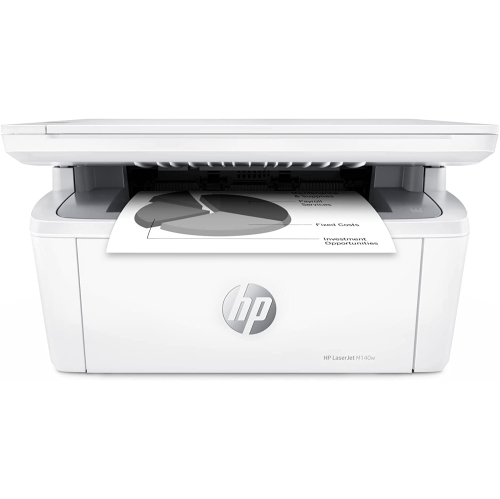
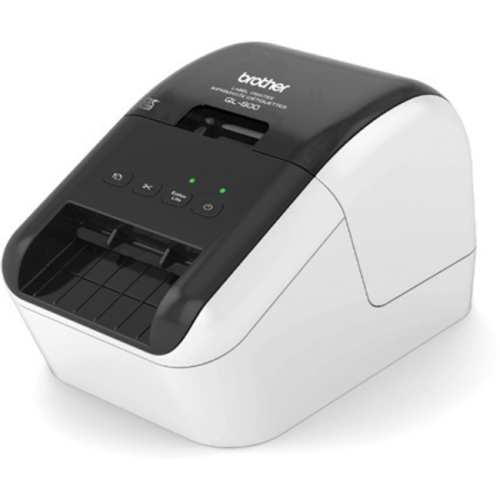

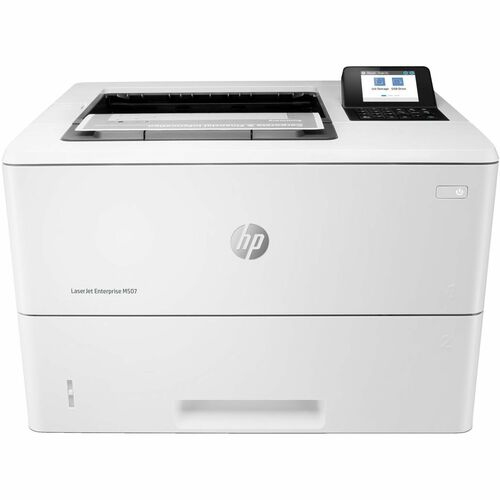
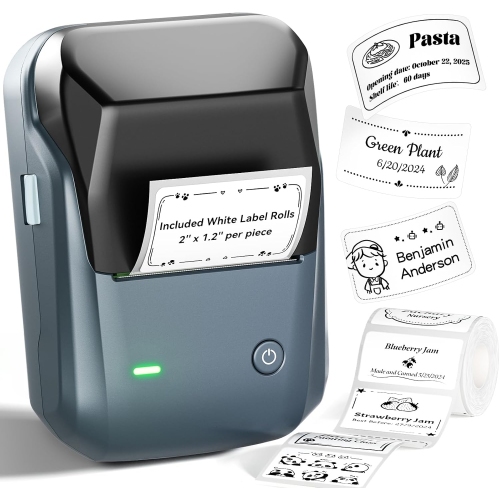






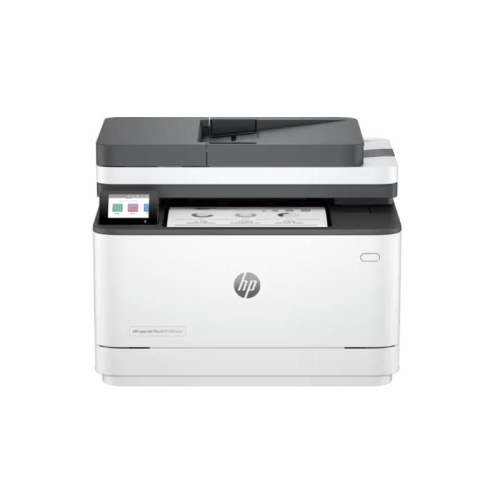

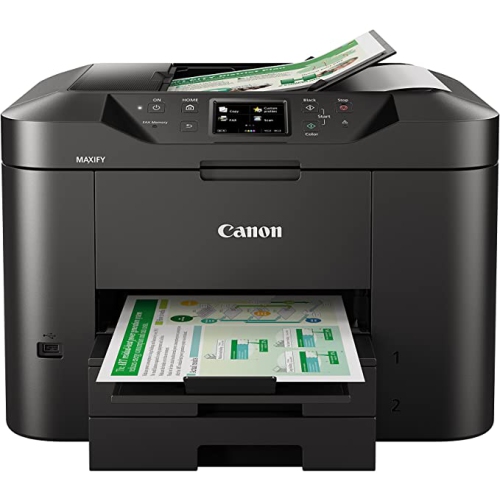

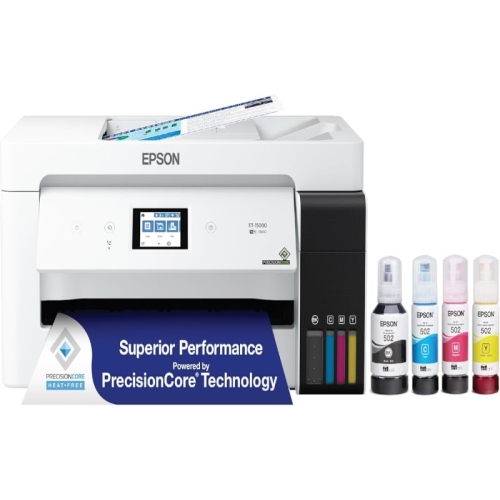
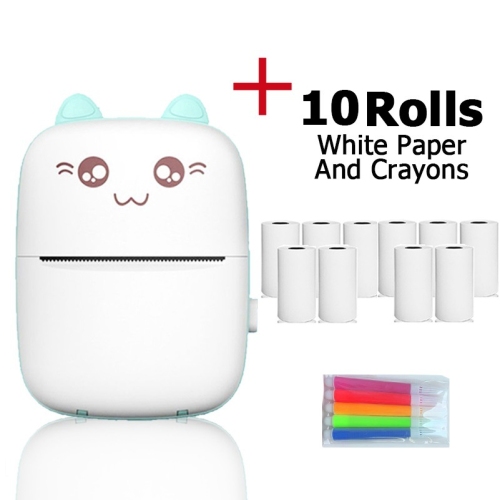
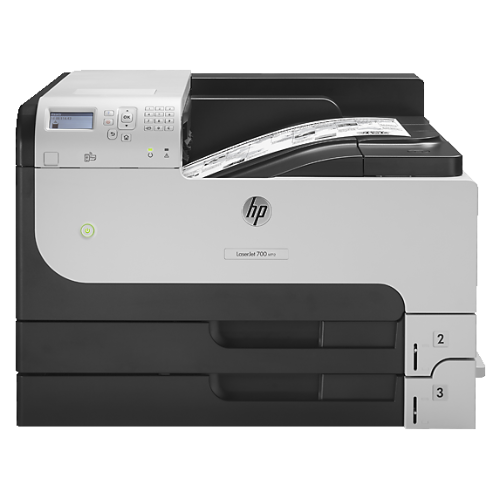
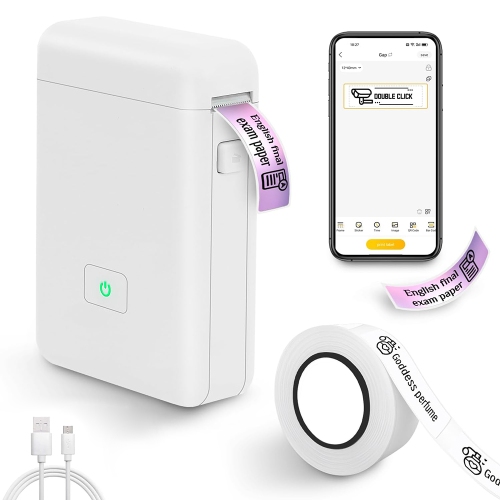



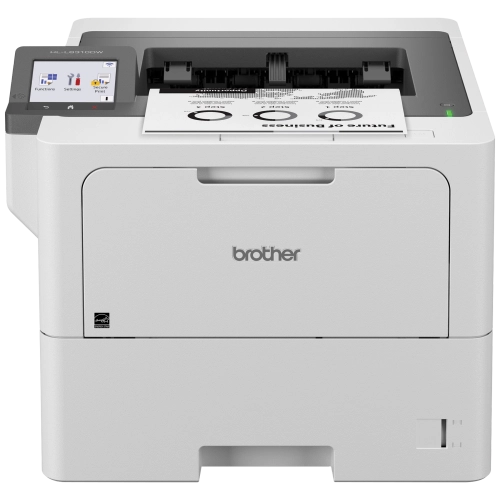
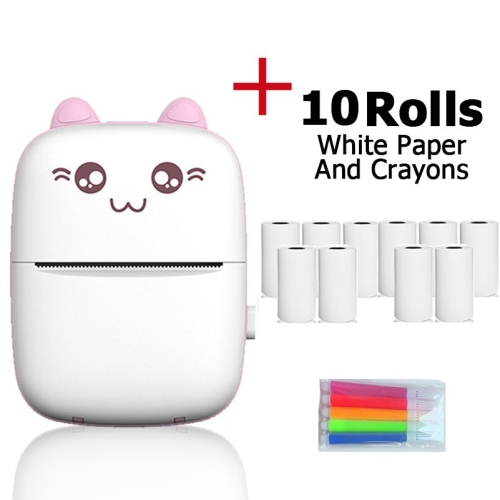
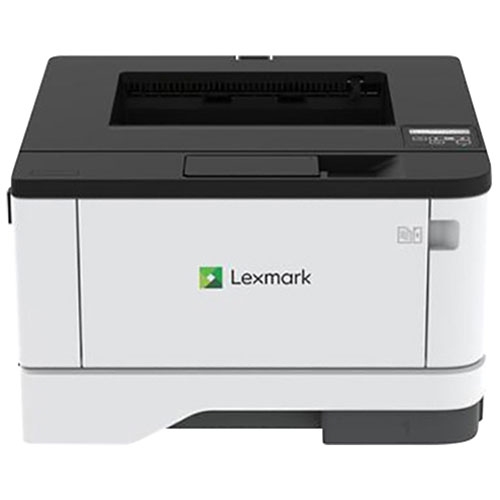
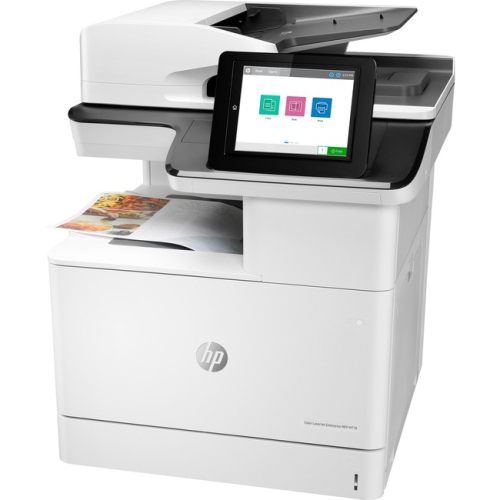



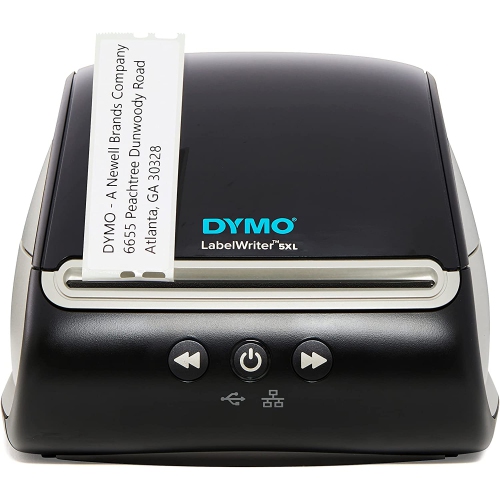

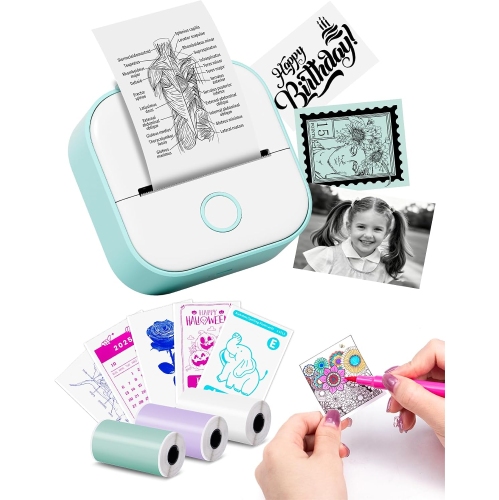
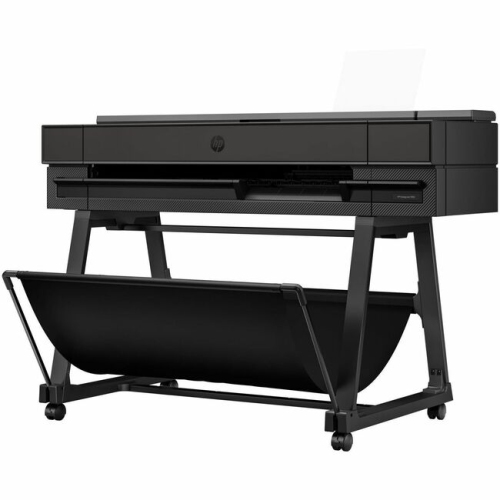

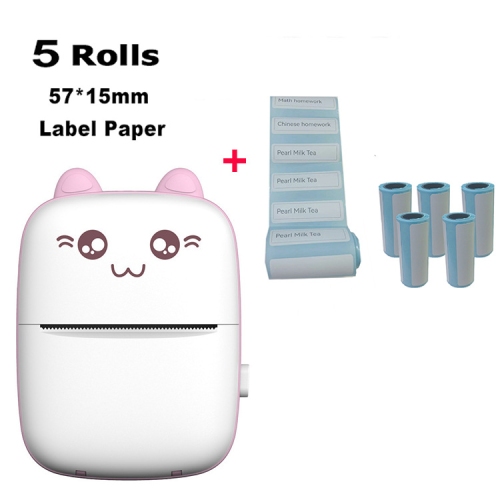


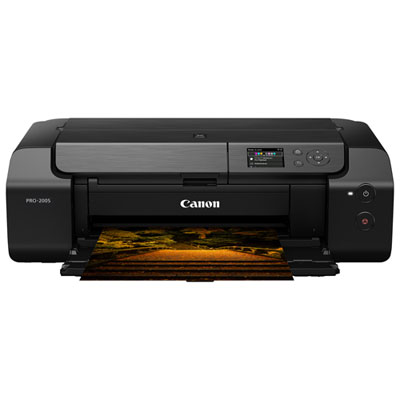
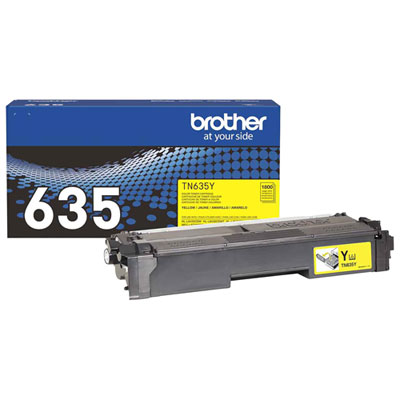

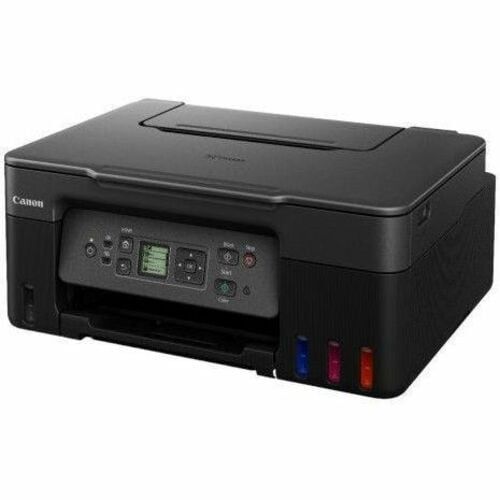


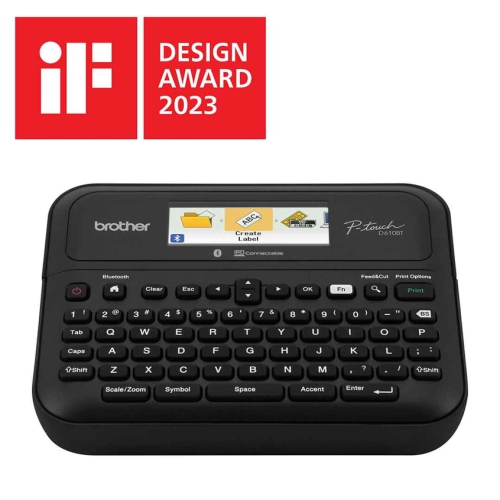






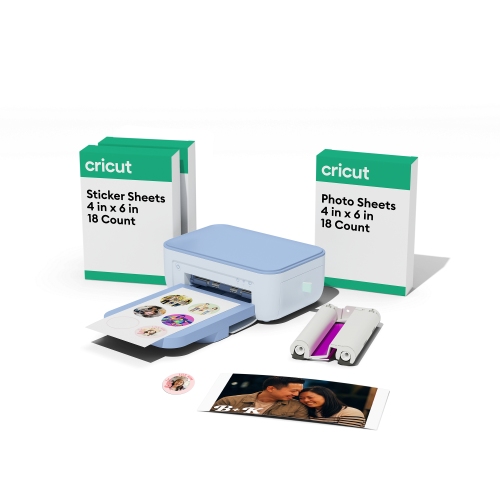
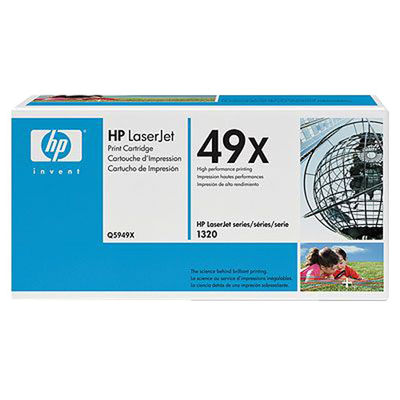

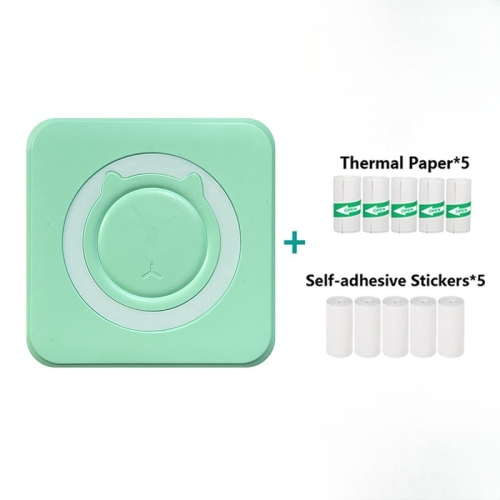
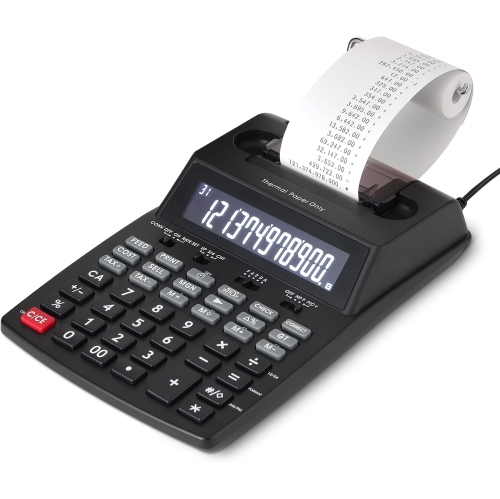
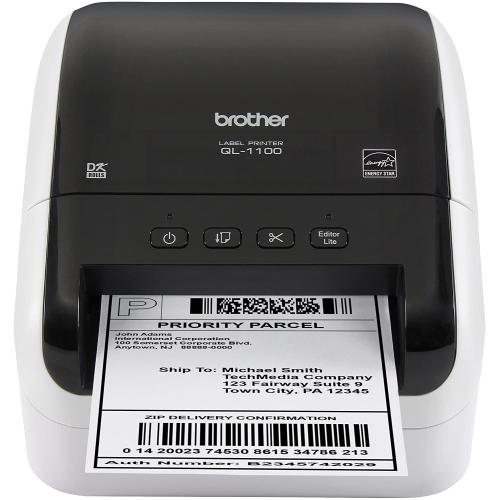
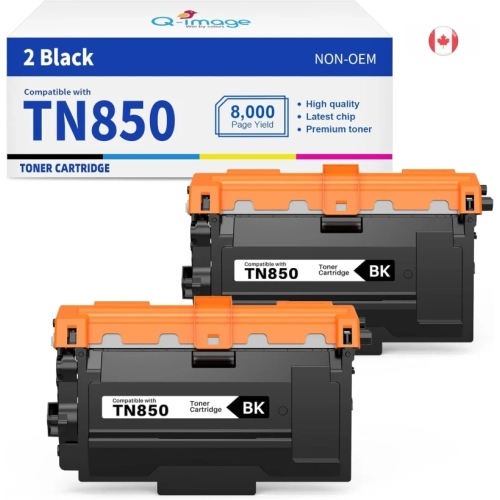


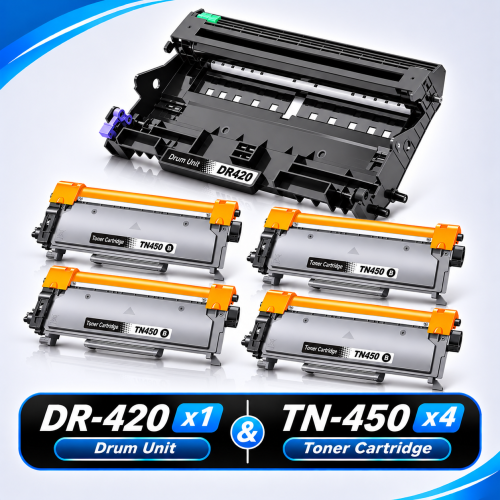
The right printing setup goes beyond the printer
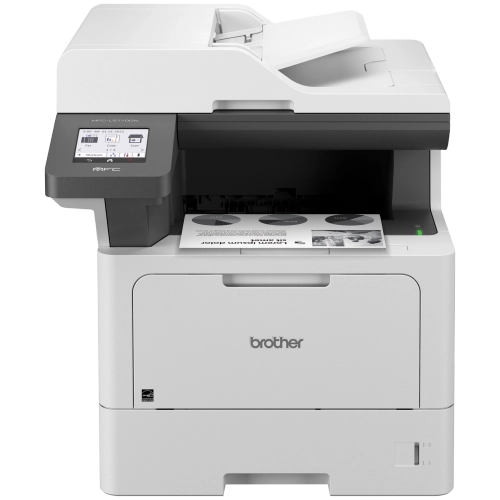
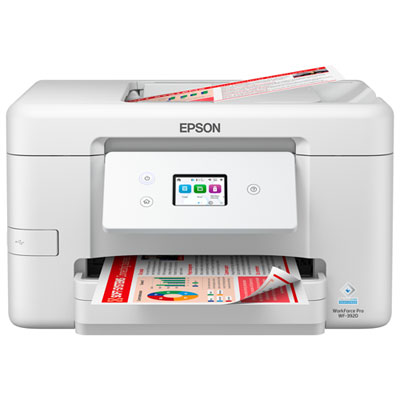
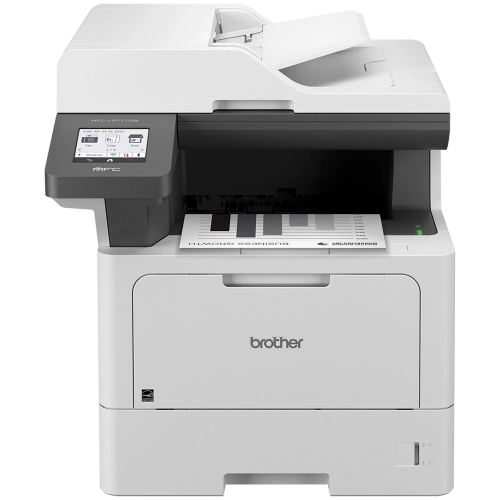
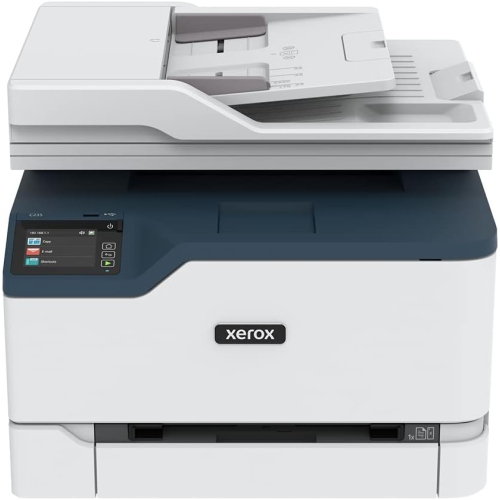
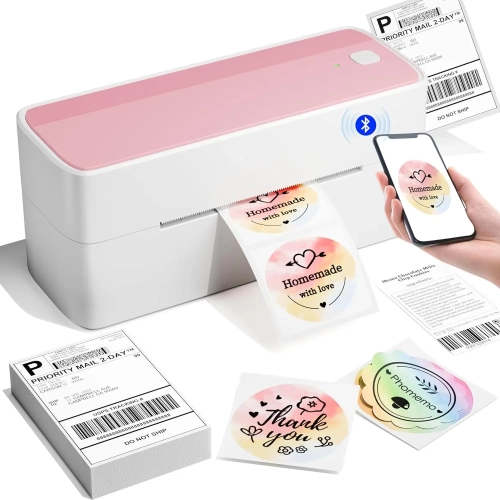
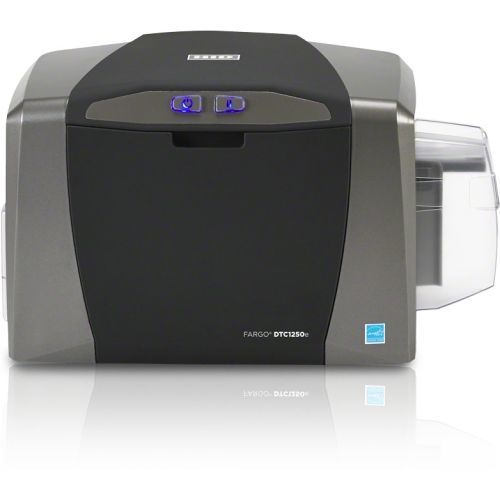
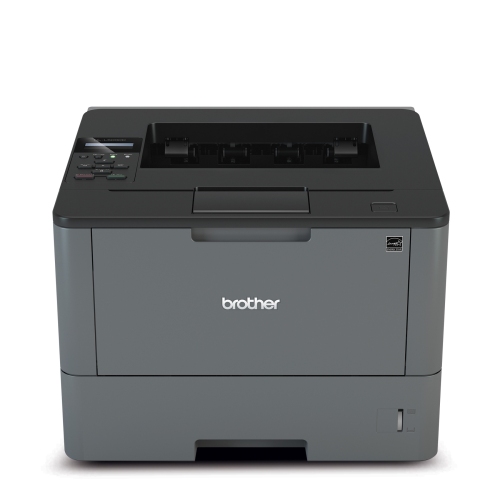
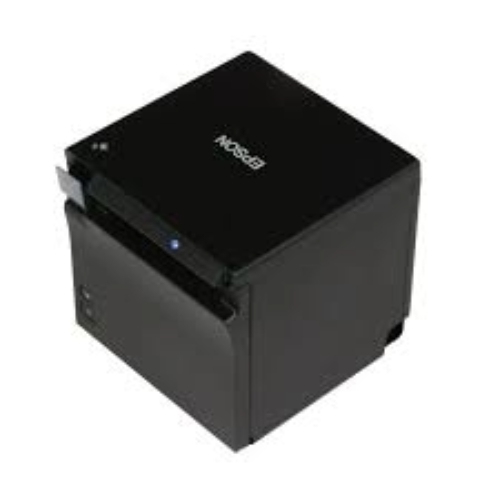
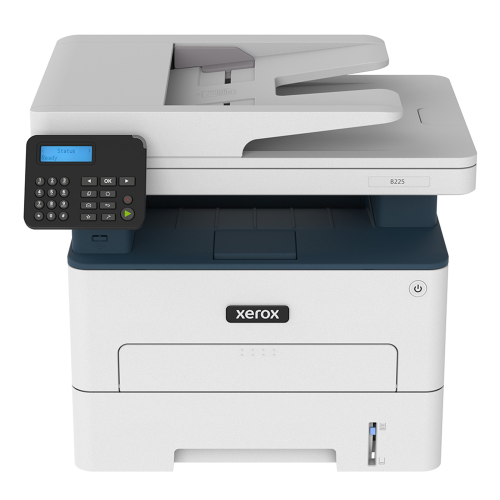
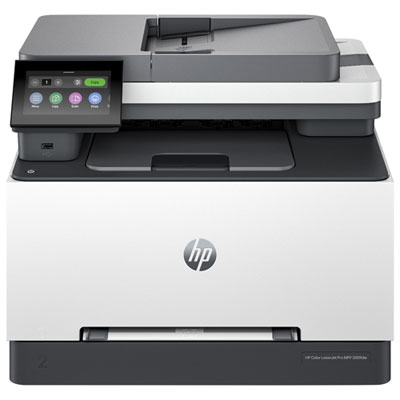
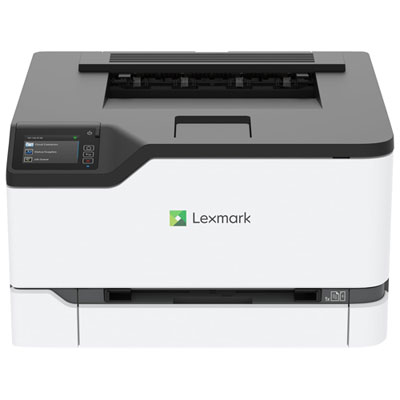
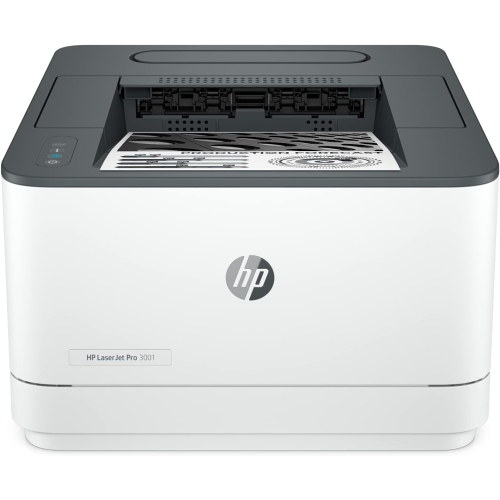
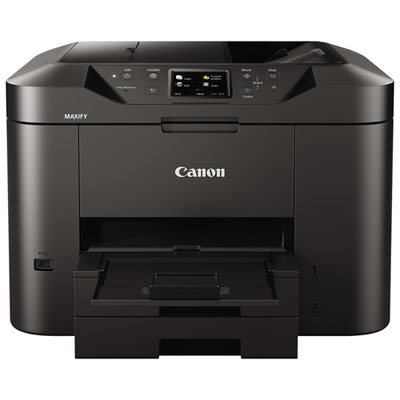
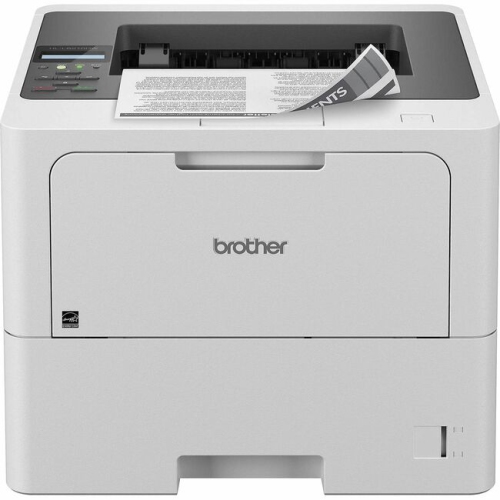
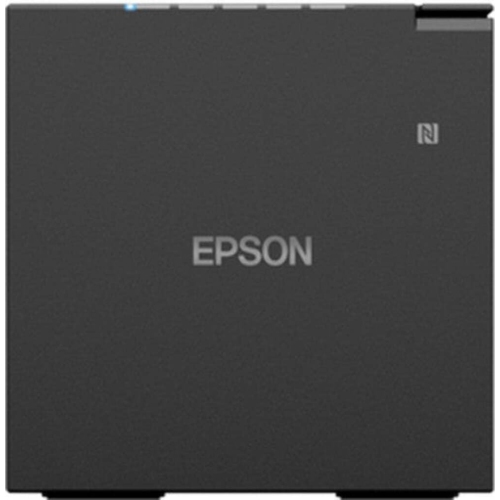
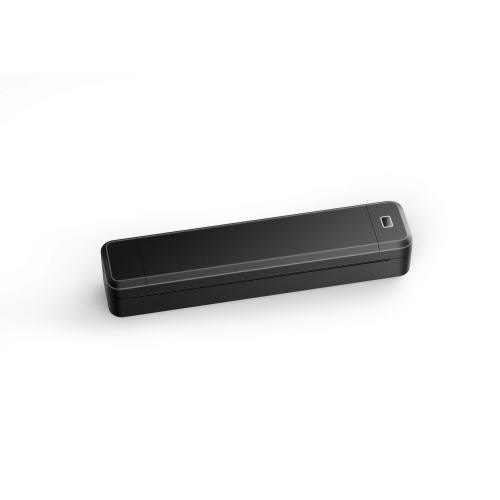
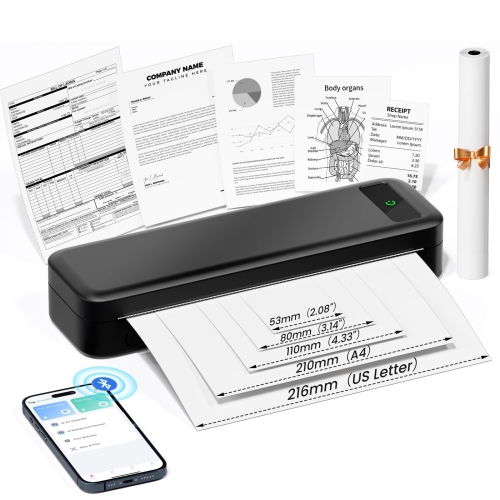
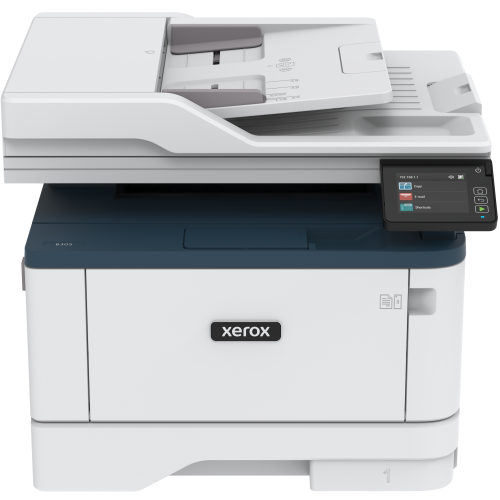
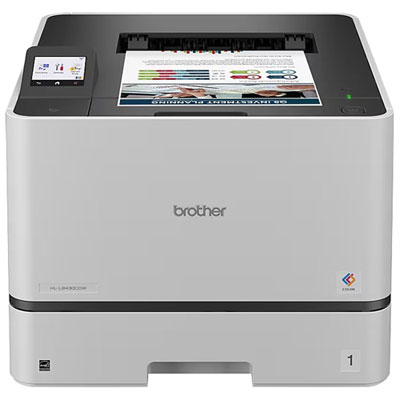
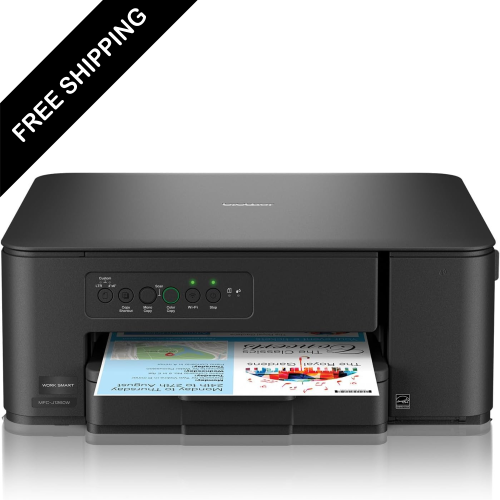
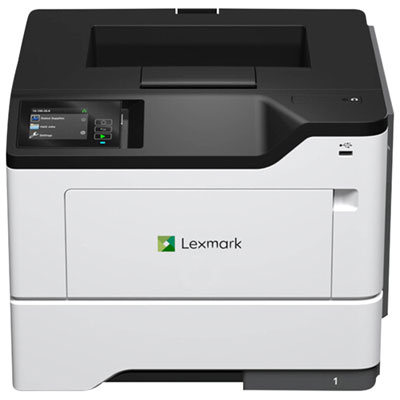
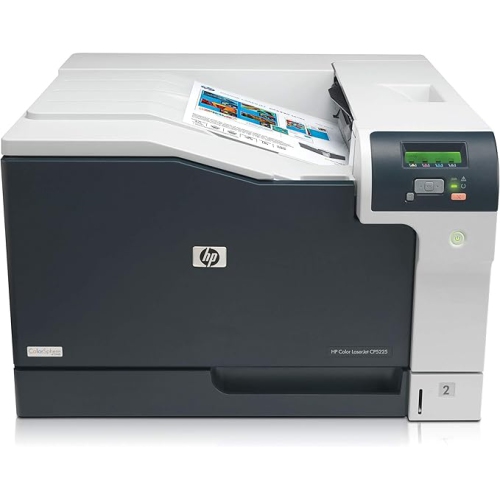
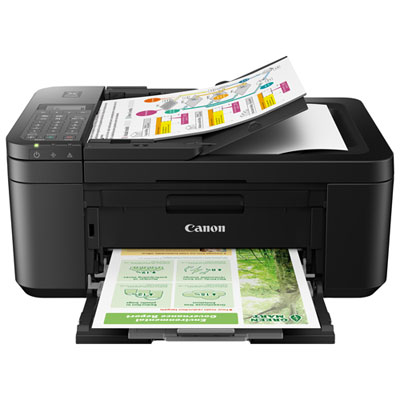
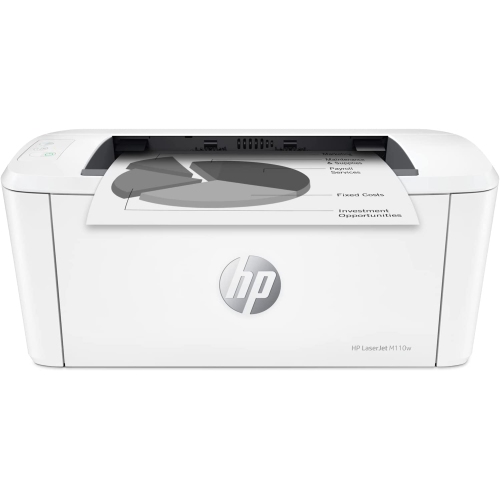
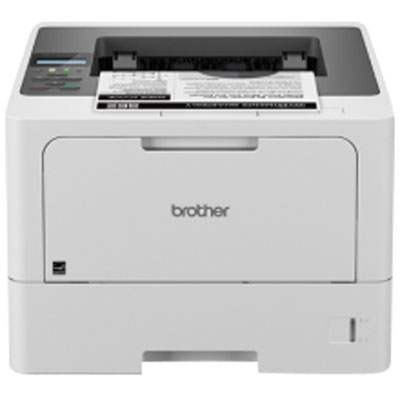
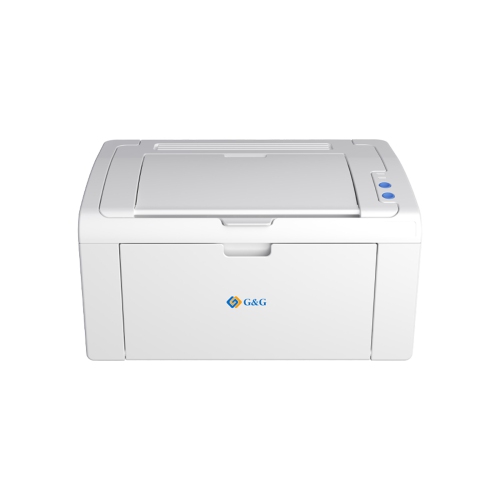
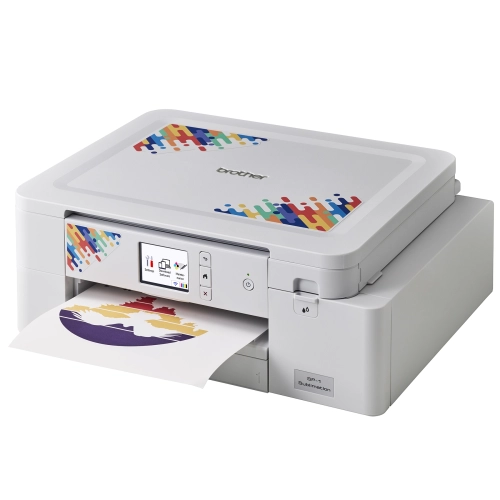
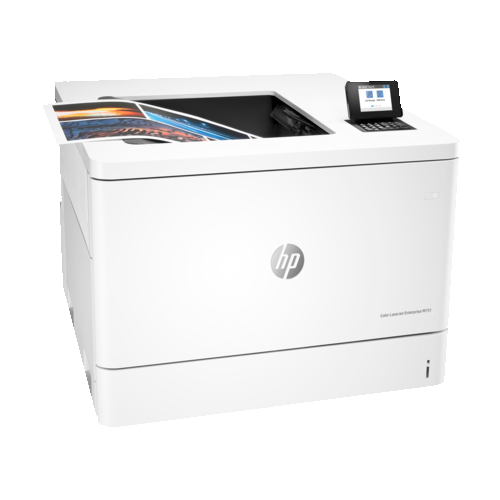
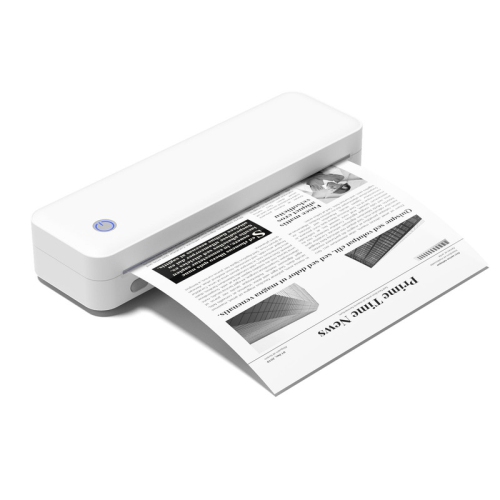
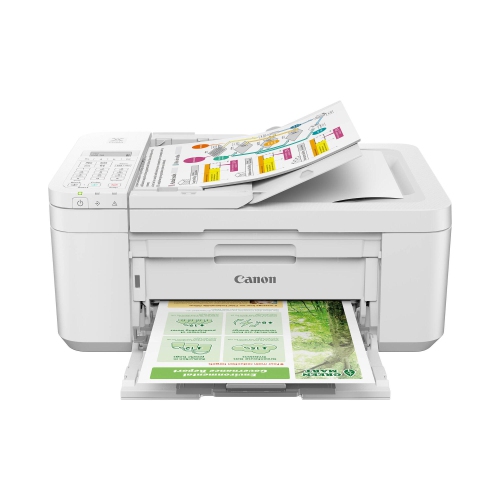
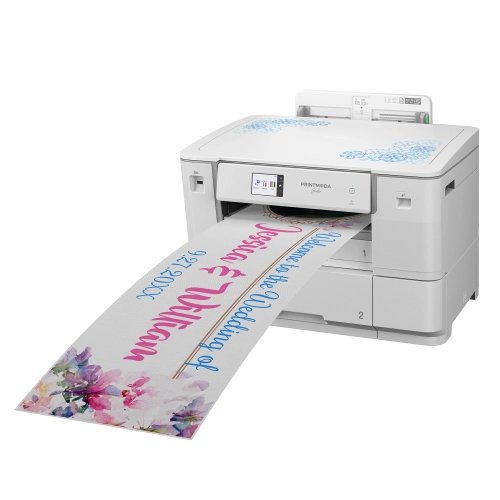
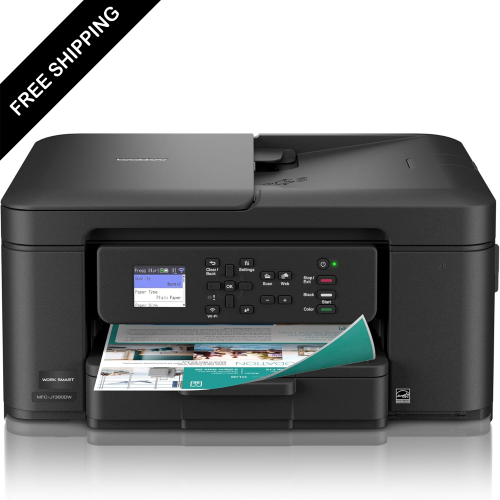
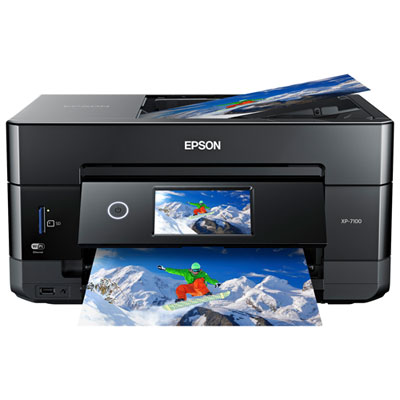
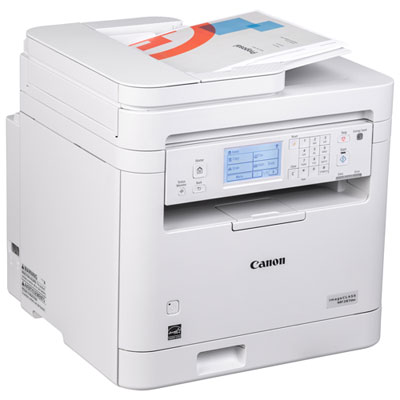
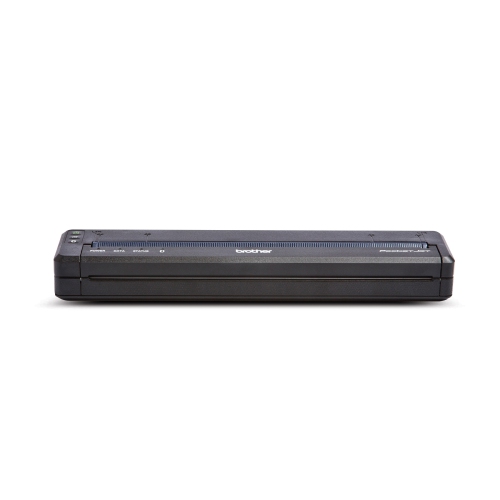
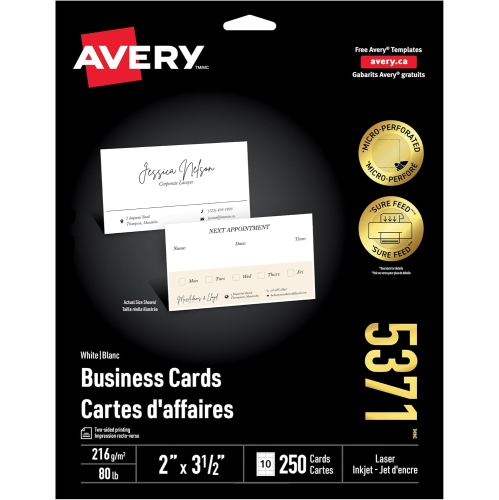
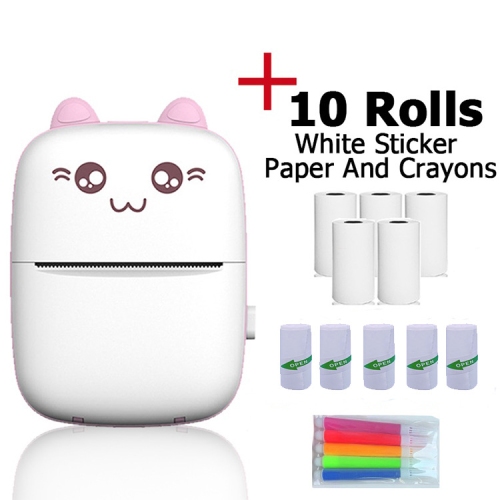
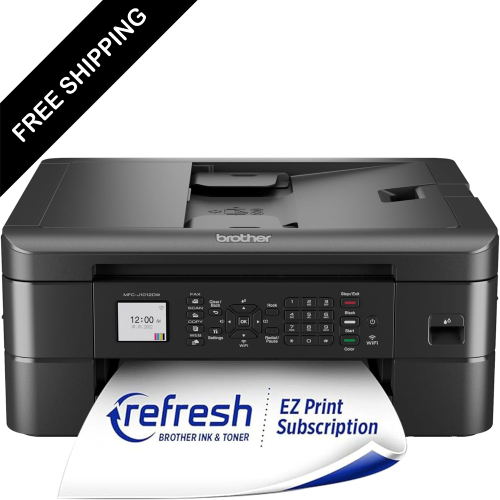
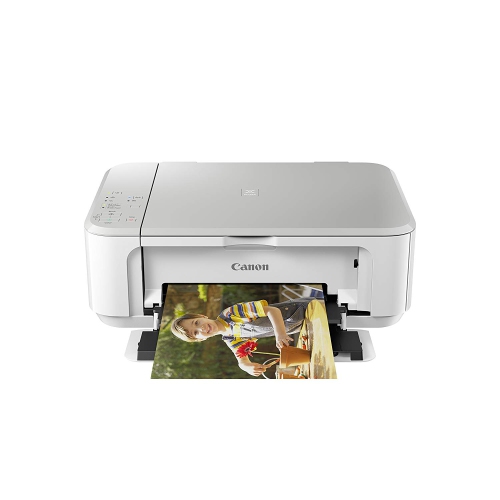
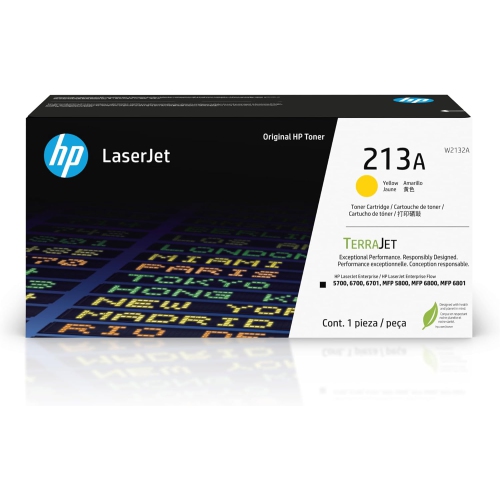
Small business printing brings together the equipment, paper, ink, toner, and accessories used to create everyday documents and customer-facing materials. For a small office, that might mean crisp invoices, appointment forms, shipping labels, and proposals. For a shop or independent studio, it can also include branded inserts, product information sheets, flyers, and short runs of promotional materials. Having suitable printing equipment on site makes it easier to update a phone number, revise a service list, or prepare a handful of presentation folders without interrupting the working day. The right setup depends on what gets printed, how often it is needed, and who shares the equipment. A bookkeeper producing mostly black-and-white statements has different requirements from a designer printing colour proofs or a retailer preparing parcel labels throughout the afternoon. Monochrome laser printing suits text-heavy work, while colour printing supports charts, photographs, logos, and other visual details that help customers understand a business’s offering. Inkjet technology can be useful for image-rich documents and varied paper finishes, provided the printer supports the intended media. Multifunction equipment combines printing with scanning and copying, which can be especially practical when signed paperwork needs to become a digital file or a customer needs a copy of a completed form. Businesses comparing these capabilities can explore Printers for Small Business with their typical workload in mind. Business cards, brochures, postcards, letterheads, envelopes, and labels each place different demands on paper handling and print quality; support for one format does not automatically mean support for another. Large banners, storefront graphics, packaging boxes, and specialized finishes generally call for commercial equipment or an outside printing provider rather than a standard office printer. For everyday in-house work, a dependable setup can keep documents consistent, make small revisions straightforward, and give a growing team more control over routine paperwork. It also helps separate tasks that can be handled at a desk from projects that need a different production process.
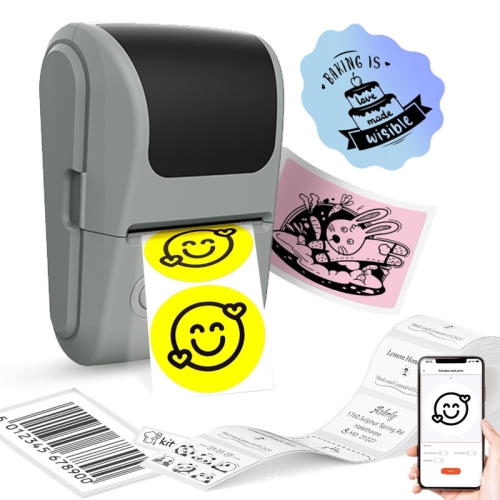
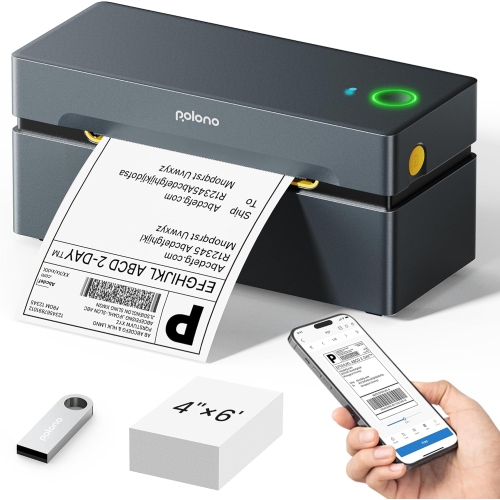
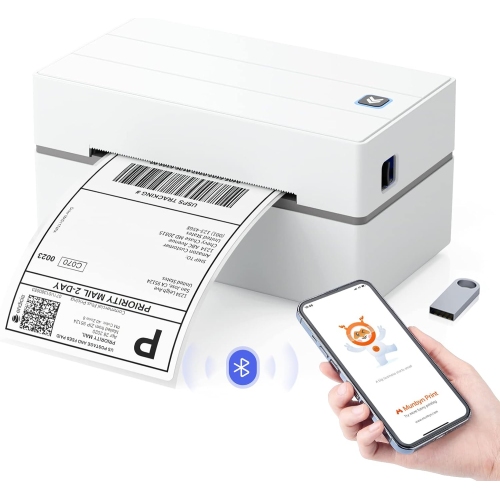
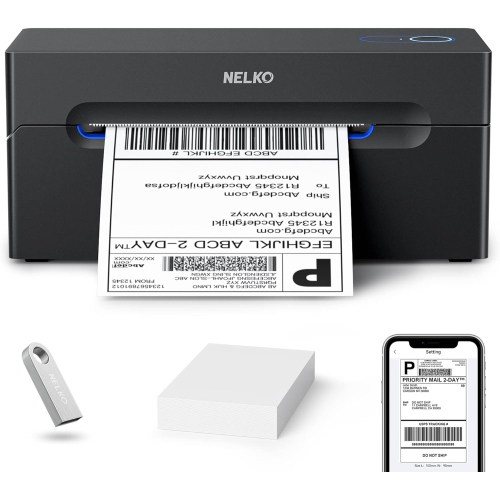
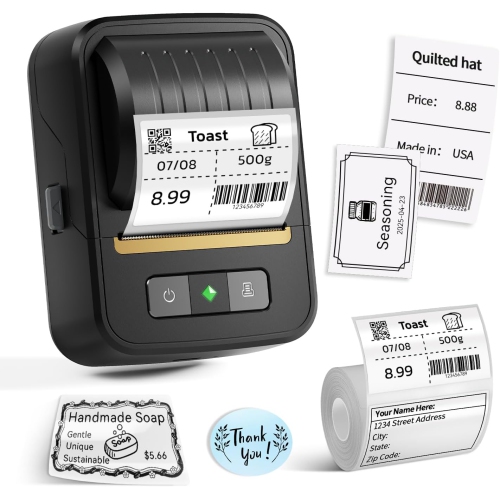
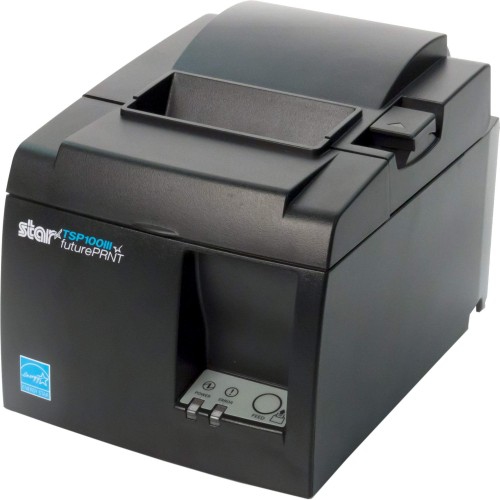
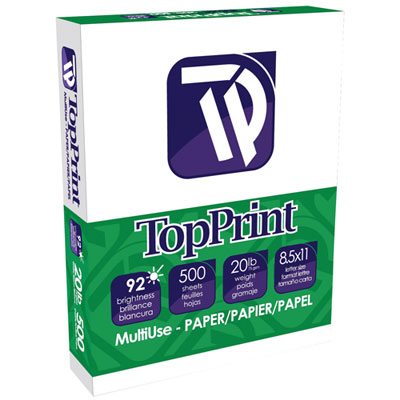
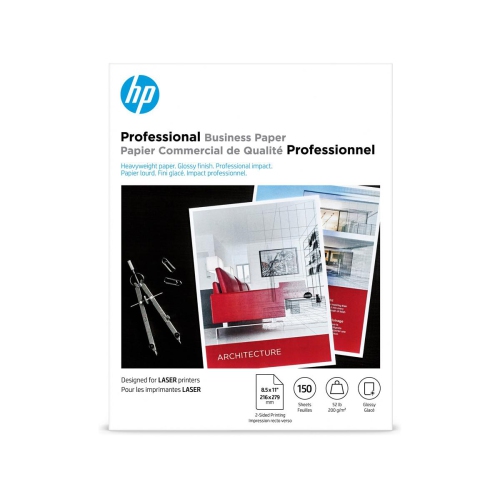
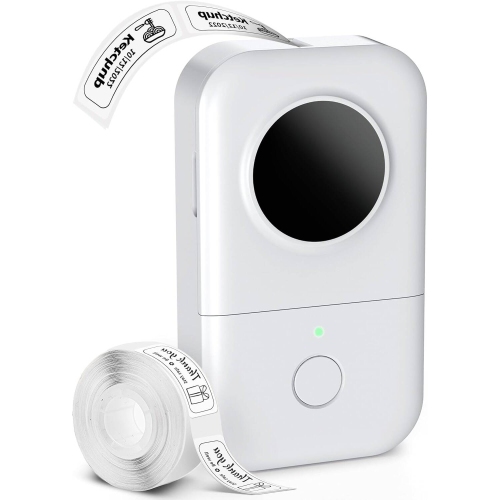
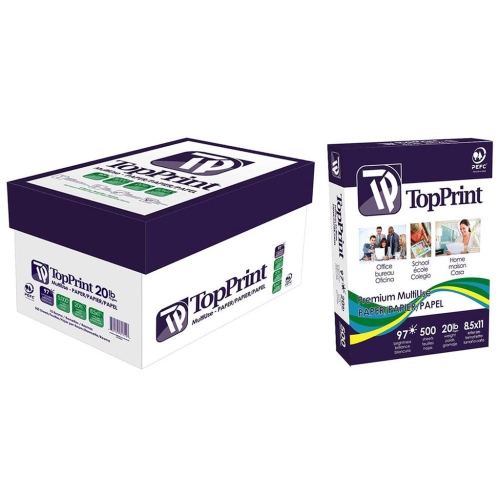
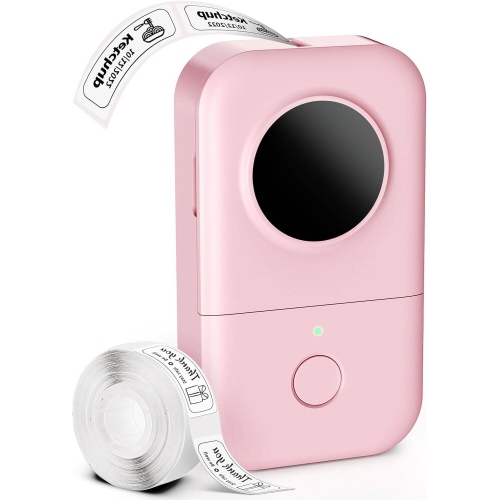
Paper and media compatibility make a noticeable difference to the finished result. Plain office paper is suitable for many internal documents, but a proposal handed across a meeting table may benefit from a heavier sheet with a smooth, opaque surface. Matte finishes can keep text easy to read, while coated photo paper can bring out detail in images when paired with compatible inkjet equipment. Paper weight, thickness, size, and finish all need to fall within the printer’s stated specifications. Heavy card, adhesive sheets, and envelopes may require a manual feed path or a particular tray setting, and not every printer supports borderless output. A folded brochure also needs a layout that accounts for folds, margins, and the way readers move from one panel to the next. Labels deserve particular attention because the adhesive, backing, and face material must suit both the printing process and their intended use. Laser-compatible label sheets are designed for the heat involved in laser printing; incompatible media can lift, curl, or damage equipment. Direct thermal label printing uses heat-sensitive media rather than ink or toner, making it useful for many shipping tasks, although exposure to heat or strong light can affect legibility over time. A label on a parcel has different durability needs from one attached to a container that is handled repeatedly or wiped clean. Water resistance and resistance to smudging depend on the full combination of media, ink or toner, and any protective finish, not simply on whether a document is printed in colour. Test prints help reveal small text, faint lines, awkward crops, or barcodes that are difficult to scan before a full batch is produced. Brand colours can also look different on screen and on paper, so proofs are useful when consistency matters. For double-sided documents, adequate paper opacity keeps text from showing through, while a suitable drying interval helps prevent fresh ink from transferring between sheets. These details matter most in familiar moments: a menu that gets passed from hand to hand, an instruction sheet packed beside a purchase, or a polished estimate left with a prospective client.
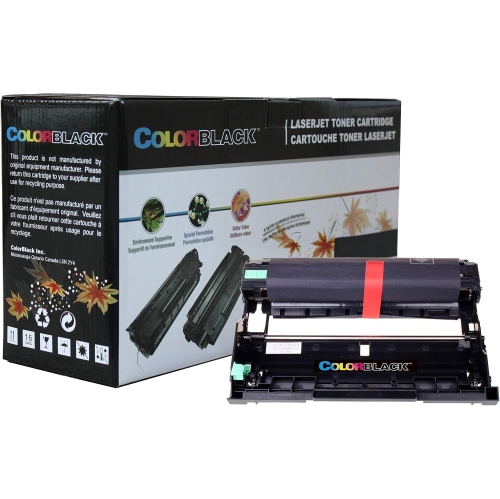
The physical fit and daily upkeep of a printing setup matter just as much as its output. A compact printer still needs clearance for opening lids, extending trays, replacing supplies, and removing paper safely. On a shared office counter, the full working footprint can be more important than the dimensions of the closed unit. Paper capacity should suit the pace of the business, especially when several people send jobs during the same busy period. Automatic two-sided printing can reduce manual handling for reports, while an automatic document feeder makes multipage scanning less repetitive. Duplex scanning is a separate capability worth checking when both sides of signed forms need to be captured. Wi-Fi connectivity can support flexible placement, Ethernet can provide a wired connection for a shared office, and USB can suit a dedicated workstation; compatibility with computers, mobile devices, and business software should be confirmed before choosing a setup. Teams handling payroll, client records, or contracts may also value supported features such as user authentication and held print jobs, alongside prompt collection of sensitive pages. Durability is best considered through the expected workload, the manufacturer’s recommended monthly print volume, and access to the correct replacement supplies and maintenance parts. A maximum duty-cycle figure is not the same as a recommended everyday workload. Regular care includes keeping trays free of damaged sheets, following the specified cleaning process, and storing paper flat in its protective packaging until needed. Inkjet equipment may need periodic use and manufacturer-directed maintenance to keep nozzles working properly, while laser equipment may have replaceable drums or other components beyond the toner cartridge. A designated place for spare supplies, clear paper-size settings, and a simple routine for checking finished documents can prevent avoidable interruptions. Whether printing supports a home-based consultancy, a service counter, or a small administrative team, well-matched equipment and materials help make routine documents legible, presentable, and ready for the people who rely on them.
Paper and media compatibility make a noticeable difference to the finished result. Plain office paper is suitable for many internal documents, but a proposal handed across a meeting table may benefit from a heavier sheet with a smooth, opaque surface. Matte finishes can keep text easy to read, while coated photo paper can bring out detail in images when paired with compatible inkjet equipment. Paper weight, thickness, size, and finish all need to fall within the printer’s stated specifications. Heavy card, adhesive sheets, and envelopes may require a manual feed path or a particular tray setting, and not every printer supports borderless output. A folded brochure also needs a layout that accounts for folds, margins, and the way readers move from one panel to the next. Labels deserve particular attention because the adhesive, backing, and face material must suit both the printing process and their intended use. Laser-compatible label sheets are designed for the heat involved in laser printing; incompatible media can lift, curl, or damage equipment. Direct thermal label printing uses heat-sensitive media rather than ink or toner, making it useful for many shipping tasks, although exposure to heat or strong light can affect legibility over time. A label on a parcel has different durability needs from one attached to a container that is handled repeatedly or wiped clean. Water resistance and resistance to smudging depend on the full combination of media, ink or toner, and any protective finish, not simply on whether a document is printed in colour. Test prints help reveal small text, faint lines, awkward crops, or barcodes that are difficult to scan before a full batch is produced. Brand colours can also look different on screen and on paper, so proofs are useful when consistency matters. For double-sided documents, adequate paper opacity keeps text from showing through, while a suitable drying interval helps prevent fresh ink from transferring between sheets. These details matter most in familiar moments: a menu that gets passed from hand to hand, an instruction sheet packed beside a purchase, or a polished estimate left with a prospective client.
The physical fit and daily upkeep of a printing setup matter just as much as its output. A compact printer still needs clearance for opening lids, extending trays, replacing supplies, and removing paper safely. On a shared office counter, the full working footprint can be more important than the dimensions of the closed unit. Paper capacity should suit the pace of the business, especially when several people send jobs during the same busy period. Automatic two-sided printing can reduce manual handling for reports, while an automatic document feeder makes multipage scanning less repetitive. Duplex scanning is a separate capability worth checking when both sides of signed forms need to be captured. Wi-Fi connectivity can support flexible placement, Ethernet can provide a wired connection for a shared office, and USB can suit a dedicated workstation; compatibility with computers, mobile devices, and business software should be confirmed before choosing a setup. Teams handling payroll, client records, or contracts may also value supported features such as user authentication and held print jobs, alongside prompt collection of sensitive pages. Durability is best considered through the expected workload, the manufacturer’s recommended monthly print volume, and access to the correct replacement supplies and maintenance parts. A maximum duty-cycle figure is not the same as a recommended everyday workload. Regular care includes keeping trays free of damaged sheets, following the specified cleaning process, and storing paper flat in its protective packaging until needed. Inkjet equipment may need periodic use and manufacturer-directed maintenance to keep nozzles working properly, while laser equipment may have replaceable drums or other components beyond the toner cartridge. A designated place for spare supplies, clear paper-size settings, and a simple routine for checking finished documents can prevent avoidable interruptions. Whether printing supports a home-based consultancy, a service counter, or a small administrative team, well-matched equipment and materials help make routine documents legible, presentable, and ready for the people who rely on them.
Top selling and popular products
-
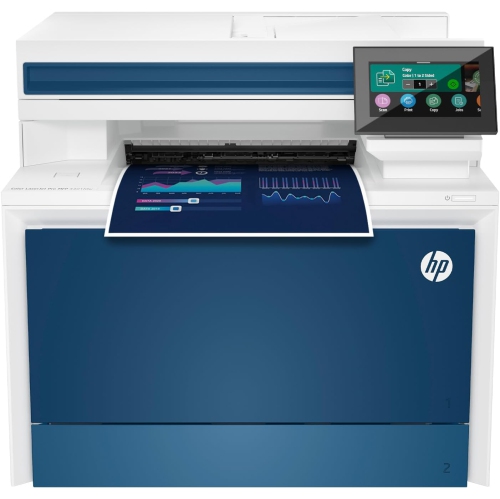 Your price for this item is $714.99
-
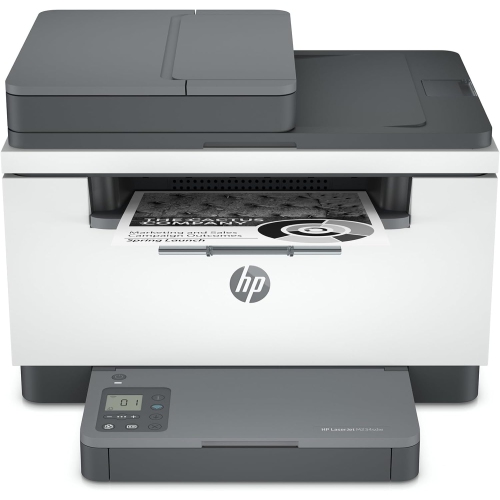 Your price for this item is $371.83
-
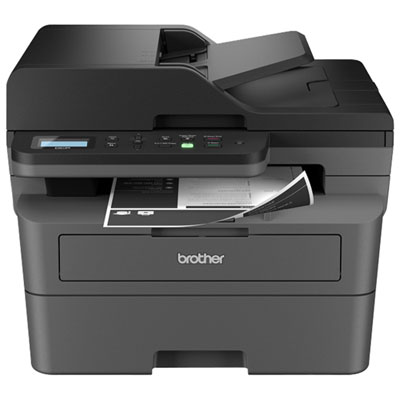 Your price for this item is $319.99
-
 Your price for this item is $477.68
-
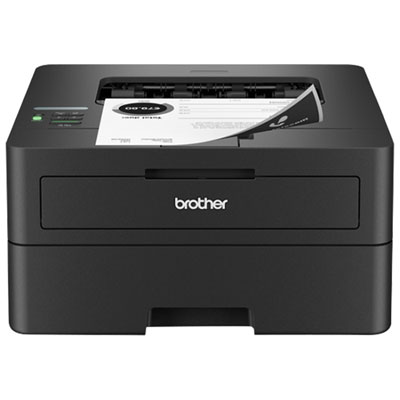 Your price for this item is $249.99
-
 Your price for this item is $249.99
-
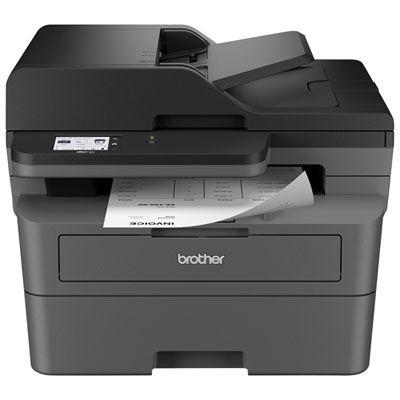 Your price for this item is $379.99
-
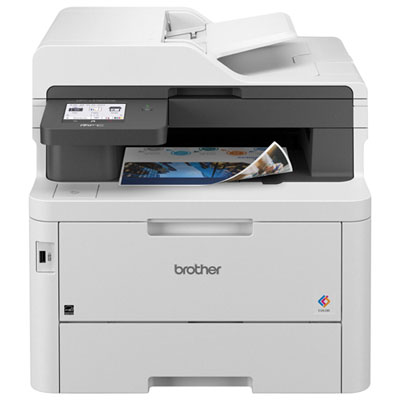 Your price for this item is $779.99
Discover more categories related to Small Business Printing
Top Collections:
Pokemon Centers, Best Black Friday Deals This Year, Best Black Friday Deals On Electronics, Kindle Devices, Best Budget Office Chairs, Best Black Friday Deals On Apple Products, Best Cameras for Sports Photography, Pokémon 30th Celebration Cards, Dyson Airwrap, Canon G7X Cameras
Some products may be subject to Environmental Handling Fees
(EHF) depending on your province.
Learn more about EHFs.