Small Laserjet Printers
A small laserjet printer is a great choice for a home office or small business. It's compact, quiet, and fast. They are also very affordable and can be used for all your printing needs. Here are some of our favorites.
Sort
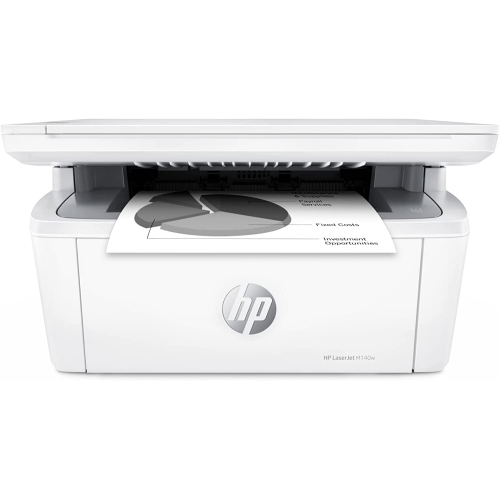
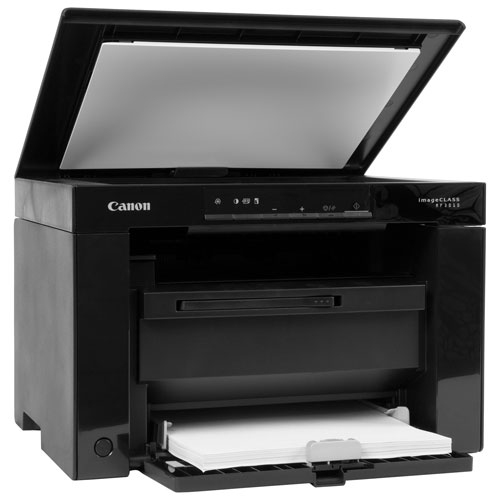
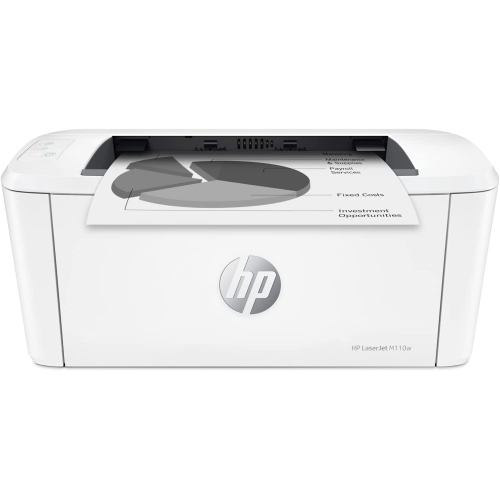
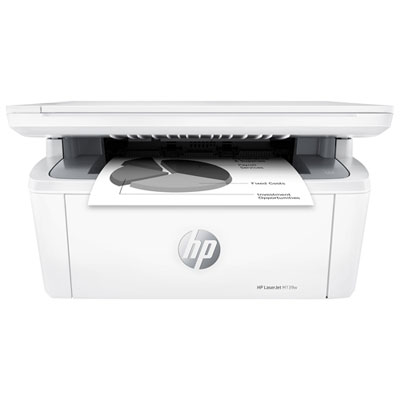
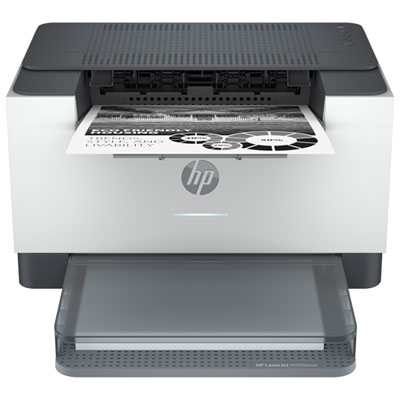
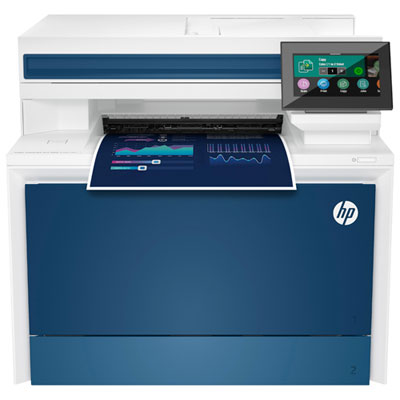
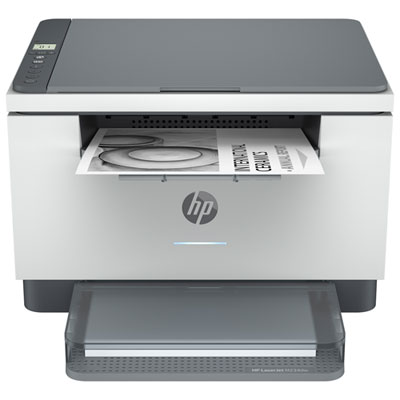
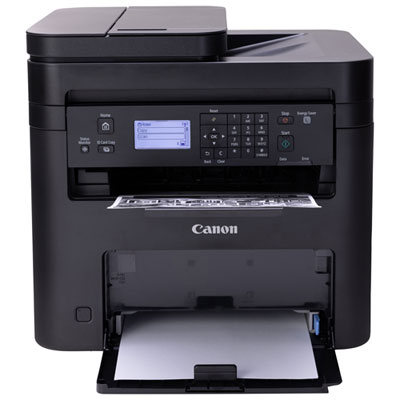
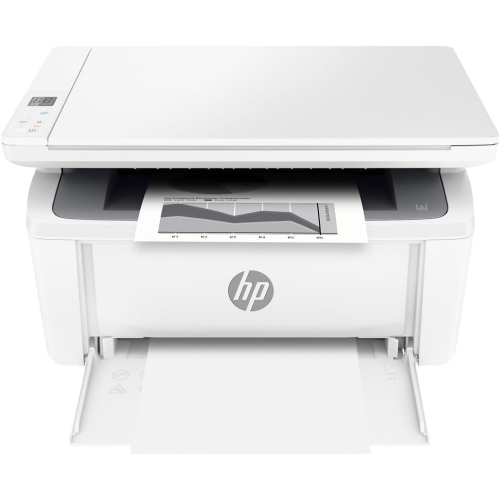
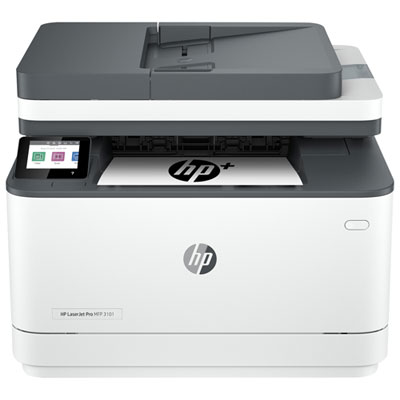
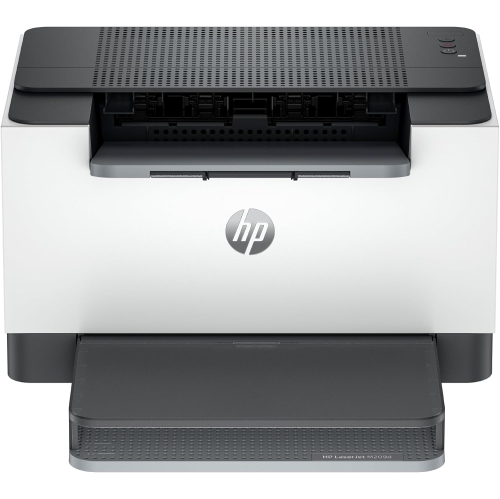
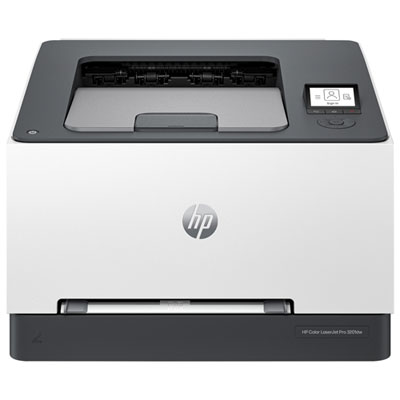
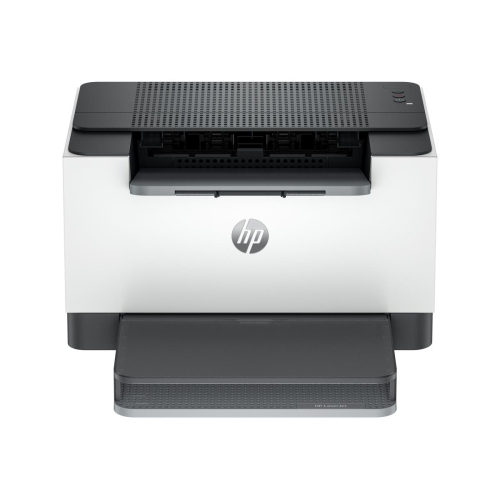
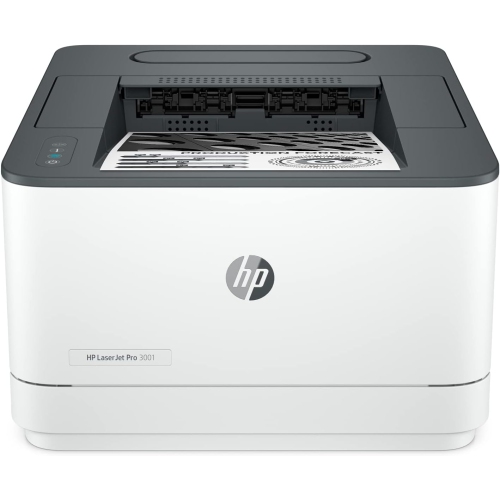
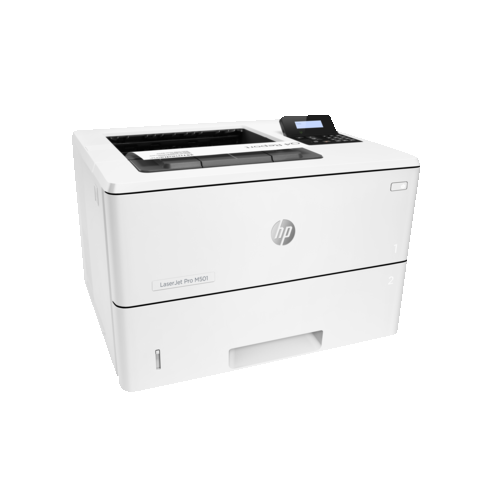
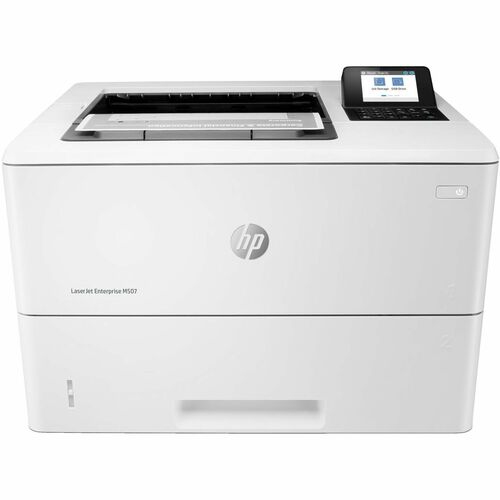
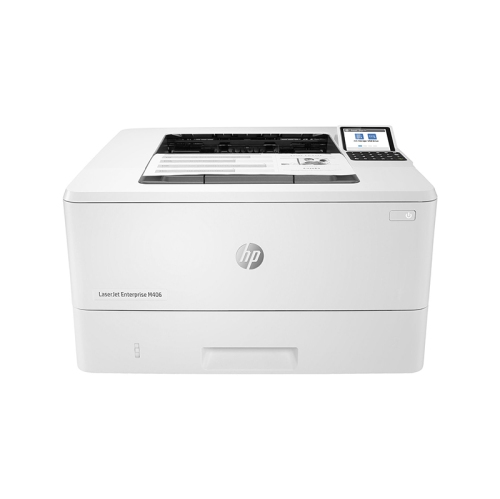
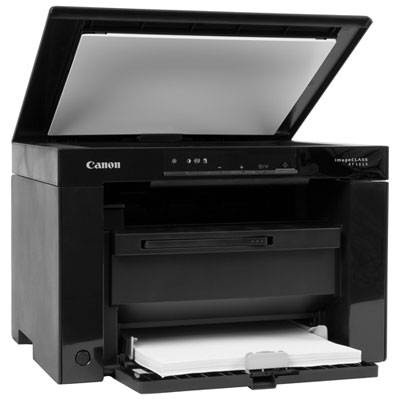
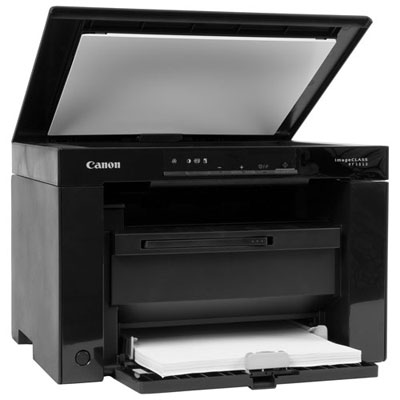
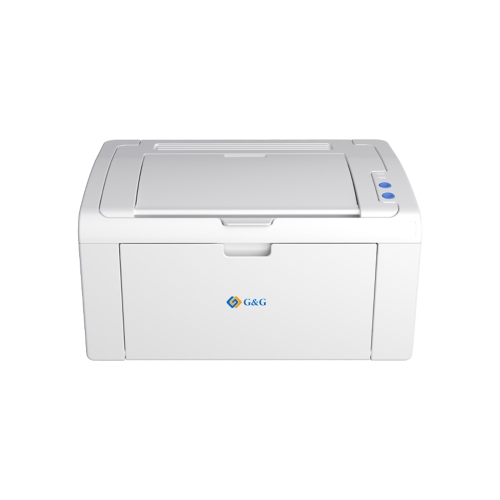
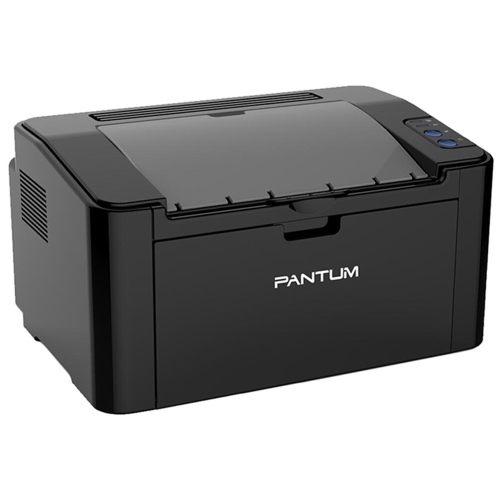
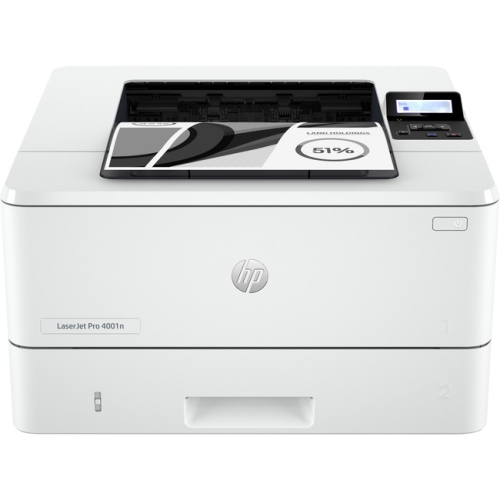
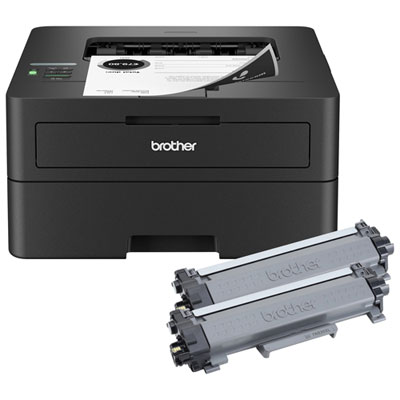
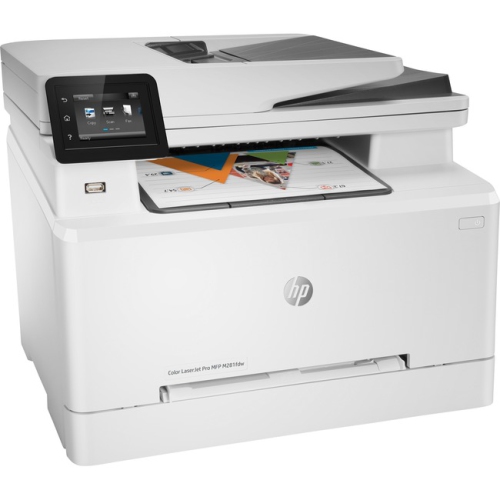
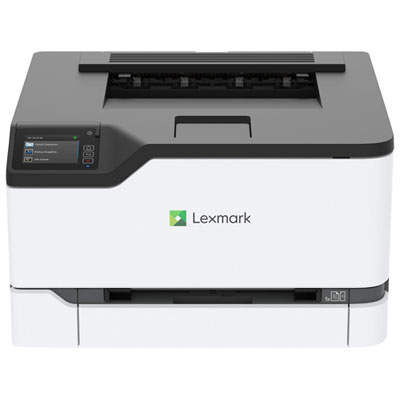
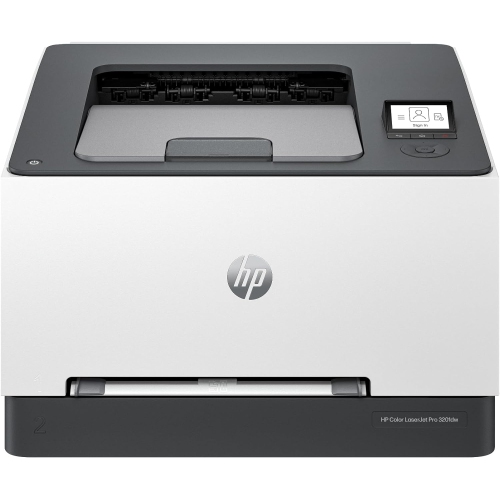
Crisp documents without crowding your desk space
Small laser printers bring crisp text and dependable document printing to spaces where a full-size office machine would feel out of place. They suit home offices, student desks, shared workspaces and households that need printed forms, shipping labels or school assignments without giving up much room. For mostly text-based work, a compact monochrome laser printer is often the most straightforward choice: it prints in black and white, keeps everyday documents easy to read and avoids the added toner supplies required for colour printing. A small colour laser printer makes more sense when charts, presentation handouts or highlighted teaching materials are part of the routine, though colour models generally need more space. Laser printers use powdered toner rather than liquid ink, so there are no inkjet printhead nozzles to dry out between occasional print jobs. That can be useful in a household where the printer sits untouched for a while, then needs to produce a stack of permission slips before breakfast. Print-only models focus on that basic job, while multifunction laser printers add scanning and copying; some also include fax capabilities. The best fit depends less on how many features appear on the box and more on what actually lands on your desk. Someone printing invoices may value a simple paper tray and sharp lettering, while a student sharing a small apartment might need wireless access and automatic two-sided printing. A family handling signed forms may find a built-in scanner worth the extra height. Compact size also needs a practical definition: the smallest closed dimensions do not necessarily mean the smallest working footprint. Allow room for an extended paper tray, pages leaving the output slot, cable connections and the clearance specified by the manufacturer. On a narrow shelf or beside a laptop, those extra centimetres can make the difference between a tidy setup and a printer that has to be moved every time it is used.
Everyday convenience comes down to how a small laser printer handles your usual documents. Print speed, listed in pages per minute, matters most when you regularly produce longer reports, lesson materials or several copies of the same file. For one-page forms and short assignments, first-page-out time can be just as noticeable as the rated speed, especially when the printer is waking from sleep. Published speeds reflect particular test conditions, and two-sided printing, detailed graphics or wireless transfers can affect the pace. Automatic duplex printing turns the page inside the printer to print on both sides without requiring you to reload the stack. It is particularly handy for reading drafts, filing paperwork and keeping longer documents manageable. Manual two-sided printing requires more involvement, so check which type a model supports rather than assuming they work the same way. Paper capacity is another useful distinction. An enclosed tray can keep a modest supply ready for regular use, while a smaller input tray may need refilling more often. If envelopes, labels or heavier paper are part of the workload, look at the supported sizes, weights and feed options; labels must be suitable for laser printers because the printing process uses heat. For scanning and copying, a flatbed accommodates individual sheets and items such as book pages, within the scanner’s size limits. An automatic document feeder is more convenient for a bundle of loose pages, but it does not necessarily scan both sides automatically. Connectivity deserves equally close attention. USB offers a direct connection to a compatible computer, while Wi-Fi can let several household members print without passing around a cable. Ethernet may suit a wired office setup when available. Mobile printing support, operating-system compatibility and setup requirements vary, so confirm that the printer works with the devices you already use. Some compact models support only certain Wi-Fi bands, and features such as Wi-Fi Direct or app-based scanning are not universal. A well-matched connection can keep printing simple whether the file starts on a work laptop, a tablet or a phone.
The purchase price is only one part of choosing a small laser printer; toner availability, cartridge yield and maintenance supplies shape the longer-term cost. Compare the price of compatible replacement toner with its stated page yield to get a rough toner cost per page, while remembering that yield is measured under standardized conditions. Pages with dense text, large shaded areas or graphics can use more toner than the test documents. An included starter cartridge may also have a lower yield than the replacement cartridge sold separately. Some printers combine the toner and drum in one unit, while others use a separate drum that needs replacement at a different interval. Neither arrangement tells the whole cost story on its own, so it helps to understand which supplies a printer needs and how often they may be due. For regular home-office use, the recommended monthly print volume is more useful for matching a workload than the maximum duty-cycle figure, which is not a target for routine printing. Physical comfort matters too. A compact printer may sit within arm’s reach all day, making operating noise, accessible controls and an easy-to-load tray more important than they first seem. Think of a shared study corner during the cooler months: one person is finishing a report, another needs a return label, and there is barely enough desk space left for a notebook. A small wireless monochrome model can suit that kind of practical, document-led routine, while a multifunction version can bring copying and scanning into the same footprint. As a gift for a student, someone setting up a first home office or a family member running a small business, a printer is most useful when its features match their devices and printing habits. It is worth checking those details before choosing. For a broader look at options beyond the most compact designs, browse Best Laser Printers. Within a smaller setup, the strongest choice is the one that fits the available space, handles the documents you actually print and keeps supplies and everyday operation manageable.
Everyday convenience comes down to how a small laser printer handles your usual documents. Print speed, listed in pages per minute, matters most when you regularly produce longer reports, lesson materials or several copies of the same file. For one-page forms and short assignments, first-page-out time can be just as noticeable as the rated speed, especially when the printer is waking from sleep. Published speeds reflect particular test conditions, and two-sided printing, detailed graphics or wireless transfers can affect the pace. Automatic duplex printing turns the page inside the printer to print on both sides without requiring you to reload the stack. It is particularly handy for reading drafts, filing paperwork and keeping longer documents manageable. Manual two-sided printing requires more involvement, so check which type a model supports rather than assuming they work the same way. Paper capacity is another useful distinction. An enclosed tray can keep a modest supply ready for regular use, while a smaller input tray may need refilling more often. If envelopes, labels or heavier paper are part of the workload, look at the supported sizes, weights and feed options; labels must be suitable for laser printers because the printing process uses heat. For scanning and copying, a flatbed accommodates individual sheets and items such as book pages, within the scanner’s size limits. An automatic document feeder is more convenient for a bundle of loose pages, but it does not necessarily scan both sides automatically. Connectivity deserves equally close attention. USB offers a direct connection to a compatible computer, while Wi-Fi can let several household members print without passing around a cable. Ethernet may suit a wired office setup when available. Mobile printing support, operating-system compatibility and setup requirements vary, so confirm that the printer works with the devices you already use. Some compact models support only certain Wi-Fi bands, and features such as Wi-Fi Direct or app-based scanning are not universal. A well-matched connection can keep printing simple whether the file starts on a work laptop, a tablet or a phone.
The purchase price is only one part of choosing a small laser printer; toner availability, cartridge yield and maintenance supplies shape the longer-term cost. Compare the price of compatible replacement toner with its stated page yield to get a rough toner cost per page, while remembering that yield is measured under standardized conditions. Pages with dense text, large shaded areas or graphics can use more toner than the test documents. An included starter cartridge may also have a lower yield than the replacement cartridge sold separately. Some printers combine the toner and drum in one unit, while others use a separate drum that needs replacement at a different interval. Neither arrangement tells the whole cost story on its own, so it helps to understand which supplies a printer needs and how often they may be due. For regular home-office use, the recommended monthly print volume is more useful for matching a workload than the maximum duty-cycle figure, which is not a target for routine printing. Physical comfort matters too. A compact printer may sit within arm’s reach all day, making operating noise, accessible controls and an easy-to-load tray more important than they first seem. Think of a shared study corner during the cooler months: one person is finishing a report, another needs a return label, and there is barely enough desk space left for a notebook. A small wireless monochrome model can suit that kind of practical, document-led routine, while a multifunction version can bring copying and scanning into the same footprint. As a gift for a student, someone setting up a first home office or a family member running a small business, a printer is most useful when its features match their devices and printing habits. It is worth checking those details before choosing. For a broader look at options beyond the most compact designs, browse Best Laser Printers. Within a smaller setup, the strongest choice is the one that fits the available space, handles the documents you actually print and keeps supplies and everyday operation manageable.
Top selling and popular products
-
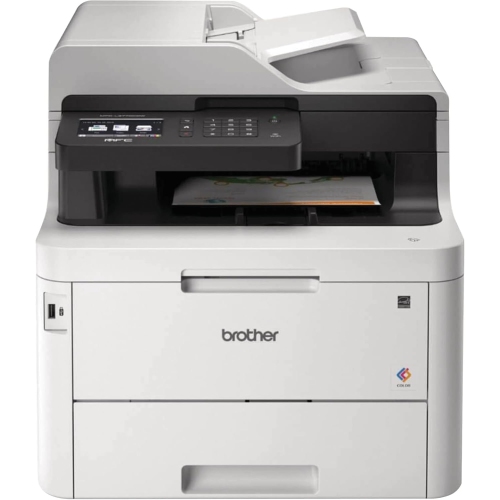 Your price for this item is $799
 -
 Your price for this item is $929.89
 -
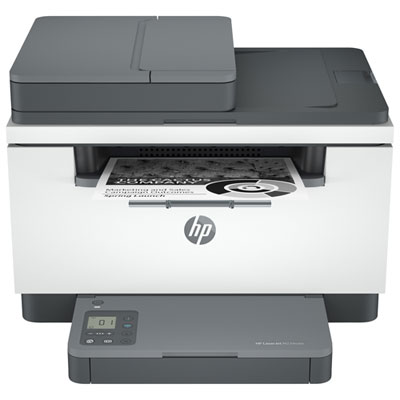 Your price for this item is $199.99
 -
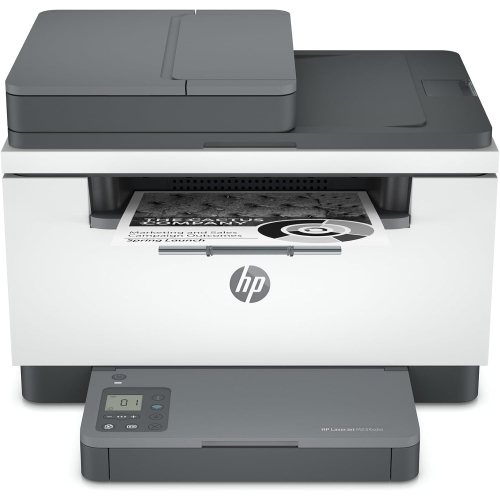 Your price for this item is $371.83
 -
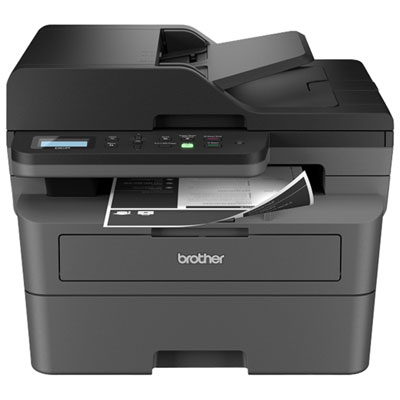 Your price for this item is $319.99
 -
 Your price for this item is $477.68
 -
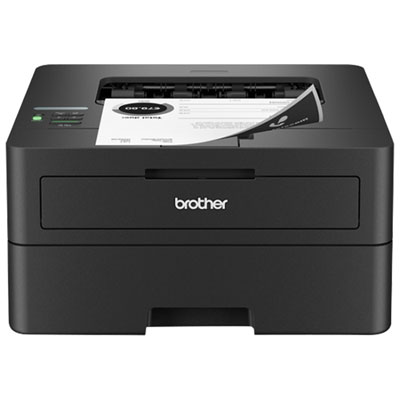 Your price for this item is $249.99
 -
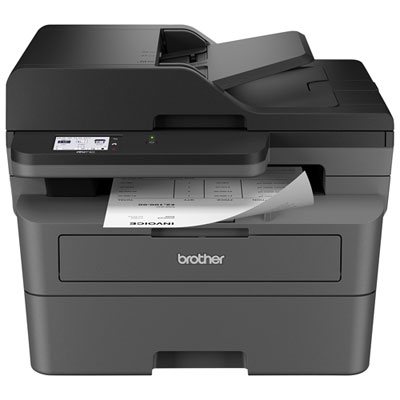 Your price for this item is $299.99
Discover more categories related to Small Laserjet Printers
Top Collections:
Pokemon Centers, Kindle Devices, Best Budget Office Chairs, Apple iPhones 16, Best Laptops for Writers, iPhone 15 Apple, Canon G7X Cameras, Refurbished Apple Laptops, Alarm Clock, Motorola Razr Phones
Some products may be subject to Environmental Handling Fees
(EHF) depending on your province.
Learn more about EHFs.