Black Laser Printers
Laser printers are a great choice for businesses that need to print documents in high-quality. These can be used for printing labels, photos, and other documents. Black laser printers are durable and user-friendly and have a classic design. Here are some of the top choices for black laser printers available today.
Sort
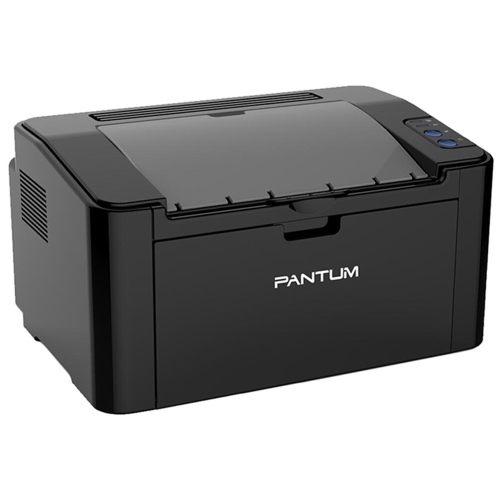
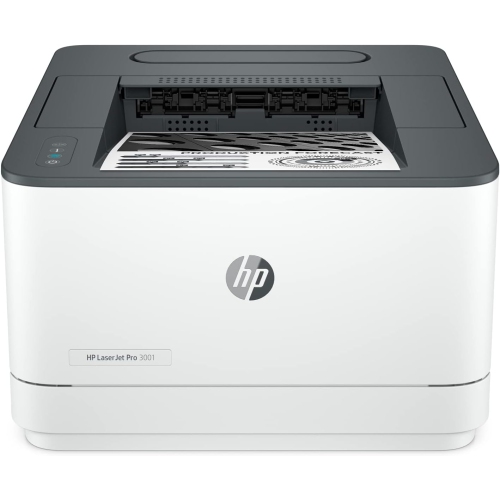
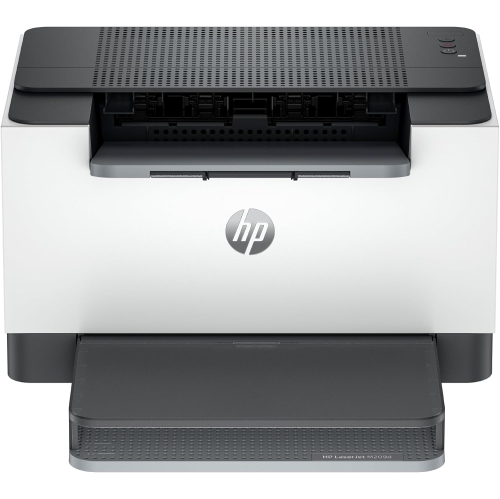
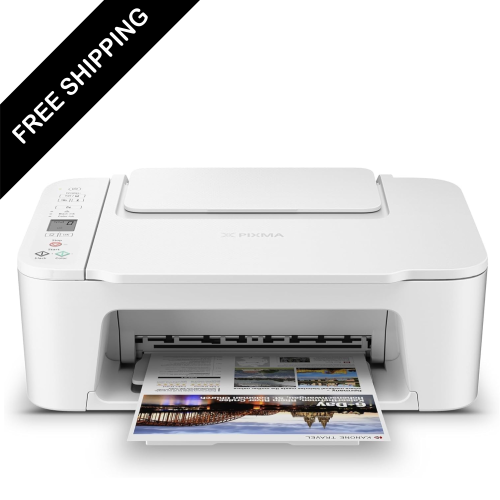
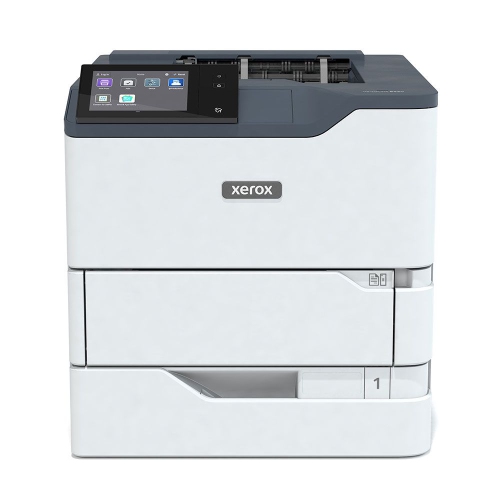
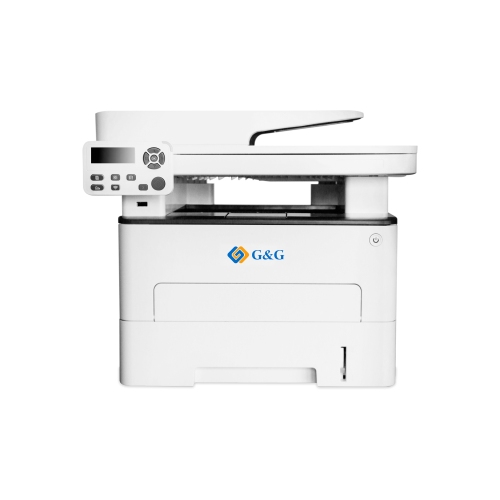
Sharp text for the paperwork that fills your day
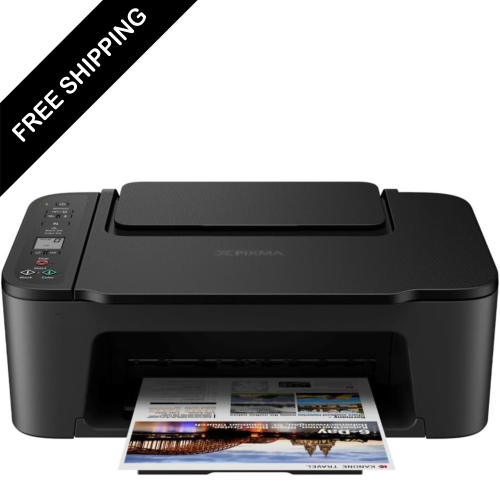
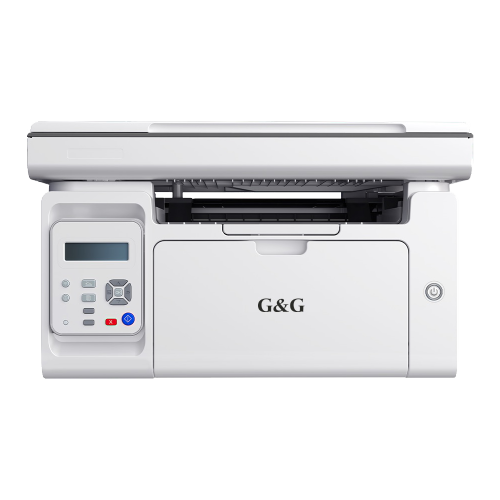
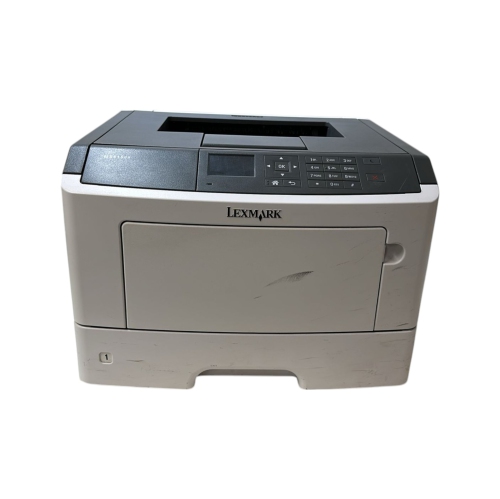
Black laser printers, commonly called monochrome laser printers, produce black-and-white documents using toner rather than liquid ink. Their main strength is clear, consistent text: the small print on a contract, the headings in a school assignment, and the figures in a spreadsheet all benefit from sharp character edges. A laser printing system forms an image on a drum, transfers toner powder to paper, and bonds it to the sheet with heat and pressure. The result is well suited to everyday paperwork, from shipping labels and meeting agendas to invoices and reference notes. Monochrome printing also handles greyscale images and charts, although colour-coded information may need different patterns or labels to remain easy to interpret. For households, students, home offices, and small teams that mainly print text, this focus can be more useful than colour output that rarely gets used. Print-only designs concentrate on document printing, while all-in-one monochrome laser printers add scanning and copying; some also include fax capabilities. A monochrome printer may still scan in colour, depending on its scanner specifications, so black-and-white output does not necessarily limit how original documents can be digitized. The word “black” can also describe a printer’s exterior finish, which is separate from its printing capability. A black cabinet does not establish whether a printer uses only black toner or supports colour printing, making the monochrome designation an important detail. These printers generally suit reports, forms, and other paper-based tasks better than photographic printing, where smooth colour transitions and photo-paper compatibility matter more. At a shared household desk, a compact print-only design can handle permission slips and study notes without adding a scanner that is seldom used. In an office that routinely processes signed documents, an all-in-one design can keep printing, scanning, and copying together in one workspace, with fewer separate devices to accommodate.
The most useful features depend on how documents move through the day. Print speed is usually expressed in pages per minute, but that figure tells only part of the story. First-page-out time matters when printing a single delivery label between other tasks, while sustained speed becomes more noticeable with a lengthy report or several people sending jobs in succession. Automatic duplex printing turns sheets internally to print on both sides, making it convenient to prepare double-sided handouts and neatly bound reference material. Duplex speed may differ from single-sided speed, and supported paper sizes and weights can vary by mode. Paper-tray capacity is another practical consideration: a larger tray needs refilling less often, while a multipurpose tray or manual-feed slot can make occasional envelopes, letterhead, or suitable heavier paper easier to handle. Letter and legal paper support should be checked separately, particularly for administrative work. For scanning and copying, a flatbed accommodates single sheets and suitable bound originals, whereas an automatic document feeder moves a stack of loose pages through the scanner. Automatic two-sided printing does not necessarily mean automatic two-sided scanning; those are separate capabilities. Connection options shape where the printer can sit and who can use it. USB can provide a direct connection to a computer, Ethernet can connect a shared printer to a wired network, and Wi-Fi can allow placement away from a router or workstation. Wireless capability alone does not guarantee compatibility with every phone, tablet, operating system, or network band, so supported mobile-printing methods and software remain important. In a shared office, features such as secure print release, user controls, and supported security updates may help manage documents containing personal information. The Good Laser Printers collection provides a broader point of comparison across laser-printing needs. For a black-and-white workflow, the strongest match is still the combination of paper handling, connectivity, and functions that makes routine tasks straightforward rather than a long feature list.
Physical fit and ongoing care matter just as much as printing specifications. Printer dimensions should be considered with trays extended and lids open, not only with the cabinet closed. A unit that fits beneath a shelf may still need extra clearance to lift a scanner lid, load paper, or replace toner. A stable desk or stand should support the printer’s stated weight, with enough space around the ventilation openings and access to the power connection. Rigid plastic exterior panels are common, but the cabinet material alone says little about long-term durability; intended workload, serviceable components, and appropriate maintenance provide more useful context. Operating noise can also affect placement, especially beside a workstation used for calls or concentrated study. For workload matching, the suggested monthly page volume is generally more helpful than the maximum duty cycle, which is an upper limit rather than a target for regular use. Toner yield is an estimate based on standardized testing, and actual output varies with page coverage, document type, and printing habits. Dense charts and heavily shaded pages use more toner than lightly printed letters. Some designs combine the toner cartridge and imaging drum, while others use separate components with different replacement intervals. Checking that arrangement helps clarify the maintenance involved over time. Toner does not dry out like liquid ink, which can suit intermittent document printing, although cartridges and paper still need proper storage and handling. Keep paper flat and dry, use media approved for laser printers, and follow the specified weight limits; unsuitable labels or coatings may not tolerate the fuser’s heat. Clearing jams according to the manufacturer’s directions, keeping the paper path free of scraps, and cleaning accessible surfaces as instructed can help maintain dependable feeding. Internal components may remain hot after use, so maintenance should follow the stated safety precautions. With the right capacity and functions, a monochrome laser printer can serve as a dependable document hub, whether its regular task is producing a few household forms or keeping a small team’s paperwork organized.
The most useful features depend on how documents move through the day. Print speed is usually expressed in pages per minute, but that figure tells only part of the story. First-page-out time matters when printing a single delivery label between other tasks, while sustained speed becomes more noticeable with a lengthy report or several people sending jobs in succession. Automatic duplex printing turns sheets internally to print on both sides, making it convenient to prepare double-sided handouts and neatly bound reference material. Duplex speed may differ from single-sided speed, and supported paper sizes and weights can vary by mode. Paper-tray capacity is another practical consideration: a larger tray needs refilling less often, while a multipurpose tray or manual-feed slot can make occasional envelopes, letterhead, or suitable heavier paper easier to handle. Letter and legal paper support should be checked separately, particularly for administrative work. For scanning and copying, a flatbed accommodates single sheets and suitable bound originals, whereas an automatic document feeder moves a stack of loose pages through the scanner. Automatic two-sided printing does not necessarily mean automatic two-sided scanning; those are separate capabilities. Connection options shape where the printer can sit and who can use it. USB can provide a direct connection to a computer, Ethernet can connect a shared printer to a wired network, and Wi-Fi can allow placement away from a router or workstation. Wireless capability alone does not guarantee compatibility with every phone, tablet, operating system, or network band, so supported mobile-printing methods and software remain important. In a shared office, features such as secure print release, user controls, and supported security updates may help manage documents containing personal information. The Good Laser Printers collection provides a broader point of comparison across laser-printing needs. For a black-and-white workflow, the strongest match is still the combination of paper handling, connectivity, and functions that makes routine tasks straightforward rather than a long feature list.
Physical fit and ongoing care matter just as much as printing specifications. Printer dimensions should be considered with trays extended and lids open, not only with the cabinet closed. A unit that fits beneath a shelf may still need extra clearance to lift a scanner lid, load paper, or replace toner. A stable desk or stand should support the printer’s stated weight, with enough space around the ventilation openings and access to the power connection. Rigid plastic exterior panels are common, but the cabinet material alone says little about long-term durability; intended workload, serviceable components, and appropriate maintenance provide more useful context. Operating noise can also affect placement, especially beside a workstation used for calls or concentrated study. For workload matching, the suggested monthly page volume is generally more helpful than the maximum duty cycle, which is an upper limit rather than a target for regular use. Toner yield is an estimate based on standardized testing, and actual output varies with page coverage, document type, and printing habits. Dense charts and heavily shaded pages use more toner than lightly printed letters. Some designs combine the toner cartridge and imaging drum, while others use separate components with different replacement intervals. Checking that arrangement helps clarify the maintenance involved over time. Toner does not dry out like liquid ink, which can suit intermittent document printing, although cartridges and paper still need proper storage and handling. Keep paper flat and dry, use media approved for laser printers, and follow the specified weight limits; unsuitable labels or coatings may not tolerate the fuser’s heat. Clearing jams according to the manufacturer’s directions, keeping the paper path free of scraps, and cleaning accessible surfaces as instructed can help maintain dependable feeding. Internal components may remain hot after use, so maintenance should follow the stated safety precautions. With the right capacity and functions, a monochrome laser printer can serve as a dependable document hub, whether its regular task is producing a few household forms or keeping a small team’s paperwork organized.
Top selling and popular products
-
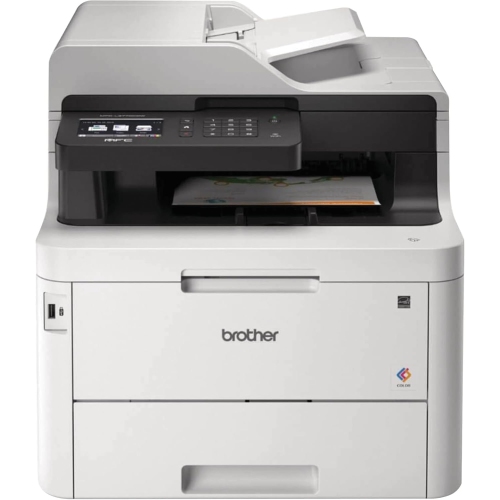 Your price for this item is $799
 -
 Your price for this item is $929.89
 -
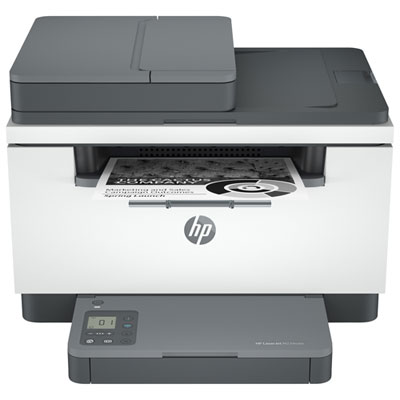 Your price for this item is $199.99
 -
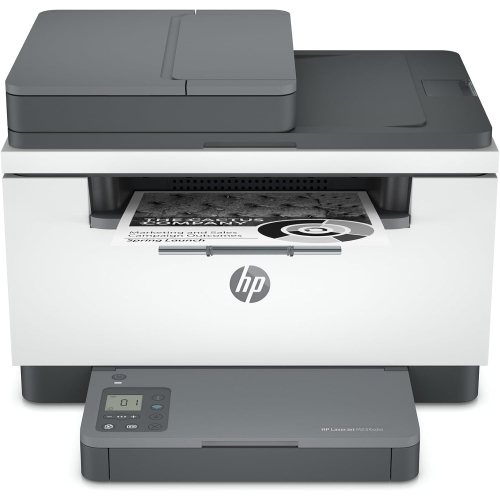 Your price for this item is $371.83
 -
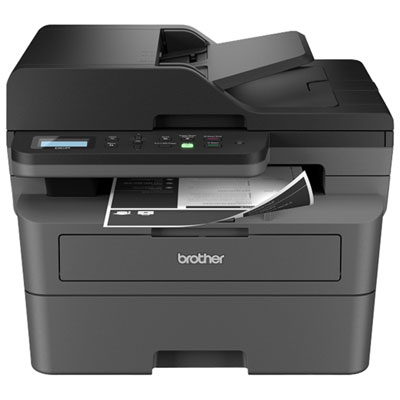 Your price for this item is $319.99
 -
 Your price for this item is $477.68
 -
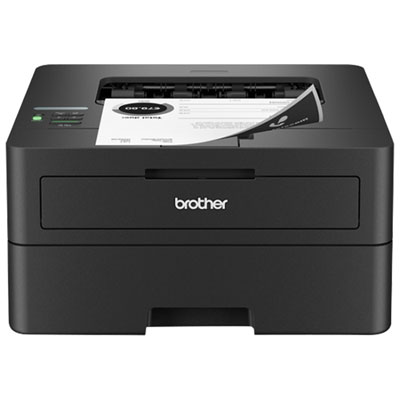 Your price for this item is $249.99
 -
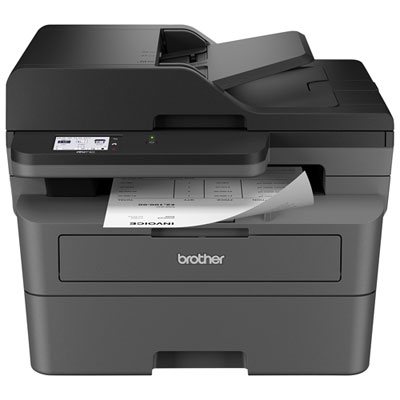 Your price for this item is $299.99
Discover more categories related to Black Laser Printers
Top Collections:
Pokemon Centers, Kindle Devices, Best Budget Office Chairs, Apple iPhones 16, Best Laptops for Writers, iPhone 15 Apple, Canon G7X Cameras, Refurbished Apple Laptops, Alarm Clock, Motorola Razr Phones
Some products may be subject to Environmental Handling Fees
(EHF) depending on your province.
Learn more about EHFs.