Smart Tech for Students
Smart tech for students makes it easier to stay organized, connected, and productive throughout the school year. Whether you're heading to class, studying at home, or collaborating on group projects, the right technology can streamline your daily routine and help you achieve your academic goals. Explore a wide selection of devices and accessories designed to support learning and keep you on track both in and out of the classroom. Find the smart tech for students that fits your needs and enhances your educational experience.
Sort



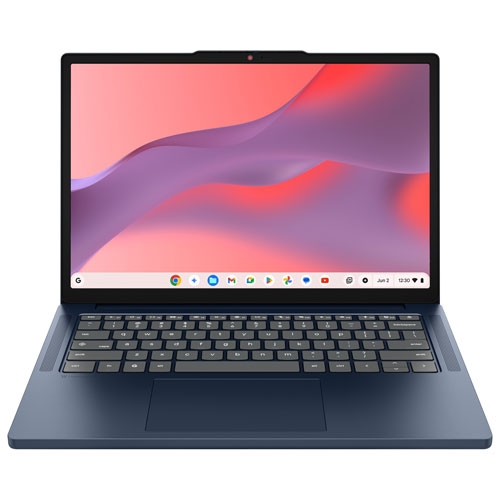
The right study setup starts with your coursework
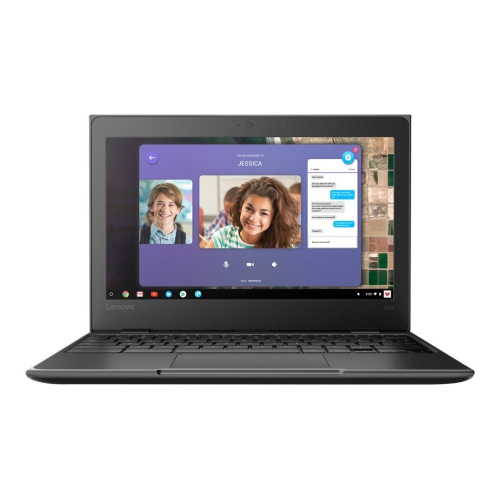
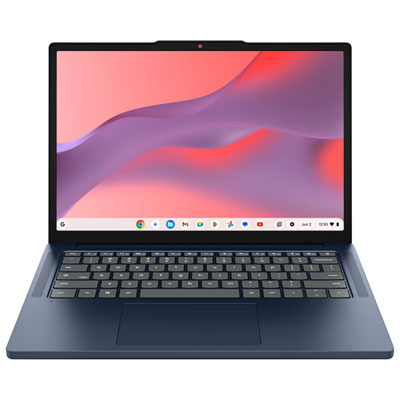
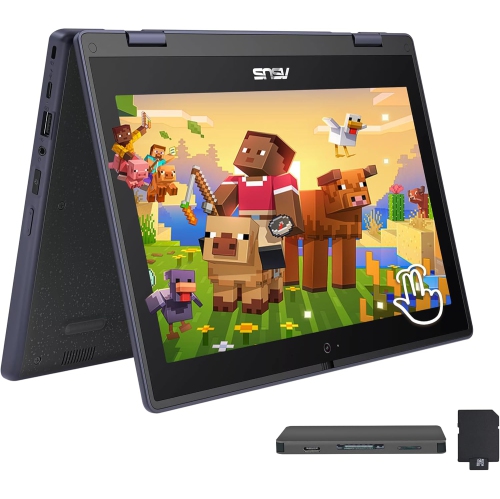
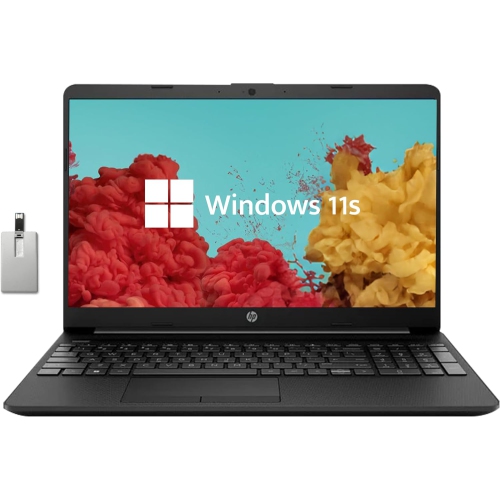
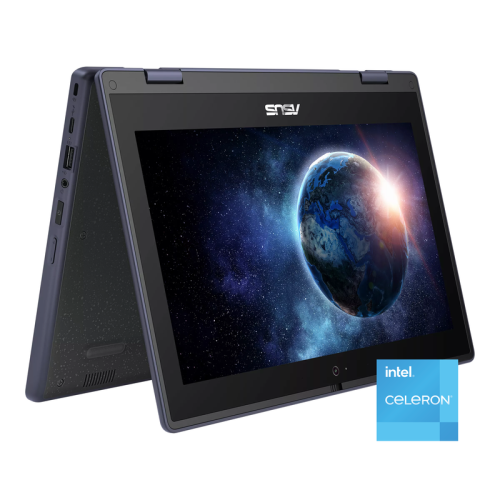
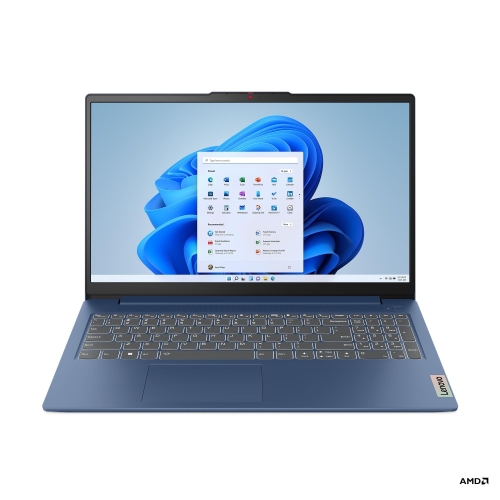
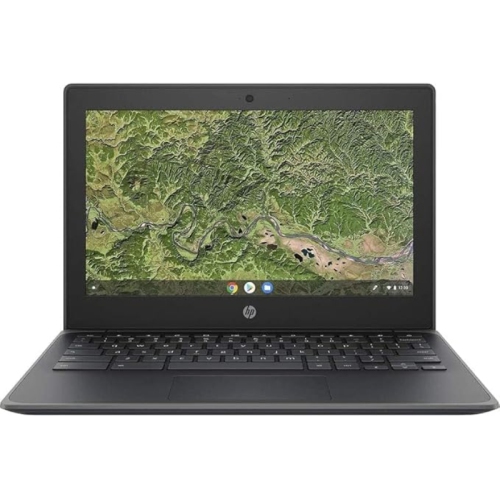
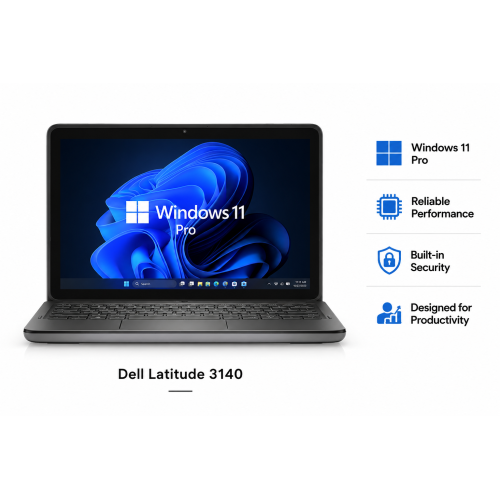
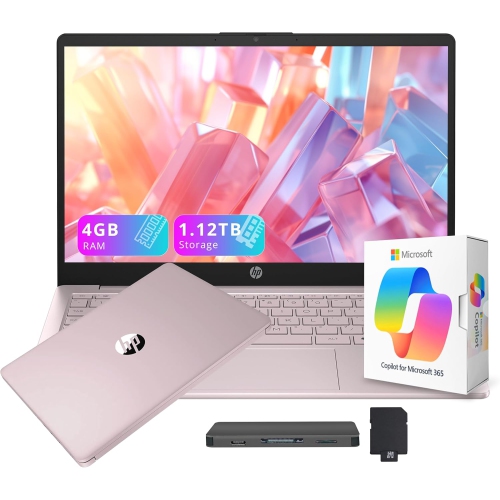
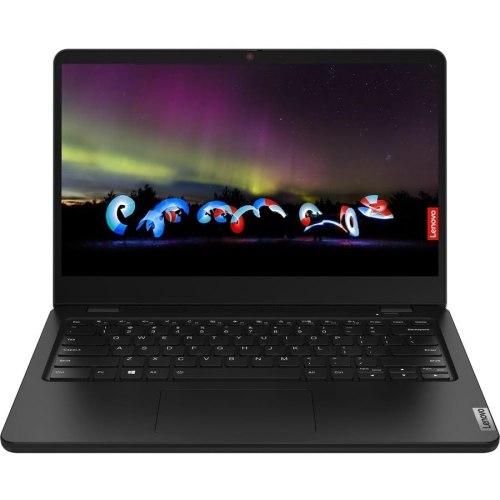
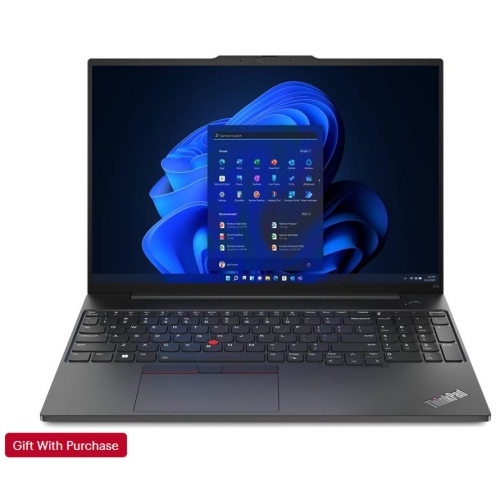
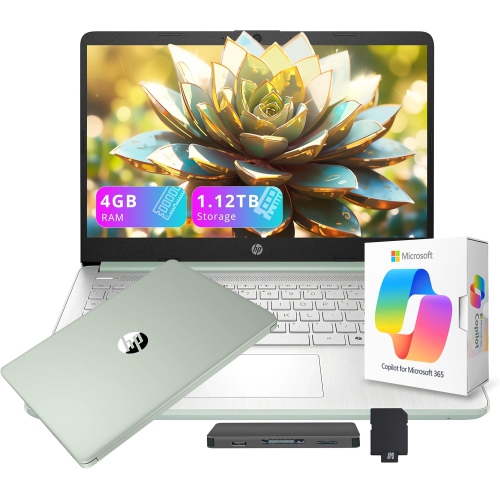
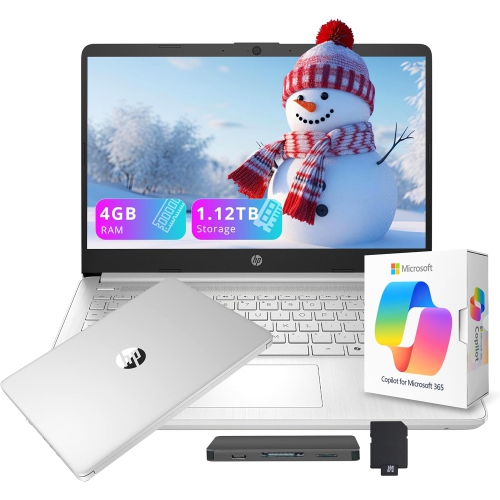
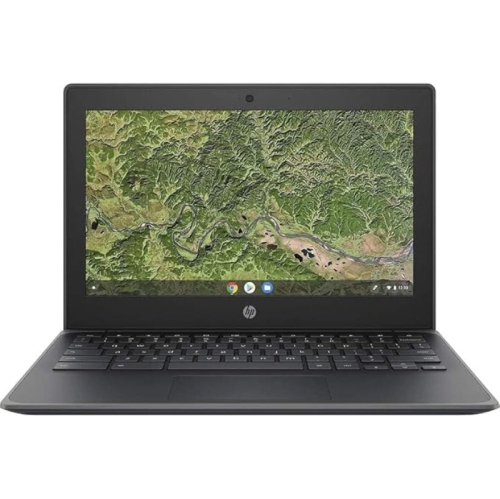
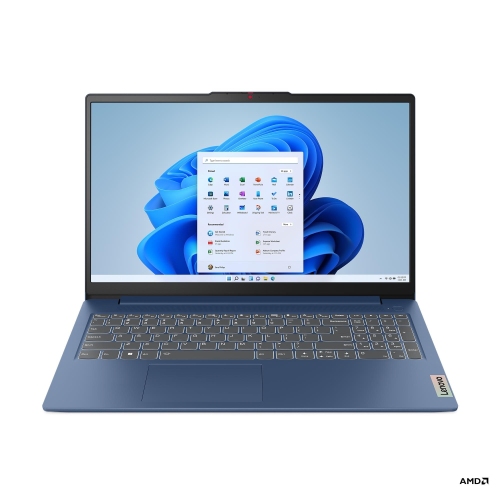
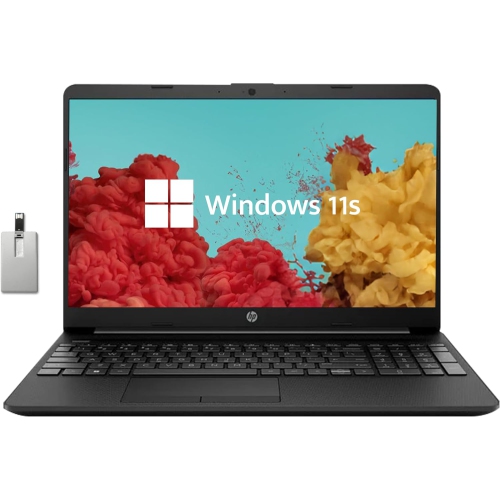
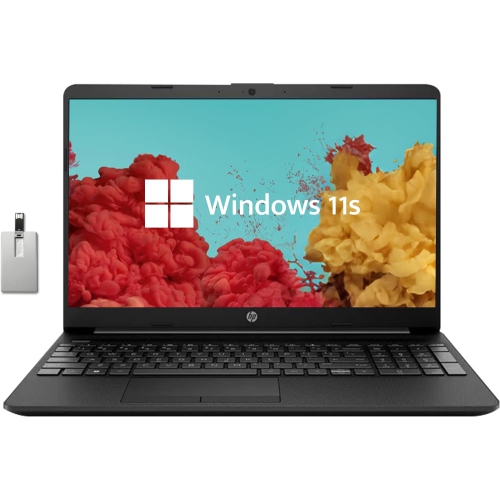
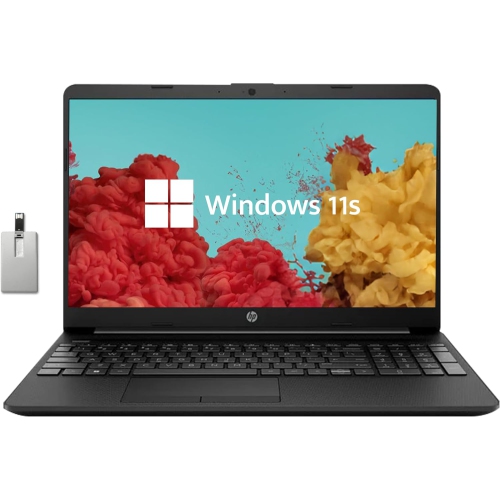
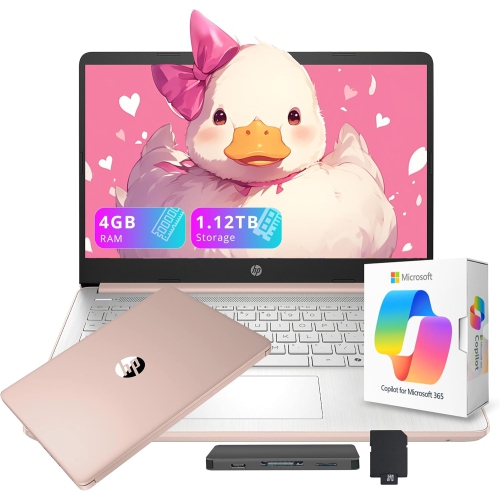
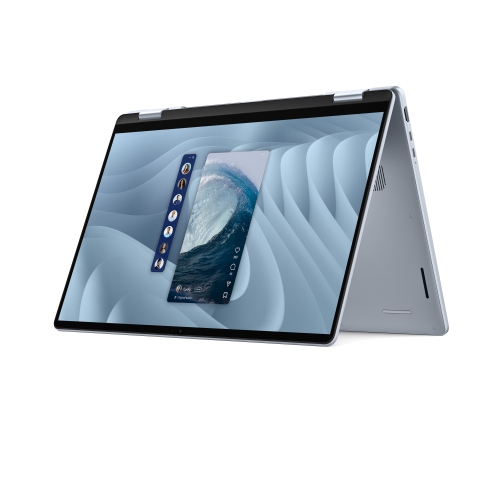
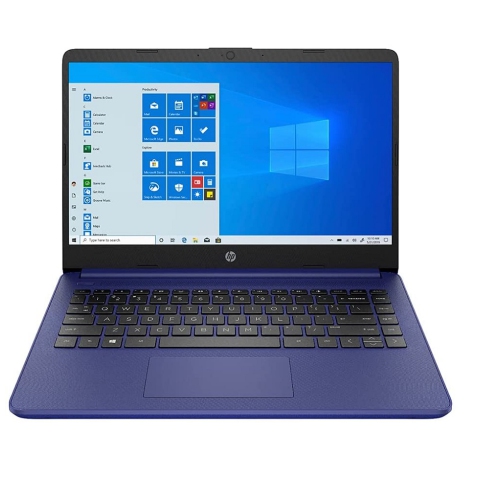
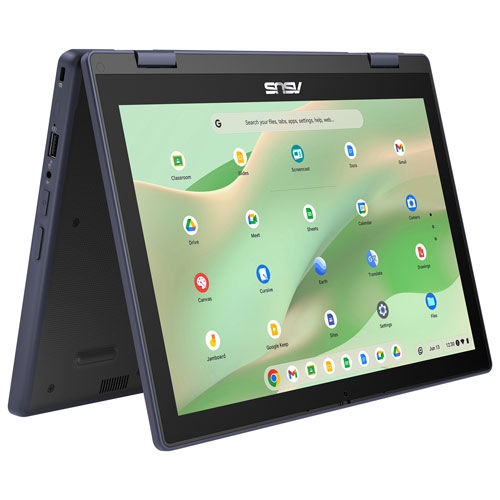
Smart tech for students includes computers, connected accessories and digital tools that support coursework, note-taking, organization and communication. A useful setup makes everyday tasks easier, whether that means annotating a reading between classes, joining a group project from home or keeping research and lecture notes together. For most students, a laptop or desktop remains the foundation because it supports full-length assignments, browser-based learning platforms and subject-specific programs. The right computing capabilities depend on the work: writing essays and building presentations place different demands on a computer than editing video, creating 3D models or running engineering software. Processor performance, memory and storage all affect how comfortably those tasks fit into a typical study session. Enough memory helps when several documents, research tabs and a video call need to stay open together, while storage requirements grow with large creative files and downloaded course materials. Compatibility matters just as much as hardware specifications, since some courses require programs that work only with particular operating systems. A portable computer suits students moving between classrooms, libraries and home, while a desktop can anchor a dedicated work surface for longer assignments. Screen size, readable text and a comfortable keyboard influence daily use as much as portability. A larger display provides room to compare sources beside a draft, while a smaller computer is easier to carry in a crowded backpack. Display scaling, dictation, captions and other accessibility features can make coursework easier to navigate for different learning needs. Touchscreens and pen input add another way to work, especially for equations, diagrams and handwritten annotations. A tablet can complement a main computer for reading and marking up documents, although its usefulness as a replacement depends on course software, file handling and keyboard support. Battery life also varies with the workload: video meetings and demanding programs generally use more power than reading downloaded notes. A balanced setup supports the actual school day rather than relying on a single headline specification.
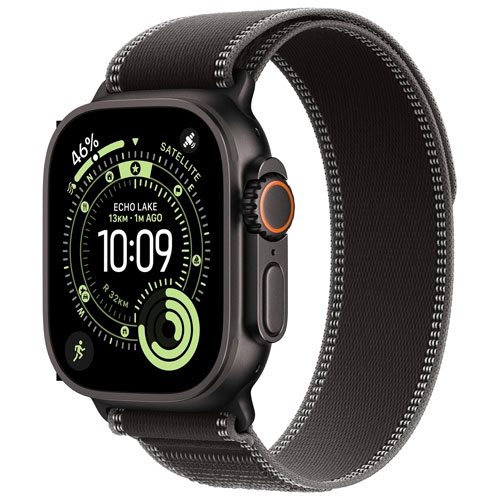
Beyond the main computer, smart devices for students can support focused listening, clearer conversations and a more comfortable place to work. Headphones with active noise cancellation can reduce steady background sound, while a headset with a well-positioned microphone can make speech easier to hear during online tutorials and group meetings. Fit is personal: lightweight ear cups, adjustable headbands and appropriately sized ear tips matter when listening extends beyond a short lecture. Noise cancellation does not block every sound, and listening volume still deserves attention. Wireless connections reduce cable clutter, but wired options can be useful when pairing is inconvenient or an accessory needs charging. A separate keyboard and mouse can make a laptop-based desk more comfortable, particularly when the computer is raised so the display sits at a suitable viewing height. An external monitor gives students more room to spread out reference material, spreadsheets or creative tools without constantly switching windows. Connection details deserve a close look because a USB-C port does not automatically support every charging, display or data function. Docks and hubs need compatible ports, cables and power support to work as intended. Reliable Wi-Fi helps with submitting assignments and attending virtual classes, although connection quality also depends on the network and the building. Connected lighting can provide adjustable brightness at a study desk, with dimming and scheduling features available on compatible setups. Smart plugs and voice-controlled accessories may add convenience, but school and residence rules can limit their use on shared networks. A smartwatch can deliver calendar reminders or timers without requiring a phone to stay open beside a textbook; carefully managed notifications help keep those reminders from becoming another distraction. Shared rooms also call for consideration around microphones, speakers and voice assistants. Recording a class or conversation requires attention to school policies and permission, even when a device makes recording simple. The most useful accessories have a clear role in a student’s routine, rather than adding another screen or notification to manage.
Daily handling, care and security help determine how well student technology holds up over time. Devices carried between classes face repeated packing, unpacking and cable connections, so hinge construction, port placement and the feel of frequently used controls are worth considering. Metal and plastic housings offer different combinations of weight, finish and rigidity; neither material alone guarantees durability. A padded sleeve or a backpack compartment sized to the device helps limit contact with books, keys and loose accessories. A snug fit matters, since an oversized compartment can allow a computer to shift around during travel. Protective cases should leave ventilation openings and required ports accessible. Manufacturer-approved cleaning methods are especially important for coated displays, touchscreens and fabric-covered accessories, and liquids should not be sprayed directly onto electronics. Charging equipment also needs to match the device’s requirements. Connector shape alone does not establish compatibility, and a multiport charger’s total output may be shared when several devices are connected. For coursework, a dependable file routine is just as important as physical protection. Organized folders, clear file names and automatic backups can make it easier to find the latest assignment and recover from a lost or damaged device. Cloud storage can support collaboration, while offline copies keep essential readings and drafts accessible when a connection is interrupted. School rules may govern where research, recordings or personal information can be stored. Strong passwords, multifactor authentication, screen locks and software updates add practical protection, especially on devices used in shared spaces. Families setting up technology for younger students may also value age-appropriate account controls and manageable notification settings. As a gift for a student, technology is most useful when it matches existing devices, course requirements and personal preferences, including keyboard layout, headphone fit and portability. A thoughtful setup can begin with the essentials and expand as coursework changes, keeping the focus on dependable tools that help students write, create, collaborate and stay organized.
Beyond the main computer, smart devices for students can support focused listening, clearer conversations and a more comfortable place to work. Headphones with active noise cancellation can reduce steady background sound, while a headset with a well-positioned microphone can make speech easier to hear during online tutorials and group meetings. Fit is personal: lightweight ear cups, adjustable headbands and appropriately sized ear tips matter when listening extends beyond a short lecture. Noise cancellation does not block every sound, and listening volume still deserves attention. Wireless connections reduce cable clutter, but wired options can be useful when pairing is inconvenient or an accessory needs charging. A separate keyboard and mouse can make a laptop-based desk more comfortable, particularly when the computer is raised so the display sits at a suitable viewing height. An external monitor gives students more room to spread out reference material, spreadsheets or creative tools without constantly switching windows. Connection details deserve a close look because a USB-C port does not automatically support every charging, display or data function. Docks and hubs need compatible ports, cables and power support to work as intended. Reliable Wi-Fi helps with submitting assignments and attending virtual classes, although connection quality also depends on the network and the building. Connected lighting can provide adjustable brightness at a study desk, with dimming and scheduling features available on compatible setups. Smart plugs and voice-controlled accessories may add convenience, but school and residence rules can limit their use on shared networks. A smartwatch can deliver calendar reminders or timers without requiring a phone to stay open beside a textbook; carefully managed notifications help keep those reminders from becoming another distraction. Shared rooms also call for consideration around microphones, speakers and voice assistants. Recording a class or conversation requires attention to school policies and permission, even when a device makes recording simple. The most useful accessories have a clear role in a student’s routine, rather than adding another screen or notification to manage.
Daily handling, care and security help determine how well student technology holds up over time. Devices carried between classes face repeated packing, unpacking and cable connections, so hinge construction, port placement and the feel of frequently used controls are worth considering. Metal and plastic housings offer different combinations of weight, finish and rigidity; neither material alone guarantees durability. A padded sleeve or a backpack compartment sized to the device helps limit contact with books, keys and loose accessories. A snug fit matters, since an oversized compartment can allow a computer to shift around during travel. Protective cases should leave ventilation openings and required ports accessible. Manufacturer-approved cleaning methods are especially important for coated displays, touchscreens and fabric-covered accessories, and liquids should not be sprayed directly onto electronics. Charging equipment also needs to match the device’s requirements. Connector shape alone does not establish compatibility, and a multiport charger’s total output may be shared when several devices are connected. For coursework, a dependable file routine is just as important as physical protection. Organized folders, clear file names and automatic backups can make it easier to find the latest assignment and recover from a lost or damaged device. Cloud storage can support collaboration, while offline copies keep essential readings and drafts accessible when a connection is interrupted. School rules may govern where research, recordings or personal information can be stored. Strong passwords, multifactor authentication, screen locks and software updates add practical protection, especially on devices used in shared spaces. Families setting up technology for younger students may also value age-appropriate account controls and manageable notification settings. As a gift for a student, technology is most useful when it matches existing devices, course requirements and personal preferences, including keyboard layout, headphone fit and portability. A thoughtful setup can begin with the essentials and expand as coursework changes, keeping the focus on dependable tools that help students write, create, collaborate and stay organized.
Top selling and popular products
-
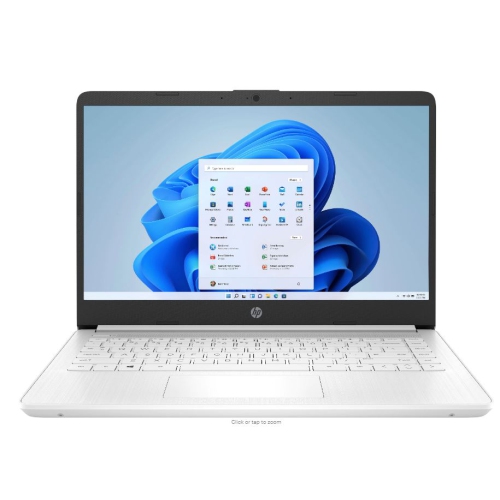 Your price for this item is $449
-
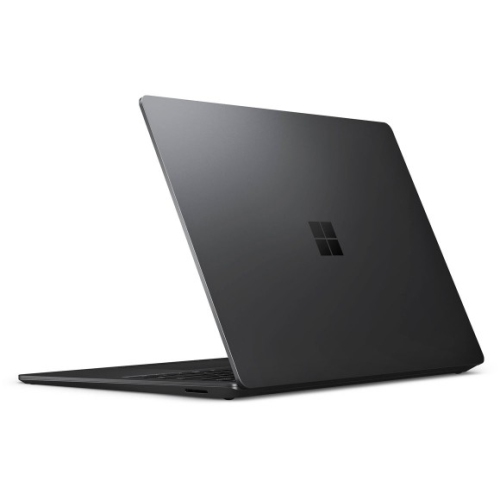 Your price for this item is $3099
-
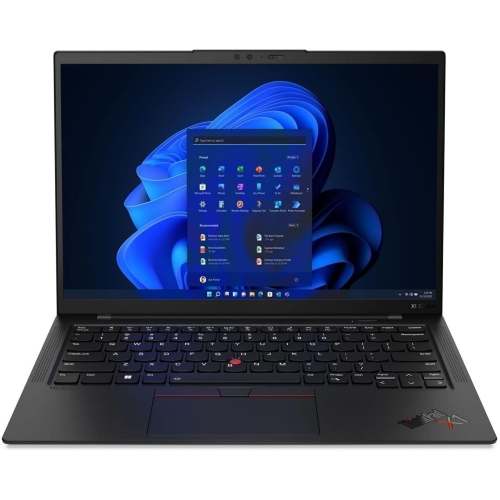 Your price for this item is $449.99
-
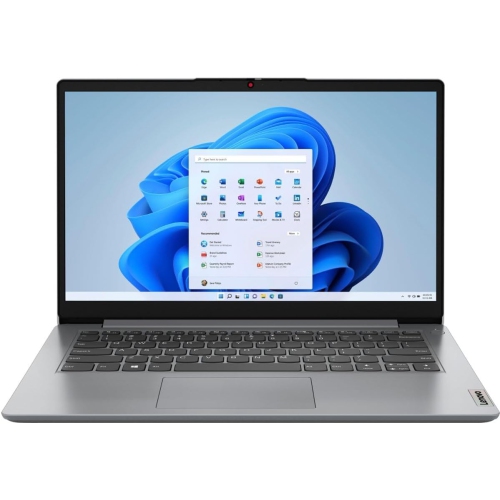 Your price for this item is $664.05
-
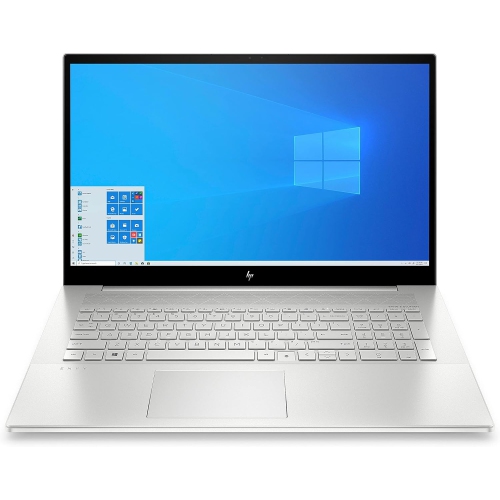 Your price for this item is $869.99
-
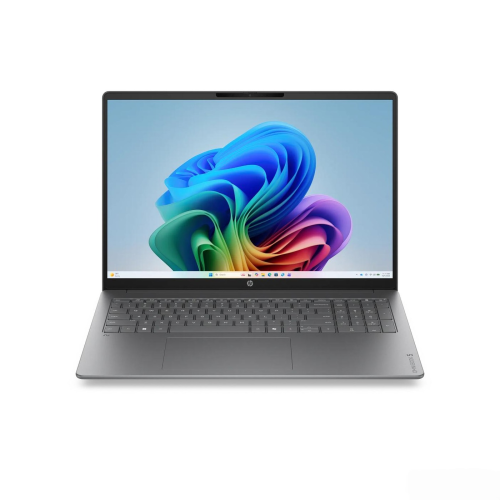 Your price for this item is $2960.48
-
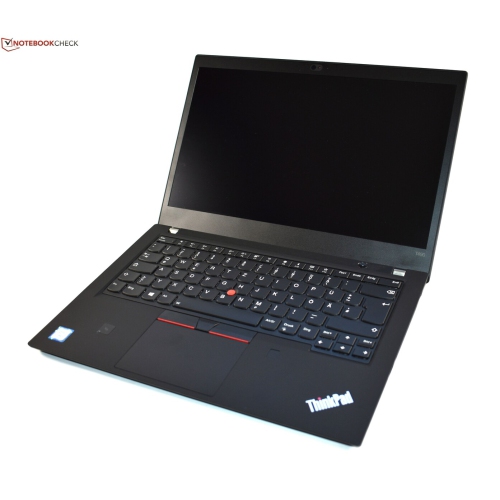 Your price for this item is $499.68
-
 Your price for this item is $1951.79
Discover more categories related to Smart Tech for Students
Top Collections:
Pokemon Centers, Kindle Devices, Best Black Friday Deals This Year, Pokémon 30th Celebration Cards, Best Black Friday Deals On Electronics, Best Cameras for Sports Photography, Best Black Friday Deals On Apple Products, Canon G7X Cameras, iPhone 15 Apple, Candle Warmer Lights
Some products may be subject to Environmental Handling Fees
(EHF) depending on your province.
Learn more about EHFs.