SSD Drives 480gb
Upgrade your computer's storage capabilities with our selection of 480GB SSD drives. Designed to provide faster data access and improved performance, these solid-state drives are perfect for boosting your system's speed and efficiency. Whether you're a gamer looking to reduce loading times or a professional in need of reliable storage for your work files, our range of 480GB SSD drives offers the perfect solution for all your storage needs.
Sort

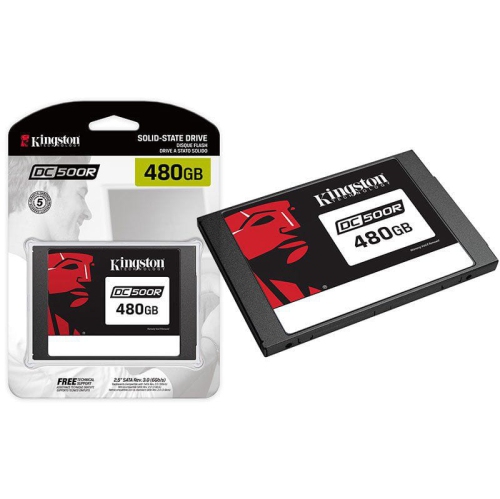
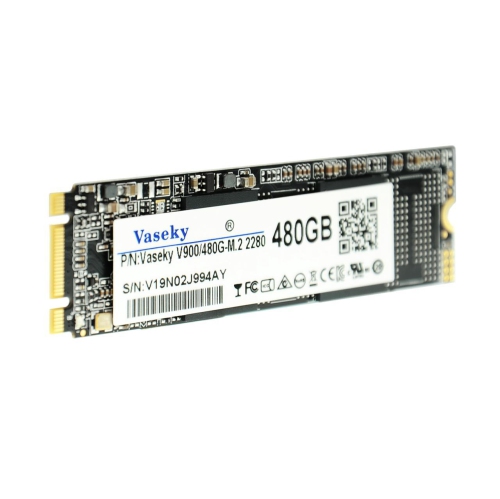
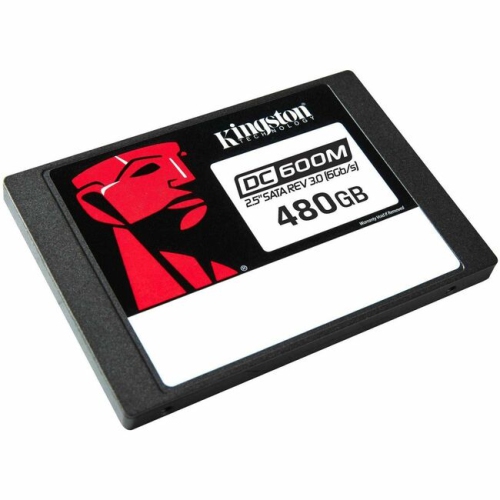
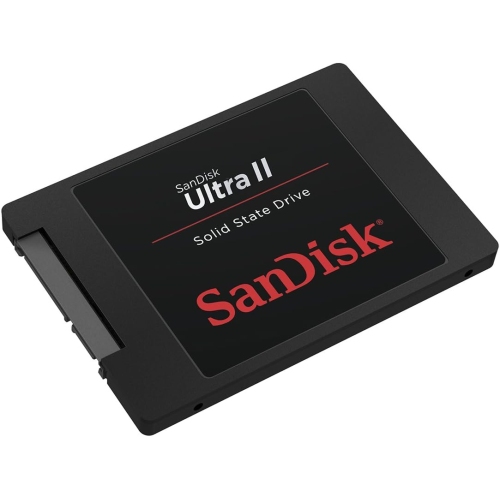

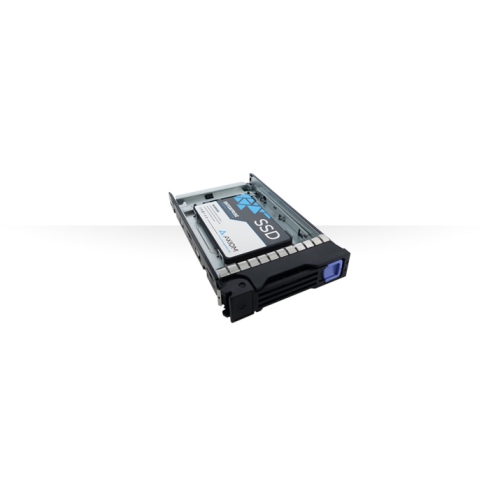
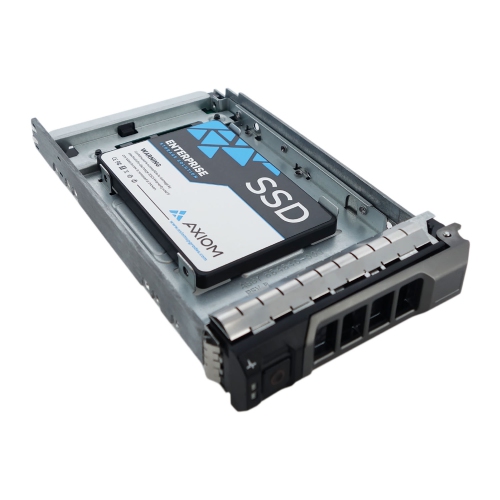
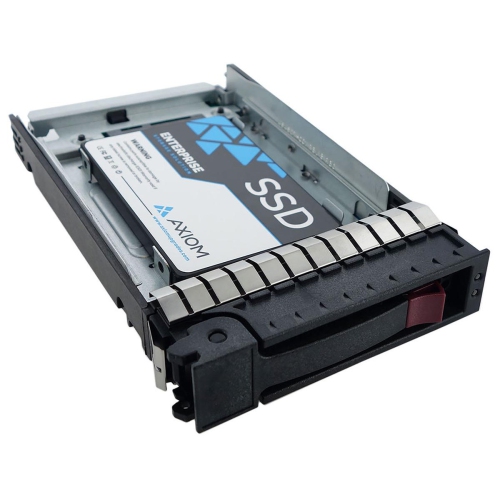
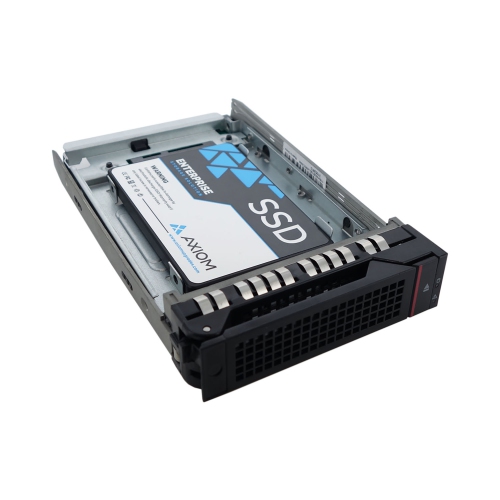
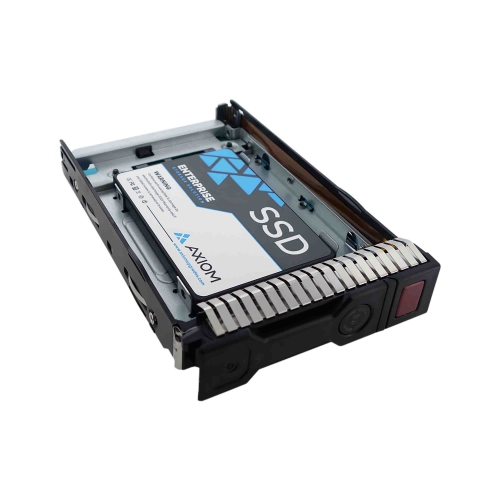
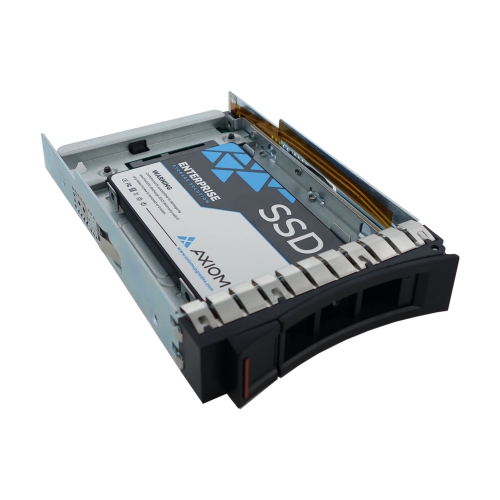
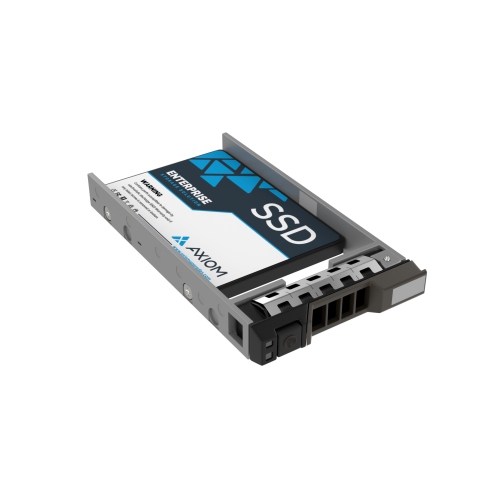
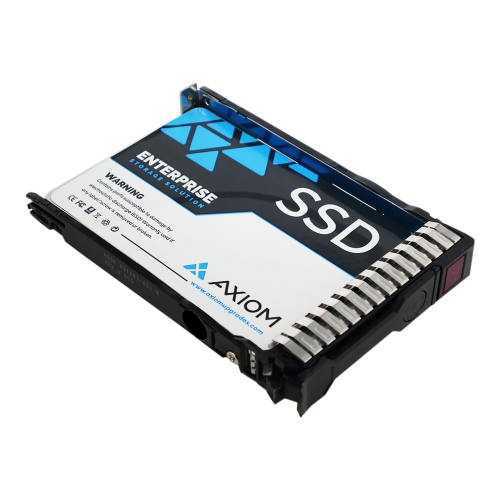
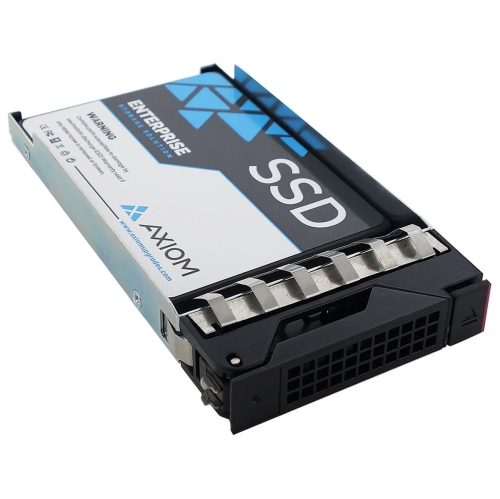
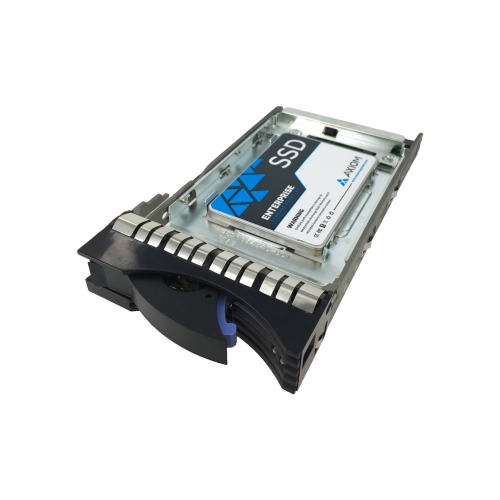
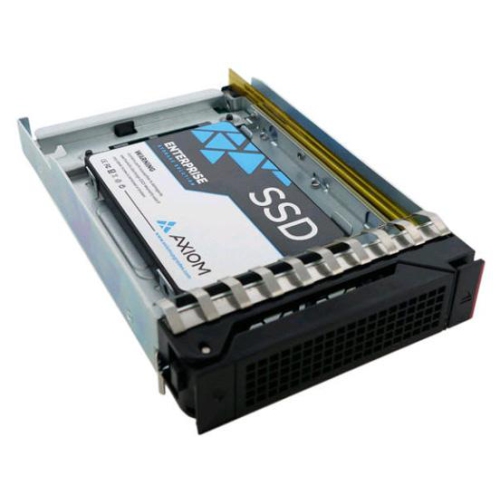
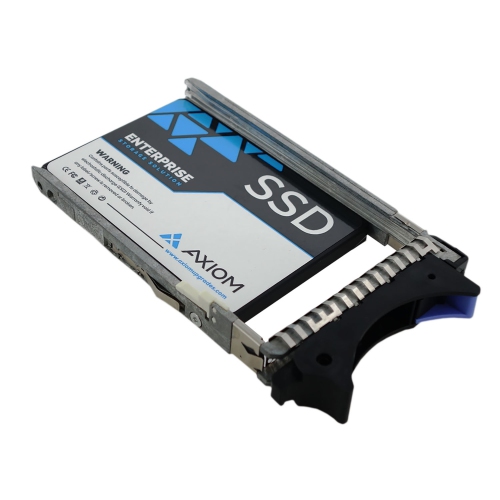
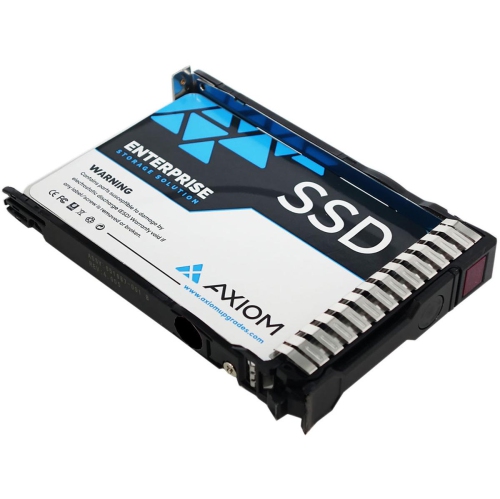
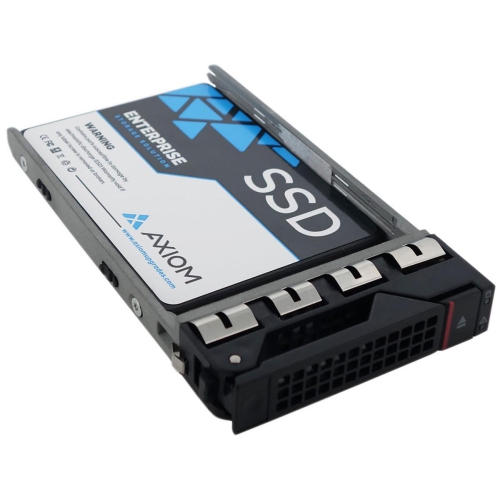
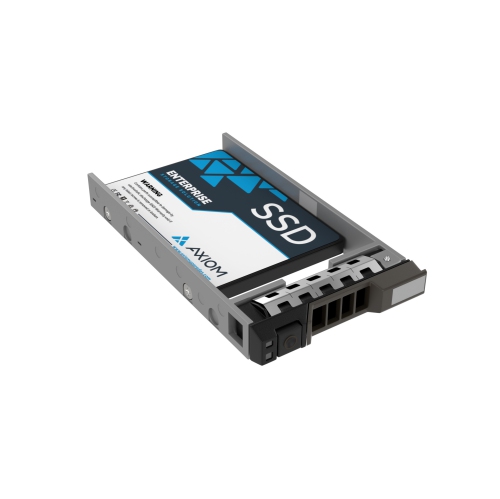
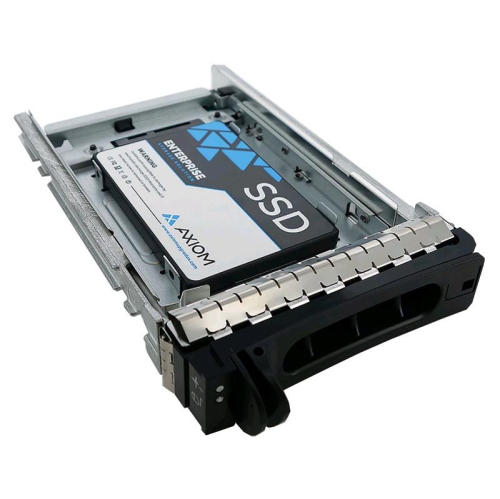
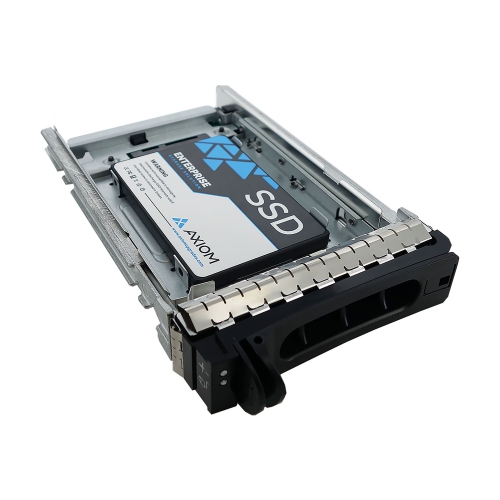
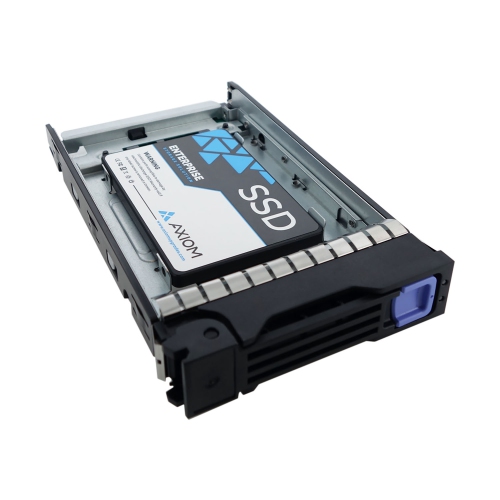
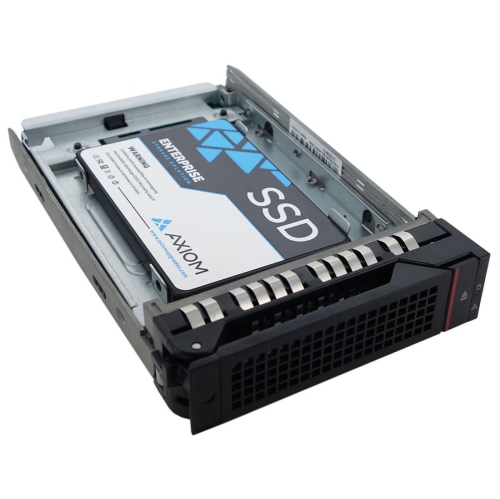
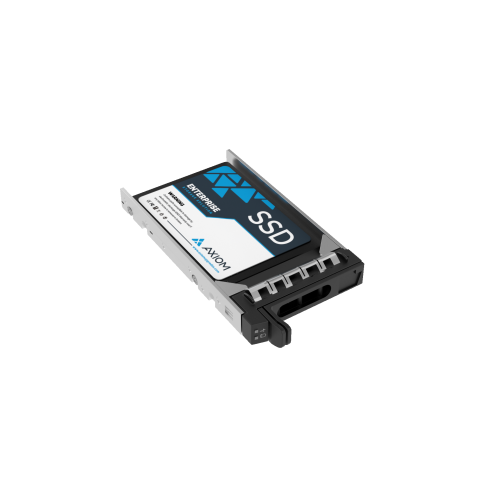
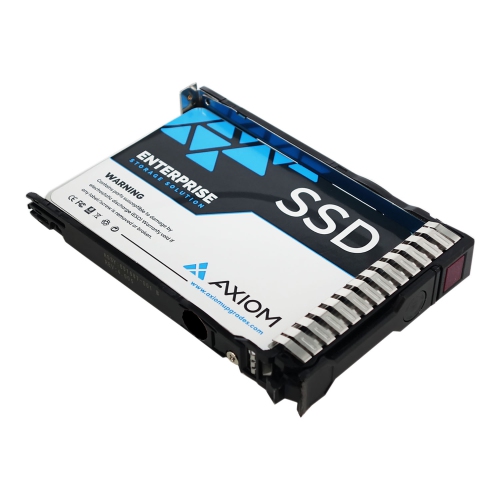
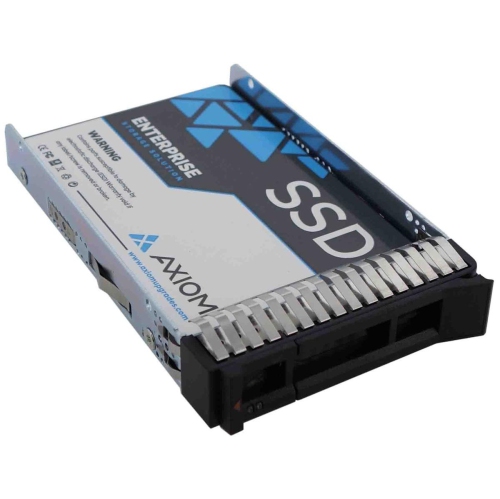
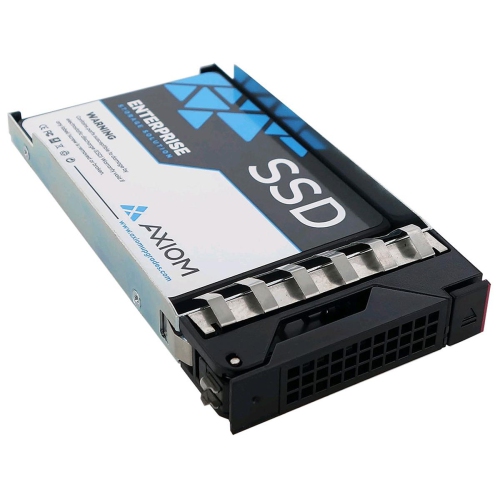
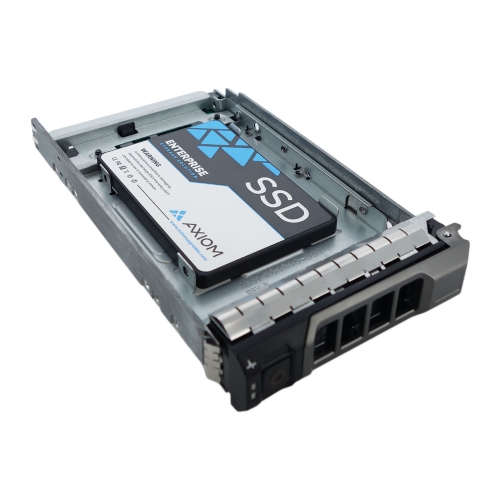
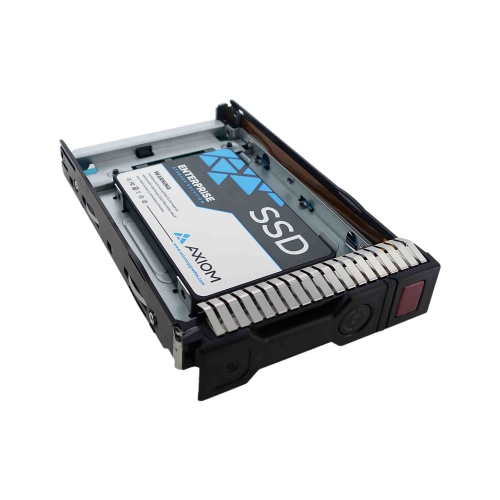
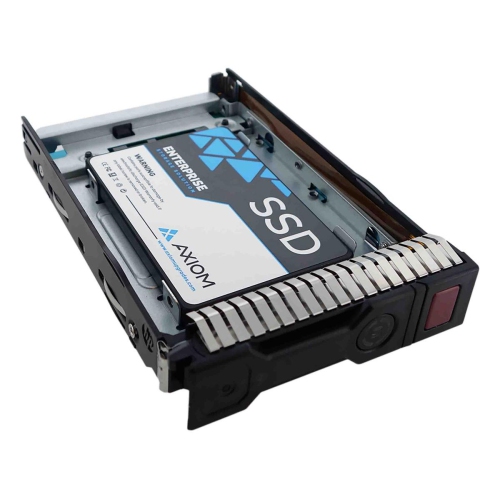
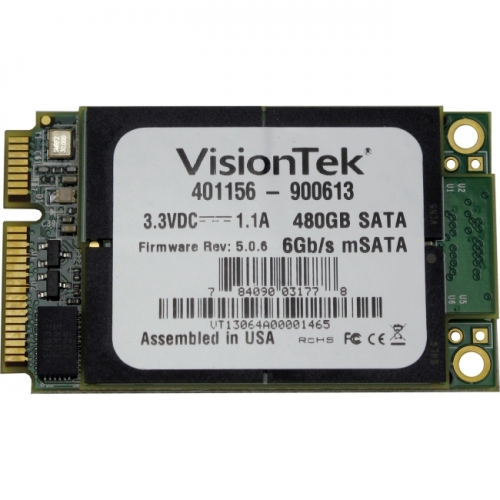
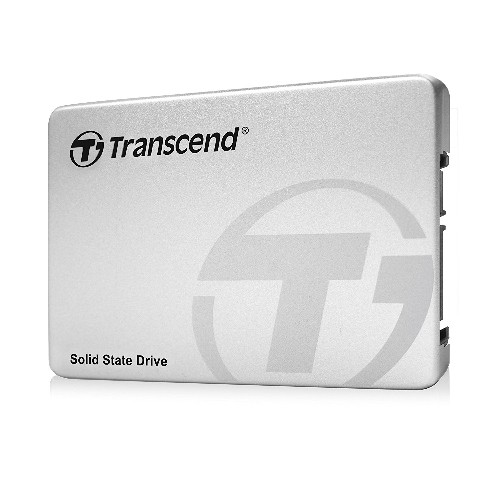
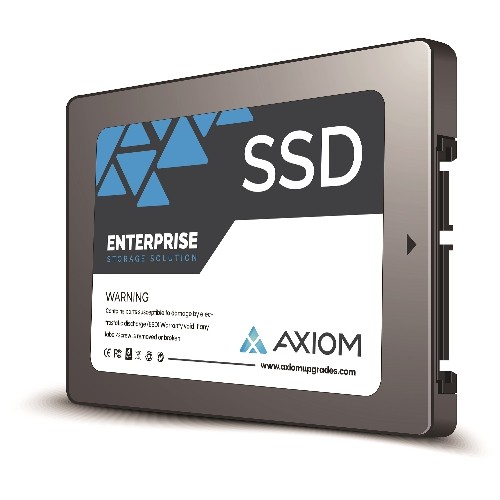
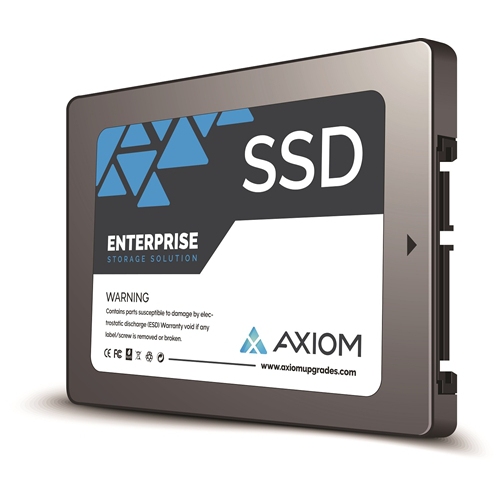
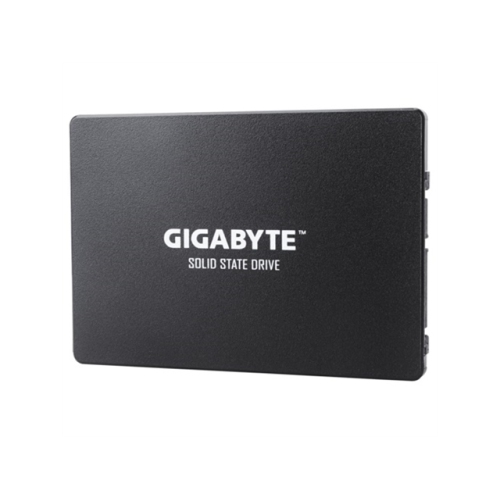
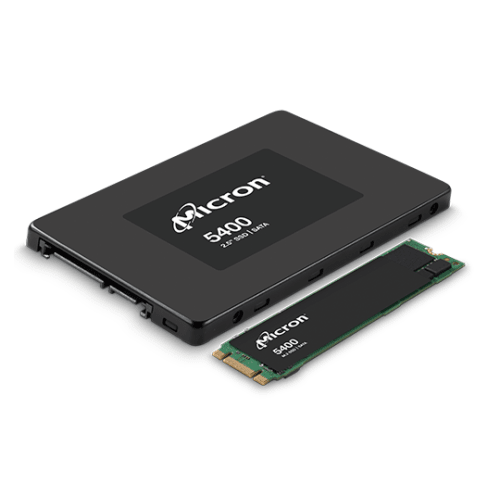
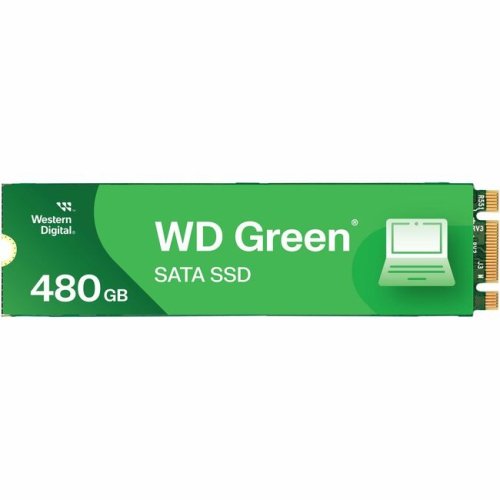
How 480GB storage improves speed and fits older computers
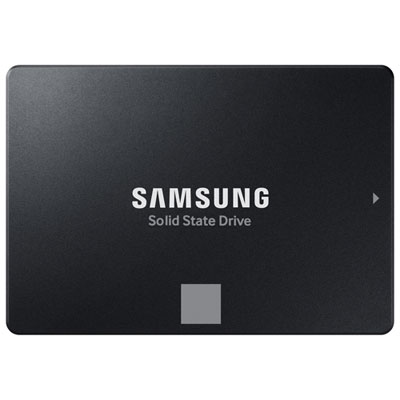
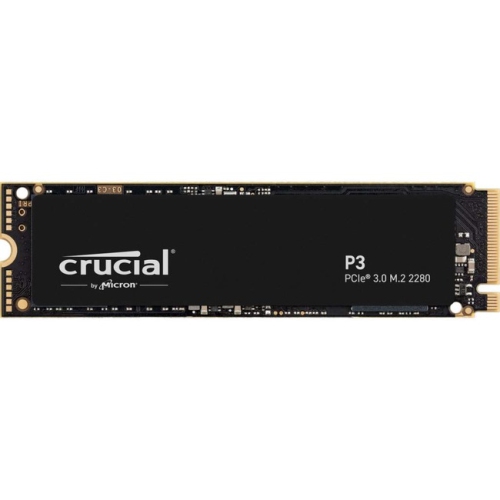
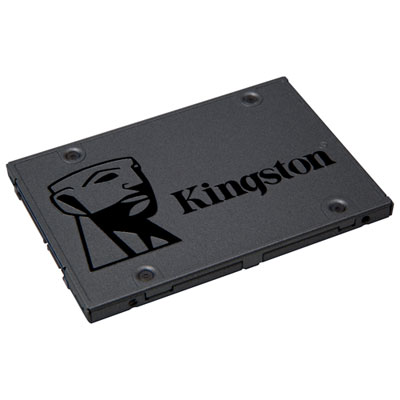
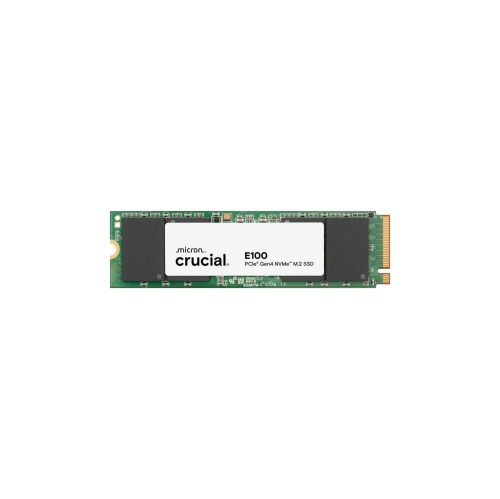
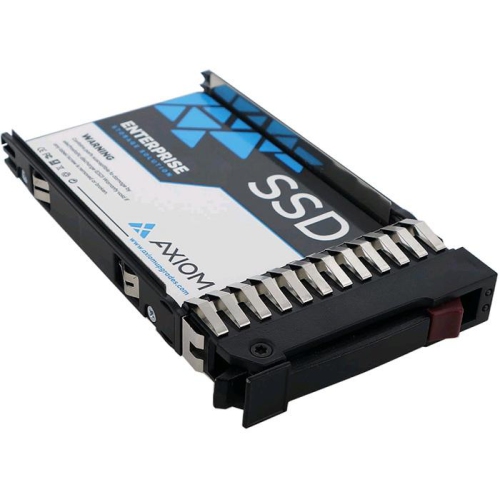
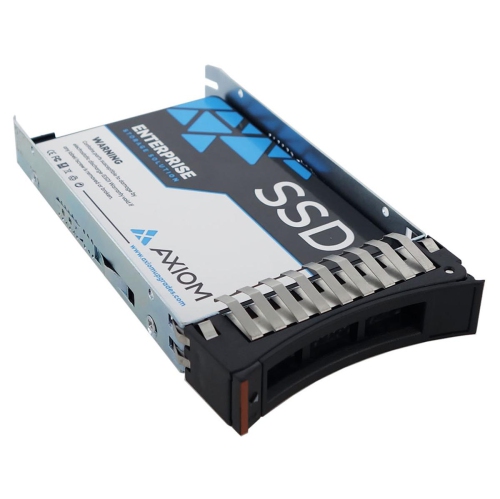
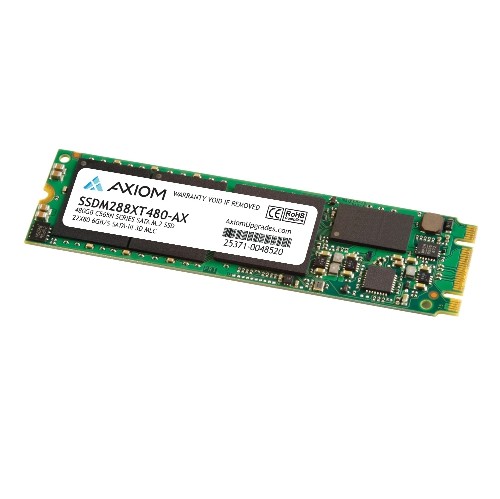
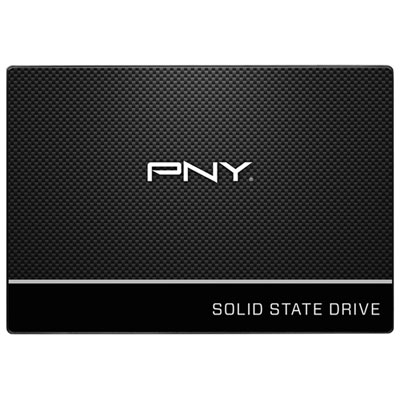
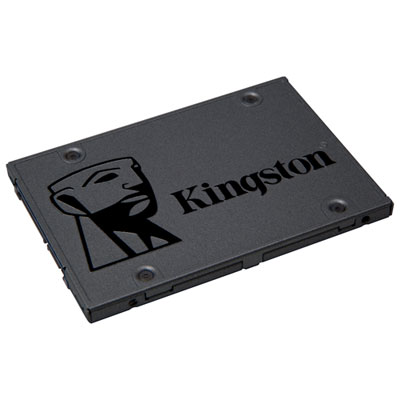
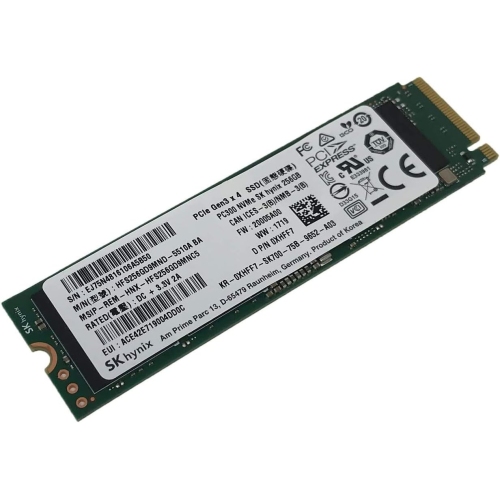
SSD drives with 480GB of storage offer a practical balance of capacity, speed, and value for everyday computer upgrades. They can make a noticeable difference to a laptop or desktop that still uses a traditional hard disk drive, helping the operating system start more quickly, applications open with less delay, and files respond more smoothly during regular use. A 480GB SSD is large enough for an operating system, frequently used software, schoolwork, photographs, music, and a selection of games, while remaining compact enough for users who keep larger media libraries on an external drive or in cloud storage. The advertised capacity is measured before formatting, so the available space shown in the operating system will be somewhat lower. Even with that difference, this size is well suited to students, home-office users, families sharing a computer, and anyone looking to refresh an older system without replacing the entire device. It can also be a thoughtful gift for a relative who has been putting up with slow start-up times or a computer that takes several minutes to load basic programs. Before selecting an SSD, check the computer’s specifications and the available installation space. The most common options in this capacity range are 2.5-inch SATA SSDs and M.2 SSDs. A 2.5-inch SATA drive is designed to fit many older laptops and desktops that use a standard drive bay and SATA data connection. An M.2 drive is a slim circuit board that fits directly into a compatible slot on the motherboard, although M.2 drives can use either SATA or NVMe technology, so the slot and interface must be confirmed rather than assumed. Checking the laptop model, desktop motherboard manual, or existing drive connection can prevent an incompatible purchase.
The interface has a direct effect on performance and installation requirements. SATA SSDs can provide a substantial improvement over mechanical hard drives and are often a straightforward choice for older systems, but their speeds are limited by the SATA connection. NVMe SSDs communicate through PCIe lanes and can offer much faster data transfer rates in computers with compatible hardware. That extra speed is useful for moving large video files, loading demanding applications, working with photo libraries, compiling software, and reducing loading times in games. For basic browsing, document editing, online learning, and household computing, a SATA model may already feel remarkably responsive, particularly when replacing a hard drive that has been in service for years. Capacity should be considered alongside performance: a very fast drive may not be useful if the computer cannot support its interface, while a compatible 480GB model can provide a meaningful upgrade when matched to the system. Also check whether the device has a free drive bay, an accessible M.2 slot, and the necessary mounting hardware or cable. Some thin laptops allow only one internal drive, while desktop computers may offer more flexibility. Installation can involve cloning the existing drive, performing a fresh operating system installation, or adding the SSD as secondary storage. Cloning preserves files, settings, and applications, but it requires enough space on the new drive and suitable cloning software. A fresh installation takes more preparation but can provide a clean starting point. Important files should be backed up before either process, and the original drive should not be erased until the new installation has been checked carefully.
When choosing among SSD drives 480GB in capacity, consider how the drive will be used over the next few years rather than focusing only on peak read and write figures. Look at the form factor, interface, operating temperature, warranty information, and compatibility with the intended computer. A drive with a high endurance rating may be worthwhile for frequent file transfers or demanding creative work, while a standard consumer SSD can be well suited to everyday productivity and entertainment. Leave some free space after installation instead of filling the drive completely; maintaining available capacity can help the computer manage temporary files and updates more comfortably. Gamers should check the storage requirements of their library, since modern titles can occupy a large portion of a 480GB drive, while photographers and video editors may prefer to use the SSD for active projects and keep completed files elsewhere. Students can use the faster storage for lecture recordings, research folders, and creative assignments, and remote workers may appreciate quicker access to work applications and frequently opened documents. For a smaller storage requirement, browsing 240GB SSD Drives can provide another capacity option for a focused operating-system upgrade. During the cooler months and the return to busier school or work routines, an SSD upgrade can help an older computer feel more responsive without changing the way files and applications are organized. Keep the installation guide nearby, use the correct screws and cables, and confirm that the computer recognizes the new drive before transferring everything. With the right connection and a little preparation, a 480GB SSD can give a familiar laptop or desktop a faster, cleaner, and more comfortable daily experience.
The interface has a direct effect on performance and installation requirements. SATA SSDs can provide a substantial improvement over mechanical hard drives and are often a straightforward choice for older systems, but their speeds are limited by the SATA connection. NVMe SSDs communicate through PCIe lanes and can offer much faster data transfer rates in computers with compatible hardware. That extra speed is useful for moving large video files, loading demanding applications, working with photo libraries, compiling software, and reducing loading times in games. For basic browsing, document editing, online learning, and household computing, a SATA model may already feel remarkably responsive, particularly when replacing a hard drive that has been in service for years. Capacity should be considered alongside performance: a very fast drive may not be useful if the computer cannot support its interface, while a compatible 480GB model can provide a meaningful upgrade when matched to the system. Also check whether the device has a free drive bay, an accessible M.2 slot, and the necessary mounting hardware or cable. Some thin laptops allow only one internal drive, while desktop computers may offer more flexibility. Installation can involve cloning the existing drive, performing a fresh operating system installation, or adding the SSD as secondary storage. Cloning preserves files, settings, and applications, but it requires enough space on the new drive and suitable cloning software. A fresh installation takes more preparation but can provide a clean starting point. Important files should be backed up before either process, and the original drive should not be erased until the new installation has been checked carefully.
When choosing among SSD drives 480GB in capacity, consider how the drive will be used over the next few years rather than focusing only on peak read and write figures. Look at the form factor, interface, operating temperature, warranty information, and compatibility with the intended computer. A drive with a high endurance rating may be worthwhile for frequent file transfers or demanding creative work, while a standard consumer SSD can be well suited to everyday productivity and entertainment. Leave some free space after installation instead of filling the drive completely; maintaining available capacity can help the computer manage temporary files and updates more comfortably. Gamers should check the storage requirements of their library, since modern titles can occupy a large portion of a 480GB drive, while photographers and video editors may prefer to use the SSD for active projects and keep completed files elsewhere. Students can use the faster storage for lecture recordings, research folders, and creative assignments, and remote workers may appreciate quicker access to work applications and frequently opened documents. For a smaller storage requirement, browsing 240GB SSD Drives can provide another capacity option for a focused operating-system upgrade. During the cooler months and the return to busier school or work routines, an SSD upgrade can help an older computer feel more responsive without changing the way files and applications are organized. Keep the installation guide nearby, use the correct screws and cables, and confirm that the computer recognizes the new drive before transferring everything. With the right connection and a little preparation, a 480GB SSD can give a familiar laptop or desktop a faster, cleaner, and more comfortable daily experience.
Top selling and popular products
-
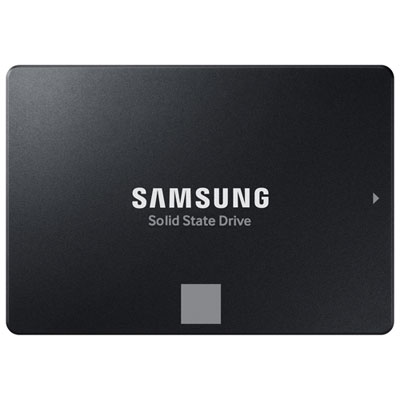 Your price for this item is $554.99
 -
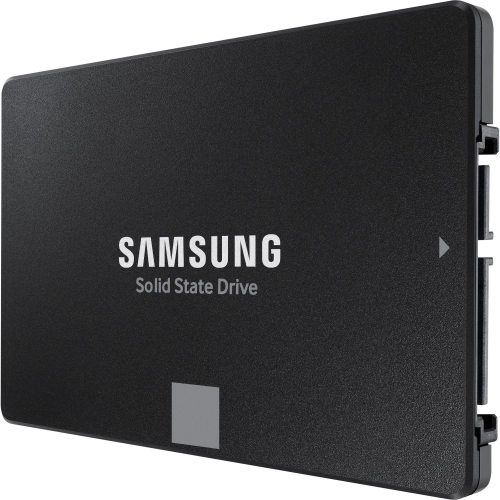 Your price for this item is $649.99
 -
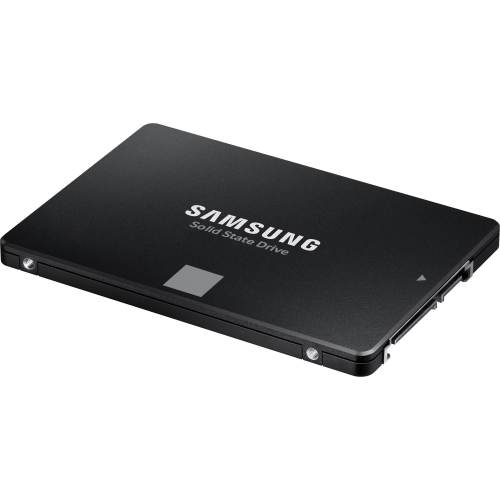 Your price for this item is $394.99
 -
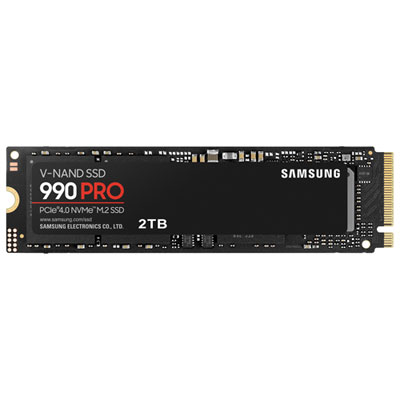 Your price for this item is $649.99
 -
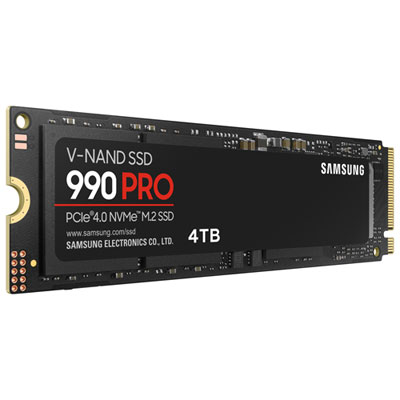 Your price for this item is $1199.97
 -
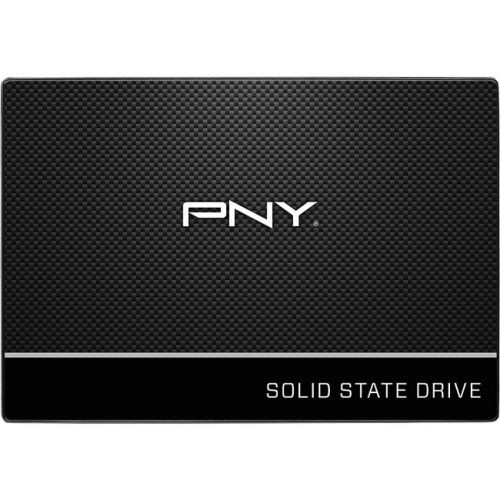 Your price for this item is $106.93
 -
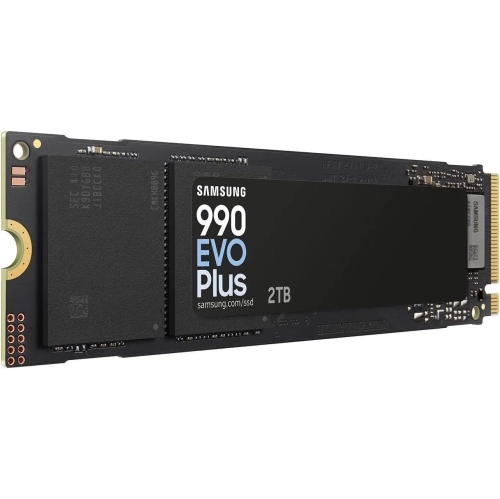 Your price for this item is $639.99
 -
 Your price for this item is $124.99
Discover more categories related to SSD Drives 480gb
Top Collections:
Pokemon Centers, Kindle Devices, Best Budget Office Chairs, Apple iPhones 16, Best Laptops for Writers, iPhone 15 Apple, Canon G7X Cameras, Refurbished Apple Laptops, Alarm Clock, Motorola Razr Phones
Some products may be subject to Environmental Handling Fees
(EHF) depending on your province.
Learn more about EHFs.