240GB Solid State Drives
Upgrade your computer's storage with our wide selection of 240GB solid state drives. Designed to provide faster boot times, quicker file transfers, and improved overall system performance, these SSDs are perfect for both casual users and avid gamers alike. With their compact design and reliable durability, you can trust that your data will be safe and secure. Explore our range of 240GB solid state drives today and give your computer the boost it deserves.
Sort









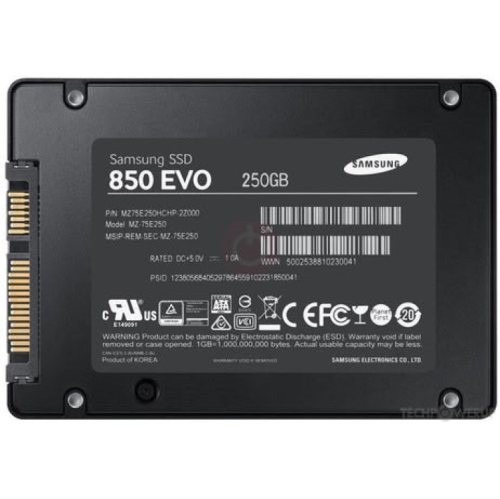
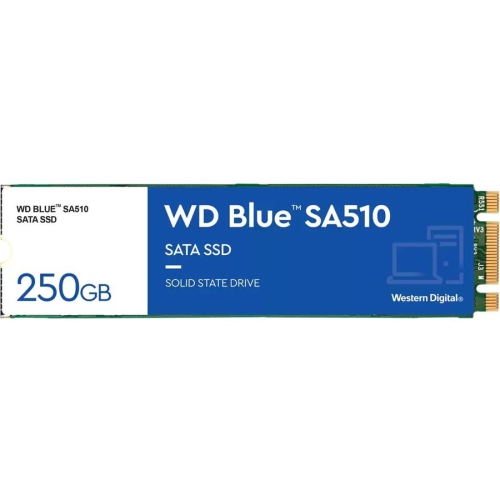


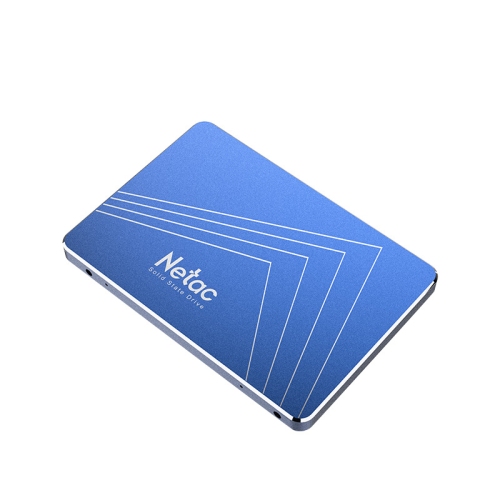

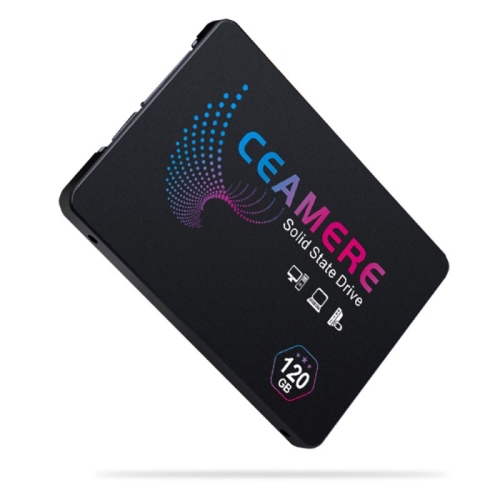


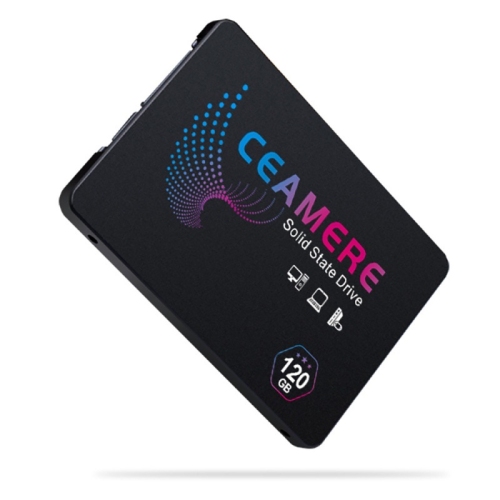


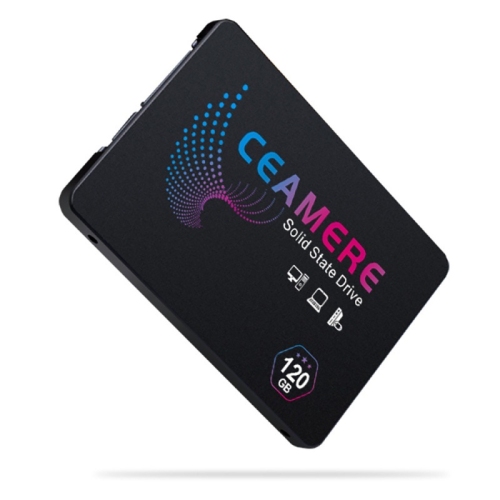
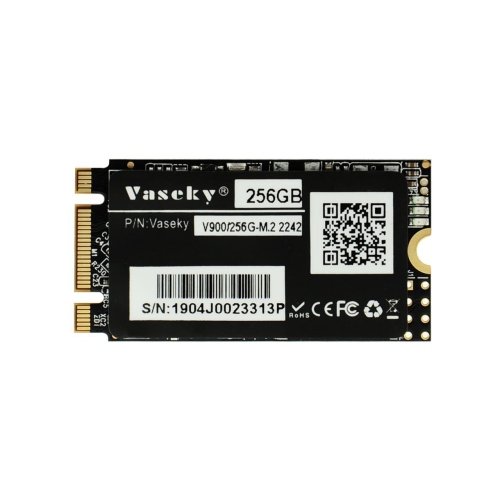


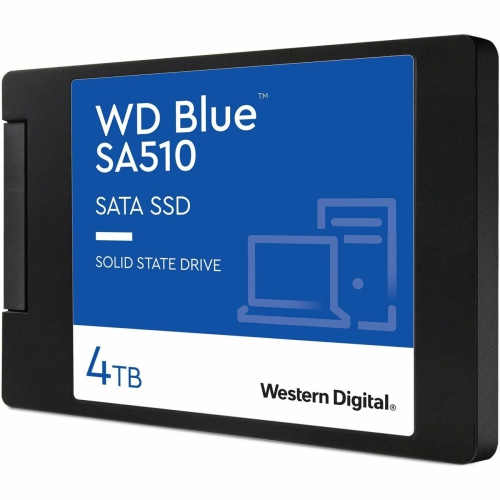

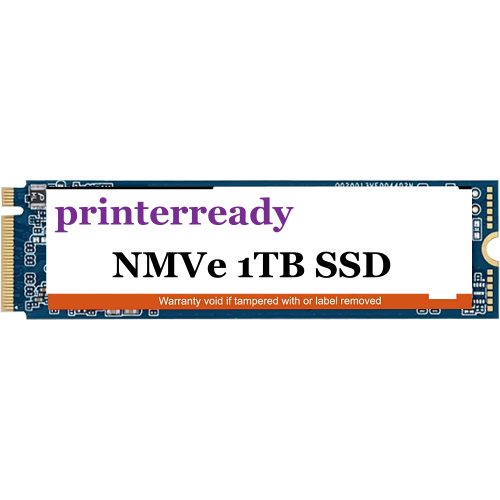
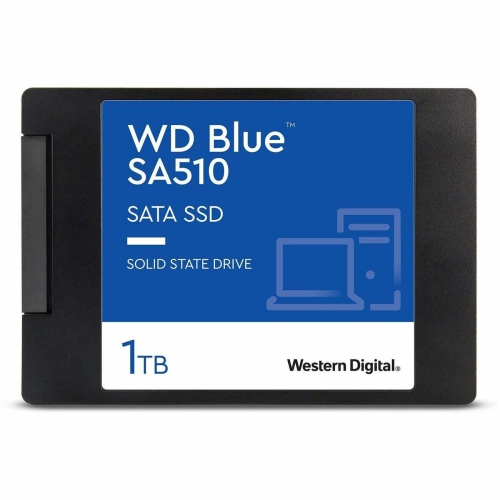


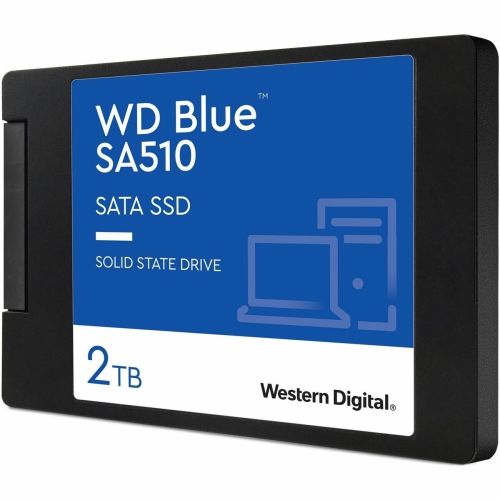
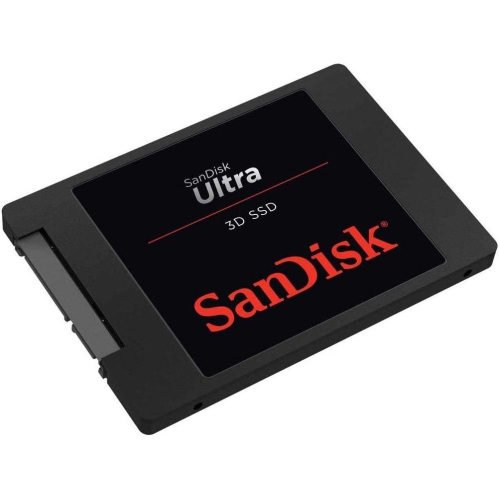

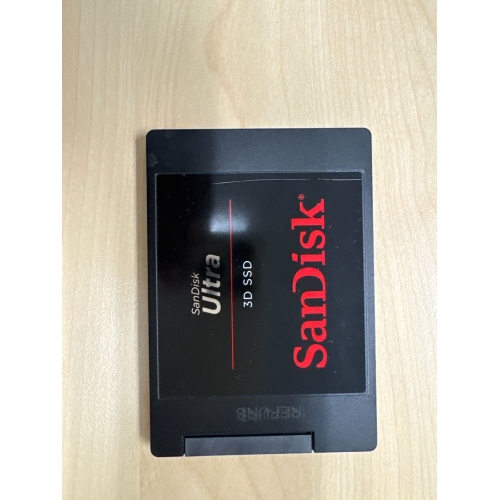
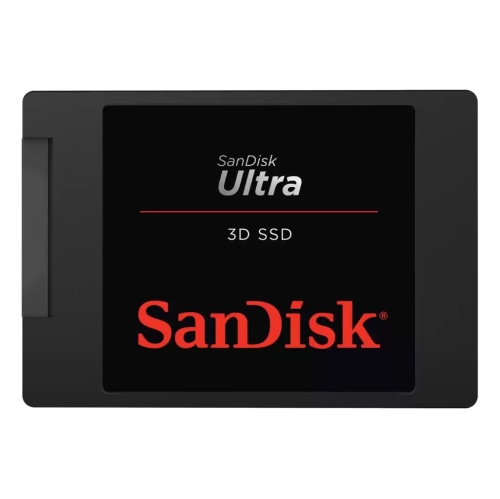

Older computers can feel faster with flash storage
240GB solid state drives provide storage for an operating system, everyday applications, and a modest collection of personal files. They are a practical option for refreshing a compatible older laptop or desktop, particularly when the existing drive is a mechanical hard drive. An SSD stores data in NAND flash memory rather than on spinning magnetic platters, so it can access small files quickly without waiting for a read head to move into position. That difference is noticeable during familiar tasks: starting the computer, opening a browser, launching office software, or searching through folders of documents. A 240GB SSD can suit a student’s assignment computer, a home office system used for email and spreadsheets, or a secondary desktop that does not need a large local media library. It can also serve as a dedicated boot drive alongside a larger storage drive, keeping the operating system and frequently used applications separate from bulk files. Capacity is an important distinction: 240GB describes the amount of storage, not the drive’s speed, physical size, or connection type. Manufacturer capacity figures use decimal units, while some operating systems calculate and display storage differently, so the usable figure shown on screen will be lower than the number on the label. Formatting, recovery partitions, and system files also occupy space. For everyday use, the strongest fit is a computer with a manageable application list and documents, photos, or music that do not consume most of the drive. Large game installations, extensive video collections, and ongoing media projects can fill this capacity quickly. Keeping some space free gives software updates and temporary files room to work and can help the drive maintain consistent performance. The experience also depends on the rest of the computer: an SSD can make storage-related delays much shorter, but it does not replace additional memory or a more capable processor when those components are limiting performance.
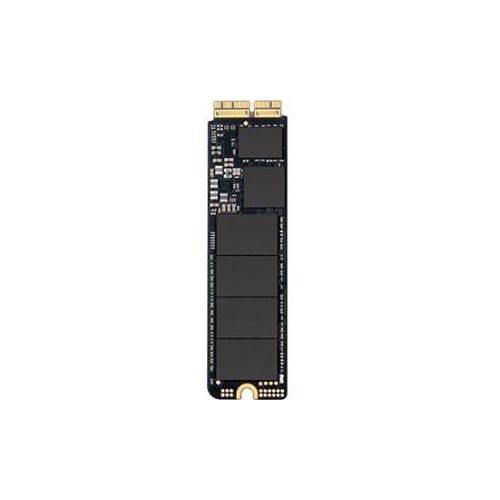
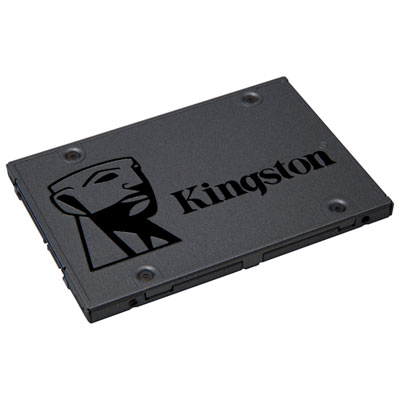
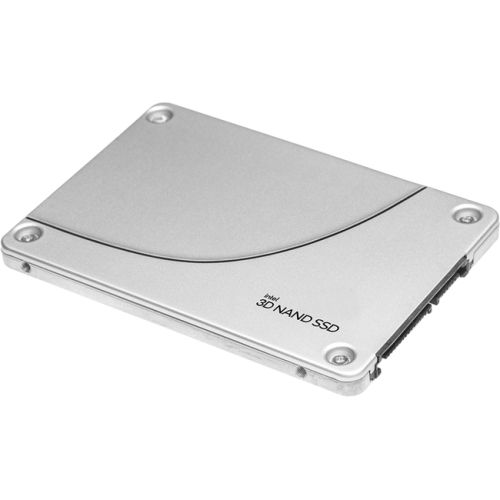
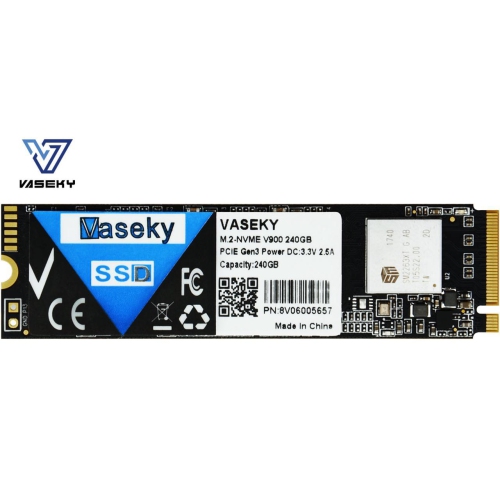
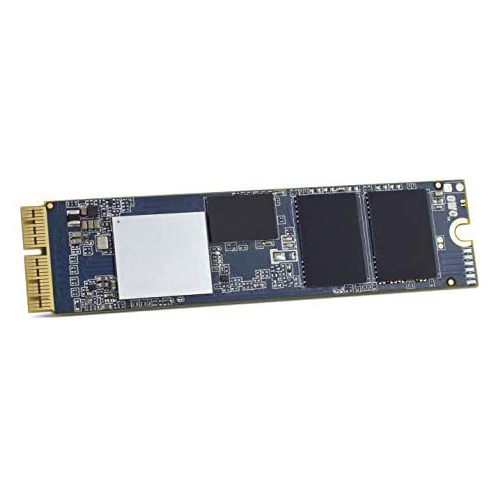
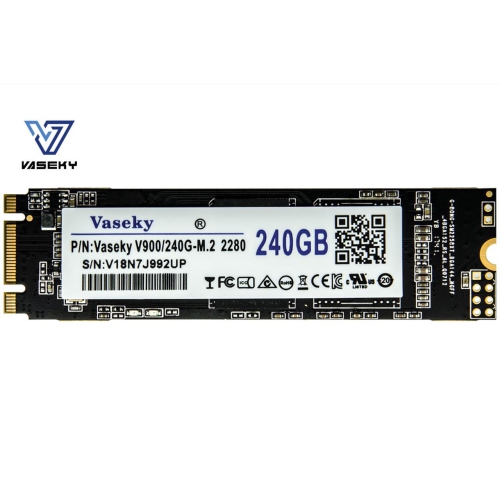
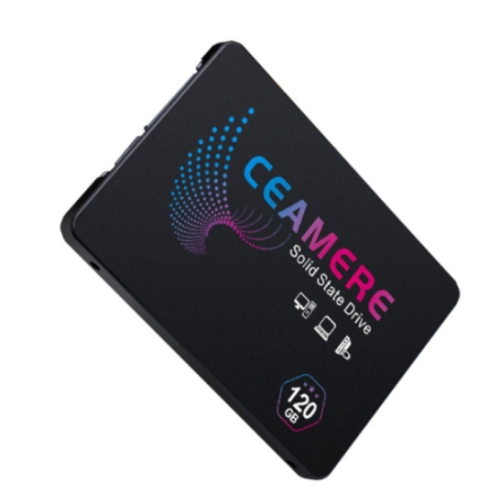
Physical fit and connection compatibility matter as much as capacity when comparing 240GB SSDs. Many drives in this category use a 2.5-inch enclosure and a SATA connection, a familiar combination in laptops and desktops originally built with 2.5-inch hard drives. The enclosure is commonly metal or plastic and protects a compact circuit board containing flash memory and a controller. Although the outer dimensions may look similar, drive thickness, mounting arrangements, and connector access can differ between computers. A slim laptop may require a particular drive height or an existing caddy, while a desktop with only larger drive bays may need a mounting bracket. Desktop installations generally require both a SATA data connection to the motherboard and a SATA power connection from the power supply; the drive alone does not necessarily include the cables or mounting hardware. Some compact computers instead use an M.2 drive, which attaches directly to a compatible motherboard slot. M.2 describes a physical format, however, and an M.2 SATA drive is not automatically interchangeable with an M.2 NVMe drive. Supported protocol, connector keying, and module length all affect suitability, making the computer manufacturer’s specifications a useful reference before choosing storage. For SATA models, sequential read speeds can approach the practical limits of the SATA connection, often around 500MB/s or more, but published maximums do not represent every task. Copying one large video file is different from opening hundreds of small application files, and sustained write performance can change after a drive’s temporary cache fills. Controller design, flash type, firmware, and available free space contribute to those differences. A straightforward office computer may benefit most from dependable everyday responsiveness, whereas frequent large transfers make sustained performance more relevant. Someone replacing a worn laptop hard drive may therefore have different priorities from someone adding a separate boot drive to a desktop. Looking at capacity, interface, dimensions, and workload together gives a clearer picture of suitability than choosing by a single advertised speed.
Durability and day-to-day care also help distinguish how a 240GB solid state drive will fit into a computer’s working life. With no spinning platters or moving read heads, an SSD operates silently and is less vulnerable than a mechanical hard drive to damage from ordinary movement while in use. That is useful in a laptop carried between a desk, a classroom, and a shared workspace, although it does not make the computer or the drive damage-proof. The enclosure and exposed connectors still need careful handling, and internal components should remain protected from liquid, dust, and static discharge during installation. Flash memory has a finite write lifespan, often expressed in a drive’s specifications as terabytes written, or TBW. This rating describes write endurance rather than an exact expiry date, and its relevance depends on how the drive is used. Saving documents and browsing the web create a different workload from repeatedly recording large video files or writing substantial project data throughout the day. Warranty terms, endurance information, and access to firmware or drive-health tools can provide useful context when comparing options. A replacement drive also involves moving existing files: cloning can preserve an established setup when the source data fits, while a fresh operating system installation starts with a cleaner storage layout. In either case, a separate backup protects important files, since an SSD can still fail and cannot recover documents deleted by mistake. A 240GB drive is easiest to manage when its role is clear, such as handling the operating system and essential software while larger files stay on another suitable storage device. For a broader application library or more room for personal files, SSD Drives 480gb offer a larger capacity to consider, with compatibility still depending on the individual drive and computer. Matching storage space to actual habits helps keep everyday computing straightforward without relying on frequent file removal to make room for routine updates.
Physical fit and connection compatibility matter as much as capacity when comparing 240GB SSDs. Many drives in this category use a 2.5-inch enclosure and a SATA connection, a familiar combination in laptops and desktops originally built with 2.5-inch hard drives. The enclosure is commonly metal or plastic and protects a compact circuit board containing flash memory and a controller. Although the outer dimensions may look similar, drive thickness, mounting arrangements, and connector access can differ between computers. A slim laptop may require a particular drive height or an existing caddy, while a desktop with only larger drive bays may need a mounting bracket. Desktop installations generally require both a SATA data connection to the motherboard and a SATA power connection from the power supply; the drive alone does not necessarily include the cables or mounting hardware. Some compact computers instead use an M.2 drive, which attaches directly to a compatible motherboard slot. M.2 describes a physical format, however, and an M.2 SATA drive is not automatically interchangeable with an M.2 NVMe drive. Supported protocol, connector keying, and module length all affect suitability, making the computer manufacturer’s specifications a useful reference before choosing storage. For SATA models, sequential read speeds can approach the practical limits of the SATA connection, often around 500MB/s or more, but published maximums do not represent every task. Copying one large video file is different from opening hundreds of small application files, and sustained write performance can change after a drive’s temporary cache fills. Controller design, flash type, firmware, and available free space contribute to those differences. A straightforward office computer may benefit most from dependable everyday responsiveness, whereas frequent large transfers make sustained performance more relevant. Someone replacing a worn laptop hard drive may therefore have different priorities from someone adding a separate boot drive to a desktop. Looking at capacity, interface, dimensions, and workload together gives a clearer picture of suitability than choosing by a single advertised speed.
Durability and day-to-day care also help distinguish how a 240GB solid state drive will fit into a computer’s working life. With no spinning platters or moving read heads, an SSD operates silently and is less vulnerable than a mechanical hard drive to damage from ordinary movement while in use. That is useful in a laptop carried between a desk, a classroom, and a shared workspace, although it does not make the computer or the drive damage-proof. The enclosure and exposed connectors still need careful handling, and internal components should remain protected from liquid, dust, and static discharge during installation. Flash memory has a finite write lifespan, often expressed in a drive’s specifications as terabytes written, or TBW. This rating describes write endurance rather than an exact expiry date, and its relevance depends on how the drive is used. Saving documents and browsing the web create a different workload from repeatedly recording large video files or writing substantial project data throughout the day. Warranty terms, endurance information, and access to firmware or drive-health tools can provide useful context when comparing options. A replacement drive also involves moving existing files: cloning can preserve an established setup when the source data fits, while a fresh operating system installation starts with a cleaner storage layout. In either case, a separate backup protects important files, since an SSD can still fail and cannot recover documents deleted by mistake. A 240GB drive is easiest to manage when its role is clear, such as handling the operating system and essential software while larger files stay on another suitable storage device. For a broader application library or more room for personal files, SSD Drives 480gb offer a larger capacity to consider, with compatibility still depending on the individual drive and computer. Matching storage space to actual habits helps keep everyday computing straightforward without relying on frequent file removal to make room for routine updates.
Top selling and popular products
-
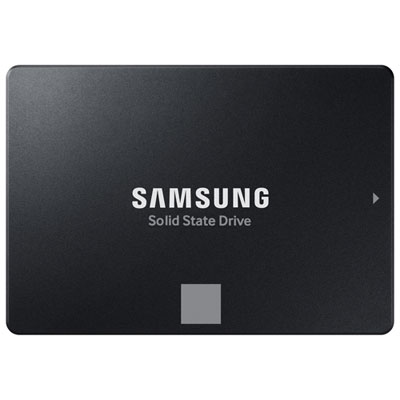 Your price for this item is $554.99
-
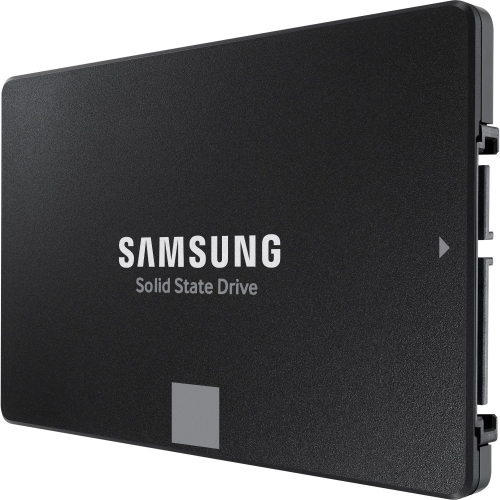 Your price for this item is $699.99
-
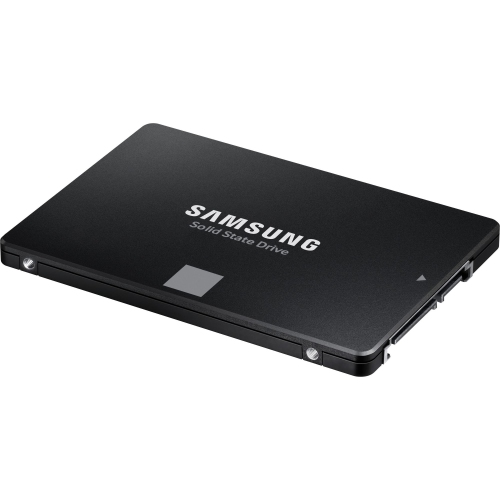 Your price for this item is $389.99
-
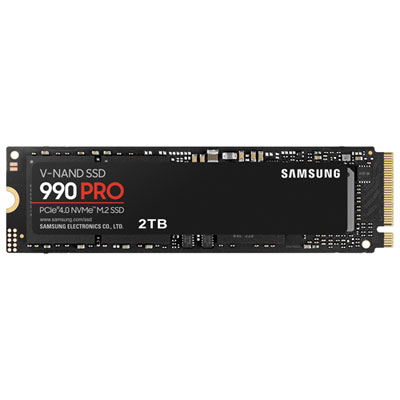 Your price for this item is $874.99
-
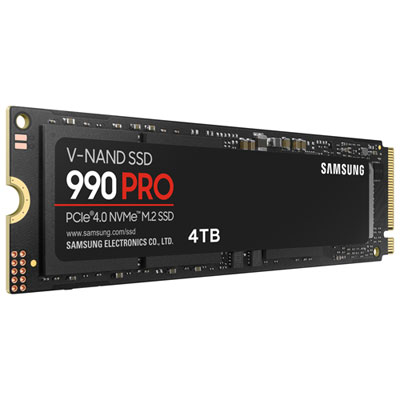 Your price for this item is $1499.99
-
 Your price for this item is $1724.99
-
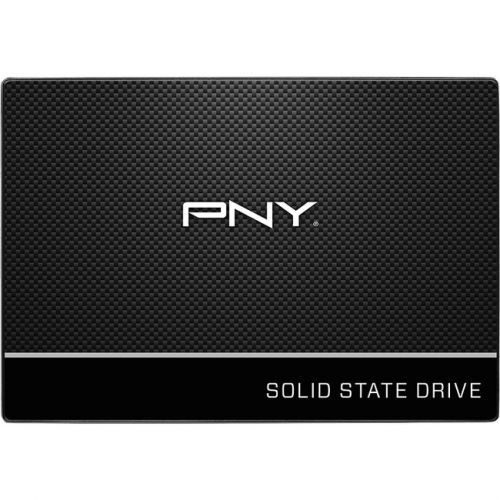 Your price for this item is $106.93
-
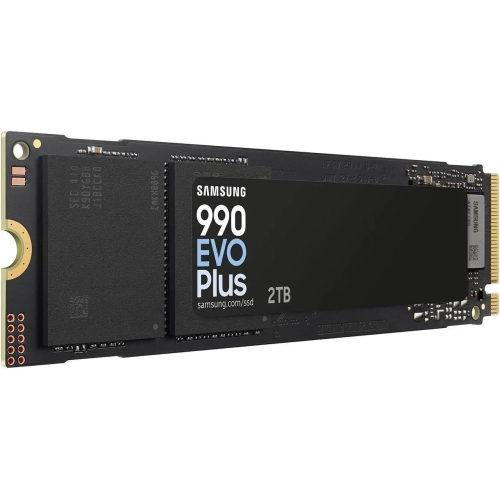 Your price for this item is $639.99
Discover more categories related to 240GB Solid State Drives
Top Collections:
Pokemon Centers, Best Budget Office Chairs, Kindle Devices, Best Cameras for Sports Photography, Pokémon 30th Celebration Cards, Best Laptops for Writers, Canon G7X Cameras, iPhone 15 Apple, Best Cell Phones Under $300, Apple iPhones 16
Some products may be subject to Environmental Handling Fees
(EHF) depending on your province.
Learn more about EHFs.