Student Desktop Computers
Student Desktop Computers are designed to support learning, creativity, and productivity throughout the academic journey. Whether tackling assignments, conducting research, or connecting with classmates online, these desktops provide the reliable performance students need for everyday tasks. Explore a range of options to find the perfect fit for any study space and budget, making it easier to stay organized and focused on schoolwork. Discover how Student Desktop Computers can help streamline your studies and keep you prepared for every challenge the school year brings.
Sort



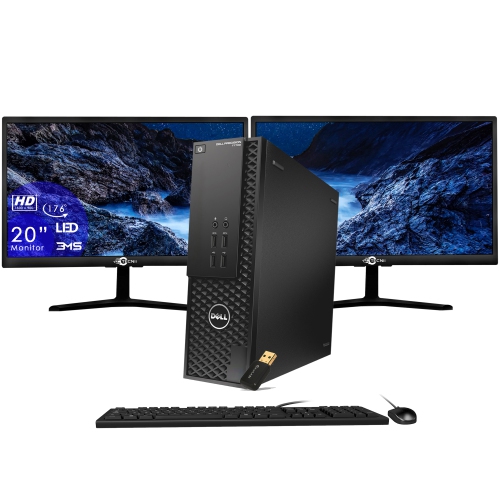
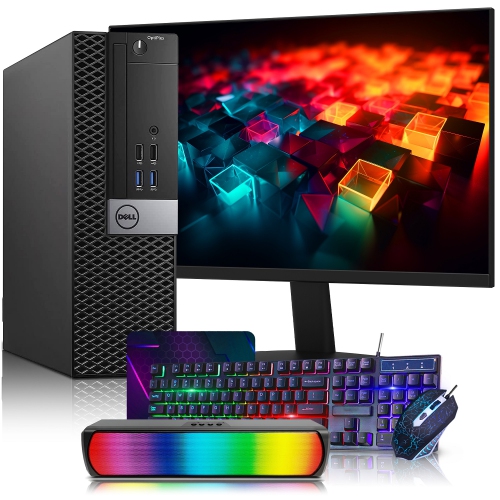
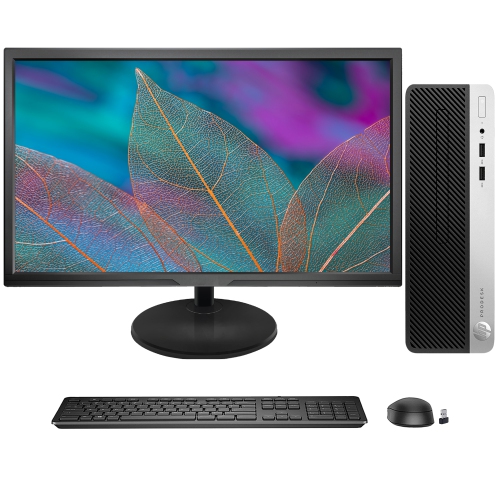
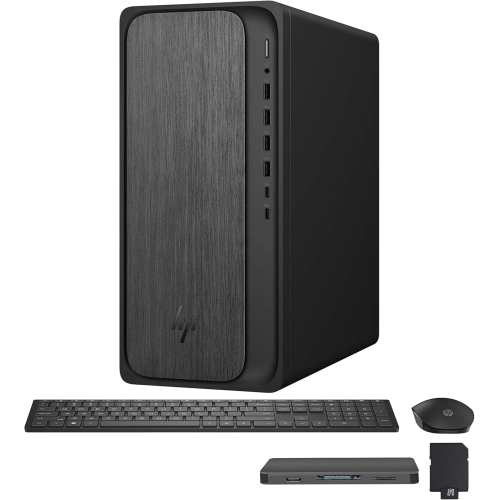
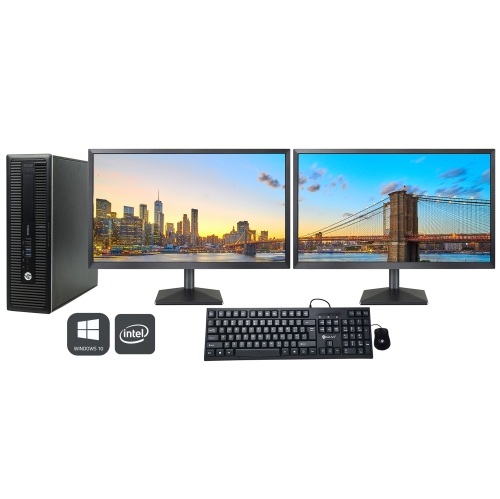
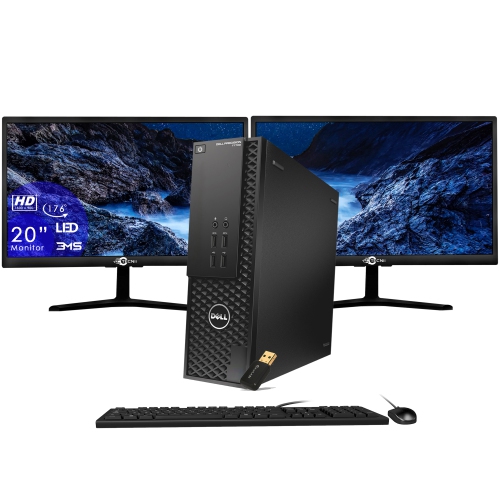
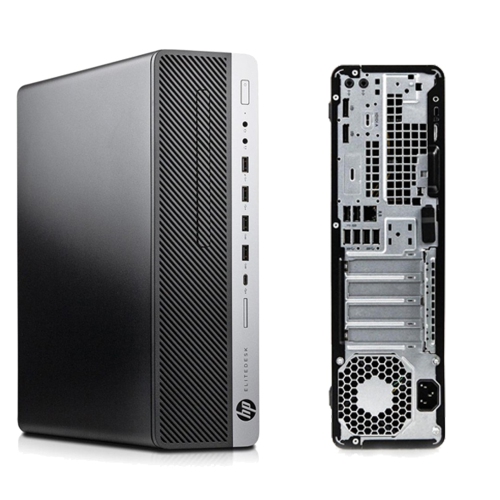
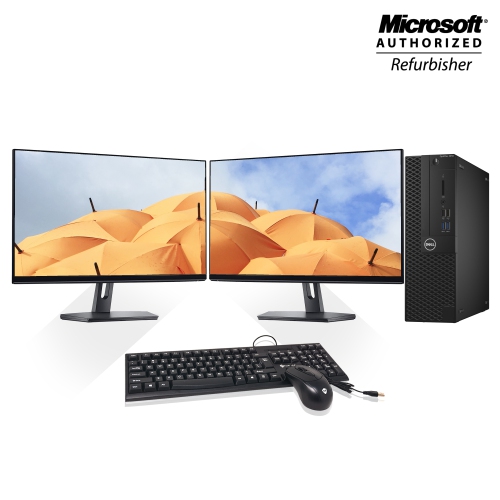

A study setup that fits your coursework and space
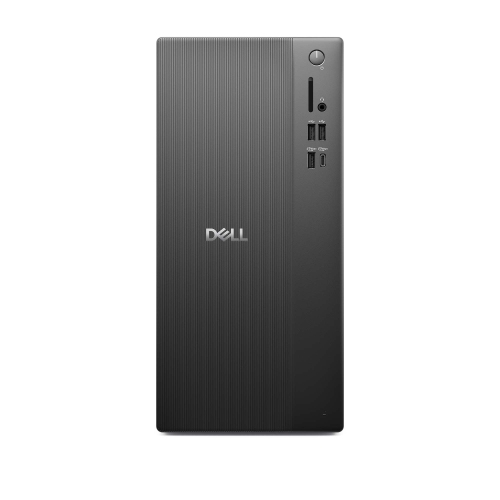
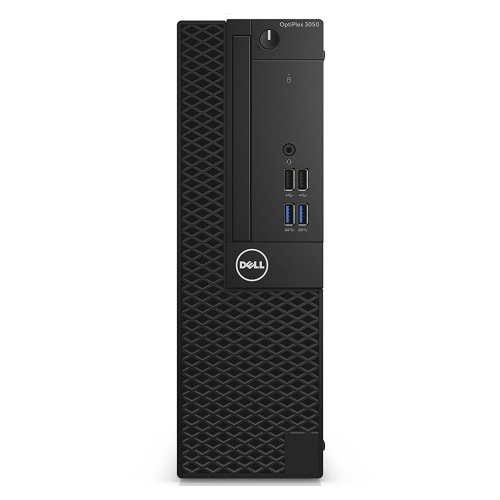
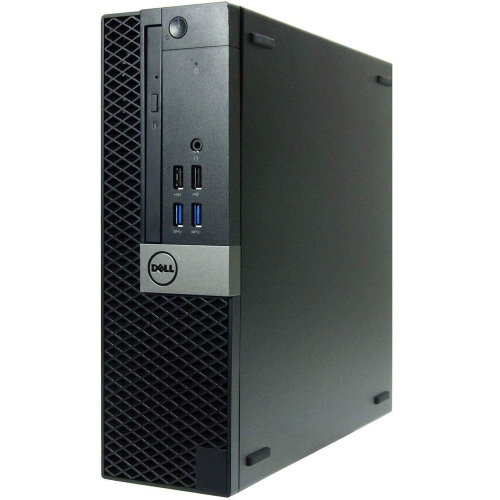
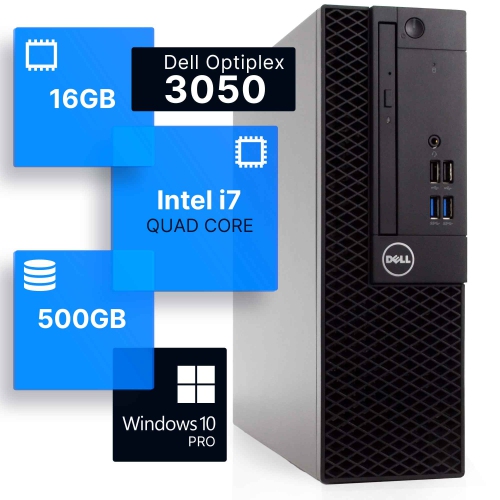
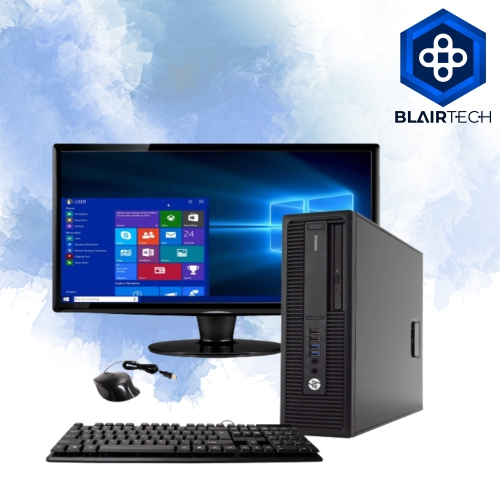
Student desktop computers provide a dedicated place for coursework, research, online classes, and creative projects, with a setup that can stay ready for the next study session. For a secondary school student, that might mean writing an essay while keeping reference material open beside it; for a college or university student, it could mean moving between spreadsheets, presentation software, and a group video call. A desktop suits students who do most of their work in one location and appreciate a separate keyboard, a comfortable screen height, and room to spread out notes. Everyday schoolwork generally calls for a capable processor, enough memory for several applications, and solid-state storage that helps the computer start up and open files quickly. As a general starting point, 8GB of RAM can support basic writing, browsing, and email, while 16GB provides more headroom for larger documents, multiple browser tabs, and simultaneous applications. A 256GB SSD may suit a student whose files are mostly documents and whose school provides online storage; 512GB offers more room for installed software, presentations, and media files. Actual storage needs depend on course requirements, and video projects or large datasets can fill a drive much faster than essays. Processor requirements also vary: routine assignments do not usually need the same computing power as engineering simulations, software development, or advanced media work. Students taking design, animation, or technical courses may need dedicated graphics, additional memory, or particular operating system support. The published requirements for course software are a useful reference, especially when an application depends on specific hardware features. A desktop can also make a thoughtful gift for a student setting up a first home study space, provided its specifications match their programme and its size fits the room. The most useful setup is one that handles familiar daily tasks comfortably while leaving reasonable room for the work that comes next.
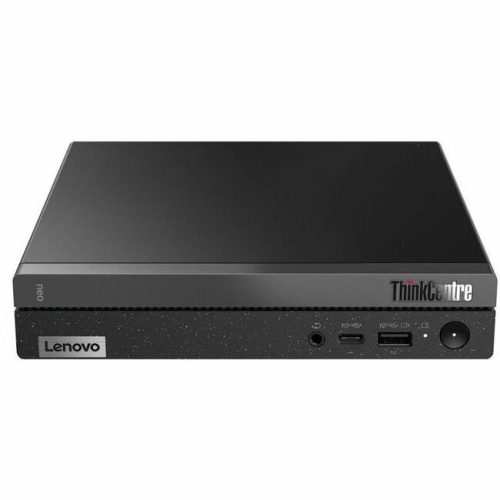
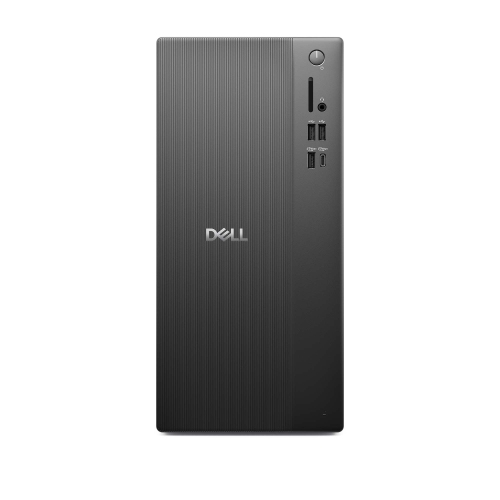
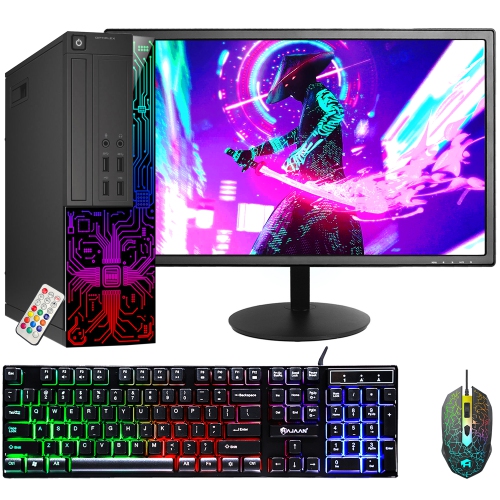
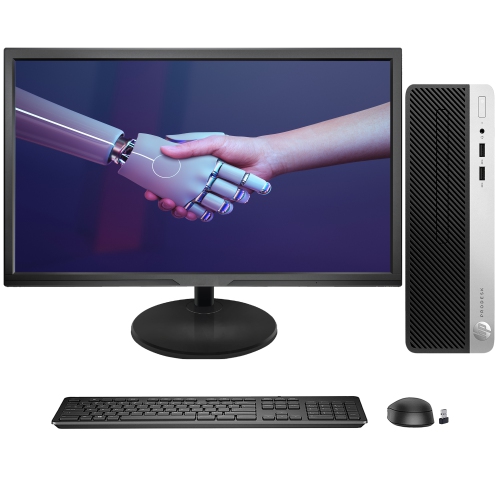
The physical format of a student desktop shapes how it fits into everyday life. A traditional tower keeps the computer separate from the display, allowing a student to pair it with a screen that suits their reading, coding, or creative work. Some towers also offer accessible memory slots, storage bays, or expansion slots, although upgrade options depend on the individual design, power supply, and component compatibility. Compact desktops take up less space and can suit a narrow desk, but their smaller cases may limit internal expansion. An all-in-one desktop places the main computer components within the display housing, reducing the number of separate pieces on the desk. That arrangement can leave more surface area for textbooks and handwritten notes, though the screen and computing hardware are less independent when repair or replacement becomes necessary. For students fitting a permanent workstation into shared accommodation, Dorm Room Desktop Computers are relevant to the same balance of workspace, screen comfort, and everyday performance. Fit involves more than the computer’s footprint: a tower needs open ventilation space, an all-in-one needs sufficient desk depth, and either format needs accessible connections for peripherals. A 24-inch display can provide a comfortable workspace for everyday assignments, while a larger screen or a compatible dual-monitor setup can make it easier to compare sources or keep a lecture beside a document. Readability depends on resolution, viewing distance, and text scaling as well as screen size. An adjustable monitor stand or compatible monitor arm can help position the screen at a comfortable height without relying on a stack of books. USB ports support accessories such as a keyboard, mouse, external drive, or headset, while display outputs determine which monitors can connect. Wi-Fi is useful where a wired connection is impractical; Ethernet offers an alternative when a network outlet is accessible. Built-in webcams, microphones, speakers, and wireless connections vary by desktop, so the complete study setup includes whichever features are needed for classes and collaboration.
Durability and ease of care matter for a computer that may handle assignments, hobbies, and shared household use over several school years. Desktop cases commonly combine metal panels with plastic trim, while all-in-one designs may include glass-fronted displays and metal or plastic stands. These materials influence weight, finish, and handling, but case material alone does not establish how well a computer will perform or how long its components will last. Stable placement, clear airflow, and careful handling of ports and cables all contribute to day-to-day reliability. A tower placed on a firm, raised surface is less exposed to floor dust than one sitting directly on carpet, and ventilation openings need to remain uncovered by papers, bags, or clothing. A dry microfibre cloth is useful for routine exterior dusting, with screen cleaning carried out according to the manufacturer’s directions rather than by spraying liquid directly onto the display. Drinks kept away from the keyboard and computer help avoid a preventable interruption just before an assignment deadline. Quiet operation can also be important in a shared bedroom or a study space used for video calls; fan noise varies with the cooling design and the workload. Beyond physical care, regular software updates and separate user accounts help keep a shared desktop organised, while automatic screen locking protects work when the student steps away. Important assignments benefit from more than one saved copy, such as a local file paired with school-approved online storage or an external backup. Online synchronisation is convenient, but it should not be treated as a substitute for understanding how deleted or changed files can be restored. For students who also enjoy games, photography, or video editing, the same desktop may serve several purposes, with hardware needs shaped by the most demanding application rather than schoolwork alone. A well-matched student desktop brings those activities together in a settled workspace: notes within reach, a clear view of the assignment, and enough capacity to move from a quiet reading session to a busy afternoon of research and collaboration.
The physical format of a student desktop shapes how it fits into everyday life. A traditional tower keeps the computer separate from the display, allowing a student to pair it with a screen that suits their reading, coding, or creative work. Some towers also offer accessible memory slots, storage bays, or expansion slots, although upgrade options depend on the individual design, power supply, and component compatibility. Compact desktops take up less space and can suit a narrow desk, but their smaller cases may limit internal expansion. An all-in-one desktop places the main computer components within the display housing, reducing the number of separate pieces on the desk. That arrangement can leave more surface area for textbooks and handwritten notes, though the screen and computing hardware are less independent when repair or replacement becomes necessary. For students fitting a permanent workstation into shared accommodation, Dorm Room Desktop Computers are relevant to the same balance of workspace, screen comfort, and everyday performance. Fit involves more than the computer’s footprint: a tower needs open ventilation space, an all-in-one needs sufficient desk depth, and either format needs accessible connections for peripherals. A 24-inch display can provide a comfortable workspace for everyday assignments, while a larger screen or a compatible dual-monitor setup can make it easier to compare sources or keep a lecture beside a document. Readability depends on resolution, viewing distance, and text scaling as well as screen size. An adjustable monitor stand or compatible monitor arm can help position the screen at a comfortable height without relying on a stack of books. USB ports support accessories such as a keyboard, mouse, external drive, or headset, while display outputs determine which monitors can connect. Wi-Fi is useful where a wired connection is impractical; Ethernet offers an alternative when a network outlet is accessible. Built-in webcams, microphones, speakers, and wireless connections vary by desktop, so the complete study setup includes whichever features are needed for classes and collaboration.
Durability and ease of care matter for a computer that may handle assignments, hobbies, and shared household use over several school years. Desktop cases commonly combine metal panels with plastic trim, while all-in-one designs may include glass-fronted displays and metal or plastic stands. These materials influence weight, finish, and handling, but case material alone does not establish how well a computer will perform or how long its components will last. Stable placement, clear airflow, and careful handling of ports and cables all contribute to day-to-day reliability. A tower placed on a firm, raised surface is less exposed to floor dust than one sitting directly on carpet, and ventilation openings need to remain uncovered by papers, bags, or clothing. A dry microfibre cloth is useful for routine exterior dusting, with screen cleaning carried out according to the manufacturer’s directions rather than by spraying liquid directly onto the display. Drinks kept away from the keyboard and computer help avoid a preventable interruption just before an assignment deadline. Quiet operation can also be important in a shared bedroom or a study space used for video calls; fan noise varies with the cooling design and the workload. Beyond physical care, regular software updates and separate user accounts help keep a shared desktop organised, while automatic screen locking protects work when the student steps away. Important assignments benefit from more than one saved copy, such as a local file paired with school-approved online storage or an external backup. Online synchronisation is convenient, but it should not be treated as a substitute for understanding how deleted or changed files can be restored. For students who also enjoy games, photography, or video editing, the same desktop may serve several purposes, with hardware needs shaped by the most demanding application rather than schoolwork alone. A well-matched student desktop brings those activities together in a settled workspace: notes within reach, a clear view of the assignment, and enough capacity to move from a quiet reading session to a busy afternoon of research and collaboration.
Top selling and popular products
-
 Your price for this item is $1599
 -
 Your price for this item is $1629.79
 -
 Your price for this item is $1459.79
 -
 Your price for this item is $879
 -
 Your price for this item is $1249.99
 -
 Your price for this item is $1839
 -
 Your price for this item is $879
 -
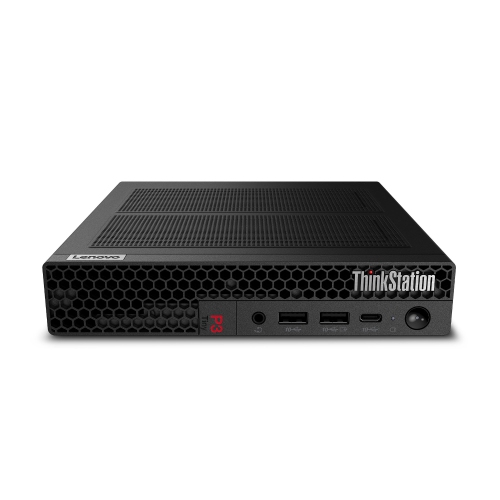 Your price for this item is $1259
Discover more categories related to Student Desktop Computers

Top Collections:
Pokemon Centers, Budget 4K TVs, Best Budget Office Chairs, Kindle Devices, Canon G7X Cameras, Apple iPhones 16, iPhone 15 Apple, Laptops for Business Work, Xiaomi Phones, Flip Phones
Some products may be subject to Environmental Handling Fees
(EHF) depending on your province.
Learn more about EHFs.