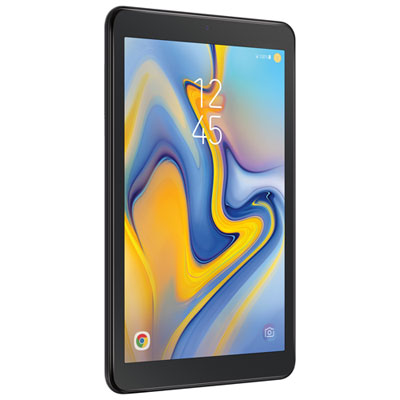
Tab A8 64GB
Discover the versatility and convenience of the Tab A8 64GB, designed to keep up with your busy lifestyle. Perfect for entertainment, productivity, and staying connected, this tablet offers ample storage for your favorite apps, photos, and files. Whether you’re browsing the web, streaming videos, or managing daily tasks, the Tab A8 64GB delivers a reliable experience in a sleek, portable design. Explore options that fit your needs and enjoy seamless performance wherever you go.
Sort
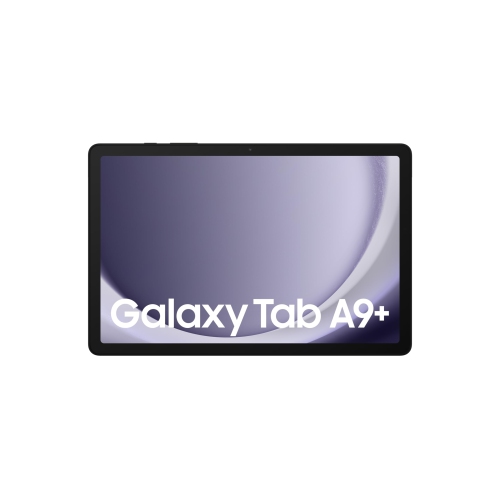
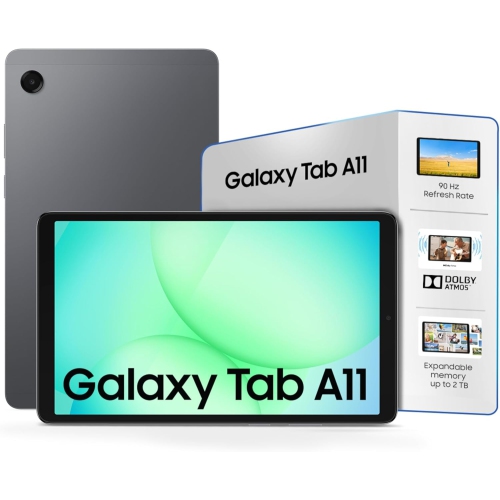
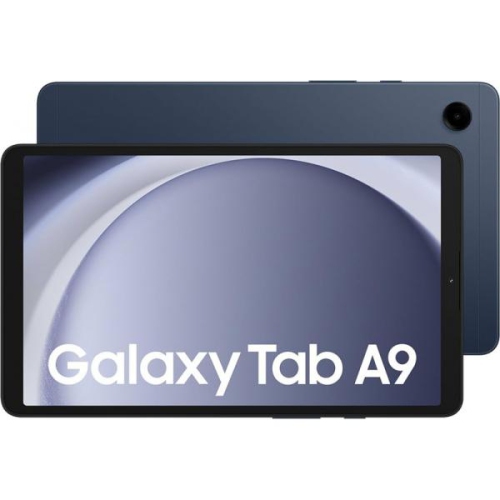
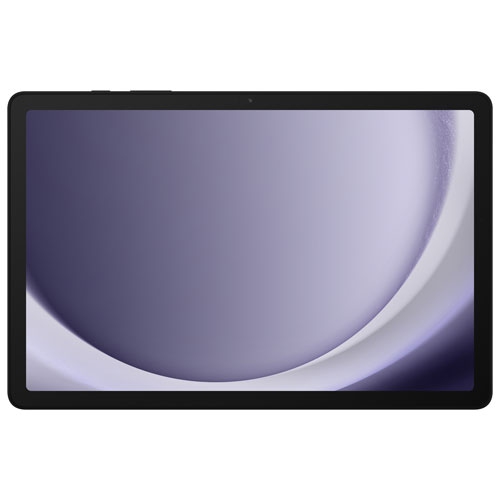
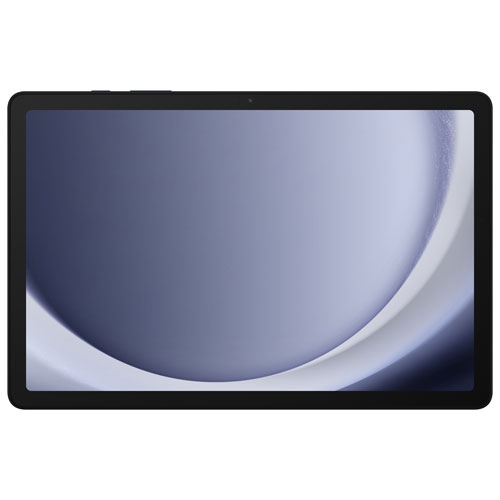
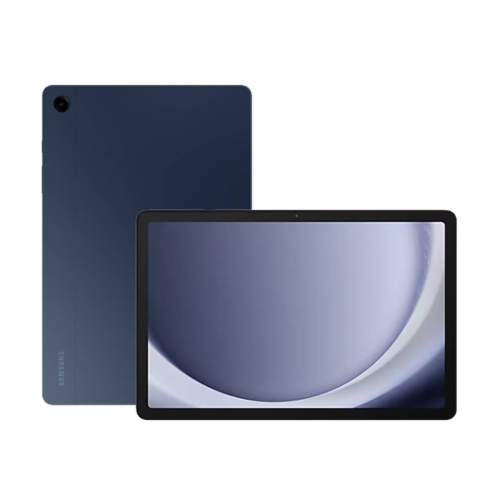
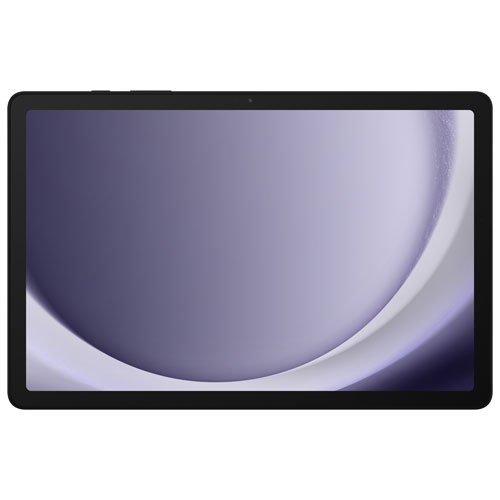
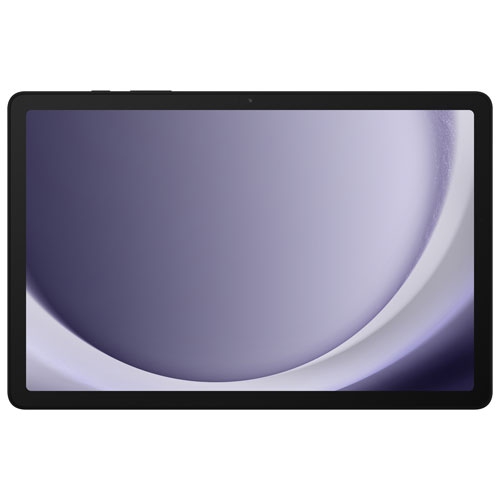

A tablet’s everyday value goes beyond its storage
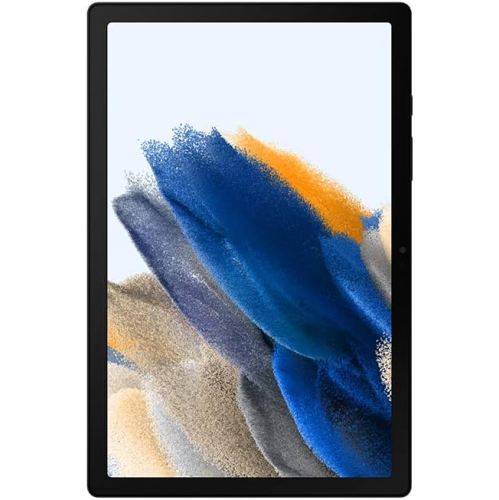
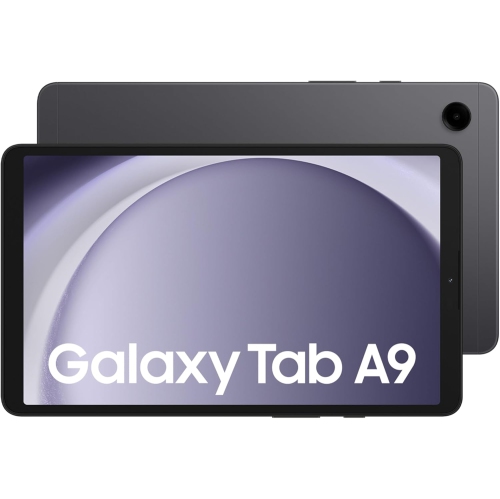
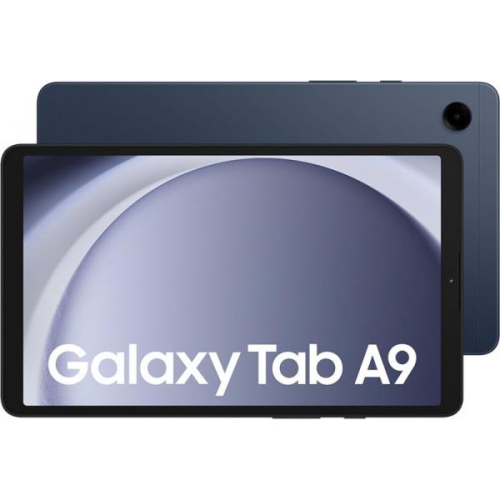
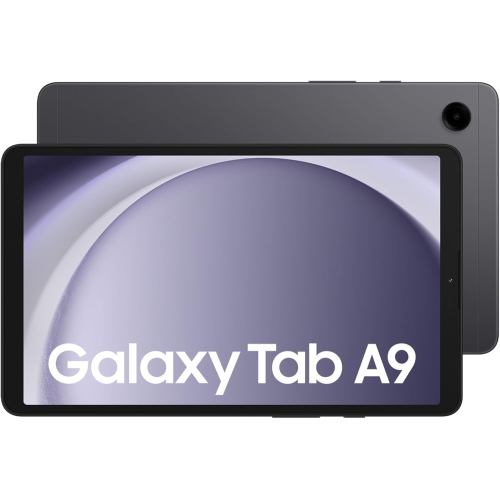
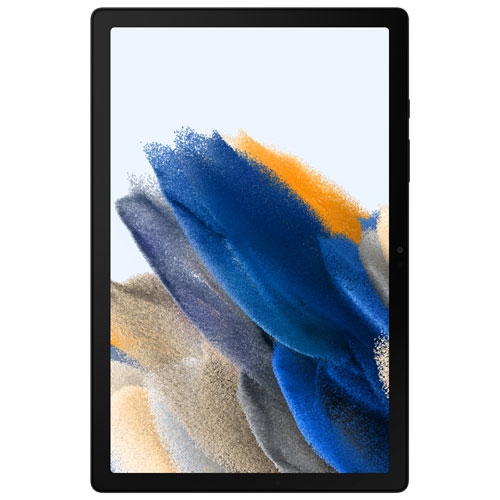
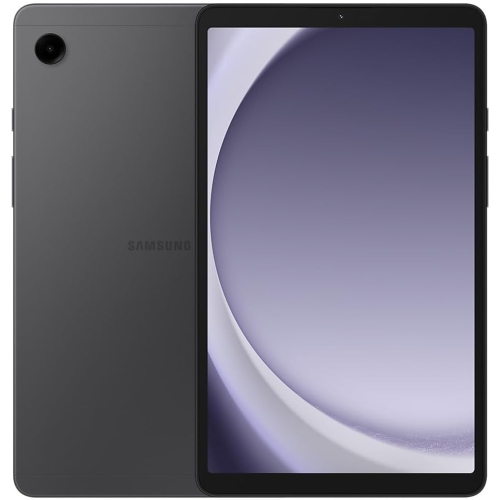
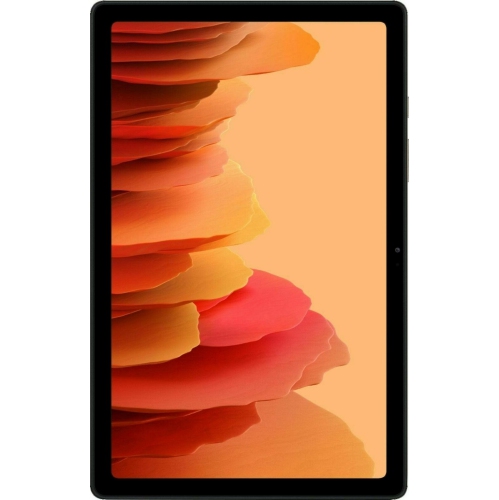
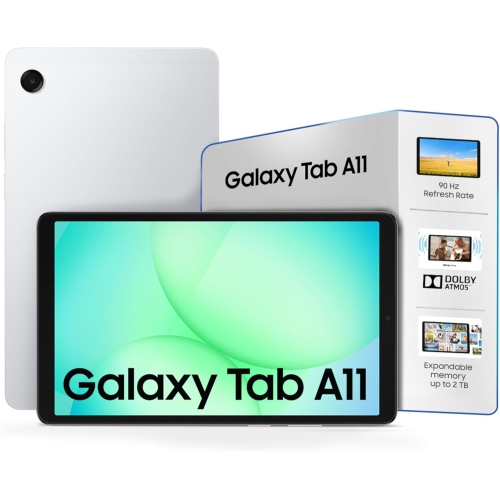
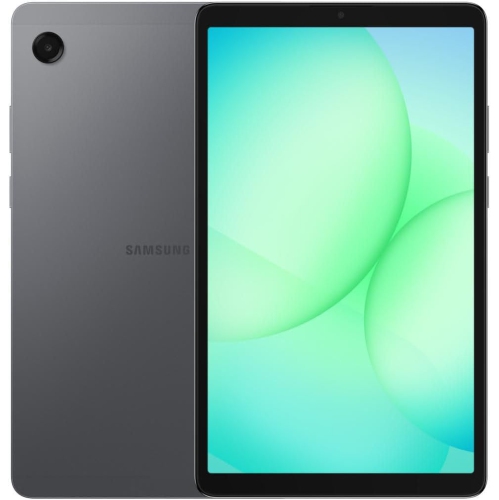
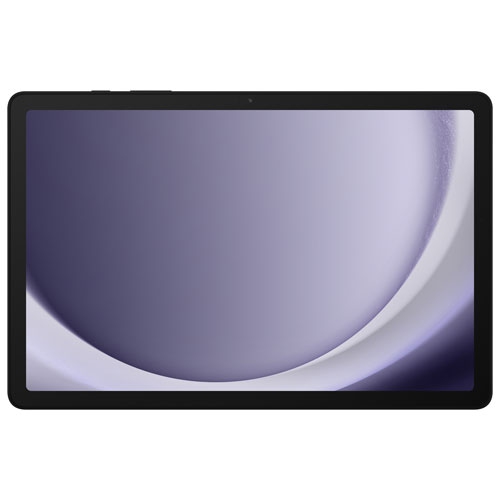
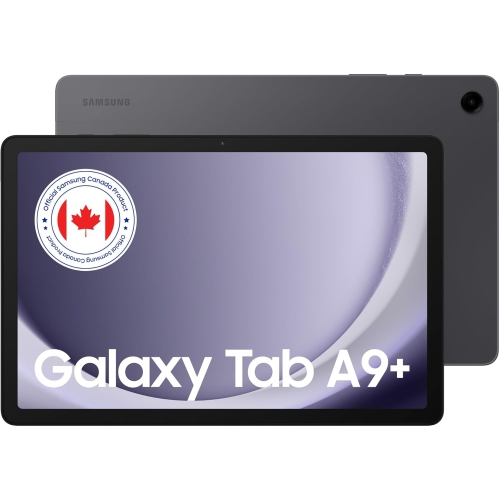
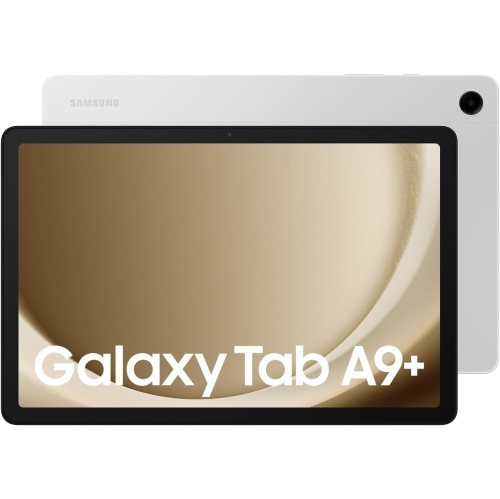
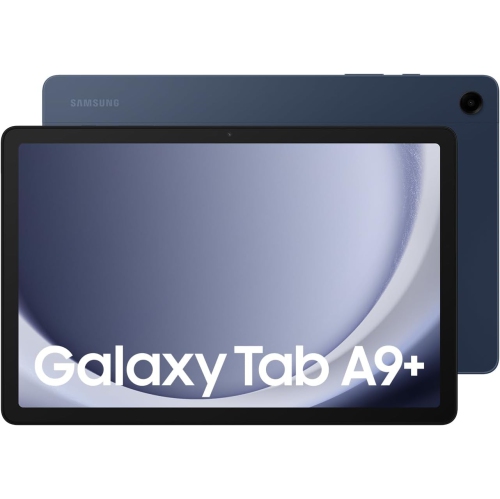
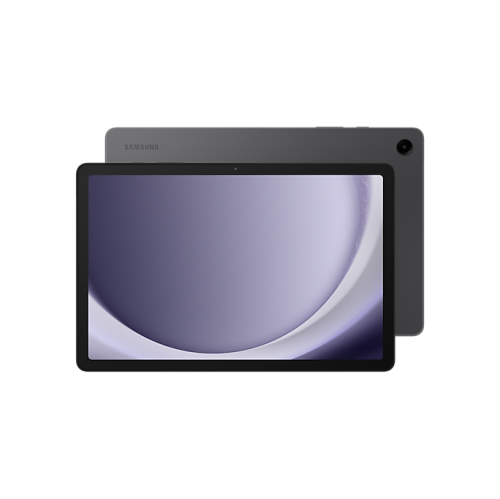
Tablets with 64GB of built-in storage offer a practical middle ground between a phone’s portability and a laptop’s larger workspace. They suit everyday activities such as watching videos, reading library books, checking email, following recipes, and joining video calls, with enough room for a collection of apps and downloaded content when storage is managed thoughtfully. A screen around 10.5 inches gives a recipe room to breathe on the kitchen counter and makes subtitles easier to read from a comfortable viewing distance. Display resolution, brightness, viewing angles, and reflections all influence how text and images look; screen size alone does not tell the whole story. For films and television, a widescreen layout can make good use of the display, while rotating the tablet into portrait orientation creates a more natural shape for articles and digital magazines. The 64GB storage figure describes the stated internal capacity, not the space left after the operating system and preinstalled software are accounted for. Downloaded films, large games, and saved video clips generally occupy more space than ebooks or documents, so a tablet used mainly for streaming has different storage demands from one packed for offline entertainment. Where supported, a microSD card can provide extra space for compatible files, although not every app or download can be moved to removable storage. Storage also serves a different purpose from memory: storage holds files and apps, while RAM helps keep active tasks running. Processor performance, available memory, and software requirements together affect how smoothly a tablet switches between a browser, a video call, and a document. For everyday use, that balance matters more than treating one number as a complete measure of capability. The related Samsung Tab A8 page offers a broader look at this tablet family.
The way a tablet feels in the hand matters just as much as what appears on its screen. Slim metal housings can feel sturdy and refined, while smooth surfaces may benefit from a textured case that gives fingers a more secure grip. Weight becomes noticeable during a long reading session, especially when the tablet is held above a lap rather than supported on a desk. A folding cover or stand can make a useful difference, holding the screen upright for a cooking video or angling it for an online lesson. Accessory fit is precise: similar screen measurements do not guarantee matching camera openings, speaker cut-outs, charging-port access, or button placement. A case designed for the correct dimensions keeps those details usable without forcing the tablet into place. Screen protectors can help reduce everyday scratching, but neither a case nor a protector makes a device immune to drops or pressure inside a crowded bag. A padded compartment keeps the display away from keys and other hard objects during a commute. Routine care is straightforward: a soft, lint-free cloth removes fingerprints, and cleaning methods should follow the device manufacturer’s directions rather than relying on household sprays. Liquids should stay away from ports and openings, and a tablet should not be assumed to resist spills unless that protection is explicitly specified. Battery experience depends on screen brightness, wireless activity, app demands, and how much video or gaming fills the day. Charging speed likewise depends on both the tablet’s supported input and the charger and cable used with it. A compatible charging setup near a regular resting place makes it easier to keep the device ready without leaving a cable stretched across a walkway. For listening, built-in speakers are convenient for shared viewing, while compatible headphones offer a more private option in a shared room. Wi-Fi provides access to streaming, downloads, and calls wherever a suitable network is available; mobile connectivity is a separate feature rather than something every tablet includes.
A 64GB tablet can fit several roles within a household without needing to replace a full computer. For a student, it may become a reading screen for course material, a place to review slides, or a companion for video lessons. For someone who enjoys films, it can provide a personal screen on a train journey or a comfortable alternative to watching on a phone. Downloaded entertainment is useful away from a reliable connection, although streaming services differ in whether they allow downloads, how long those downloads remain playable, and which subscription features are required. In the kitchen, a stable stand keeps a recipe visible while leaving hands free; at a desk, a compatible keyboard may make short emails and simple documents easier to handle. Touchscreen use still has limits, and work that depends on desktop-only software, complex spreadsheets, or extensive file management may call for a computer instead. Families sharing a tablet also benefit from considering account settings, purchase permissions, age-appropriate content controls, and the privacy of saved messages and photos. Available controls vary by software version and service, so household setup is part of the overall experience rather than a feature to assume. For video calls, camera position, room lighting, microphone clarity, and a steady connection can matter more than the camera’s megapixel count. Placing the screen near eye level helps make a conversation feel more natural and avoids the awkward angle of a tablet lying flat on a table. As a gift, this category can suit a reader, a casual viewer, or a relative who wants a larger screen for staying in touch, particularly when the recipient’s preferred apps are compatible. Long-term usefulness also depends on software support and whether essential services continue to work with the installed operating system. A well-matched tablet brings together manageable size, suitable storage, comfortable handling, and the right everyday functions, making it easy to reach for between larger tasks.
The way a tablet feels in the hand matters just as much as what appears on its screen. Slim metal housings can feel sturdy and refined, while smooth surfaces may benefit from a textured case that gives fingers a more secure grip. Weight becomes noticeable during a long reading session, especially when the tablet is held above a lap rather than supported on a desk. A folding cover or stand can make a useful difference, holding the screen upright for a cooking video or angling it for an online lesson. Accessory fit is precise: similar screen measurements do not guarantee matching camera openings, speaker cut-outs, charging-port access, or button placement. A case designed for the correct dimensions keeps those details usable without forcing the tablet into place. Screen protectors can help reduce everyday scratching, but neither a case nor a protector makes a device immune to drops or pressure inside a crowded bag. A padded compartment keeps the display away from keys and other hard objects during a commute. Routine care is straightforward: a soft, lint-free cloth removes fingerprints, and cleaning methods should follow the device manufacturer’s directions rather than relying on household sprays. Liquids should stay away from ports and openings, and a tablet should not be assumed to resist spills unless that protection is explicitly specified. Battery experience depends on screen brightness, wireless activity, app demands, and how much video or gaming fills the day. Charging speed likewise depends on both the tablet’s supported input and the charger and cable used with it. A compatible charging setup near a regular resting place makes it easier to keep the device ready without leaving a cable stretched across a walkway. For listening, built-in speakers are convenient for shared viewing, while compatible headphones offer a more private option in a shared room. Wi-Fi provides access to streaming, downloads, and calls wherever a suitable network is available; mobile connectivity is a separate feature rather than something every tablet includes.
A 64GB tablet can fit several roles within a household without needing to replace a full computer. For a student, it may become a reading screen for course material, a place to review slides, or a companion for video lessons. For someone who enjoys films, it can provide a personal screen on a train journey or a comfortable alternative to watching on a phone. Downloaded entertainment is useful away from a reliable connection, although streaming services differ in whether they allow downloads, how long those downloads remain playable, and which subscription features are required. In the kitchen, a stable stand keeps a recipe visible while leaving hands free; at a desk, a compatible keyboard may make short emails and simple documents easier to handle. Touchscreen use still has limits, and work that depends on desktop-only software, complex spreadsheets, or extensive file management may call for a computer instead. Families sharing a tablet also benefit from considering account settings, purchase permissions, age-appropriate content controls, and the privacy of saved messages and photos. Available controls vary by software version and service, so household setup is part of the overall experience rather than a feature to assume. For video calls, camera position, room lighting, microphone clarity, and a steady connection can matter more than the camera’s megapixel count. Placing the screen near eye level helps make a conversation feel more natural and avoids the awkward angle of a tablet lying flat on a table. As a gift, this category can suit a reader, a casual viewer, or a relative who wants a larger screen for staying in touch, particularly when the recipient’s preferred apps are compatible. Long-term usefulness also depends on software support and whether essential services continue to work with the installed operating system. A well-matched tablet brings together manageable size, suitable storage, comfortable handling, and the right everyday functions, making it easy to reach for between larger tasks.
Top selling and popular products
-
 Your price for this item is $499.99
 -
 Your price for this item is $199.95
 -
 Your price for this item is $293.94
 -
 Your price for this item is $579.99
 -
 Your price for this item is $139.99
 -
 Your price for this item is $119.99
 -
 Your price for this item is $979.99
 -
 Your price for this item is $579.99
Discover more categories related to Tab A8 64GB
Top Collections:
Pokemon Centers, Best Cameras for Sports Photography, Kindle Devices, Samsung Galaxy Phones, Canon G7X Cameras, Pokémon 30th Celebration Cards, Refurbished Apple Laptops, iPhone 15 Apple, Laptops for Students, Budget Smartphones
Some products may be subject to Environmental Handling Fees
(EHF) depending on your province.
Learn more about EHFs.