Tablets for Business Use
When it comes to enhancing productivity and staying connected on the go, a reliable tablet designed for business use is an essential tool for professionals in today's fast-paced world. Whether you're attending meetings, responding to emails, or working on presentations, having a tablet that offers powerful performance, secure data storage, and seamless connectivity can make all the difference in streamlining your workday. Explore our selection of business-ready tablets that are equipped with advanced features to help you stay organized, efficient, and ahead of the curve in your professional endeavors.
Sort





Why your workflow matters more than tablet specifications
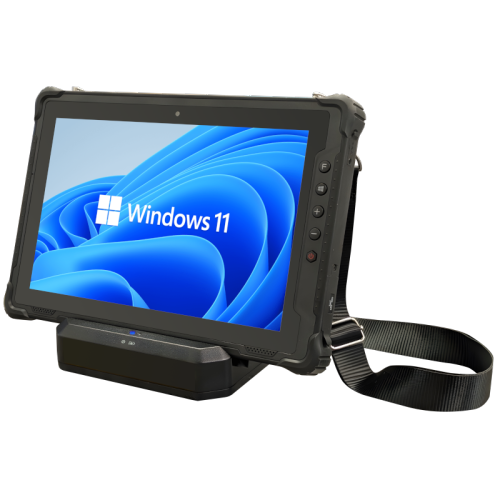
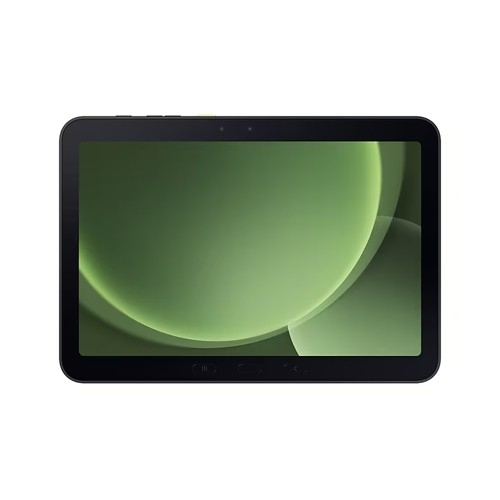
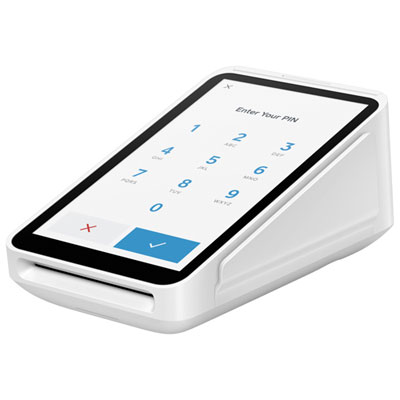
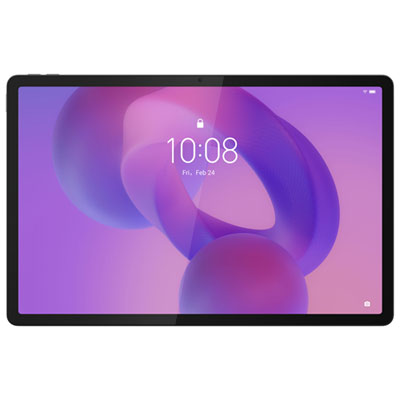
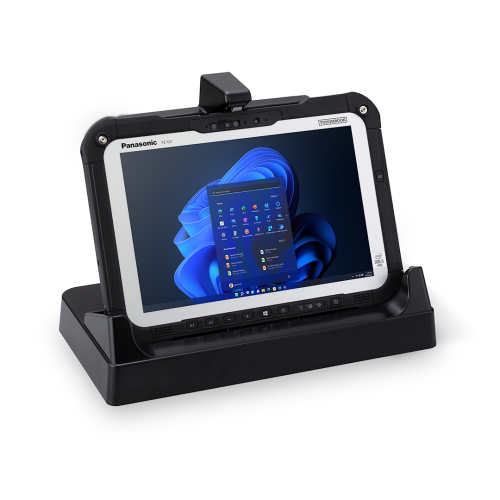
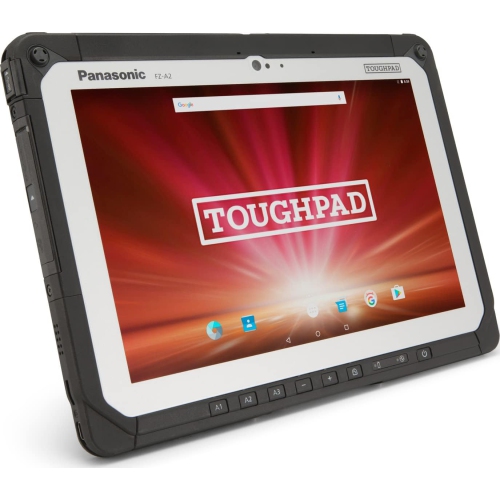
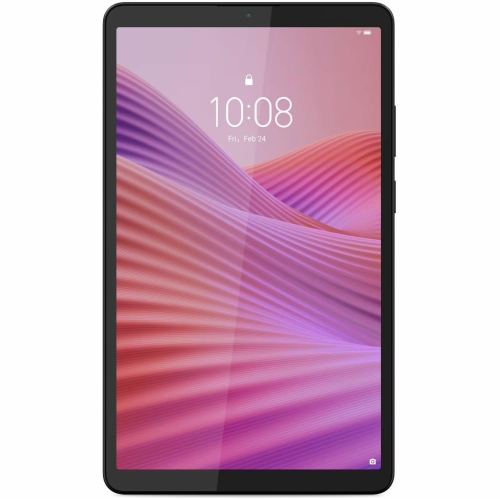
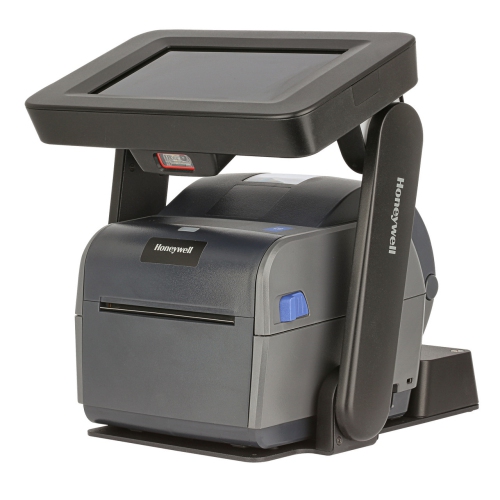
Tablets for business use bring everyday work into a portable, touch-friendly format, whether that means reviewing a contract across a meeting table, updating a client file between appointments, or presenting a proposal without opening a laptop. Their usefulness depends on how well the hardware, operating system, and business applications fit the job. A tablet used mainly for email, appointment scheduling, and digital forms has different demands from one handling large spreadsheets, detailed drawings, or frequent multitasking. For general office work, 8GB of RAM can be a useful starting point, while 16GB may provide more headroom for demanding applications and switching between tasks, depending on the operating system. Memory alone does not determine performance: processor capability, application design, and storage speed also matter. A 10-inch to 13-inch display often balances readable documents with portability, while a larger screen can make side-by-side work more comfortable. Display resolution affects the clarity of small text, and brightness and glare control influence readability under office lighting. For designers and anyone reviewing visual assets, colour accuracy and support for a compatible pressure-sensitive pen may deserve extra attention. Software compatibility is especially important when a tablet is expected to replace a computer. Mobile and browser-based applications may not include every feature found in their desktop equivalents, particularly advanced spreadsheet tools, specialized plug-ins, and administrative software. A desktop-style interface can make navigation more familiar, but it does not automatically provide desktop application compatibility. The strongest fit is a tablet that supports the actual files, programs, and connected equipment used throughout the working day. For a sales representative, that might mean dependable access to customer information and presentation files; for a project manager, it could mean marking up plans, joining calls, and keeping task updates visible together. These practical differences make intended use more important than any single specification.
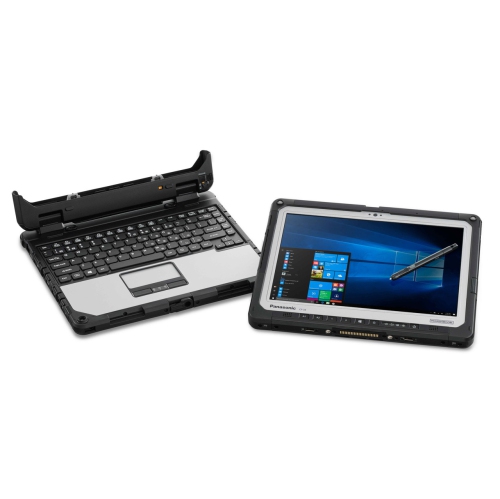
Portability matters most when a tablet spends as much time in someone’s hands as it does on a desk. Weight, thickness, and balance affect comfort during site visits, standing presentations, and repeated handoffs at a service counter. A compact tablet can fit neatly beside paperwork in a work bag, but its screen may feel restrictive when editing a wide spreadsheet or comparing two documents. Larger tablets offer more room for an on-screen keyboard and split-screen applications, though they can be less comfortable to hold for extended periods. For roles centred on frequent travel between workspaces, Lightweight Business Tablets put the focus on easier carrying and handheld use. The total carrying weight includes the case, keyboard, charger, and any adapters, not just the tablet itself. A detachable keyboard with well-spaced keys and a responsive trackpad can make longer emails and document revisions more practical. Its support mechanism also matters: a setup that feels steady on a conference table may be awkward on a lap. A compatible stylus can help with handwritten meeting notes, annotated PDFs, sketches, and digital signatures, although pen features and application support vary. Connectivity determines how easily that portable setup fits into a wider workspace. Wi-Fi supports office and home networks, while cellular-capable tablets can access mobile data away from Wi-Fi when paired with a compatible plan. Cellular service and coverage are separate considerations, and some tasks still require files to be downloaded in advance for offline use. Ports, wireless accessory support, and external display capabilities deserve similar attention. A USB-C connector does not guarantee every charging, data-transfer, or video-output feature, so compatibility with docks and monitors needs to be checked. Battery life also varies with screen brightness, video meetings, mobile data, and application workload. For staff moving between appointments, practical battery endurance and convenient charging can matter more than a headline performance figure.
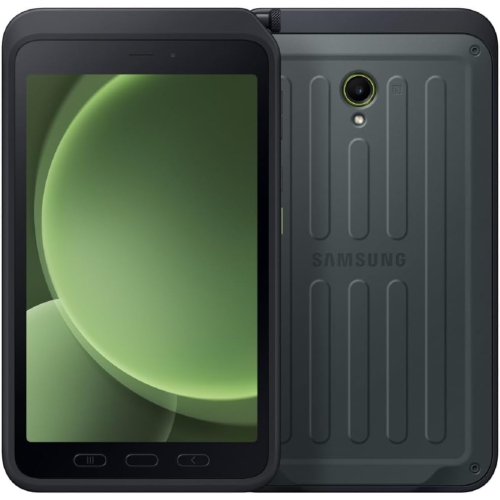
Business tablets also need to suit the people handling them and the information they carry. Front-facing camera placement, microphone clarity, and speaker quality make a noticeable difference during video meetings, especially when a tablet is positioned horizontally on a keyboard stand. Headset compatibility can support clearer conversations in shared offices, while accessibility features such as text scaling, voice input, and screen reading help accommodate different working preferences and needs. For shared devices, account controls and suitable management tools can help separate access and simplify administration. Fingerprint or facial authentication can make sign-in convenient, but protecting company information also depends on strong credentials, supported encryption, timely software updates, and appropriate access permissions. Organizations may need mobile device management support to configure applications, enforce policies, and remotely lock or erase a missing tablet, where those capabilities are supported and enabled. The expected length of security-update support is worth considering alongside hardware durability, particularly for tablets intended to remain in service for several years. Construction and protective accessories should reflect the setting. Metal housings can offer a firm, rigid feel, while textured cases can improve grip during handheld tasks. Neither appearance nor casing material alone establishes resistance to drops or liquids; any protection rating should be checked against its stated testing conditions. A well-fitting case should leave cameras, microphones, speakers, and charging ports accessible without interfering with a keyboard or pen attachment. Raised edges and a compatible screen protector may help limit everyday scuffs, but they do not make a device damage-proof. Routine care is straightforward: use a soft, lint-free cloth, follow the manufacturer’s cleaning directions, avoid excess moisture around openings, and keep connectors free of debris. In reception areas or customer-facing roles, a stable stand and an easy-to-clean case can make repeated use more comfortable. Across administrative work, field service, consulting, and creative tasks, a thoughtfully matched tablet can support a more flexible working day without forcing essential tasks into unsuitable software or an uncomfortable setup.
Portability matters most when a tablet spends as much time in someone’s hands as it does on a desk. Weight, thickness, and balance affect comfort during site visits, standing presentations, and repeated handoffs at a service counter. A compact tablet can fit neatly beside paperwork in a work bag, but its screen may feel restrictive when editing a wide spreadsheet or comparing two documents. Larger tablets offer more room for an on-screen keyboard and split-screen applications, though they can be less comfortable to hold for extended periods. For roles centred on frequent travel between workspaces, Lightweight Business Tablets put the focus on easier carrying and handheld use. The total carrying weight includes the case, keyboard, charger, and any adapters, not just the tablet itself. A detachable keyboard with well-spaced keys and a responsive trackpad can make longer emails and document revisions more practical. Its support mechanism also matters: a setup that feels steady on a conference table may be awkward on a lap. A compatible stylus can help with handwritten meeting notes, annotated PDFs, sketches, and digital signatures, although pen features and application support vary. Connectivity determines how easily that portable setup fits into a wider workspace. Wi-Fi supports office and home networks, while cellular-capable tablets can access mobile data away from Wi-Fi when paired with a compatible plan. Cellular service and coverage are separate considerations, and some tasks still require files to be downloaded in advance for offline use. Ports, wireless accessory support, and external display capabilities deserve similar attention. A USB-C connector does not guarantee every charging, data-transfer, or video-output feature, so compatibility with docks and monitors needs to be checked. Battery life also varies with screen brightness, video meetings, mobile data, and application workload. For staff moving between appointments, practical battery endurance and convenient charging can matter more than a headline performance figure.
Business tablets also need to suit the people handling them and the information they carry. Front-facing camera placement, microphone clarity, and speaker quality make a noticeable difference during video meetings, especially when a tablet is positioned horizontally on a keyboard stand. Headset compatibility can support clearer conversations in shared offices, while accessibility features such as text scaling, voice input, and screen reading help accommodate different working preferences and needs. For shared devices, account controls and suitable management tools can help separate access and simplify administration. Fingerprint or facial authentication can make sign-in convenient, but protecting company information also depends on strong credentials, supported encryption, timely software updates, and appropriate access permissions. Organizations may need mobile device management support to configure applications, enforce policies, and remotely lock or erase a missing tablet, where those capabilities are supported and enabled. The expected length of security-update support is worth considering alongside hardware durability, particularly for tablets intended to remain in service for several years. Construction and protective accessories should reflect the setting. Metal housings can offer a firm, rigid feel, while textured cases can improve grip during handheld tasks. Neither appearance nor casing material alone establishes resistance to drops or liquids; any protection rating should be checked against its stated testing conditions. A well-fitting case should leave cameras, microphones, speakers, and charging ports accessible without interfering with a keyboard or pen attachment. Raised edges and a compatible screen protector may help limit everyday scuffs, but they do not make a device damage-proof. Routine care is straightforward: use a soft, lint-free cloth, follow the manufacturer’s cleaning directions, avoid excess moisture around openings, and keep connectors free of debris. In reception areas or customer-facing roles, a stable stand and an easy-to-clean case can make repeated use more comfortable. Across administrative work, field service, consulting, and creative tasks, a thoughtfully matched tablet can support a more flexible working day without forcing essential tasks into unsuitable software or an uncomfortable setup.
Top selling and popular products
-
 Your price for this item is $499.99
 -
 Your price for this item is $199.95
 -
 Your price for this item is $325
 -
 Your price for this item is $579.99
 -
 Your price for this item is $139.99
 -
 Your price for this item is $119.99
 -
 Your price for this item is $979.99
 -
 Your price for this item is $579.99
Discover more categories related to Tablets for Business Use
Top Collections:
Pokemon Centers, Kindle Devices, Best Budget Office Chairs, Apple iPhones 16, Best Laptops for Writers, iPhone 15 Apple, Canon G7X Cameras, Refurbished Apple Laptops, Alarm Clock, Motorola Razr Phones
Some products may be subject to Environmental Handling Fees
(EHF) depending on your province.
Learn more about EHFs.