Tablet Gifts for Kids

Find tablet gifts for kids by comparing options for reading, games, creative activities, and schoolwork. Consider screen size, storage, battery life, and parental control features to choose a tablet that suits your child’s age and interests, as well as your budget.

Read More

Sort

A child’s interests matter more than age alone

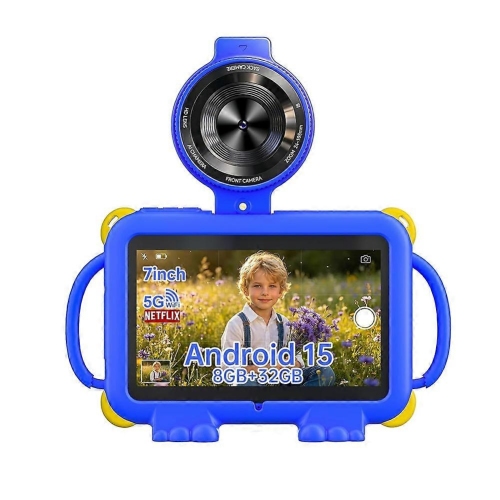
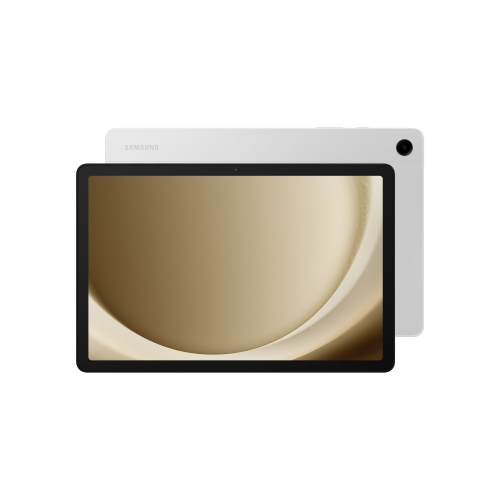
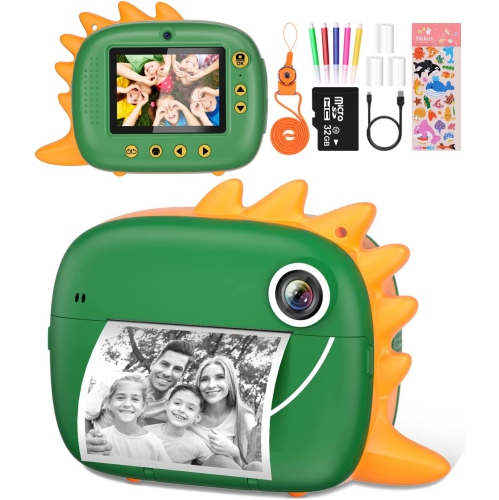
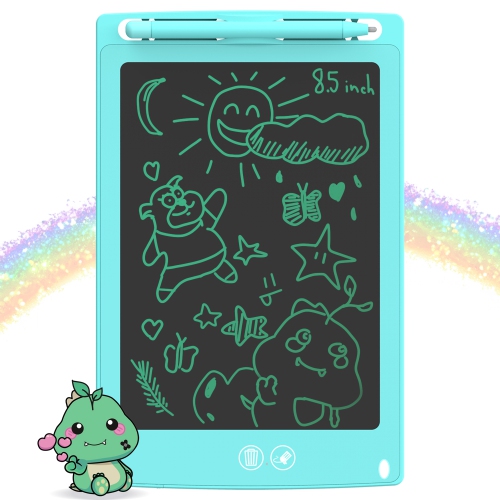
Tablet gifts for kids bring reading, drawing, games, and family connection together in a device that can travel from a desk to a grandparent’s kitchen table. The right fit depends less on a child’s age alone than on how they will use the tablet, how comfortably they can hold it, and how much help they need navigating apps. Younger children may benefit from a simple home screen, large icons, read-aloud stories, and activities they can enjoy alongside an adult. School-age children may want room for illustrated books, creative apps, puzzles, and video calls with relatives, while older kids may need a tablet that also supports homework, typing, and shared school documents. A selection of Kids Tablets can include devices with child-focused software as well as tablets suited to family use, so the distinction between device types matters. A connected tablet runs compatible apps and may offer web access, cameras, and downloadable entertainment. An electronic learning toy typically has a more limited set of built-in activities, while a basic LCD writing tablet is intended for drawing and handwriting rather than streaming, reading digital books, or joining a video call. These formats serve different purposes and are not interchangeable gifts. For a child who likes illustrating stories, a tablet with suitable drawing software and compatible pen support can provide space to sketch characters and practise lettering. For an enthusiastic reader, clear text, comfortable handling, and access to age-appropriate books may matter more than a large display. A shared family tablet has different demands again: separate profiles, where supported, can help keep each child’s apps and progress apart. As a birthday gift or a present marking a personal milestone, a tablet feels more thoughtful when it reflects an interest the child already has, whether that means making stop-motion clips, listening to narrated stories, or solving number puzzles with a parent nearby.

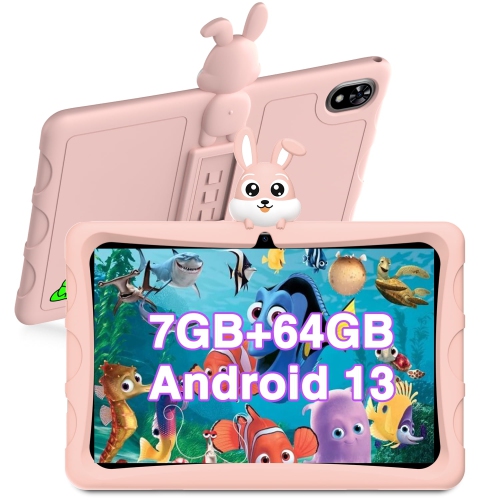
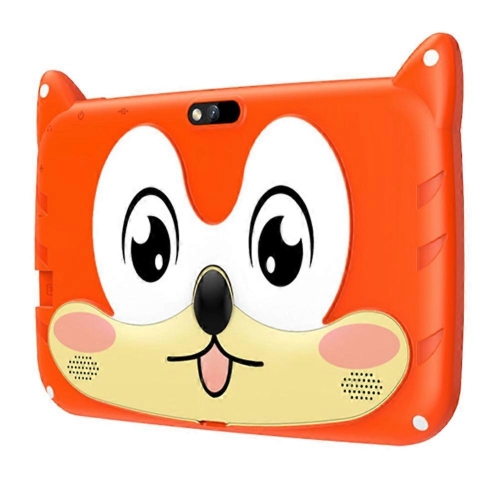
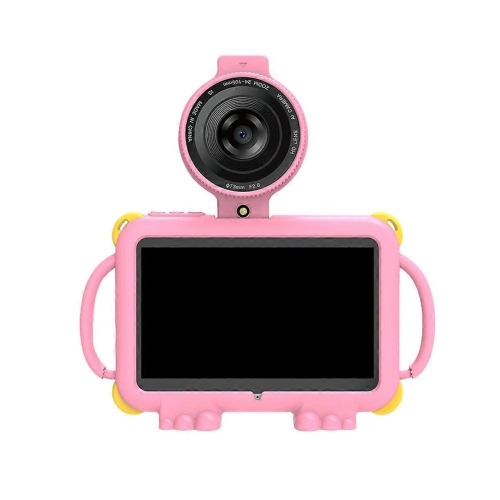
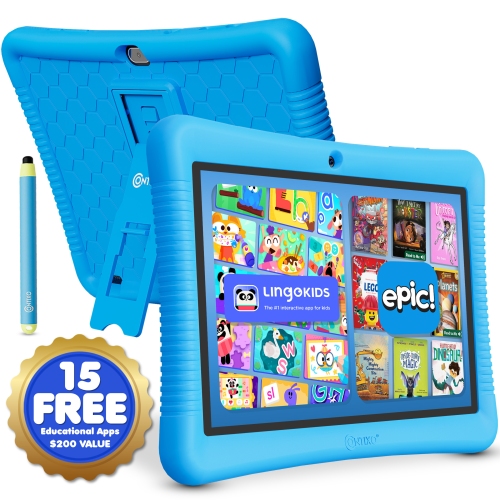
Size, weight, and construction shape how comfortable a tablet is in everyday use. A smaller device may be easier for little hands to carry, but a larger screen can give picture books, drawing tools, and side-by-side schoolwork more room. Screen measurements describe the diagonal display size, not the full dimensions of the tablet, and a protective case adds to both its width and weight. That difference is noticeable when a child holds a device through a long story or carries it between rooms. Many tablets combine a glass display with a plastic or metal body; a well-fitting case can add grip and help cushion everyday bumps, although protection varies by design and does not make a tablet indestructible. Silicone and other flexible case materials can provide a textured surface, while reinforced corners help cover areas that often take the first impact in a fall. A built-in stand can support hands-free viewing or video calls, provided it sits securely on a stable surface. Case openings should leave the charging port, speakers, microphones, and cameras clear, and any screen protector needs to match the device’s dimensions and sensor layout. Inside the tablet, storage affects how many apps, downloaded videos, books, and creative projects it can hold. The space left for personal content is less than the total stated capacity because system software uses part of it. Expandable storage, where supported, may offer extra room for some files, but it does not necessarily accommodate every app. Battery life also varies with screen brightness, wireless connections, gaming, and video use, so an advertised maximum is not a promise for every activity. Wi-Fi supports downloads and online features, while offline use depends on the app and whether content has been saved in advance. For a long journey, a downloaded story that has been tested without a connection can be more useful than a library of titles that still needs internet access.

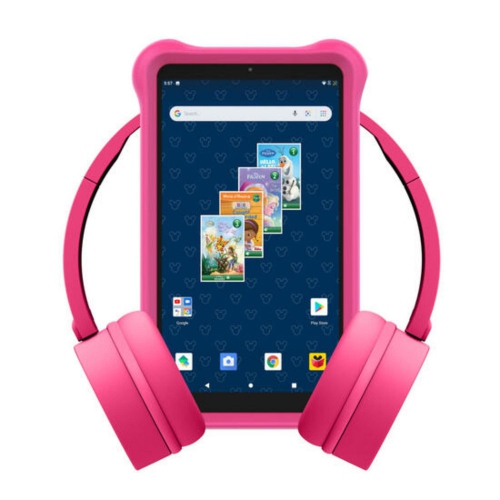
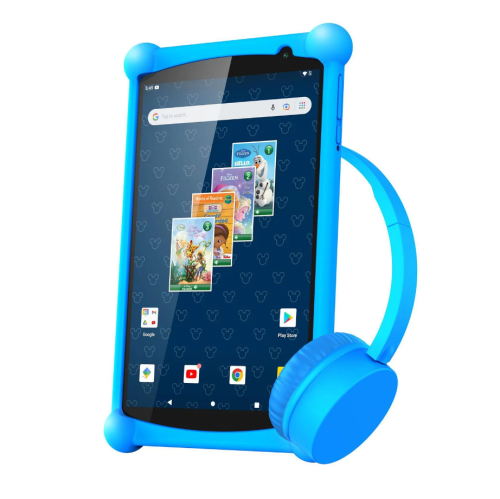
A tablet given to a child also becomes part of the household’s daily routines, which makes parental controls, account setup, and ongoing care important parts of its suitability. Depending on the device and software, family settings may allow an adult to approve downloads, restrict purchases, manage website access, set usage limits, and choose which content appears in a child’s profile. Those tools differ across platforms and do not replace adult involvement, especially when an app includes messaging, advertising, or links beyond the activity itself. Age ratings offer a starting point, but a brief look through an app can reveal whether its reading level, instructions, and interactions suit the intended recipient. Learning apps are most useful when their activities match a child’s abilities and leave room for conversation, practice, and play away from the screen. Accessibility features can matter just as much as entertainment options: adjustable text, captions, spoken content, and display settings may make a device easier to use, though support varies between apps. For gifts from grandparents, relatives, or family friends, compatibility with the household’s existing accounts and the caregiver’s preferred settings can make the handover smoother. Some tablets require an adult account before a child profile can be created, and optional services may involve subscriptions. Accessories need the same attention to compatibility. Active pens are not universal, keyboard connections vary, and headphones may use a wired port or Bluetooth. Volume-limiting headphones can support listening routines, but their limits and fit still need checking. Everyday care is usually straightforward: follow the manufacturer’s cleaning directions, use a soft lint-free cloth, and keep moisture away from openings. Charging cables should stay out of walkways, and damaged cables or a swollen battery require prompt attention rather than continued use. A regular storage spot, a sturdy stand, and a case that is easy to grip help a tablet settle into family life. With the right balance of practical features and room for a child’s interests, it can be a gift used for both quiet independent activities and time spent creating, reading, and learning together.
Read More

FAQ

Some products may be subject to Environmental Handling Fees (EHF) depending on your province. Learn more about EHFs.