Tablet PCs With Keyboard
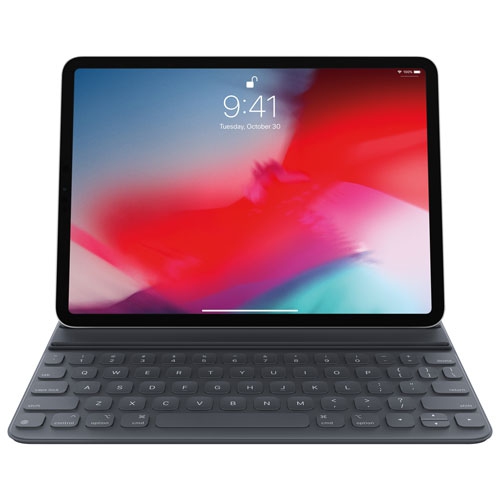
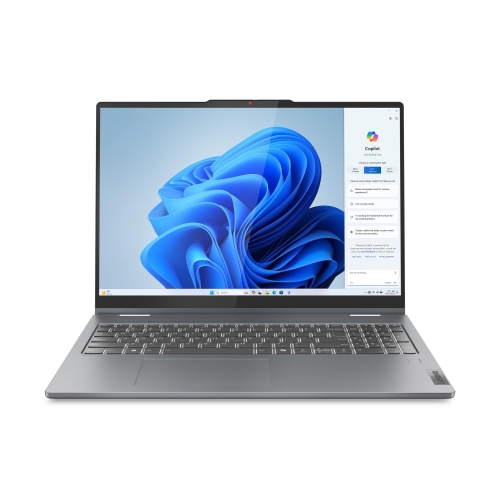
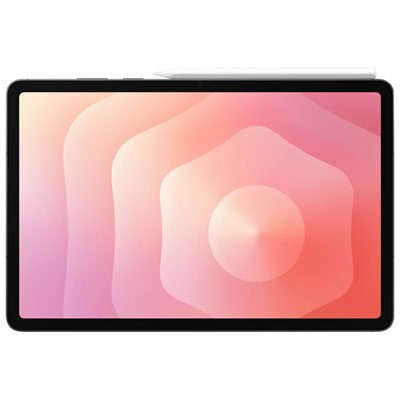
Tablet PCs with keyboards have revolutionized the way we work, play, and stay connected on the go. Combining the portability and convenience of a tablet with the functionality of a keyboard, these devices offer the best of both worlds. Whether you're a student looking for a versatile study tool, a professional needing to stay productive while traveling, or simply someone who enjoys the flexibility of a tablet with the added comfort of a physical keyboard, our selection of tablet PCs with keyboards has something to suit your needs. With their sleek designs, powerful performance, and endless possibilities, these devices are sure to enhance your digital experience.
Sort
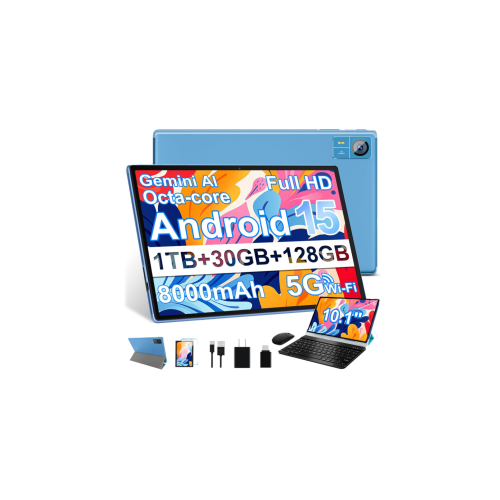
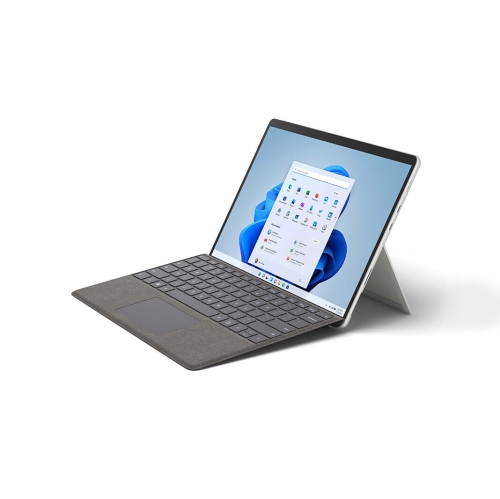
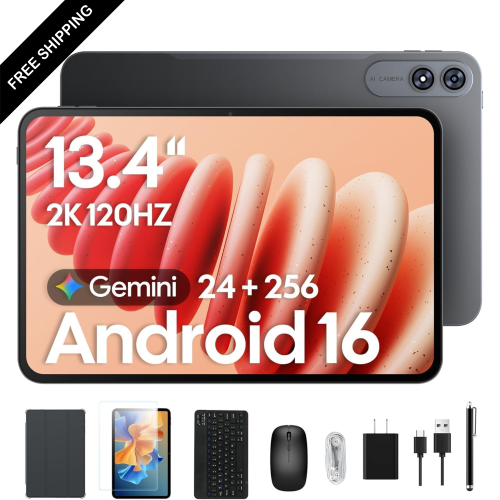
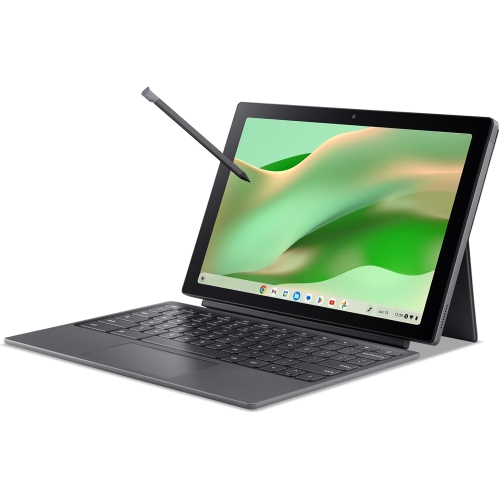
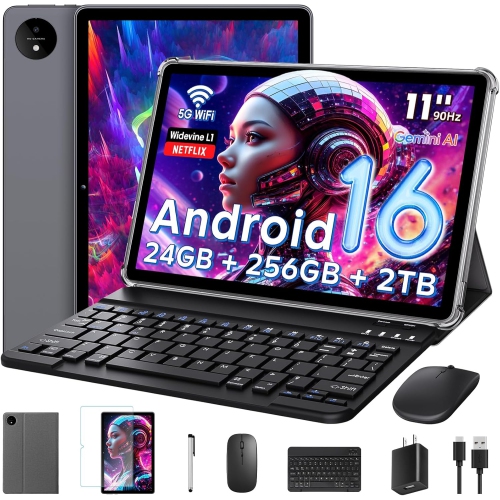
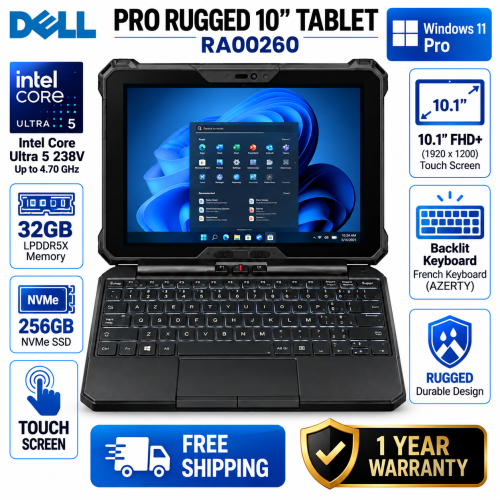
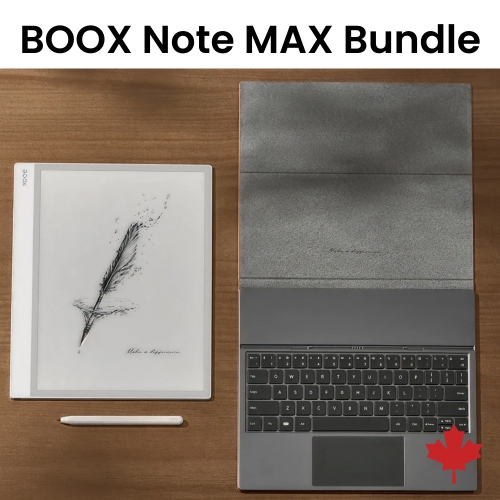
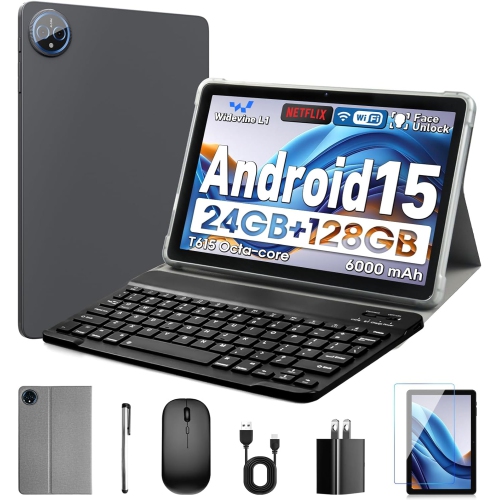
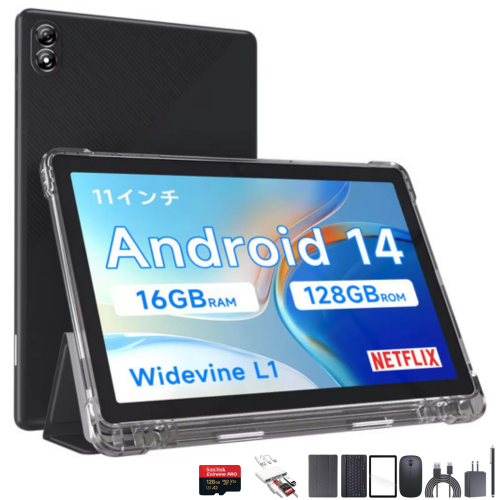
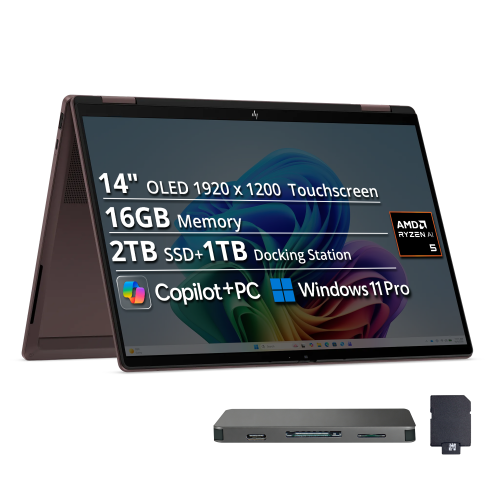
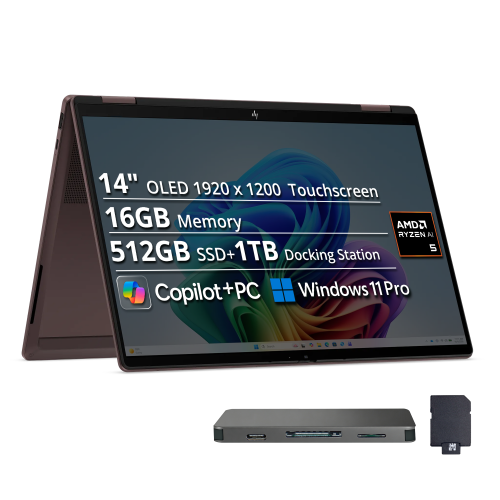
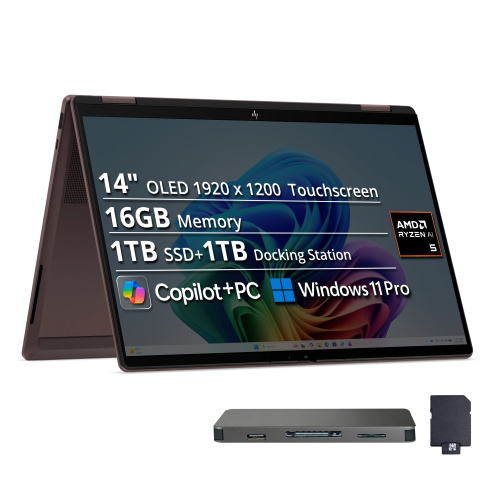
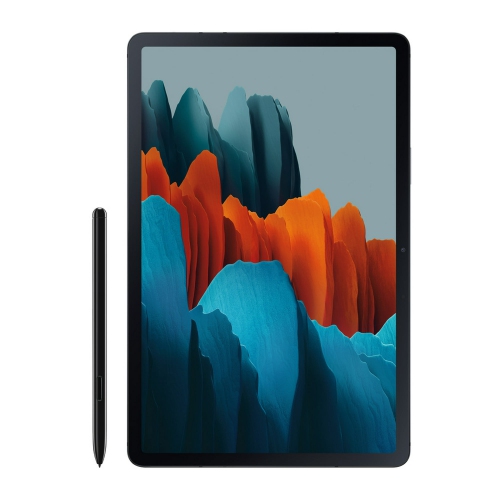
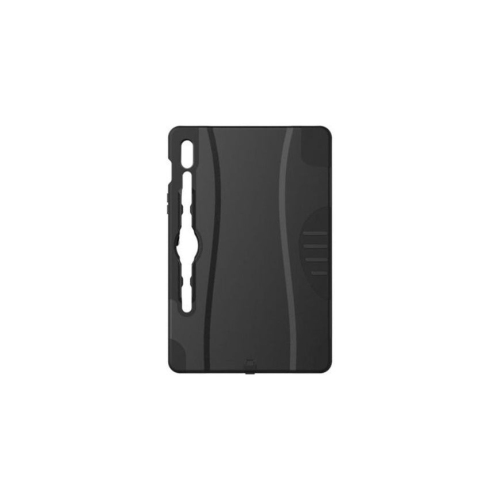
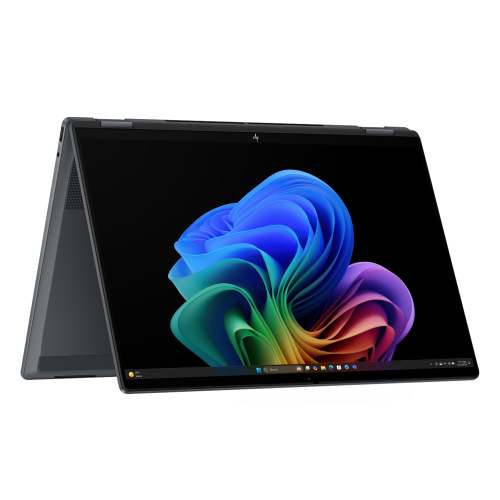
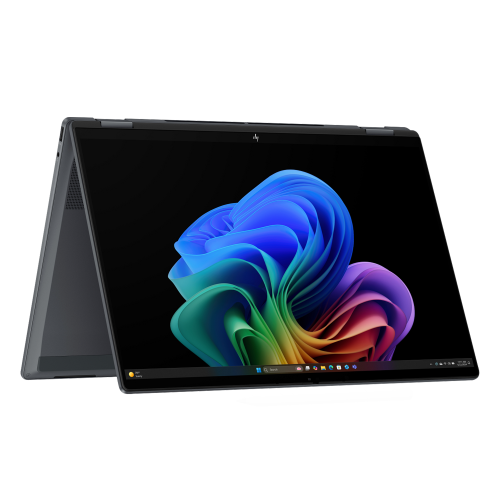
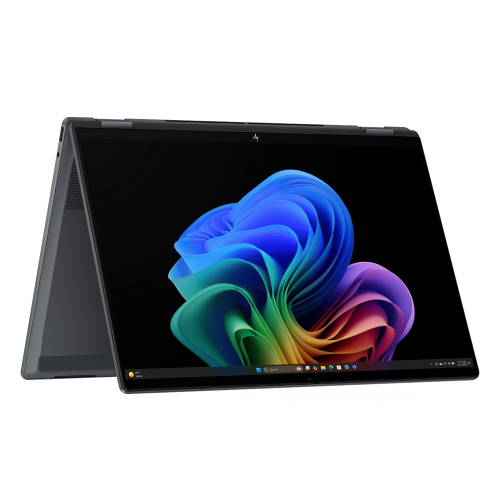
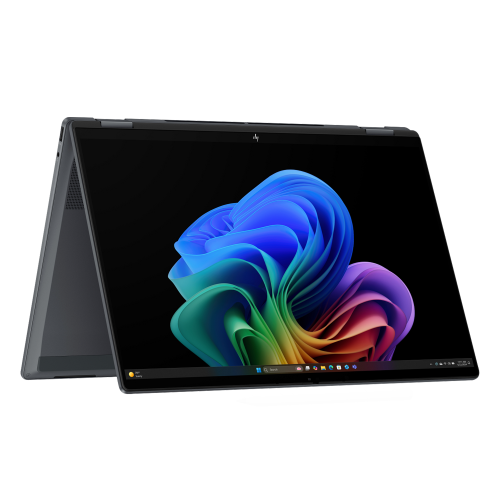
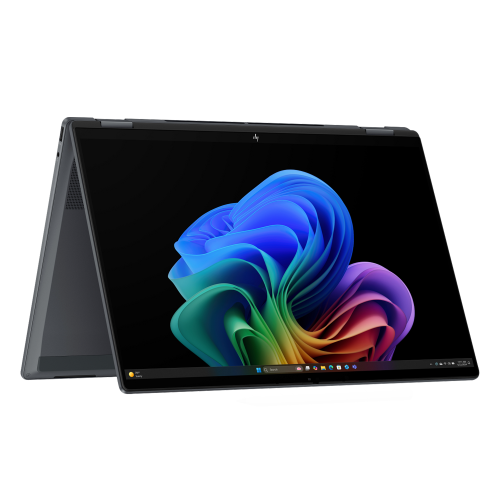
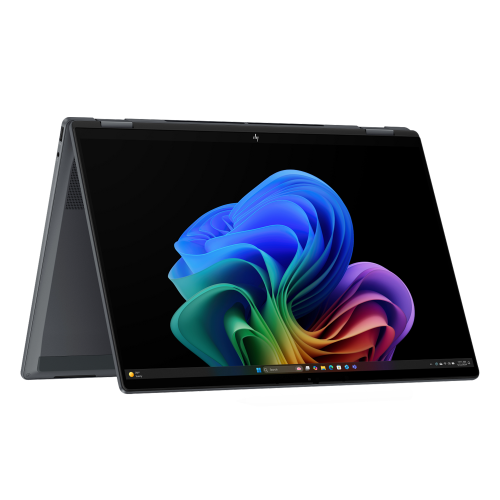
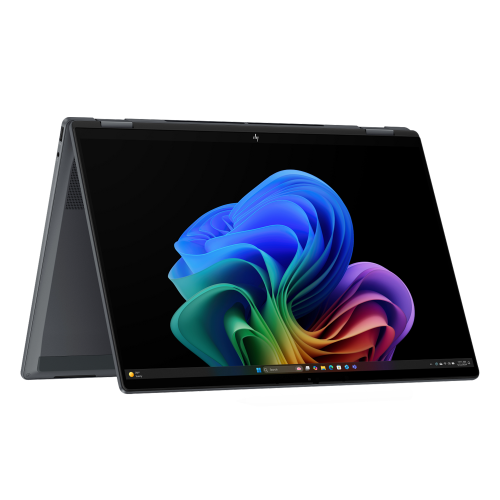
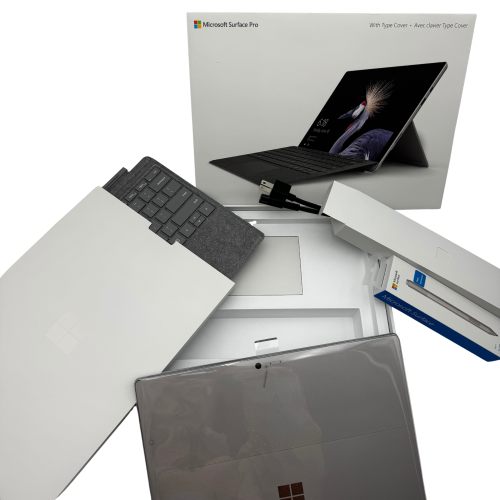
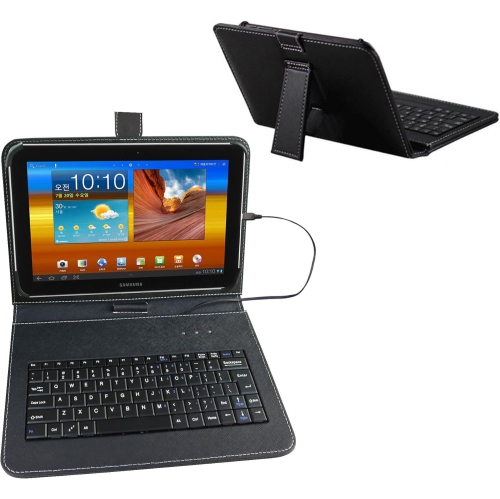
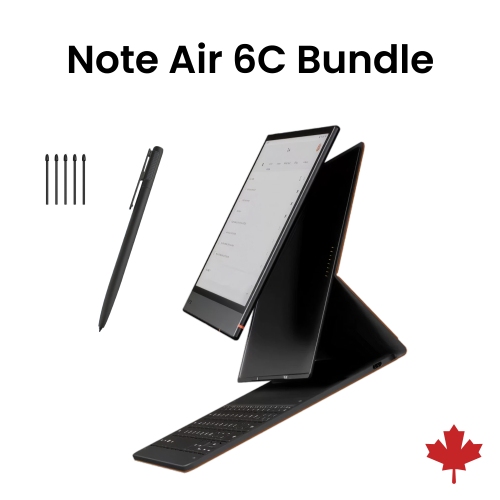
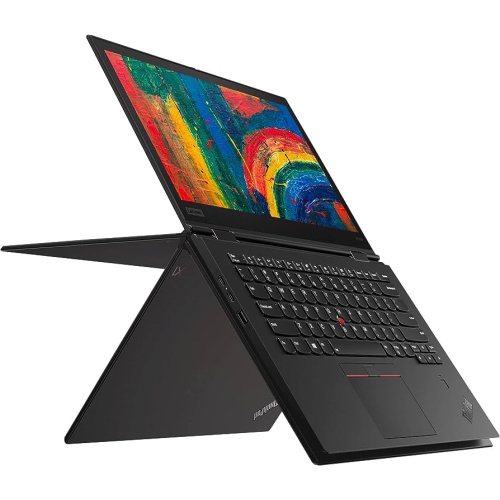
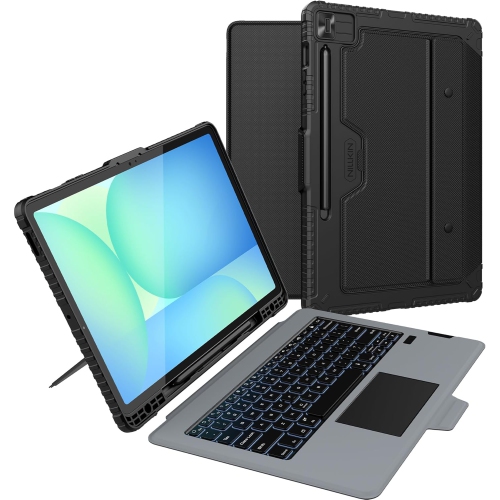
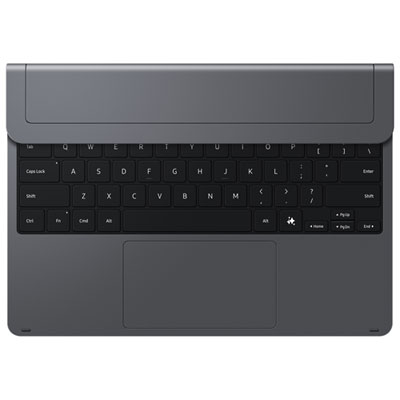

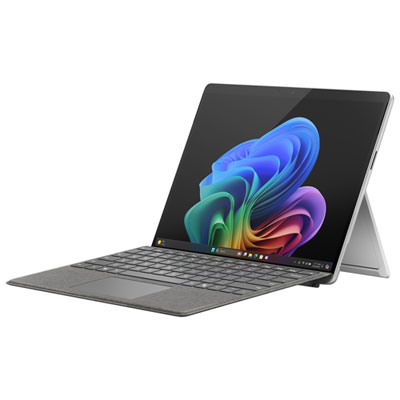

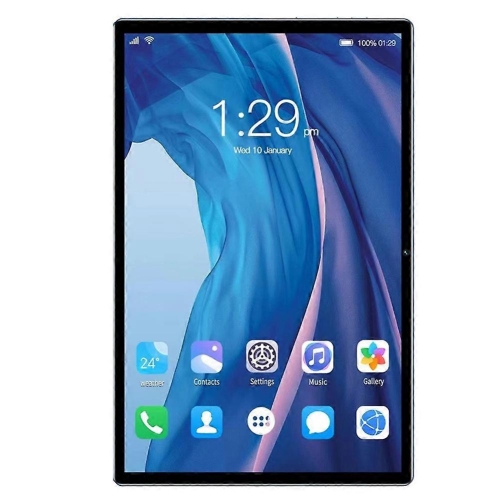
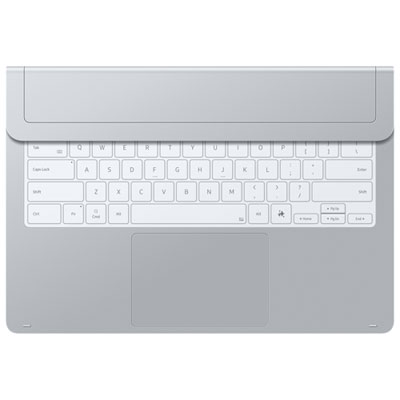
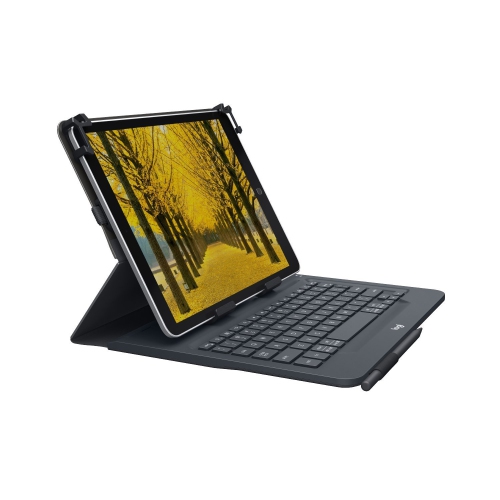
How one screen supports work, study, and downtime
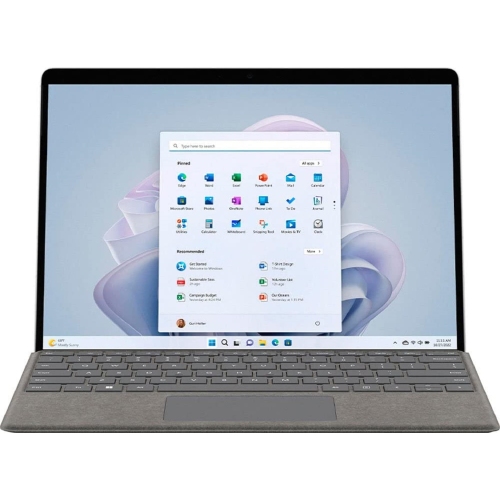
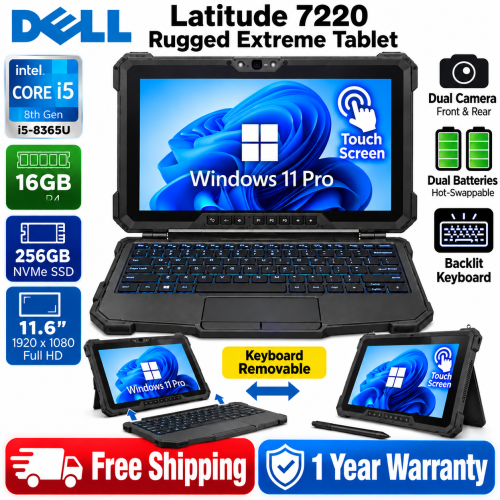
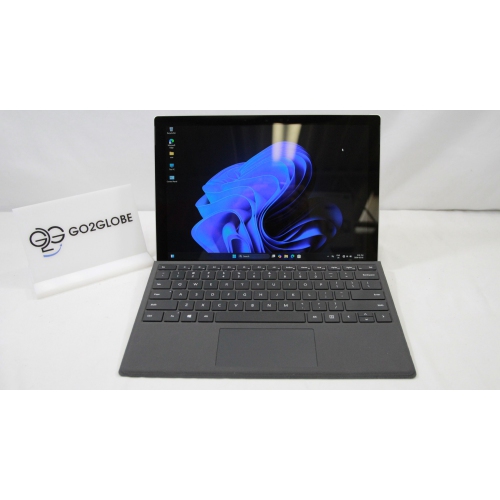
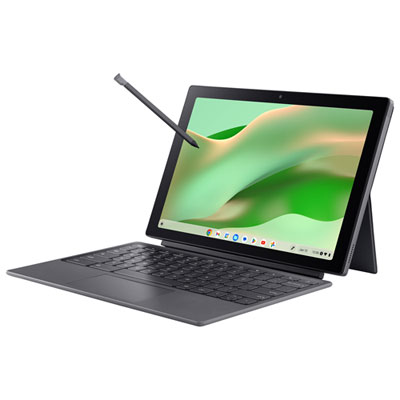
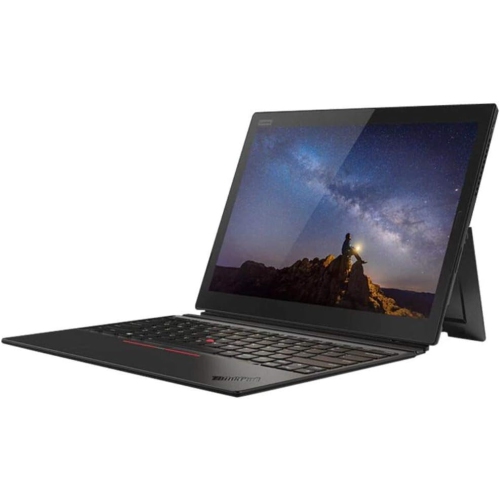
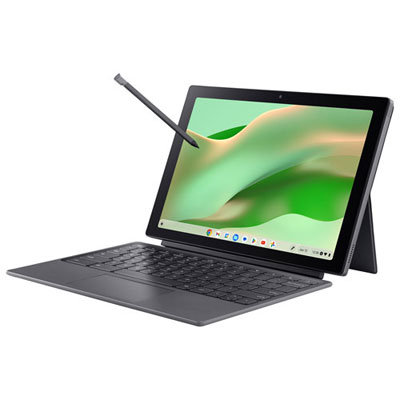
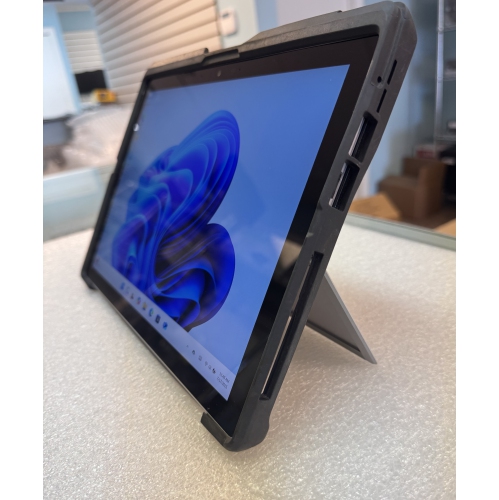
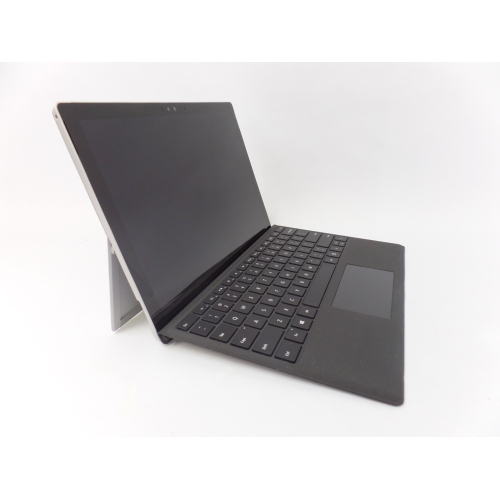
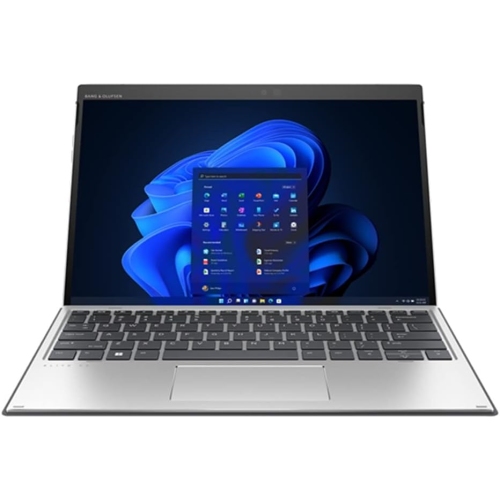
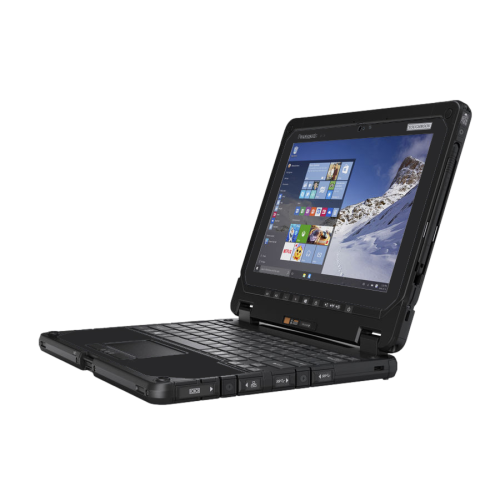
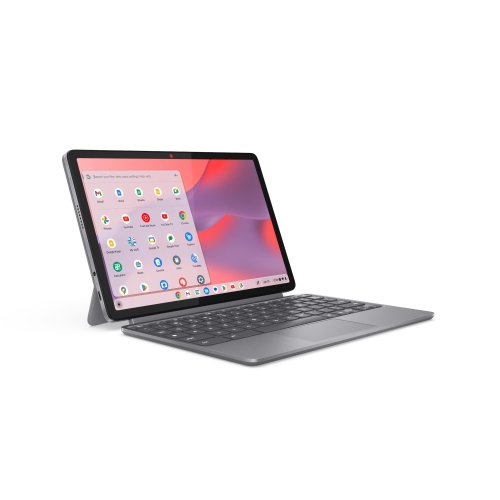
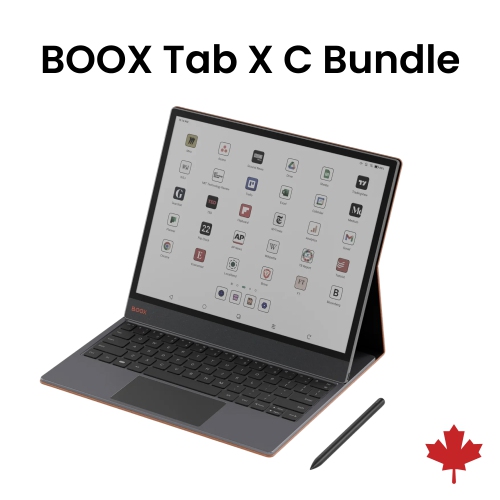
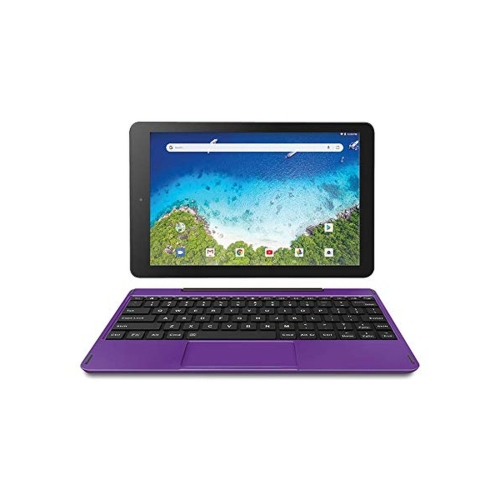
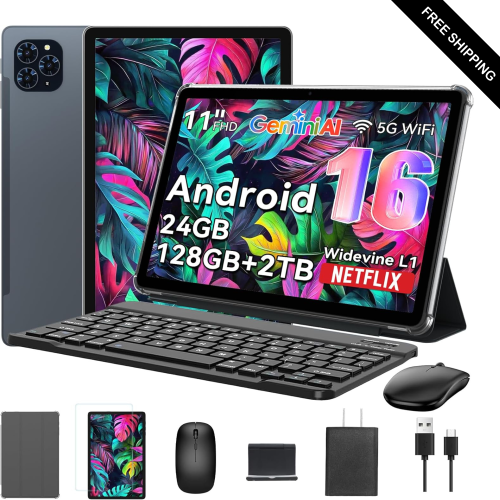
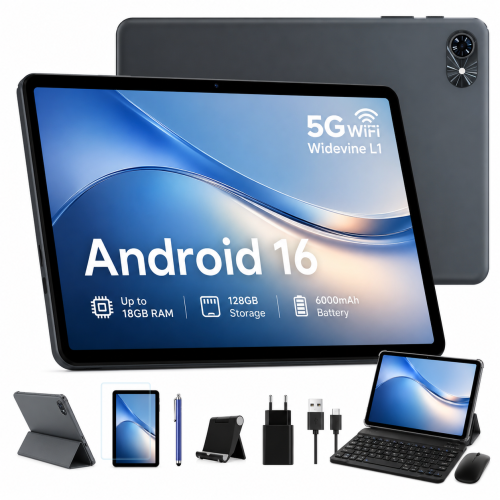
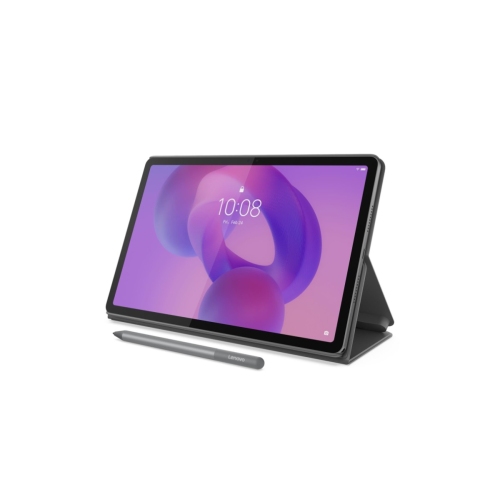
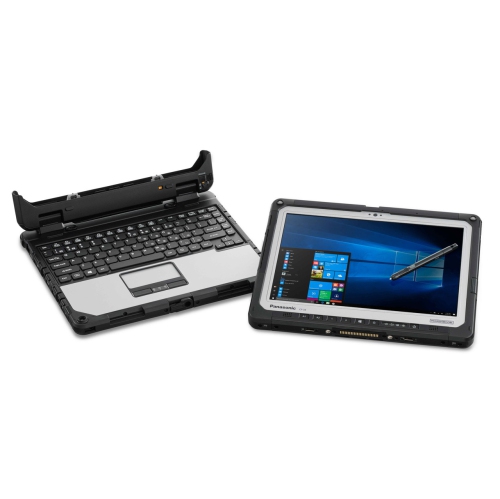
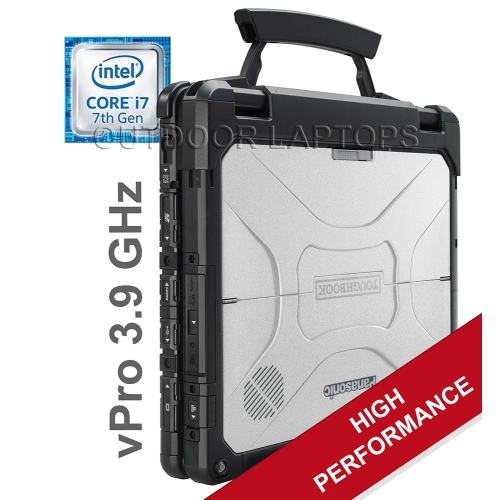
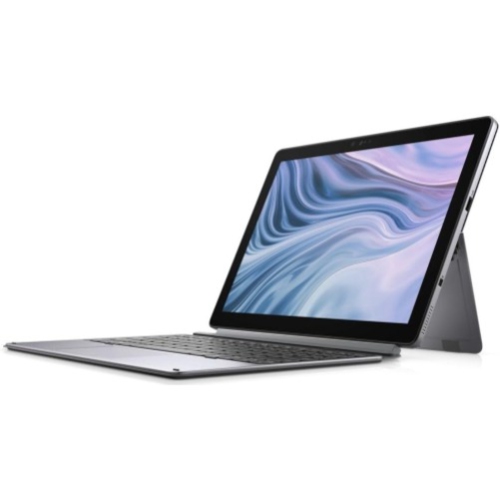
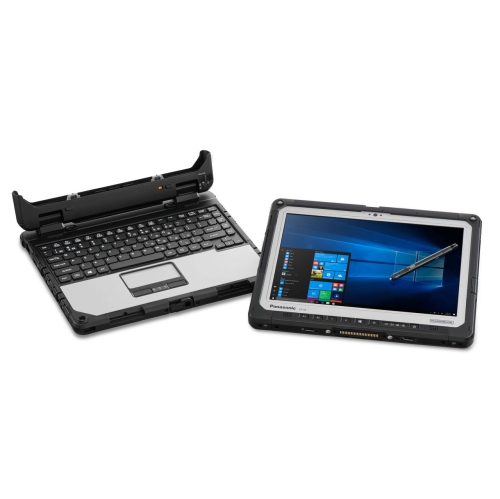
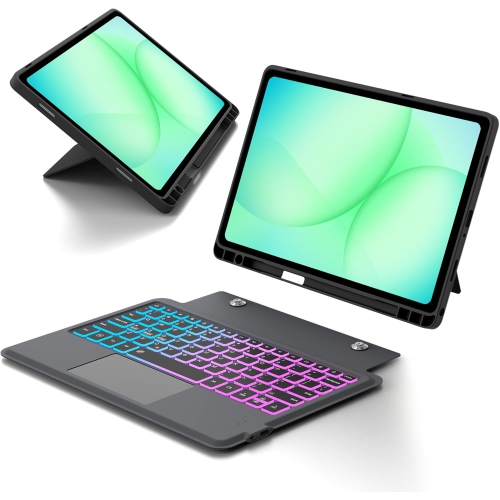
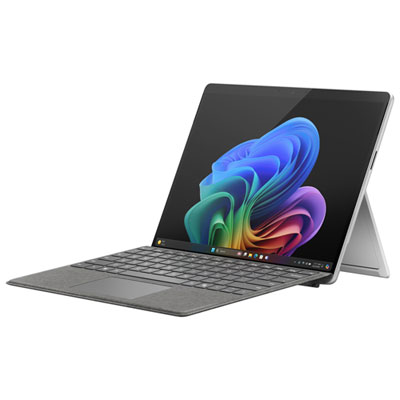
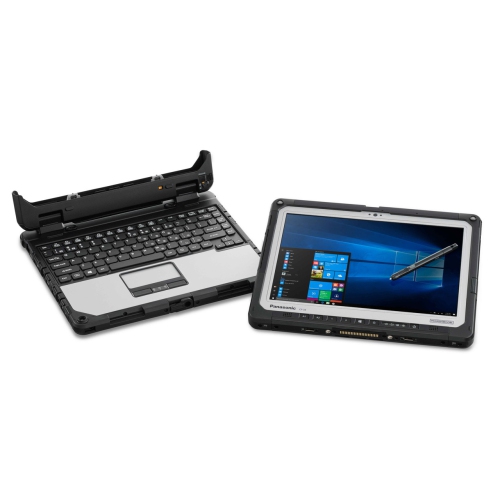
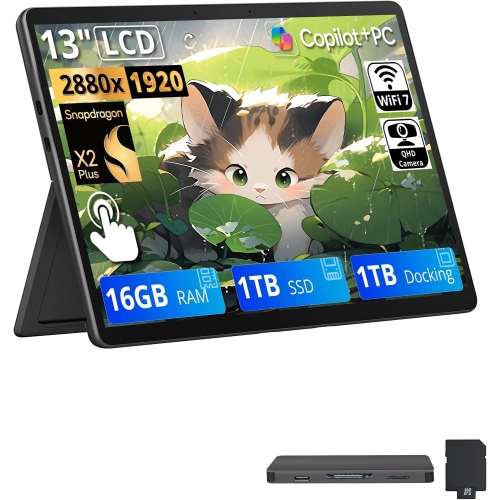
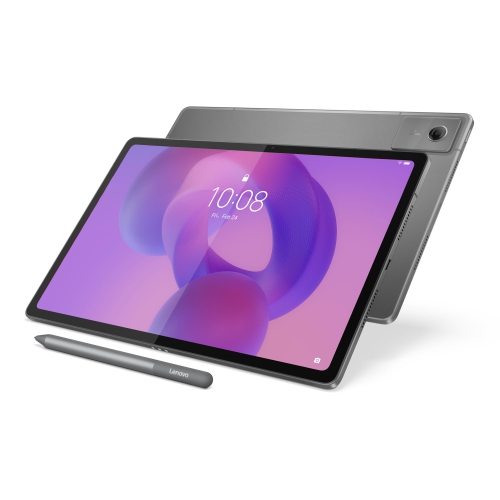
Tablet PCs with keyboard combine the easy portability of a touchscreen tablet with the familiar feel of a laptop-style typing setup. A detachable keyboard can make it more comfortable to write emails, complete assignments, update documents, manage schedules, and keep up with messages, while the tablet itself remains convenient for reading, streaming, browsing, video calls, and casual games. This flexible design suits people who move between different types of tasks throughout the day. A student might carry a lightweight tablet PC between classes, use the touchscreen to annotate reading material, then attach the keyboard to type a report at the library. A professional may use one for virtual meetings, note-taking, travel planning, and reviewing spreadsheets without bringing a full-size laptop. Families can share one around the home for recipes, homework, entertainment, and video calls, while frequent travellers can slip a compact model into a small bag for use on a train, in an airport lounge, or at a hotel desk. Tablet PCs with keyboard can also make thoughtful gifts for graduates, remote workers, busy parents, and anyone who values a device that adapts to the way they work and relax. For back-to-school shopping, browse Tablets With Keyboard for Students to find options suited to studying, research, communication, and everyday productivity.
The operating system is one of the most important considerations because it affects the apps available, the way files are managed, and how closely the tablet feels to a traditional computer. Windows-based tablet PCs are often a strong fit for people who rely on familiar desktop software, more advanced file management, or a full PC-style environment. ChromeOS models are well suited to web-based work, cloud storage, online learning, and straightforward everyday tasks, and they can be appealing for shoppers looking for a simple interface and easy access to browser-based tools. Android and iPadOS tablets offer extensive mobile app libraries, responsive touch controls, strong media features, and convenient integration with compatible phones and accessories. Think about the services already used at home, school, or work before choosing an operating system; moving between different platforms can affect document compatibility, account access, peripheral support, and cloud storage habits. Storage capacity matters as well. Someone who mainly streams content and works online may be comfortable with a smaller amount of built-in storage, while a photographer, student with large downloads, or professional who keeps presentations and media files locally may appreciate additional capacity. Memory and processor performance influence how smoothly a tablet handles multiple browser tabs, video calls, office applications, creative tools, and demanding games. Battery life is another practical detail, especially for people who spend long stretches away from a power outlet. Stated battery ratings can vary according to brightness, applications, wireless connections, and other settings, so consider how the device will be used rather than relying on a single number.
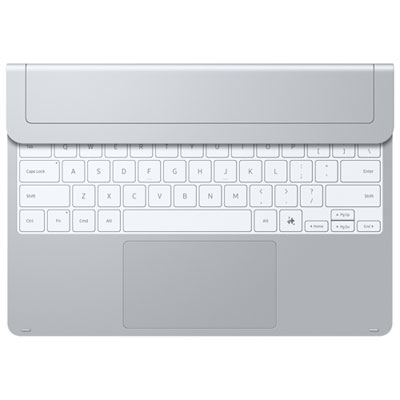
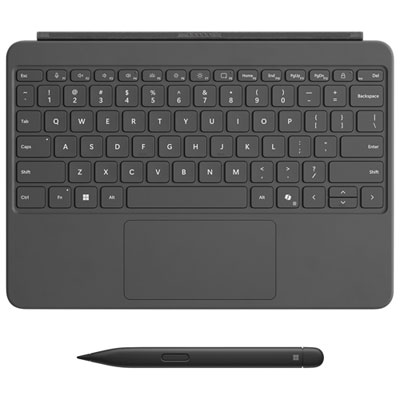
Keyboard design can make the difference between a tablet that is pleasant for extended typing and one that is best suited to shorter messages. Some keyboards attach through magnetic pins, creating a direct connection that usually avoids separate charging and keeps the setup tidy. Others connect wirelessly through Bluetooth, which can offer more placement flexibility but may require its own battery or charging routine. Check whether the keyboard is included or sold separately, and confirm that the model is compatible with the tablet before adding an accessory to a purchase. Key spacing, travel, layout, and the firmness of the typing surface all affect comfort. A physical trackpad with multi-gesture support is useful when a tablet will stand in for a laptop, particularly for selecting text, switching between windows, scrolling through long pages, and moving a cursor accurately. A stylus may also be worthwhile for handwritten notes, sketching, marking up documents, or navigating menus with a fine point. Screen size involves a trade-off between working room and portability: compact screens are easy to carry and comfortable for reading in tight spaces, while larger screens provide more room for side-by-side documents, virtual meetings, creative work, and full-size typing. Look for a bright, sharp display with viewing angles that suit the intended environment, and consider whether a matte or glossy finish will be comfortable under indoor lighting or near a window. A built-in kickstand can provide a wide range of viewing angles and is convenient when the tablet is placed on a desk, kitchen counter, or tray table. Folio-style covers can add protection and create a supported typing angle, but their folding design may offer fewer positions. Weight, port selection, wireless connectivity, camera quality, speaker performance, and protective accessories round out the decision. During the warmer and cooler seasons alike, a tablet PC with keyboard can move easily from a home office to a classroom, café, family room, or travel bag, giving its owner one adaptable screen for focused work, relaxed entertainment, and the small everyday tasks that fill the spaces between.
The operating system is one of the most important considerations because it affects the apps available, the way files are managed, and how closely the tablet feels to a traditional computer. Windows-based tablet PCs are often a strong fit for people who rely on familiar desktop software, more advanced file management, or a full PC-style environment. ChromeOS models are well suited to web-based work, cloud storage, online learning, and straightforward everyday tasks, and they can be appealing for shoppers looking for a simple interface and easy access to browser-based tools. Android and iPadOS tablets offer extensive mobile app libraries, responsive touch controls, strong media features, and convenient integration with compatible phones and accessories. Think about the services already used at home, school, or work before choosing an operating system; moving between different platforms can affect document compatibility, account access, peripheral support, and cloud storage habits. Storage capacity matters as well. Someone who mainly streams content and works online may be comfortable with a smaller amount of built-in storage, while a photographer, student with large downloads, or professional who keeps presentations and media files locally may appreciate additional capacity. Memory and processor performance influence how smoothly a tablet handles multiple browser tabs, video calls, office applications, creative tools, and demanding games. Battery life is another practical detail, especially for people who spend long stretches away from a power outlet. Stated battery ratings can vary according to brightness, applications, wireless connections, and other settings, so consider how the device will be used rather than relying on a single number.
Keyboard design can make the difference between a tablet that is pleasant for extended typing and one that is best suited to shorter messages. Some keyboards attach through magnetic pins, creating a direct connection that usually avoids separate charging and keeps the setup tidy. Others connect wirelessly through Bluetooth, which can offer more placement flexibility but may require its own battery or charging routine. Check whether the keyboard is included or sold separately, and confirm that the model is compatible with the tablet before adding an accessory to a purchase. Key spacing, travel, layout, and the firmness of the typing surface all affect comfort. A physical trackpad with multi-gesture support is useful when a tablet will stand in for a laptop, particularly for selecting text, switching between windows, scrolling through long pages, and moving a cursor accurately. A stylus may also be worthwhile for handwritten notes, sketching, marking up documents, or navigating menus with a fine point. Screen size involves a trade-off between working room and portability: compact screens are easy to carry and comfortable for reading in tight spaces, while larger screens provide more room for side-by-side documents, virtual meetings, creative work, and full-size typing. Look for a bright, sharp display with viewing angles that suit the intended environment, and consider whether a matte or glossy finish will be comfortable under indoor lighting or near a window. A built-in kickstand can provide a wide range of viewing angles and is convenient when the tablet is placed on a desk, kitchen counter, or tray table. Folio-style covers can add protection and create a supported typing angle, but their folding design may offer fewer positions. Weight, port selection, wireless connectivity, camera quality, speaker performance, and protective accessories round out the decision. During the warmer and cooler seasons alike, a tablet PC with keyboard can move easily from a home office to a classroom, café, family room, or travel bag, giving its owner one adaptable screen for focused work, relaxed entertainment, and the small everyday tasks that fill the spaces between.
Top selling and popular products
-
 Your price for this item is $499.99
 -
 Your price for this item is $199.95
 -
 Your price for this item is $293.94
 -
 Your price for this item is $579.99
 -
 Your price for this item is $139.99
 -
 Your price for this item is $119.99
 -
 Your price for this item is $979.99
 -
 Your price for this item is $579.99
Discover more categories related to Tablet PCs With Keyboard
Top Collections:
Pokemon Centers, Kindle Devices, Best Budget Office Chairs, Canon G7X Cameras, Apple iPhones 16, Samsung Galaxy Phones, Refurbished Apple Laptops, Laptops for Students, iPhone 15 Apple, Budget Smartphones
Some products may be subject to Environmental Handling Fees
(EHF) depending on your province.
Learn more about EHFs.