Tablet Protective Covers
Tablet protective covers are essential accessories that offer style and security for your device. Whether you're looking to prevent scratches, absorb shocks, or simply add a personal touch to your tablet, these covers come in a variety of designs and materials to suit every need. From sleek and minimalist options to rugged cases designed for maximum durability, you'll find the perfect fit for your lifestyle. Explore our selection to discover how tablet protective covers can enhance both the look and longevity of your tablet, ensuring it stays in pristine condition wherever you go.
Sort


How fit and materials shape everyday tablet protection
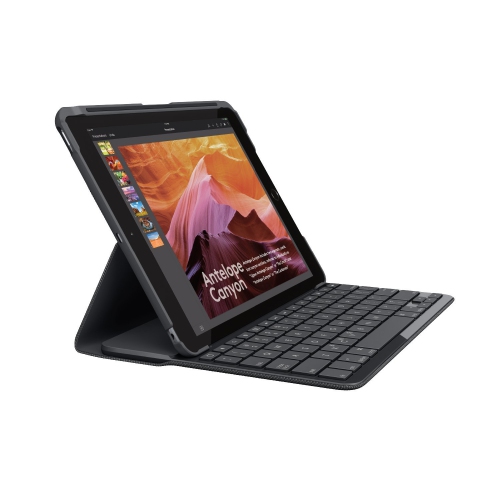
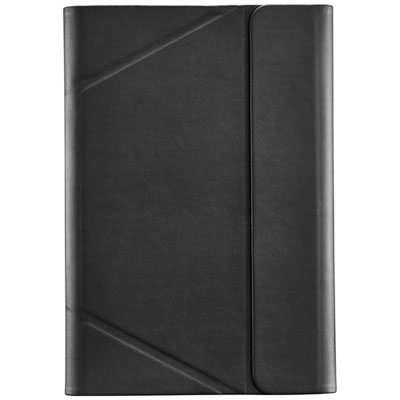
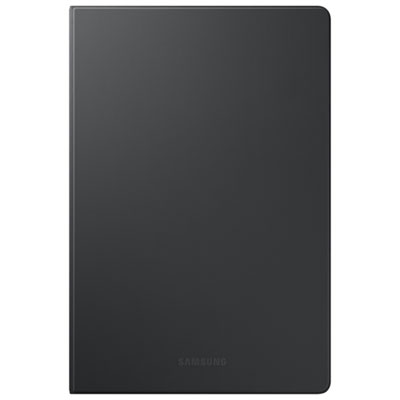
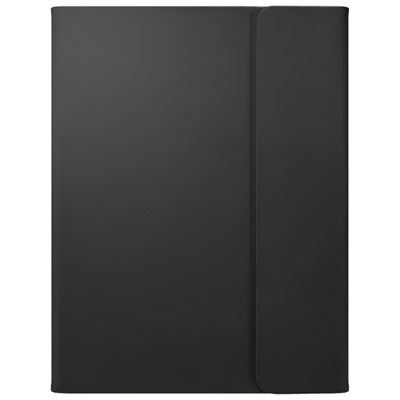
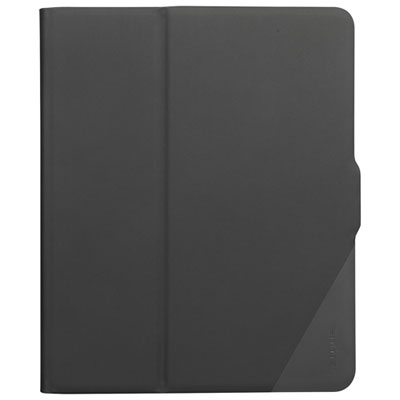
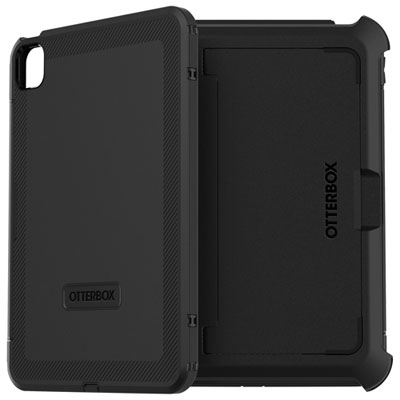
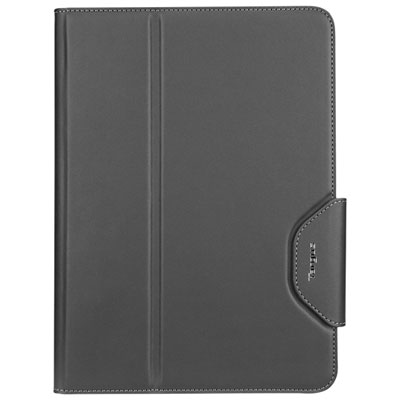
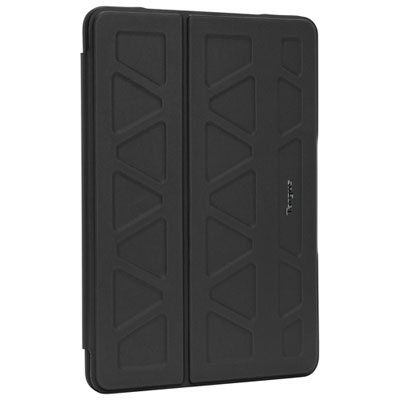
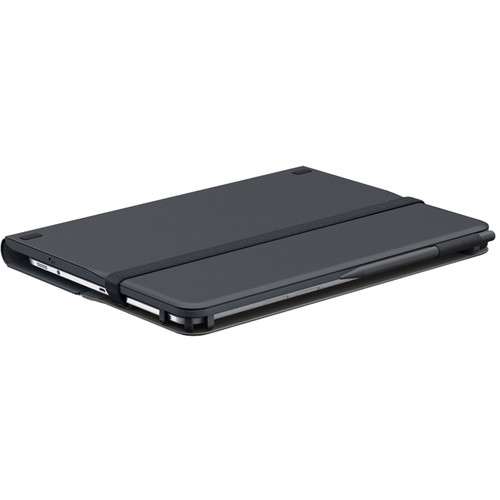
Tablet protective covers help shield a tablet’s back, edges and, depending on the design, screen from everyday scratches, scuffs and minor knocks. The main styles include sleeves for carrying, folio and trifold covers that close over the display, bumper cases that cushion the edges, and rugged cases with reinforced construction. Each suits a different routine: a slim cover slips neatly into a work bag, while a more substantial case may be better suited to a shared family tablet that moves between the kitchen table and the sofa. Materials play a large part in how a cover feels and performs. Rigid plastic shells provide structure and help protect against surface wear, while flexible silicone and thermoplastic polyurethane, often called TPU, offer a grippier feel and cushioning around vulnerable edges. Some designs combine a firm outer shell with a softer inner layer. Fabric finishes can feel comfortable to hold during a long reading session, although textured surfaces may need more attention when cleaning. Leather and synthetic leather folios offer a book-like feel, with a front flap that separates the screen from other belongings when closed. A soft lining can help limit rubbing, but grit trapped inside any cover can still mark a device. For commuting or travel, a padded sleeve adds a layer between the tablet and the contents of a backpack; most sleeves need to be removed before the tablet can be used. A fitted cover stays attached during use, making it useful for checking recipes, reading on public transit or carrying a tablet between meeting rooms. Neither style makes a tablet immune to damage. Protection depends on the construction, coverage and circumstances of an impact, so drop-resistance claims are best understood alongside the manufacturer’s stated test conditions. The right balance is often enough coverage for the tablet’s daily handling without so much weight or bulk that it becomes awkward to carry.
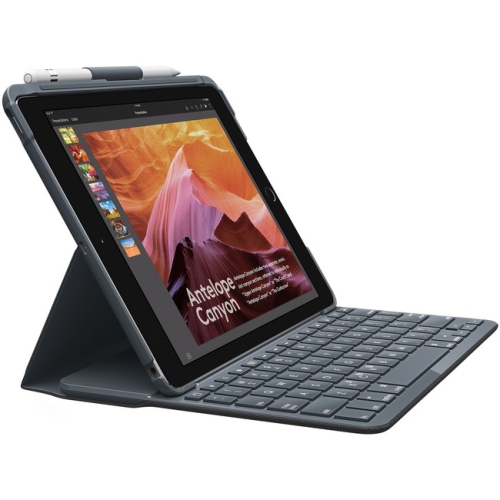
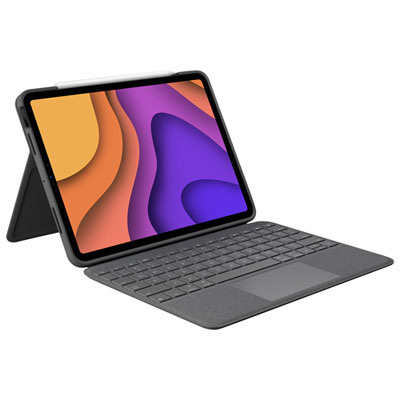
Fit is one of the most important considerations for tablet covers because screen size alone does not establish compatibility. Two tablets with the same display measurement can have different body dimensions, camera positions, button layouts and charging ports. The model name, generation and model number provide a more reliable basis for matching a fitted case to a device. A well-matched cover should hold the tablet securely without pressing its buttons, obstructing speakers or crowding the charging connector. Camera openings should leave the lens clear, and the edges should allow comfortable access to touch controls near the screen border. Universal covers use adjustable corners, straps or other retaining features to accommodate a range of dimensions, but their stated size range still needs to be checked against the tablet’s width, height and thickness. Attachment points should not cross a button or block a port. Fit also affects accessories: a stylus holder needs to suit the pen’s dimensions, and a cover designed for magnetic pen attachment does not necessarily support charging through its sidewall. Folio and trifold covers often double as stands, creating an upright angle for video calls or a lower position for typing and drawing. A broad, stable base is useful on a desk, while a narrow folding support may be less steady on a soft duvet or an uneven lap. Rotating stands can make it easier to switch between reading documents vertically and watching video horizontally, although they may add thickness. Keyboard folios combine a protective cover with a typing surface for writing assignments, answering messages or working away from a desk. Keyboard connection methods, power requirements and shortcut support vary, so compatibility extends beyond the physical fit. For complementary display protection, Tablet Screen Protectors can help guard against surface scratches while the tablet is in use. The protector and cover should fit together without the case rim lifting the protector’s edges, particularly around tight corners.
Everyday handling helps determine which details matter most over time. A student carrying a tablet between classes may appreciate a secure closure that keeps the front flap from opening inside a bag, along with a stand that holds its position during note-taking. Someone who reads for long stretches may prefer rounded edges, modest weight and a cover that folds back comfortably behind the screen. For children, easy-to-grip sides, covered corners and a sturdy handle can make a tablet easier to manage, although even a rugged case cannot prevent every accident. A hand strap can help an adult hold a tablet while standing or moving between tasks, provided the strap is secure and comfortable for the intended user. In a household where several people share one device, a wipeable finish and simple stand mechanism can be more useful than extra compartments. Raised edges may help keep the display or camera away from a flat surface, but they offer less protection against objects that reach inside that rim. Port covers can reduce the amount of debris entering an opening; they should not be treated as proof of water resistance. Care is generally straightforward, though the manufacturer’s instructions should take priority for each material. Removing the tablet periodically allows dust and crumbs to be cleared from the inside, especially around corners and openings where particles collect. Many covers can be wiped with a soft, lightly dampened cloth and dried fully before refitting, while leather, fabric and coated finishes may require different treatment. Avoid soaking a cover or using harsh cleaning products unless its care instructions specifically allow them. Regular checks can reveal stretched corners, splitting seams, loose hinges or worn closures that no longer hold the tablet securely. A protective cover can also make a practical gift for a reader, student, frequent traveller or family member who uses a tablet every day, as long as the exact device details are known. For travel during the cooler months, a fitted case tucked into a separate bag compartment helps keep the tablet apart from keys, cables and damp outerwear. Thoughtful choices around fit, grip, coverage and care make a cover a useful part of the tablet’s routine rather than simply an extra layer.
Fit is one of the most important considerations for tablet covers because screen size alone does not establish compatibility. Two tablets with the same display measurement can have different body dimensions, camera positions, button layouts and charging ports. The model name, generation and model number provide a more reliable basis for matching a fitted case to a device. A well-matched cover should hold the tablet securely without pressing its buttons, obstructing speakers or crowding the charging connector. Camera openings should leave the lens clear, and the edges should allow comfortable access to touch controls near the screen border. Universal covers use adjustable corners, straps or other retaining features to accommodate a range of dimensions, but their stated size range still needs to be checked against the tablet’s width, height and thickness. Attachment points should not cross a button or block a port. Fit also affects accessories: a stylus holder needs to suit the pen’s dimensions, and a cover designed for magnetic pen attachment does not necessarily support charging through its sidewall. Folio and trifold covers often double as stands, creating an upright angle for video calls or a lower position for typing and drawing. A broad, stable base is useful on a desk, while a narrow folding support may be less steady on a soft duvet or an uneven lap. Rotating stands can make it easier to switch between reading documents vertically and watching video horizontally, although they may add thickness. Keyboard folios combine a protective cover with a typing surface for writing assignments, answering messages or working away from a desk. Keyboard connection methods, power requirements and shortcut support vary, so compatibility extends beyond the physical fit. For complementary display protection, Tablet Screen Protectors can help guard against surface scratches while the tablet is in use. The protector and cover should fit together without the case rim lifting the protector’s edges, particularly around tight corners.
Everyday handling helps determine which details matter most over time. A student carrying a tablet between classes may appreciate a secure closure that keeps the front flap from opening inside a bag, along with a stand that holds its position during note-taking. Someone who reads for long stretches may prefer rounded edges, modest weight and a cover that folds back comfortably behind the screen. For children, easy-to-grip sides, covered corners and a sturdy handle can make a tablet easier to manage, although even a rugged case cannot prevent every accident. A hand strap can help an adult hold a tablet while standing or moving between tasks, provided the strap is secure and comfortable for the intended user. In a household where several people share one device, a wipeable finish and simple stand mechanism can be more useful than extra compartments. Raised edges may help keep the display or camera away from a flat surface, but they offer less protection against objects that reach inside that rim. Port covers can reduce the amount of debris entering an opening; they should not be treated as proof of water resistance. Care is generally straightforward, though the manufacturer’s instructions should take priority for each material. Removing the tablet periodically allows dust and crumbs to be cleared from the inside, especially around corners and openings where particles collect. Many covers can be wiped with a soft, lightly dampened cloth and dried fully before refitting, while leather, fabric and coated finishes may require different treatment. Avoid soaking a cover or using harsh cleaning products unless its care instructions specifically allow them. Regular checks can reveal stretched corners, splitting seams, loose hinges or worn closures that no longer hold the tablet securely. A protective cover can also make a practical gift for a reader, student, frequent traveller or family member who uses a tablet every day, as long as the exact device details are known. For travel during the cooler months, a fitted case tucked into a separate bag compartment helps keep the tablet apart from keys, cables and damp outerwear. Thoughtful choices around fit, grip, coverage and care make a cover a useful part of the tablet’s routine rather than simply an extra layer.
Top selling and popular products
-
 Your price for this item is $152.47
 -
 Your price for this item is $44.99
 -
 Your price for this item is $229.99
 -
 Your price for this item is $62.99
 -
 Your price for this item is $187.47
 -
 Your price for this item is $52.99
 -
 Your price for this item is $105.68
 -
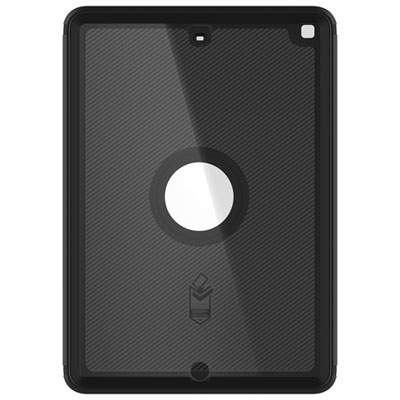 Your price for this item is $98.97
Discover more categories related to Tablet Protective Covers
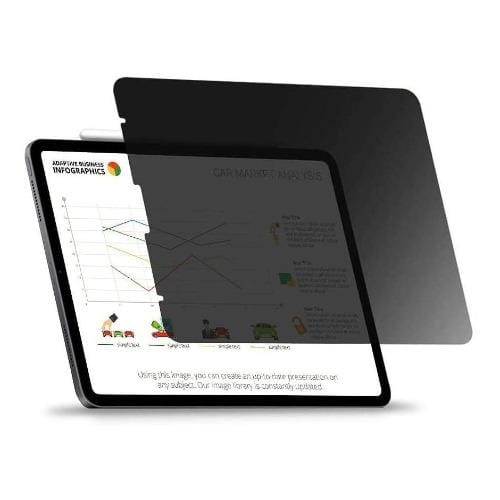
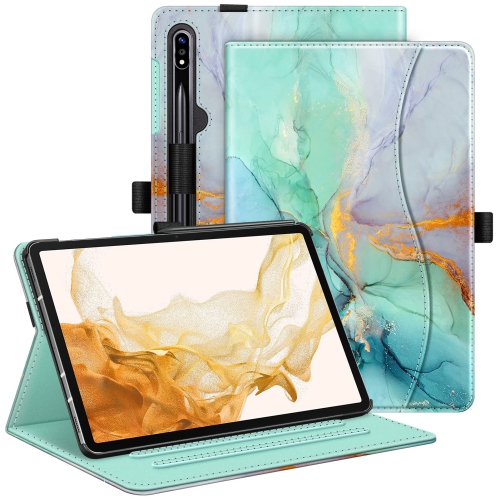
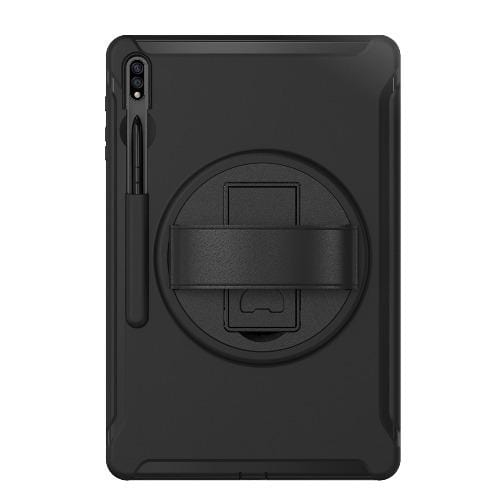
Top Collections:
Pokemon Centers, Kindle Devices, Best Budget Office Chairs, Apple iPhones 16, Best Laptops for Writers, iPhone 15 Apple, Canon G7X Cameras, Refurbished Apple Laptops, Alarm Clock, Motorola Razr Phones
Some products may be subject to Environmental Handling Fees
(EHF) depending on your province.
Learn more about EHFs.