Tablets For Back To School Use
Find tablets for back-to-school use that fit your coursework, study habits, and budget. Compare screen sizes, storage capacity, battery life, and keyboard or stylus compatibility for tasks like reading digital textbooks, taking notes, and joining online classes. Check your school’s app and software requirements to help choose a tablet that supports your daily work.






FAQ
Consider compatibility with your school’s learning platform, battery life, storage, and support for a keyboard or stylus. Multitasking features can be useful for switching between readings, notes, and assignments. Check your school’s device requirements before choosing a tablet.
A tablet can handle many everyday school tasks, including reading digital textbooks, taking notes, browsing course materials, and writing documents. However, some courses require desktop software or exam tools that may not work on a tablet. Confirm which applications your classes require before using a tablet as your main device.
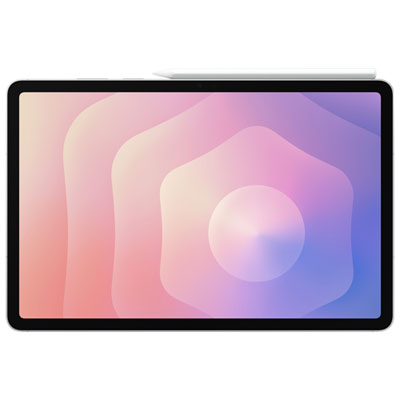
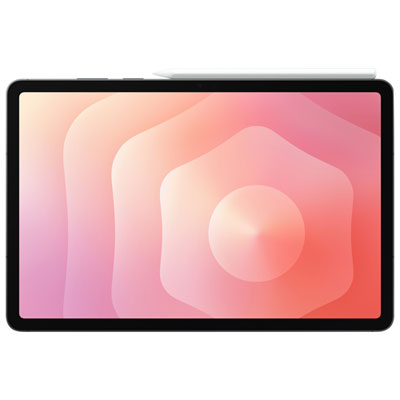
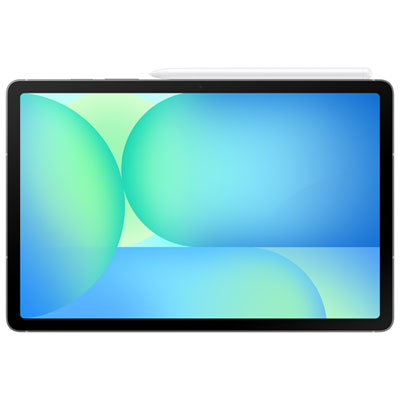
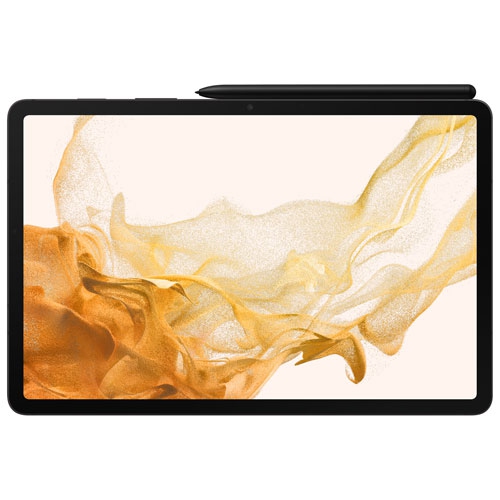
A compatible keyboard is useful for typing essays, while a stylus supports handwritten notes and annotations in compatible apps. A stand offers hands-free viewing, and headphones with a microphone can be used for online classes. Check accessory compatibility with your tablet, as keyboard and stylus support varies by model.
Students can create folders or digital notebooks for each subject, use a calendar to track deadlines, and keep a task list for upcoming assignments. Many note-taking apps support typed notes, handwriting, and PDF annotations. Cloud storage can sync files across compatible devices when an internet connection is available.
A Wi-Fi tablet can connect through home, school, and other available Wi-Fi networks. A cellular-capable tablet can also access mobile data with a compatible service plan, which may be useful when Wi-Fi is unavailable. Many apps allow students to work offline with downloaded materials, then sync changes once connected.
Top selling and popular products
Discover more categories related to Tablets For Back To School Use

Some products may be subject to Environmental Handling Fees (EHF) depending on your province. Learn more about EHFs.