Tablets for Family Use
Tablets For Family Use offer a versatile solution for staying connected, entertained, and productive at home or on the go. Whether you’re streaming your favorite shows, helping with homework, or catching up on emails, these tablets are designed to fit seamlessly into busy family life. With options suitable for every age group and interest, finding the right device to meet your household’s needs is easy. Explore a wide selection of Tablets For Family Use and discover convenient features that make sharing technology simple and enjoyable for everyone.
Sort
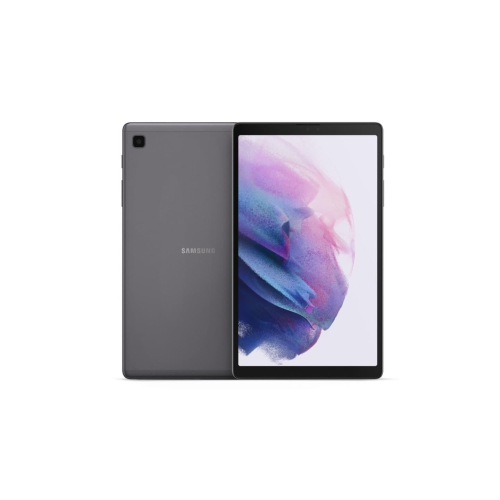
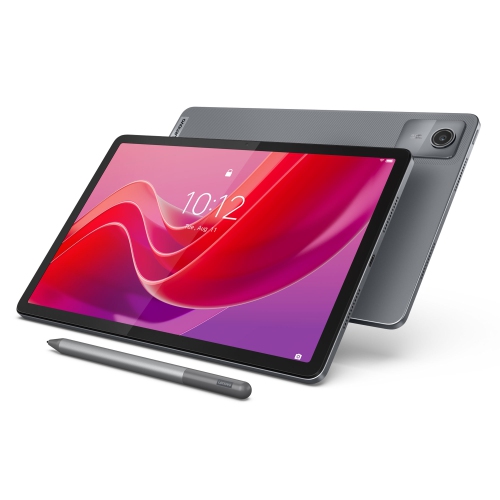






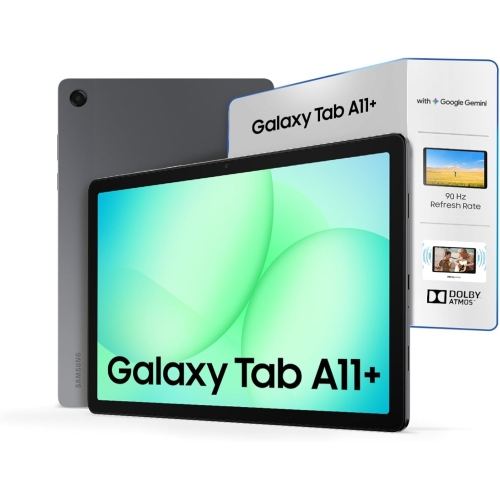


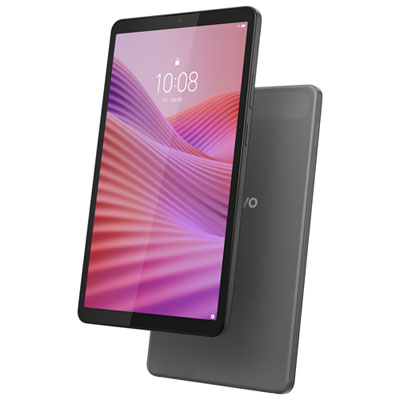

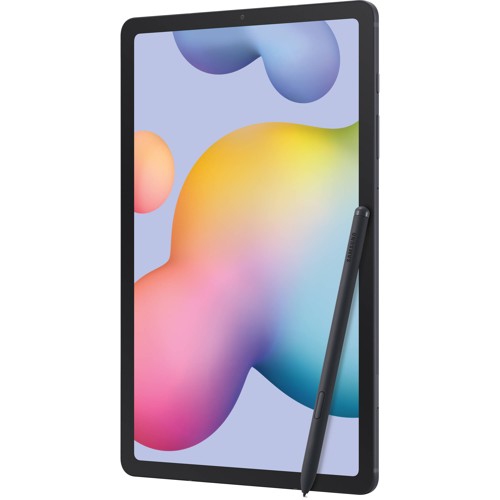
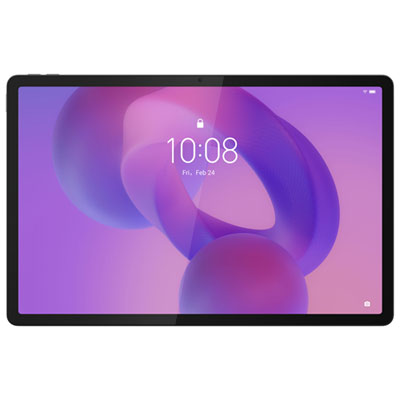
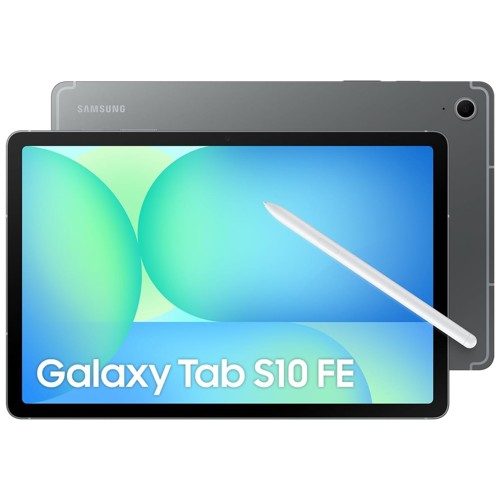
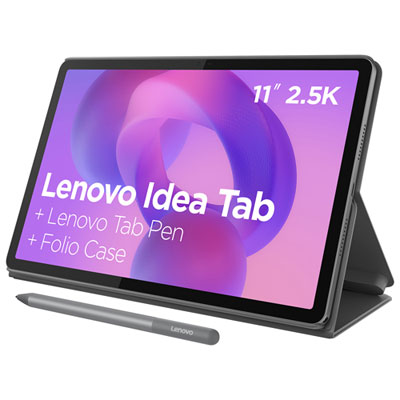
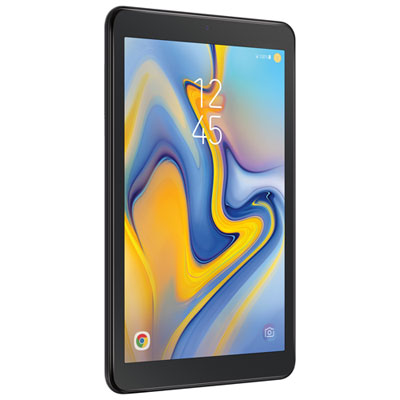
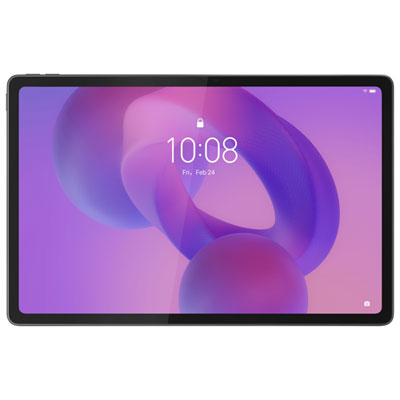
What makes a tablet easier for everyone to share
Tablets for family use bring reading, learning, entertainment, and everyday planning onto a portable touchscreen that different members of a household can enjoy. A well-suited family tablet combines a clear display, responsive performance, manageable weight, and controls that help adults oversee children’s access. The right balance depends on whether it will mainly sit on a kitchen counter for recipes and video calls, travel between bedrooms for stories and homework, or accompany the family on longer journeys. Screen size affects both comfort and portability: a smaller tablet is easier for little hands to hold, while a larger display gives shared videos, illustrated books, and school documents more room. Text sharpness, adjustable brightness, and viewing angles matter when two children are watching together or a grandparent is reading a message. Built-in speakers can make dialogue easier to follow, while compatible headphones allow someone to listen without interrupting nearby conversations. For everyday browsing, streaming, and reading, smooth navigation and reliable app support are often more useful than advanced features that rarely get used. More demanding games, creative projects, and switching between several apps place greater demands on the processor and memory. Storage is another practical consideration, particularly when several people download games, save drawings, or keep videos ready for offline viewing. The advertised storage capacity includes space needed for the operating system, so usable space will be lower. Some tablets accept a compatible memory card for certain files, but expandable storage is not universal, and not every app can be moved to it. Battery life also varies with brightness, video calls, games, and wireless connections. A household that shares one tablet throughout the day may value convenient charging just as much as a long battery-life estimate. Together, these details shape how comfortably a tablet fits into ordinary routines, from a few pages of a bedtime story to a group call with relatives.
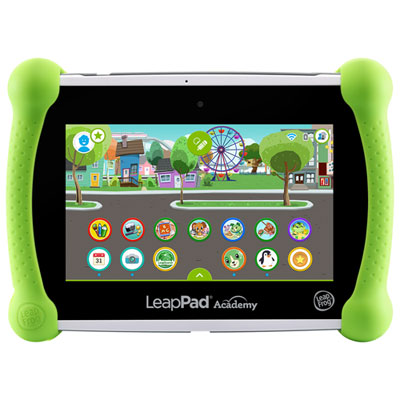
Sharing a tablet also means sharing access to apps, accounts, and personal information, which makes software features especially important for family use. Some tablets support separate user profiles, allowing family members to keep their own apps, settings, and files apart; others rely on individual app accounts or more limited child-focused modes. These arrangements are not interchangeable, and the distinction matters when an adult’s messages, work documents, or payment details are on the same device a child uses for games. Parental controls may include app approvals, purchase restrictions, screen-time schedules, content filters, and activity summaries, depending on the operating system and services involved. No filter catches everything, so these tools work best alongside age-appropriate apps and conversations about online activity. A younger child may need a simple home screen with a handful of approved activities, while an older child may need access to a school portal, research tools, and video lessons. Families looking for a device primarily for younger users can also explore Tablets for Kids, where ease of handling and supervised use are particularly relevant. For a shared household device, compatibility with existing accounts, school requirements, and frequently used apps helps avoid frustrating gaps. Not every tablet runs full desktop software, and a browser-based assignment may work differently on a touchscreen than on a computer. A compatible keyboard can make longer answers easier to type, while supported split-screen features can place reference material beside a document. A stylus can be useful for handwriting, sketching, or marking up a worksheet, although basic touch pens and active pens offer different capabilities. Video calls benefit from a front-facing camera positioned comfortably in the orientation the family uses most, clear microphones, and a stand that keeps the image steady. Reliable Wi-Fi supports streaming and online lessons at home; downloading eligible content in advance can keep books and entertainment accessible away from a connection. Cellular-capable tablets offer another connection option, but require compatible service. Accessibility settings, including larger text, screen readers, captions, and voice input, can make one device more comfortable for users with different needs.
The physical design of a family tablet deserves as much attention as its software, especially when it moves from adult hands to a child’s lap and back again. Tablets commonly combine a glass touchscreen with a metal or plastic body, and each design has a different feel, weight, and grip. A slim metal shell may feel sturdy, but it does not make the display resistant to every drop; a lightweight plastic body can be easier to carry without necessarily being designed for rough handling. A well-fitting protective case adds grip and can cushion everyday bumps, particularly around corners. Raised edges may help keep the screen from touching a flat surface when placed face down, while a folding cover or integrated stand can support reading and hands-free viewing. Case fit needs to match the tablet’s exact dimensions and layout, including the camera, speakers, buttons, and charging port. A bulky case may protect well yet feel awkward for small hands, so comfort still matters. Screen protectors can help limit surface scratches, but neither a case nor a protector makes a tablet unbreakable or waterproof. Water-resistance claims apply only to models with a stated rating and specified conditions. Around snacks, craft supplies, or a kitchen worktop, keeping liquids away remains sensible. Routine care is usually straightforward: follow the manufacturer’s directions, disconnect charging cables before cleaning, and use a soft, lint-free cloth without letting moisture enter openings. Charging cables and connectors also last better when the tablet is supported rather than left hanging from its cord. Software updates, account security, and regular backups help protect the family’s information and preserve drawings, photos, and school files. For a gift, the recipient’s age, grip comfort, accessibility needs, and existing devices are useful starting points. A tablet for a grandparent’s reading and family calls may need larger text and a simple layout, while one shared by siblings may benefit more from profile options, protective accessories, and ample storage. The most useful family tablets are those that make these different activities easy without becoming cumbersome to carry, share, or maintain.
Sharing a tablet also means sharing access to apps, accounts, and personal information, which makes software features especially important for family use. Some tablets support separate user profiles, allowing family members to keep their own apps, settings, and files apart; others rely on individual app accounts or more limited child-focused modes. These arrangements are not interchangeable, and the distinction matters when an adult’s messages, work documents, or payment details are on the same device a child uses for games. Parental controls may include app approvals, purchase restrictions, screen-time schedules, content filters, and activity summaries, depending on the operating system and services involved. No filter catches everything, so these tools work best alongside age-appropriate apps and conversations about online activity. A younger child may need a simple home screen with a handful of approved activities, while an older child may need access to a school portal, research tools, and video lessons. Families looking for a device primarily for younger users can also explore Tablets for Kids, where ease of handling and supervised use are particularly relevant. For a shared household device, compatibility with existing accounts, school requirements, and frequently used apps helps avoid frustrating gaps. Not every tablet runs full desktop software, and a browser-based assignment may work differently on a touchscreen than on a computer. A compatible keyboard can make longer answers easier to type, while supported split-screen features can place reference material beside a document. A stylus can be useful for handwriting, sketching, or marking up a worksheet, although basic touch pens and active pens offer different capabilities. Video calls benefit from a front-facing camera positioned comfortably in the orientation the family uses most, clear microphones, and a stand that keeps the image steady. Reliable Wi-Fi supports streaming and online lessons at home; downloading eligible content in advance can keep books and entertainment accessible away from a connection. Cellular-capable tablets offer another connection option, but require compatible service. Accessibility settings, including larger text, screen readers, captions, and voice input, can make one device more comfortable for users with different needs.
The physical design of a family tablet deserves as much attention as its software, especially when it moves from adult hands to a child’s lap and back again. Tablets commonly combine a glass touchscreen with a metal or plastic body, and each design has a different feel, weight, and grip. A slim metal shell may feel sturdy, but it does not make the display resistant to every drop; a lightweight plastic body can be easier to carry without necessarily being designed for rough handling. A well-fitting protective case adds grip and can cushion everyday bumps, particularly around corners. Raised edges may help keep the screen from touching a flat surface when placed face down, while a folding cover or integrated stand can support reading and hands-free viewing. Case fit needs to match the tablet’s exact dimensions and layout, including the camera, speakers, buttons, and charging port. A bulky case may protect well yet feel awkward for small hands, so comfort still matters. Screen protectors can help limit surface scratches, but neither a case nor a protector makes a tablet unbreakable or waterproof. Water-resistance claims apply only to models with a stated rating and specified conditions. Around snacks, craft supplies, or a kitchen worktop, keeping liquids away remains sensible. Routine care is usually straightforward: follow the manufacturer’s directions, disconnect charging cables before cleaning, and use a soft, lint-free cloth without letting moisture enter openings. Charging cables and connectors also last better when the tablet is supported rather than left hanging from its cord. Software updates, account security, and regular backups help protect the family’s information and preserve drawings, photos, and school files. For a gift, the recipient’s age, grip comfort, accessibility needs, and existing devices are useful starting points. A tablet for a grandparent’s reading and family calls may need larger text and a simple layout, while one shared by siblings may benefit more from profile options, protective accessories, and ample storage. The most useful family tablets are those that make these different activities easy without becoming cumbersome to carry, share, or maintain.
Top selling and popular products
-
 Your price for this item is $499.99
 -
 Your price for this item is $199.95
 -
 Your price for this item is $325
 -
 Your price for this item is $579.99
 -
 Your price for this item is $139.99
 -
 Your price for this item is $119.99
 -
 Your price for this item is $979.99
 -
 Your price for this item is $579.99
Discover more categories related to Tablets for Family Use

Top Collections:
Pokemon Centers, Kindle Devices, Best Budget Office Chairs, Apple iPhones 16, Best Laptops for Writers, iPhone 15 Apple, Canon G7X Cameras, Refurbished Apple Laptops, Alarm Clock, Motorola Razr Phones
Some products may be subject to Environmental Handling Fees
(EHF) depending on your province.
Learn more about EHFs.