Tablets With Expandable Storage
Tablets With Expandable Storage offer the flexibility to keep up with your growing digital needs. Whether you’re downloading apps, capturing photos, or storing important documents, these tablets make it easy to add more space whenever you need it. Find the perfect device to support your entertainment, work, and creativity without worrying about running out of room. Explore a wide selection of Tablets With Expandable Storage and enjoy the freedom to do more.
Sort






How memory cards add storage without adding RAM
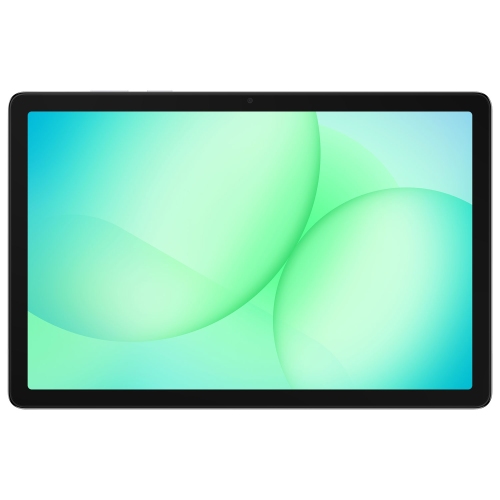
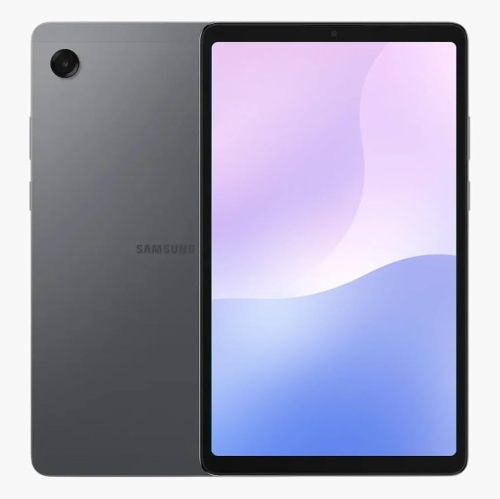
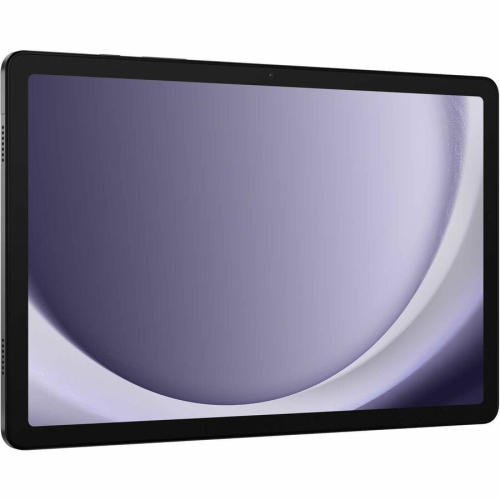
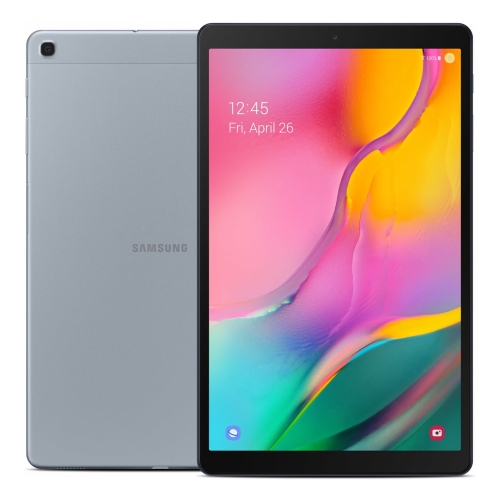
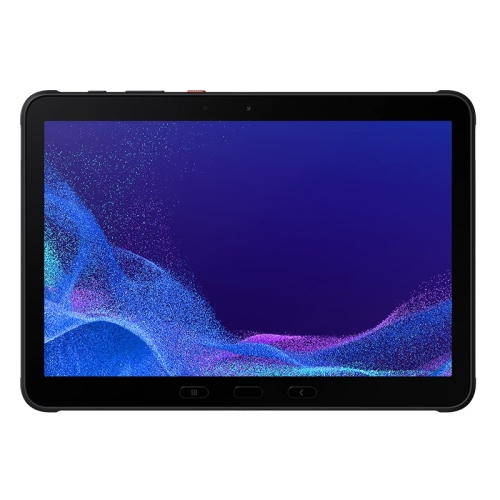
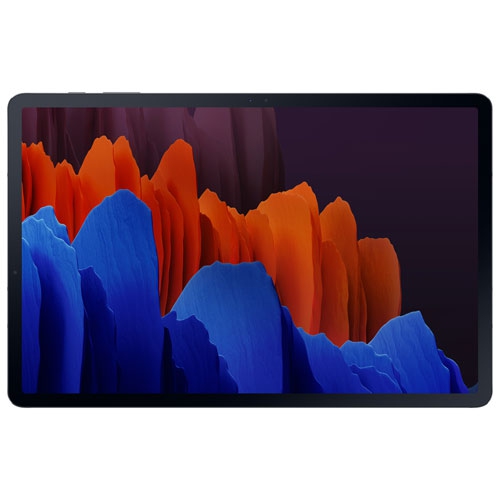
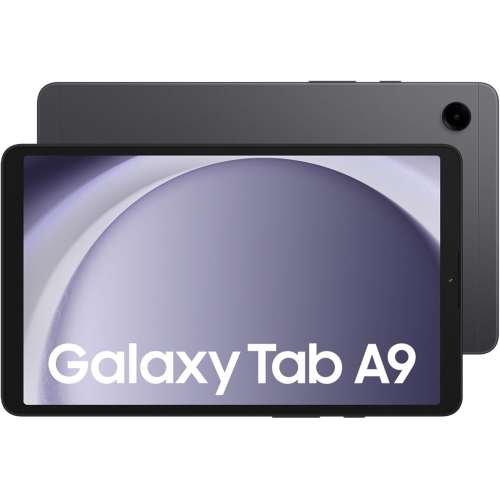
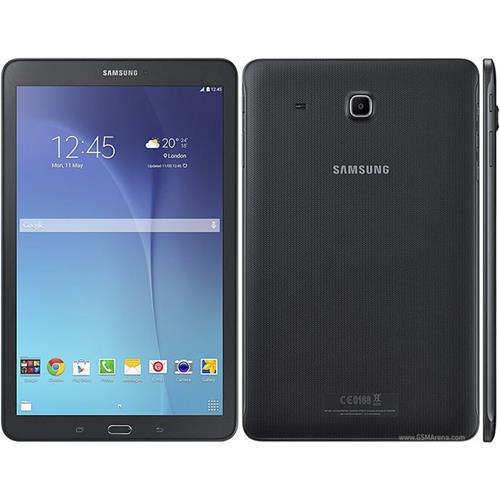
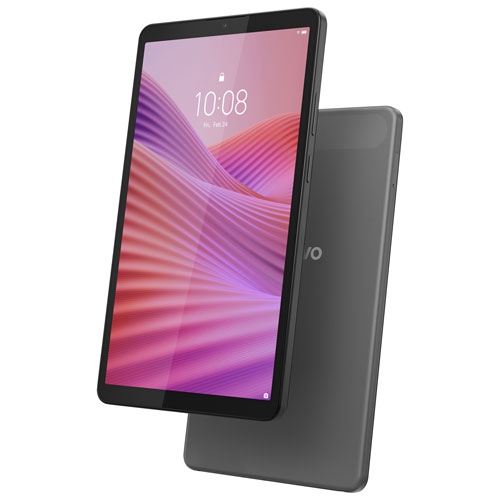
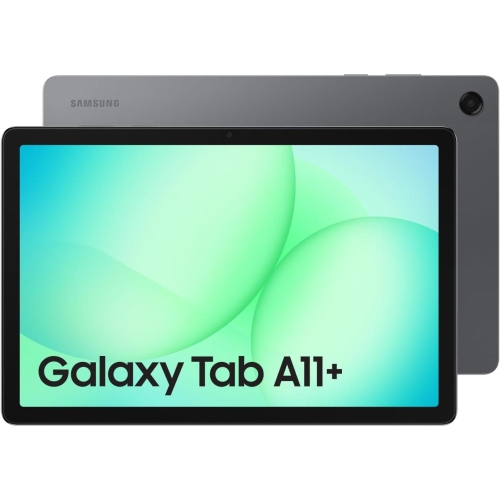
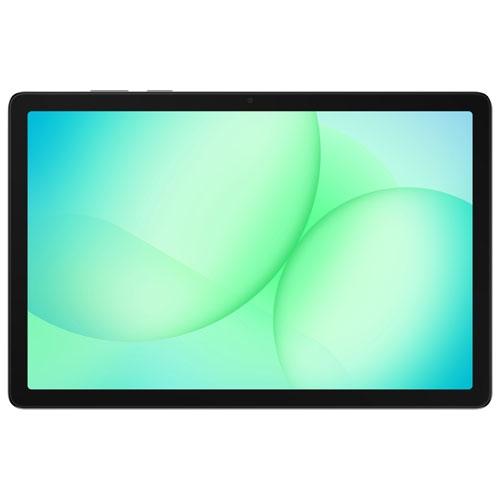
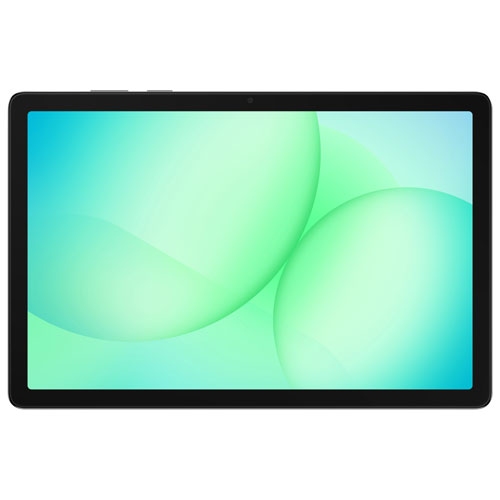
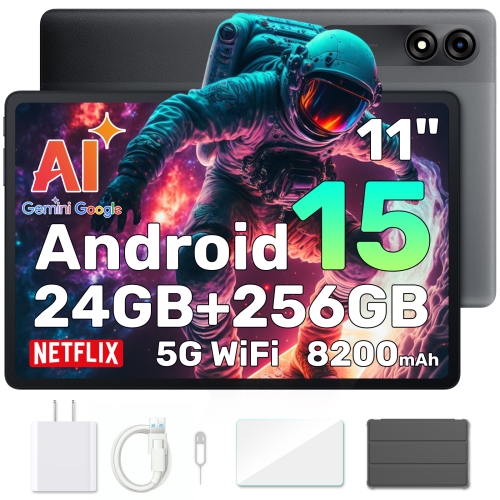
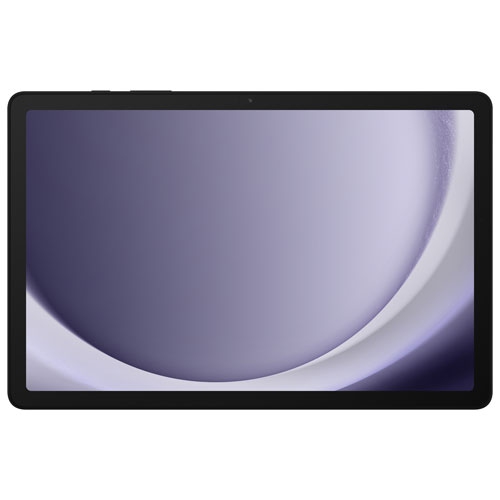
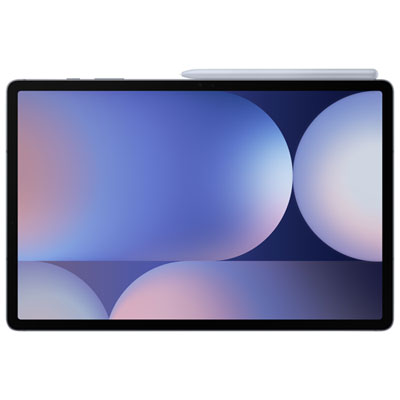
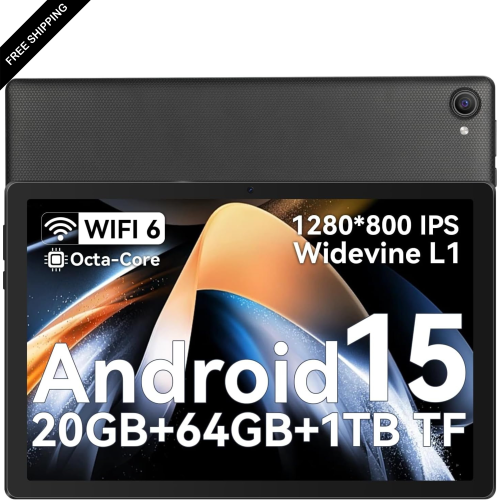
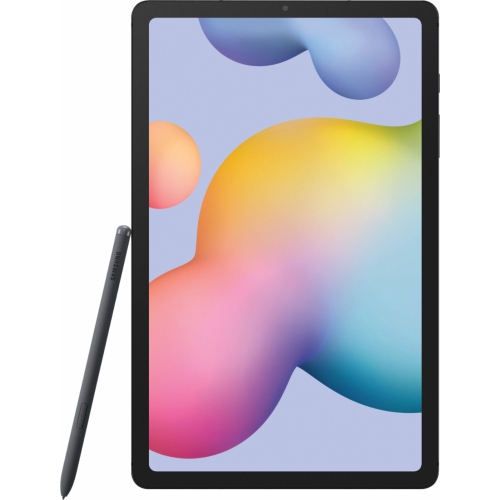
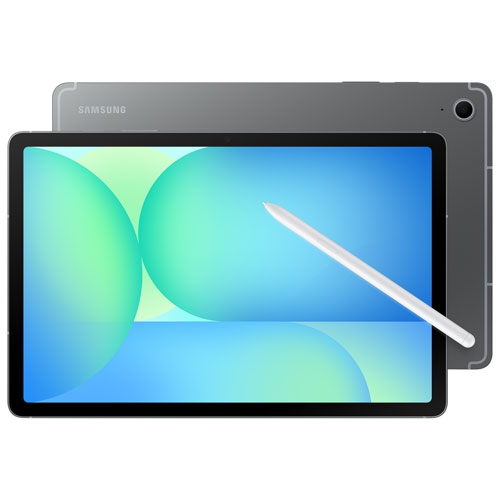
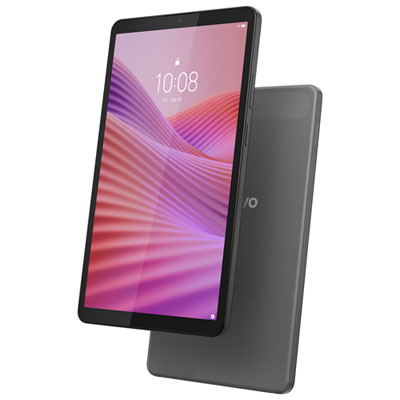
Tablets with expandable storage combine built-in storage with a memory card slot, usually for a microSD card, to provide more room for compatible files. That extra space can hold photos, videos, music, documents, and other supported downloads without requiring everything to stay in the tablet’s internal storage. Expandable storage is particularly useful for a student carrying lecture recordings and reference PDFs, a commuter saving entertainment for the train, or a family keeping a shared collection of photos and videos close at hand. The key distinction is that a memory card adds file storage, not RAM: it does not increase the memory used to run apps or automatically make a tablet faster. Internal storage still matters because the operating system, updates, and many apps depend on it. Some apps allow selected files or downloads to be saved to a card, while others require internal space or restrict where their content can be stored. Maximum supported card capacity also varies by tablet, so compatibility with a 1TB or 2TB card should be confirmed in the specifications rather than assumed. The supported card format, such as microSDHC or microSDXC, matters alongside capacity. A card’s advertised capacity is not the same as the usable space shown after formatting, and the tablet itself also reserves some internal storage for system functions. For everyday use, a balanced combination of sufficient built-in storage and compatible expansion leaves room for essential apps while keeping larger media collections separate. Someone who mainly reads e-books and opens documents will have different storage needs from someone carrying hours of downloaded video or a large photo library. Downloaded entertainment may also require occasional internet access to renew playback permissions, even when the files are stored locally. A memory card makes a tablet more flexible, but it does not remove the requirements set by individual apps and services. That distinction helps explain why two tablets with the same supported card capacity can feel quite different in daily use.
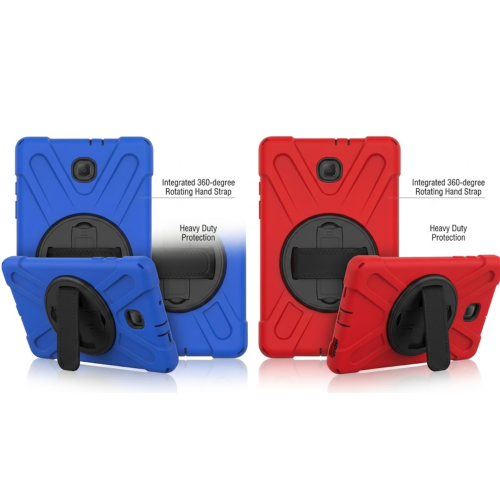
Storage is only one part of how a tablet fits into a routine. A compact screen is easier to hold in one hand while reading, whereas a larger display gives documents, video calls, and side-by-side apps more breathing room. Screen resolution, brightness, and viewing angles affect how comfortably text and images can be seen; accurate colour can matter for reviewing photos or creative work. Overall weight deserves attention, especially when a protective case, keyboard, or stand will travel with the tablet. Metal and plastic housings each have practical trade-offs: metal can feel rigid and substantial, while plastic can help keep weight manageable. Neither material alone guarantees resistance to drops or scratches, and water resistance should never be assumed without a stated rating. A well-fitting case can protect corners and provide a steadier grip, but its cut-outs need to match the tablet’s camera, charging port, speakers, and card slot. Cases and keyboard covers are often designed for an exact model rather than simply a screen size. For note-taking, sketching, and annotating documents, stylus compatibility is another separate consideration; a touchscreen does not necessarily support every active pen. Processing power and RAM influence multitasking, while battery life depends on factors such as screen brightness, video playback, wireless connections, and workload. Wi-Fi supports online access where a suitable network is present, while cellular connectivity requires a compatible tablet and service plan. Expandable storage is helpful away from a connection because supported files can remain on the device, but it does not provide internet access. For a child using educational apps, a university student organizing coursework, or an adult reading and streaming at home, the most useful combination is one that matches the actual tasks. Accessibility features, readable text settings, dependable software support, and straightforward parental controls can be just as important as extra storage space. Charging connections and accessory support also affect how easily a tablet works alongside an existing setup.
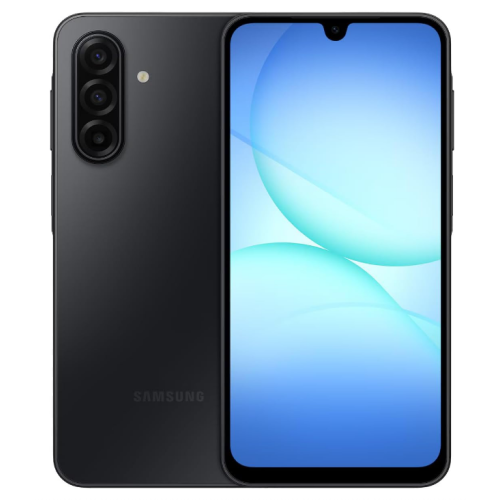
A memory card works best as part of an organized approach to files rather than as a place to put everything indefinitely. Separate folders for course materials, family photos, travel documents, and entertainment make a larger collection easier to navigate on a touchscreen. Card performance matters as well as capacity: supported speed ratings can affect how quickly large files transfer and how smoothly demanding media tasks work. The tablet’s card reader also sets limits, so the fastest card is not automatically the most useful match. Formatting a card may erase its contents, and some tablets offer different ways to configure storage that affect whether the card can be moved to another device. Where device-specific formatting or encryption is used, files may not be readable elsewhere without first being transferred. For removable storage, using the tablet’s eject or unmount function before taking out the card helps reduce the risk of interrupted writes and damaged files. Keeping the slot free of debris, avoiding force when inserting the tray, and following the device’s cleaning directions can help protect a small but important connection. A card is not a backup by itself: important photos, assignments, and documents still benefit from a separate copy on another device or an appropriate online service. Families sharing a tablet may also want separate user profiles where supported, along with a screen lock and clear rules about personal files. As a gift, a tablet with expandable storage can suit a reader with a growing library, a student with substantial course materials, or someone who enjoys carrying media without relying entirely on a connection. Existing accessories, comfort with the operating system, and the recipient’s preferred apps all influence how well it will fit. For people who also want removable storage in a pocket-sized device, Android phones with expandable storage offer a related option, although card compatibility and file-sharing features still depend on the devices involved.
Storage is only one part of how a tablet fits into a routine. A compact screen is easier to hold in one hand while reading, whereas a larger display gives documents, video calls, and side-by-side apps more breathing room. Screen resolution, brightness, and viewing angles affect how comfortably text and images can be seen; accurate colour can matter for reviewing photos or creative work. Overall weight deserves attention, especially when a protective case, keyboard, or stand will travel with the tablet. Metal and plastic housings each have practical trade-offs: metal can feel rigid and substantial, while plastic can help keep weight manageable. Neither material alone guarantees resistance to drops or scratches, and water resistance should never be assumed without a stated rating. A well-fitting case can protect corners and provide a steadier grip, but its cut-outs need to match the tablet’s camera, charging port, speakers, and card slot. Cases and keyboard covers are often designed for an exact model rather than simply a screen size. For note-taking, sketching, and annotating documents, stylus compatibility is another separate consideration; a touchscreen does not necessarily support every active pen. Processing power and RAM influence multitasking, while battery life depends on factors such as screen brightness, video playback, wireless connections, and workload. Wi-Fi supports online access where a suitable network is present, while cellular connectivity requires a compatible tablet and service plan. Expandable storage is helpful away from a connection because supported files can remain on the device, but it does not provide internet access. For a child using educational apps, a university student organizing coursework, or an adult reading and streaming at home, the most useful combination is one that matches the actual tasks. Accessibility features, readable text settings, dependable software support, and straightforward parental controls can be just as important as extra storage space. Charging connections and accessory support also affect how easily a tablet works alongside an existing setup.
A memory card works best as part of an organized approach to files rather than as a place to put everything indefinitely. Separate folders for course materials, family photos, travel documents, and entertainment make a larger collection easier to navigate on a touchscreen. Card performance matters as well as capacity: supported speed ratings can affect how quickly large files transfer and how smoothly demanding media tasks work. The tablet’s card reader also sets limits, so the fastest card is not automatically the most useful match. Formatting a card may erase its contents, and some tablets offer different ways to configure storage that affect whether the card can be moved to another device. Where device-specific formatting or encryption is used, files may not be readable elsewhere without first being transferred. For removable storage, using the tablet’s eject or unmount function before taking out the card helps reduce the risk of interrupted writes and damaged files. Keeping the slot free of debris, avoiding force when inserting the tray, and following the device’s cleaning directions can help protect a small but important connection. A card is not a backup by itself: important photos, assignments, and documents still benefit from a separate copy on another device or an appropriate online service. Families sharing a tablet may also want separate user profiles where supported, along with a screen lock and clear rules about personal files. As a gift, a tablet with expandable storage can suit a reader with a growing library, a student with substantial course materials, or someone who enjoys carrying media without relying entirely on a connection. Existing accessories, comfort with the operating system, and the recipient’s preferred apps all influence how well it will fit. For people who also want removable storage in a pocket-sized device, Android phones with expandable storage offer a related option, although card compatibility and file-sharing features still depend on the devices involved.
Top selling and popular products
-
 Your price for this item is $499.99
-
 Your price for this item is $350
-
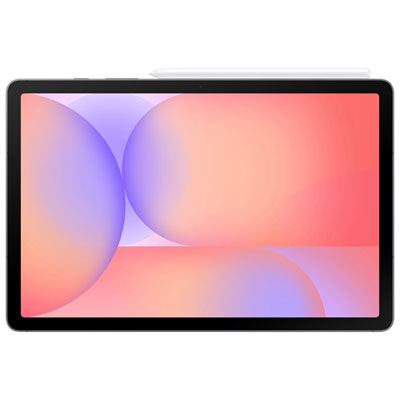 Your price for this item is $399.99
-
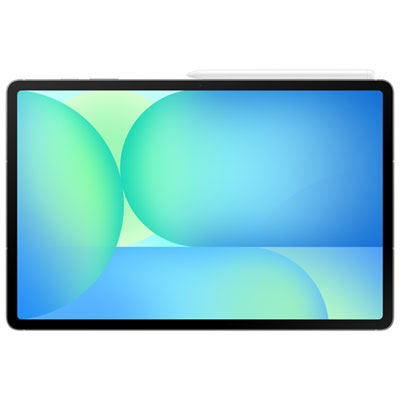 Your price for this item is $979.99
-
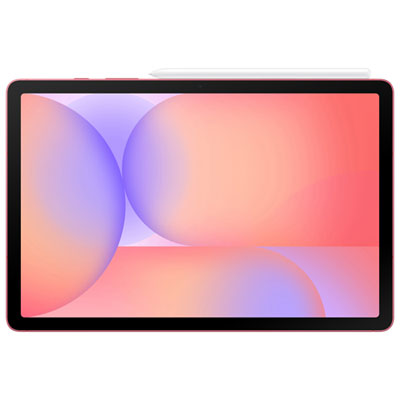 Your price for this item is $399.99
-
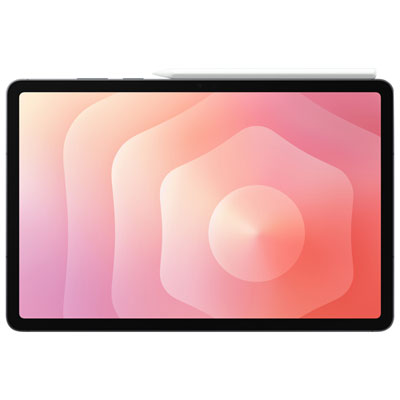 Your price for this item is $1399.99
-
 Your price for this item is $699.99
-
 Your price for this item is $664.95
Discover more categories related to Tablets With Expandable Storage

Top Collections:
Best Black Friday Deals This Year, Best Black Friday Deals On Electronics, Kindle Devices, Pokemon Centers, Best Black Friday Deals On Apple Products, Best Cameras for Sports Photography, Dyson Airwrap, Pokémon 30th Celebration Cards, Apple iPhone 17 Pro, Canon G7X Cameras
Some products may be subject to Environmental Handling Fees
(EHF) depending on your province.
Learn more about EHFs.