Tech Deals
Looking to score the best tech deals around? You're in the right place! Our Tech Deals page is your go-to destination for incredible savings on a wide range of cutting-edge electronics and gadgets. Whether you're in need of a new laptop, smartphone, smart home devices, or accessories, we've got you covered with unbeatable offers that will elevate your tech game without breaking the bank. Dive into our curated selection of discounted tech products and gear up to experience innovation at its finest.
Sort

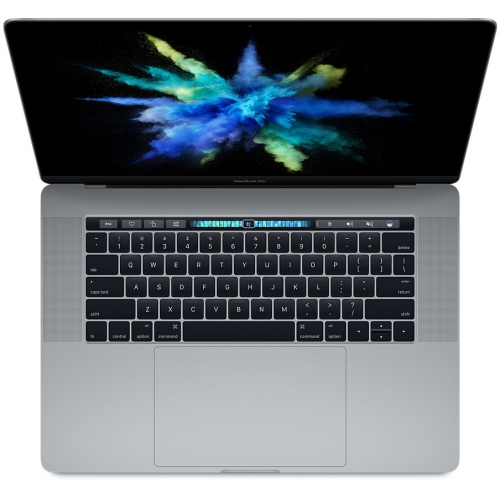

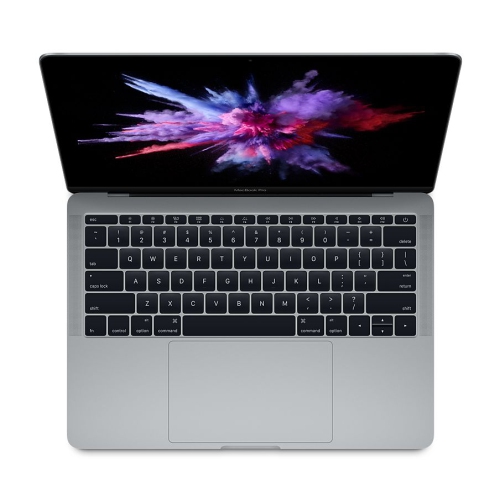
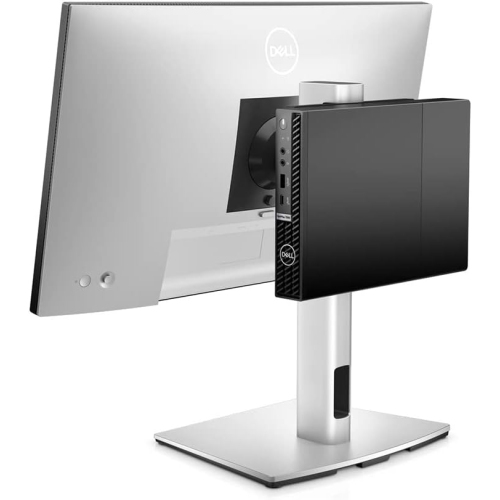
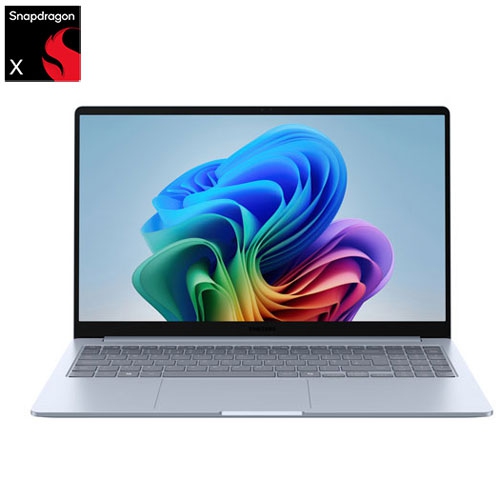


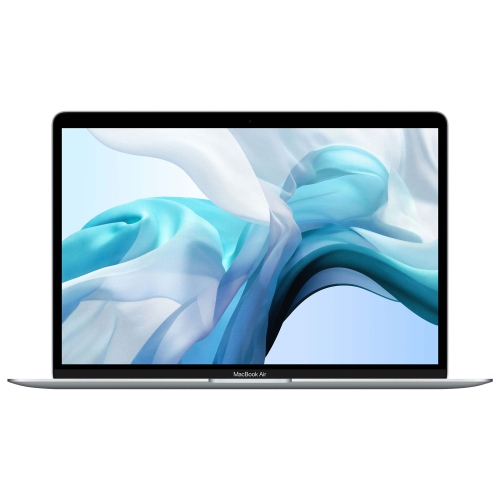
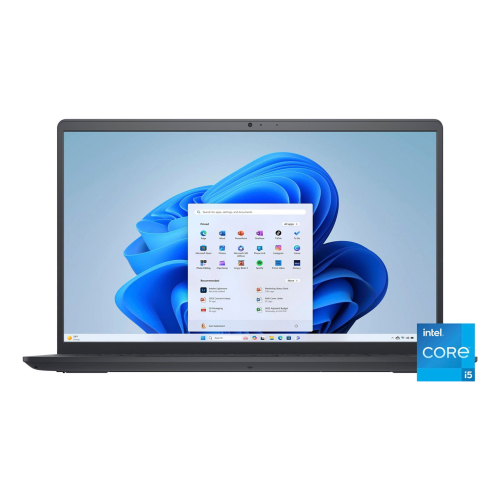
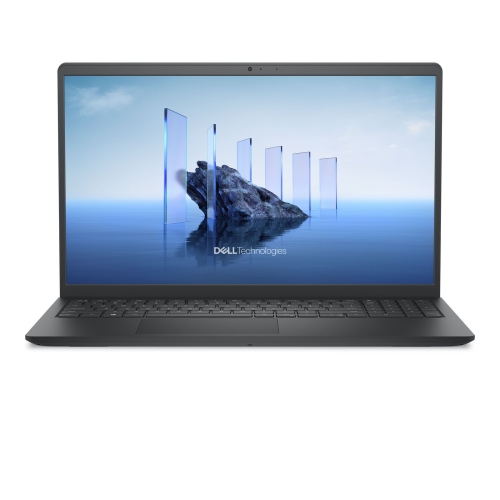
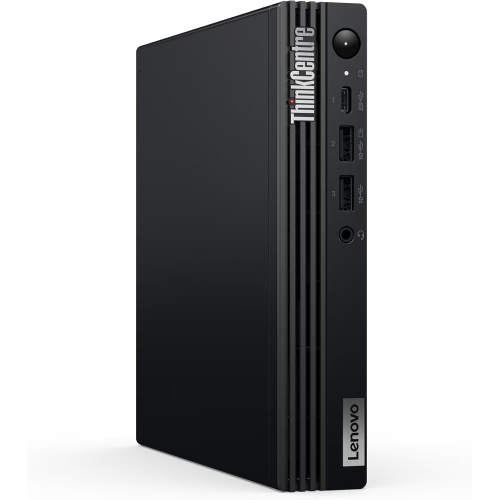

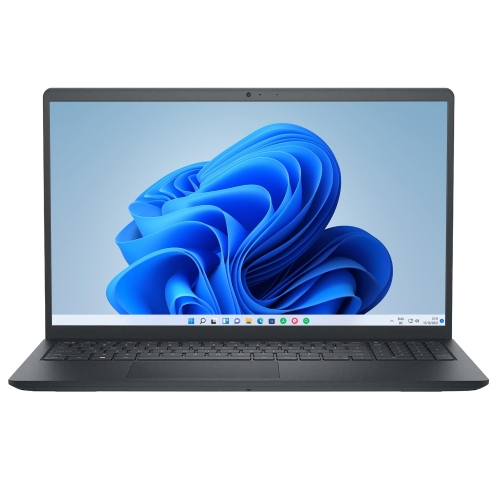
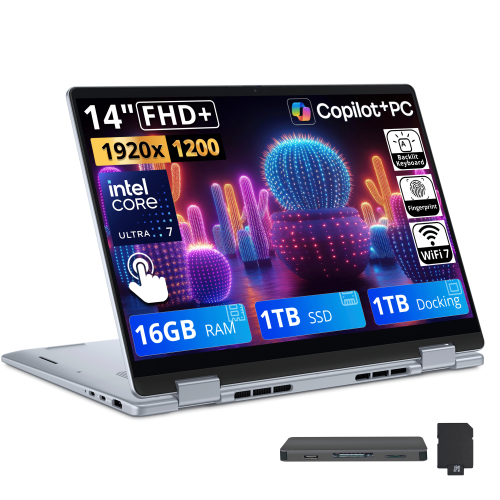
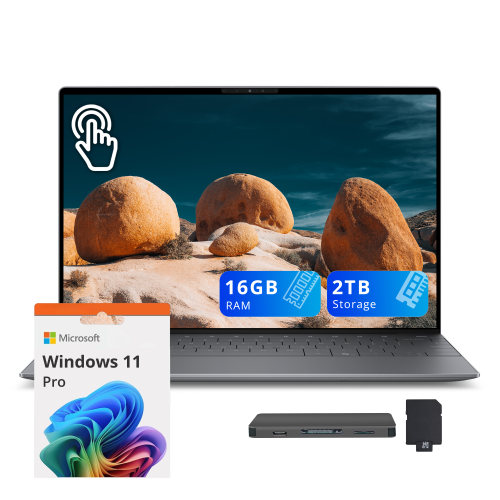
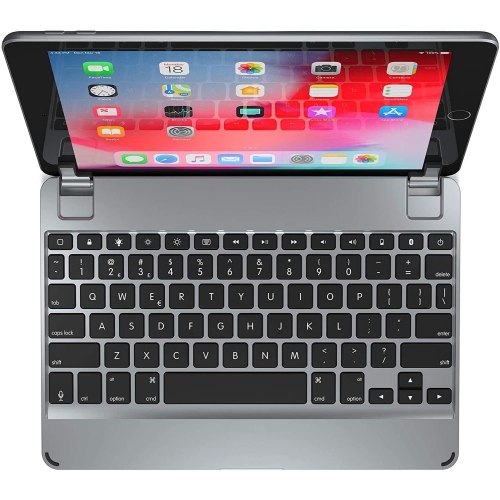

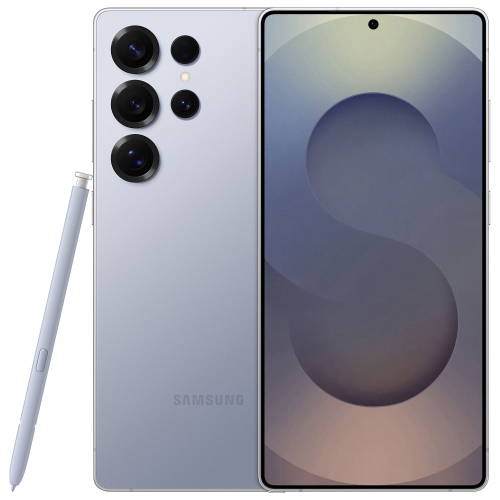
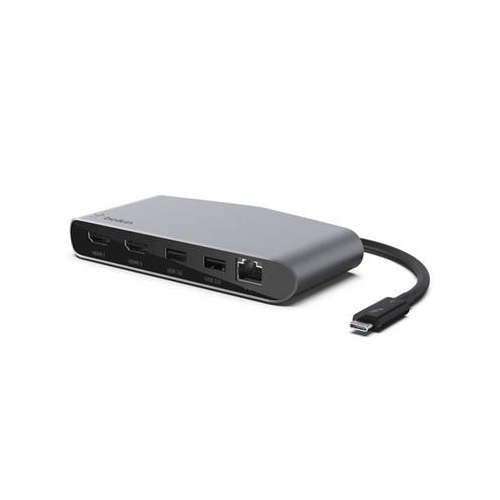
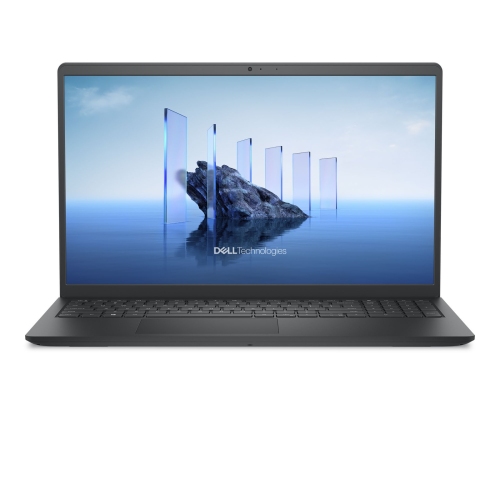
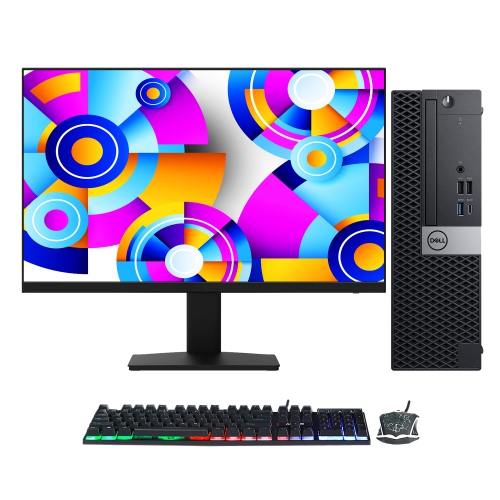




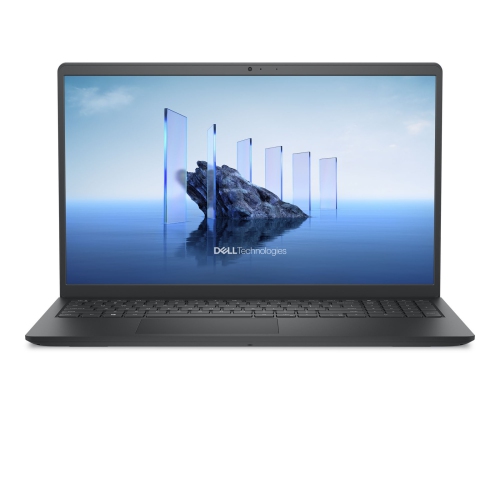
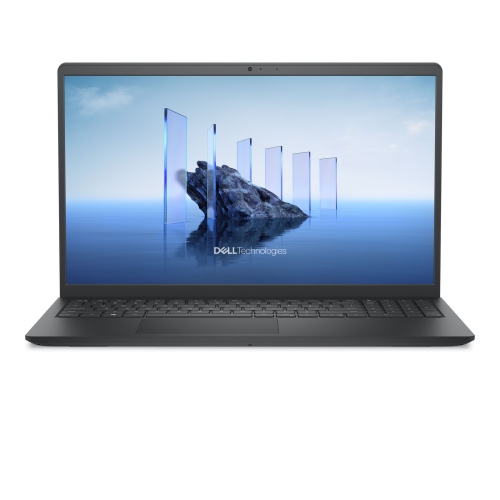
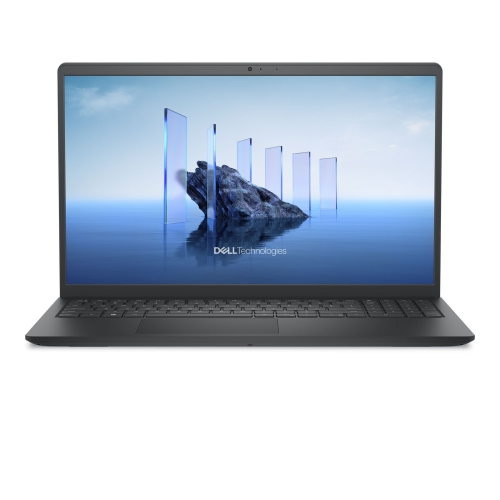
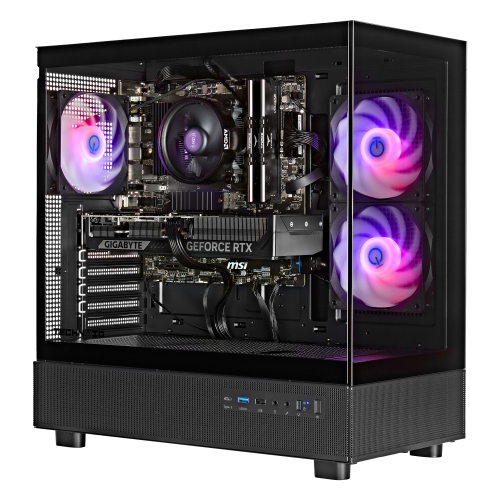

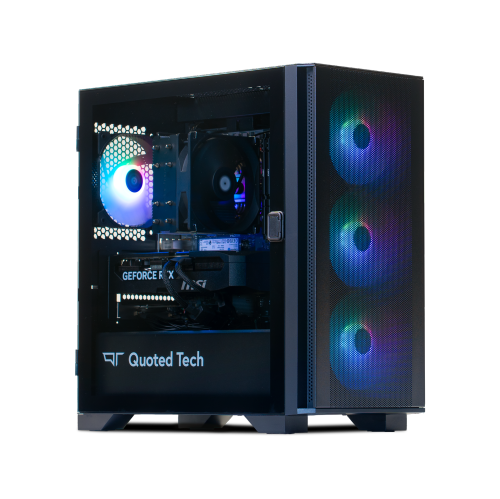

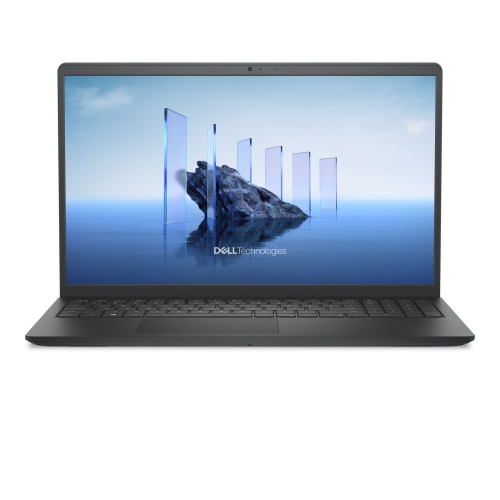

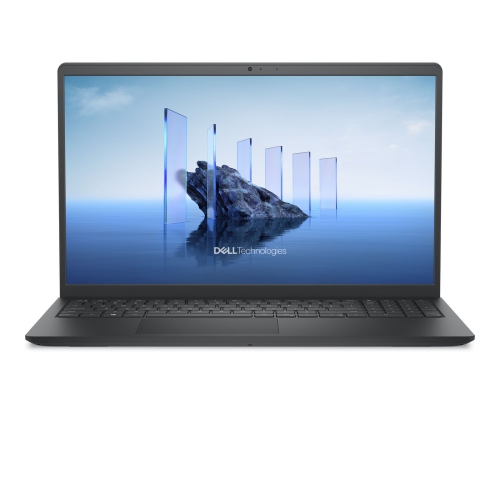
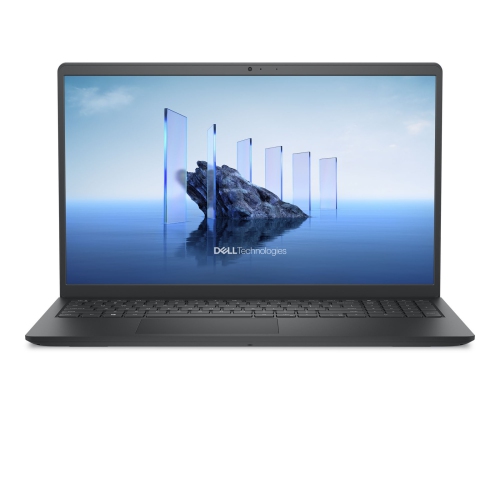


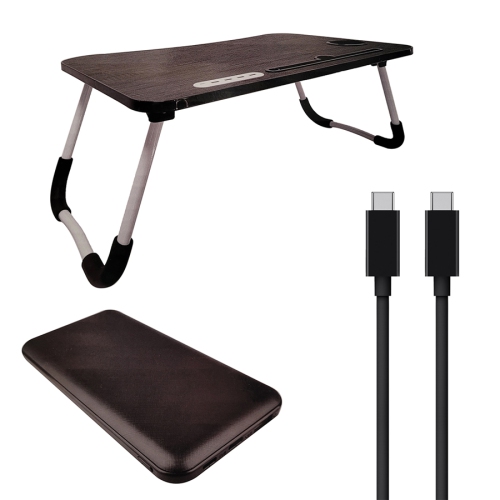
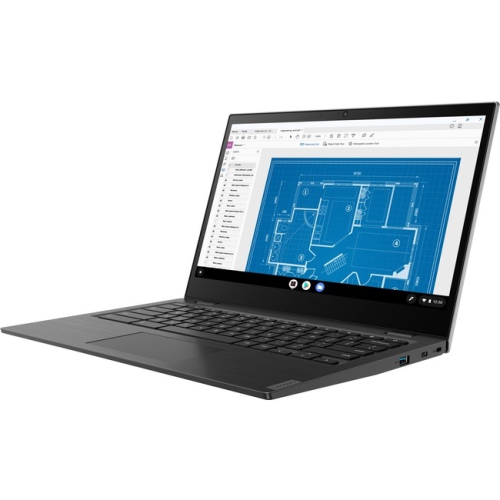
How comfort and compatibility shape everyday tech choices
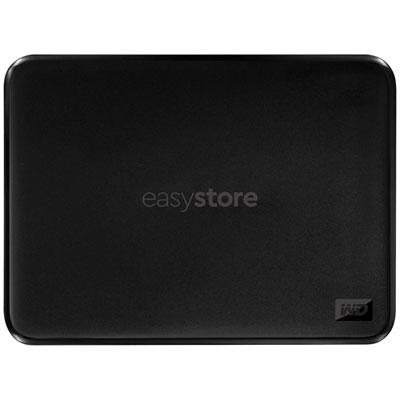
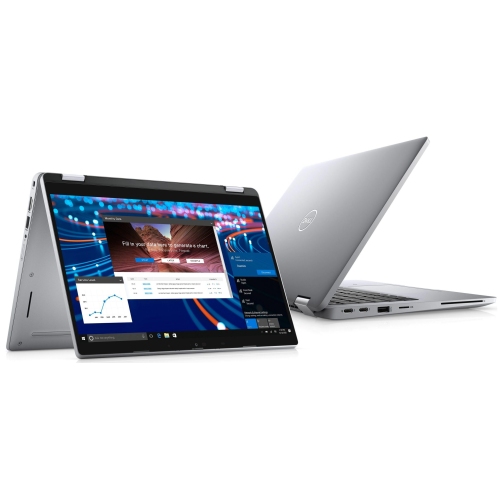
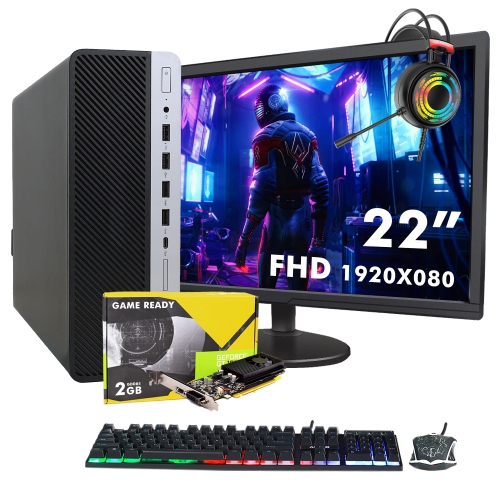
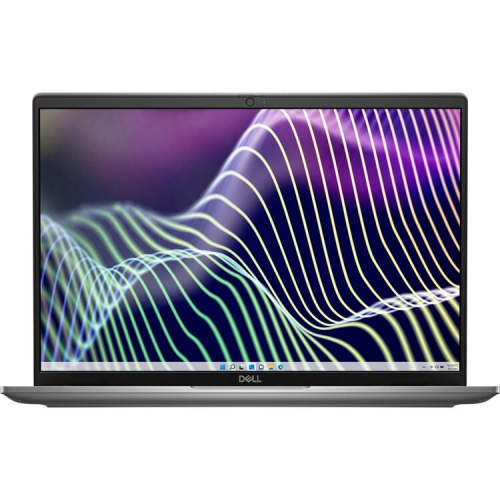
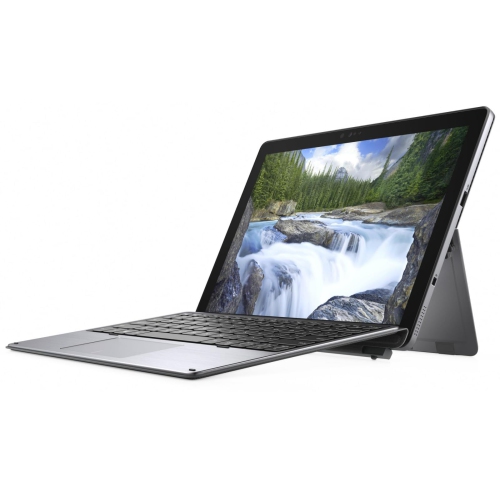
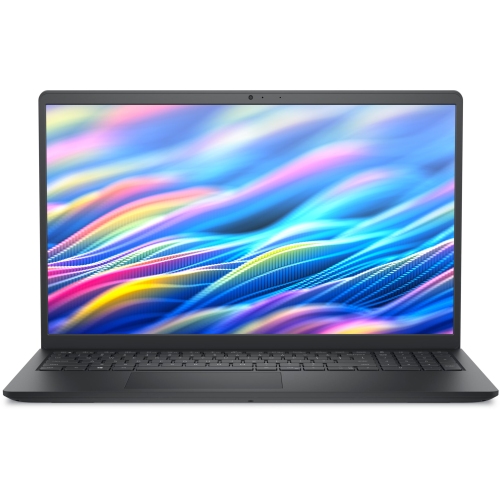
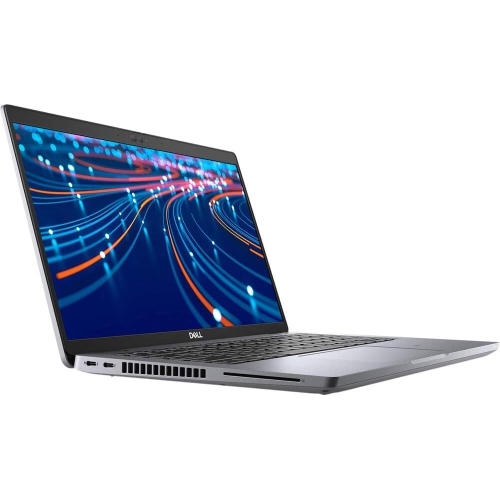
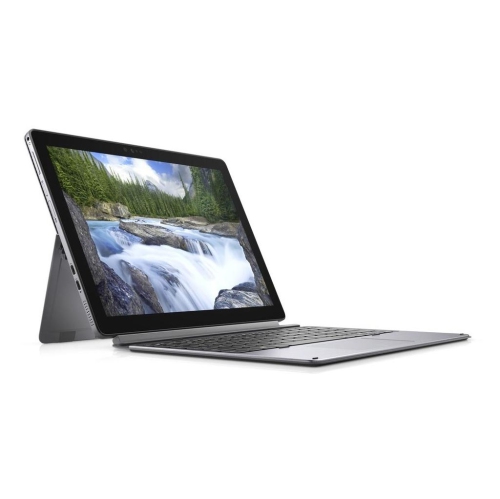
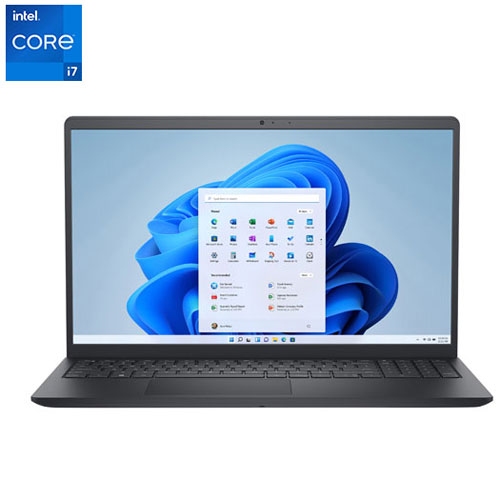
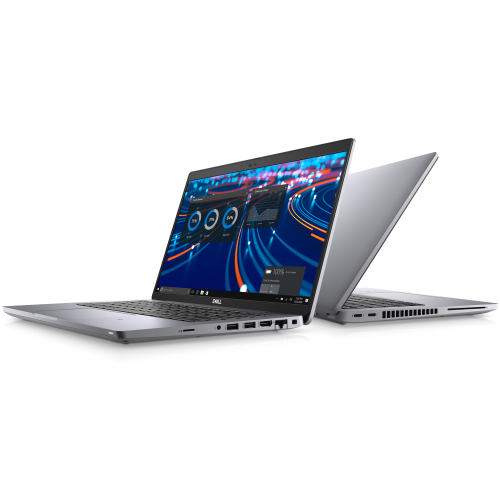
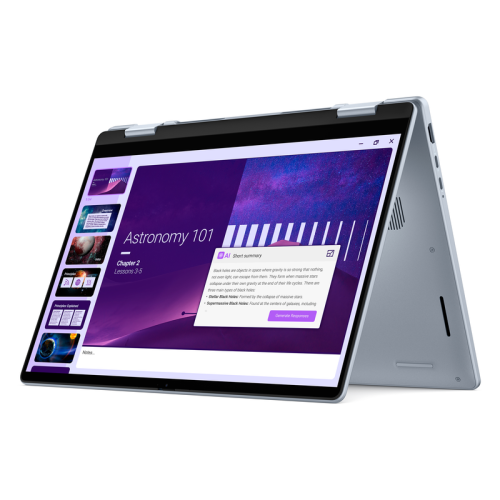
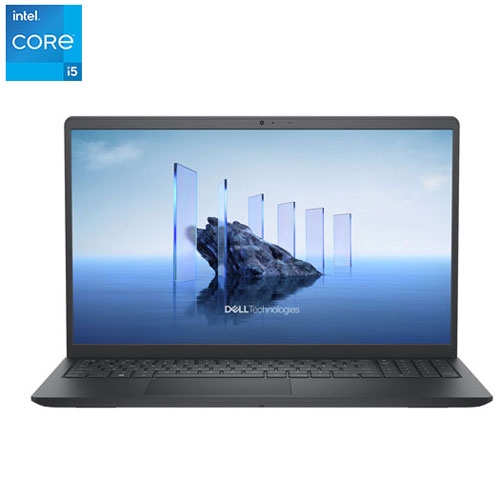
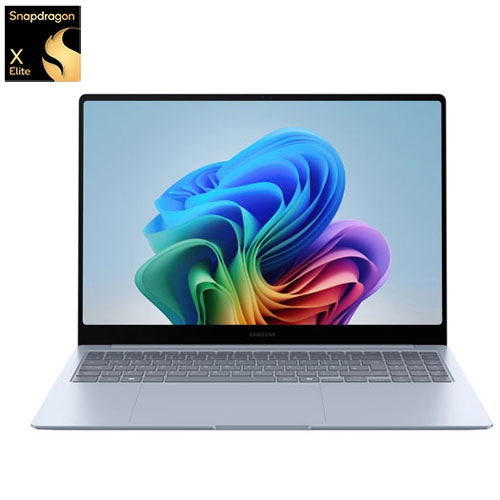
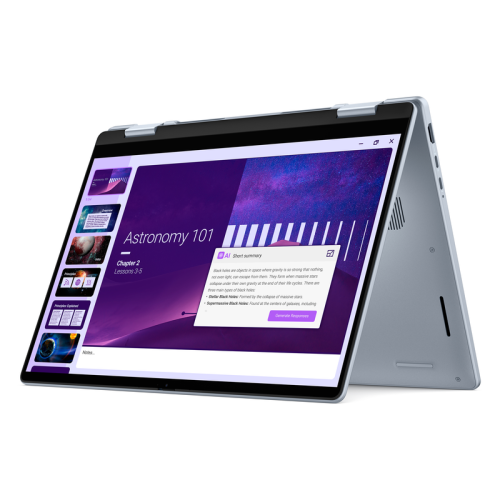
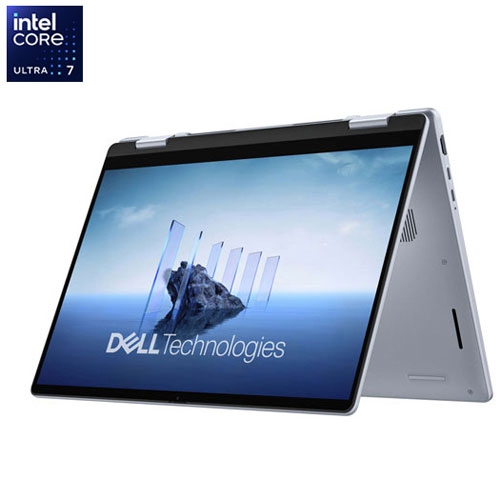
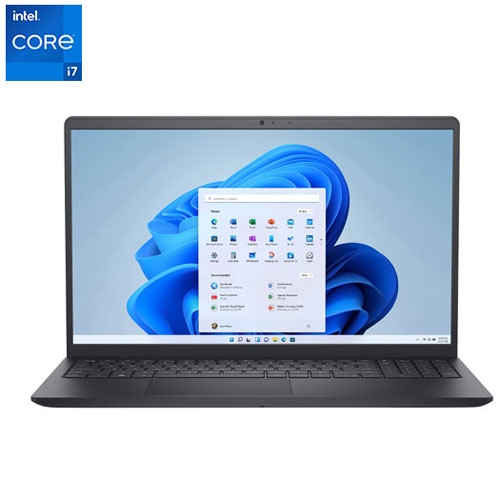
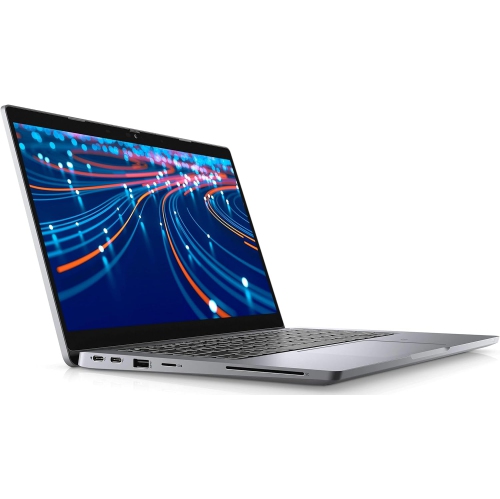
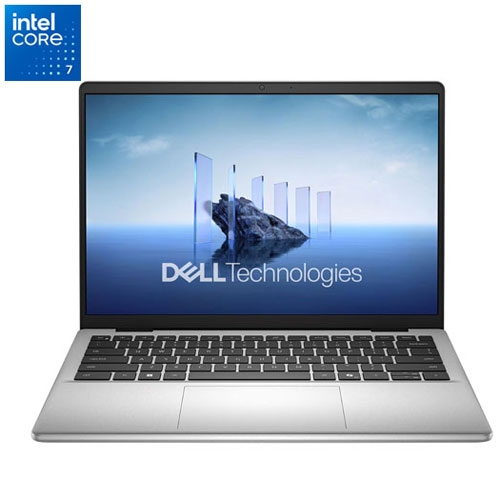
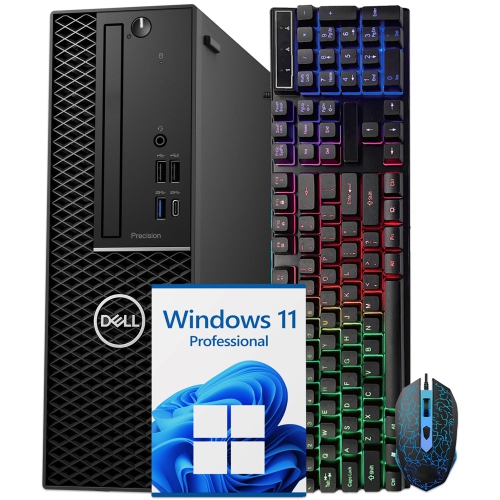
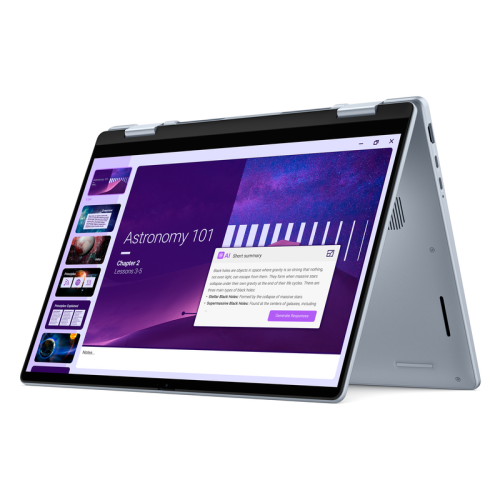
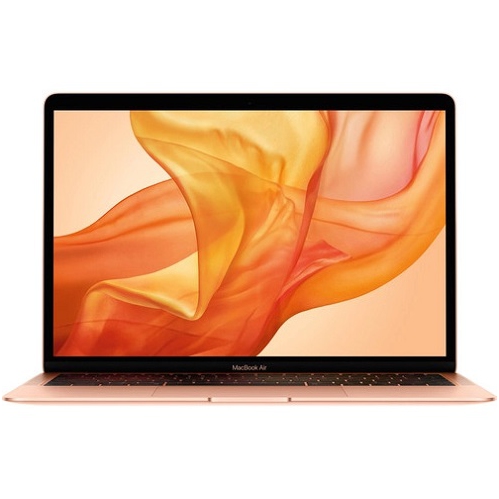
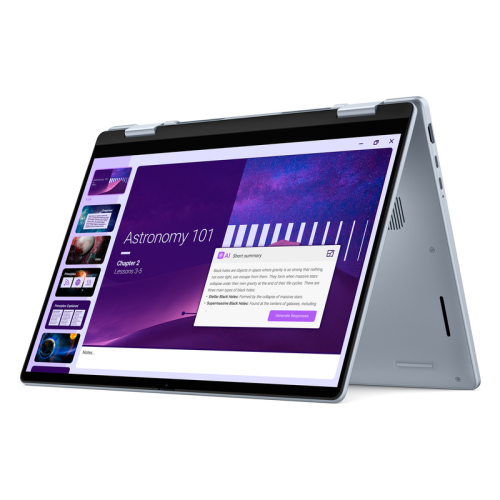
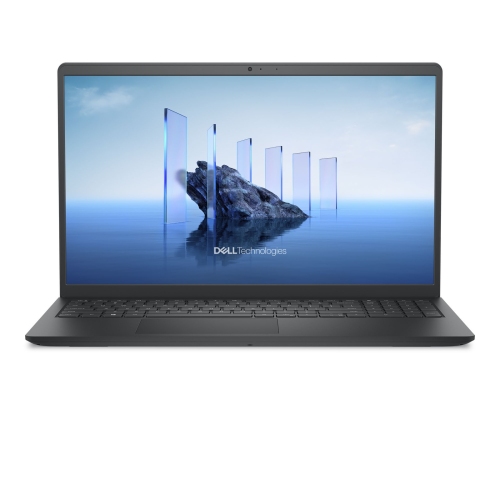
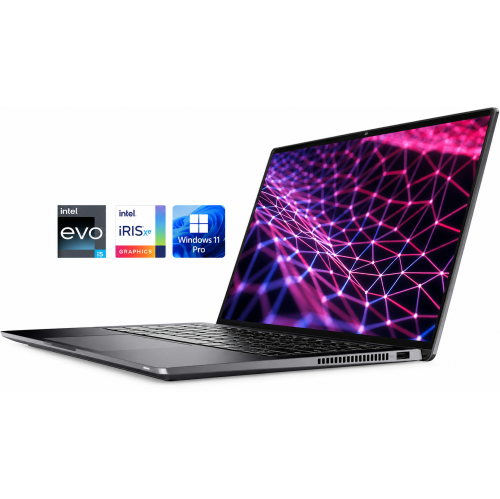
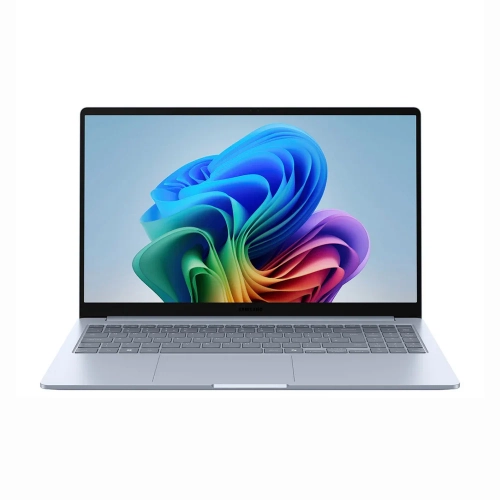
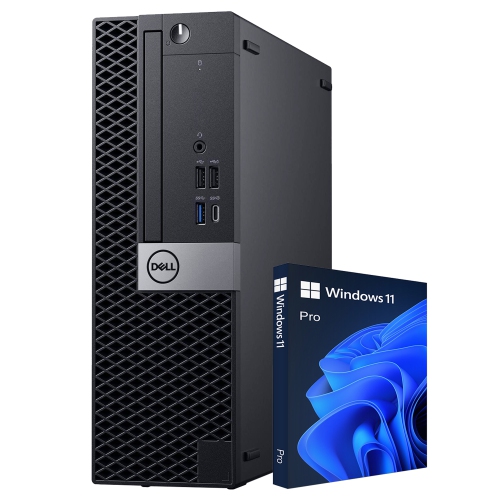
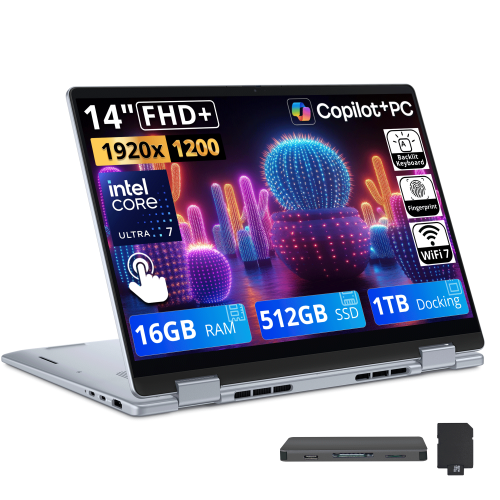
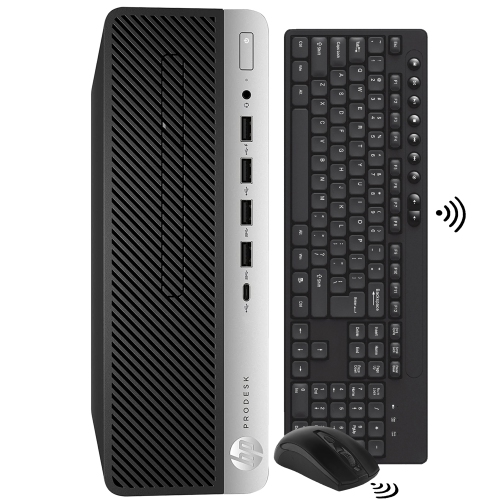
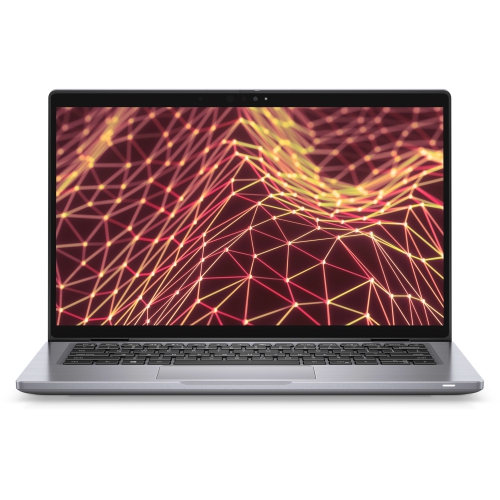
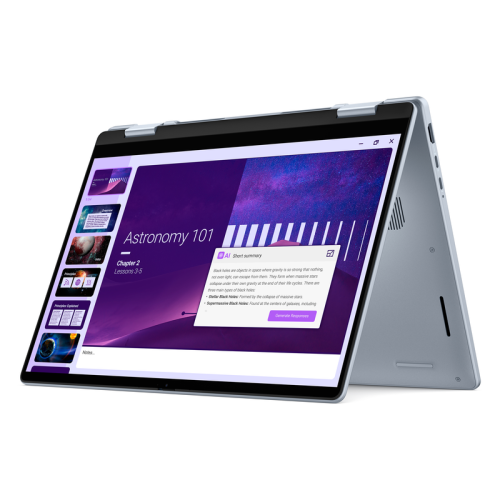
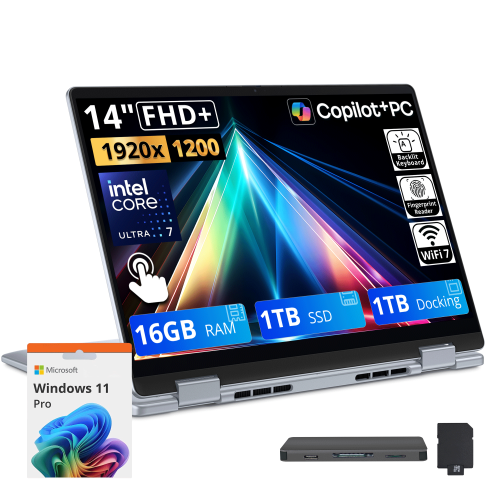
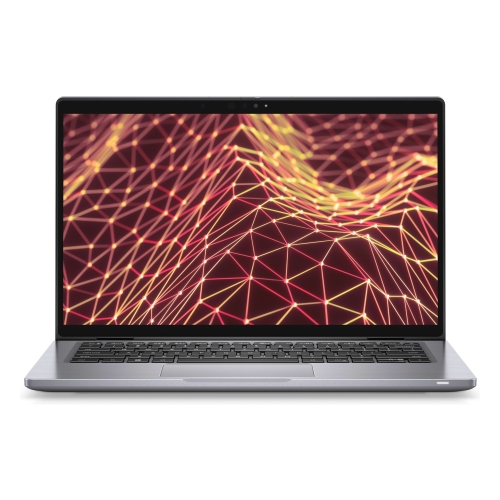
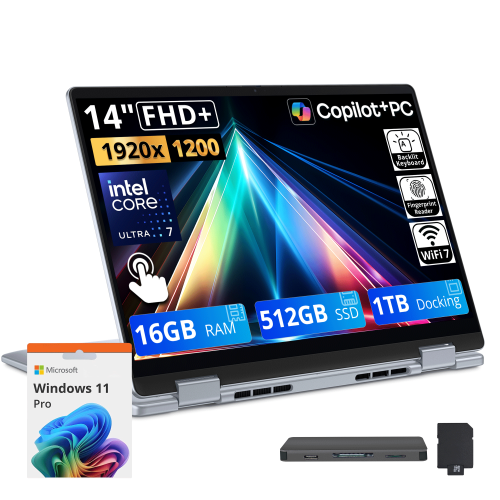
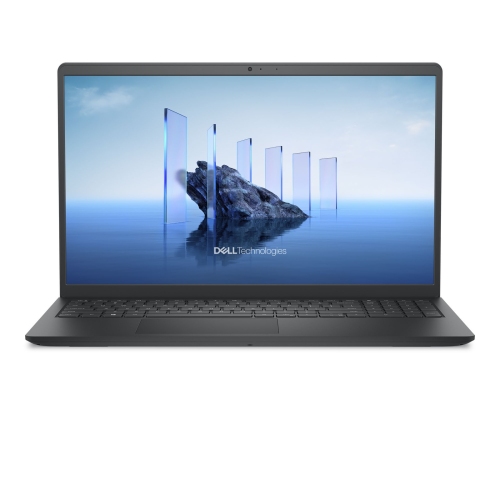
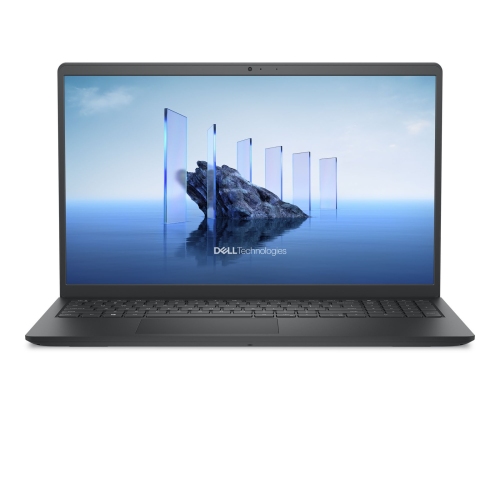
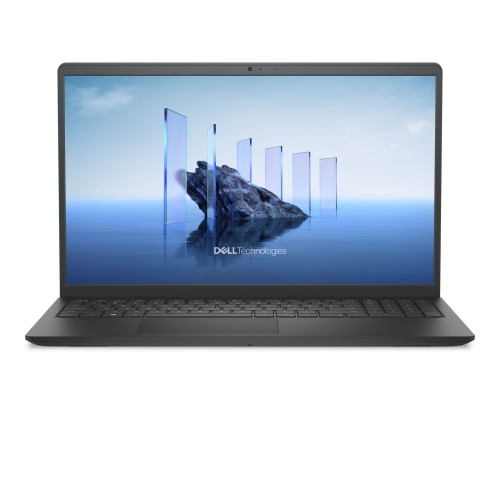
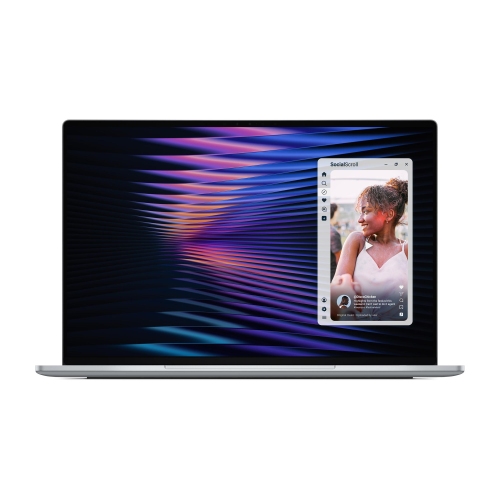
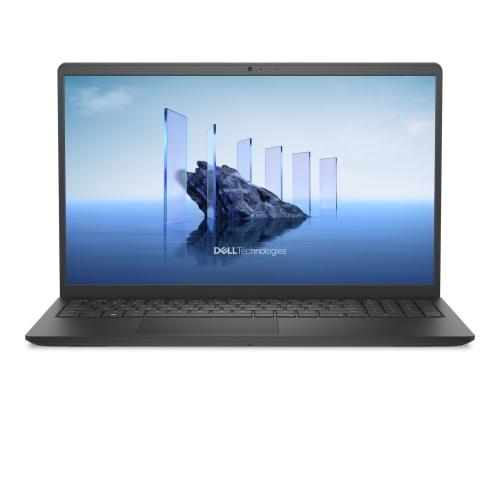
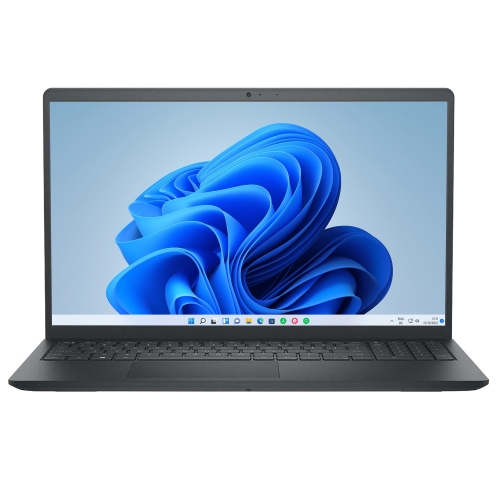
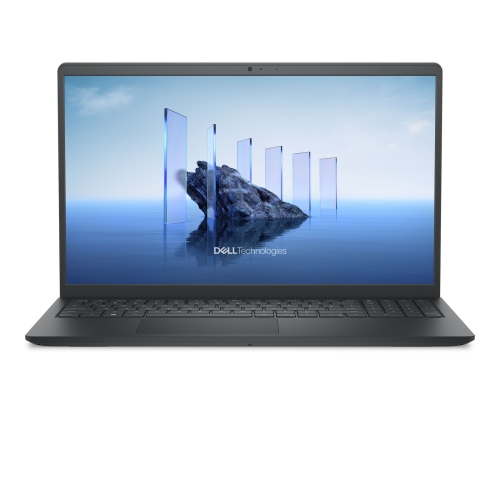
Tech deals span everyday electronics for work, study, entertainment, and connected living, including computers, tablets, headphones, displays, and smart home devices. Across these categories, the features that matter most depend on where and how the technology will be used. A laptop carried between lectures has different practical demands from a desktop computer that stays beside a large monitor, keyboard, and mouse. Portability involves more than weight: the size of the power adapter, the strength of the hinge, and the space needed to open the screen can all affect daily comfort. For someone working through spreadsheets while joining video calls, memory, processor performance, and a clear webcam can make multitasking feel more manageable. Storage capacity matters for keeping documents, photos, games, and creative projects, while storage speed influences how quickly applications and files open. Battery life varies with screen brightness, software, wireless connections, and workload, so published estimates are best understood alongside intended use. Screen size and resolution influence how much information fits comfortably on a display, while surface reflections can affect visibility beside a bright window. Tablets suit reading, handwritten notes, video calls, and portable entertainment, though compatibility with desktop software and accessories varies. A detachable keyboard can change how a tablet feels to use, but it does not necessarily provide the same capabilities as a laptop. Connections deserve equal attention across computing categories. Two USB-C ports may look identical yet support different charging speeds, video output, or data transfer capabilities. Docking stations and adapters need to match both the computer and the connected equipment. Housing materials also contribute to everyday handling: metal can feel rigid, while textured plastic can provide a secure grip. Neither material alone determines durability; hinge construction, reinforced corners, and careful handling matter too. A well-fitting sleeve, room for ventilation, and a stable work surface help protect equipment without complicating a daily routine. For shared desks, an adjustable monitor stand and comfortable keyboard placement can make the same setup easier for different people to use.
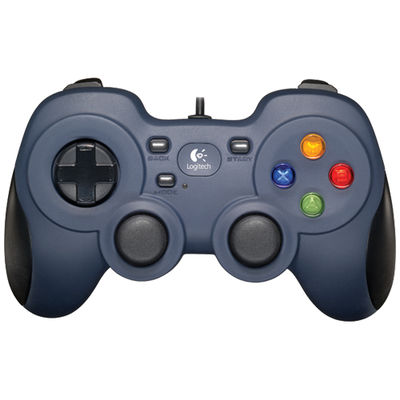
Entertainment technology brings another set of considerations, particularly sound, viewing distance, comfort, and the space around the device. Headphones used for a long train ride need a secure fit and manageable weight, while a headset for extended gaming sessions may place greater emphasis on microphone clarity and ear cushions that remain comfortable over time. Over-ear cushions, headband adjustment, and clamping pressure can matter as much as the sound profile. Earbuds depend on a suitable tip size for a stable seal; an uncomfortable fit can affect both listening quality and how securely they stay in place. Active noise cancellation reduces certain surrounding sounds, while passive isolation relies on the physical seal around or inside the ear. Neither should be treated as a substitute for hearing protection where it is required. Wireless connections add freedom of movement, though pairing support, battery endurance, and charging connections affect the overall experience. For speakers, room size and placement influence the result: a compact desk setup behaves differently from an open living area, and a speaker tucked into a corner may sound different from one placed on an open shelf. Televisions and monitors also need to suit their surroundings. Resolution, contrast, viewing angles, and glare handling shape the picture, while refresh rate and input response are especially relevant for gaming when supported by the source device. A large screen can feel immersive from a sofa but overwhelming at a shallow desk. Mounting compatibility, stand width, cable access, and furniture stability are practical details that help a setup work comfortably in the room. Gaming accessories add their own fit considerations, from controller shape and button placement to the space needed for a mouse to move freely. Shared households may also benefit from separate audio connections or easily accessible volume controls. Keeping cables away from walkways and leaving ventilation openings clear makes an entertainment area easier to use and maintain, whether it supports a quiet evening film or a lively multiplayer session with friends.
Connected home devices, wearables, and everyday accessories extend technology into smaller routines, such as adjusting a light from a phone, checking a doorway, or tracking activity during a walk. Their usefulness often rests on compatibility rather than the number of features on the packaging. Smart home equipment may require a particular Wi-Fi band, a separate hub, or support for the same control platform as existing devices. Router placement, wall construction, and distance can affect connection quality, especially in rooms far from the main access point. Cameras and connected doorbells also bring practical considerations such as viewing angle, mounting position, power requirements, and whether recordings are stored locally or through an online account. Privacy settings, account permissions, and software updates help keep connected equipment manageable for everyone who uses it. Wearables make fit especially personal. A comfortable strap should hold the device securely without feeling restrictive, and case size can affect comfort when typing or sleeping. Phone compatibility, readable text, accessible controls, and charging routines all influence whether a wearable becomes part of everyday life. Water-resistance ratings have specific limits and should not be treated as permission for every water activity. Care is similarly device-dependent: a soft cloth may suit a screen or casing, while fabric cushions, silicone straps, and charging contacts can require different cleaning methods. Manufacturer instructions help avoid damage from harsh cleaners, excess moisture, or unsuitable accessories. For gifts, familiarity with the recipient’s existing technology is often more useful than choosing the longest feature list. A student may appreciate a comfortable study setup, a frequent traveller may value compact accessories, and someone who enjoys music may care most about listening comfort and straightforward controls. Birthdays, graduations, and housewarmings can all be occasions for technology that supports an established interest or routine. Related collections such as Best Tech Black Friday Deals provide another way to browse with those everyday needs in mind. Across categories, dependable compatibility, comfortable handling, and appropriate care help technology remain useful well beyond its first setup.
Top selling and popular products
-
 Your price for this item is $449
-
 Your price for this item is $3099
-
 Your price for this item is $1800.68
-
 Your price for this item is $664.05
-
 Your price for this item is $869.99
-
 Your price for this item is $2960.48
-
 Your price for this item is $499.68
-
 Your price for this item is $1951.79
Discover more categories related to Tech Deals

Top Collections:
Best Black Friday Deals This Year, Best Black Friday Deals On Electronics, Kindle Devices, Pokemon Centers, Best Black Friday Deals On Apple Products, Best Cameras for Sports Photography, Dyson Airwrap, Pokémon 30th Celebration Cards, Apple iPhone 17 Pro, Canon G7X Cameras
Some products may be subject to Environmental Handling Fees
(EHF) depending on your province.
Learn more about EHFs.