ThinkPad 32GB
Discover the power and versatility of ThinkPad 32GB options designed to keep up with demanding workflows and multitasking needs. Whether you're upgrading your workstation or searching for a reliable laptop for business, these models deliver impressive performance for professionals and students alike. Explore a range of ThinkPad 32GB configurations to find the perfect fit for your productivity goals, creative projects, or everyday computing tasks.
Sort
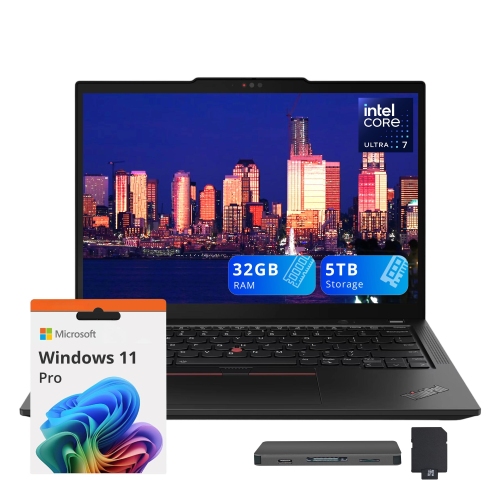
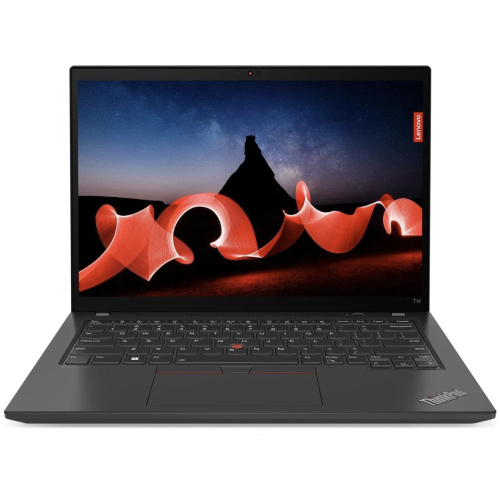
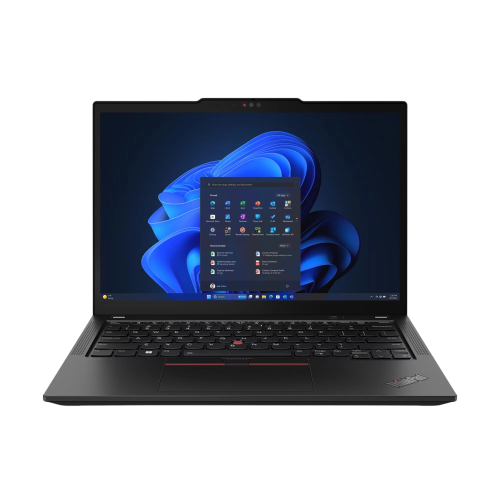
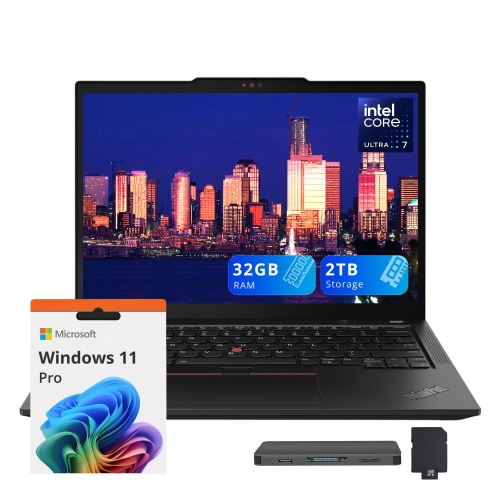
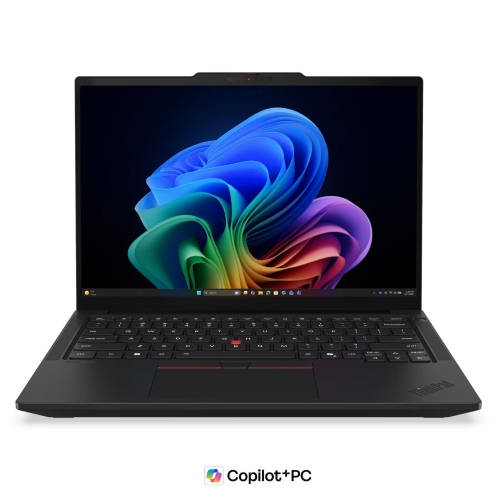
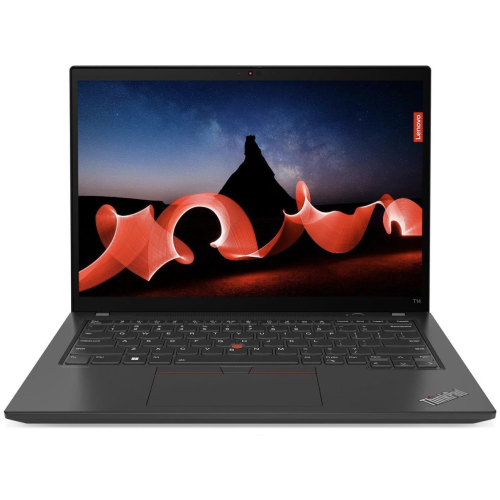
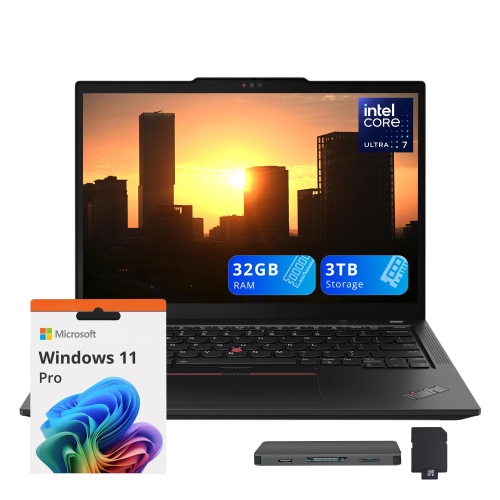
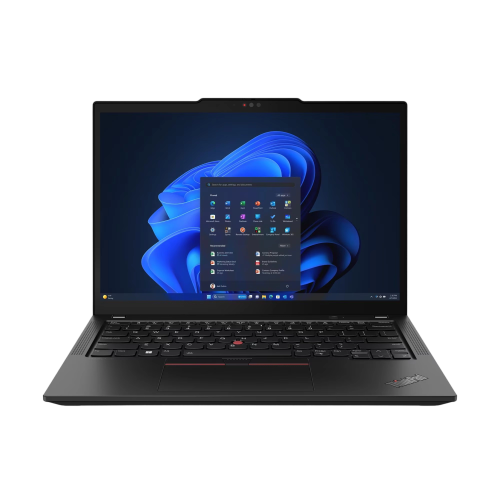
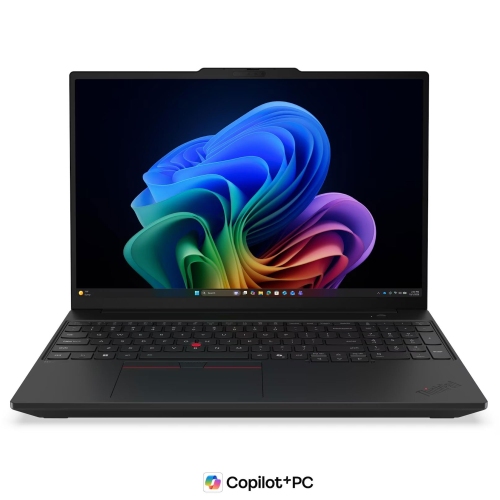
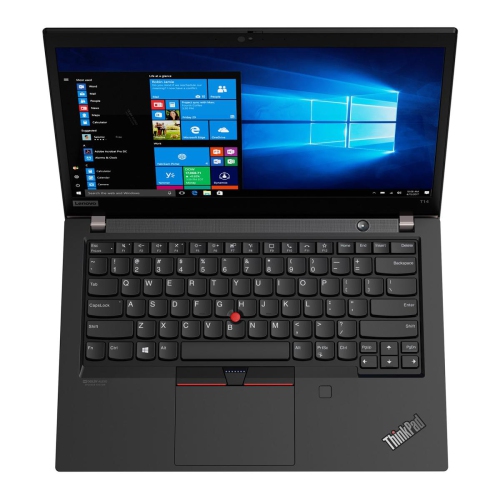
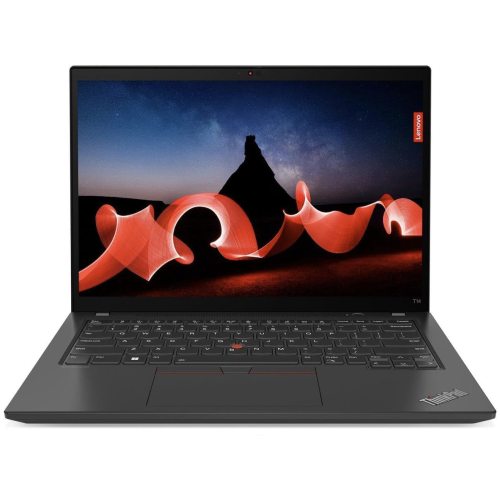
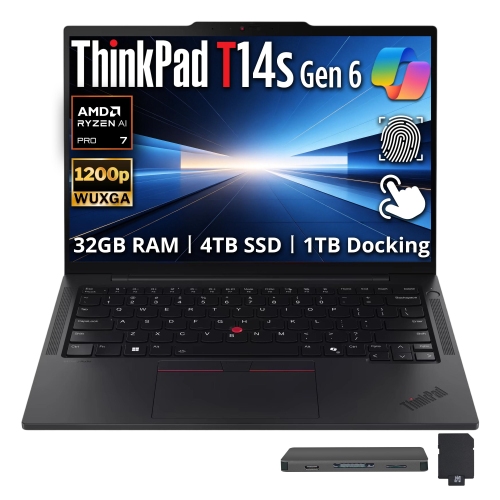
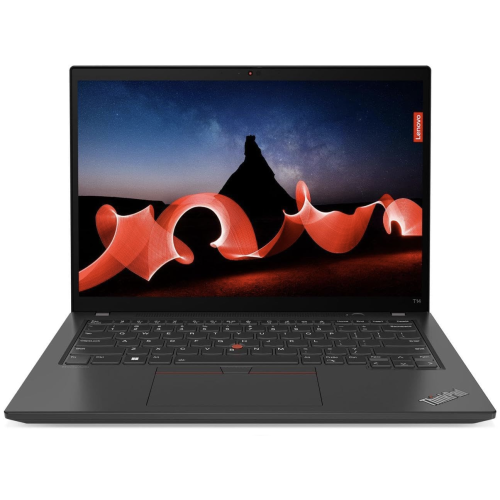
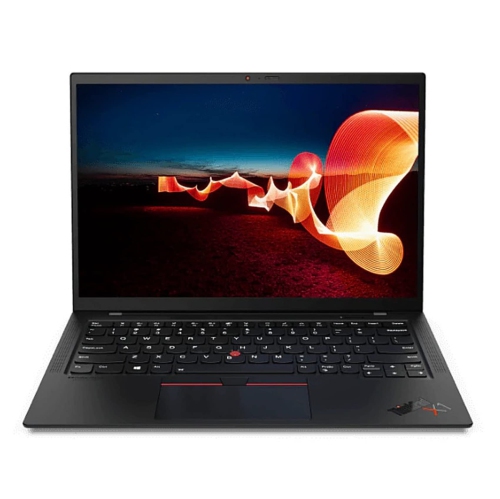
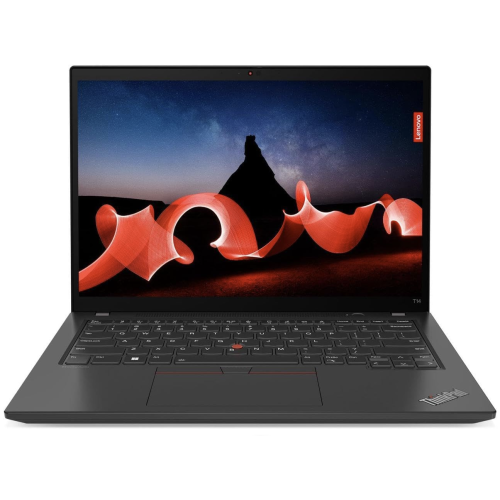
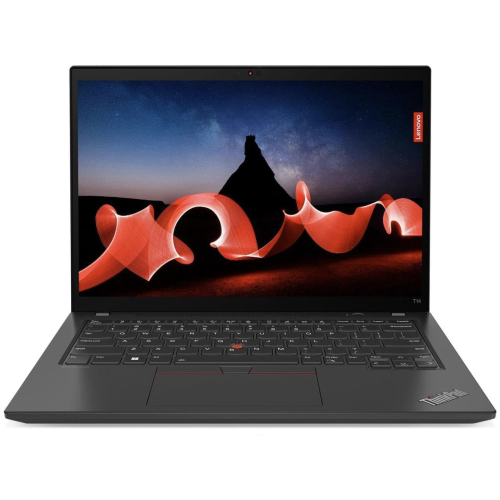
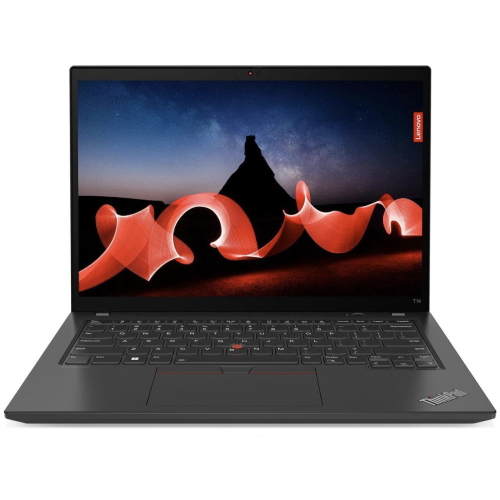
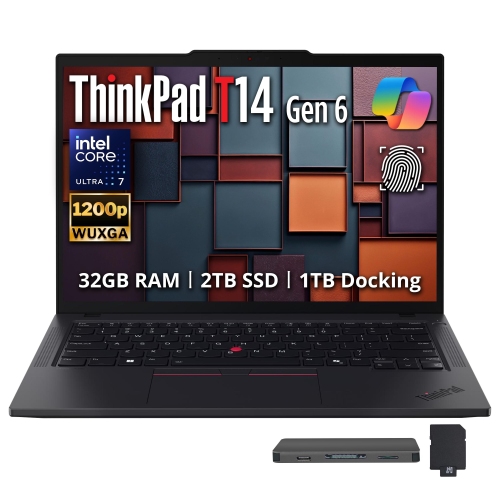
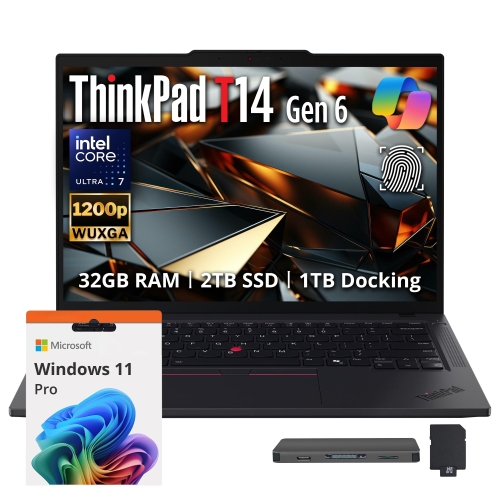
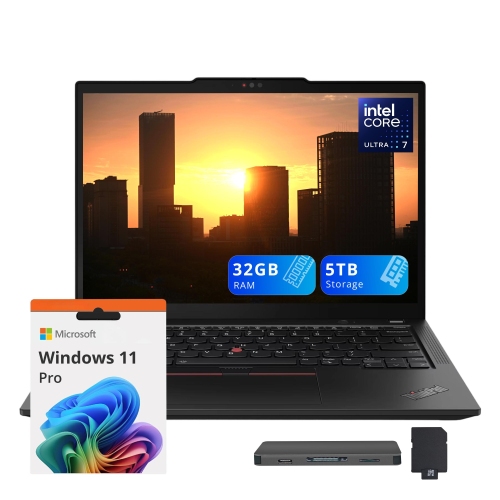
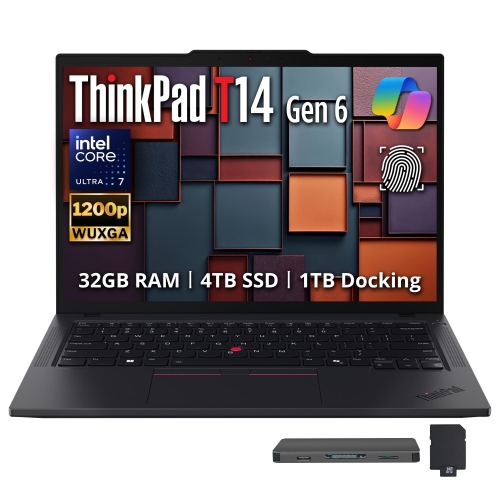
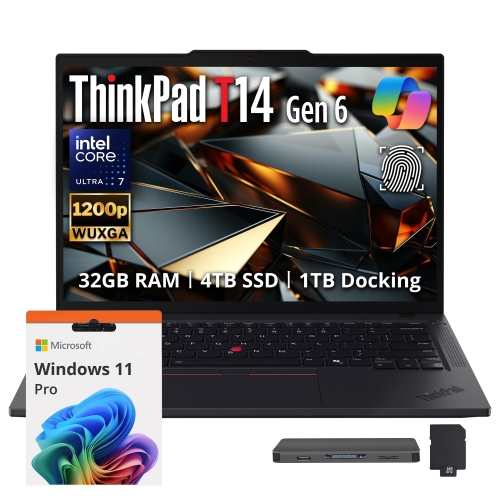
More room for demanding apps to work together
Business laptops with 32GB of RAM suit workdays that involve more than a single document and a few browser tabs. A spreadsheet can stay open beside a presentation, a video meeting, a shared project board and several research windows without each task needing to be closed before the next begins. RAM is the computer’s working memory: it holds information that active applications need to access quickly. A 32GB capacity gives demanding combinations of software more room to operate, particularly when working with large datasets, complex documents or several development tools at once. It is different from storage, which holds files and installed programs after the computer shuts down. A laptop with 32GB of RAM may have a range of solid-state drive capacities, so both specifications matter when the workload includes large photo libraries, project archives or locally stored media. This memory capacity can be useful for analysts moving between reporting tools, developers running virtual machines, engineering students using supported design software and creative professionals editing detailed images. It does not make every application faster on its own. Processor performance, graphics capability, cooling and the software’s own requirements all influence the experience. A dedicated graphics processor may be important for certain rendering or video tasks, while integrated graphics can suit office work and many everyday applications. Memory type, speed and configuration also vary between laptops, even when their total capacity is the same. The practical appeal is having room for a fuller working session rather than relying on a single headline specification. For workloads built mainly around email, documents, browser-based tools and video calls, 16GB RAM Lenovo Thinkpads provide another memory configuration to consider alongside the demands of the software being used. The most suitable capacity depends on the applications running together, the size of the files involved and whether those needs are likely to grow over the laptop’s working life.
The physical design matters just as much when a laptop moves between a desktop setup, meeting rooms and a bag. A compact chassis is easier to carry and fits more comfortably on a small work surface, while a larger display gives spreadsheets, drawings and side-by-side documents more breathing room. Screen resolution affects how much detail is visible, but brightness, surface finish and colour reproduction also shape everyday comfort. A matte display can help reduce distracting reflections under overhead lighting; accurate colour coverage is more relevant when reviewing photographs or preparing visual work. Touch capability and a folding hinge are separate features rather than automatic benefits of a 32GB memory configuration. Keyboard layout deserves similar attention. Someone entering figures throughout the day may prefer a dedicated number pad, while a frequent traveller may favour a narrower machine with a centred typing position. Key spacing, backlighting, touchpad size and pointing controls all contribute to how natural a long writing session feels. Chassis materials vary and may include reinforced plastics, aluminium, magnesium alloys or combinations of materials. Construction, hinge design and the way a laptop is handled all affect durability; a metal finish alone does not establish resistance to drops or spills. A padded sleeve helps protect the lid and edges from contact with other objects in a bag, and carrying the computer by its base puts less strain on the display assembly. Routine care is straightforward: a soft microfibre cloth helps remove fingerprints, while cleaning products and methods should match the manufacturer’s directions. Vents need to remain clear, especially during demanding tasks, so a firm work surface is preferable to bedding or a cushion. Battery performance also depends on more than memory capacity. Display settings, processor load, wireless connections and battery condition all play a part, making the balance between portability, performance and time away from a power outlet different for each configuration.
Connections and workplace features determine how smoothly a 32GB laptop fits into an established routine. At a desk, the useful details might be support for two external monitors, a wired network connection and a keyboard and mouse connected through a compatible dock. Away from that setup, a built-in video output or a suitable card reader can reduce the number of adapters carried in a bag. Ports that look alike do not always support the same functions: a USB-C connection may offer different combinations of charging, data transfer and display output depending on the laptop. Dock compatibility, supported screen resolutions and the power required by the computer are worth checking together. Wi-Fi capabilities depend on both the laptop and the network equipment, while mobile data connectivity requires compatible hardware and a service plan. For shared offices and remote meetings, camera quality, microphone pickup and speaker clarity can make a noticeable difference to daily communication. Privacy shutters, fingerprint readers and other sign-in features vary by configuration, as do operating system editions and business management capabilities. Workplace or school requirements may specify particular software, security features or hardware support, so those details matter alongside the amount of RAM. The same applies to longer-term flexibility. Some laptops have replaceable memory modules, some use memory attached directly to the system board, and others combine the two; 32GB does not automatically mean the memory can be expanded later. Storage access and replacement options also differ. A suitable charger, a compatible docking arrangement and enough storage for working files help complete a practical setup without changing what the memory itself can do. For someone using the computer for study, professional projects or a home office, the strongest fit is a machine whose screen, keyboard, processing power and connections support the actual day’s work. With those details aligned, 32GB of RAM becomes a useful part of a balanced laptop rather than a specification considered in isolation.
Top selling and popular products
-
 Your price for this item is $449
-
 Your price for this item is $3099
-
 Your price for this item is $1800.68
-
 Your price for this item is $664.05
-
 Your price for this item is $869.99
-
 Your price for this item is $2960.48
-
 Your price for this item is $499.68
-
 Your price for this item is $1951.79
Discover more categories related to ThinkPad 32GB
Top Collections:
Best Black Friday Deals This Year, Best Black Friday Deals On Electronics, Kindle Devices, Pokemon Centers, Best Black Friday Deals On Apple Products, Best Cameras for Sports Photography, Dyson Airwrap, Pokémon 30th Celebration Cards, Apple iPhone 17 Pro, Canon G7X Cameras
Some products may be subject to Environmental Handling Fees
(EHF) depending on your province.
Learn more about EHFs.