Thunderbolt Drives for iPad Pro
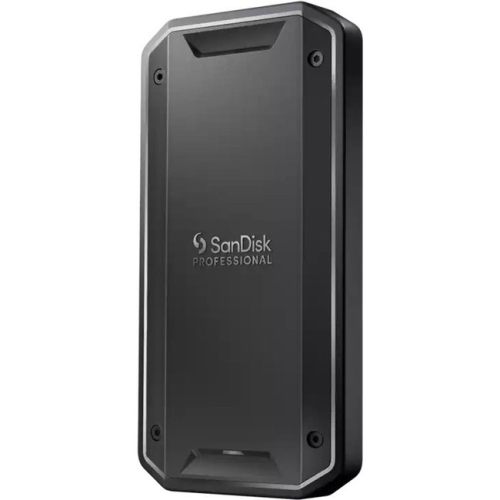
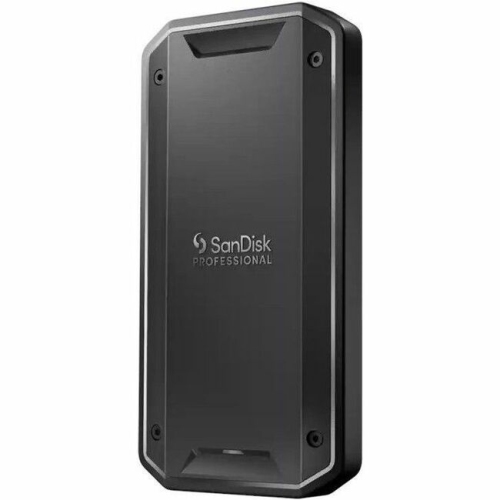
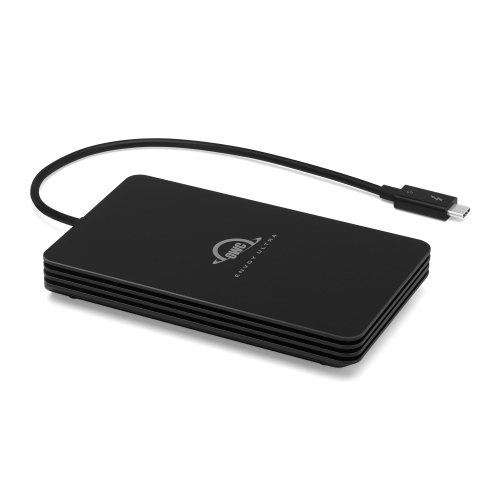
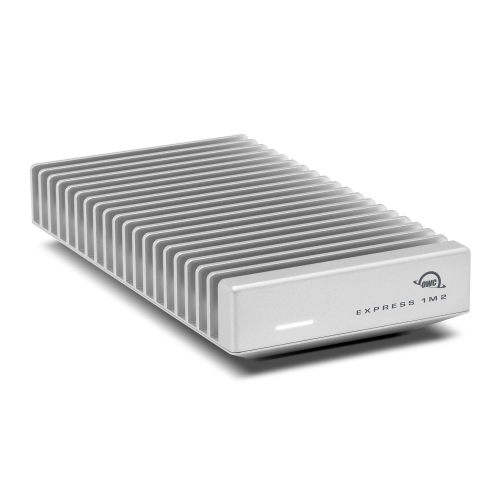
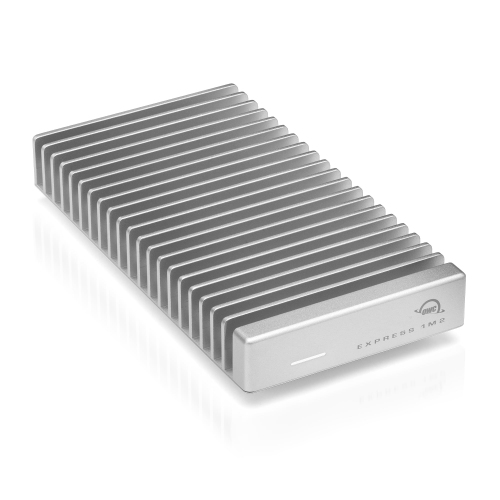
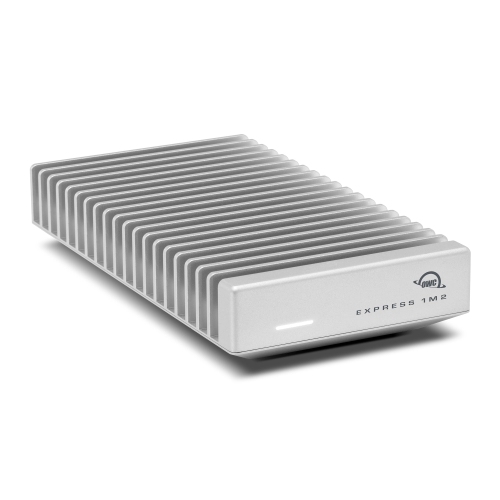
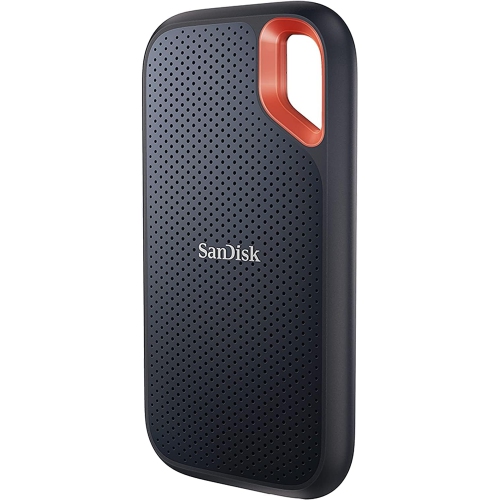
Thunderbolt Drive for iPad Pro offers a seamless solution for expanding your storage and enhancing your workflow. Perfect for creative professionals, students, and anyone who needs extra space for files, photos, videos, and more, these drives are designed to complement the performance of your iPad Pro. Explore a wide selection of Thunderbolt drives that deliver fast data transfer and reliable connectivity, making it easier to manage large projects on the go. Find the ideal Thunderbolt Drive for iPad Pro to keep your important data accessible wherever you are.
Sort
![SANDISK PROFESSIONAL Pro-G40 SSD (Sdps31H001Tgbcnd) [Employee of bestbuy] This is by far the absolute best portable SSD drive](https://multimedia.bbycastatic.ca/multimedia/products/500x500/166/16616/16616626.jpeg)

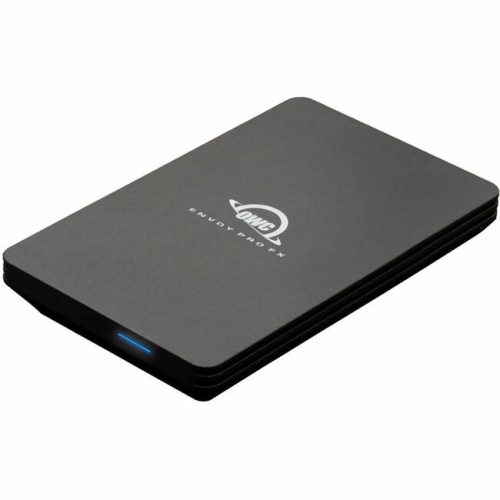
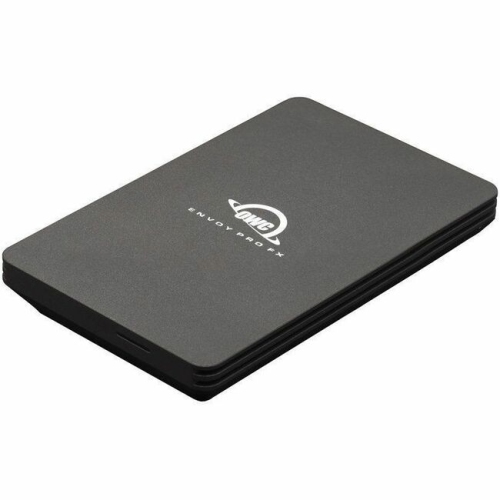
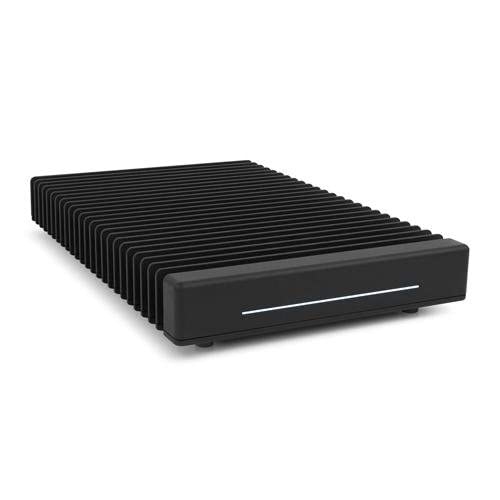
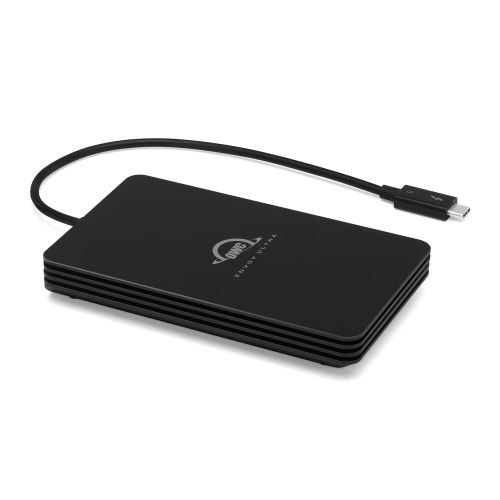
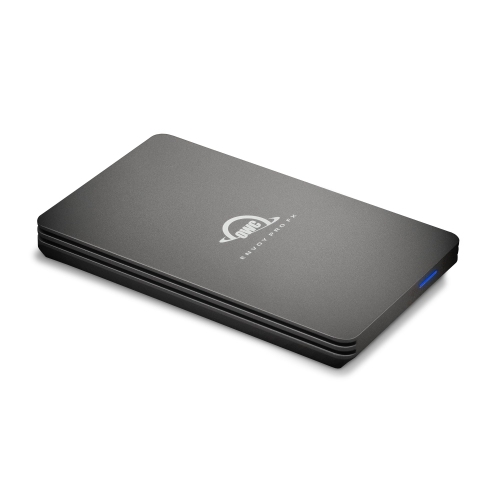
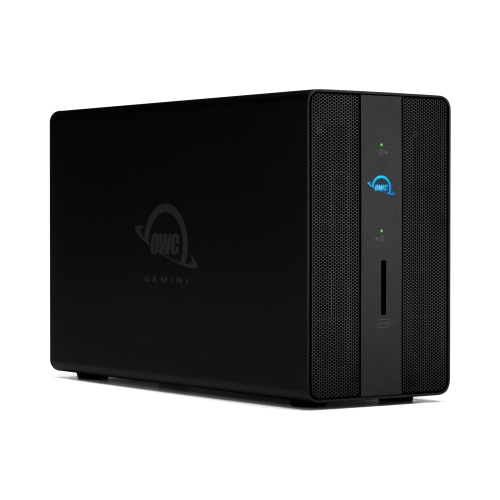
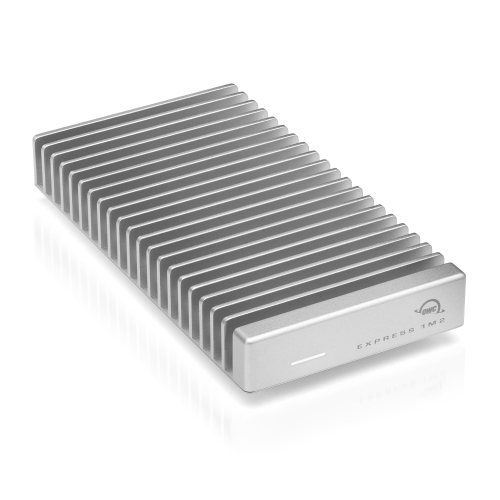
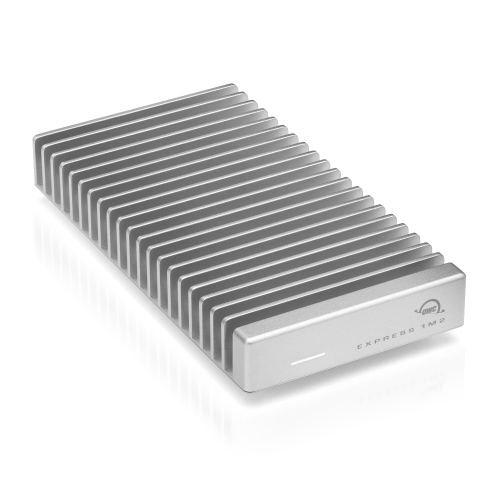

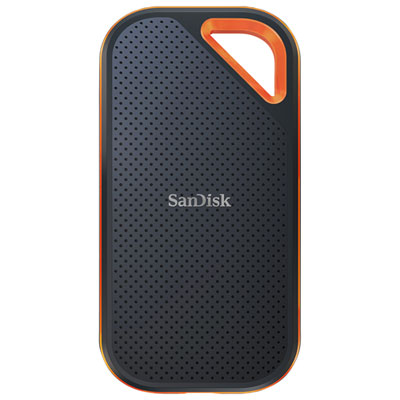
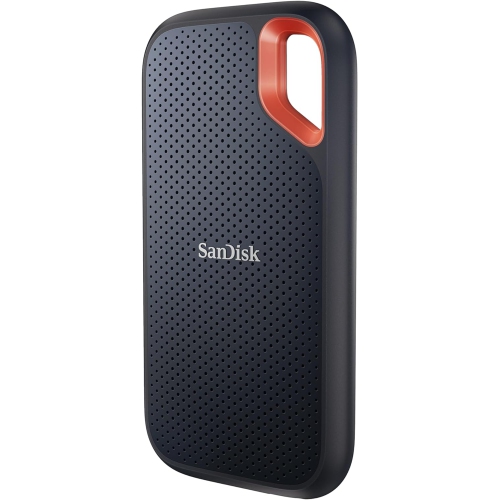
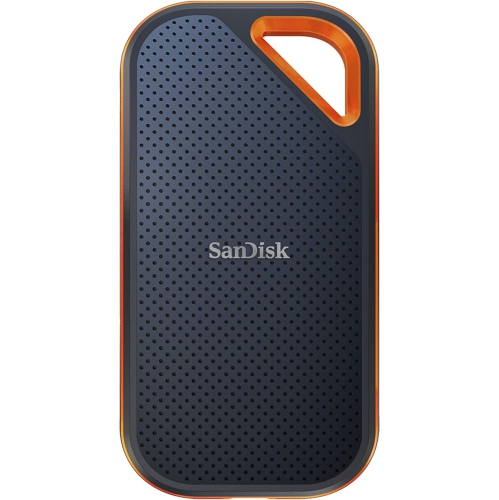
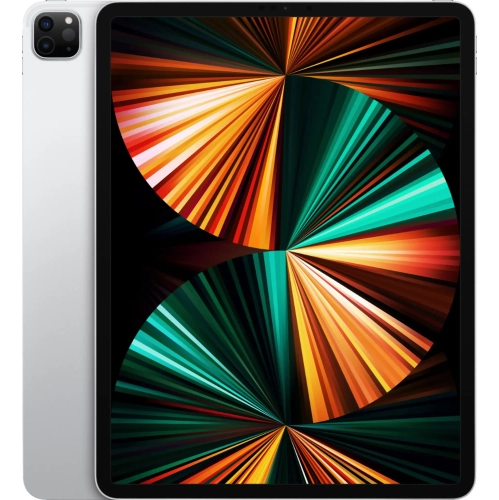
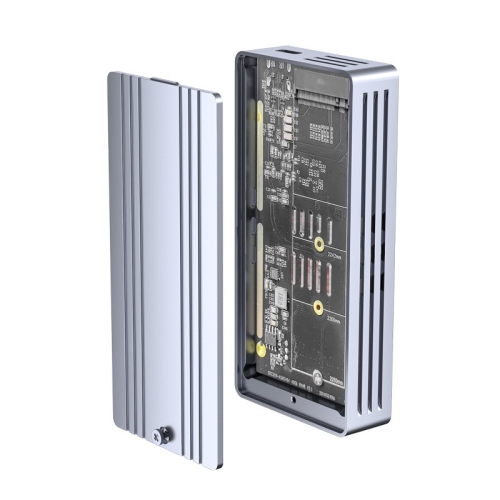
High-speed storage for demanding creative work on the go
Thunderbolt drives for iPad Pro have quickly become essential tools for creative professionals and tech enthusiasts who need blazing-fast file transfers and reliable storage expansion. With the iPad Pro’s M-series chips unlocking Thunderbolt’s full potential, users can experience transfer speeds that make working with large files—such as high-resolution photos, 4K and 8K video footage, or complex project libraries—remarkably efficient. Whether you’re a videographer assembling edits on location, a photographer backing up shoots on the go, or a designer juggling hefty asset folders, these drives turn the iPad Pro into a true mobile workstation. Students and professionals alike appreciate how Thunderbolt drives simplify workflows, letting them edit directly from external storage or shuttle data between devices without bottlenecks. Even as the weather warms and more people take their work or creative hobbies outdoors, the compact and durable nature of most Thunderbolt drives means they can travel easily, fitting into backpacks or camera bags for field work, vacations, or extended study sessions at a café.
When considering which Thunderbolt drive to pair with an iPad Pro, it’s important to think through a few key factors. Storage capacity is a primary concern: content creators working with uncompressed video or large RAW photo libraries will benefit from higher-capacity models, while casual users or students might find more moderate storage sufficient for their needs. Speed is another crucial element—while Thunderbolt 3 and 4 drives can reach up to 40Gbps in theory, real-world speeds on iPadOS often range between 500MB/s and 1GB/s depending on the app and file type. For those who regularly move massive files or edit directly from the drive, choosing a model with NVMe technology can help maximize performance. Power requirements are also worth noting; some high-performance drives may draw more power than the iPad Pro’s port can supply, especially during sustained transfers. In these cases, a powered hub or docking station can ensure stable operation and keep your device charged during long sessions. Additionally, compatibility with iPadOS means drives should be formatted to APFS or exFAT for seamless use with the Files app, making it easy to organize, preview, and share content right from your tablet. Ruggedness and portability matter too, especially for those who work outside or commute frequently—look for drives with shock resistance or water-repellent casings if you expect to encounter unpredictable environments.
Thunderbolt drives also make thoughtful gifts for anyone upgrading their iPad Pro experience. Aspiring filmmakers, photographers, graphic designers, or students heading into a new school year will appreciate the boost in productivity and flexibility these drives offer. They’re also popular among remote workers and digital nomads who need dependable, high-speed storage that keeps up with their on-the-go lifestyle. As the seasons shift from early summer through early fall, families planning road trips, creators capturing summer festivals, and professionals attending conferences can all benefit from the convenience of rapid, portable storage. For those seeking even more versatile storage options, or for users with older iPads that don’t support Thunderbolt, you can explore alternatives such as Flash Drives for IPad to find the right fit for your needs. Whether you’re backing up precious memories, managing large projects, or simply looking to expand your device’s capabilities, Thunderbolt drives for iPad Pro offer the speed, reliability, and flexibility to keep you productive and creative wherever you go.
When considering which Thunderbolt drive to pair with an iPad Pro, it’s important to think through a few key factors. Storage capacity is a primary concern: content creators working with uncompressed video or large RAW photo libraries will benefit from higher-capacity models, while casual users or students might find more moderate storage sufficient for their needs. Speed is another crucial element—while Thunderbolt 3 and 4 drives can reach up to 40Gbps in theory, real-world speeds on iPadOS often range between 500MB/s and 1GB/s depending on the app and file type. For those who regularly move massive files or edit directly from the drive, choosing a model with NVMe technology can help maximize performance. Power requirements are also worth noting; some high-performance drives may draw more power than the iPad Pro’s port can supply, especially during sustained transfers. In these cases, a powered hub or docking station can ensure stable operation and keep your device charged during long sessions. Additionally, compatibility with iPadOS means drives should be formatted to APFS or exFAT for seamless use with the Files app, making it easy to organize, preview, and share content right from your tablet. Ruggedness and portability matter too, especially for those who work outside or commute frequently—look for drives with shock resistance or water-repellent casings if you expect to encounter unpredictable environments.
Thunderbolt drives also make thoughtful gifts for anyone upgrading their iPad Pro experience. Aspiring filmmakers, photographers, graphic designers, or students heading into a new school year will appreciate the boost in productivity and flexibility these drives offer. They’re also popular among remote workers and digital nomads who need dependable, high-speed storage that keeps up with their on-the-go lifestyle. As the seasons shift from early summer through early fall, families planning road trips, creators capturing summer festivals, and professionals attending conferences can all benefit from the convenience of rapid, portable storage. For those seeking even more versatile storage options, or for users with older iPads that don’t support Thunderbolt, you can explore alternatives such as Flash Drives for IPad to find the right fit for your needs. Whether you’re backing up precious memories, managing large projects, or simply looking to expand your device’s capabilities, Thunderbolt drives for iPad Pro offer the speed, reliability, and flexibility to keep you productive and creative wherever you go.
Top selling and popular products
-
 Your price for this item is $374.99
 -
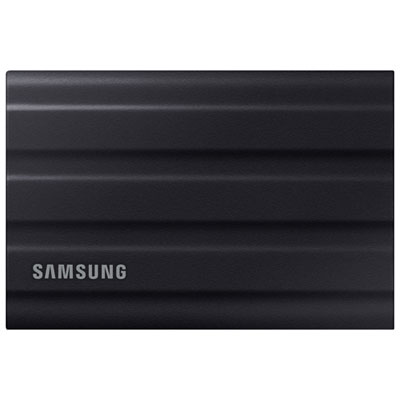 Your price for this item is $779.99
 -
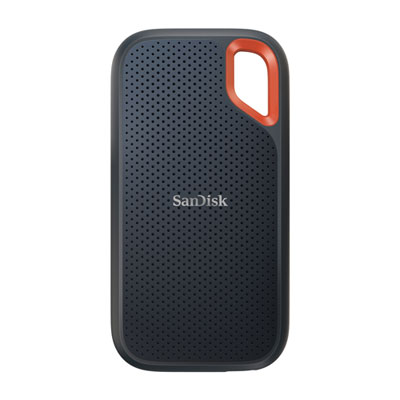 Your price for this item is $499.99
 -
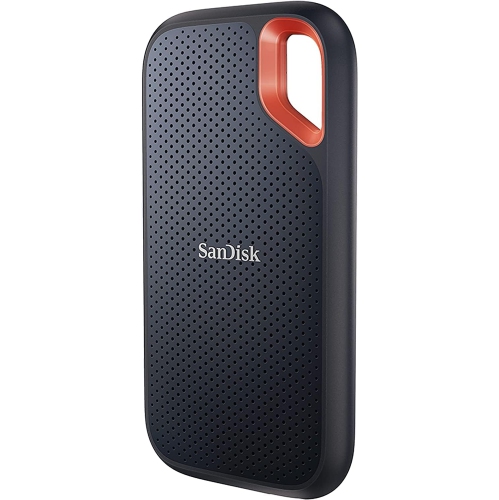 Your price for this item is $347.45
 -
 Your price for this item is $528.95
 -
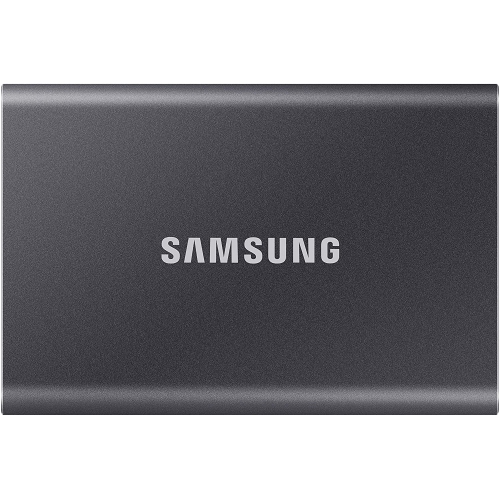 Your price for this item is $241.47
 -
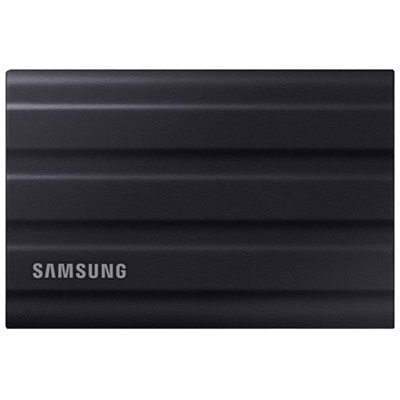 Your price for this item is $1249.99
 -
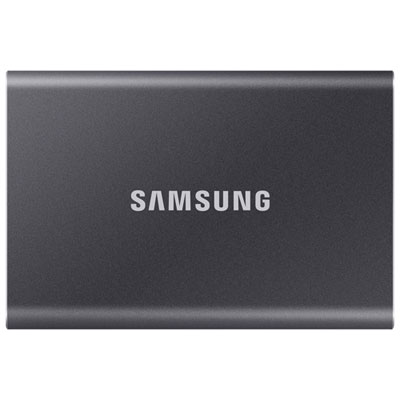 Your price for this item is $1489.95
Discover more categories related to Thunderbolt Drives for iPad Pro
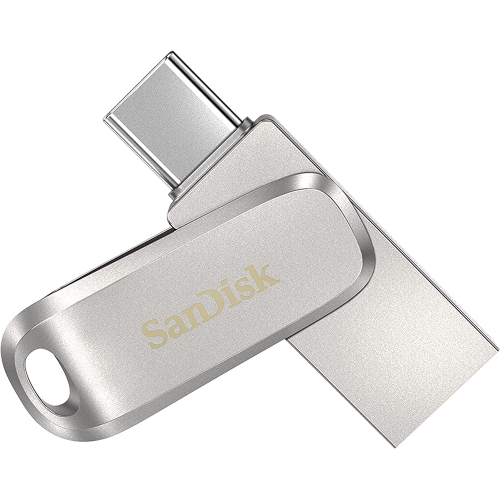
Top Collections:
Pokemon Centers, Best Budget Office Chairs, Budget 4K TVs, Kindle Devices, Best Laptops for Writers, Canon G7X Cameras, Apple iPhones 16, iPhone 15 Apple, Laptops for Business Work, Xiaomi Phones
Some products may be subject to Environmental Handling Fees
(EHF) depending on your province.
Learn more about EHFs.