External Hard Drives for iPad Pro
External Hard Drives for iPad Pro offer a convenient solution for expanding your device’s storage and managing large files with ease. Whether you’re editing high-resolution photos, storing videos, or keeping important documents at your fingertips, these external drives provide the extra space you need to keep your workflow seamless. Explore a range of reliable options designed to help you get the most out of your iPad Pro, making file transfers and backups simple and efficient.
Sort

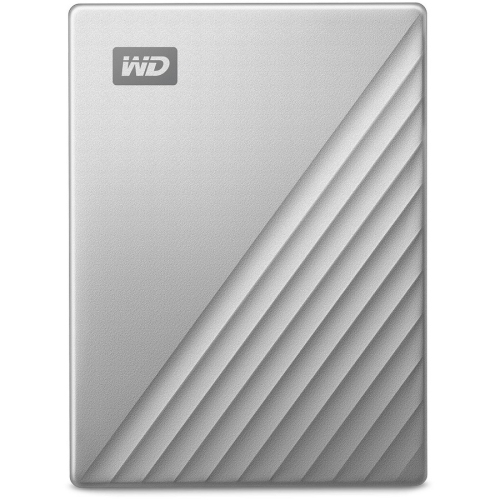

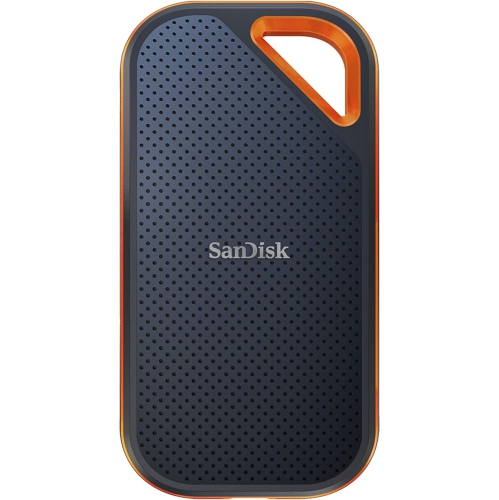
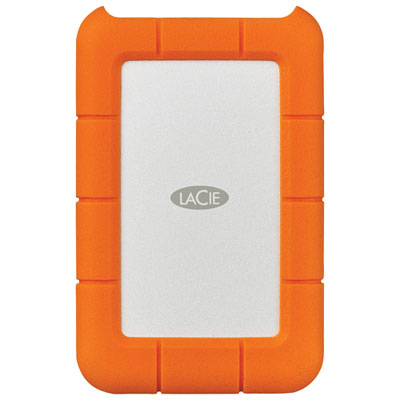
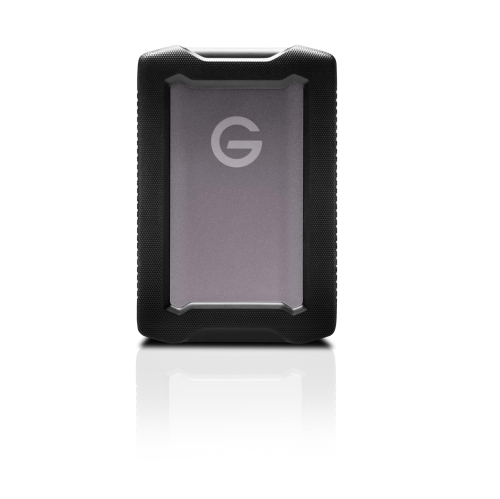

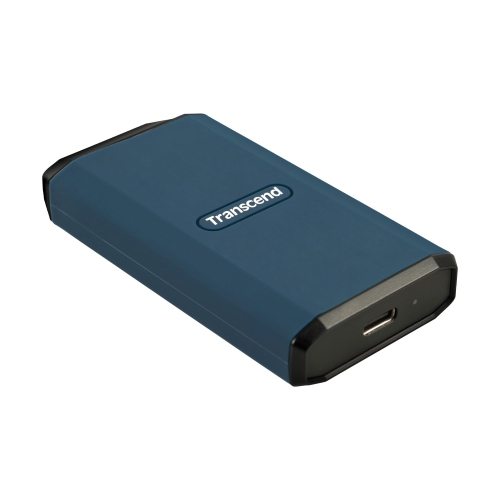
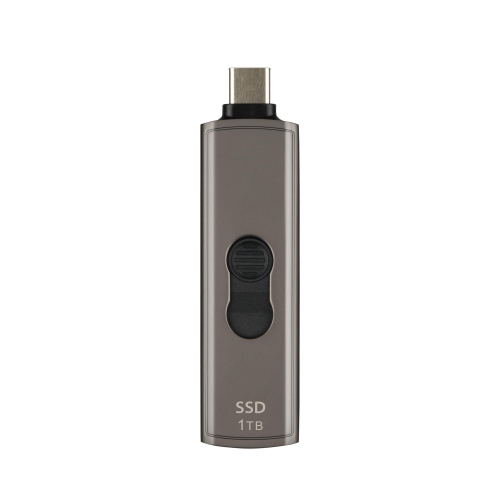
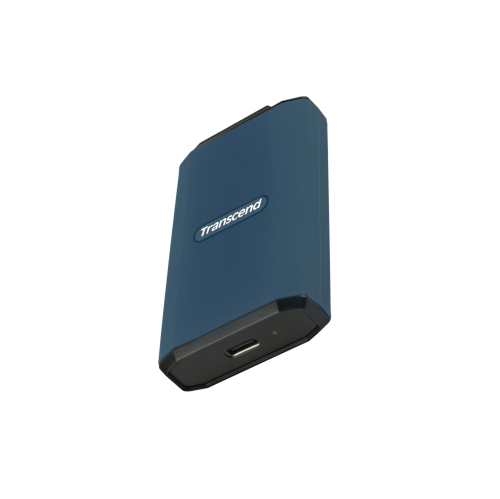

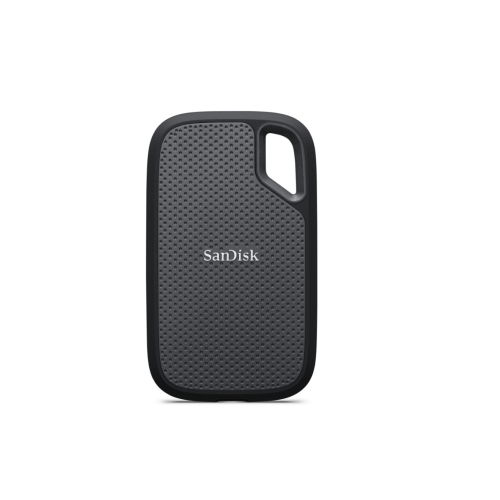
More space for large files without an internet connection
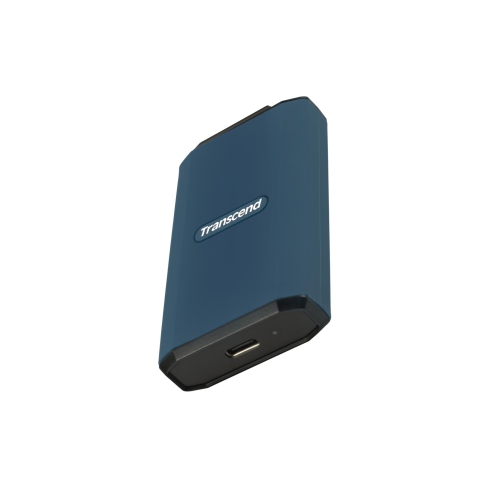
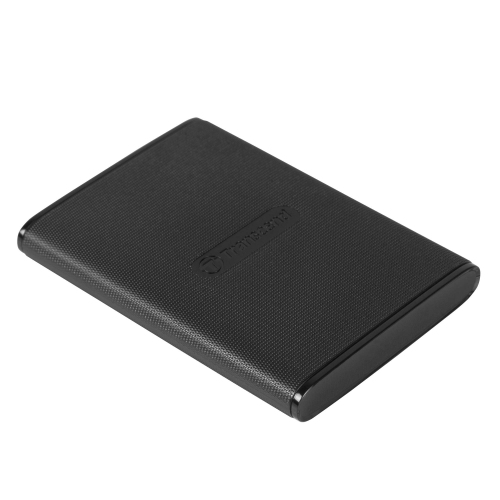
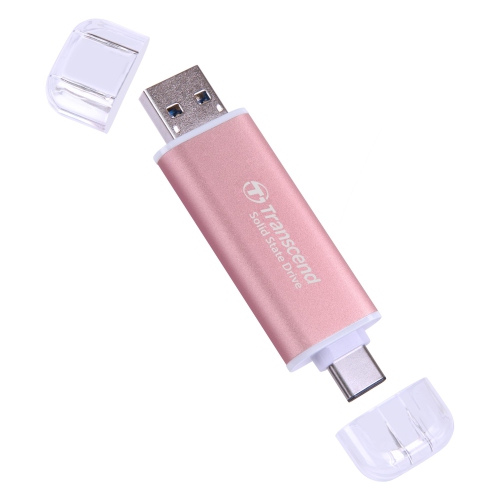
External hard drives for iPad Pro provide extra space for photo libraries, video footage, design files, documents, and other content that can quickly fill a tablet’s built-in storage. They suit photographers sorting images after a shoot, students carrying a term’s worth of projects, and anyone who wants to keep large files close at hand without relying on an internet connection. For many portable setups, an external solid-state drive, or SSD, is a practical choice: it has no moving parts, generally transfers files faster than a mechanical hard drive, and is better suited to being carried between home, work, and class. Many portable SSDs can draw power directly from a compatible USB-C-equipped iPad Pro, although power requirements vary by drive. Traditional hard disk drives, or HDDs, remain useful for larger collections kept mostly at a desk, but their spinning mechanisms are more sensitive to bumps during use. Some portable HDDs need a powered hub to work reliably with an iPad, while desktop models typically have a separate power adapter. Compatibility depends on more than the connector fitting into the tablet. The iPad Pro model, iPadOS version, drive format, cable, and available power all affect whether external storage works as expected. USB-C-equipped models offer a straightforward connection to many compatible drives, while older models with a Lightning connector need an appropriate adapter and may require external power. A compatible connected drive appears in the Locations section of the Files app, where supported files can be browsed, copied, and organised. Apps with external-storage support may also open files directly from the drive. This storage adds room for files rather than increasing the iPad’s internal capacity for installing apps. It is particularly useful for keeping completed projects separate from active work, bringing a folder of reference images to a meeting, or carrying downloaded media that a compatible app can play.
Capacity and transfer speed shape how comfortable an external drive feels in everyday use. Documents, spreadsheets, and presentation files usually occupy much less space than high-resolution photographs or long video clips, so the right capacity depends on the content being stored rather than the tablet alone. A compact collection of schoolwork has different needs from a photographer’s growing archive or a video creator’s folders of original footage, exports, and alternate edits. Leaving room for future projects helps prevent a drive from becoming crowded just as another large batch of files needs a home. For a mid-sized collection of mixed media and documents, 1TB External Hard Drive iPads offers a focused capacity category to explore, though the usable space on any drive is lower than its stated capacity after formatting and other overhead. Speed matters most when moving large files or working with media in an app that supports external storage. An SSD can shorten transfers substantially compared with a mechanical HDD, but its advertised maximum speed is not a promise of the same performance on every iPad Pro. The tablet’s port, the drive’s interface, the cable, and any hub in between can limit throughput. A USB-C connector describes the connection shape, not a guaranteed transfer speed, and a charging cable may support only slow data transfers or none at all. Thunderbolt capability also varies by iPad Pro model, so a high-performance drive needs a compatible connection to deliver its full benefit. File format is another important consideration, especially when sharing storage with a computer. iPadOS supports several formats, including APFS and exFAT, with exFAT often useful for moving files between compatible tablets and computers running different operating systems. FAT32 has a roughly 4GB limit for an individual file, which can be restrictive for video. Supported external storage should have a single data partition, and changing a drive’s format can erase its contents.
The physical design of an external drive matters when the tablet travels as often as its owner. A slim SSD can slip into a zippered accessory pouch beside a short data cable, making it easier to carry a working photo library to a studio or presentation files to a client’s office. Plastic enclosures help keep weight down, while metal housings can feel more substantial and help transfer heat away from internal components. Neither material alone establishes how well a drive will survive a fall; documented drop protection and water- or dust-resistance ratings are more useful indicators for frequent travel. Protective rubber edging can improve grip, but a rugged-looking shell should not be treated as proof of waterproofing. Fit also includes the space around the iPad’s port, particularly with a thick case, keyboard attachment, or crowded hub. A cable should reach comfortably without leaving the drive dangling from the connector or pulling against the tablet when it moves. At a desk, a powered hub can provide connections for storage and other accessories, provided its power supply and data specifications suit the setup. For care, keep connectors clean and dry, protect cables from sharp bends, and follow the drive maker’s cleaning instructions. Avoid moving a mechanical HDD while it is operating, and give any drive room to release heat rather than covering it with papers or tucking it into a closed pouch during a long transfer. Let file activity finish before disconnecting storage to reduce the risk of interrupted copies or damaged files. Keeping important content in more than one location is equally valuable: moving the only copy of a project onto an external drive does not make it a backup. For gifting, portable storage can be a thoughtful choice for a student, photographer, designer, or frequent traveller, especially when the recipient’s iPad connection and file needs are known. A well-matched drive brings practical flexibility, whether it holds family photos for a visit, a portfolio for a presentation, or finished work that no longer needs to occupy space on the tablet.
Capacity and transfer speed shape how comfortable an external drive feels in everyday use. Documents, spreadsheets, and presentation files usually occupy much less space than high-resolution photographs or long video clips, so the right capacity depends on the content being stored rather than the tablet alone. A compact collection of schoolwork has different needs from a photographer’s growing archive or a video creator’s folders of original footage, exports, and alternate edits. Leaving room for future projects helps prevent a drive from becoming crowded just as another large batch of files needs a home. For a mid-sized collection of mixed media and documents, 1TB External Hard Drive iPads offers a focused capacity category to explore, though the usable space on any drive is lower than its stated capacity after formatting and other overhead. Speed matters most when moving large files or working with media in an app that supports external storage. An SSD can shorten transfers substantially compared with a mechanical HDD, but its advertised maximum speed is not a promise of the same performance on every iPad Pro. The tablet’s port, the drive’s interface, the cable, and any hub in between can limit throughput. A USB-C connector describes the connection shape, not a guaranteed transfer speed, and a charging cable may support only slow data transfers or none at all. Thunderbolt capability also varies by iPad Pro model, so a high-performance drive needs a compatible connection to deliver its full benefit. File format is another important consideration, especially when sharing storage with a computer. iPadOS supports several formats, including APFS and exFAT, with exFAT often useful for moving files between compatible tablets and computers running different operating systems. FAT32 has a roughly 4GB limit for an individual file, which can be restrictive for video. Supported external storage should have a single data partition, and changing a drive’s format can erase its contents.
The physical design of an external drive matters when the tablet travels as often as its owner. A slim SSD can slip into a zippered accessory pouch beside a short data cable, making it easier to carry a working photo library to a studio or presentation files to a client’s office. Plastic enclosures help keep weight down, while metal housings can feel more substantial and help transfer heat away from internal components. Neither material alone establishes how well a drive will survive a fall; documented drop protection and water- or dust-resistance ratings are more useful indicators for frequent travel. Protective rubber edging can improve grip, but a rugged-looking shell should not be treated as proof of waterproofing. Fit also includes the space around the iPad’s port, particularly with a thick case, keyboard attachment, or crowded hub. A cable should reach comfortably without leaving the drive dangling from the connector or pulling against the tablet when it moves. At a desk, a powered hub can provide connections for storage and other accessories, provided its power supply and data specifications suit the setup. For care, keep connectors clean and dry, protect cables from sharp bends, and follow the drive maker’s cleaning instructions. Avoid moving a mechanical HDD while it is operating, and give any drive room to release heat rather than covering it with papers or tucking it into a closed pouch during a long transfer. Let file activity finish before disconnecting storage to reduce the risk of interrupted copies or damaged files. Keeping important content in more than one location is equally valuable: moving the only copy of a project onto an external drive does not make it a backup. For gifting, portable storage can be a thoughtful choice for a student, photographer, designer, or frequent traveller, especially when the recipient’s iPad connection and file needs are known. A well-matched drive brings practical flexibility, whether it holds family photos for a visit, a portfolio for a presentation, or finished work that no longer needs to occupy space on the tablet.
Top selling and popular products
-
 Your price for this item is $234.99
 -
 Your price for this item is $389.99
 -
 Your price for this item is $204.99
 -
 Your price for this item is $239.99
 -
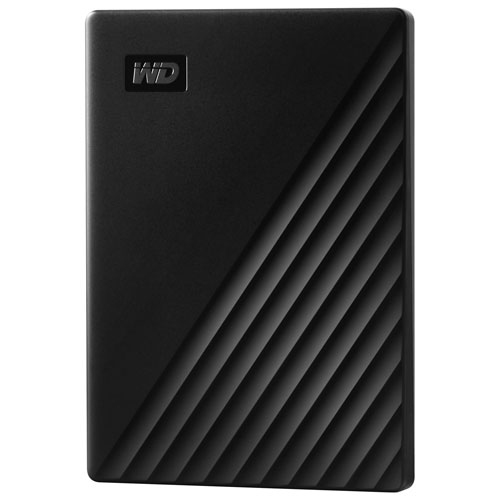 Your price for this item is $302.42
 -
 Your price for this item is $289.68
 -
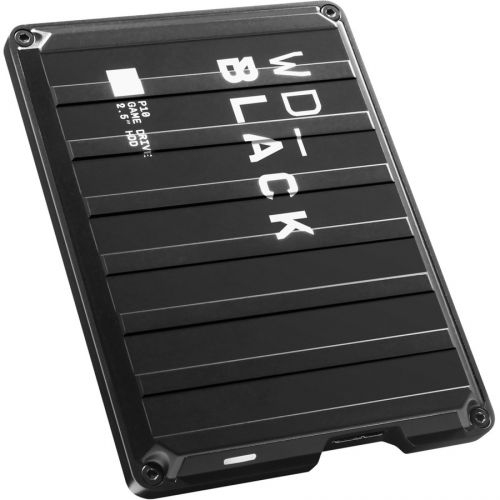 Your price for this item is $329.99
 -
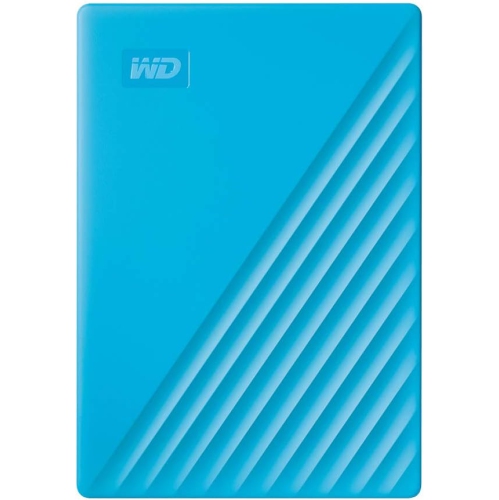 Your price for this item is $282.68
Discover more categories related to External Hard Drives for iPad Pro
Top Collections:
Pokemon Centers, Best Budget Office Chairs, Budget 4K TVs, Kindle Devices, Best Laptops for Writers, Canon G7X Cameras, Apple iPhones 16, iPhone 15 Apple, Laptops for Business Work, Xiaomi Phones
Some products may be subject to Environmental Handling Fees
(EHF) depending on your province.
Learn more about EHFs.