Travel Laptops
Travel Laptops are designed to keep you productive and connected wherever your journey takes you. Lightweight and easy to carry, these laptops offer the perfect balance of performance and portability for life on the go. Whether you're working from a café, catching up on emails at the airport, or streaming entertainment during downtime, Travel Laptops help you stay organized and efficient while away from home. Explore a variety of options to find the ideal device that fits seamlessly into your travel routine.
Sort





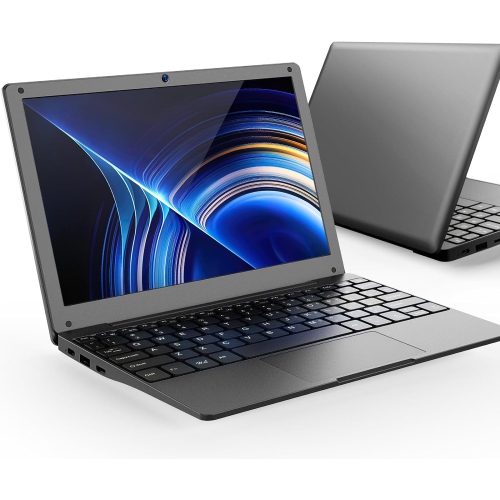

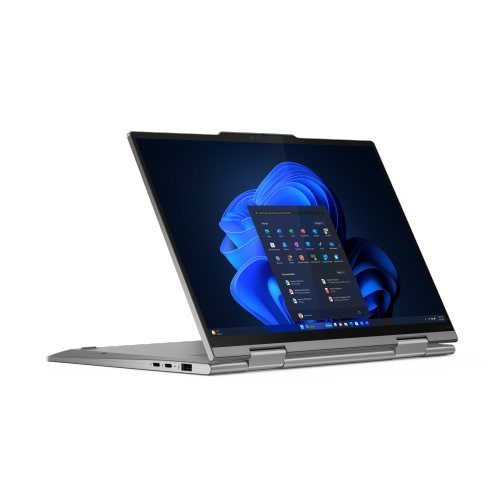
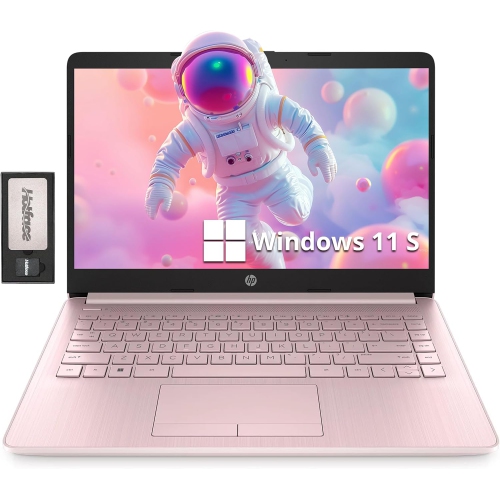
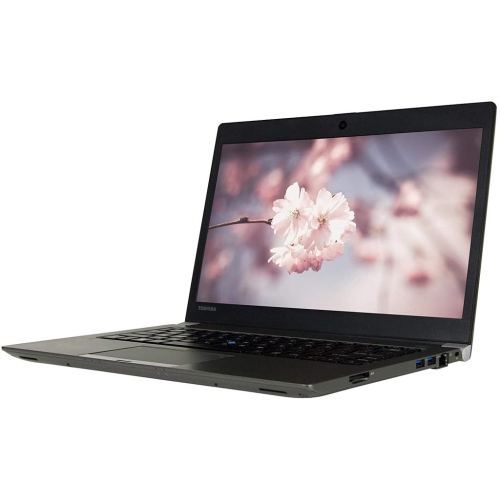

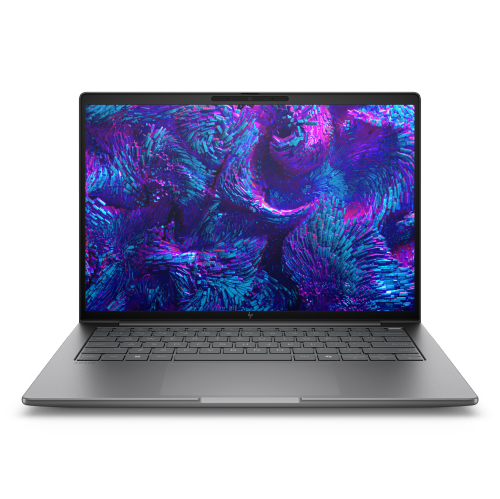
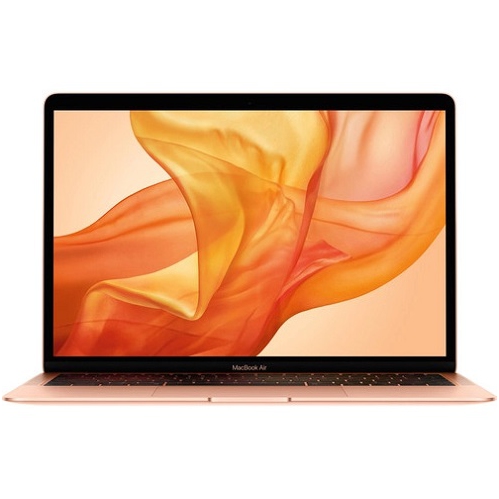

Portability means more than fitting in your bag
Travel laptops combine portable designs, practical battery life, and the computing power needed to work, study, and stay connected away from a permanent desk. A useful travel companion is light enough to carry through a terminal, compact enough to fit beside other essentials, and comfortable enough for tasks that extend beyond a quick email. Frequent business travellers may spend hours reviewing presentations or joining video calls, while students studying abroad might need space for research, coursework, and photos from their trip. For either routine, portability involves more than the laptop’s weight alone. The charger, protective sleeve, and any adapters also become part of the daily load. Slim designs can make a noticeable difference in a shoulder bag, although a slightly larger laptop may provide a more comfortable keyboard or additional connections. Screen size shapes that balance: a 13-inch or 14-inch display can suit compact workspaces, while a larger screen gives spreadsheets, documents, and creative projects more room. The Small Travel Laptops collection offers a more compact starting point for travellers who prioritize an easy fit in a backpack or cabin bag. Overall dimensions still matter, since two laptops with the same screen measurement can have different footprints. Narrow display borders can reduce bulk without shrinking the viewing area, and a screen that opens comfortably helps when working at a shallow table. Construction also affects how a laptop feels in transit. Metal casings can offer a firm, rigid feel, while well-built plastic housings may keep weight manageable. Neither material alone determines durability; hinge strength, panel flex, and how securely the device sits in its sleeve all contribute. A smooth finish that slides easily into a bag is convenient, but a comfortable grip matters when carrying the laptop between meeting rooms. For longer sessions, a readable display, responsive keyboard, and reliable touchpad can be more valuable than shaving a small amount from the overall size.
Battery life and everyday performance help determine how easily a travel laptop fits into an unpredictable schedule. A machine used mainly for documents, web browsing, and video calls has different demands from one used to edit large image files or run design software. Efficient processors can support routine work without requiring a bulky design, while more demanding applications may call for additional processing power, memory, and cooling capacity. Memory is especially relevant when several browser tabs, a presentation, and a video meeting remain open together. Storage capacity matters for travellers who keep project files, downloaded entertainment, or photo libraries on the device rather than relying entirely on an internet connection. An internal solid-state drive provides responsive access to files, but the space needed depends on what travels with its owner. Offline access can be particularly useful on a flight or during a train journey with intermittent service. Battery runtime also depends on the workload: screen brightness, video calls, background applications, and wireless connections all affect how long a charge lasts. Published battery figures are best understood alongside the conditions used to measure them, rather than as a promise for every trip. Charging arrangements deserve similar attention. USB-C charging can simplify a travel setup when the laptop supports it, although the charger and cable must supply the required power. Some high-performance designs need their supplied power adapter for full operation. Connection options influence what else needs to come along: a built-in display output may simplify a presentation, while a card reader can make transferring camera files easier. With fewer built-in ports, a compact hub can add flexibility, provided its connections match the intended tasks. Wi-Fi capability, a clear webcam, and a microphone that captures speech distinctly are useful for remote meetings and keeping in touch. A headphone connection or compatible wireless headset can also make shared spaces more manageable, particularly when a call happens beside a busy departure gate. These details help separate a laptop that merely fits in a bag from one that supports a full day away from the desk.
Daily handling and care can make a travel laptop easier to live with over time. A padded sleeve that fits the device’s actual dimensions helps protect its surfaces from keys, charging plugs, and other objects inside a bag. A dedicated laptop compartment adds separation, but it should hold the computer securely rather than leave it sliding around. Pressure against the lid is worth avoiding, especially in a tightly packed bag, and cables should not be left between the keyboard and screen when the laptop closes. During use, a firm work surface keeps ventilation openings clear; a blanket or soft cushion can obstruct airflow. For cleaning, a soft microfibre cloth and the manufacturer’s recommended method help care for the display and finish without unnecessary abrasion. Durability also includes practical ownership details such as warranty terms, repair options, and whether memory or storage can be upgraded later. Security deserves equal attention when the laptop moves between homes, offices, accommodation, and public spaces. A strong sign-in method, supported device encryption, regular software updates, and a separate backup of important files can reduce the disruption caused by loss or damage. Public Wi-Fi calls for care with sensitive information, and downloaded copies of essential documents can keep a journey moving when a connection is unavailable. For anyone choosing a travel laptop as a gift, the recipient’s routine is a better starting point than appearance alone. A student leaving for an exchange program may value a light bag and dependable access to coursework, while a travelling professional may need familiar software, comfortable typing, and straightforward connections for presentations. Someone organizing personal trips may place more emphasis on browsing, video calls, and storing photos. Keyboard layout, display readability, accessibility features, and compatibility with existing accessories can all affect whether the gift feels immediately useful. The strongest fit is a laptop that makes familiar tasks comfortable wherever they happen, without adding unnecessary weight or complexity to the journey.
Battery life and everyday performance help determine how easily a travel laptop fits into an unpredictable schedule. A machine used mainly for documents, web browsing, and video calls has different demands from one used to edit large image files or run design software. Efficient processors can support routine work without requiring a bulky design, while more demanding applications may call for additional processing power, memory, and cooling capacity. Memory is especially relevant when several browser tabs, a presentation, and a video meeting remain open together. Storage capacity matters for travellers who keep project files, downloaded entertainment, or photo libraries on the device rather than relying entirely on an internet connection. An internal solid-state drive provides responsive access to files, but the space needed depends on what travels with its owner. Offline access can be particularly useful on a flight or during a train journey with intermittent service. Battery runtime also depends on the workload: screen brightness, video calls, background applications, and wireless connections all affect how long a charge lasts. Published battery figures are best understood alongside the conditions used to measure them, rather than as a promise for every trip. Charging arrangements deserve similar attention. USB-C charging can simplify a travel setup when the laptop supports it, although the charger and cable must supply the required power. Some high-performance designs need their supplied power adapter for full operation. Connection options influence what else needs to come along: a built-in display output may simplify a presentation, while a card reader can make transferring camera files easier. With fewer built-in ports, a compact hub can add flexibility, provided its connections match the intended tasks. Wi-Fi capability, a clear webcam, and a microphone that captures speech distinctly are useful for remote meetings and keeping in touch. A headphone connection or compatible wireless headset can also make shared spaces more manageable, particularly when a call happens beside a busy departure gate. These details help separate a laptop that merely fits in a bag from one that supports a full day away from the desk.
Daily handling and care can make a travel laptop easier to live with over time. A padded sleeve that fits the device’s actual dimensions helps protect its surfaces from keys, charging plugs, and other objects inside a bag. A dedicated laptop compartment adds separation, but it should hold the computer securely rather than leave it sliding around. Pressure against the lid is worth avoiding, especially in a tightly packed bag, and cables should not be left between the keyboard and screen when the laptop closes. During use, a firm work surface keeps ventilation openings clear; a blanket or soft cushion can obstruct airflow. For cleaning, a soft microfibre cloth and the manufacturer’s recommended method help care for the display and finish without unnecessary abrasion. Durability also includes practical ownership details such as warranty terms, repair options, and whether memory or storage can be upgraded later. Security deserves equal attention when the laptop moves between homes, offices, accommodation, and public spaces. A strong sign-in method, supported device encryption, regular software updates, and a separate backup of important files can reduce the disruption caused by loss or damage. Public Wi-Fi calls for care with sensitive information, and downloaded copies of essential documents can keep a journey moving when a connection is unavailable. For anyone choosing a travel laptop as a gift, the recipient’s routine is a better starting point than appearance alone. A student leaving for an exchange program may value a light bag and dependable access to coursework, while a travelling professional may need familiar software, comfortable typing, and straightforward connections for presentations. Someone organizing personal trips may place more emphasis on browsing, video calls, and storing photos. Keyboard layout, display readability, accessibility features, and compatibility with existing accessories can all affect whether the gift feels immediately useful. The strongest fit is a laptop that makes familiar tasks comfortable wherever they happen, without adding unnecessary weight or complexity to the journey.
Top selling and popular products
-
 Your price for this item is $449
-
 Your price for this item is $3099
-
 Your price for this item is $1800.68
-
 Your price for this item is $664.05
-
 Your price for this item is $869.99
-
 Your price for this item is $2960.48
-
 Your price for this item is $499.68
-
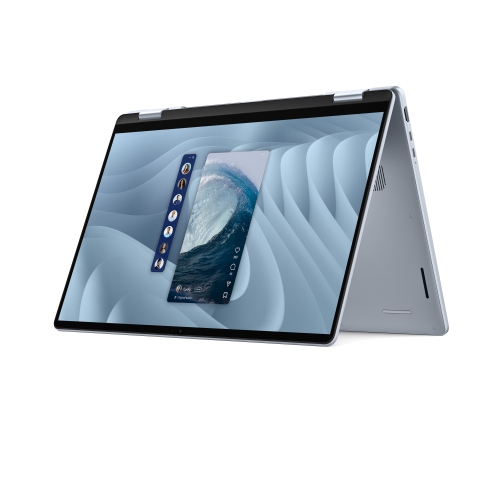 Your price for this item is $1951.79
Discover more categories related to Travel Laptops

Top Collections:
Best Black Friday Deals This Year, Best Black Friday Deals On Electronics, Kindle Devices, Pokemon Centers, Best Black Friday Deals On Apple Products, Best Cameras for Sports Photography, Dyson Airwrap, Pokémon 30th Celebration Cards, Apple iPhone 17 Pro, Canon G7X Cameras
Some products may be subject to Environmental Handling Fees
(EHF) depending on your province.
Learn more about EHFs.