USB Drives for Photographers
USB Drives For Photographers offer a convenient and reliable way to store, transfer, and back up your high-resolution images and videos. Whether you’re managing large photo libraries or sharing your latest shoots with clients, having the right USB drive can make all the difference in your workflow. Explore a wide selection designed to meet the needs of both amateur and professional photographers, ensuring your creative work is always accessible whenever and wherever you need it.
Sort


![Sandisk Portable 2TB USB 3.2 External Solid State Drive (SDSSDE30-2T00-G26) - Black [Employee of bestbuy] Great product for the value glad i purchased this from best buy](https://multimedia.bbycastatic.ca/multimedia/products/400x400/177/17744/17744651.jpg)
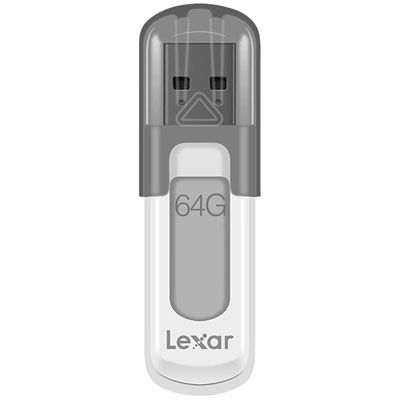
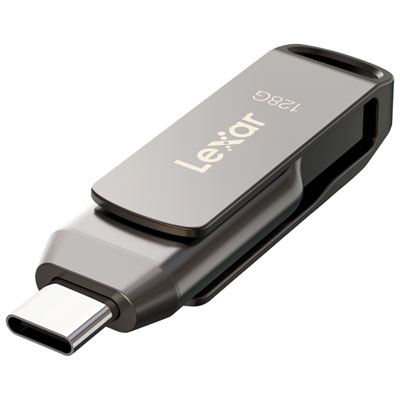
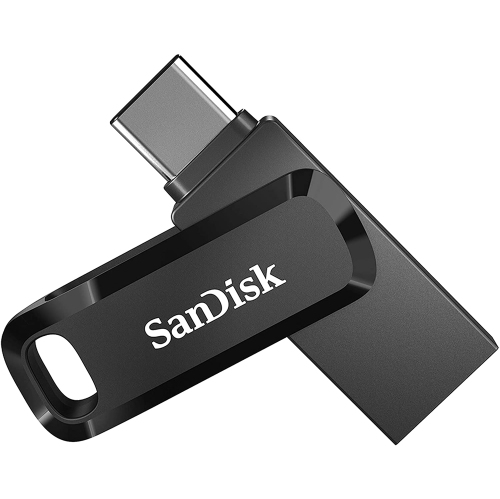
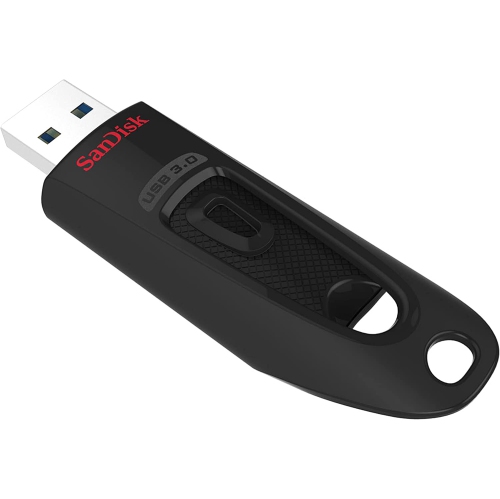
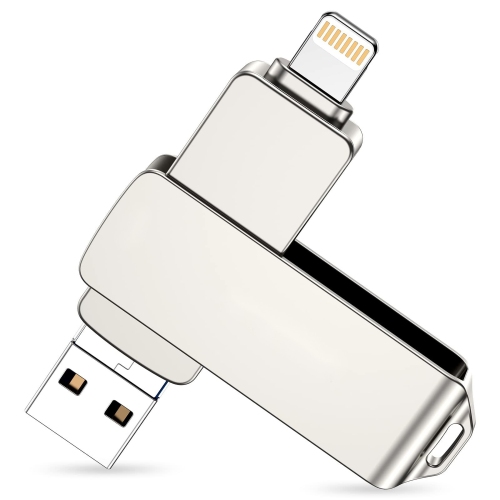
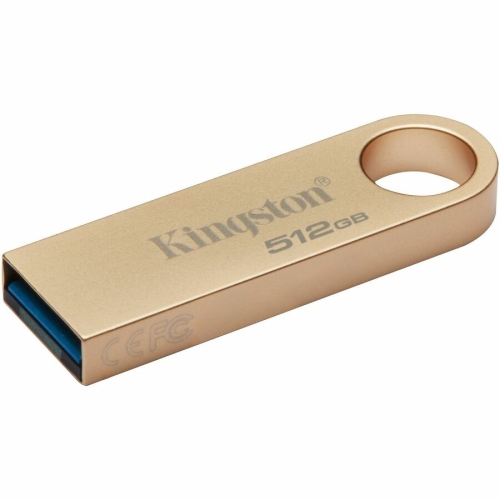
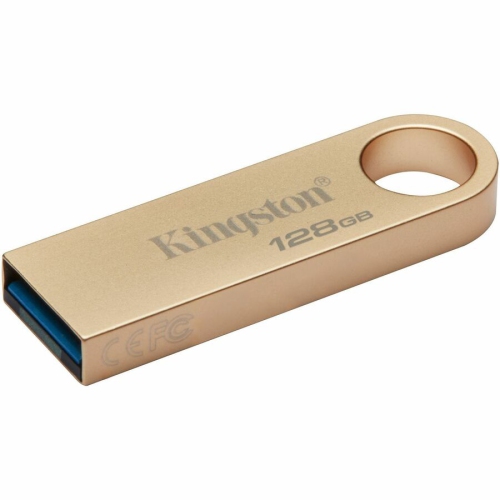
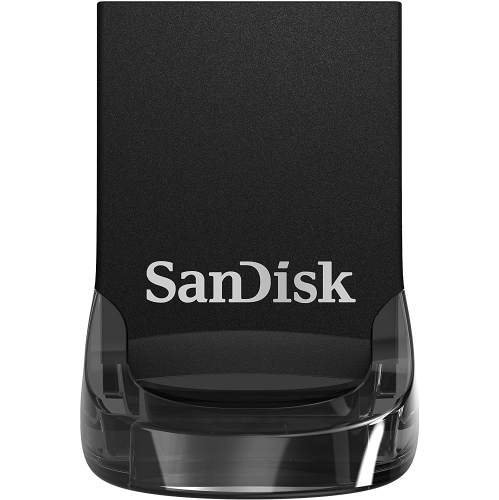
Portable storage helps move and organise images across devices
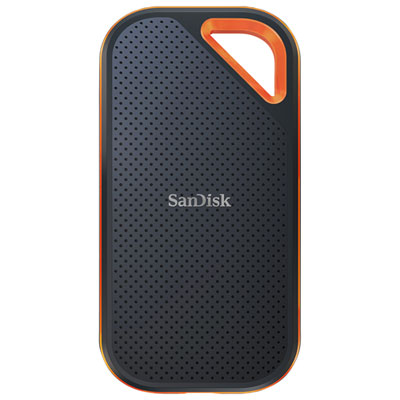
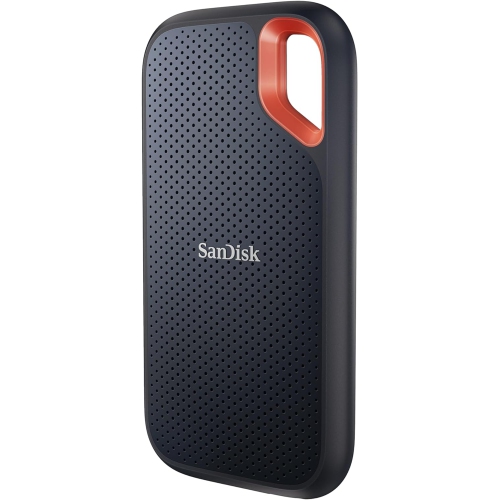
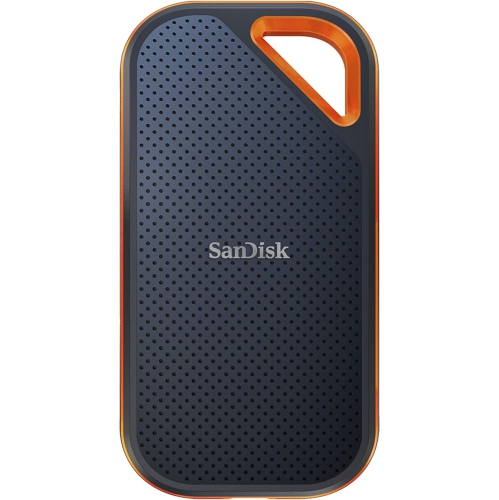
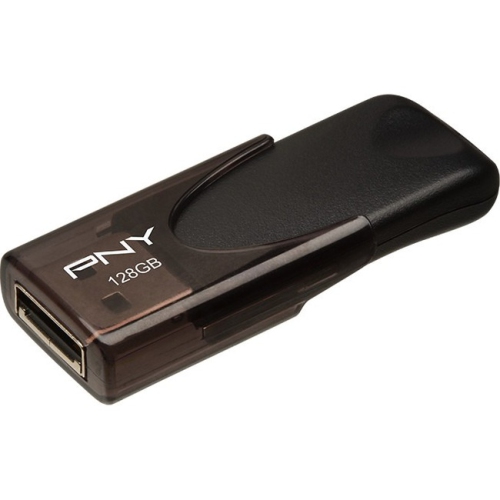
USB drives for photographers provide a convenient way to move, organise, and carry image files between cameras, memory card readers, computers, tablets, and phones. They are especially useful for photographers who work in more than one location, whether that means editing at home, preparing a gallery on a studio computer, or delivering a selection of images to a client. A drive can hold JPEG photos for quick sharing, large RAW files for detailed editing, exported TIFFs, short videos, Lightroom catalogues, and other working files without adding much weight to a camera bag. Capacity is one of the most important details to consider. A 32GB or 64GB drive may suit occasional snapshots or a small collection of edited images, but photographers with thousands of high-resolution photos should generally look for at least 128GB or 256GB. Professional shoots, wedding galleries, travel collections, and projects that include RAW files or 4K video may benefit from even more storage. It is helpful to estimate the size of a typical shoot, then choose a drive with room for several projects rather than filling it immediately. A photographer returning from a weekend trip, for example, may need space for several memory cards of photos plus edited copies, exports, and a second set reserved for delivery. Keeping extra capacity available also makes file organisation easier, since folders can be separated by date, location, client, or assignment instead of being crowded together.
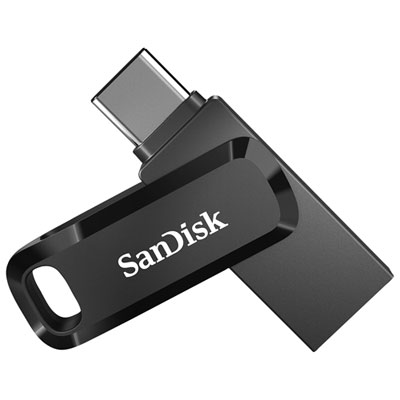
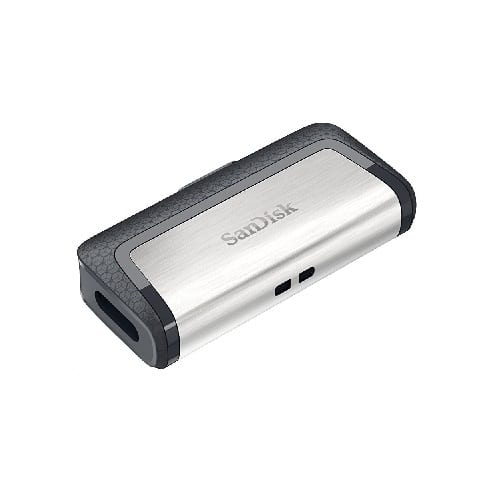
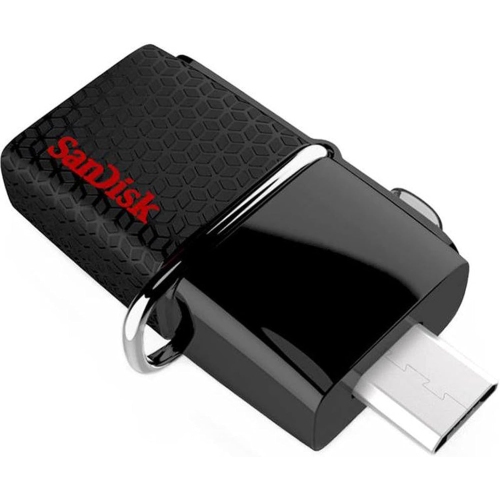
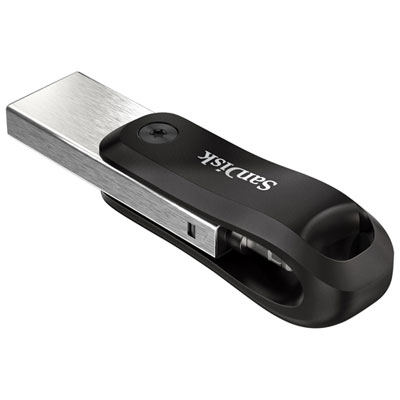
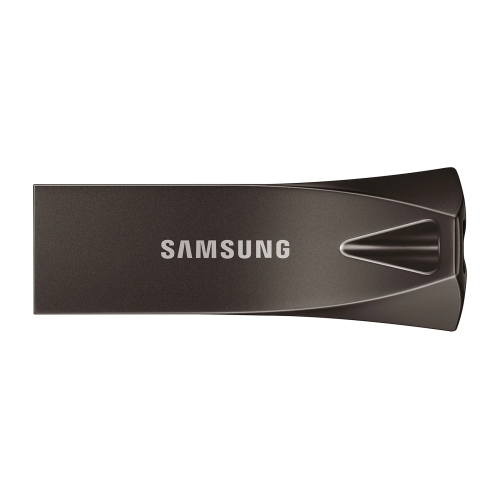
Transfer speed matters when moving a large collection of images. USB 3.0 and USB 3.2 drives can transfer files considerably faster than older USB 2.0 models, provided the computer or other host device has a compatible port. Faster performance is particularly valuable when copying hundreds of RAW images, backing up a full memory card, or moving video files before a client deadline. The connector should match the devices used most often. USB-A remains common on desktop computers, laptops, monitors, and many card readers, while USB-C is increasingly standard on newer laptops, tablets, and mobile devices. A dual-connector drive can be a practical choice for photographers who move photos between older and newer equipment, and some drives are designed to connect directly to compatible phones or tablets. Before purchasing, check the ports on the camera accessories, computer, phone, and tablet, as well as the operating system requirements. Direct transfers from a mobile device can be useful after a family event, outdoor trip, or photo session when there is no computer nearby. For iPhone or iPad users, compatibility with the device’s connector and file-management features should be confirmed; Android users should check USB-C support, available storage access, and whether the phone supports the required connection standard. A compact capless or retractable design can help protect the connector in a camera bag, while a sturdy housing, key loop, or small indicator light may be useful for everyday handling. Drives are easy to misplace, so a label or colour-coding system can make it simpler to identify a client folder, travel archive, or temporary transfer drive at a glance. For a wider selection of storage options suited to image workflows, explore Portable Storage for Photographers.
Photographers should also think about how a USB drive fits into their overall file routine. It can serve as a transfer tool, a portable working library, or an additional copy of important images, but it should not be the only place where irreplaceable photos are stored. A sensible workflow may include the original files on a computer or primary storage device, a second copy on a USB drive, and another copy kept separately for added protection. After transferring a shoot, open several files from the drive to confirm that the copy completed properly before deleting anything from a memory card. Organising folders with clear names such as the date, event, subject, or client can make future searches much less frustrating than sorting through folders labelled “New” or “Untitled.” Photographers who edit on different computers should also check formatting and compatibility before loading a drive with a large archive. Drives formatted for one operating system may have limitations on another, and some files may be too large for older file systems. Encryption or password protection can be worthwhile when a drive contains client galleries, personal portraits, business records, or unpublished work. A drive can also make a thoughtful gift for a photography student, a family member who enjoys documenting trips, a new camera owner, or an experienced photographer who regularly shares finished galleries. It pairs naturally with a camera, memory card, card reader, laptop, or tablet and is useful during the cooler months when indoor editing, photo sorting, and preparing printed albums become part of the routine. For photographers who spend time on location, a small drive offers a simple way to carry selected portfolios, release forms, presentation files, or backup copies without bringing an entire desktop setup. Choosing the right combination of capacity, transfer speed, connector type, compatibility, and physical design helps ensure that the drive works smoothly with the equipment already in use and supports a more dependable photo workflow from capture to final delivery.
Transfer speed matters when moving a large collection of images. USB 3.0 and USB 3.2 drives can transfer files considerably faster than older USB 2.0 models, provided the computer or other host device has a compatible port. Faster performance is particularly valuable when copying hundreds of RAW images, backing up a full memory card, or moving video files before a client deadline. The connector should match the devices used most often. USB-A remains common on desktop computers, laptops, monitors, and many card readers, while USB-C is increasingly standard on newer laptops, tablets, and mobile devices. A dual-connector drive can be a practical choice for photographers who move photos between older and newer equipment, and some drives are designed to connect directly to compatible phones or tablets. Before purchasing, check the ports on the camera accessories, computer, phone, and tablet, as well as the operating system requirements. Direct transfers from a mobile device can be useful after a family event, outdoor trip, or photo session when there is no computer nearby. For iPhone or iPad users, compatibility with the device’s connector and file-management features should be confirmed; Android users should check USB-C support, available storage access, and whether the phone supports the required connection standard. A compact capless or retractable design can help protect the connector in a camera bag, while a sturdy housing, key loop, or small indicator light may be useful for everyday handling. Drives are easy to misplace, so a label or colour-coding system can make it simpler to identify a client folder, travel archive, or temporary transfer drive at a glance. For a wider selection of storage options suited to image workflows, explore Portable Storage for Photographers.
Photographers should also think about how a USB drive fits into their overall file routine. It can serve as a transfer tool, a portable working library, or an additional copy of important images, but it should not be the only place where irreplaceable photos are stored. A sensible workflow may include the original files on a computer or primary storage device, a second copy on a USB drive, and another copy kept separately for added protection. After transferring a shoot, open several files from the drive to confirm that the copy completed properly before deleting anything from a memory card. Organising folders with clear names such as the date, event, subject, or client can make future searches much less frustrating than sorting through folders labelled “New” or “Untitled.” Photographers who edit on different computers should also check formatting and compatibility before loading a drive with a large archive. Drives formatted for one operating system may have limitations on another, and some files may be too large for older file systems. Encryption or password protection can be worthwhile when a drive contains client galleries, personal portraits, business records, or unpublished work. A drive can also make a thoughtful gift for a photography student, a family member who enjoys documenting trips, a new camera owner, or an experienced photographer who regularly shares finished galleries. It pairs naturally with a camera, memory card, card reader, laptop, or tablet and is useful during the cooler months when indoor editing, photo sorting, and preparing printed albums become part of the routine. For photographers who spend time on location, a small drive offers a simple way to carry selected portfolios, release forms, presentation files, or backup copies without bringing an entire desktop setup. Choosing the right combination of capacity, transfer speed, connector type, compatibility, and physical design helps ensure that the drive works smoothly with the equipment already in use and supports a more dependable photo workflow from capture to final delivery.
Top selling and popular products
-
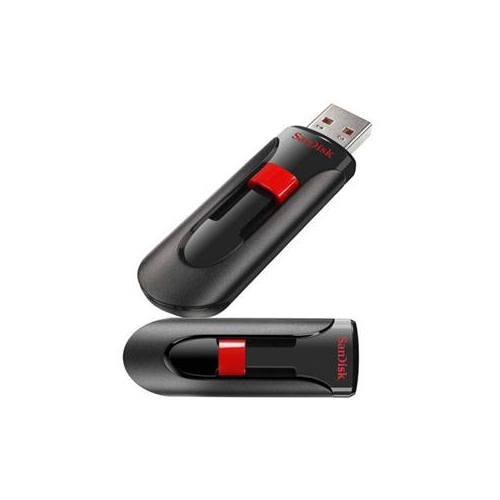 Your price for this item is $44.95
 -
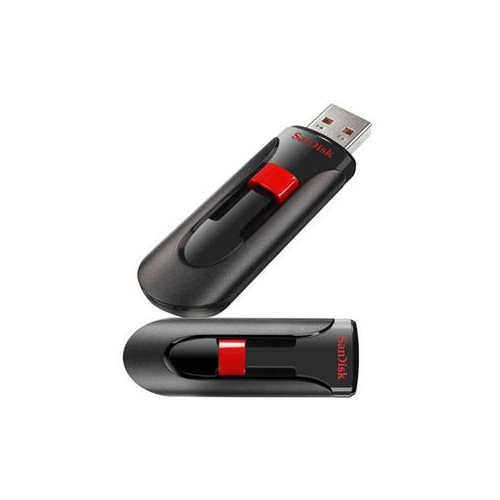 Your price for this item is $69.95
 -
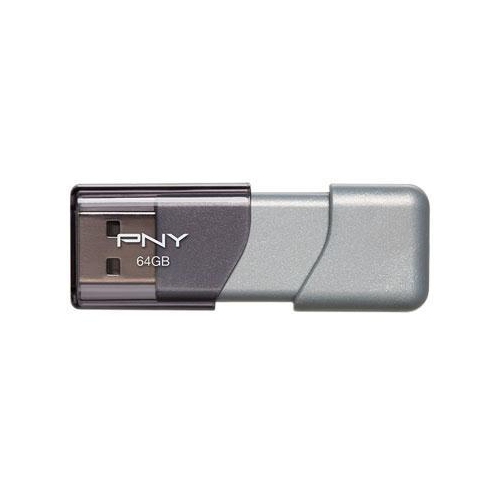 Your price for this item is $59.68
 -
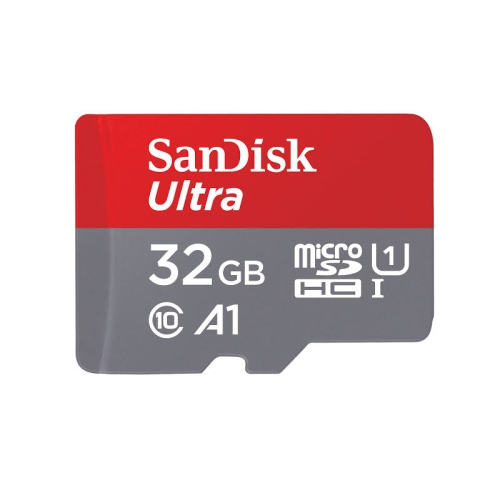 Your price for this item is $32.45
 -
 Your price for this item is $34.68
 -
 Your price for this item is $38
 -
 Your price for this item is $49.99
 -
 Your price for this item is $169.99
Discover more categories related to USB Drives for Photographers

Top Collections:
Pokemon Centers, Best Budget Office Chairs, Budget 4K TVs, Kindle Devices, Best Laptops for Writers, Canon G7X Cameras, Apple iPhones 16, iPhone 15 Apple, Laptops for Business Work, Xiaomi Phones
Some products may be subject to Environmental Handling Fees
(EHF) depending on your province.
Learn more about EHFs.