Video Editing Software With AI Features
Video Editing Software With AI Features is transforming the way creators produce and enhance video content. These innovative tools offer intuitive solutions for both beginners and professionals, streamlining complex editing tasks and elevating creative possibilities. Whether you’re crafting cinematic projects, social media clips, or professional presentations, discover a range of software designed to help you achieve impressive results with greater ease and efficiency. Explore options that bring advanced technology to your editing workflow and unlock new levels of creativity.
Sort




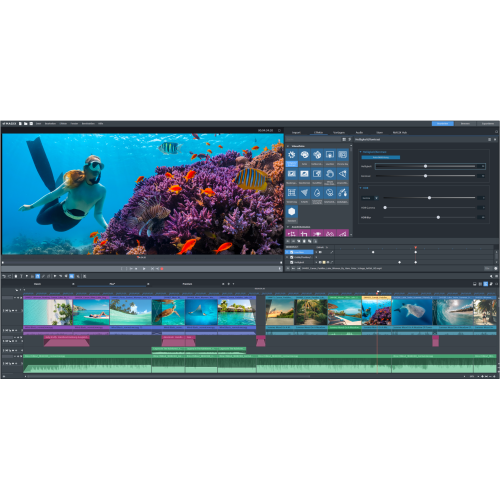
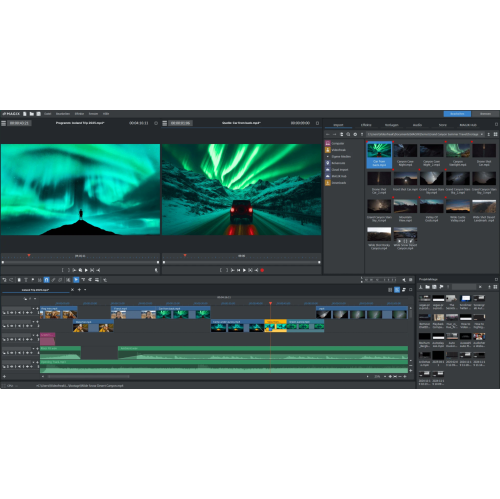

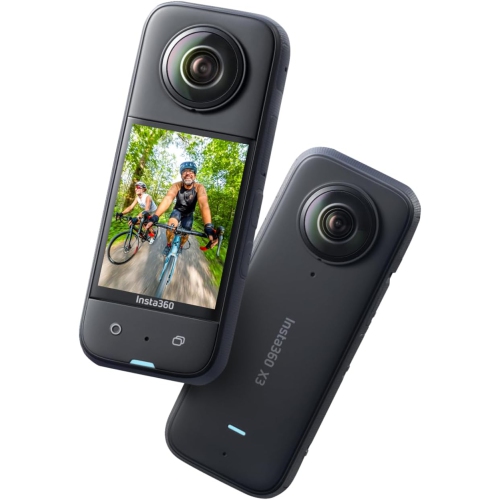
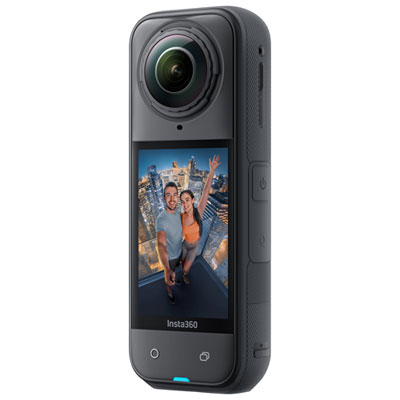
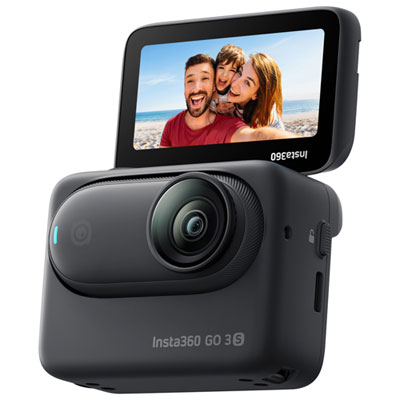


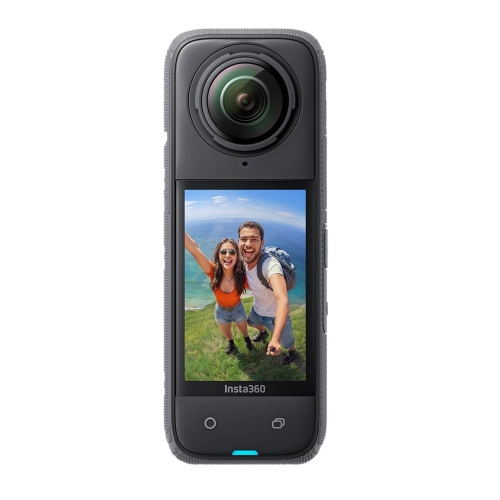
Smarter tools for polished videos with less manual work
As video content continues to shape the way we communicate, share stories, and promote ideas, the demand for intuitive and powerful video editing software with AI features has surged. Whether you are a professional filmmaker, a content creator building your brand, a student working on multimedia projects, or someone who simply enjoys capturing and sharing memories, these innovative tools have transformed the editing process. AI-powered video editing software offers a suite of intelligent features designed to streamline workflows, enhance creativity, and make advanced editing accessible to users of all skill levels. With capabilities like automated background removal, smart scene detection, text-based editing, and auto-captioning, these platforms can handle repetitive or technically complex tasks in a fraction of the time it once took. This not only speeds up the editing process but also allows creators to focus on storytelling and visual impact, rather than getting bogged down in manual adjustments. As the weather warms and more events, celebrations, and outdoor activities fill our schedules, having access to software that can quickly transform raw footage into polished videos is especially valuable.
Choosing the right video editing software with AI features depends on your unique needs and workflow. For those producing content for social media, tools that offer automatic aspect ratio adjustments, quick subtitle generation, and intelligent B-roll suggestions can make it easier to create shareable clips optimized for different platforms. Educators and students might appreciate AI-driven audio enhancement and automated translation features, which simplify the process of preparing engaging presentations or accessible learning materials. Professionals working on documentaries, promotional videos, or short films can leverage advanced AI tools like object masking, motion tracking, and colour matching to achieve a cinematic look without the steep learning curve traditionally associated with high-end editing suites. Gift-givers may find that video editing software makes a thoughtful present for aspiring creators, new graduates, or anyone looking to document special moments, especially as gatherings and travel become more frequent during late spring and summer. The flexibility of these platforms means they can be used on everything from home laptops to powerful desktop workstations, and many offer browser-based options for editing on the go.
No matter your experience level, video editing software with AI features can help you bring your ideas to life with greater ease and efficiency. From removing background noise in a family reunion recording to automatically generating captions for a tutorial or seamlessly reframing a landscape video for mobile viewing, these tools are designed to solve real-world editing challenges. If your focus is on creating content for online audiences, you may also want to explore specialized solutions through the Video Editing Software for Social Media page, where you can find options tailored to the demands of fast-paced digital publishing. As the pace of everyday life picks up and new opportunities for creativity arise, AI-powered video editing software stands ready to help you capture, enhance, and share your stories—whether you are working from a home studio, collaborating remotely, or editing footage from your latest adventure outdoors.
Choosing the right video editing software with AI features depends on your unique needs and workflow. For those producing content for social media, tools that offer automatic aspect ratio adjustments, quick subtitle generation, and intelligent B-roll suggestions can make it easier to create shareable clips optimized for different platforms. Educators and students might appreciate AI-driven audio enhancement and automated translation features, which simplify the process of preparing engaging presentations or accessible learning materials. Professionals working on documentaries, promotional videos, or short films can leverage advanced AI tools like object masking, motion tracking, and colour matching to achieve a cinematic look without the steep learning curve traditionally associated with high-end editing suites. Gift-givers may find that video editing software makes a thoughtful present for aspiring creators, new graduates, or anyone looking to document special moments, especially as gatherings and travel become more frequent during late spring and summer. The flexibility of these platforms means they can be used on everything from home laptops to powerful desktop workstations, and many offer browser-based options for editing on the go.
No matter your experience level, video editing software with AI features can help you bring your ideas to life with greater ease and efficiency. From removing background noise in a family reunion recording to automatically generating captions for a tutorial or seamlessly reframing a landscape video for mobile viewing, these tools are designed to solve real-world editing challenges. If your focus is on creating content for online audiences, you may also want to explore specialized solutions through the Video Editing Software for Social Media page, where you can find options tailored to the demands of fast-paced digital publishing. As the pace of everyday life picks up and new opportunities for creativity arise, AI-powered video editing software stands ready to help you capture, enhance, and share your stories—whether you are working from a home studio, collaborating remotely, or editing footage from your latest adventure outdoors.
Top selling and popular products
-
 Your price for this item is $434.99
 -
 Your price for this item is $1130.99
 -
 Your price for this item is $169.99
 -
 Your price for this item is $334.99
 -
 Your price for this item is $138.99
 -
 Your price for this item is $369.99
 -
 Your price for this item is $369.99
 -
 Your price for this item is $138.99
Discover more categories related to Video Editing Software With AI Features

Top Collections:
Pokemon Centers, Kindle Devices, Best Cell Phones Under $500, Alarm Clock, Canon G7X Cameras, iPhone 15 Apple, Apple iPhones 16, Laptops for Students, iPhone 14 256GB, Budget Smartphones
Some products may be subject to Environmental Handling Fees
(EHF) depending on your province.
Learn more about EHFs.