Virtual Learning Laptops
Virtual learning laptops offer the flexibility and performance needed for students and educators to connect, collaborate, and succeed from anywhere. With a range of options to suit different grade levels, study needs, and budgets, virtual learning laptops make it easy to access online classes, complete assignments, and participate in interactive lessons. Explore a variety of models designed to support your educational journey, whether at home or on the go.
Sort
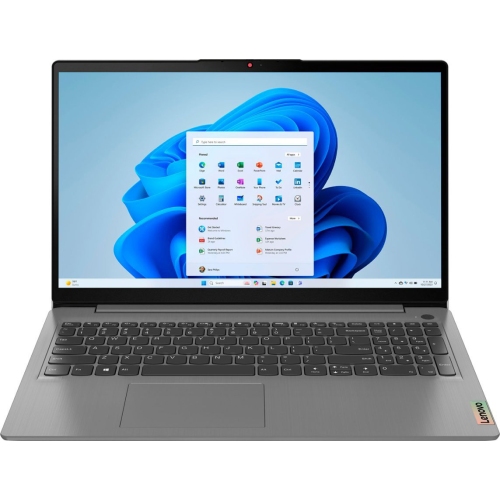
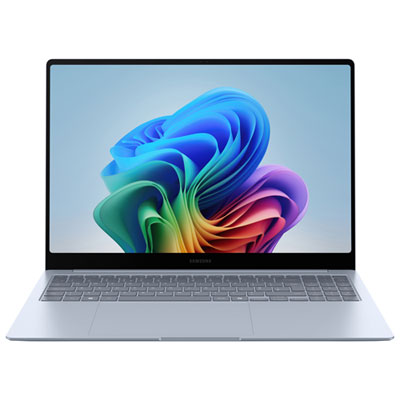
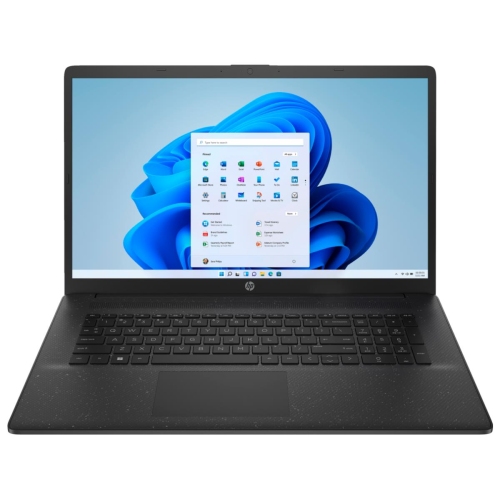
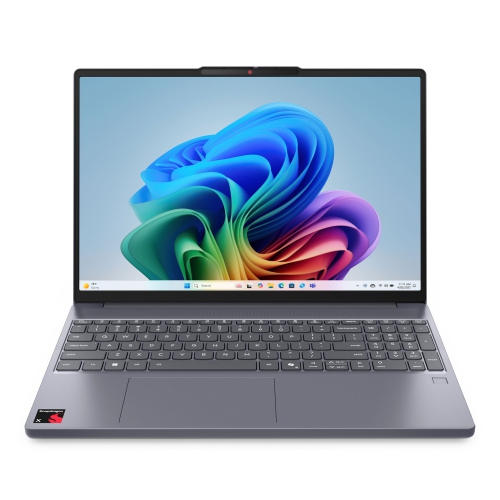


What sets a school-ready laptop apart from a toy
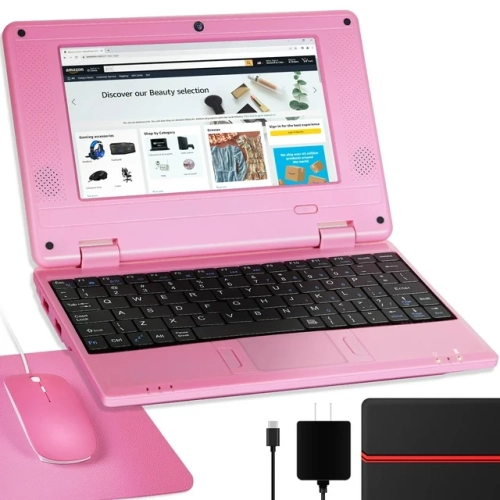
Virtual learning laptops bring live lessons, digital assignments, research, and class discussions together in a portable computer. For online school, the essential distinction is between a laptop that can run the required learning software and an educational toy that offers built-in activities. Toy-style learning laptops may introduce younger children to letters, numbers, spelling, or keyboard layouts, and some include English and French activities. Many work without an internet connection, making them useful for supervised practice rather than video classes or submitting homework. A full computer serves a different purpose: it connects to school portals, opens documents, supports compatible video-conferencing software, and gives learners space to create and save their work. That makes virtual learning laptops relevant to elementary and secondary students, college and university students, and adults taking professional courses or working towards a qualification. The most suitable features depend on what happens during an ordinary lesson. A child joining a teacher-led reading group may need a straightforward interface, a clear microphone, and help managing sign-ins. A secondary student might keep a research article, presentation, and class chat open together. Someone studying design, programming, or video production may need more demanding software and stronger graphics capabilities. School and course requirements therefore matter more than a broad “student laptop” description. Supported operating systems, browser requirements, exam software, and accessibility tools can all affect compatibility. A laptop should also suit how the learner completes assignments: typing essays calls for a comfortable keyboard, while handwritten equations or annotated diagrams may benefit from a compatible touchscreen and pen. Touch input is an option rather than a requirement for most online coursework. For households comparing computers for structured lessons and everyday homework, the Back to School Online Learning Laptops collection offers another relevant starting point. The focus remains a computer that fits the learner’s actual coursework, rather than features that sound impressive but go unused.
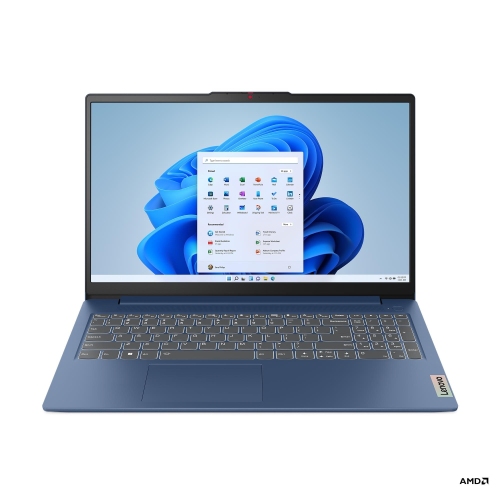
A smooth online lesson depends on several parts of a laptop working together. The processor handles everyday computing tasks, while memory helps keep applications responsive when a learner switches between a video call, browser tabs, and a document. For general coursework, 8 GB of memory can support basic tasks, while 16 GB provides more room for multitasking and heavier applications; individual course requirements should take priority. Solid-state storage helps with opening applications and accessing files, but capacity matters too. Downloaded lectures, presentation files, photographs, and creative projects can accumulate, particularly when several subjects require different applications. Online storage can make files easier to access across devices, although internet access, account permissions, and local backup needs still deserve attention. Screen size affects both portability and working comfort. A 13-inch or 14-inch laptop is often easier to carry between rooms or pack for a commute, while a 15-inch or 16-inch display provides more viewing space for documents and side-by-side windows. Resolution, text scaling, brightness adjustment, and a finish that reduces reflections can matter as much as the diagonal measurement. A clear webcam and understandable microphone help learners participate, but camera placement, room lighting, and background noise also influence the result. Headphone connections or wireless audio support can be useful in a shared household where two people have classes at once. Reliable Wi-Fi supports access to lessons, although call quality also depends on the internet service, router placement, and network traffic. Battery life is best considered in relation to the daily schedule: video calls, higher screen brightness, and demanding applications can drain a battery faster than reading a downloaded document. Charging connections and ports deserve equal attention. A learner who uses an external display, wired headset, mouse, or storage drive needs compatible connections, whether built into the laptop or provided through an appropriate adapter. These practical details become noticeable during a full day of lessons, especially when a class moves quickly from discussion to screen sharing and independent work.
Physical comfort and durability also shape how well a virtual learning laptop fits into everyday life. Plastic and metal housings can both suit school use; overall construction, hinge stability, keyboard feel, and the strength of the charging connection are more useful considerations than material alone. A lighter computer is easier to carry, but the keyboard and touchpad still need enough space for comfortable use. Younger learners may find a compact layout manageable, while someone writing long essays may prefer more room between keys. A backlit keyboard can help make key labels easier to see, and adjustable text size or built-in accessibility features can support different learning needs. For extended sessions, a stable desktop or work surface helps keep the computer secure. Raising the screen and using a separate keyboard and mouse can make it easier to maintain a comfortable viewing position, provided the setup fits the learner’s size and seating. Ventilation openings should remain clear rather than resting against bedding or soft cushions. Everyday care is straightforward but important: liquids belong away from the keyboard, charging cables should not stretch across walkways, and the lid should be closed before the laptop goes into a padded sleeve or bag. Cleaning should follow the manufacturer’s directions, with the computer powered off and no cleaner sprayed directly onto the screen or keyboard. Software updates, a screen lock, and regular file backups help protect coursework from avoidable interruptions. In shared households, separate user accounts can keep assignments, saved settings, and personal files organized. Younger children may also need adult-managed permissions and age-appropriate access settings. As a gift, a virtual learning laptop is most useful when the recipient’s course requirements, preferred screen size, and existing accessories are understood beforehand. For a learner, the lasting value is practical: being able to hear the lesson, follow the material, complete the assignment, and return to saved work without unnecessary obstacles. Those everyday tasks are the clearest measure of a laptop’s suitability for virtual learning.
Top selling and popular products
-
 Your price for this item is $449
-
 Your price for this item is $3099
-
 Your price for this item is $1800.68
-
 Your price for this item is $664.05
-
 Your price for this item is $869.99
-
 Your price for this item is $2960.48
-
 Your price for this item is $499.68
-
 Your price for this item is $1951.79
Discover more categories related to Virtual Learning Laptops
Top Collections:
Best Black Friday Deals This Year, Best Black Friday Deals On Electronics, Kindle Devices, Pokemon Centers, Best Black Friday Deals On Apple Products, Best Cameras for Sports Photography, Dyson Airwrap, Pokémon 30th Celebration Cards, Apple iPhone 17 Pro, Canon G7X Cameras
Some products may be subject to Environmental Handling Fees
(EHF) depending on your province.
Learn more about EHFs.