White Laptops
Looking for a sleek and stylish laptop to complement your on-the-go lifestyle? Explore our collection of white laptops that combine functionality with a modern aesthetic. Whether you're a student, professional, or casual user, a white laptop adds a touch of sophistication to your everyday tech essentials. From powerful performance to lightweight designs, these laptops offer versatility and style in one package. Find the perfect white laptop to suit your needs and reflect your personal style effortlessly.
Sort


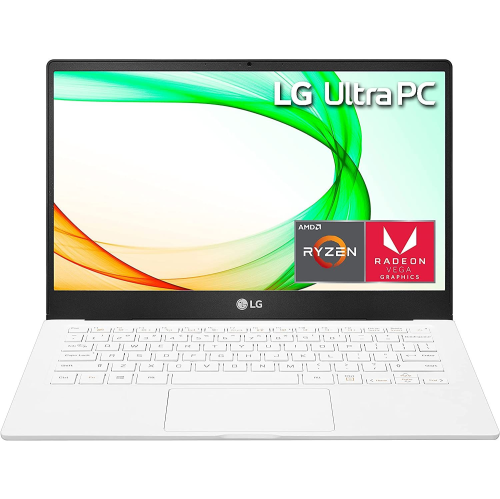


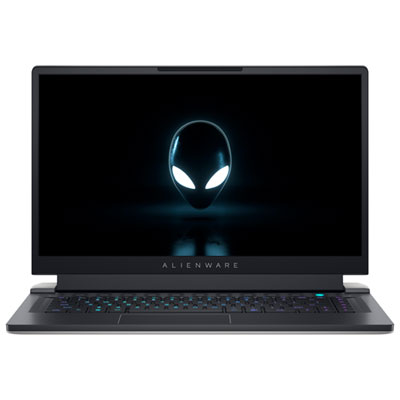
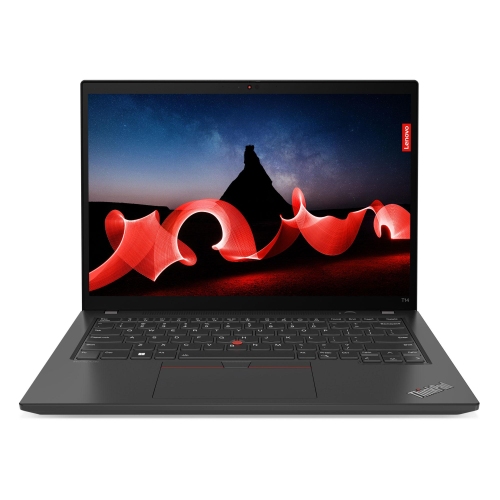
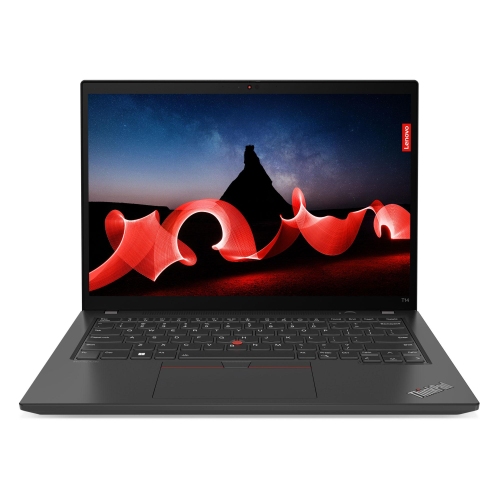
Why a white finish says little about performance
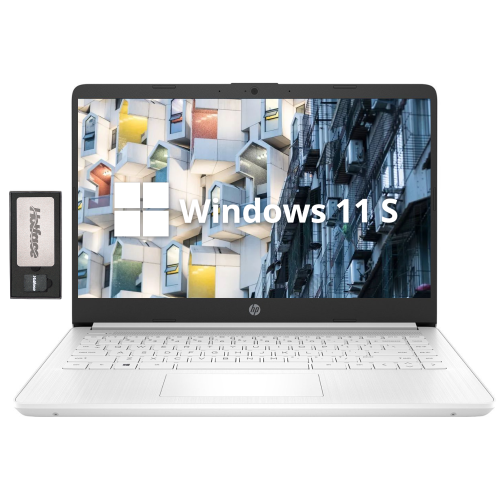
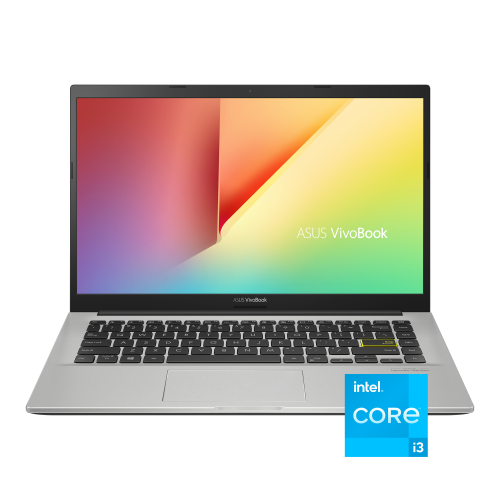
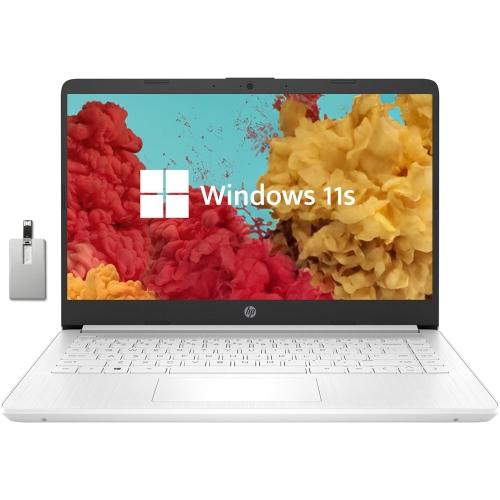
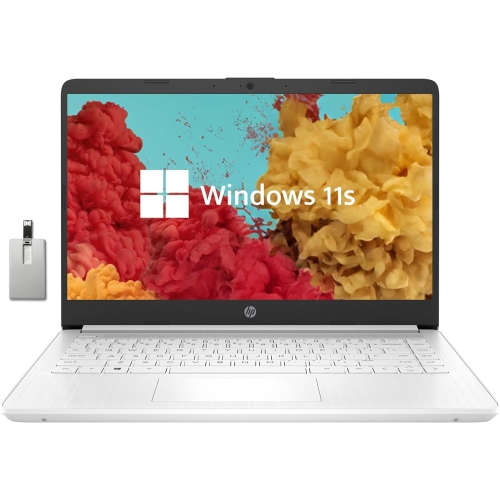
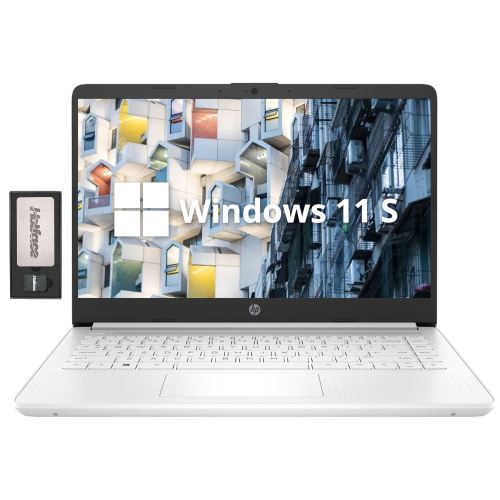
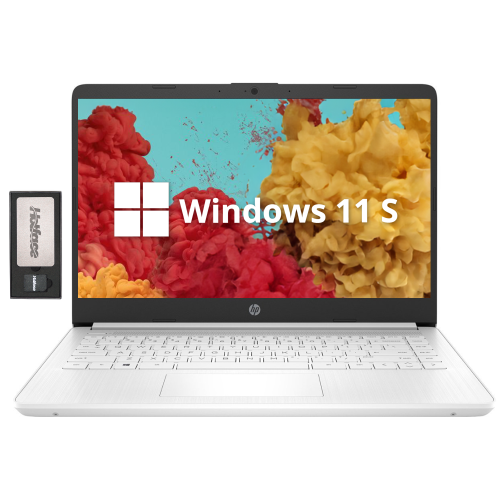
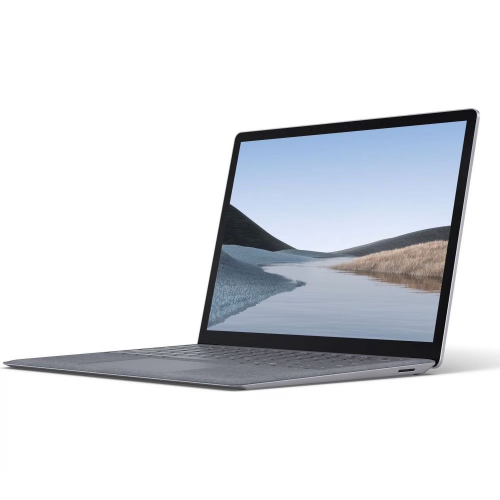
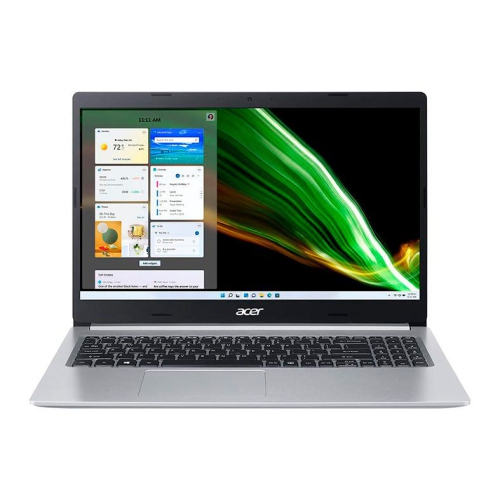
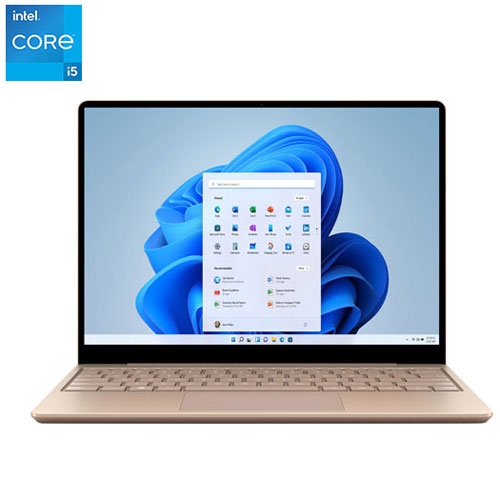
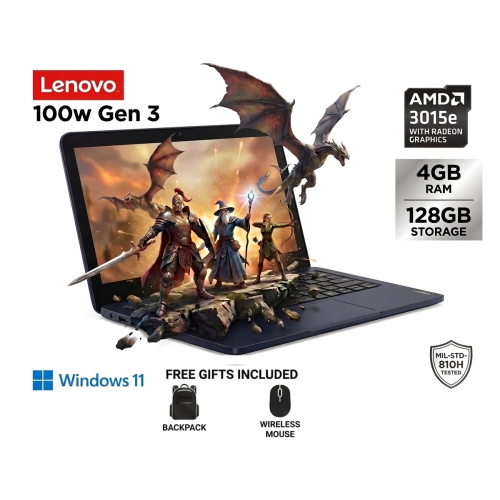
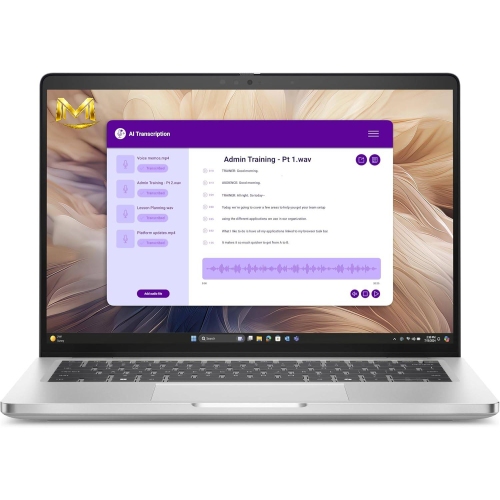
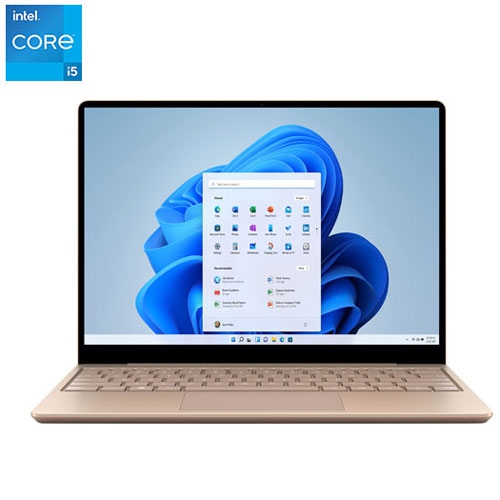
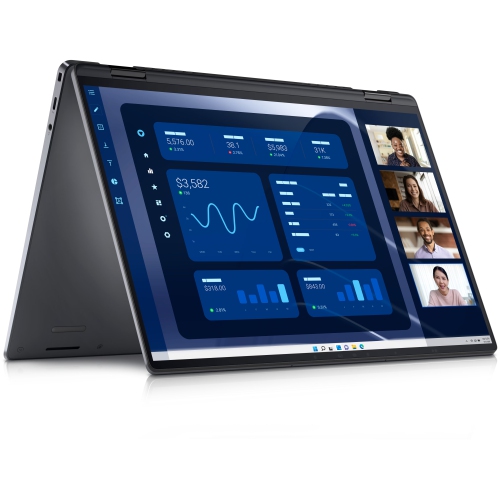
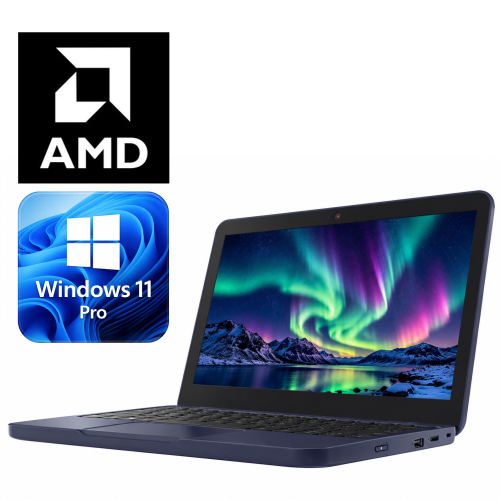
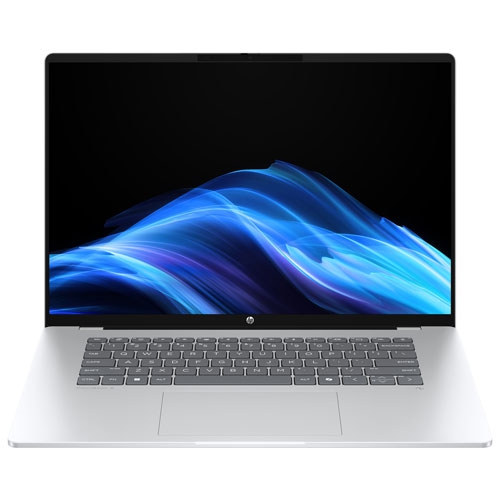
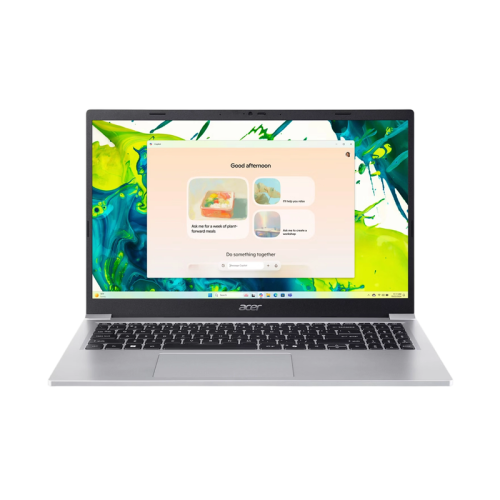
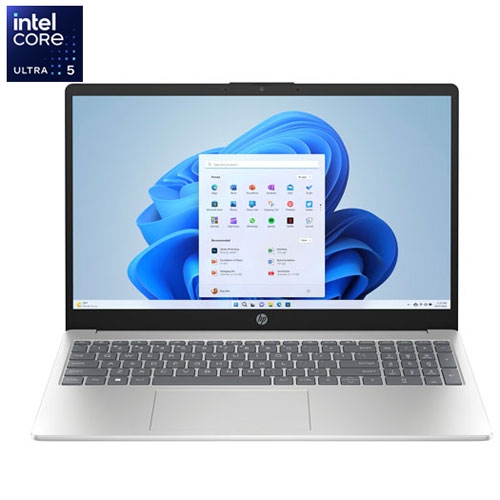
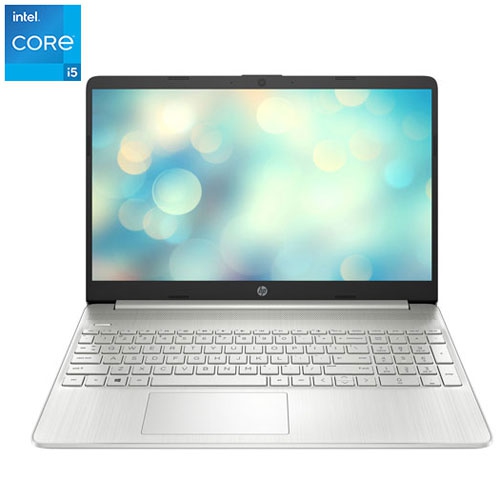
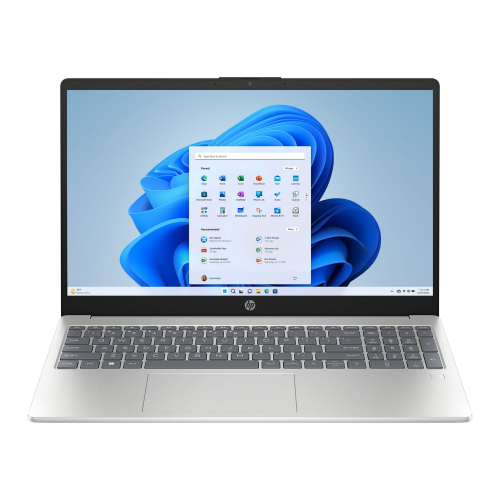
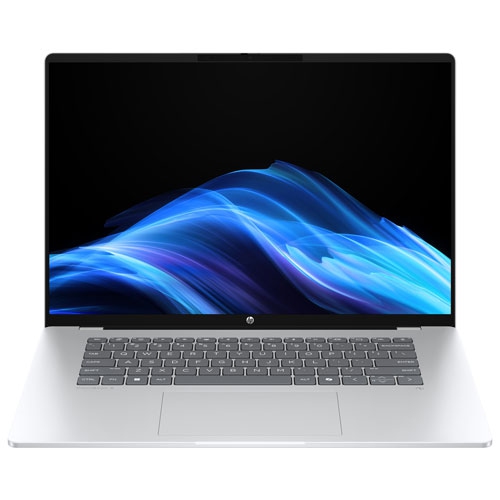
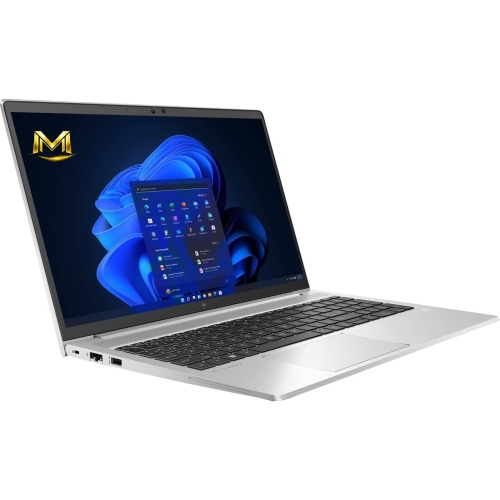
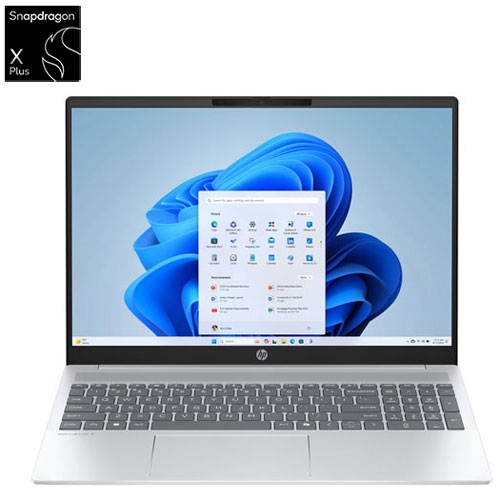
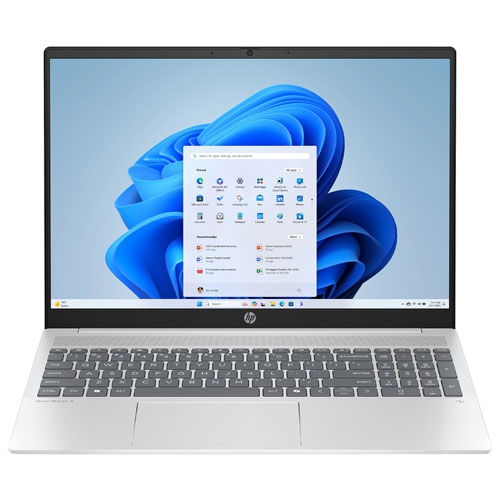
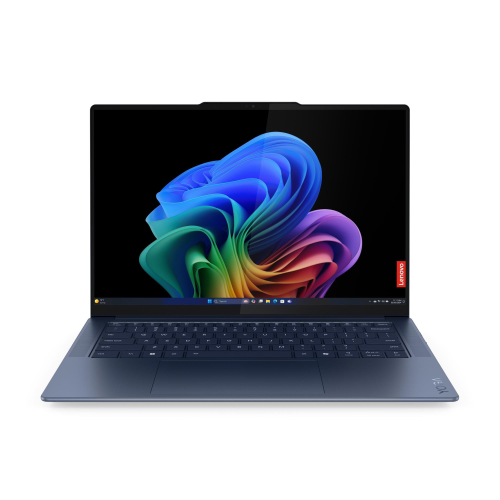
White laptops pair a light-coloured exterior with the everyday capabilities of a portable computer, offering a distinct alternative to darker finishes without defining how the machine performs. The colour describes the casing rather than a separate type of computer: white laptops can serve everyday productivity, study, creative work or gaming, depending on their internal components. Their understated appearance fits naturally beside a pale wood desk, a white monitor or colourful accessories, while also standing out against a dark work surface. Finishes range from bright white to softer, warmer shades, and the colour may cover the lid alone or extend across the keyboard deck and underside. Product images and finish descriptions help distinguish a fully white design from one with contrasting keys, hinges or trim. The casing may use plastic, aluminium, magnesium alloy or a combination of materials, with different textures, weights and levels of rigidity. A matte surface has a different feel from a smooth, glossy one, and the finish itself does not establish how well the chassis will withstand daily handling. For a student carrying a computer between lectures, a manageable footprint and a sturdy hinge can matter more than a completely uniform colour. For someone working at a desk most of the day, a spacious keyboard, readable screen and comfortable touchpad may have a greater influence on daily use. A white laptop can also be a thoughtful gift for a graduate, a family member starting a course or someone setting up a personal workspace, provided its capabilities suit the recipient’s needs. The visual appeal is part of the experience, but a good fit also depends on familiar software, comfortable controls and enough room to work without feeling cramped. Even keyboard contrast deserves attention: pale keys with faint lettering can feel quite different from darker keys with clearly defined characters, particularly when backlighting is switched off.
The differences between white laptops become more meaningful when connected to the tasks they handle. Writing documents, attending video calls, managing household paperwork and streaming video place different demands on a computer than editing large photo libraries, building complex spreadsheets or playing graphically demanding games. The processor influences how efficiently applications run, while memory helps support several active tasks, such as a browser full of research tabs alongside a presentation and a video meeting. Storage capacity determines how much space is left for applications, downloaded files and personal media; a solid-state drive also contributes to responsive start-up and file access. Creative software and games may benefit from dedicated graphics, although graphics requirements vary considerably by application. A white exterior does not indicate any particular level of computing power, and a slim profile can involve different compromises from a larger chassis with more cooling capacity. Under a demanding workload, fan sound and surface warmth are practical parts of the experience, regardless of colour. Screen size, resolution, brightness and surface treatment also shape everyday comfort. A compact display is easier to carry, while a larger screen gives spreadsheets, timelines and side-by-side documents more breathing room. A glossy panel may show noticeable reflections near a window or overhead light; a matte surface can reduce distracting glare. Colour accuracy matters for photo and design work, while refresh rate and response time can be important for gaming. Connectivity deserves equal attention because a familiar desk setup may involve a mouse, external display, headset and storage drive. Wi-Fi supports wireless networking, but wired connections and accessory support depend on the laptop’s ports and specifications. Charging through a USB-C connection, where supported, also depends on compatible power delivery rather than the connector shape alone. Battery runtime varies with screen brightness, applications, wireless activity and power settings, so a long writing session and a graphics-heavy project can produce very different results. Together, these details explain why two white laptops with a similar appearance may suit very different routines.
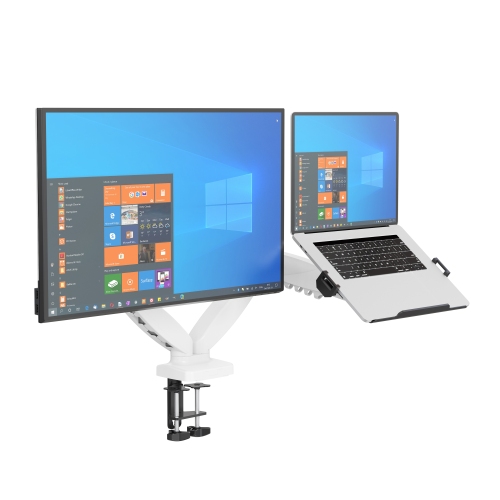
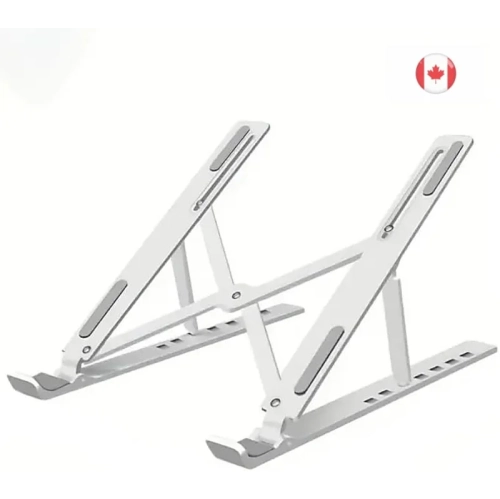
Daily handling and care help preserve both the appearance and usability of a white laptop. Pale surfaces can make dark scuffs, pen marks and transferred colour from bags or sleeves easier to notice, although staining and wear depend on the material and coating. A clean, soft microfibre cloth is useful for routine dust removal, while fingerprints or marks may require the cleaning method specified by the manufacturer. Harsh cleaners, abrasive pads and excessive moisture can damage finishes or screens, so liquid should never be sprayed directly onto the computer. Crumbs around the keys and dust near ventilation openings deserve attention too, especially when the same laptop moves between a desk, a shared table and a backpack. A padded sleeve with a soft lining helps reduce rubbing during transport, and a separate compartment keeps keys, pens and loose cables away from the casing. Carrying comfort depends on the combined weight of the laptop, charger and accessories rather than the computer alone. At a desk, a firm, flat surface supports stable placement and helps keep ventilation openings clear; bedding and cushions can obstruct airflow. For a coordinated setup, White Laptop Stands can complement a pale finish while raising the screen closer to a comfortable viewing height. Stand dimensions, supported weight and contact points need to suit the laptop, and an external keyboard and mouse make an elevated setup more practical for extended typing. A webcam positioned near eye level can also create a more natural angle during calls. Small details become especially noticeable over time: whether the lid opens smoothly, the keyboard layout feels familiar, the charging cable reaches the outlet and the touchpad responds reliably. Someone who writes for hours may value these qualities differently from someone who mainly watches films or joins occasional calls. The most satisfying white laptop brings together the desired finish, suitable performance and a physical design that fits its owner’s everyday habits.
Top selling and popular products
-
 Your price for this item is $449
-
 Your price for this item is $3099
-
 Your price for this item is $1800.68
-
 Your price for this item is $664.05
-
 Your price for this item is $869.99
-
 Your price for this item is $2960.48
-
 Your price for this item is $499.68
-
 Your price for this item is $1951.79
Discover more categories related to White Laptops
Top Collections:
Best Black Friday Deals This Year, Best Black Friday Deals On Electronics, Kindle Devices, Pokemon Centers, Best Black Friday Deals On Apple Products, Best Cameras for Sports Photography, Dyson Airwrap, Pokémon 30th Celebration Cards, Apple iPhone 17 Pro, Canon G7X Cameras
Some products may be subject to Environmental Handling Fees
(EHF) depending on your province.
Learn more about EHFs.