Wi-Fi Extenders For Basements
Wi-Fi extenders for basements help extend your router’s signal to lower-level rooms where coverage is weak. Browse range extenders with different speed ratings and connection options, and compare compatibility with your existing router. For reliable coverage, choose a placement where the extender can still receive a strong signal from upstairs.


FAQ
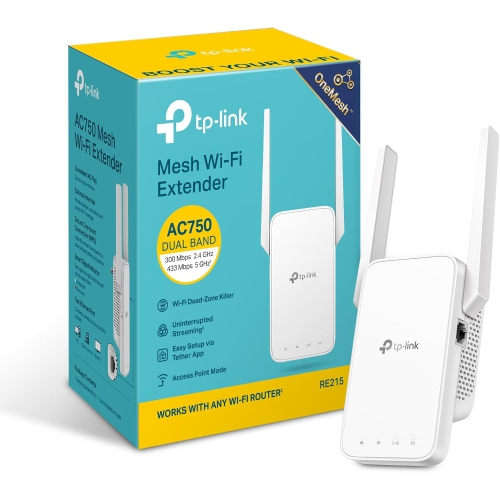
Extender mode connects wirelessly to your router and rebroadcasts its network. Access point mode uses an Ethernet connection to your router to create a wireless access point in the basement. Not all Wi-Fi extenders support both modes, so check the listed connection options.
Many Wi-Fi extenders let you reuse your router’s network name and password, while others create a separate network name. With separate names, you can manually choose which network to join. With a shared name, switching between connections depends on your devices and network equipment.
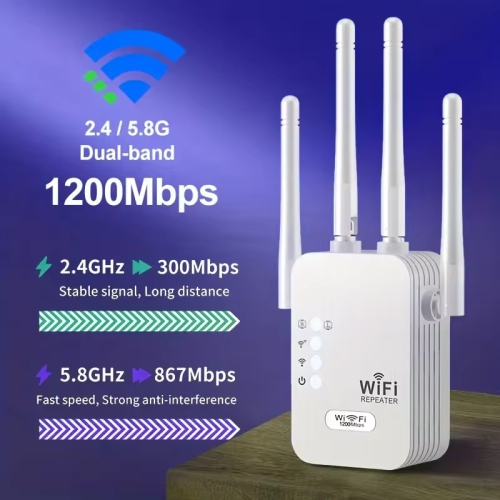
Dual-band Wi-Fi extenders typically use the 2.4 GHz and 5 GHz bands. Tri-band models add another band, which may be an additional 5 GHz band or a 6 GHz band, depending on the Wi-Fi standard. Some models reserve a band for communication with the router.
Configuration usually involves plugging in the extender, opening its companion app or browser-based setup page, and selecting your router’s network. You then enter the network password and follow the setup prompts. Some models also offer WPS pairing when the router supports it.
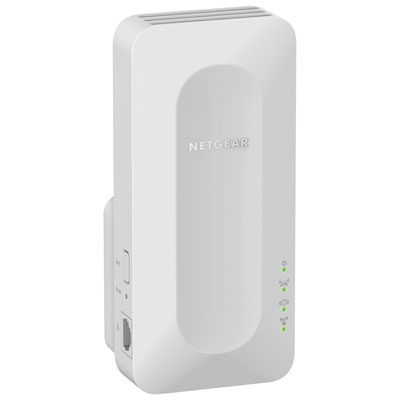
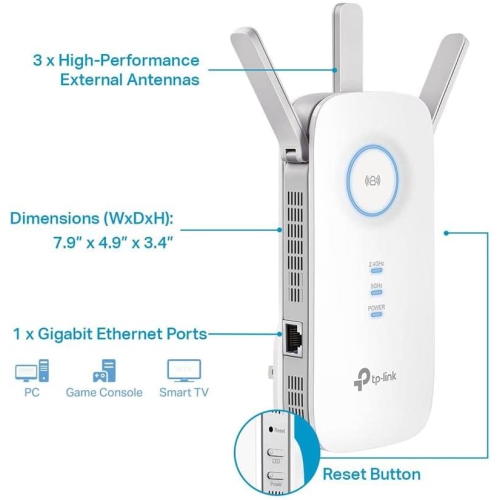
Ethernet ports can connect wired devices, such as a desktop computer, television or game console, to the extender. On models with access point mode, a port may also accept a wired connection from the router. Port functions vary by model and operating mode.
Top selling and popular products
Discover more categories related to Wi-Fi Extenders For Basements
Some products may be subject to Environmental Handling Fees (EHF) depending on your province. Learn more about EHFs.