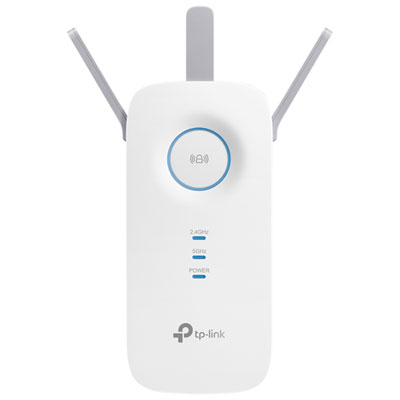
Wi-Fi Extenders For Basement Apartments
Wi-Fi Extenders for Basement Apartments offer a practical solution to help boost wireless coverage in areas where signals may struggle to reach. Whether you’re streaming, working, or gaming from your basement apartment, these devices can help enhance connectivity throughout your space. Explore a variety of Wi-Fi extenders designed to support reliable internet access in challenging environments, so you can stay connected wherever you are in your home.
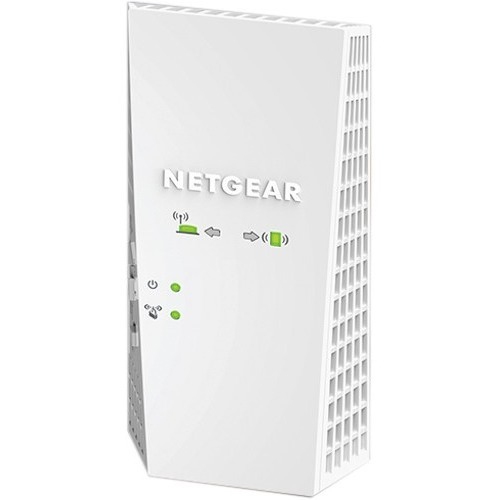
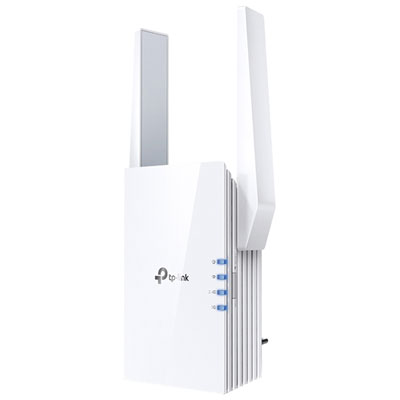
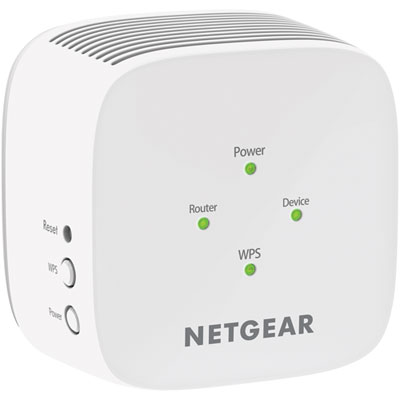
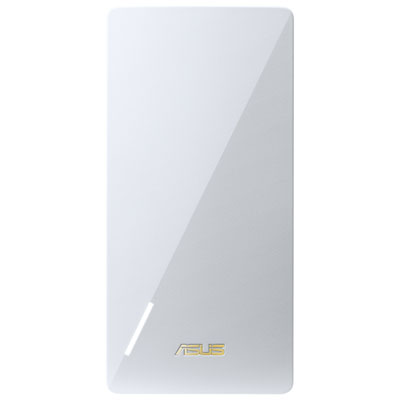

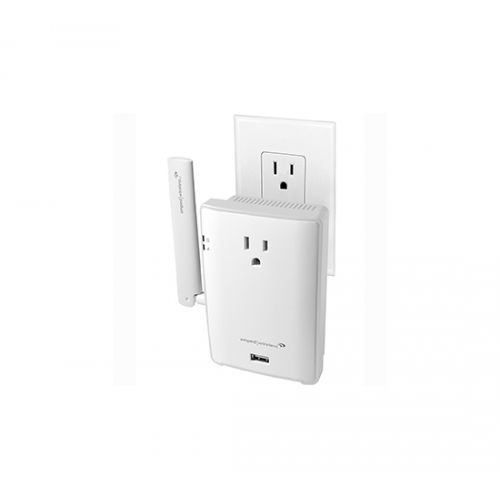
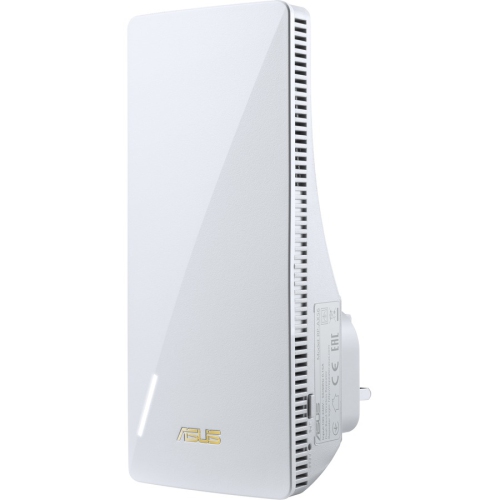
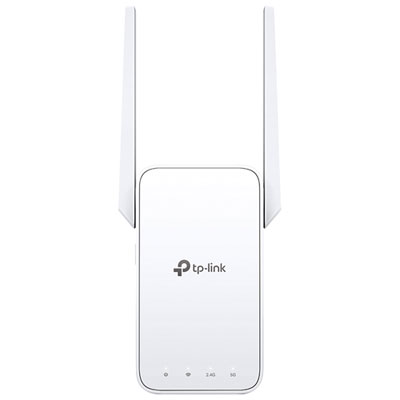
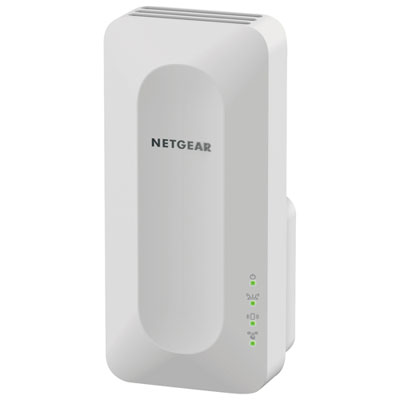
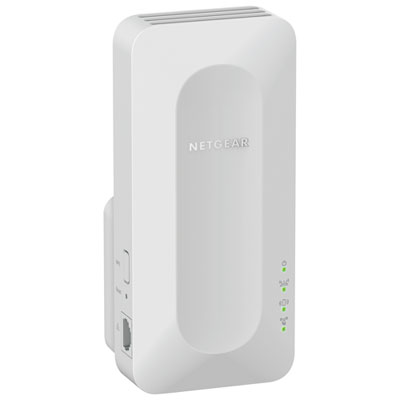
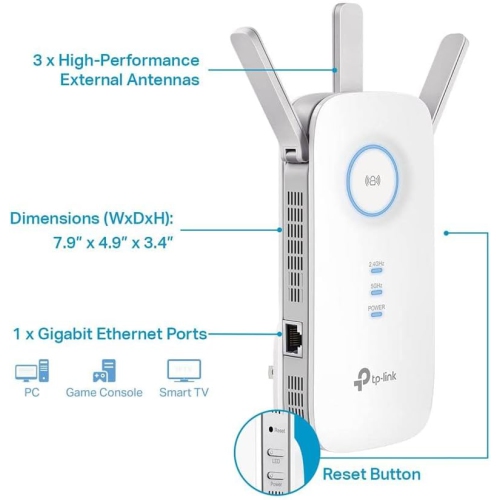
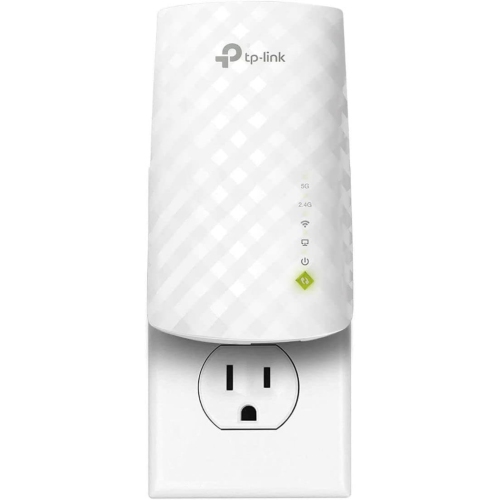
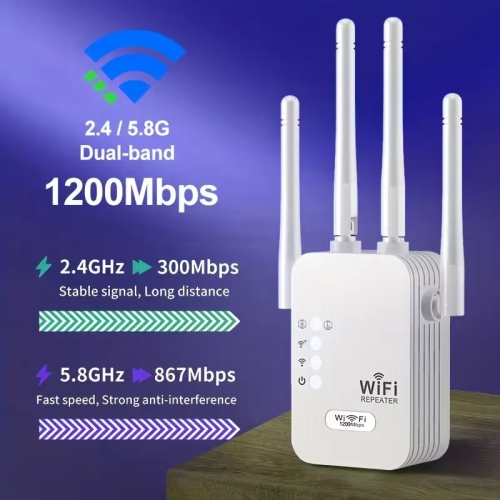
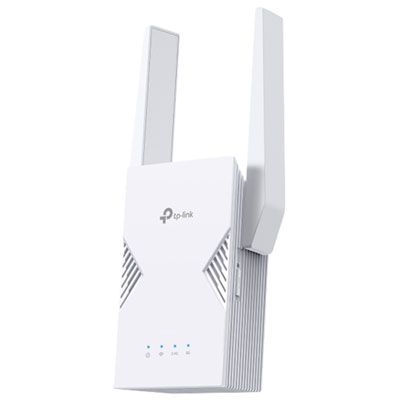
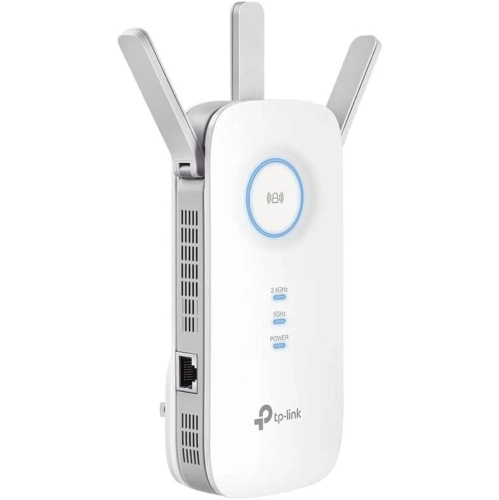
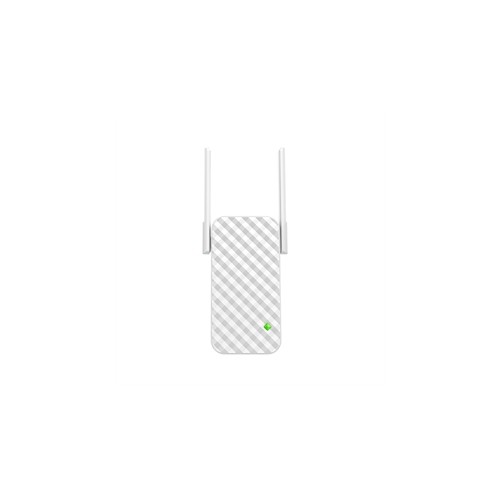
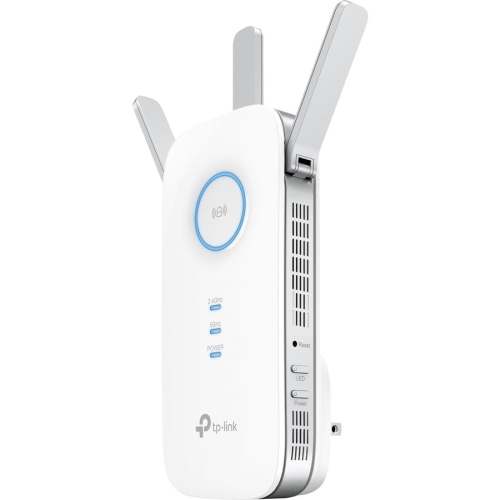

Stronger Wi-Fi coverage through basement walls and floors
When choosing a Wi-Fi extender for a basement apartment, it’s important to consider the unique obstacles presented by below-ground living. Look for extenders with strong signal penetration, dual-band or tri-band capability, and easy setup features that let you position them for maximum effect. Some models offer mesh networking, which can be especially useful if you want seamless coverage as you move between rooms or even up to the main floor. Others come with Ethernet ports, perfect for connecting gaming consoles or smart TVs directly for lag-free streaming. Placement is key: try plugging the extender into an outlet halfway between your router and your basement living area, and use built-in signal strength indicators to find the sweet spot. As the weather warms and you spend more time relaxing in your cool basement retreat, or as the cooler months arrive and you’re working or studying from home, a reliable Wi-Fi connection will help you stay productive, entertained, and in touch with friends and family. If you’re in a smaller space or want to explore more options tailored to compact living, you can also check out our selection of Wi-Fi Extenders for Small Apartment for additional inspiration. With the right extender, you can transform your basement apartment into a connected, comfortable hub for all your online activities.
FAQ
What features should I look for in a Wi-Fi extender for a basement apartment?
When choosing a Wi-Fi extender for a basement apartment, consider features such as dual-band support, compatibility with your existing router, easy setup options like WPS, and coverage range. Look for models that offer strong signal penetration through walls and floors to ensure reliable connectivity.
Can Wi-Fi extenders work with any type of internet router?
Most modern Wi-Fi extenders are designed to be compatible with the majority of routers, regardless of brand. However, it's important to check the extender's specifications to ensure it supports your router's frequency bands (2.4GHz and/or 5GHz) and wireless standards (such as Wi-Fi 5 or Wi-Fi 6).
How do I set up a Wi-Fi extender in my basement apartment?
Setting up a Wi-Fi extender typically involves plugging it into a power outlet halfway between your main router and the area where you need better coverage. Follow the manufacturer's instructions, which often include connecting via an app or pressing the WPS button on both your router and the extender.
Will using a Wi-Fi extender affect my internet speed in the basement?
A Wi-Fi extender can help improve signal strength in areas with weak coverage, but there may be some reduction in speed compared to being close to your main router. Choosing an extender with dual-band support and placing it optimally can help minimize any speed loss.
Are there alternatives to using a Wi-Fi extender for improving basement connectivity?
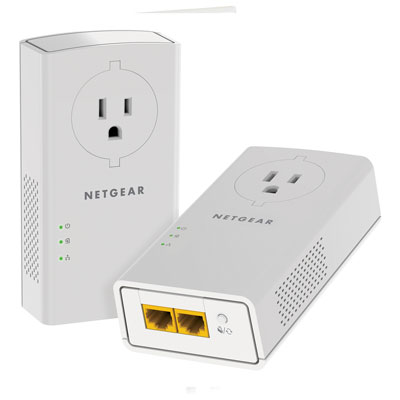
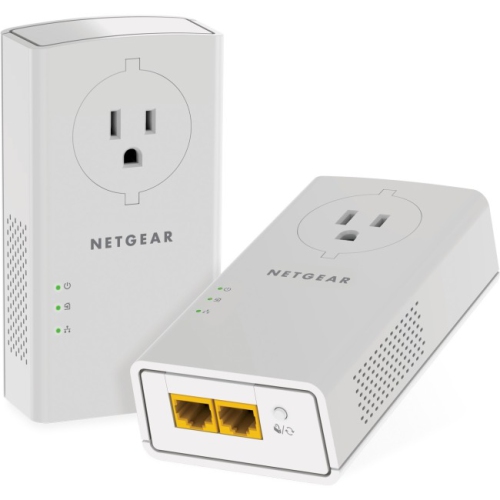
Yes, alternatives include mesh Wi-Fi systems, powerline adapters, or running an Ethernet cable directly to the basement. Mesh systems provide seamless coverage throughout larger spaces, while powerline adapters use your home's electrical wiring to transmit internet signals.
Top selling and popular products
-
 Your price for this item is $139.99
-
 Your price for this item is $182.68
-
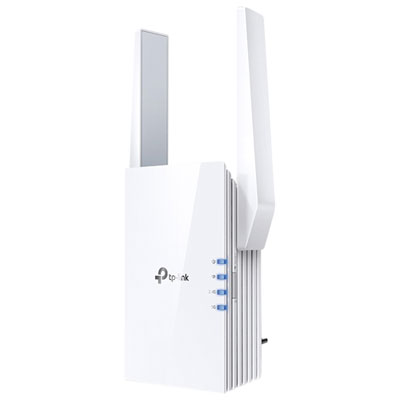 Your price for this item is $69.99
-
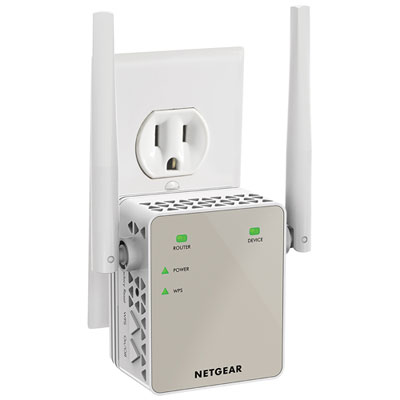 Your price for this item is $79.99
-
 Your price for this item is $45.78
-
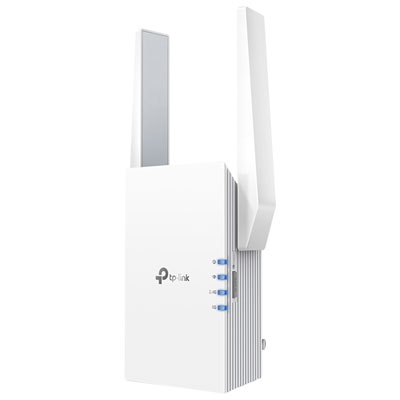 Your price for this item is $109.99
-
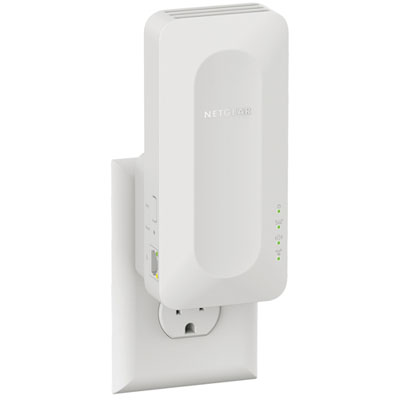 Your price for this item is $79.99
-
 Your price for this item is $147.29