Windows 10 RAM
Upgrade your computer’s performance with Windows 10 RAM available at Best Buy. Whether you’re looking to boost speed for work, gaming, or everyday tasks, the right memory can make all the difference. Explore a wide selection of Windows 10 RAM options designed to help your system run smoothly and efficiently. Find the capacity and configuration that fits your needs and enjoy a seamless computing experience.
Sort
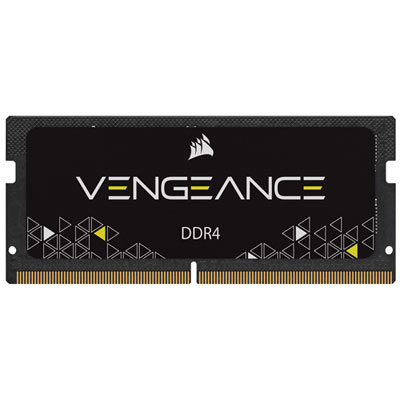
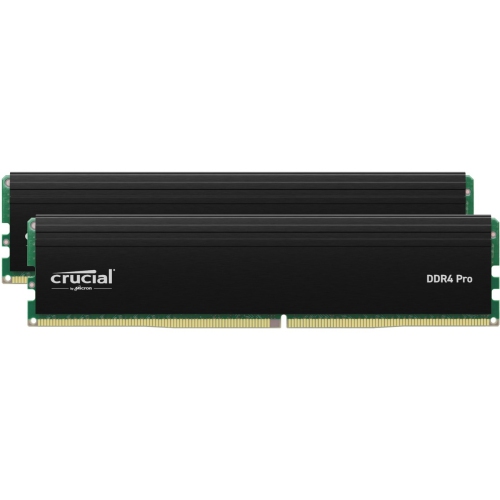

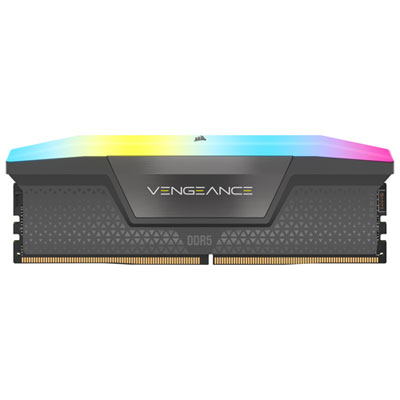
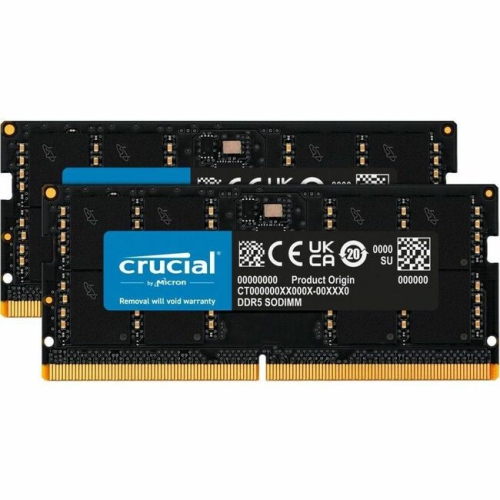



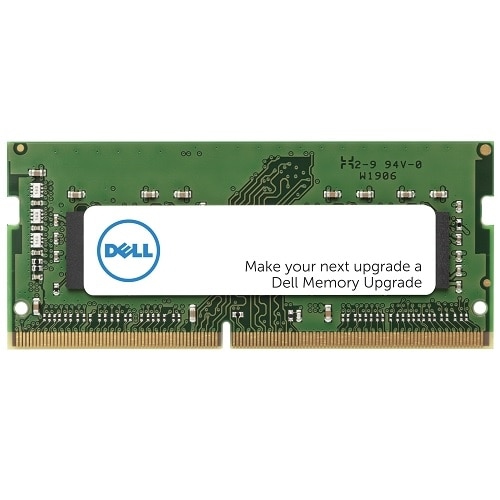
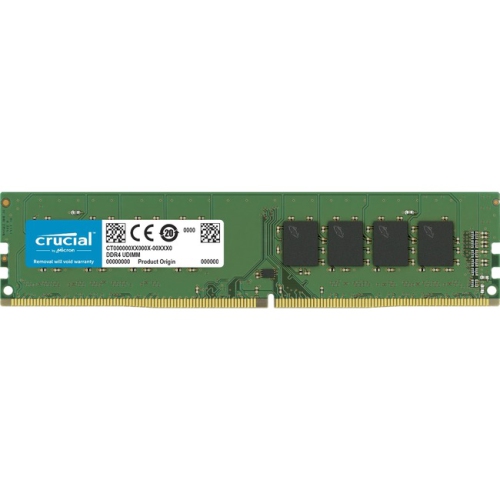


How extra memory improves everyday Windows 10 performance
When considering Windows 10 RAM, it’s important to think about how you use your computer day to day, whether you’re working from home, managing a busy household, or enjoying digital entertainment as the weather warms and family routines shift. Windows 10 has specific requirements for memory, with a minimum of 1GB for 32-bit systems and 2GB for 64-bit, but for most users, these minimums are not enough for smooth multitasking or running modern applications. Upgrading to 8GB or even 16GB of RAM can make a noticeable difference in how quickly your computer responds, especially if you’re juggling multiple browser tabs, editing photos, streaming videos, or running productivity software. If you’ve ever noticed your computer slowing down when you open several programs at once, or if you hear the fan working overtime during a video call, it’s often a sign that your system is running low on available memory and is relying on much slower hard drive paging. Adding more RAM is one of the most effective upgrades for breathing new life into an older computer, making everyday tasks feel snappier and reducing frustrating lag.
Choosing the right RAM for a Windows 10 device depends on your needs and your computer’s specifications. Students heading into summer courses, remote workers setting up a home office, and families looking to keep up with digital learning or streaming can all benefit from a memory upgrade. It’s a thoughtful gift for anyone who relies on their PC for creative projects, gaming, or even casual use—an upgrade that can turn a sluggish laptop into a reliable companion for the season ahead. Before purchasing, check your system’s compatibility, as not all RAM modules fit every computer. You can find your device’s memory limits and current usage through Windows 10’s Task Manager or System Settings, and it’s always wise to consult your manufacturer’s guidelines before upgrading. For those looking to maximize performance or extend the life of a trusted desktop or laptop, exploring additional memory solutions is a practical step. If you’re interested in learning more about different types of memory and finding the right fit, visit the Hard Drive RAM page for a full selection of options tailored to a wide variety of needs and budgets. Whether you’re preparing for a busy season of work and play or planning to gift an upgrade to someone special, investing in the right RAM ensures your Windows 10 device stays responsive and ready for anything.
Choosing the right RAM for a Windows 10 device depends on your needs and your computer’s specifications. Students heading into summer courses, remote workers setting up a home office, and families looking to keep up with digital learning or streaming can all benefit from a memory upgrade. It’s a thoughtful gift for anyone who relies on their PC for creative projects, gaming, or even casual use—an upgrade that can turn a sluggish laptop into a reliable companion for the season ahead. Before purchasing, check your system’s compatibility, as not all RAM modules fit every computer. You can find your device’s memory limits and current usage through Windows 10’s Task Manager or System Settings, and it’s always wise to consult your manufacturer’s guidelines before upgrading. For those looking to maximize performance or extend the life of a trusted desktop or laptop, exploring additional memory solutions is a practical step. If you’re interested in learning more about different types of memory and finding the right fit, visit the Hard Drive RAM page for a full selection of options tailored to a wide variety of needs and budgets. Whether you’re preparing for a busy season of work and play or planning to gift an upgrade to someone special, investing in the right RAM ensures your Windows 10 device stays responsive and ready for anything.
Top selling and popular products
-
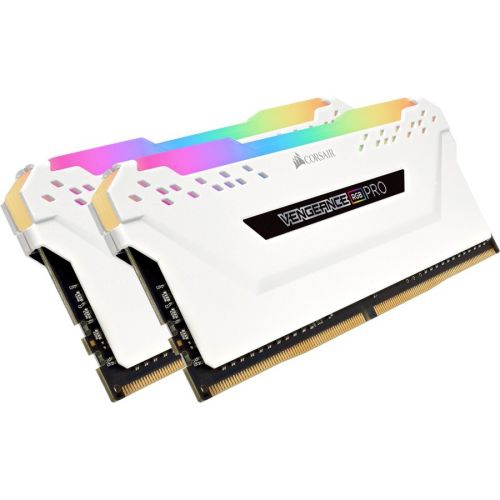 Your price for this item is $307.68
 -
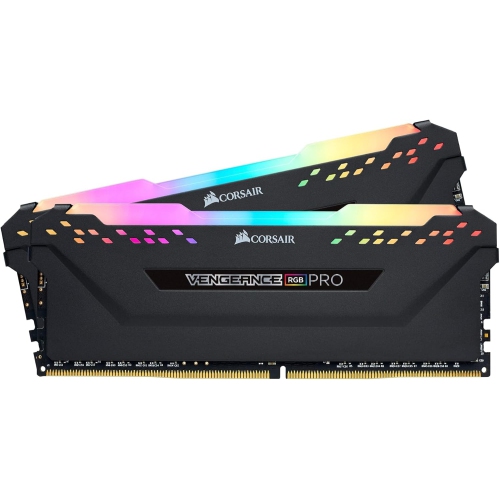 Your price for this item is $329.99
 -
 Your price for this item is $406.98
 -
 Your price for this item is $450.99
 -
 Your price for this item is $799.99
 -
 Your price for this item is $379.99
 -
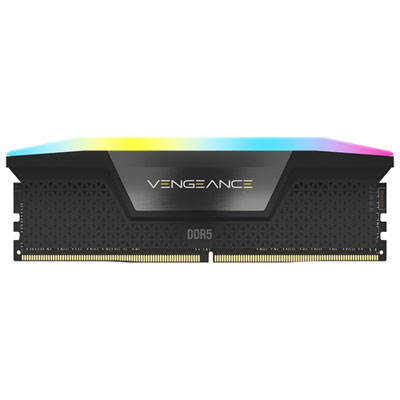 Your price for this item is $1793.99
 -
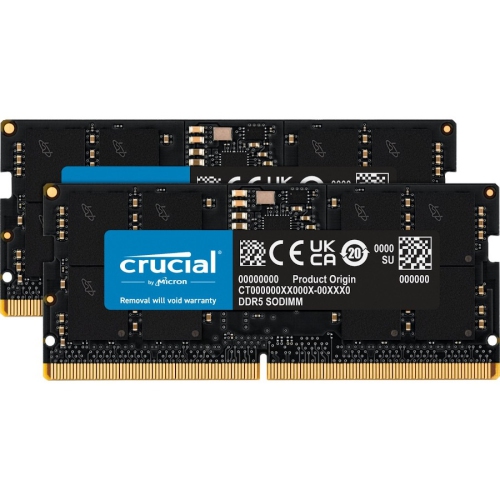 Your price for this item is $1039.68
Discover more categories related to Windows 10 RAM

Top Collections:
Pokemon Centers, Kindle Devices, Best Budget Office Chairs, Apple iPhones 16, Best Laptops for Writers, iPhone 15 Apple, Canon G7X Cameras, Refurbished Apple Laptops, Alarm Clock, Motorola Razr Phones
Some products may be subject to Environmental Handling Fees
(EHF) depending on your province.
Learn more about EHFs.