Windows 11 Pro Desktop Computers
Upgrade your workspace with the power and performance of Windows 11 Pro desktop computers. Designed to support productivity and seamless multitasking, these desktops are ideal for both home offices and professional environments. Explore a wide selection of Windows 11 Pro desktop computers to find the perfect match for your computing needs, whether you're managing projects, editing media, or staying connected with colleagues. Discover options that offer reliable performance and enhanced security to keep you moving forward every day.
Sort

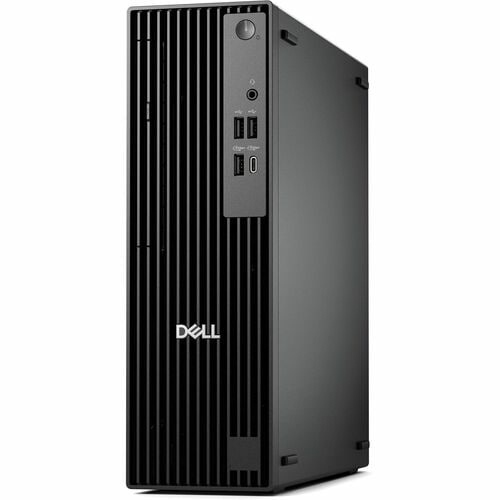
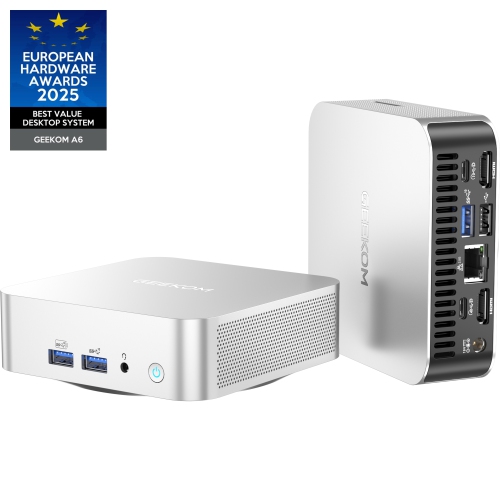
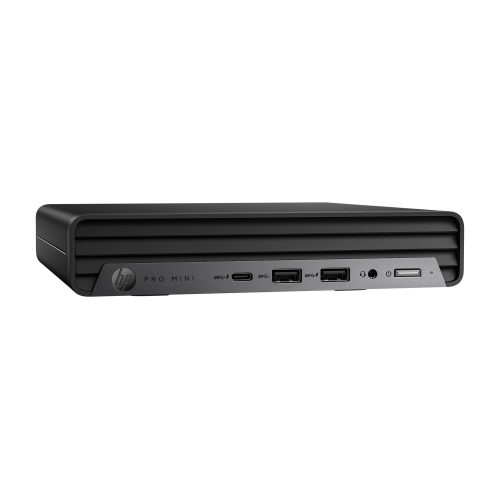
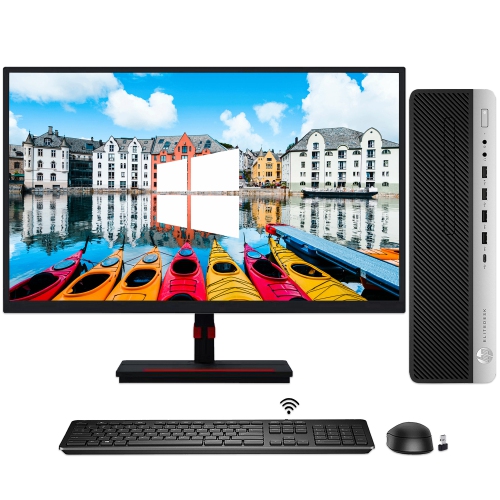
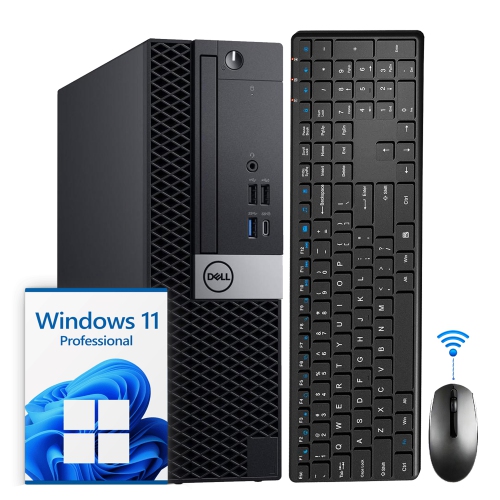
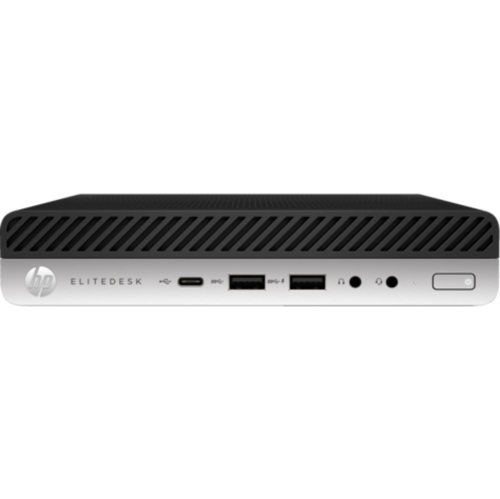
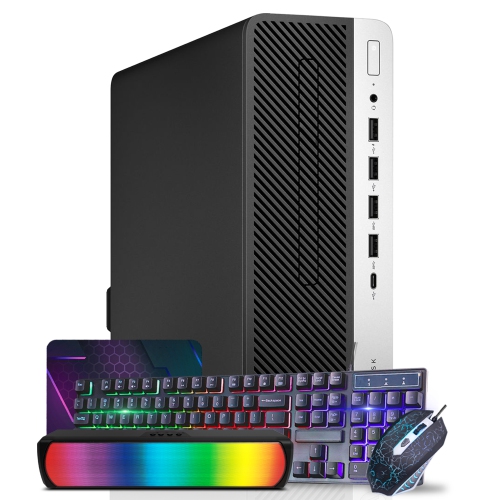
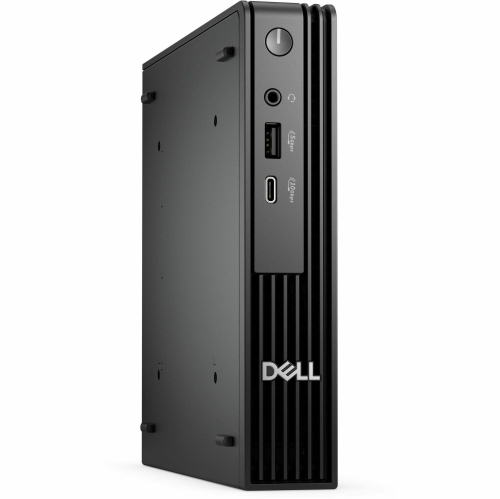

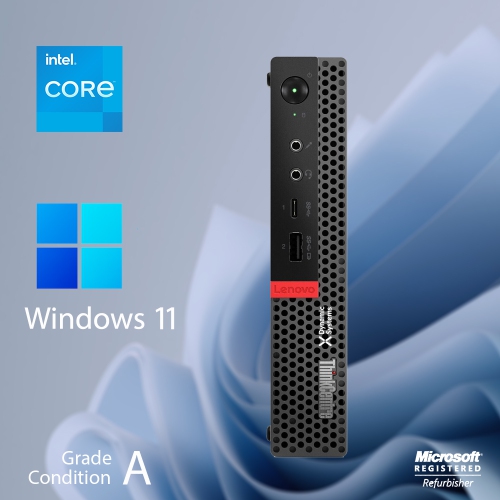
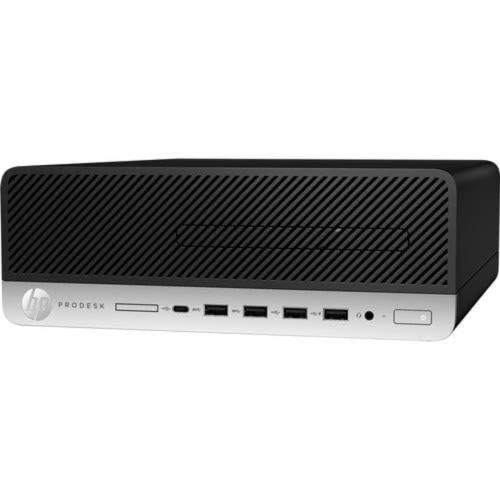
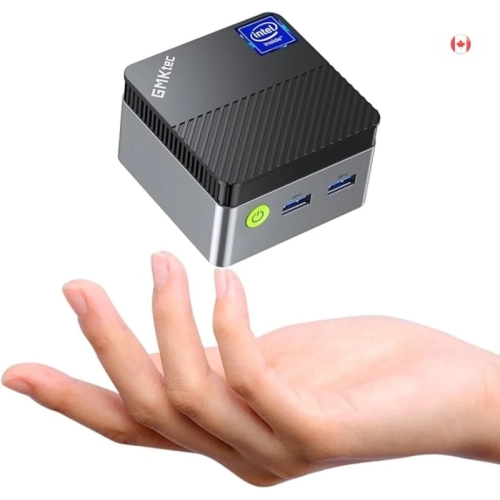
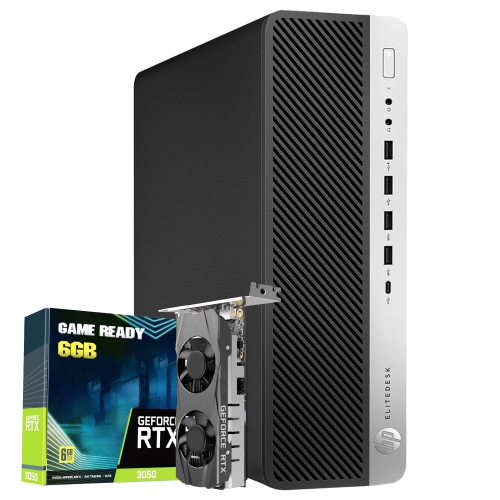
Business-ready features for demanding work at home or office
Windows 11 Pro desktop computers are designed for people who need more than the basics from a home or workplace PC. Built for productivity, administration, and demanding everyday use, they can provide a dependable foundation for preparing documents, managing spreadsheets, attending video meetings, organizing business files, browsing with multiple tabs open, and running specialized software. Windows 11 Pro includes features intended to support stronger security and easier device management, making these desktops a practical choice for small businesses, professionals, students in technical programs, and households that share a computer for work and personal projects. BitLocker device encryption can help protect information stored on the internal drive if the computer is lost or accessed by someone who should not have it. Support for domain joining and Group Policy can also be useful in an organization where an administrator needs to apply consistent settings across several computers. For remote work, built-in Remote Desktop can allow an authorized user to connect to a work computer from another location, subject to the appropriate network and account setup. Windows 11 Pro also supports Hyper-V virtualization, which lets experienced users create and run virtual machines for software testing, development, training, or other specialized tasks. These capabilities make a Windows 11 Pro desktop a particularly suitable choice for a home office that needs business-ready features, a growing company equipping staff workstations, or an enthusiast who wants more control over how their computer is configured and managed. Browse the broader selection of Windows 11 Desktops to compare available form factors and configurations while keeping your intended workload in mind.
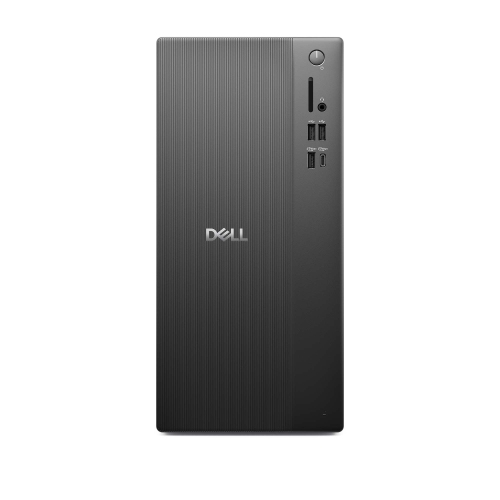
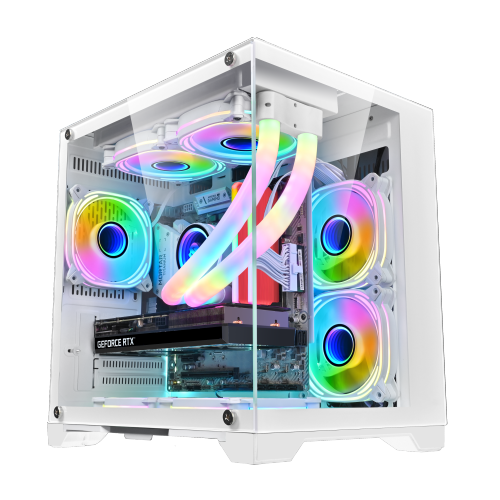
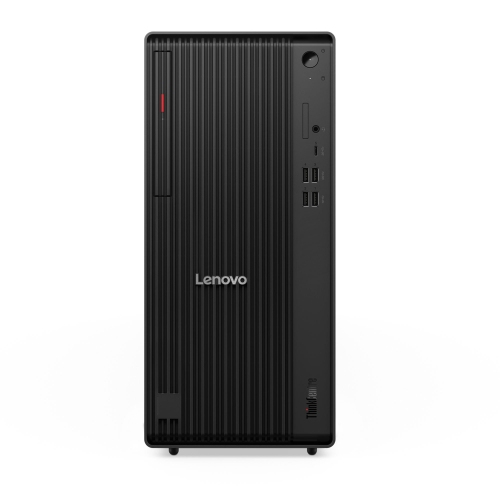
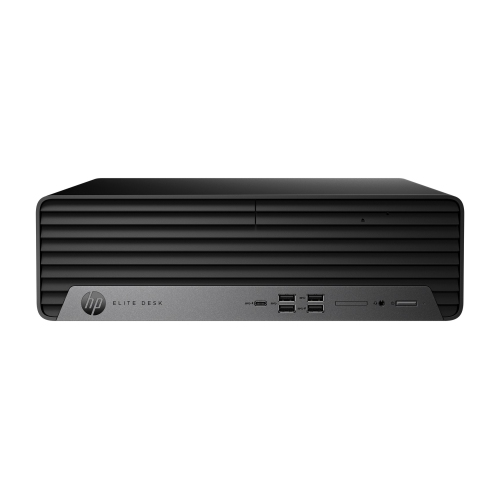
When choosing Windows 11 Pro desktop computers, start with the way the computer will be used each day rather than focusing on a single specification. A recent multi-core processor can help with office applications, browser multitasking, communications software, accounting programs, and other workloads that benefit from responsive performance. Memory is equally important: a system with more RAM can feel more comfortable when several applications and large files are open at the same time, while creative professionals, developers, and power users may benefit from choosing a higher capacity from the outset. A solid-state drive can provide quick start-up and loading times, and a larger drive gives more room for applications, project folders, local media, and backups. If the desktop will be used for photo work, video editing, 3D applications, data analysis, or gaming, pay close attention to the graphics hardware, cooling system, and available expansion options. A dedicated graphics processor can be helpful for visually demanding software, while integrated graphics may be well suited to documents, streaming, web use, and standard business tasks. Connectivity is another practical consideration. Review the number and type of USB ports, display outputs, wired network connections, wireless support, and audio connections so the desktop can accommodate monitors, printers, external storage, headsets, webcams, and other accessories without a constant hunt for adapters. A tower typically offers more internal space for upgrades and additional drives, whereas a slim desktop can fit neatly beside a monitor or in a compact office. An all-in-one desktop combines the computer and display in one enclosure, helping reduce cable clutter and creating a clean workspace, although it may offer fewer upgrade possibilities than a traditional tower. For a shared family office, a student’s desk, or a reception area, dimensions and placement can matter just as much as processing power.
A well-selected Windows 11 Pro desktop computer can serve as a long-term centre for work, learning, communication, and personal organization. Professionals may use one to keep project files, customer records, presentations, and collaboration tools in one dependable workspace, while a small business owner may appreciate the administrative controls that make it easier to manage accounts, security settings, and access across a team. Students can use a desktop for research, writing, coding, design assignments, and virtual classes, with a full-size monitor and comfortable keyboard helping during long study sessions. At home, a Windows 11 Pro desktop can support household budgeting, tax preparation, photo organization, online appointments, and shared family administration without competing for space on a mobile device. It can also be a thoughtful gift for someone setting up a home office, beginning post-secondary studies, launching a side business, or replacing an older computer that struggles with modern software. Before choosing, consider whether the package includes a monitor, keyboard, and mouse or whether those accessories need to be selected separately. Think about the desk layout, the distance to the router, the number of screens required, and whether files will be stored locally, on a network, or through cloud services. Security features are most effective when paired with strong passwords, current updates, regular backups, and sensible account permissions. It is also worth checking the warranty, technical support, and upgrade path, especially when the desktop will hold important work or school files. During the cooler months, a desktop can become a comfortable anchor for indoor projects, from organizing digital records to learning new software, but its real value comes from matching the hardware and Windows 11 Pro features to the user’s routine. By considering performance, storage, connectivity, size, security, and future needs together, shoppers can choose a desktop that feels responsive today and remains useful as work habits and software requirements evolve.
When choosing Windows 11 Pro desktop computers, start with the way the computer will be used each day rather than focusing on a single specification. A recent multi-core processor can help with office applications, browser multitasking, communications software, accounting programs, and other workloads that benefit from responsive performance. Memory is equally important: a system with more RAM can feel more comfortable when several applications and large files are open at the same time, while creative professionals, developers, and power users may benefit from choosing a higher capacity from the outset. A solid-state drive can provide quick start-up and loading times, and a larger drive gives more room for applications, project folders, local media, and backups. If the desktop will be used for photo work, video editing, 3D applications, data analysis, or gaming, pay close attention to the graphics hardware, cooling system, and available expansion options. A dedicated graphics processor can be helpful for visually demanding software, while integrated graphics may be well suited to documents, streaming, web use, and standard business tasks. Connectivity is another practical consideration. Review the number and type of USB ports, display outputs, wired network connections, wireless support, and audio connections so the desktop can accommodate monitors, printers, external storage, headsets, webcams, and other accessories without a constant hunt for adapters. A tower typically offers more internal space for upgrades and additional drives, whereas a slim desktop can fit neatly beside a monitor or in a compact office. An all-in-one desktop combines the computer and display in one enclosure, helping reduce cable clutter and creating a clean workspace, although it may offer fewer upgrade possibilities than a traditional tower. For a shared family office, a student’s desk, or a reception area, dimensions and placement can matter just as much as processing power.
A well-selected Windows 11 Pro desktop computer can serve as a long-term centre for work, learning, communication, and personal organization. Professionals may use one to keep project files, customer records, presentations, and collaboration tools in one dependable workspace, while a small business owner may appreciate the administrative controls that make it easier to manage accounts, security settings, and access across a team. Students can use a desktop for research, writing, coding, design assignments, and virtual classes, with a full-size monitor and comfortable keyboard helping during long study sessions. At home, a Windows 11 Pro desktop can support household budgeting, tax preparation, photo organization, online appointments, and shared family administration without competing for space on a mobile device. It can also be a thoughtful gift for someone setting up a home office, beginning post-secondary studies, launching a side business, or replacing an older computer that struggles with modern software. Before choosing, consider whether the package includes a monitor, keyboard, and mouse or whether those accessories need to be selected separately. Think about the desk layout, the distance to the router, the number of screens required, and whether files will be stored locally, on a network, or through cloud services. Security features are most effective when paired with strong passwords, current updates, regular backups, and sensible account permissions. It is also worth checking the warranty, technical support, and upgrade path, especially when the desktop will hold important work or school files. During the cooler months, a desktop can become a comfortable anchor for indoor projects, from organizing digital records to learning new software, but its real value comes from matching the hardware and Windows 11 Pro features to the user’s routine. By considering performance, storage, connectivity, size, security, and future needs together, shoppers can choose a desktop that feels responsive today and remains useful as work habits and software requirements evolve.
Top selling and popular products
-
 Your price for this item is $1599
 -
 Your price for this item is $1629.79
 -
 Your price for this item is $1999.99
 -
 Your price for this item is $1459.79
 -
 Your price for this item is $879
 -
 Your price for this item is $1199.99
 -
 Your price for this item is $1839
 -
 Your price for this item is $879
Discover more categories related to Windows 11 Pro Desktop Computers

Top Collections:
Pokemon Centers, Kindle Devices, Best Budget Office Chairs, Apple iPhones 16, Best Laptops for Writers, iPhone 15 Apple, Canon G7X Cameras, Refurbished Apple Laptops, Alarm Clock, Motorola Razr Phones
Some products may be subject to Environmental Handling Fees
(EHF) depending on your province.
Learn more about EHFs.