Windows 11 Pro Software
Upgrade your computing experience with Windows 11 Pro Software, designed to support productivity and efficiency for both home and business users. Explore a range of options that deliver advanced performance, security, and flexibility to meet your unique needs. Whether setting up a new device or enhancing your current system, Windows 11 Pro Software provides the tools you need for a seamless workflow. Shop now to find the right solution for your digital workspace.
Sort
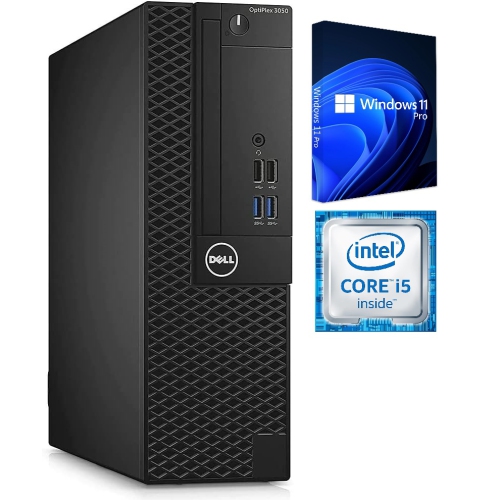
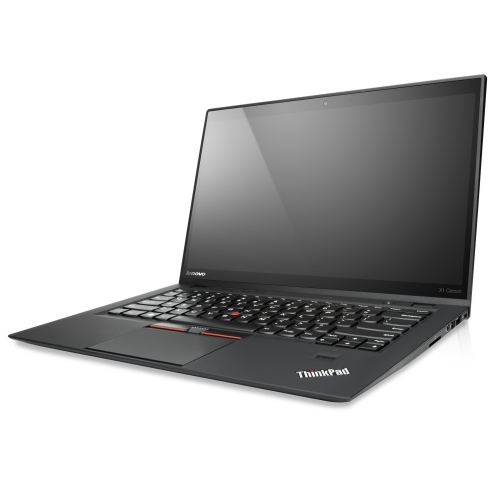

Windows 11 Pro Software
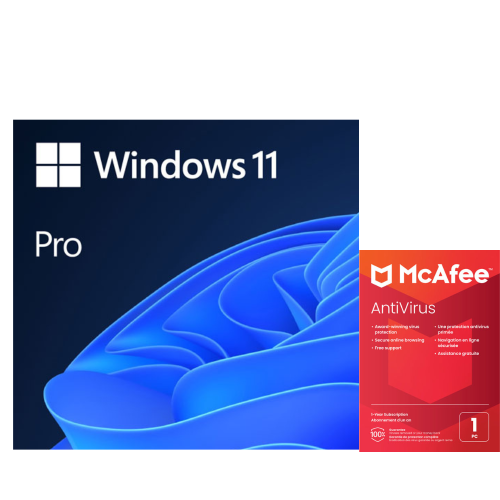
Windows 11 Pro software stands out as a trusted operating system for professionals, entrepreneurs, and anyone who needs advanced features to support their productivity and security requirements. Whether you’re outfitting a new business, upgrading office workstations, or setting up a home office, Windows 11 Pro offers a robust foundation for seamless workflow. With enhanced security measures such as BitLocker device encryption and TPM 2.0 support, users can confidently protect sensitive data, while advanced management tools like Group Policy Editor, Domain Join, and Azure Active Directory ensure IT departments and business owners maintain control over multiple devices. These features are especially valuable for organizations handling confidential information or managing remote teams, as they enable secure remote desktop access and efficient device management across networks. For those who rely on virtualization, the built-in Hyper-V support in Windows 11 Pro allows for easy creation and management of virtual machines, making it a powerful choice for software developers, testers, and IT professionals who require flexible environments for their projects.
In the Canadian winter, when the days are shorter and remote work becomes more common, the productivity tools in Windows 11 Pro truly shine. Features like Snap Layouts, multiple desktops, and AI-powered organizational tools help users stay focused and organized, even during busy periods or while juggling multiple projects. With system requirements that include a compatible 64-bit processor, 4 GB or more of RAM, and secure UEFI firmware, upgrading to Windows 11 Pro is straightforward for most modern laptops and desktops. The software is available as a convenient digital download or on a USB drive, making it easy to install or upgrade, whether you’re setting up a new device or refreshing an existing one. For those currently using Windows 11 Home, upgrading to Pro is a simple process through the activation settings, unlocking a suite of advanced features that cater to growing business needs or personal ambitions. Gifting Windows 11 Pro software can be a thoughtful gesture for a student entering a demanding program, a family member starting a small business, or a friend who’s passionate about technology and wants to get the most out of their devices.
When considering a purchase, it’s important to verify your device meets the minimum requirements for Windows 11 Pro, including storage and security capabilities. This ensures a smooth installation and optimal performance for daily tasks or specialized applications. For anyone managing digital assets, collaborating remotely, or seeking to maximize the capabilities of their hardware, Windows 11 Pro brings peace of mind and efficiency to every project. To learn more about licensing options and to find the best buy windows 11 pro solution for your needs, visit the Windows 11 License page for detailed information and step-by-step guidance. With its blend of security, performance, and advanced management features, Windows 11 Pro continues to be a top choice for professionals and tech enthusiasts across Canada.
In the Canadian winter, when the days are shorter and remote work becomes more common, the productivity tools in Windows 11 Pro truly shine. Features like Snap Layouts, multiple desktops, and AI-powered organizational tools help users stay focused and organized, even during busy periods or while juggling multiple projects. With system requirements that include a compatible 64-bit processor, 4 GB or more of RAM, and secure UEFI firmware, upgrading to Windows 11 Pro is straightforward for most modern laptops and desktops. The software is available as a convenient digital download or on a USB drive, making it easy to install or upgrade, whether you’re setting up a new device or refreshing an existing one. For those currently using Windows 11 Home, upgrading to Pro is a simple process through the activation settings, unlocking a suite of advanced features that cater to growing business needs or personal ambitions. Gifting Windows 11 Pro software can be a thoughtful gesture for a student entering a demanding program, a family member starting a small business, or a friend who’s passionate about technology and wants to get the most out of their devices.
When considering a purchase, it’s important to verify your device meets the minimum requirements for Windows 11 Pro, including storage and security capabilities. This ensures a smooth installation and optimal performance for daily tasks or specialized applications. For anyone managing digital assets, collaborating remotely, or seeking to maximize the capabilities of their hardware, Windows 11 Pro brings peace of mind and efficiency to every project. To learn more about licensing options and to find the best buy windows 11 pro solution for your needs, visit the Windows 11 License page for detailed information and step-by-step guidance. With its blend of security, performance, and advanced management features, Windows 11 Pro continues to be a top choice for professionals and tech enthusiasts across Canada.
Top selling and popular products
-
 Your price for this item is $379
 -
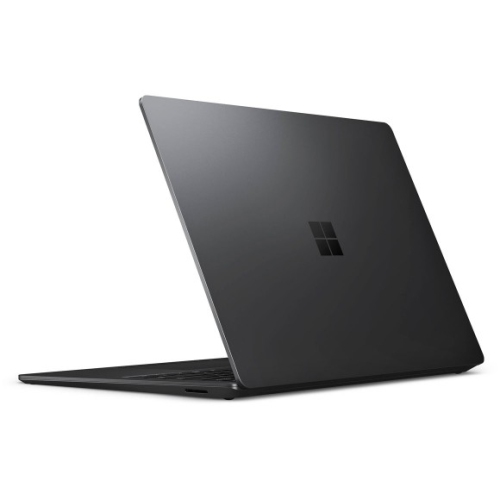 Your price for this item is $3099
 -
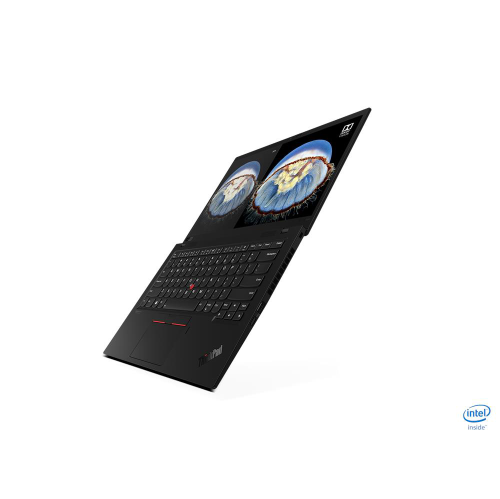 Your price for this item is $895.99
 -
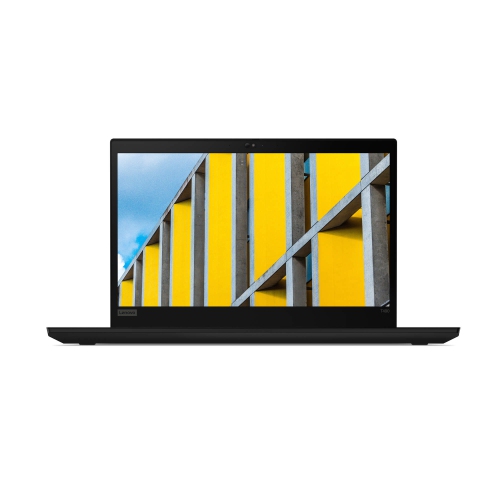 Your price for this item is $599.68
 -
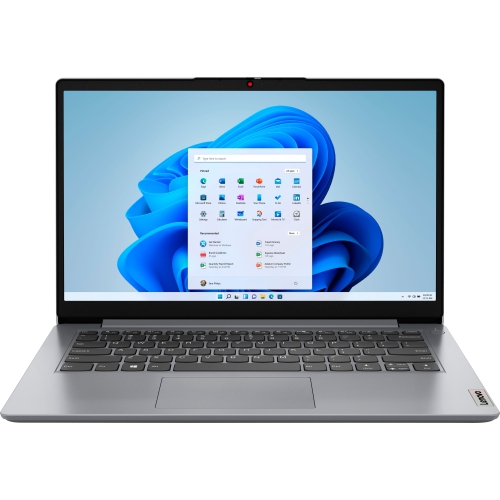 Your price for this item is $259
 -
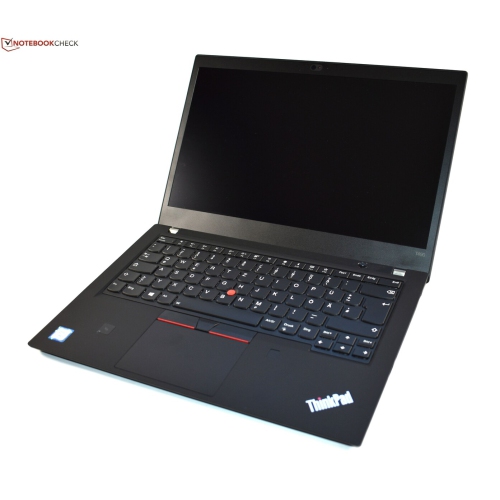 Your price for this item is $489.99
 -
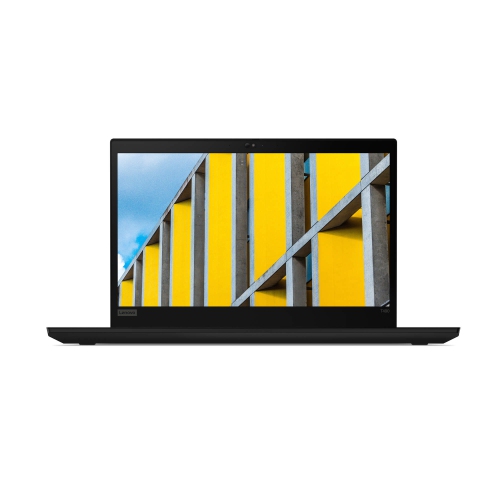 Your price for this item is $418.98
 -
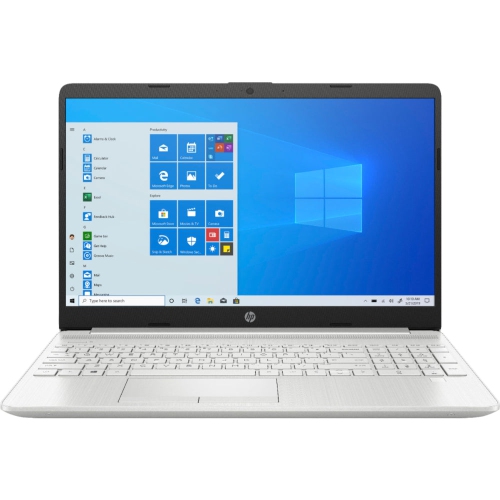 Your price for this item is $489
Discover more categories related to Windows 11 Pro Software
Top Collections:
Pokemon Centers, Kindle Devices, Budget Smartphones, Budget 4K TVs, Apple iPhones 16, Canon G7X Cameras, iPhone 15 Apple, Alarm Clock, Budget-Friendly Wireless Earbuds, iPhone 14 256GB
Some products may be subject to Environmental Handling Fees
(EHF) depending on your province.
Learn more about EHFs.